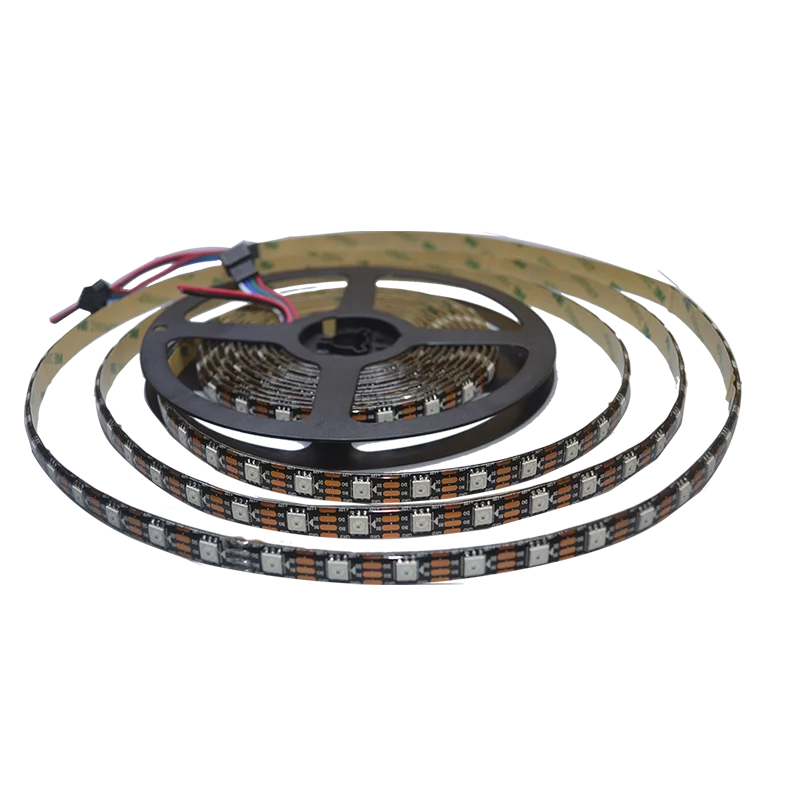
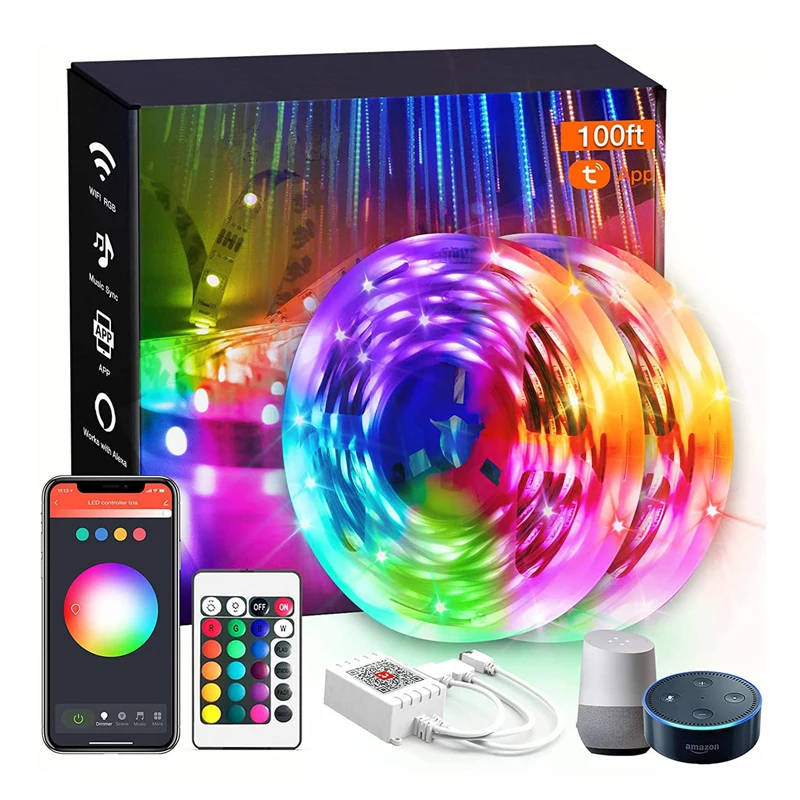
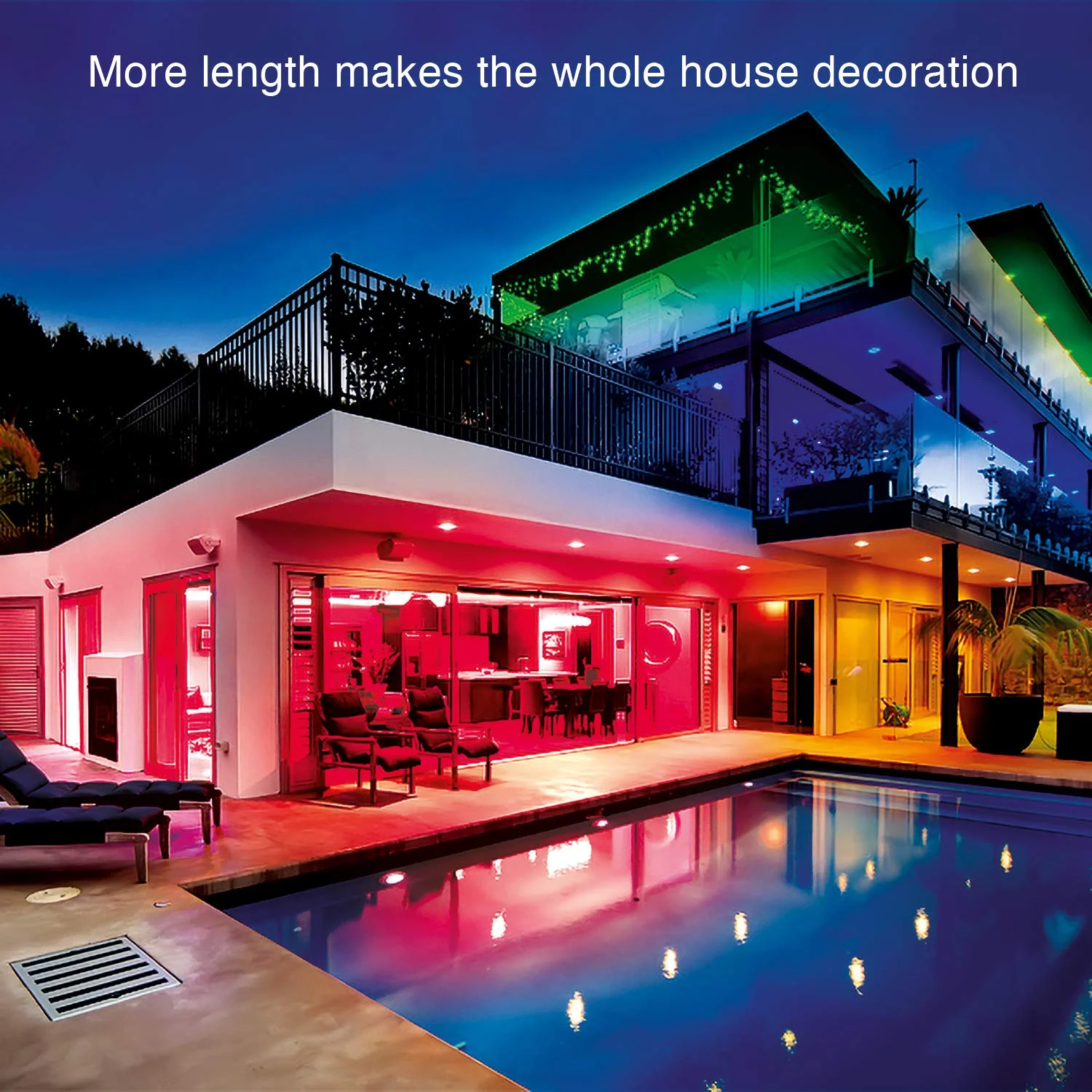
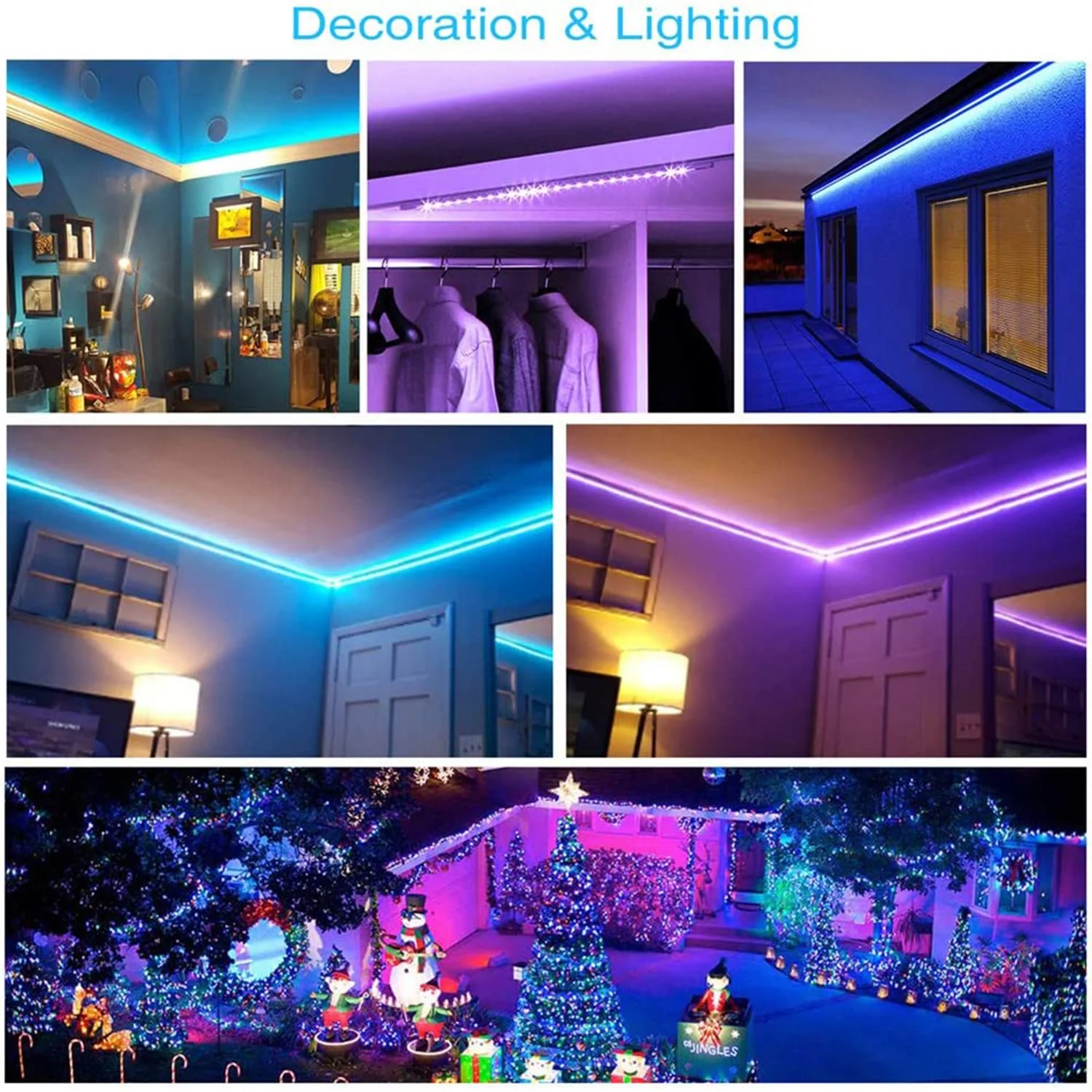
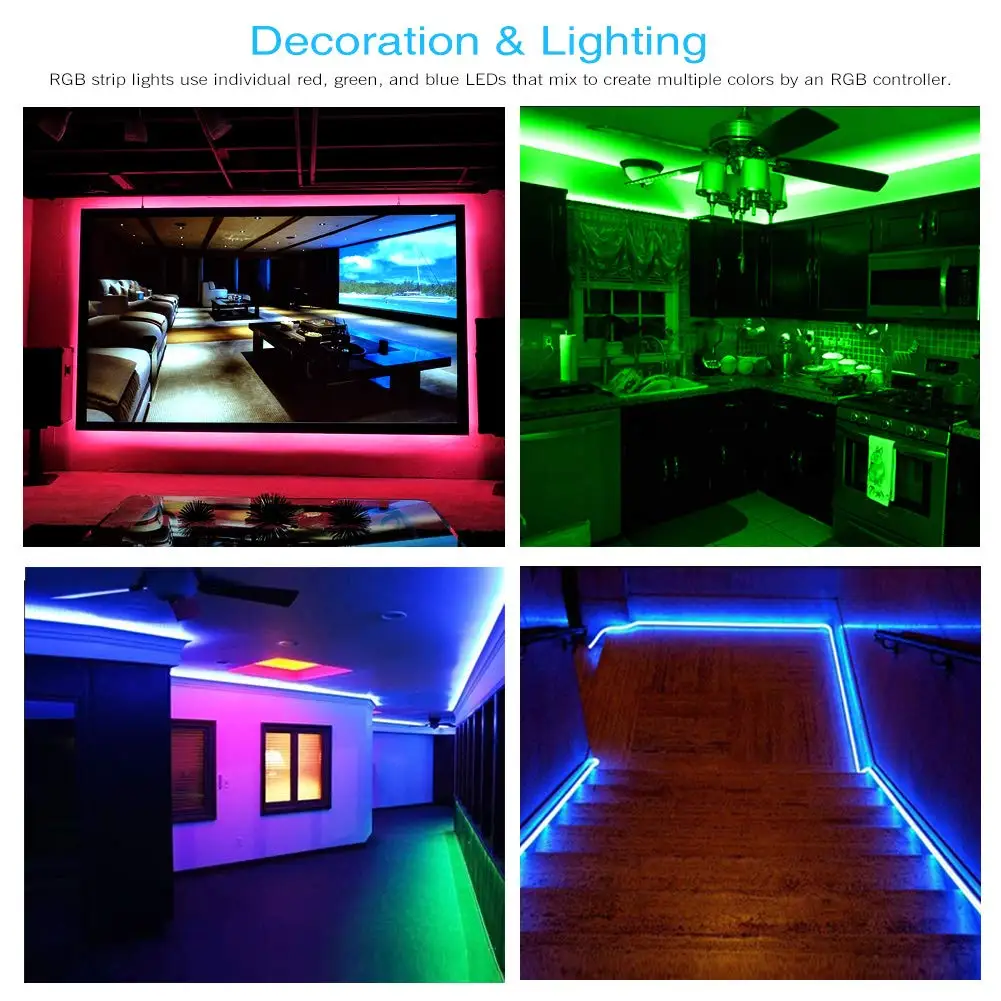
30 Meter Electricity 12V Bluetooth Led Strip Light Brazalete Luz Led 5050 Rgb Rgbic Strip Led Smart Led Light Strip Light
- Category: >>>
- Supplier: Shenzhen Daybetter Optoelectronics Co. Ltd.
Share on (1600928787983):
Product Overview
Description
Product Description
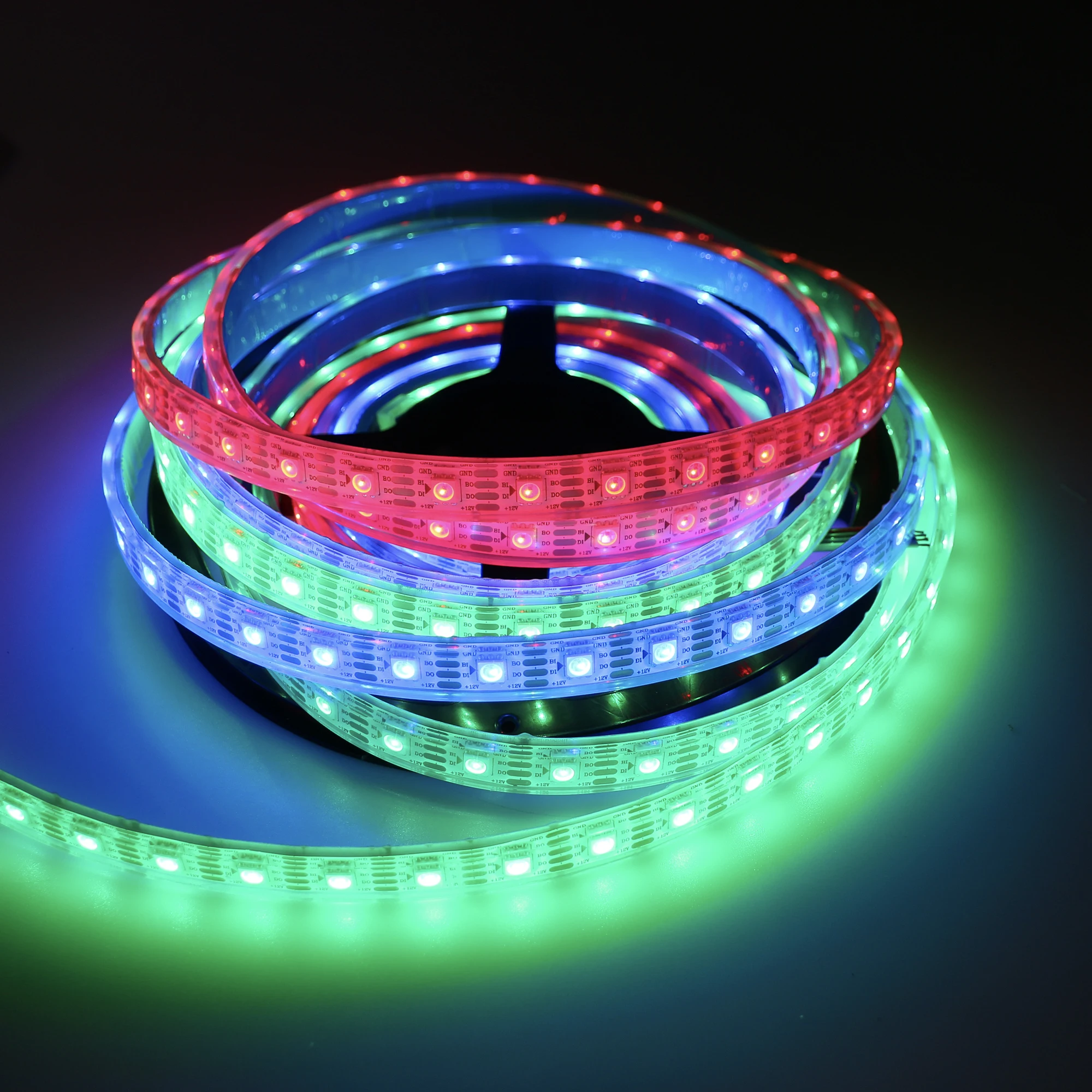
5050 Bluetooth App RGBIC 5m 24-Key IR Remote LED Strip Lights | ||
Specifications | Package Includes | |
Color : RGBIC | 1 x 5m LED Strip Lights | |
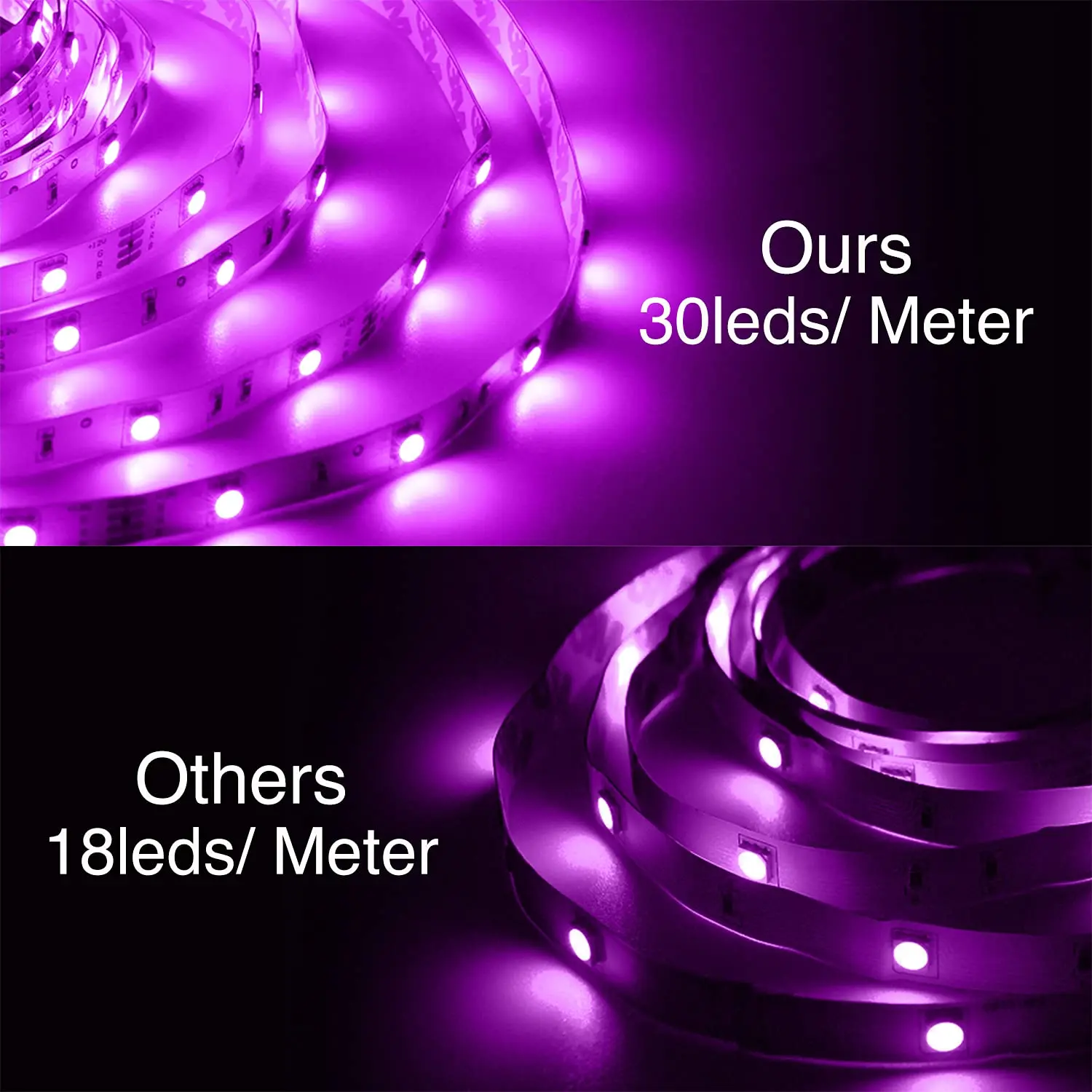
Qty of LEDs : 30leds/meter 5050 SMD | 1 x 24-Key IR Remote Control | |
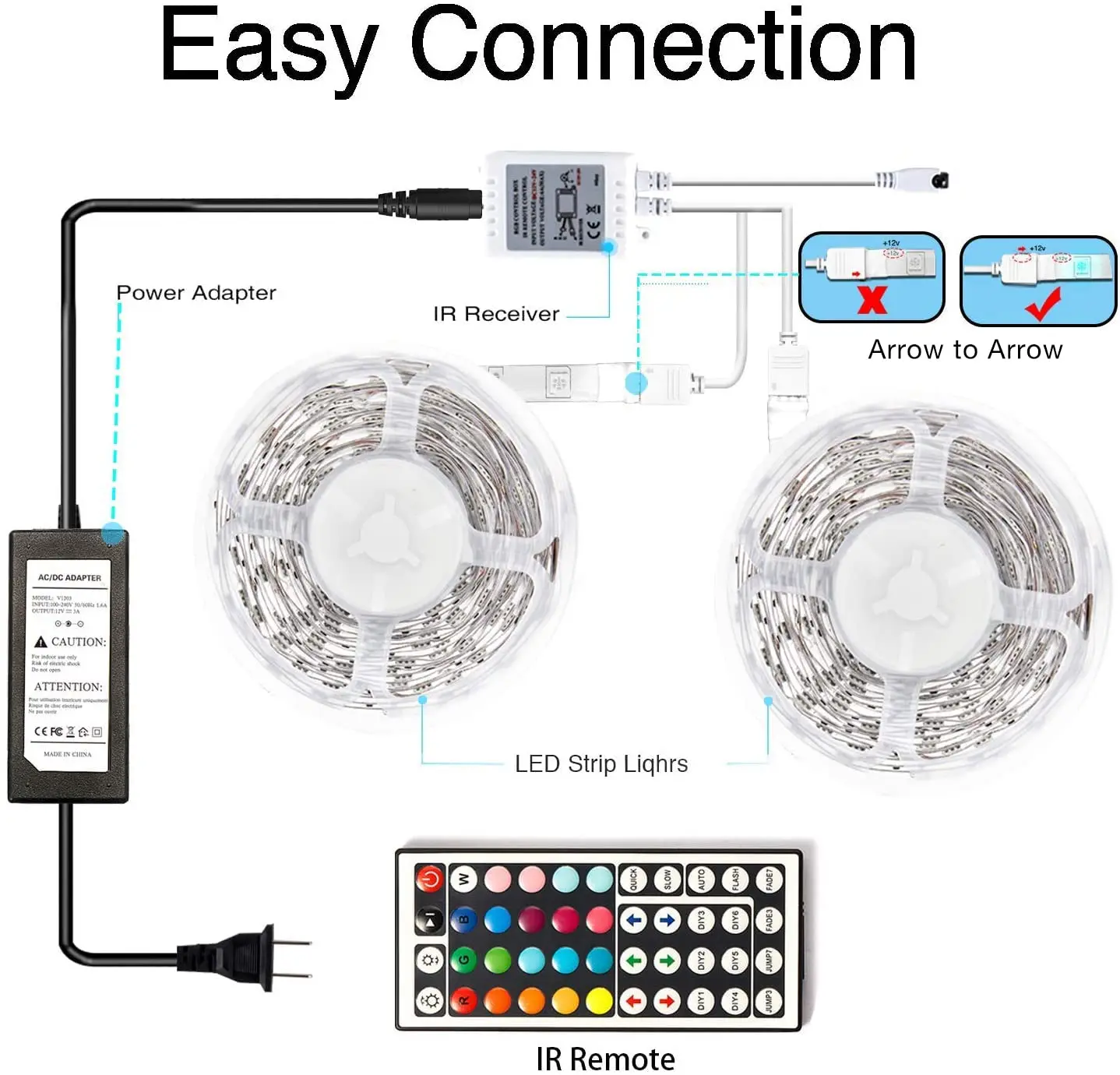
Voltage : 12V DC | 1 x IR Controller Box(Joylight App) | |
Length : 5m | 1 x Power Adapter(US Plug) | |
Waterproof : IP20 | 1 x Instruction Manual | |
Control Mode : IR Remote/Wifi App | ||
5050 Bluetooth App RGBIC 10m 24-Key IR Remote LED Strip Lights | ||
Specifications | Package Includes | |
Color : RGBIC | 2 x 5m LED Strip Lights | |
Qty of LEDs : 30leds/meter 5050 SMD | 1 x 24-Key IR Remote Control | |
Voltage : 12V DC | 1 x IR Controller Box(Joylight App) | |
Length : 5m | 1 x Power Adapter(US Plug) | |
Waterproof : IP20 | 1 x Instruction Manual | |
Control Mode : IR Remote/Wifi App | ||
5050 Bluetooth App RGBIC 20m 24-Key IR Remote LED Strip Lights | ||
Specifications | Package Includes | |
Color : RGBIC | 2 x 10m LED Strip Lights | |
Qty of LEDs : 30leds/meter 5050 SMD | 1 x 24-Key IR Remote Control | |
Voltage : 12V DC | 1 x IR Controller Box(Joylight App) | |
Length : 5m | 1 x Power Adapter(US Plug) | |
Waterproof : IP20 | 1 x Instruction Manual | |
Control Mode : IR Remote/Wifi App | ||

Brightness and Mode changing
The led lights both support IR remote and Wifi app controlling, allowing you to adjust its brightness freely, and experience its several modes at your ease.
Customizing lights color
Into scene mode, you could set your favorite colors in different scenes, making it convenient next time.
Smart Control
Besides IR remote, you can also control the lights via Tuya App on your phone.

Connection Steps
●Step1: Download Tuya APP in APP store(IOS) or Google Play Store(Android), followiing the manual please.
●Step2: Turn on phone's wifi function and ensure network is on, make sure smart phone connect with your WIFI successfully(only
support 2.4GHz WIFI)
●Step3: Connect led strip lights , plug it in then unplug it for 3 times until the led lights into flashing mode.
●Step4: Into APP, click "+" button, then select "Lighting", choose " Strip lights"Wi-Fi", enter Wifi ID and password, then wait it
to connect with app, once connected successfully, click" done".
●Now you can control the led strip lights via the app easily.
●Step2: Turn on phone's wifi function and ensure network is on, make sure smart phone connect with your WIFI successfully(only
support 2.4GHz WIFI)
●Step3: Connect led strip lights , plug it in then unplug it for 3 times until the led lights into flashing mode.
●Step4: Into APP, click "+" button, then select "Lighting", choose " Strip lights"Wi-Fi", enter Wifi ID and password, then wait it
to connect with app, once connected successfully, click" done".
●Now you can control the led strip lights via the app easily.
Installation Instructions


Company Profile


Manufacturing Technique


Exhibition & Events

Certifications & Patents


FAQ
1. Are you a manufacturer?
Yes, we are a set of LED strip light and LED display R&D, production, sales and service in one of the production enterprises.
2. Can you make customization?
Yes, we can customize your logo, pattern and package if MOQ is 2000 sets. Besides, the length of strips, quantity of LED and the thickness of the circuit can also be customized. Please contact us for more details.
3.Can I get a sample?
Yes, and there will be an extra cost if you need customization.
4.How can I make the payment?
Online Trade Assurance Payment is welcome. We also accept T/T, L/C, D/A, D/P, Western Union, Money Gram and so on.
For more questions, please feel free to contact us. We are at your service any time
Recommend Products


We Recommend
New Arrivals
New products from manufacturers at wholesale prices







