
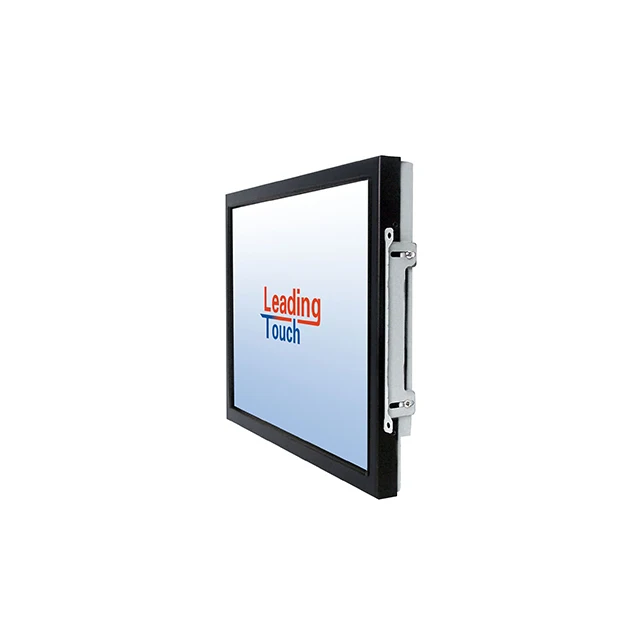
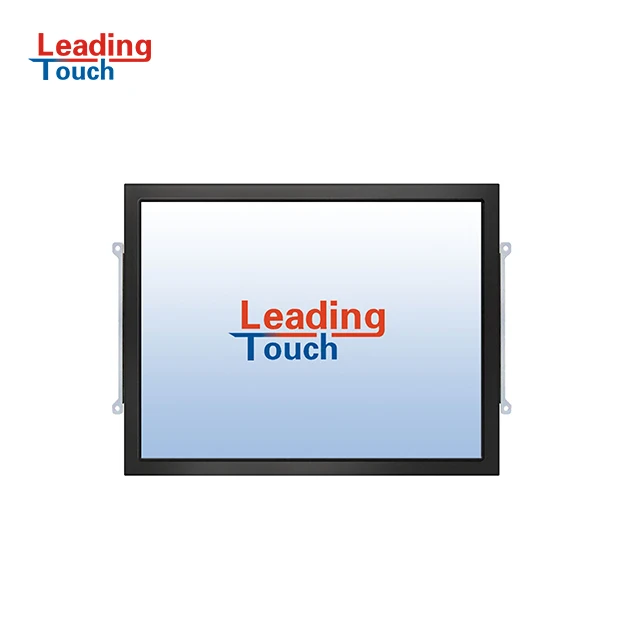
ATM Payment Kiosk POS LCD Monitor Capacitive SAW Touch Screen 15 inch Touch Monitor elo touchscreen
- Category: >>>
- Supplier: Leadingtouch Technology Co. Ltd.
Share on (1600934112402):
Product Overview
Description
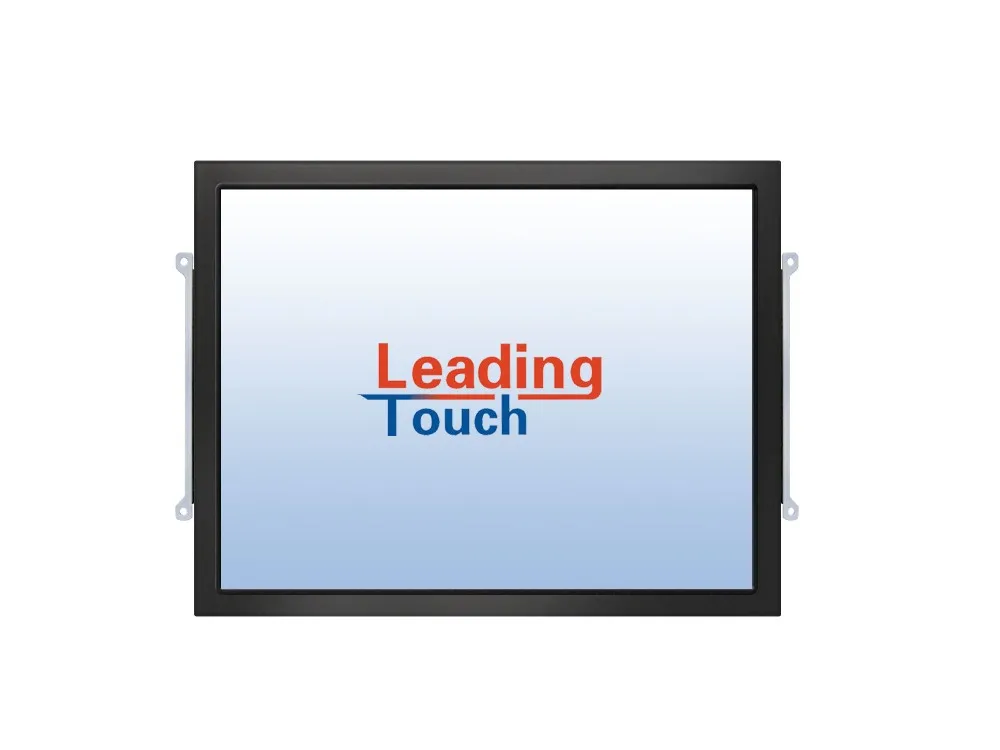
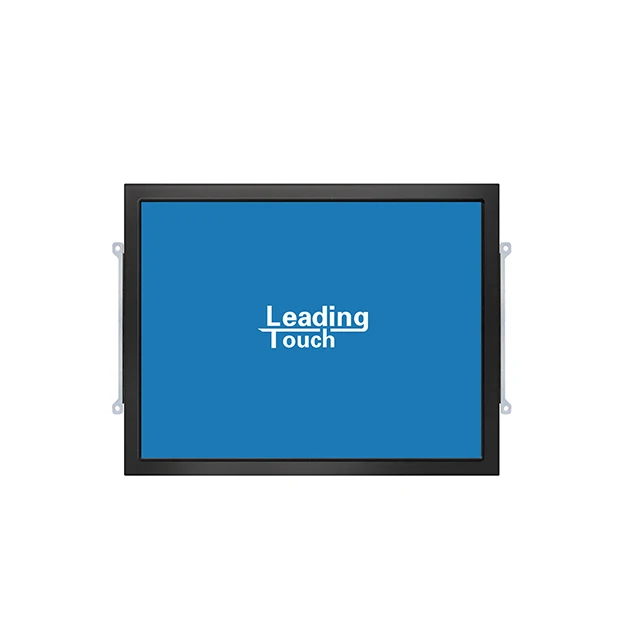
15" Open Frame Touch Monitor
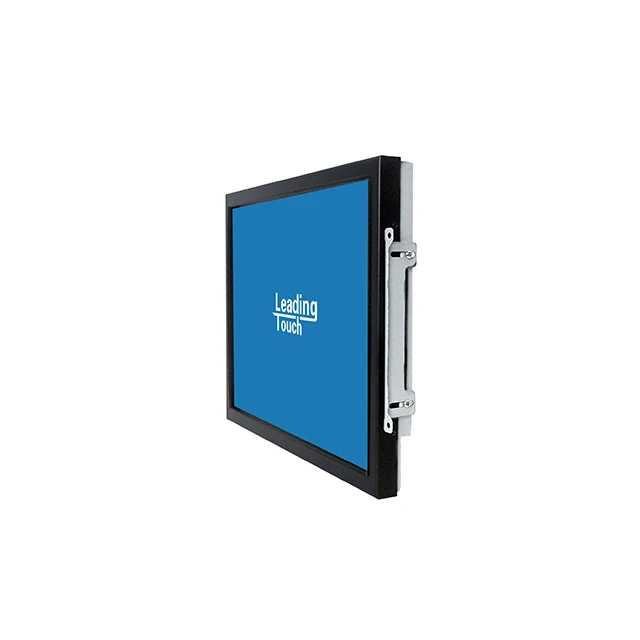
TM-1549 series are designed for space saving and easy mounting integrations. The rear-mount configuration along with optional side mounting brackets would enable you to easily customize into Kiosks, cabinets, in-wall as well as other enclosures.
TM-1549 series will have LeadingTouch Combo controller with dual touch ports for convenience and flexibility. It will enable you to use both the Serial RS-232 as well as USB port for your touchscreen application.
Product Description
LeadingTouch Rear Mount LCD's touch monitors are designed for easy integration info kiosk, gaming machine, industrial enclosure and other installations where compact, touch-integrated display are preferred.
Features
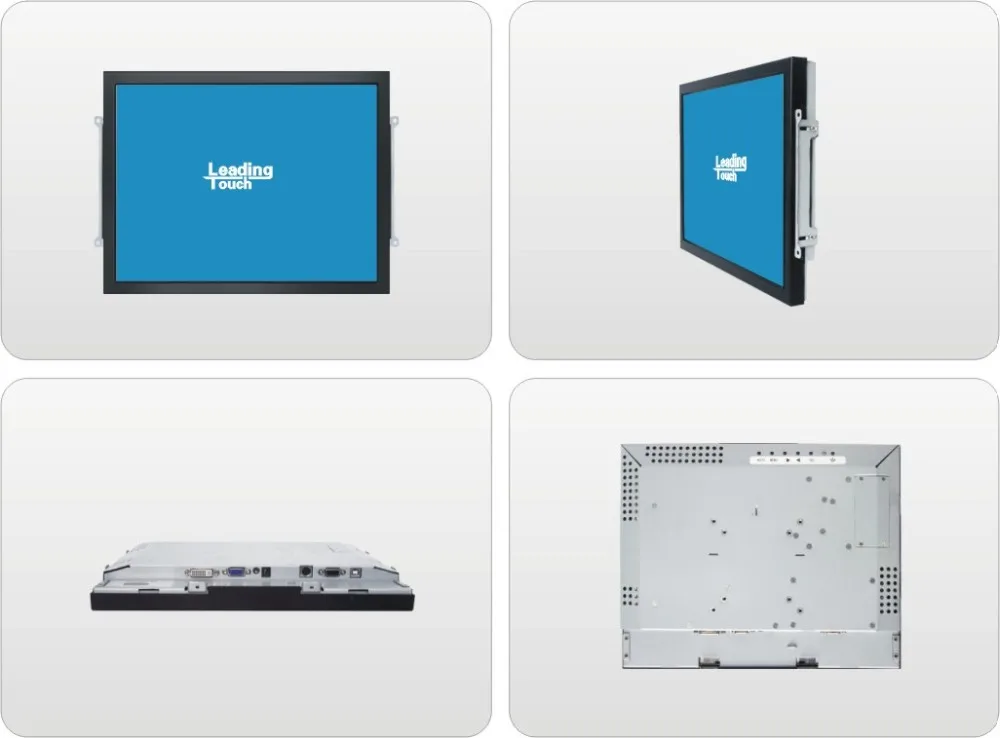
Rear Mount
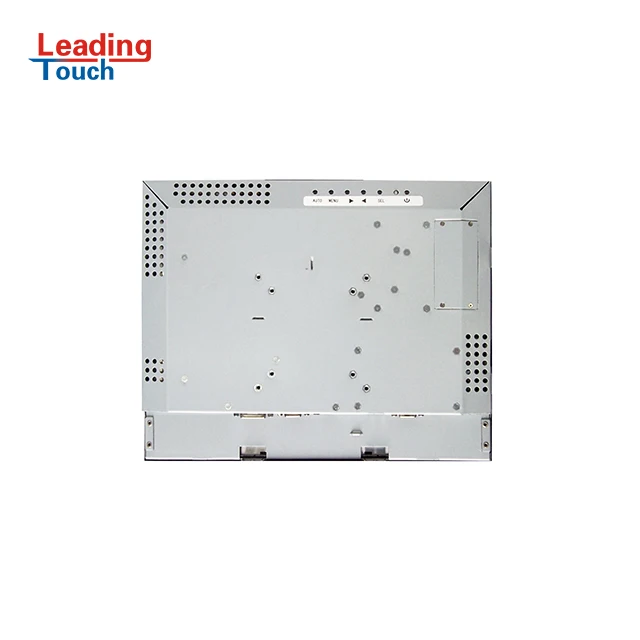
Rear-mount Standard VESA hole as mounting option
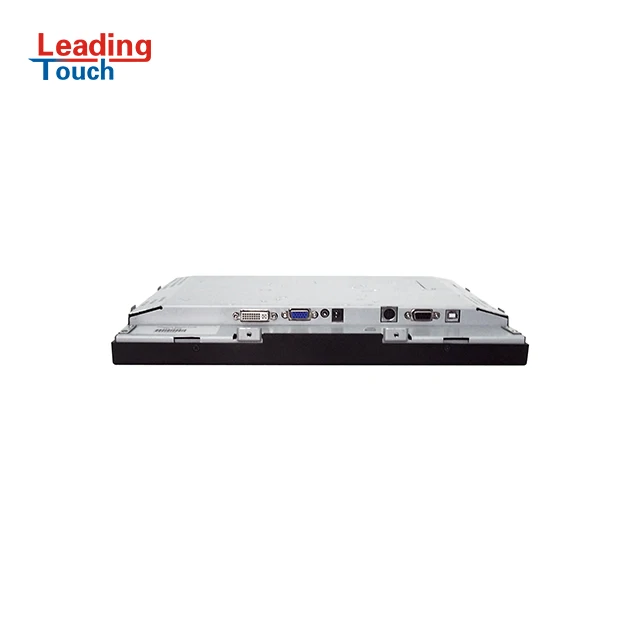
Detachable cables for easy cable harnessing
Multilingual and detachable On-Screen display (OSD)
Super-sensitive, drift-free, precise touch with no overlay
Worldwide agency approvals
Slim profile with unique narrow boarder
Optional mounting brackets (Front, side or rear)
Single power supply for all optional devices
Combo Serial and USB touch interface
Long-Lasting product cycle


Combinations of features indicate that LeadingTouch Touch Monitor is the best choice for you.
TM-1549 15" Open Frame Touch Monitor Specification | ||
Model | TM-1549-G402D1 | |
Description | 15" Open Frame Surface Acoustic Wave(SAW) Touch Monitor | |
Case/Bezel Color | Steel/Black | |
Display | 4:3 Active Matrix TFT LCD | |
Optimal (native) Resolution | 1024×768 @60Hz | |
Sychronization Range | Horizontal: 30 -80 KHz, Vertical:60 -75 Hz | |
Useful Screen Area | 304.1mm × 228.1mm | |
Colors | 16.7 M | |
Brightness | 450cd/m2 | |
Pixel Pitch | 0.297 × 0.297 mm | |
Response Time | 8ms (Typically) | |
Contrast Ratio | 700:1 (Typical) | |
Viewing Angle(CR≥10) | Horizontal: ±80° or 160° total; Vertical: ±70° or 140° total | |
Backlight Lamp Life | 50000 hrs | |
Input Video Format | VGA / DVI Options | |
Input Video Signal Connector | VGA/ DVI Options | |
On Screen Display(OSD) | Controls (back): ON/OFF,MENU,LEFT,RIGHT,SEL,AUTO | |
Remote OSD with 1.2m Cable | ||
Touch Technology | LeadingTouch Surface Acoustic Wave (SAW) touch technology | |
Touch Interface | Dual RS232 & USB touch interface | |
Protected Level | Standard dust proof, IP65 (front bezel) options | |
OS and Driver | Windows XP, Windows 7/8/10 and Linux, android, Elo drive or LeadingTouch driver | |
Mounting Options | VESA Mount (75mm or 100mm) , Side Mount or Front Mount with optional bracket | |
Power Supply | DC:+12VDC ± 5% | |
External Adapter: 100-240VAC, 50-60Hz | ||
Power Consumption | 36W Max | |
Temperature Range | Operating: 0℃ to 50℃; Storage: -20℃ to 60℃ | |
Humidity Range (no condensing) | Operating: 20%-80%; Storage: 10%-90% | |
Dimension and Weight | Touch Monitor 336.4 x 264.4 x 44.2mm 2.65KGS | |
Warranty | 1 year | |
Agency Approvals | CCC, FCC, CE, RoHS | |
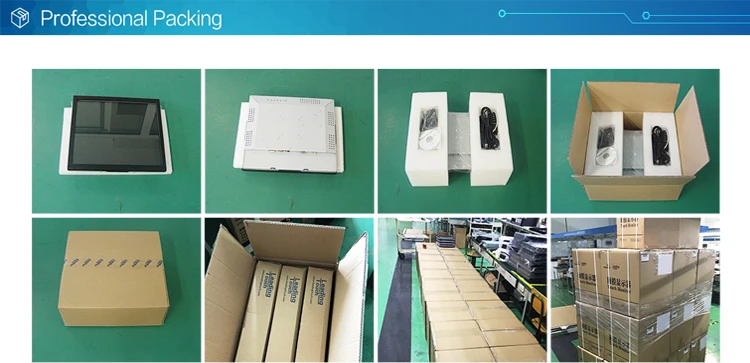
Packing & Delivery
Related Products
PCAP (Project Capacitive)
Open Frame Touch Monitor
Infrared (IR)
Open Frame Touch Monitor
Resistive
Open Frame Touch Monitor
Certifications

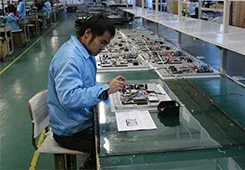
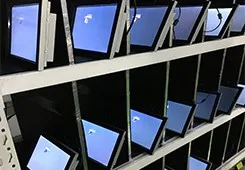
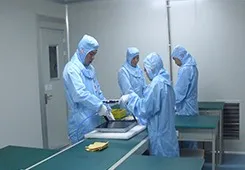
Our Company
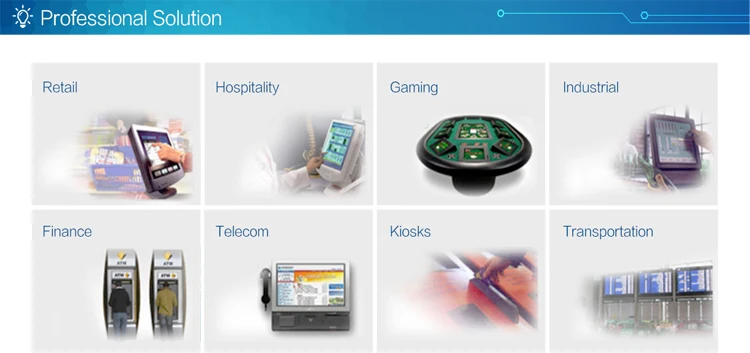
Founded in 2001, LeadingTouch, the global leader in touch technology, develops, manufactures and markets a complete line of touch screen and touch monitor products, with PCAP, SAW, Infrared, Resistive touch technology. LeadingTouch offers the largest selection of touch screen technologies and LCD touch monitors and carefully designs each product for the demanding requirements of diverse applications, such as Industrial, Medical, POS, Kiosks, Retail, Hospital, Transportation, Office Automation, and Gaming.


FAQ
Q: How to calibrate touchscreen
1. Finish driver installation and click LeadingTouchSetup icon in desk, then select calibration menu and do
4points calibration.
2. Enter "Start"-"Program"-“leadingtouch”—“touchsetup”— “Caliberate”, then touch the 4points shown in
screen to finish calibration.
Q: How to uninstall driver?
1. Enter “Start”----“programmer”----“Leadingtouch” ----“Uninstall” to uninstall driver and restart computer
to effective your operation.
2. Enter “Start”----“Settings”----“Control panel” ----“Add/Delete Program”----“Leadingtouch Driver for
windows” to uninstall driver and restart computer to effective your operation.
We Recommend







New Arrivals
New products from manufacturers at wholesale prices






