
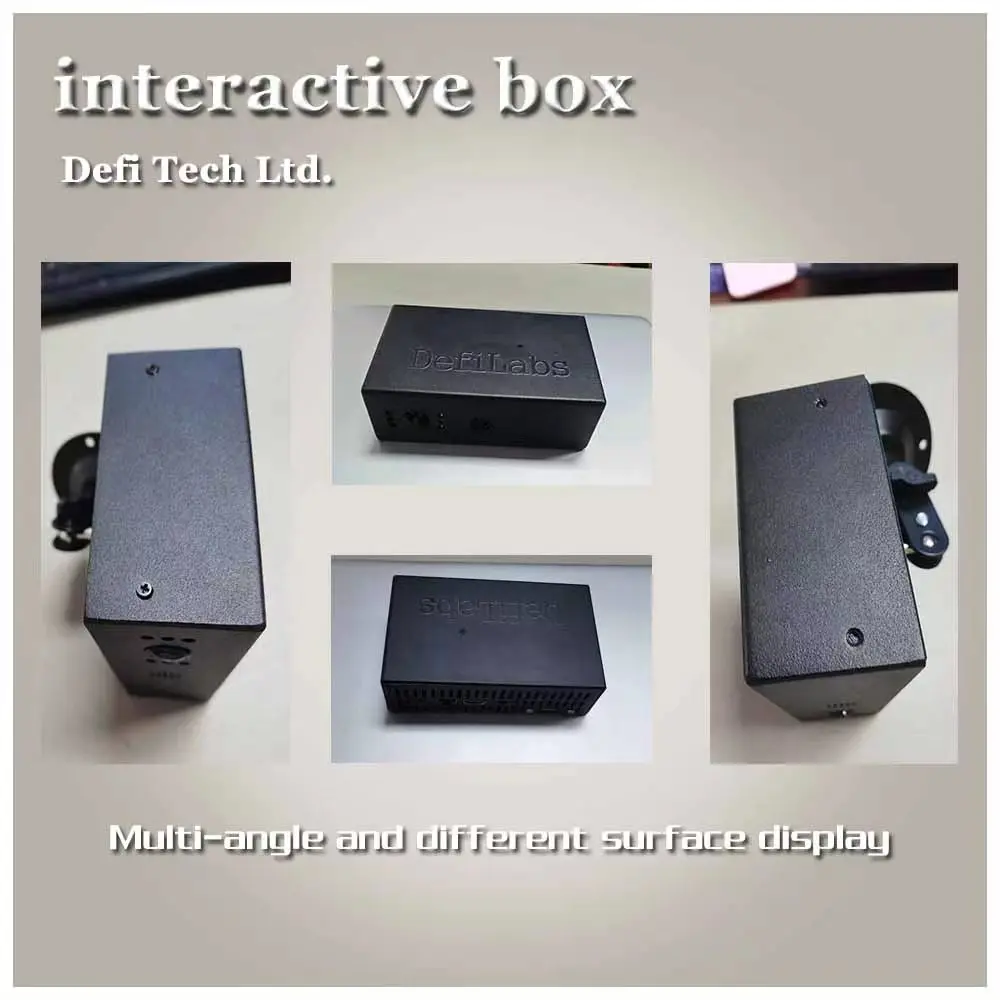
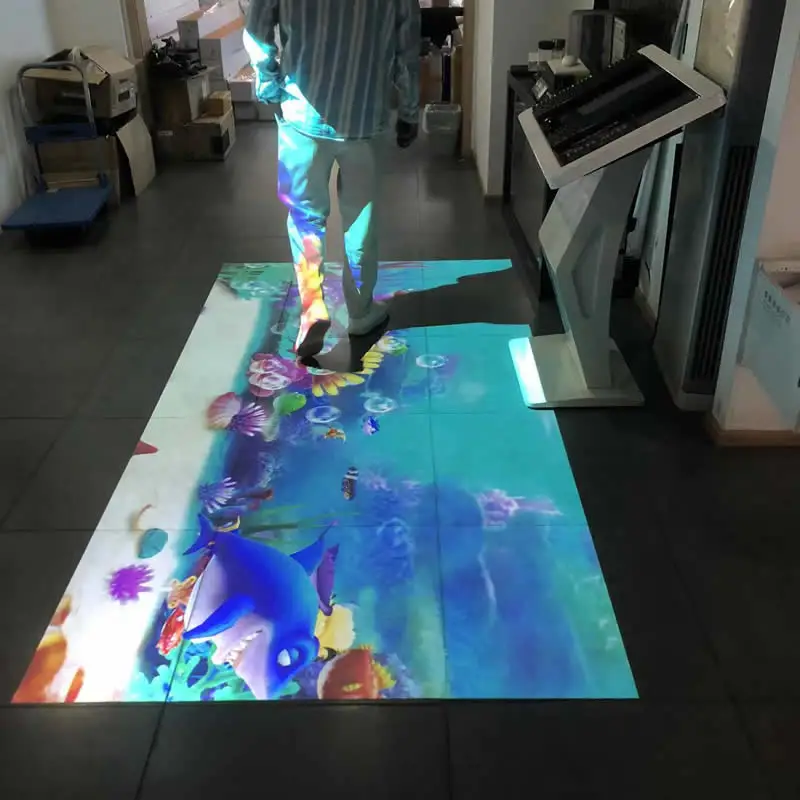
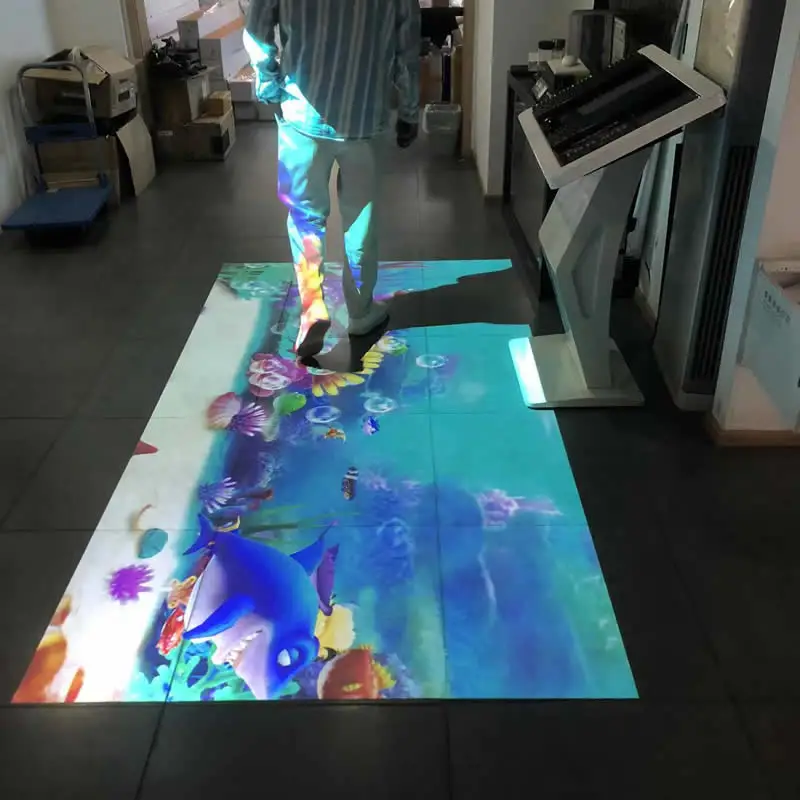
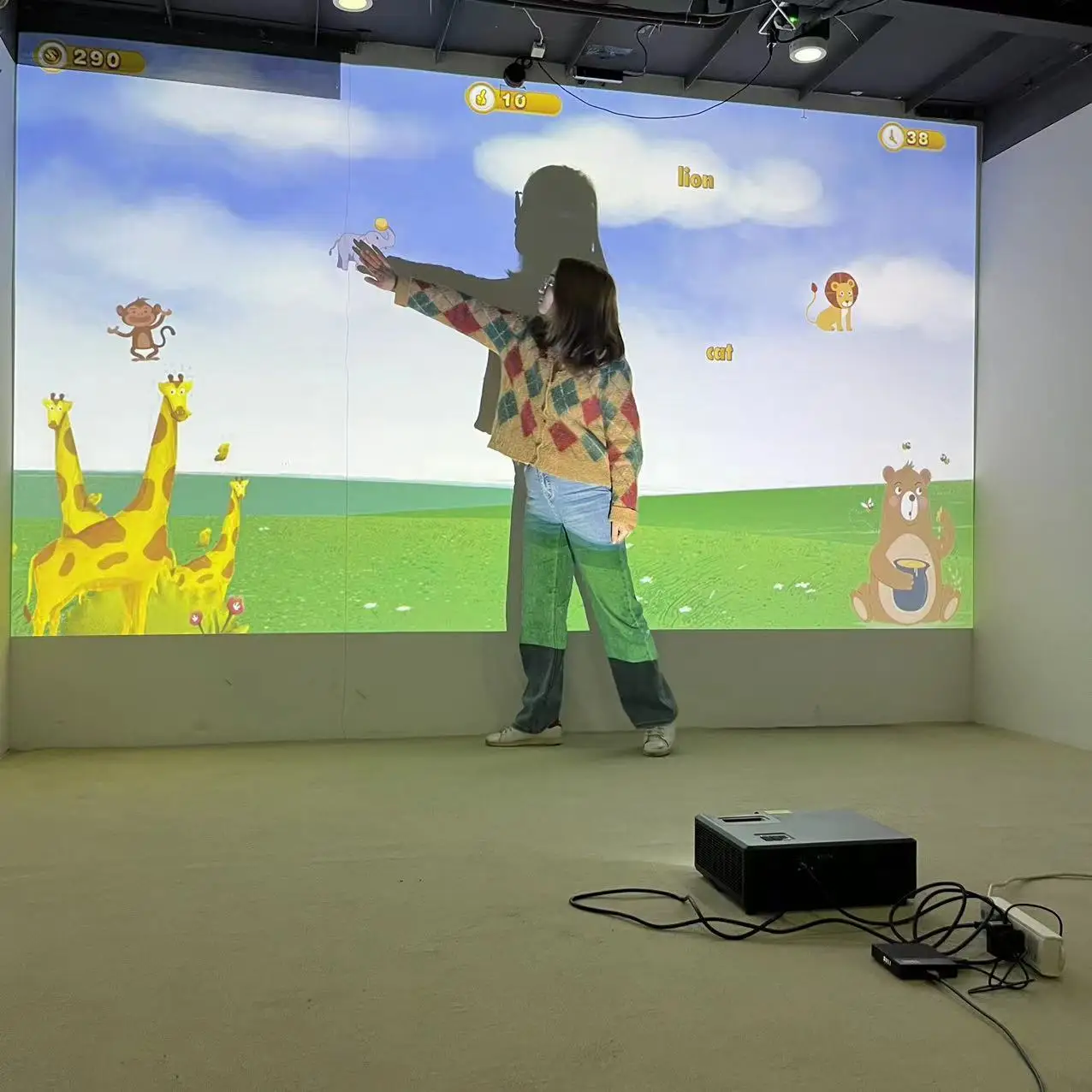
Defilabs Android Version New Effect Interactive Floor Projectionwedding Accessoryadvertisement Product
- Category: >>>
- Supplier: Defi Tech Ltd
Share on (1600945205886):
Product Overview
Description
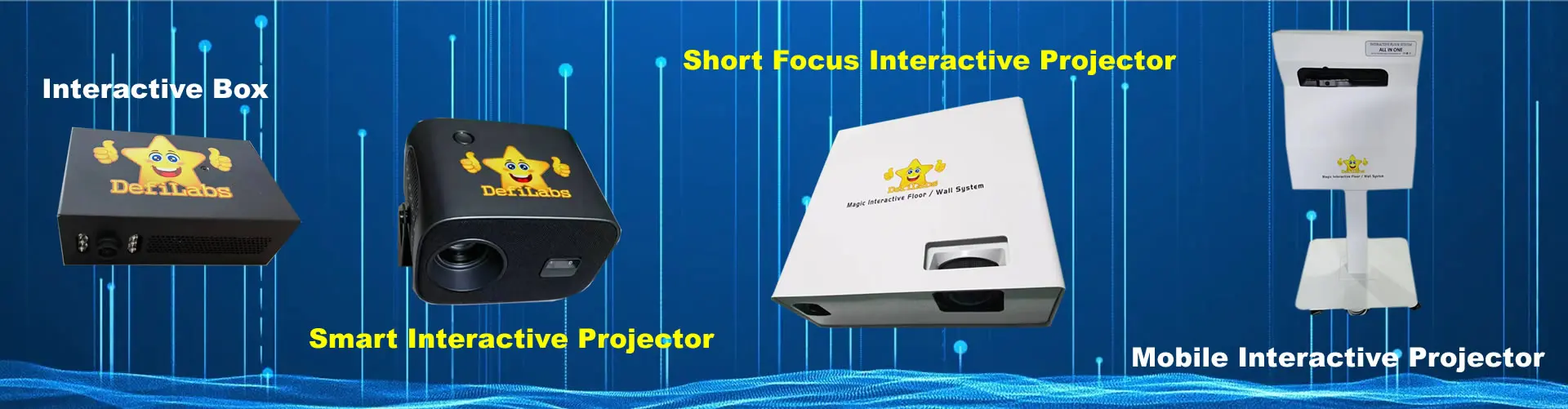
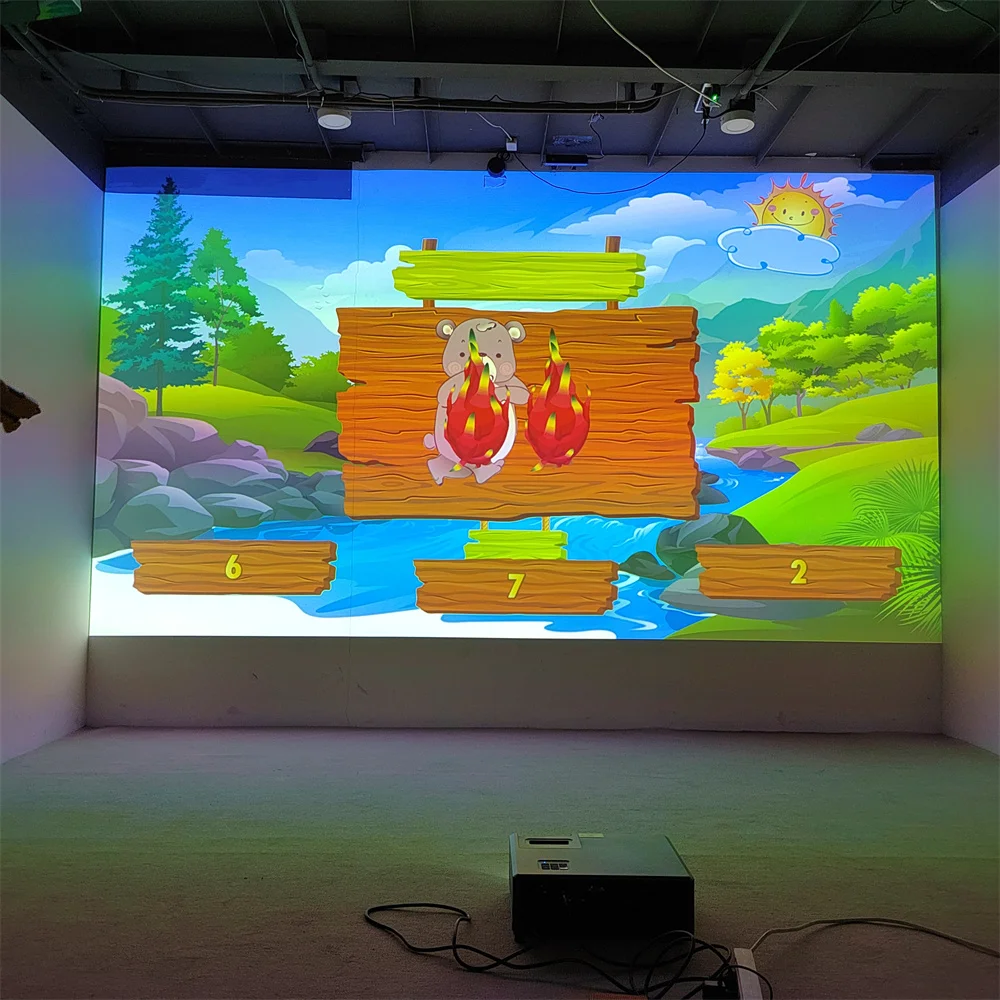
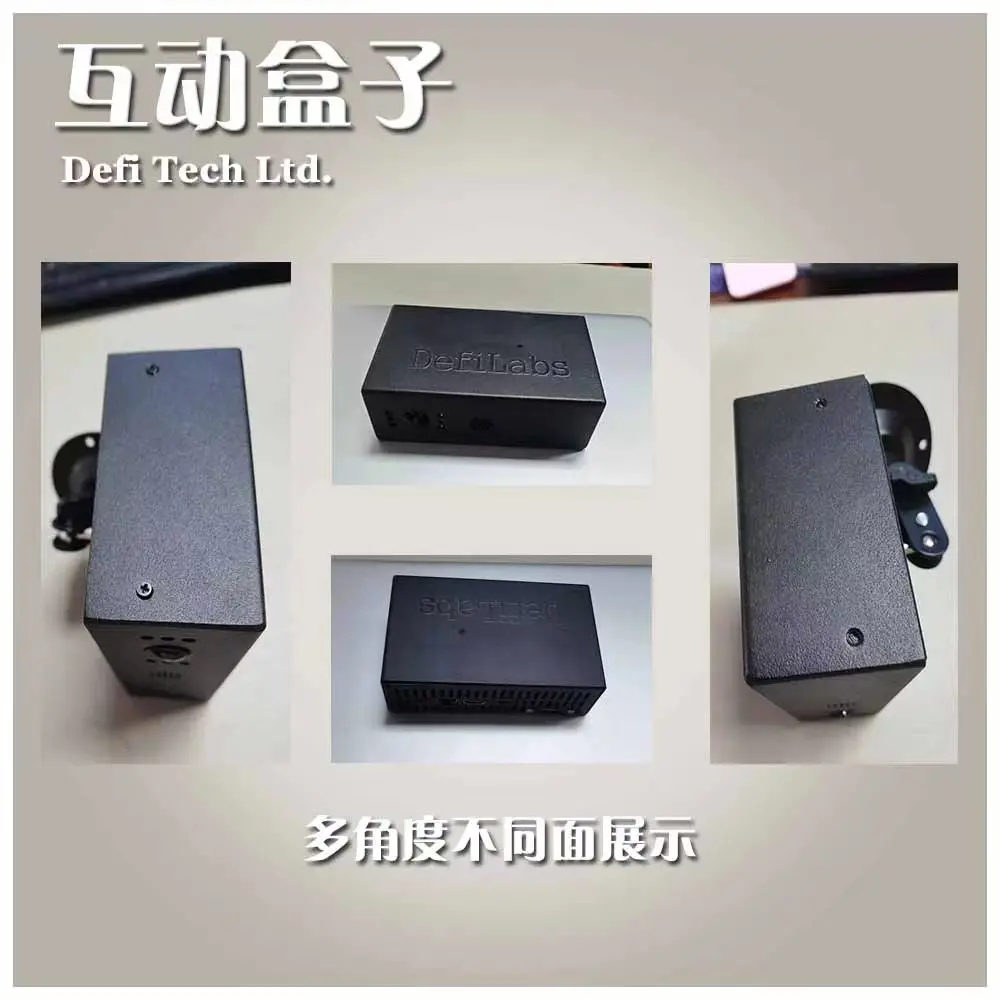
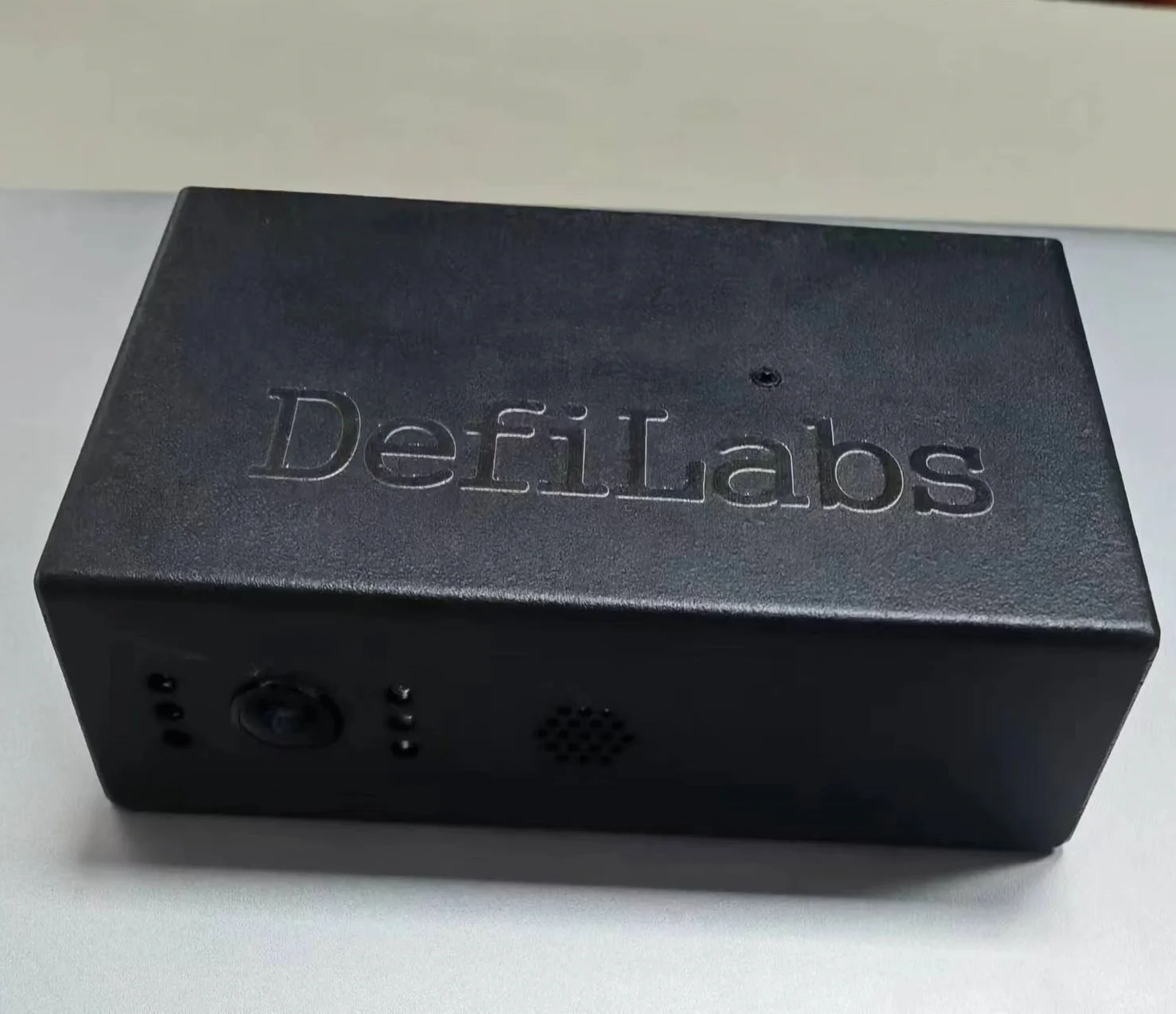
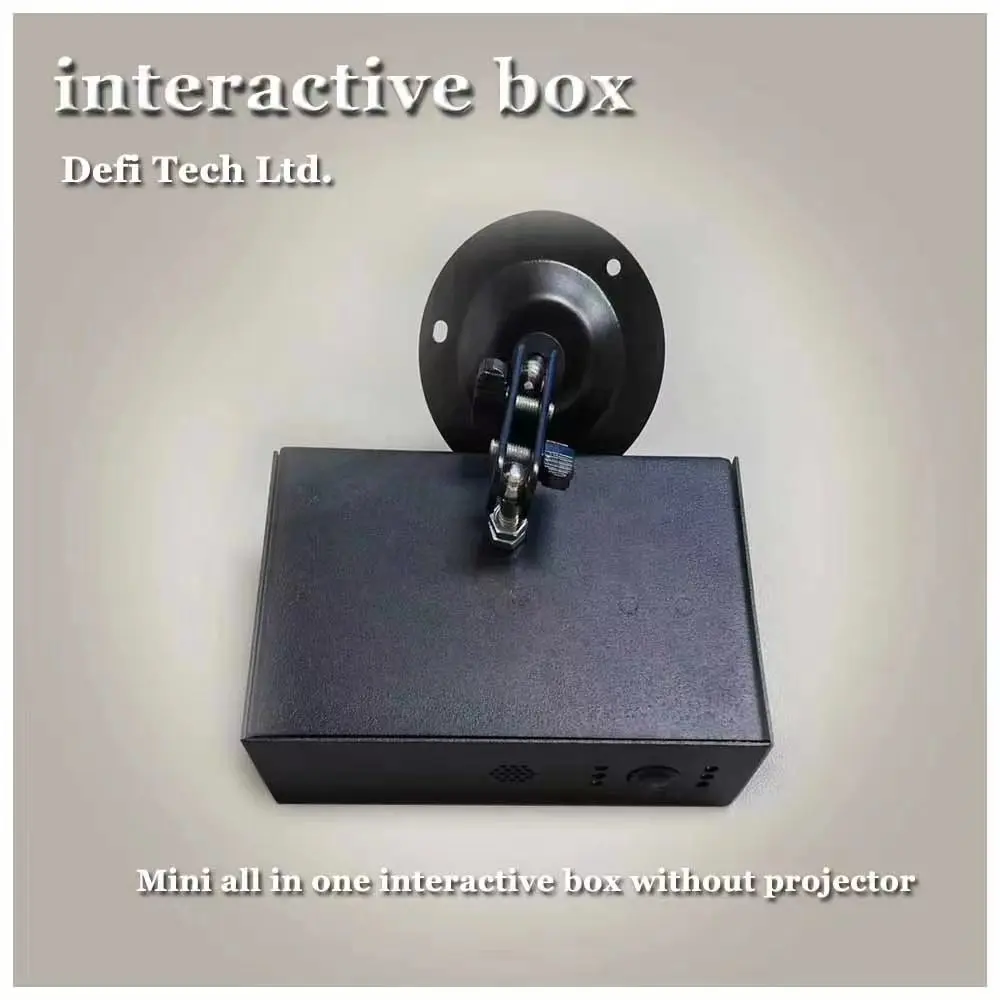
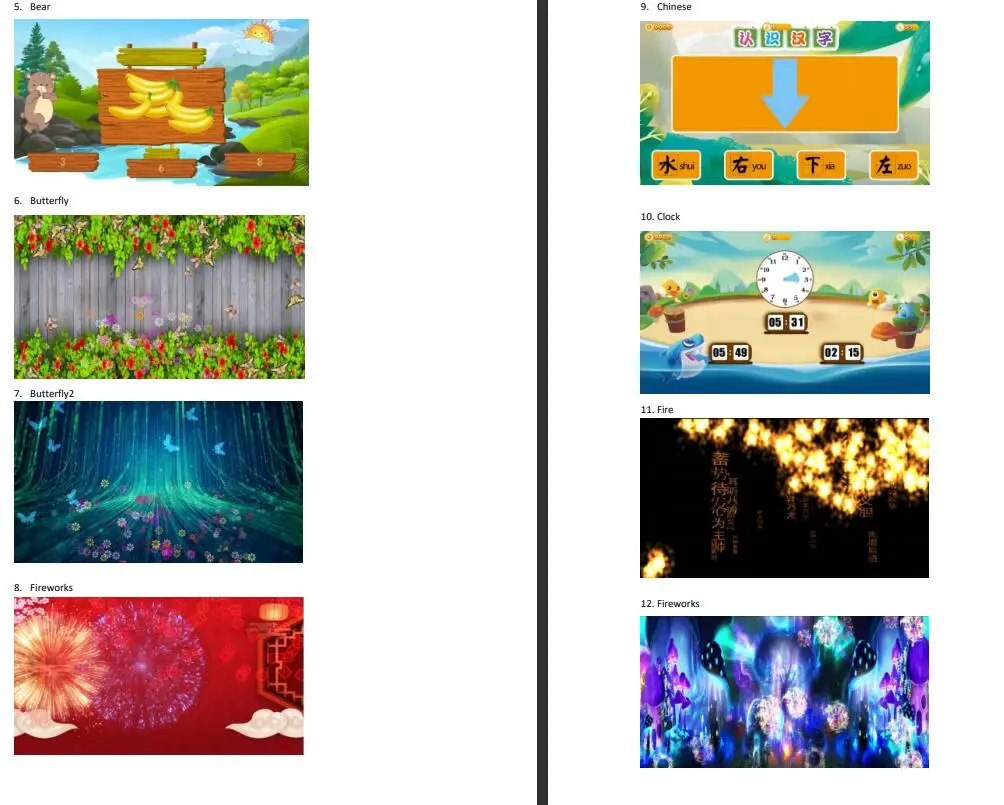
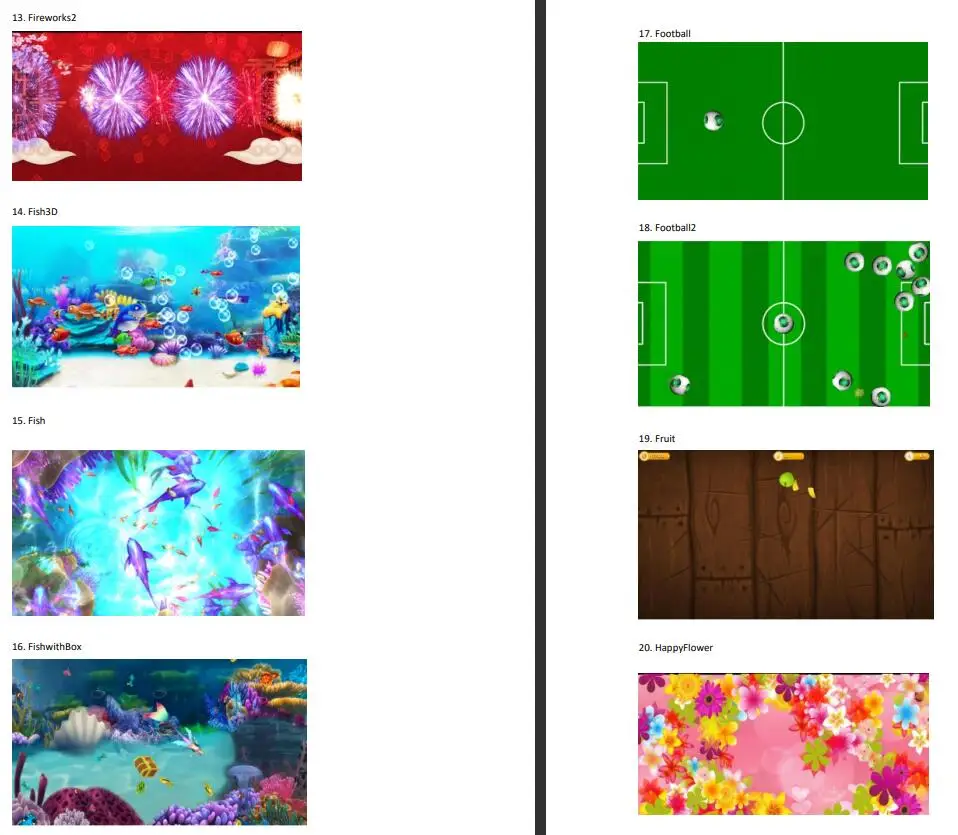
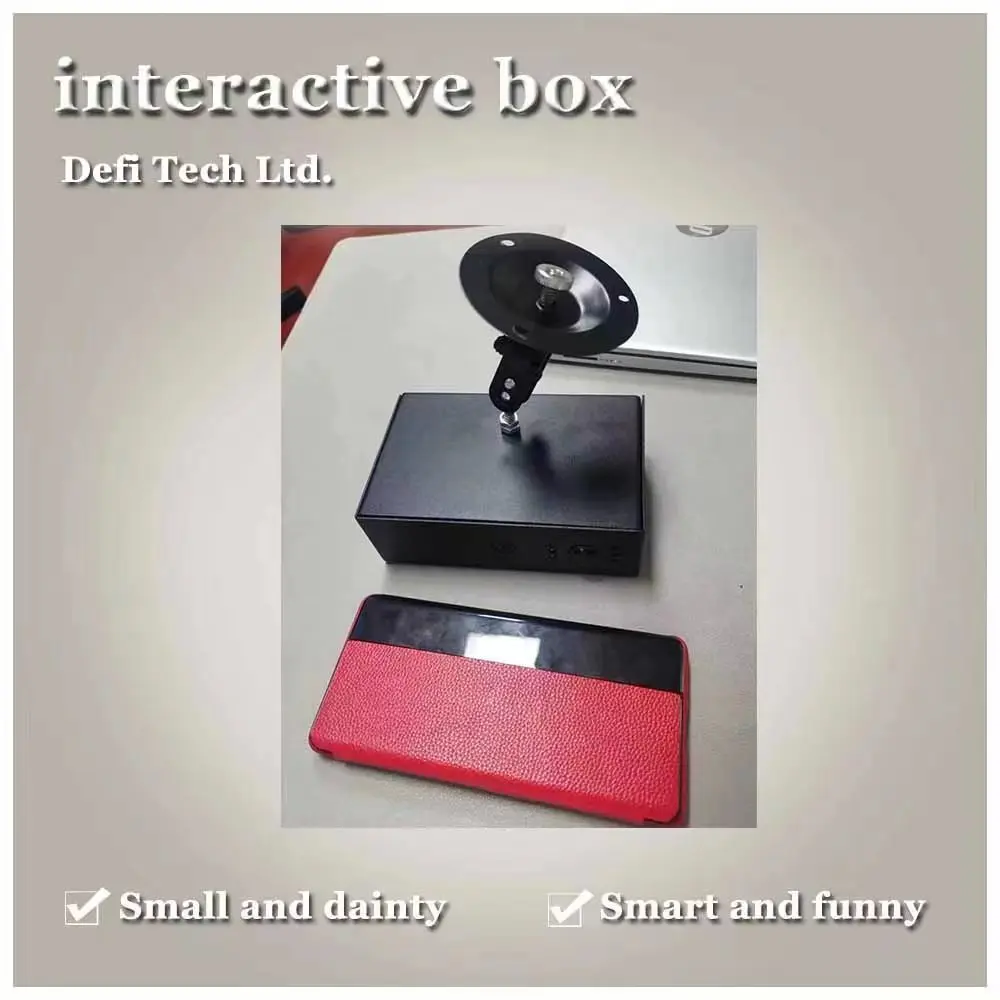
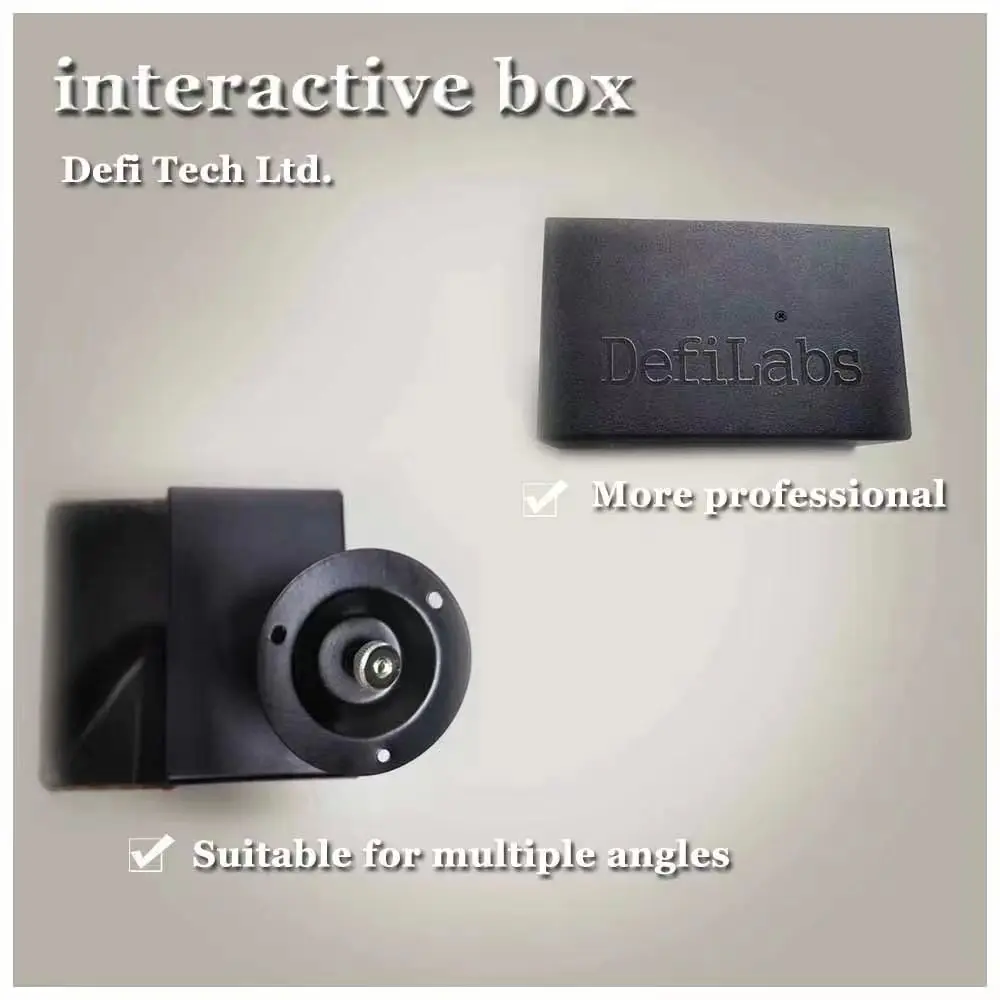
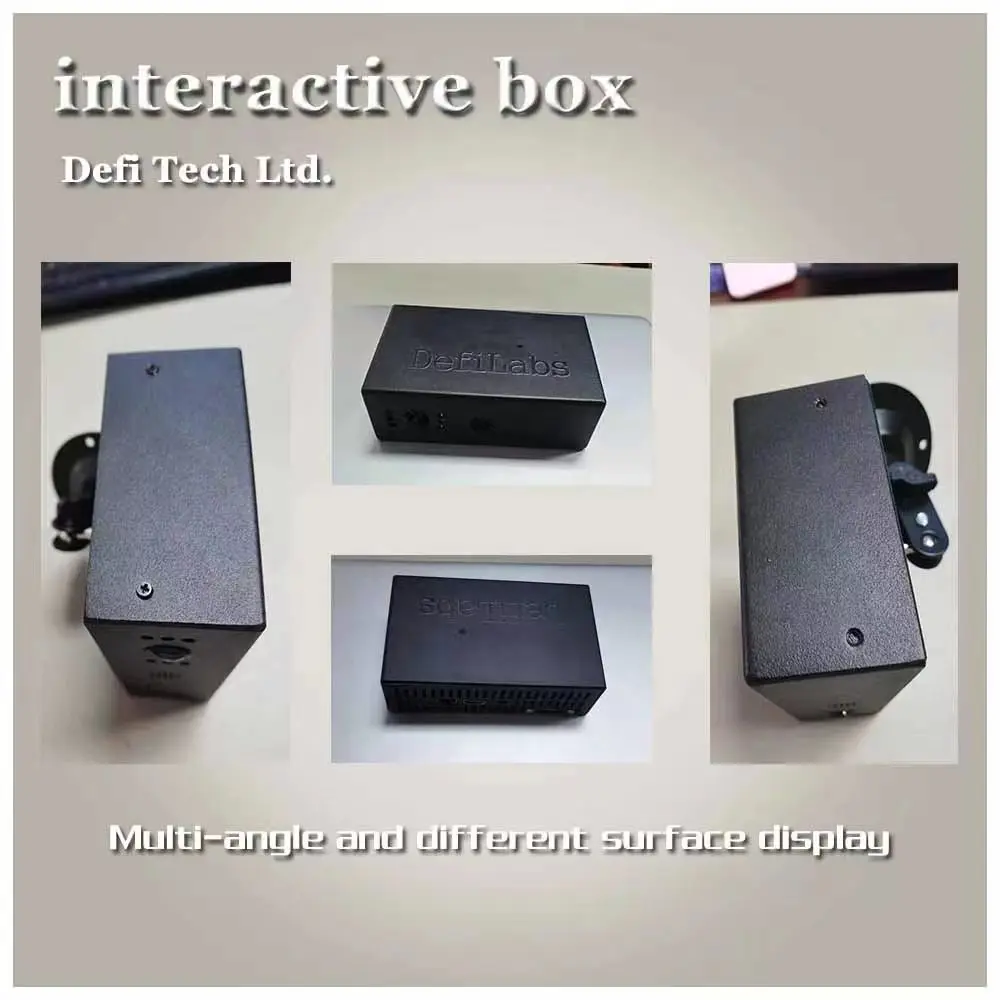
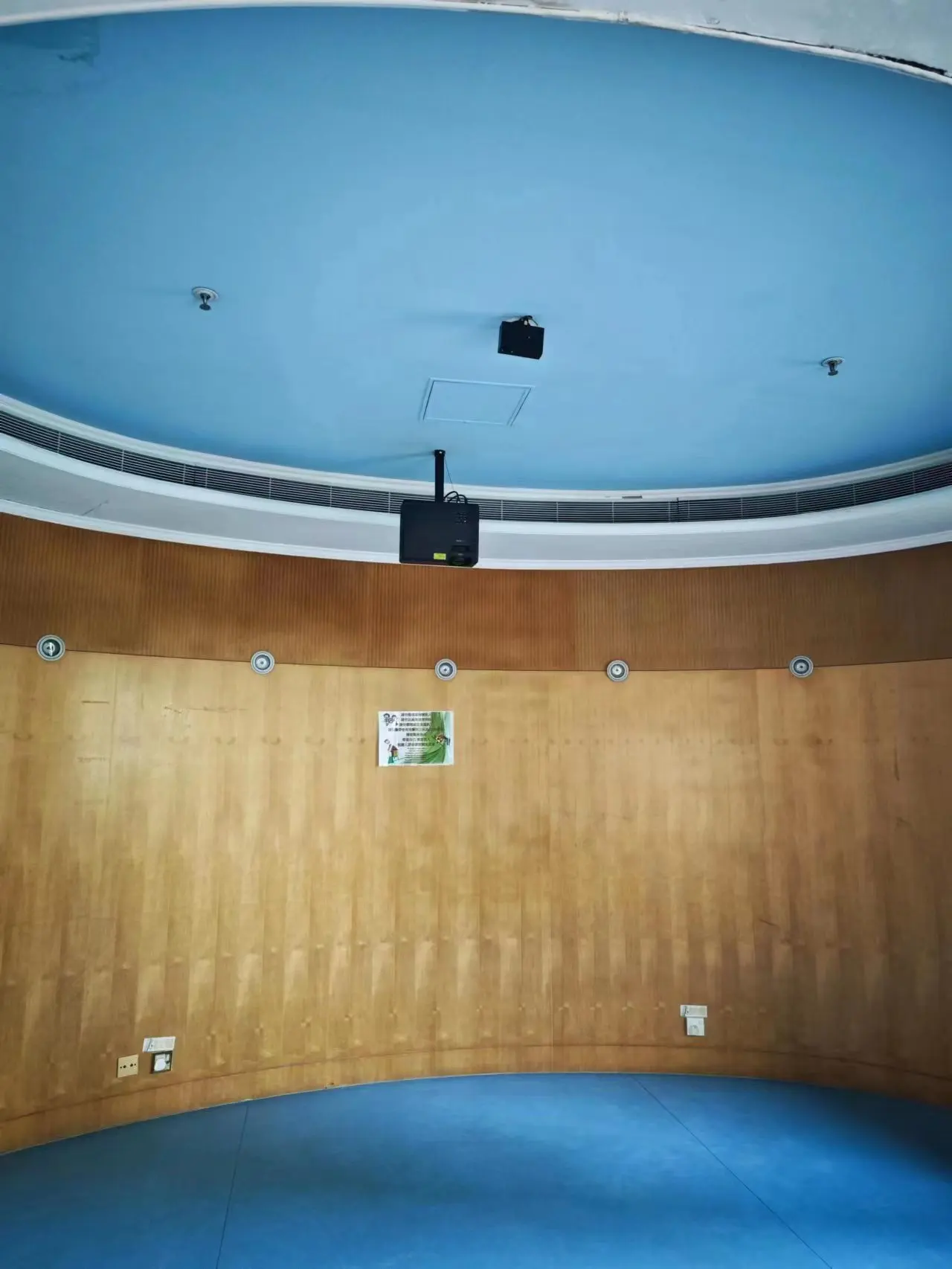
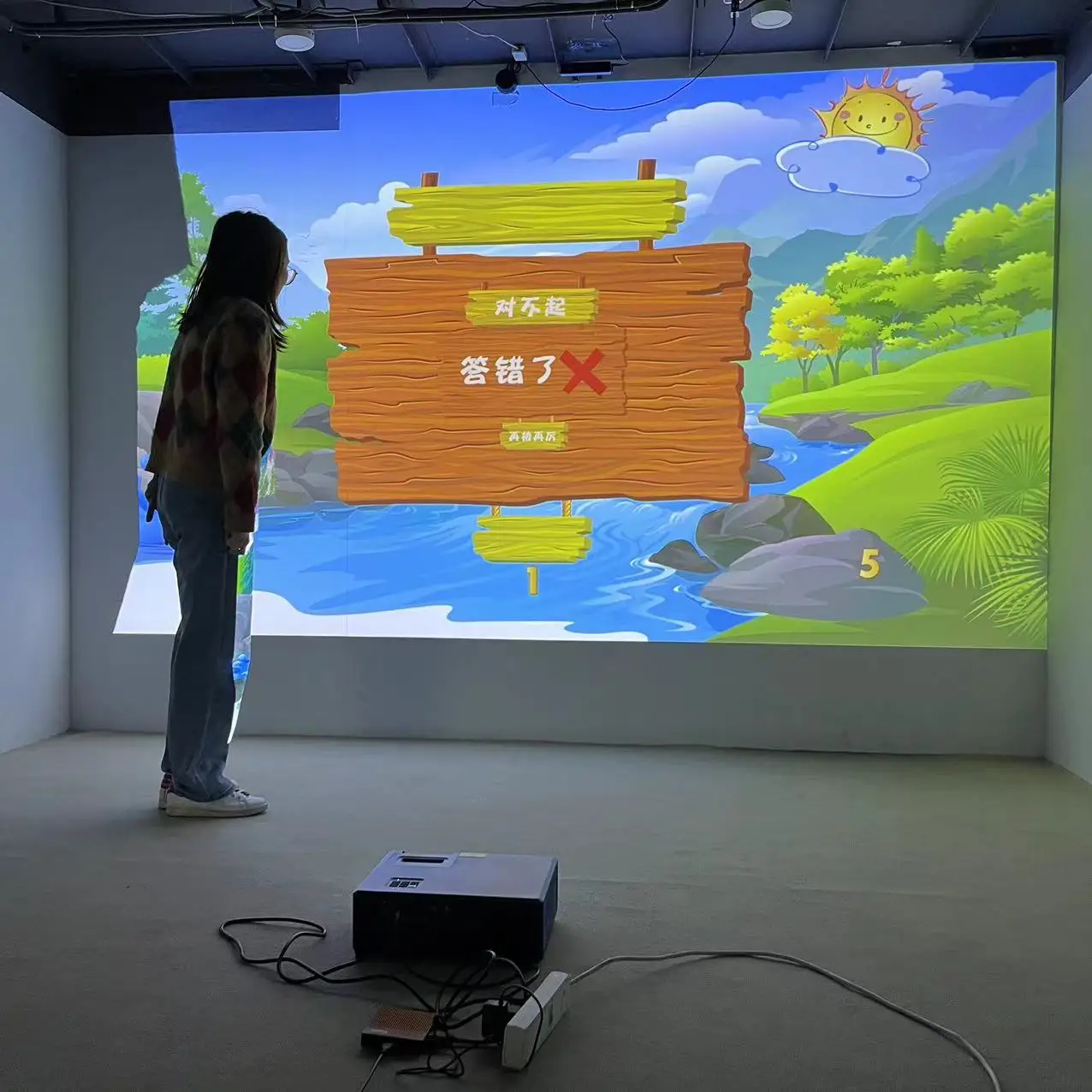
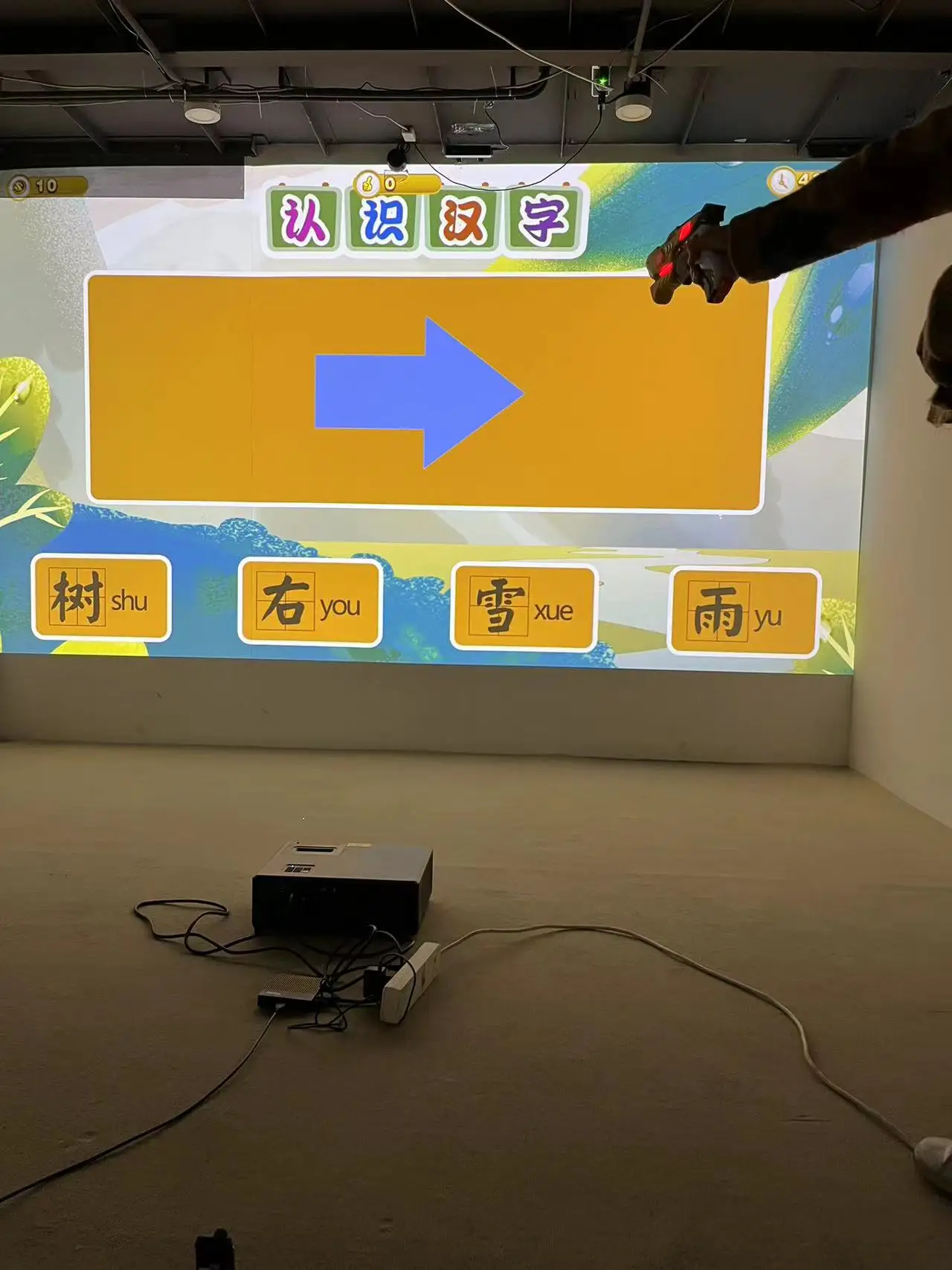
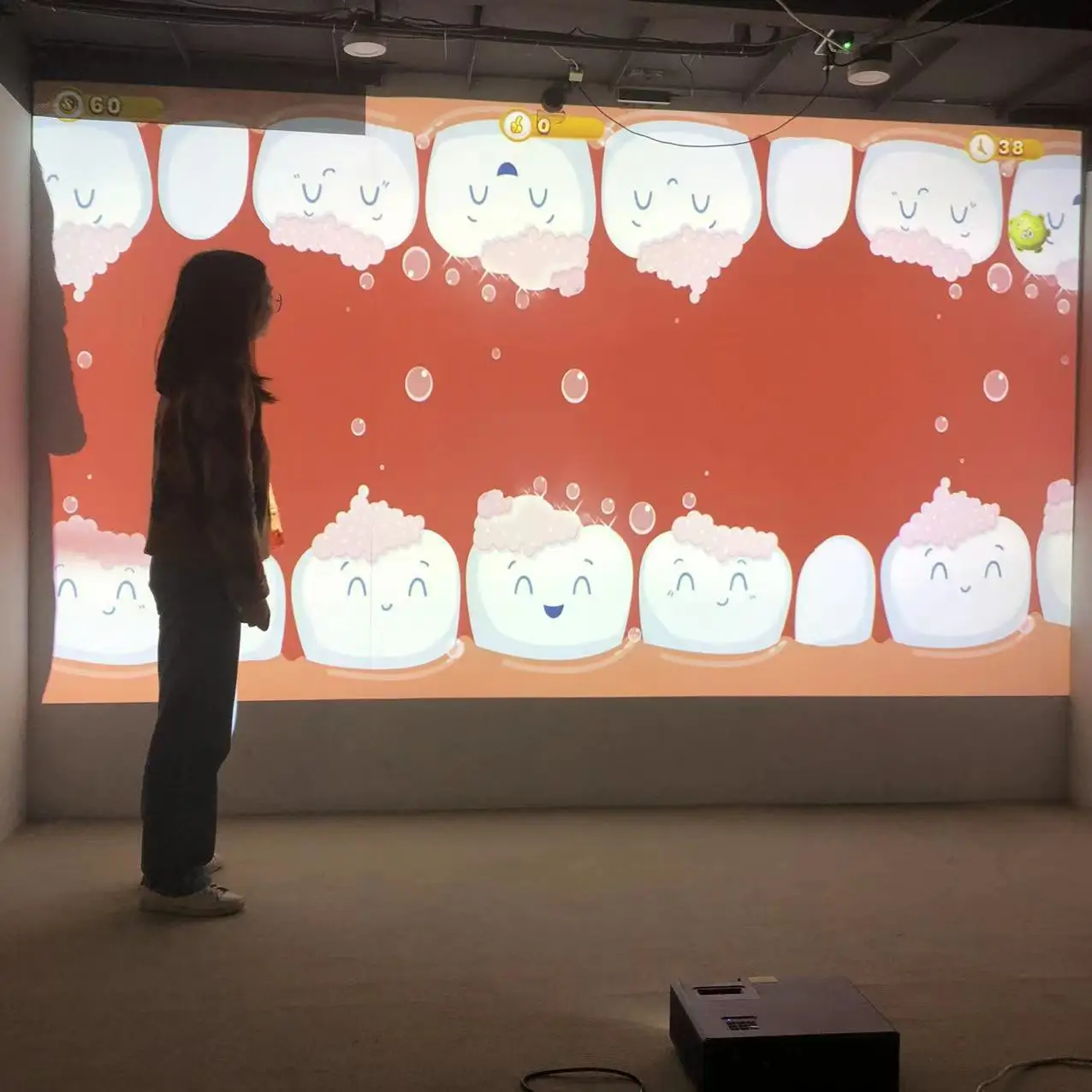
DefiLabs Floor Wall Interaction Projection Android Interactive Box With IR Camera of 40 Games for KIDS Children (NOTICE: you just need to prepare projector local and it support LED/LCD/DLP/LASER projector local.
DefiLabs Interactive Box Working Video Show:
1. Hardware Connection
2. Software Operation
2.1. Camera calibration
On the main screen of interactive box,you can use remote controller or mouse to click the “camera” button, then the calibration screen be showed.
Then, use mouse or remote controller to click the four corners of projector screen,the order is left-top, right-top,right-down,left-down. If the direction of projector screen is not same with the camera screen, you can select “Horizontal mirror” or “Vertical mirror” to make the direction correctly.
The default of sensitiveness is 20, this value do not need be adjusted for most situation.
But if the environment lighting is too dark, you need to adjust the value less than 20.
If there is electric interference around the camera, you need to adjust the value higher than 20.
2.2. Play games
On the main screen of interactive box, click the “play” button to play games.
Select “play mode” button to swap the play mdoe, “repeat one ” or “repeat all”
use “+” or “-” button to adjust the play duration for each effect.
Enable this check box, if you want auto play games after box start finish.
You can use arrow up and arrow down button of remote controller to swap current playing game to next or prev.
“play list” button, chose which effects you want to play, click this button, the
following screen will show
Select which effects you want to play, then click “OK” button to finish selection.
“SELECT ALL”: select all effects
“UNSELECT ALL”: select none effects
2.3. Other settings
This button for install new games/effects.
The “setting” button can open default setting of android system, it be used for wifi, language and so on.
3. The buttons of remote controller
We Recommend


Wholesale Good Quality f1 position racing simulator for Simulator Machine
US $118.00-$165.00

Popular Outdoor Ride on 4 Wheel Car Plastic Toys Cars
US $90.00-$100.00


New Arrivals
New products from manufacturers at wholesale prices







