
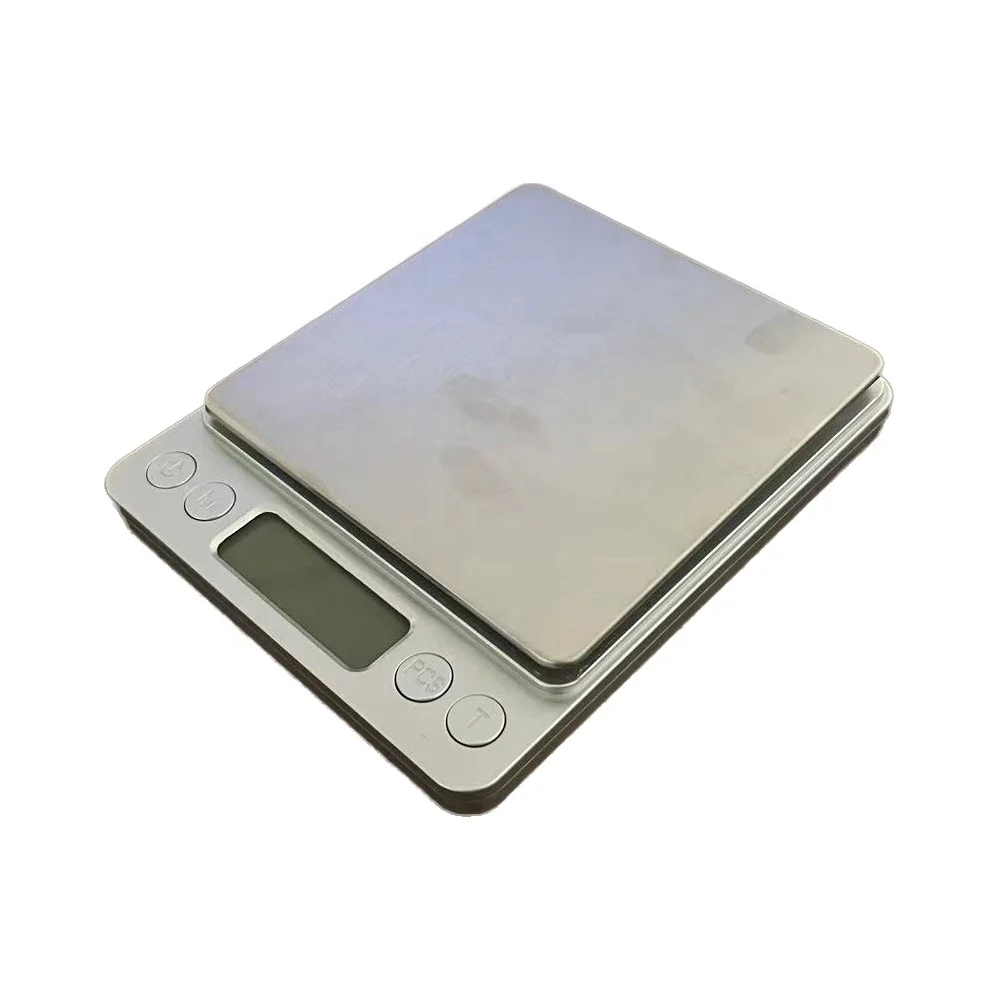
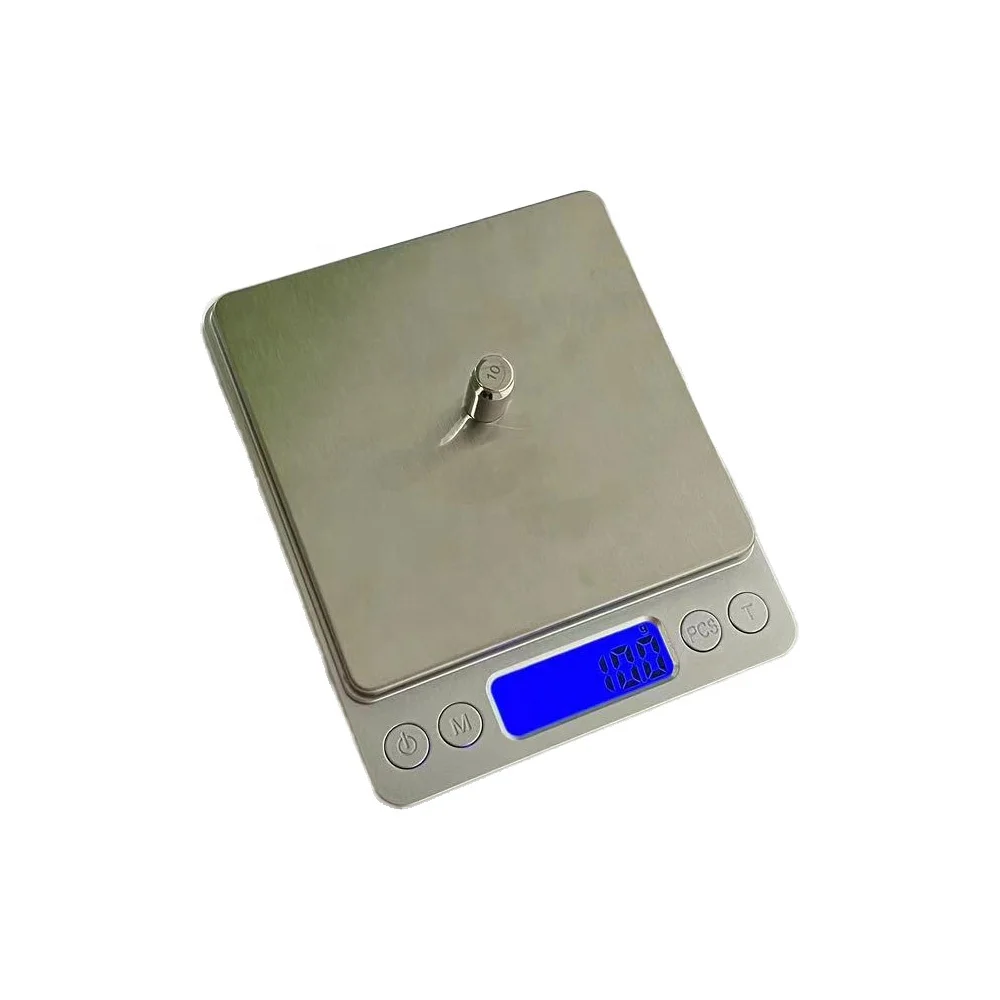
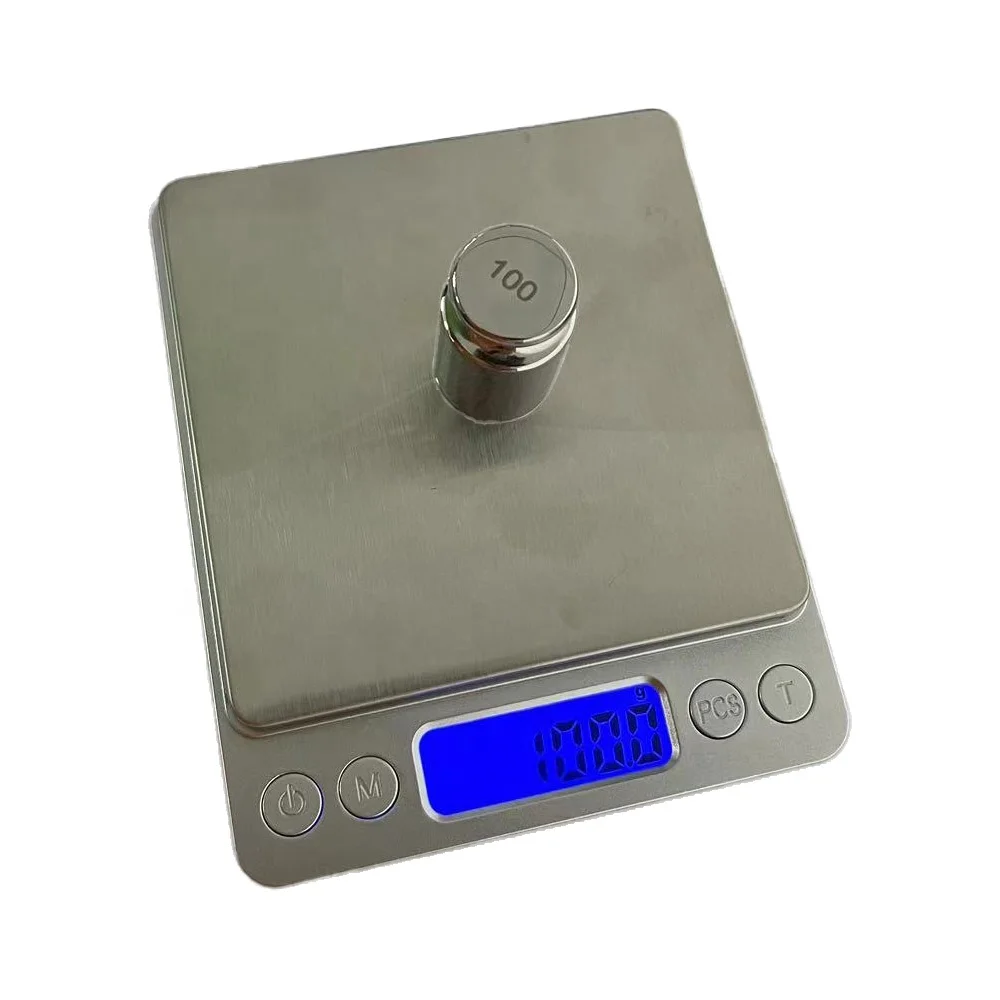
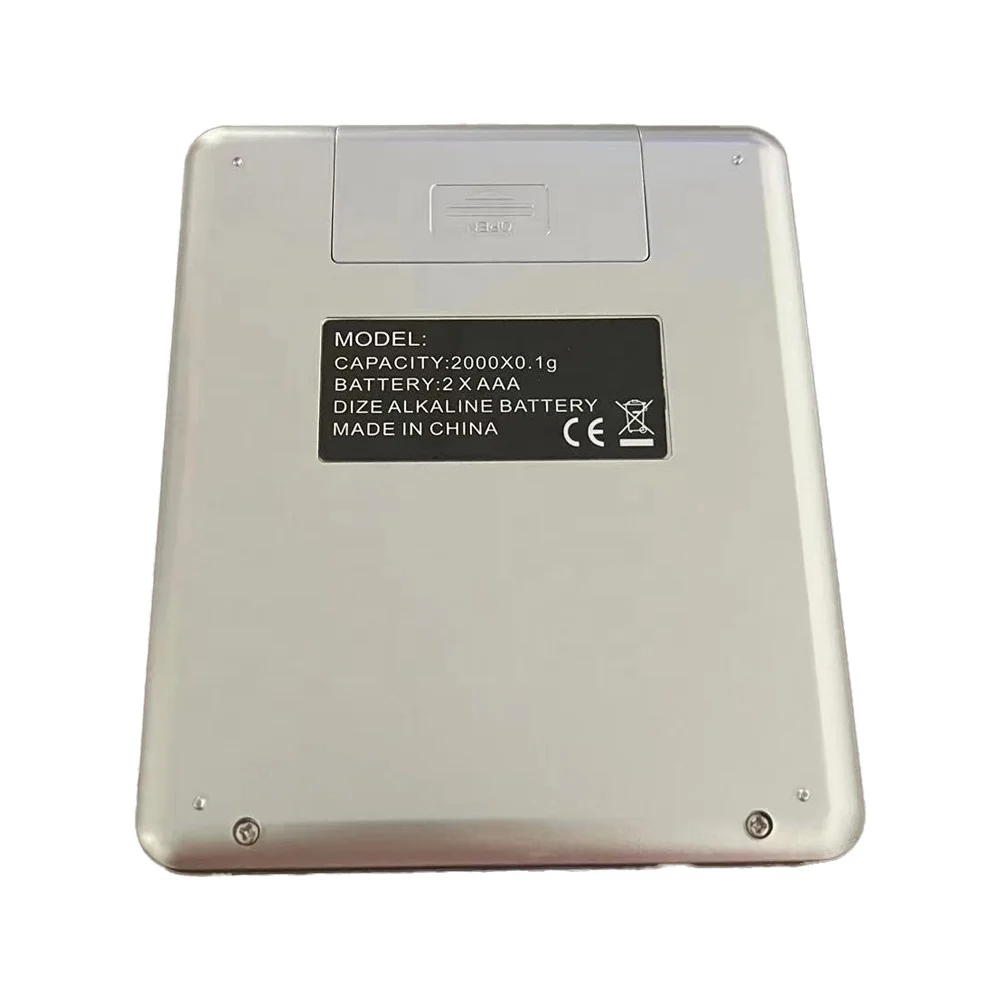
superioe mini digital platform scale food weighing scale 200g 300g 500g 1000g 2000g 3000g
- Category: >>>
- Supplier: Taian Taishan Dingfeng Weighing Apparatus Co. Ltd.
Share on (1600960787649):
Product Overview
Description
superioe mini digital platform scale food weighing scale 200g 300g 500g 1000g 2000g 3000g
Product Description
Product use

I Functions: Power On/OfE
-Weighing Units Conversion*Calibration
Counting Features*Tare Weight
IIKey Description:
[/ON/OFF]:Power On/Off
【M/MODE]:Weighing untis conversion/ Calibration.[P/PCS]:Counting overall weight and pieces
[T/TARE/ ZERO]:Tare weight,to delete the record and
display 0.0/0.00
IⅢI Operation:
1.USB Charge functions(Suitable for digital scale with charging function):
The battery alert on the LCD screen will keep flashing when theUSB charger is plugged in,indicates normal charge.After the battery is full,"FULL"is displayed. Dial out charging head for charging completely.
2.【/ON/OFF]:
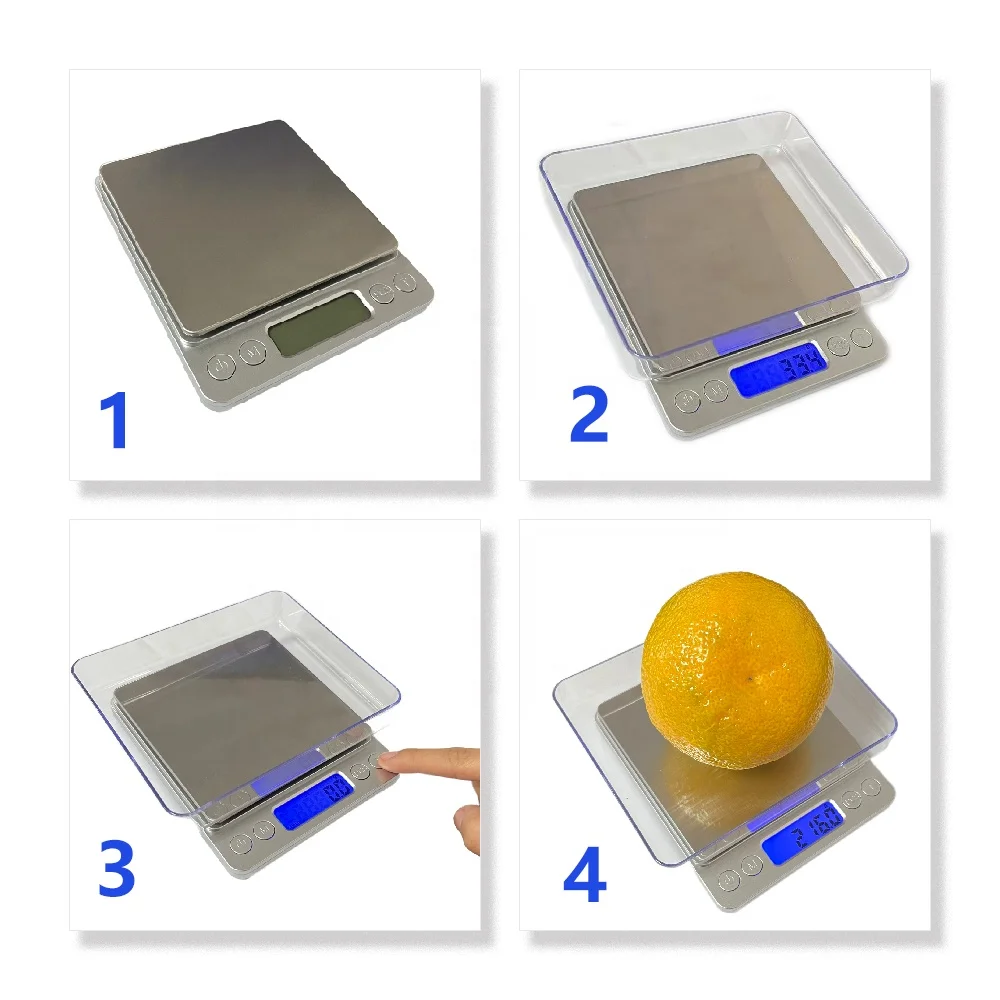
- Press the[/ON/OFF]button to turn on the power, the LCD screen will shows “HELLO"and then“0.00"or“0.0",after that the scale is available to use. Settingthe shut off time:
- Under weighing status,press the【T/ TARE/ZERO ] button and hold until display the“60",press【M/MODE] to select the“120"or"180”( seconds) for auto shut off, choose"0"for manual shut off.
After set the shut off time,press【/ON/OFF],it will show "PASS", the setting completed.
3.【M/MODE]/Weighing Units Conversion:
怎么不是小狗:
default unit is"G".\tchange the weighing units,9 different units G.CTDWT\tOZT.OZ.GN.LB.TL MLchoose the one suit for you.The\tUnder werghing status,press the【M/MODE]button to\t
4.【T/CLEARING/PEELING FUNCTION]:\trecord,the LCD screen will show"0.0"or"0.00-\t[T/TARE/ZERO ]button. and the word"TARE"will\t-Place a tray, without the iterns, slowly on the panel,press the\t-Press the【T/TARE/ZERO ]button to delete the weighing\t
appear on the screen,the weight of the tray will be removed, and “0.0"or"0.0"will be displayed.Slowly add items to the tray to obtain just the weight of the conten.
5.【P/PCS]/Counting features
Make sure all items are of uniform weight for counting
feature to work.\t-Press and hold the【P/PCS]button until you see the word\t
“PCS"appear on the screen, and a sample count displayed. -Press the【M/MODE ]button to choose a sample count. Available sample counts are 25,50,60,75,100,and place the items same as the sample count on the panel,then press the【P/PCS]button to confirm the sampling.
-Put all the items slowly on the panel and press【P/PCS]to count overall guantity.-During the counting,press the buttons[M/MODE]and[P/PCS ]to swift between the weight and pieces, so you can get the weight and quantity at the same time.*Caution : Before the counting work , make sure you have put the items to the panel or you have chosen the sample count and then put the items.
6.【M/MODE]/Calibration:
Calibration isNOT required before first use.Only calibrate if the scale is not weighing properly.- Under weighing starus, press and hold the【M/MODE ]button for a few seconds. display willshow the default calibration weight or the previous
-Weighing Units Conversion*Calibration
Counting Features*Tare Weight
IIKey Description:
[/ON/OFF]:Power On/Off
【M/MODE]:Weighing untis conversion/ Calibration.[P/PCS]:Counting overall weight and pieces
[T/TARE/ ZERO]:Tare weight,to delete the record and
display 0.0/0.00
IⅢI Operation:
1.USB Charge functions(Suitable for digital scale with charging function):
The battery alert on the LCD screen will keep flashing when theUSB charger is plugged in,indicates normal charge.After the battery is full,"FULL"is displayed. Dial out charging head for charging completely.
2.【/ON/OFF]:
- Press the[/ON/OFF]button to turn on the power, the LCD screen will shows “HELLO"and then“0.00"or“0.0",after that the scale is available to use. Settingthe shut off time:
- Under weighing status,press the【T/ TARE/ZERO ] button and hold until display the“60",press【M/MODE] to select the“120"or"180”( seconds) for auto shut off, choose"0"for manual shut off.
After set the shut off time,press【/ON/OFF],it will show "PASS", the setting completed.
3.【M/MODE]/Weighing Units Conversion:
怎么不是小狗:
default unit is"G".\tchange the weighing units,9 different units G.CTDWT\tOZT.OZ.GN.LB.TL MLchoose the one suit for you.The\tUnder werghing status,press the【M/MODE]button to\t
4.【T/CLEARING/PEELING FUNCTION]:\trecord,the LCD screen will show"0.0"or"0.00-\t[T/TARE/ZERO ]button. and the word"TARE"will\t-Place a tray, without the iterns, slowly on the panel,press the\t-Press the【T/TARE/ZERO ]button to delete the weighing\t
appear on the screen,the weight of the tray will be removed, and “0.0"or"0.0"will be displayed.Slowly add items to the tray to obtain just the weight of the conten.
5.【P/PCS]/Counting features
Make sure all items are of uniform weight for counting
feature to work.\t-Press and hold the【P/PCS]button until you see the word\t
“PCS"appear on the screen, and a sample count displayed. -Press the【M/MODE ]button to choose a sample count. Available sample counts are 25,50,60,75,100,and place the items same as the sample count on the panel,then press the【P/PCS]button to confirm the sampling.
-Put all the items slowly on the panel and press【P/PCS]to count overall guantity.-During the counting,press the buttons[M/MODE]and[P/PCS ]to swift between the weight and pieces, so you can get the weight and quantity at the same time.*Caution : Before the counting work , make sure you have put the items to the panel or you have chosen the sample count and then put the items.
6.【M/MODE]/Calibration:
Calibration isNOT required before first use.Only calibrate if the scale is not weighing properly.- Under weighing starus, press and hold the【M/MODE ]button for a few seconds. display willshow the default calibration weight or the previous
Specification
item | value |
Place of Origin | China |
Country of origin | Shandong |
Brand Name | dingfeng |
Model Number | I2000 |
Feature | WITH LID, With Scale Tray |
Shape | Rectangle |
Maximum Weight Recommendation | 3000g |
Power Source | Battery |
Function | Weight Measuring |
Display Type | Digital Display |
Product name | Digital Kitchen Scale |
Color | Sliver |
Scale Use | Kitchen Food Weighing |
Material | Stainless Steel |
Packing | Color Box |
Company Profile
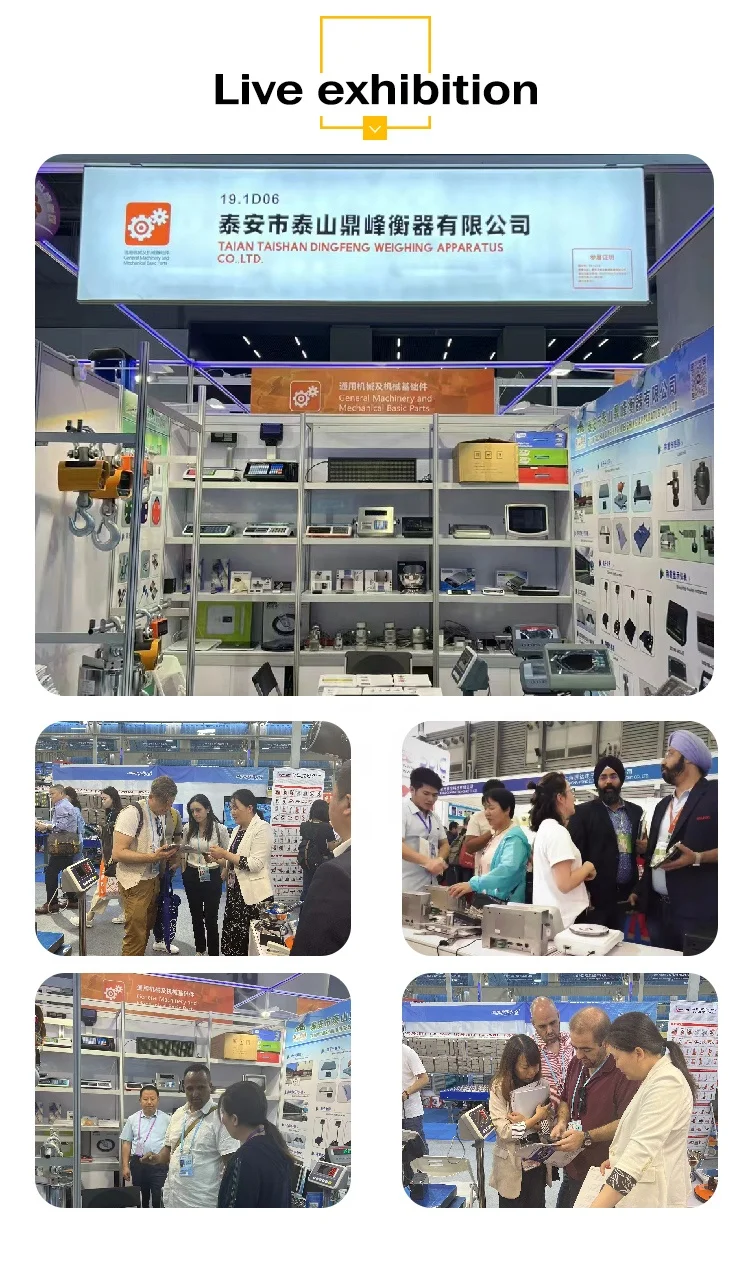
Company was founded in 2004, is a collection of science and technology, development, production, installation and service of high-tech enterprises, the company mainly produces 1-200 - t digital truck scale, unattended weighing system, 1-10 t electronic ground value, electronic wagon balance, electronic platform scale, electronic hanging scale, weighing displaying controller, sensors, etc. All kinds of weighing apparatus products. Products sell well all over the country, and exported to Africa, Canada, Mongolia, North Korea and other countries, by the customer's trust and praise.
Certifications

Product packaging

FAQ
1. who are we?
We are based in Shandong, China, start from 2005,sell to Africa(10.00%),South Asia(5.00%),Eastern Asia(5.00%),Mid East(5.00%),Southeast Asia(5.00%). There are total about 11-50 people in our office.
2. how can we guarantee quality?
Always a pre-production sample before mass production;
Always final Inspection before shipment;
3.what can you buy from us?
Electric Truck Scale, Weighing Instrument, Electric Floor Scale, Electric Platform Scale, Electric Livestock Scale, Digital Kitchen Scale, Digital Body Fat Scale
4. why should you buy from us not from other suppliers?
We have nearly 20 years of experience in design and development ,the main products is digital truck scale,weighing bridge scale,electronic crane scale, electronic platform scale, weighing display,load sell etc.and export to many countries.
5. what services can we provide?
Accepted Delivery Terms: FOB,CFR,CIF;
Accepted Payment Currency:USD,CNY;
Accepted Payment Type: T/T,L/C;
Language Spoken:English,Chinese
We are based in Shandong, China, start from 2005,sell to Africa(10.00%),South Asia(5.00%),Eastern Asia(5.00%),Mid East(5.00%),Southeast Asia(5.00%). There are total about 11-50 people in our office.
2. how can we guarantee quality?
Always a pre-production sample before mass production;
Always final Inspection before shipment;
3.what can you buy from us?
Electric Truck Scale, Weighing Instrument, Electric Floor Scale, Electric Platform Scale, Electric Livestock Scale, Digital Kitchen Scale, Digital Body Fat Scale
4. why should you buy from us not from other suppliers?
We have nearly 20 years of experience in design and development ,the main products is digital truck scale,weighing bridge scale,electronic crane scale, electronic platform scale, weighing display,load sell etc.and export to many countries.
5. what services can we provide?
Accepted Delivery Terms: FOB,CFR,CIF;
Accepted Payment Currency:USD,CNY;
Accepted Payment Type: T/T,L/C;
Language Spoken:English,Chinese
We Recommend







New Arrivals
New products from manufacturers at wholesale prices






