
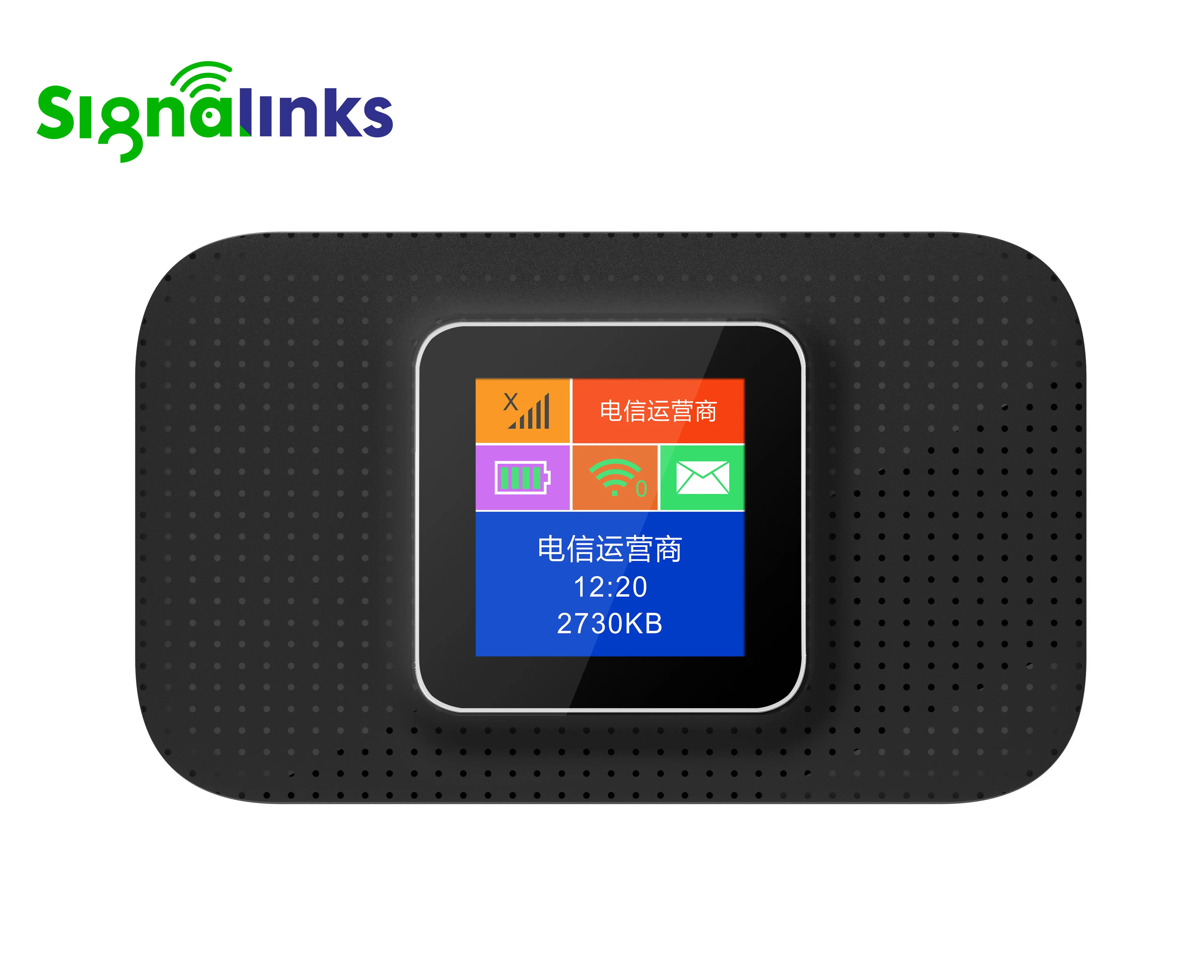
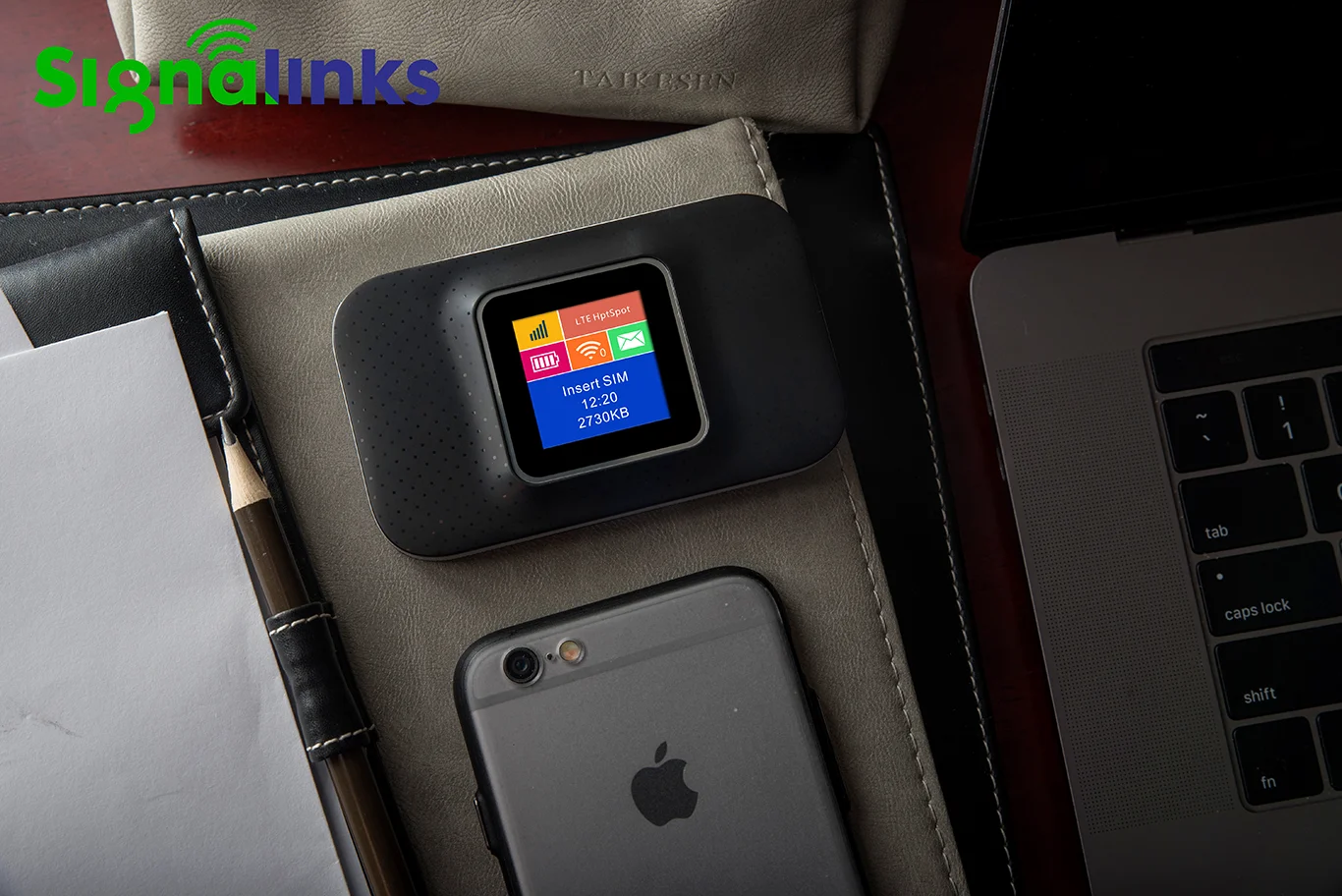
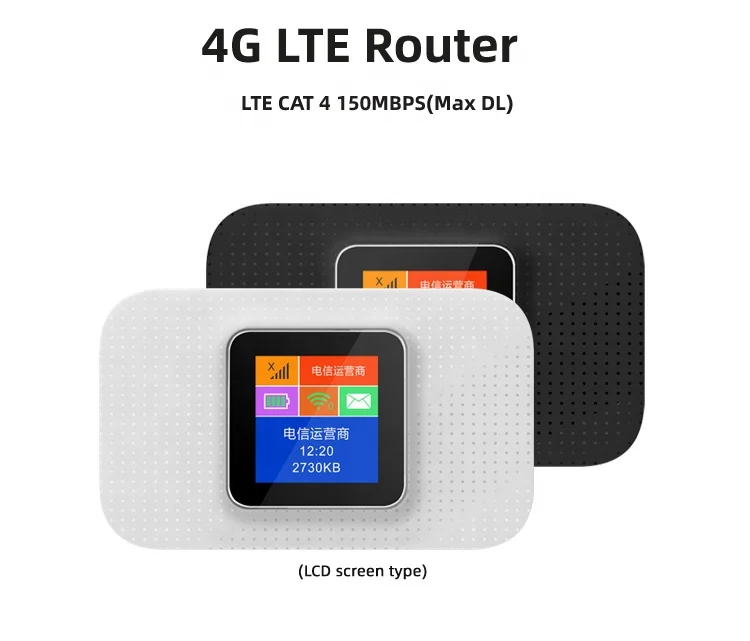
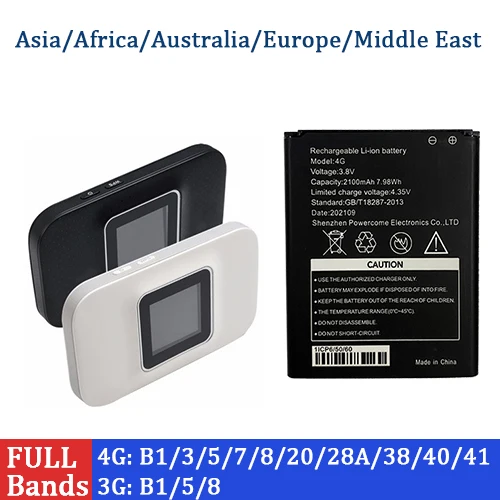
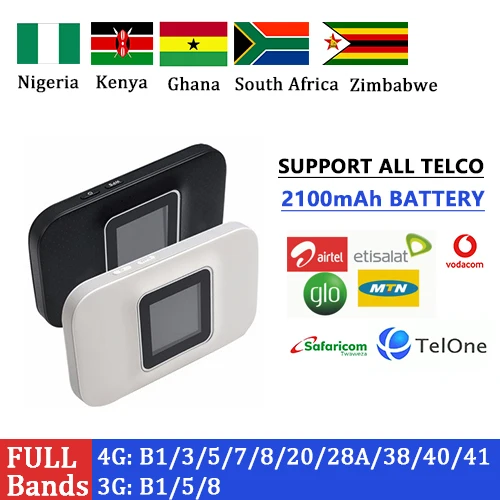
Signalinks Portable 4G LTE MiFi Router 3000mAh Battery Dual Antenna Option WiFi6 Support Type C Interface with sim card slot
- Category: >>>
- Supplier: Signalinks Communication Technology Co. Ltd
Share on (1601020723767):
Product Overview
Description
Product Description
Product Name | Router 4G |
Frequencies | 4G LTE B1/B3/B5/B7/B8/B20/B28A/B28B/B38/B40/B41 Suggested band combination: 4G B1/B3/B7/B8/B20/B28A/B28B/B38/B40/B41 |
Chipset | ZX7520V3 |
Battery | 2100mAh Lithium Battery for 8~10 working hours 3000mAh (optional) |
Antenna | 2*2 MiMo antenna high performance |
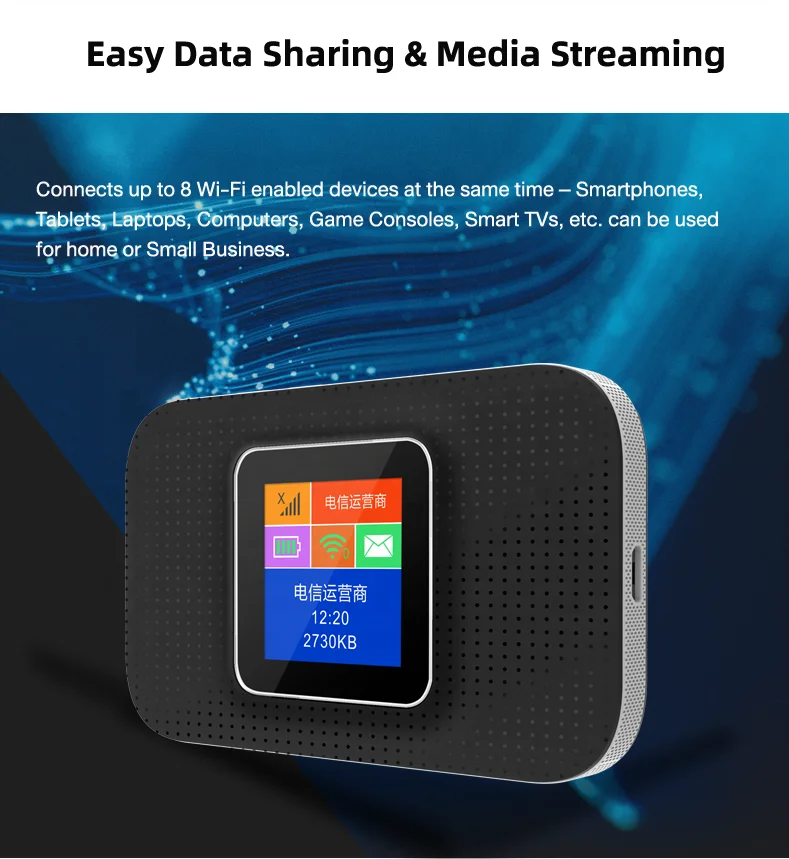
WiFi Sharing | 10 WiFi Users |
Language | English(defaulted) ,French, Spanish, Portuguese,Japanese,etc ( provide if needed) |
Package | 1* USB cable, 1* removable battery ,1* Router 4G, 1* user guide |
Size | 97*58.5*15.5mm |


- Product performance
simply description
1.Extra high Speed
2. Insert SIM and play
3.Smart colorful screen
4.Secure network
5. Best Coverage, excellent signal
quality with LTE/WiFi MiMo antennas
6. 4G LTE up to 150Mbps(DL)/50Mbps(UL)
7. Connect up to 10 devices
8. Easier management
platform for customizing personality network 9. Support LTE Cat4
10. Support WiFi 11n 2X2 MiMo 11 high gain 2*2 MiMo antennas
2. Insert SIM and play
3.Smart colorful screen
4.Secure network
5. Best Coverage, excellent signal
quality with LTE/WiFi MiMo antennas
6. 4G LTE up to 150Mbps(DL)/50Mbps(UL)
7. Connect up to 10 devices
8. Easier management
platform for customizing personality network 9. Support LTE Cat4
10. Support WiFi 11n 2X2 MiMo 11 high gain 2*2 MiMo antennas

Details Images
Get Your Network Up and Running in Seconds
M603+ features a compact and user-friendly design, all you need is to insert a SIM card
and press the power button. Your high-speed 4G hotspot will be operational within a half-minute
and press the power button. Your high-speed 4G hotspot will be operational within a half-minute


Good quality Lithium batteryWell-stocked/ long-life /
Fully certified/
Fully certified/
Support 3FF Macro SIM cardand up to 32GB SD card
Smart colorful screen, all useful info at a glance
Product Usage

1) Remove the back cover.
2) Install SIM card (not included). Open the cover of the MicroSD card slot, insert the Micro SD card (not included) into the slot
and then replace the cover.
3) Push and the lift the locker of
Micro SD slot to open it, make sure the Micro SD memory card’s metal chip downwards and inwards and then fit it in its slot. Put
down and then pull the locker to lock it.
2) Install SIM card (not included). Open the cover of the MicroSD card slot, insert the Micro SD card (not included) into the slot
and then replace the cover.
3) Push and the lift the locker of
Micro SD slot to open it, make sure the Micro SD memory card’s metal chip downwards and inwards and then fit it in its slot. Put
down and then pull the locker to lock it.

* Step 2: Turn on Your Mobile Hotspot
Hold the power button and wait until the main LCD screen appears
Step3: Connect to the Internet
Step3: Connect to the Internet
1) Wireless Connection
Search for the SSID ( Wifi name ) and type in the Wifi key you've noted down before ( You can also double press the WPS button WPS to view the SSID and WiFi key on the LCD screen ). You can also note down the SSID & WiFi key information on the inner side of back cover.
2) Wired Connection
Connect your PC to 4G LTE WiFi Router via the USB cable. Then the driver of this device will be installed automatically and you
can surf the Internet on your computer.
2) Wired Connection
Connect your PC to 4G LTE WiFi Router via the USB cable. Then the driver of this device will be installed automatically and you
can surf the Internet on your computer.
Related Products
Packing&Shipping


Company Introduction
Founded in 2009,Signalinks Communication Technology Co.,Ltd is a professional supplier of networking devices and equipment in China and worldwide. We have won the title of New&High Technology Enterprise of China for 2016.
Signalinks combines R&D, manufacturing and sales together, and undertakes global OEM business. We have one R&D center in NanJing,China with about 45 Senior Engineers, one manufacturer center and one partner manufacturer . Our employees and partners engaging in sales, research& development and manufacturing throughout China.
Our main products are 3G/4G/5G pocket Router, CPE Router, WiFi dongle, repeater,module,etc. Our R&D department have rich experience in MBB products, most of them are in this field for more than 10 years.
Signalinks combines R&D, manufacturing and sales together, and undertakes global OEM business. We have one R&D center in NanJing,China with about 45 Senior Engineers, one manufacturer center and one partner manufacturer . Our employees and partners engaging in sales, research& development and manufacturing throughout China.
Our main products are 3G/4G/5G pocket Router, CPE Router, WiFi dongle, repeater,module,etc. Our R&D department have rich experience in MBB products, most of them are in this field for more than 10 years.
In 2015, Signalinks established a strategic partnership with ZTE and Unisoc quickly emerged as a long term, Thanks for the toptechnical support from them, Signalinks has quickly expanded its business into global markets, and established successful partnerships with around the globe.
We aspire to provide the best product with the best customer service worldwide with 100% customer satisfaction.


We Recommend







New Arrivals
New products from manufacturers at wholesale prices






