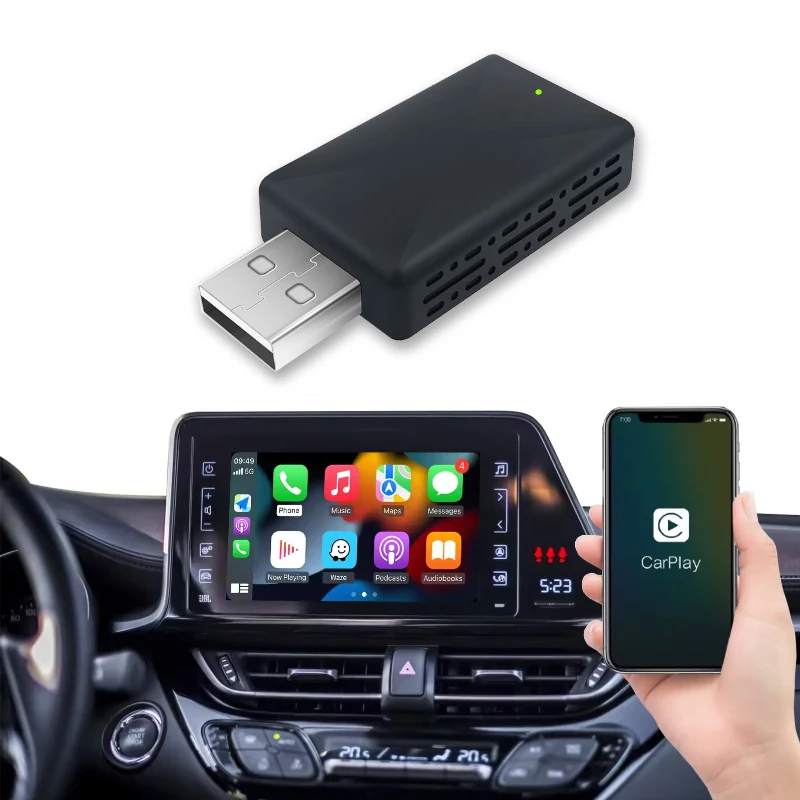
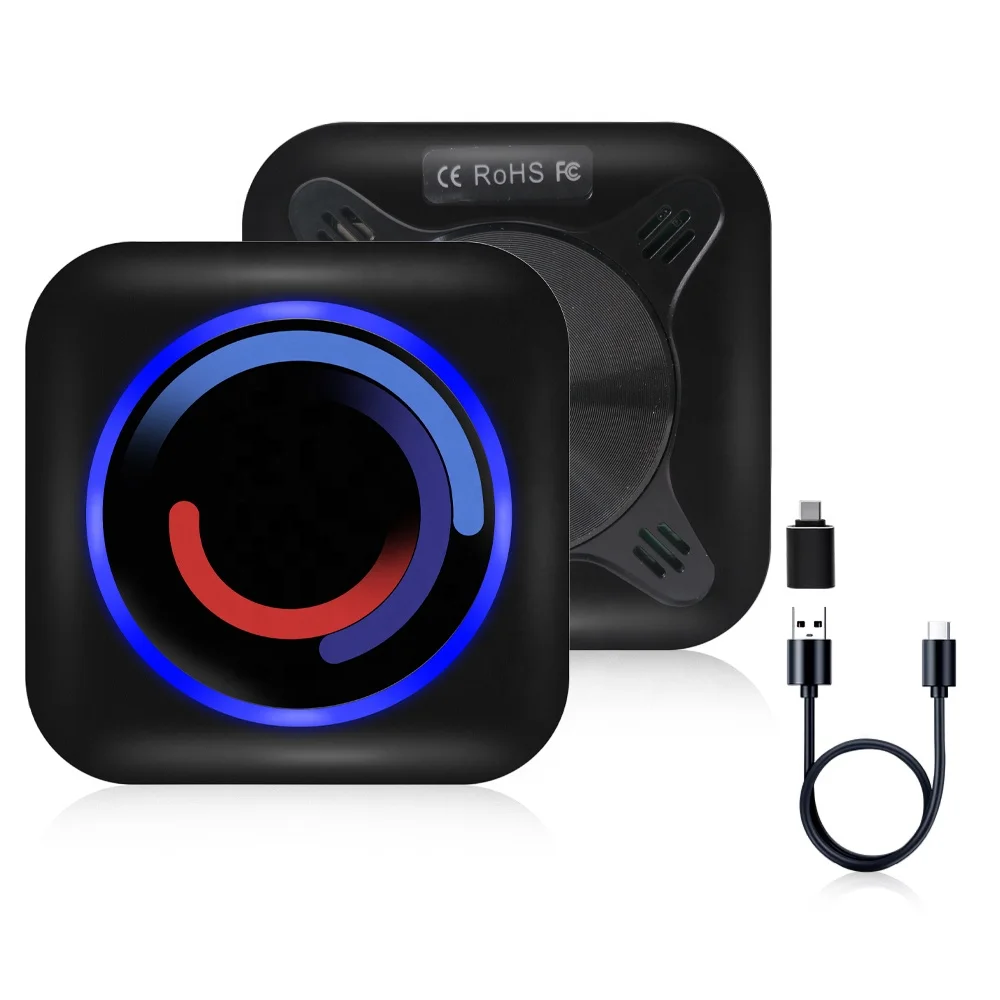
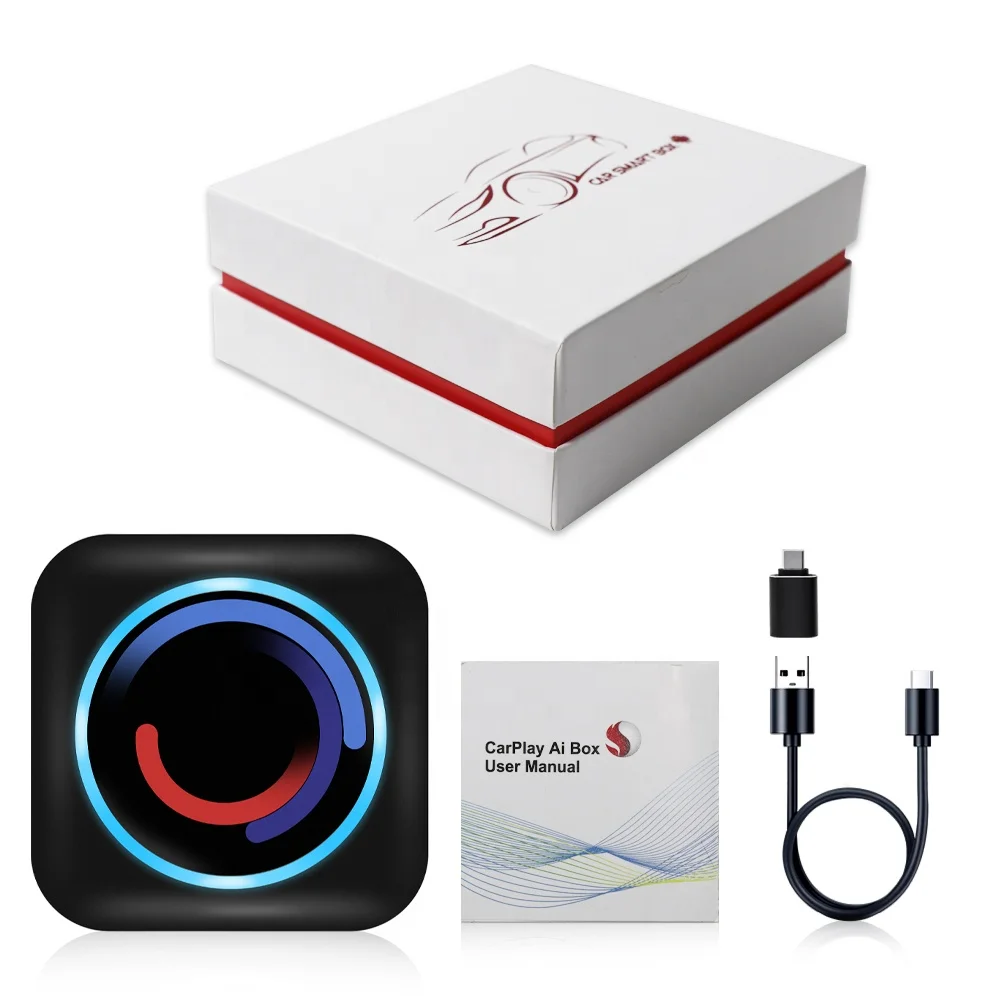
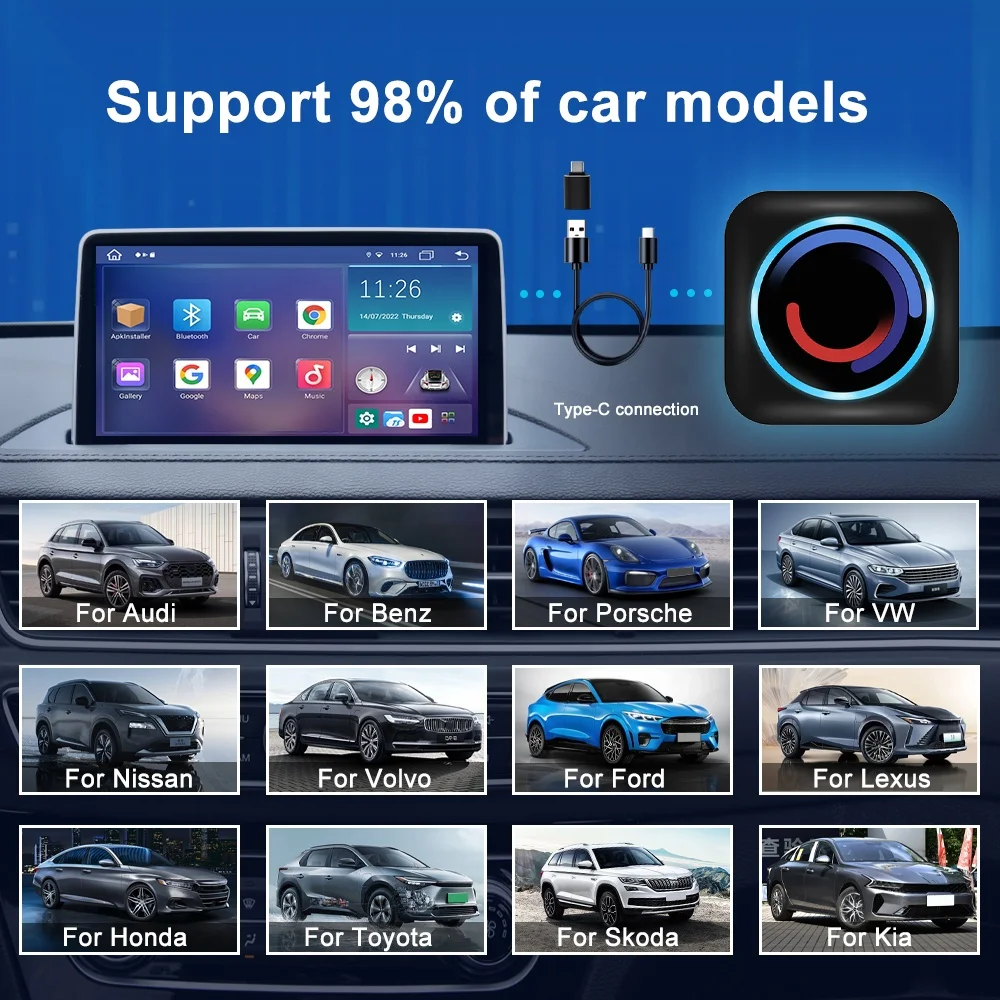
Jmance SIM card TF card mini carplay ai box android 10 GPS navigation usb plug and play Smart Touch Box
- Category: >>>
- Supplier: Shenzhen Jiayitong Electronics Co. Ltd.
Share on (1601045216284):
Product Overview
Description

Carplay AI Box Adapter models

Products Description
1.Car Smart Box hardware and software
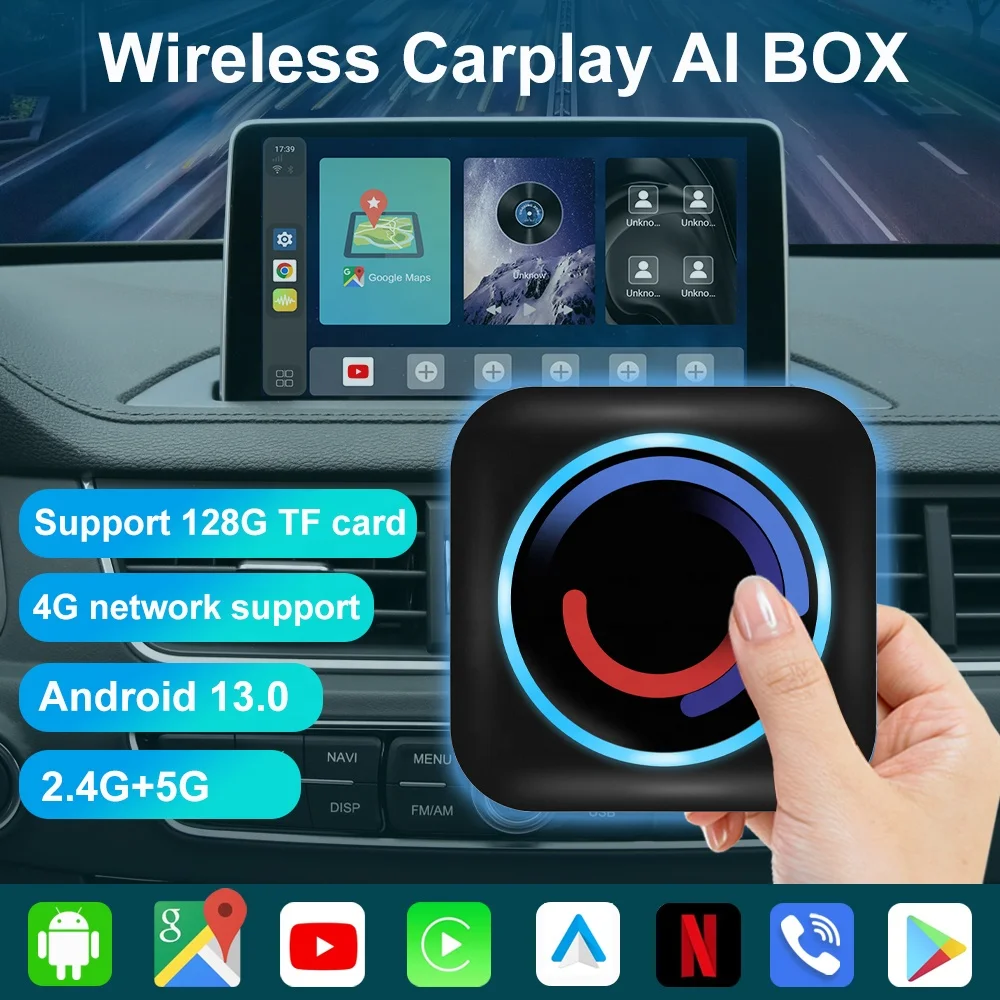
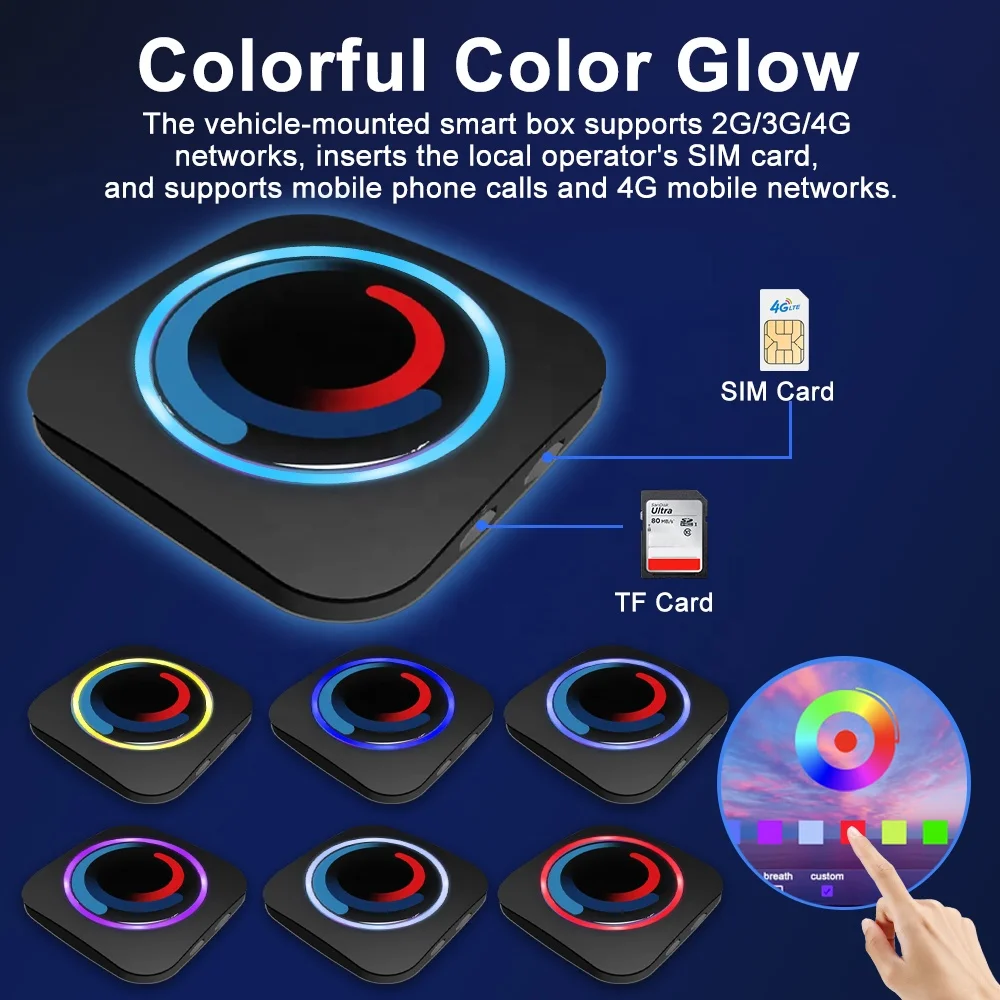
Car Smart Box is equipped with a TF card slot, which can expand the TF card,and the system supports up to 128G TF card.
Car Smart Box, with 2G/3G/4G network support, plug into local carrier SlM card,support for phone calls and 4G mobile network.
Standard version coverage area: Asia Pacific (including mainland China,HongKong, Macao and Taiwan, Southeast Asian countries), the whole of Europe.Australia, New Zealand, South America, Middle East and Mediterranean countries,the above regional major carriers.
2.Insert 2G/3G/4G SIM Card guide direction
WIFI 802.11a/b/g/n/AC, 2.4G+5G
MIFl (Mobile WiFi) function, Car Smart Box can be used as a Mobile WiFi router,to other network devices to provide WiFi hot spot.
Dual BT ( Master and Slave):
Dual BT ( Master and Slave):
Master-BLE4.2 (BT Low Energy) Master BT: complete BT protocol stack on the cellphone side,support to connect all kinds of BT devices, such as BT OBD.BT HID input device (BT mouse, BT keyboard, etc.).
Slave-BT5.1
Slave BT, support the connection of mobile phone BT, provide BT.
hands-free phone, mobile phone BT music transmission and other functions.
hands-free phone, mobile phone BT music transmission and other functions.
Android 13 system, support GMS service framework, provide Google Play, free download and install software. Full free and open system, You can optionally DlY your Car Smart Box.
3.How to connect Car Smart Box's BT phone
You can search for "Car Smart Box" from the mobile phone, or search for mobile phones from “Car Smart Box".
From the mobile phone,you can find the bt device name “Car Smart Box", then complete the BT pairing connection.
From Car Smart Box, Click
the "BT Phone" icon:
Search the mobile phone, Click to select the mobile phone to be connected Click the pairing connection button to complete the
pairing and connection.
the "BT Phone" icon:
Search the mobile phone, Click to select the mobile phone to be connected Click the pairing connection button to complete the
pairing and connection.
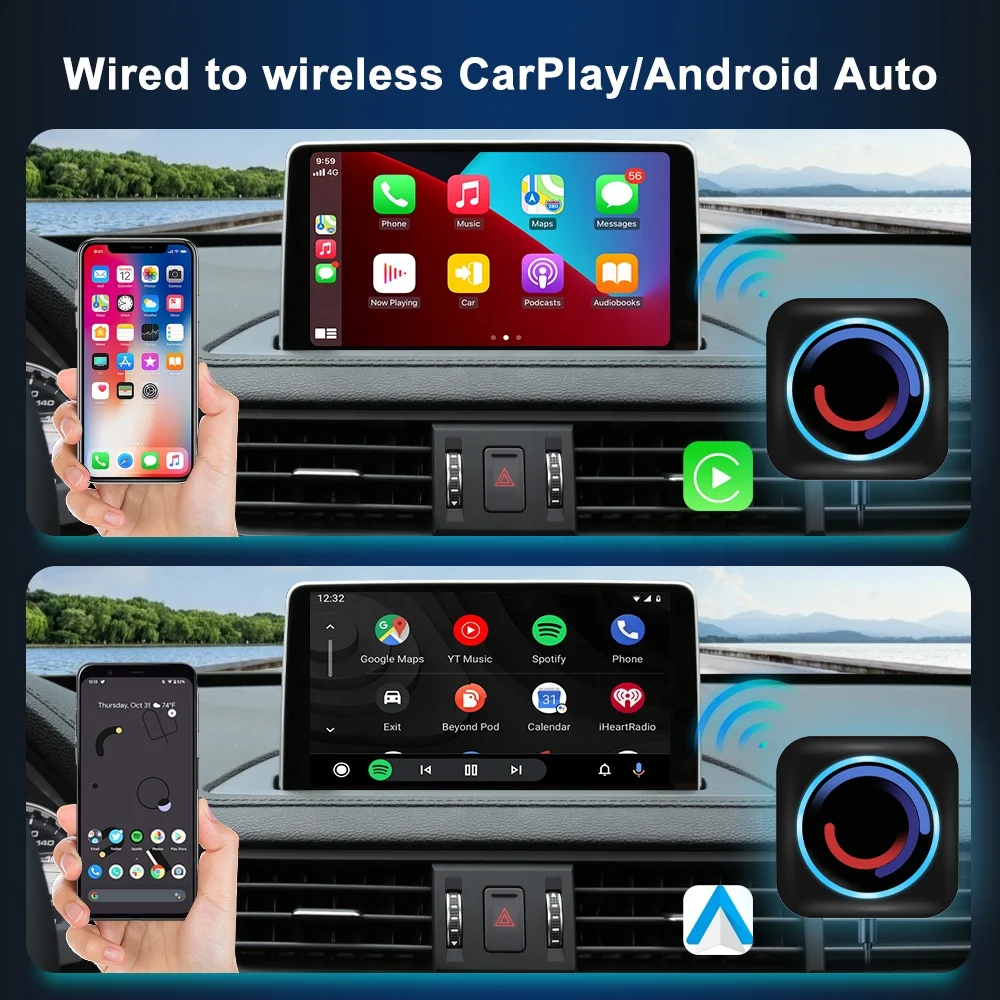
4.How to use wireless Carplay?
Click the "X-LINK" icon to enter the wireless Carplay connection.
Then Car Smart Box will automatically switch to the hotspot
sharing mode (at this time, the WiFi switch is automatically turned off), share a hotspot, and send the hotspot name and password to the iPhone via BT. The iPhone establishes a wireless CarPlay connection with Car Smart Box through the hotspot shared by
Car Smart Box.
sharing mode (at this time, the WiFi switch is automatically turned off), share a hotspot, and send the hotspot name and password to the iPhone via BT. The iPhone establishes a wireless CarPlay connection with Car Smart Box through the hotspot shared by
Car Smart Box.
After the connection is completed, Car Smart Box's slave bt wil be automatically tumed off, and WiFi will
also be automatically turned off (because it has been switched to hotspot sharing mode). Then, you will enter the Carplay UI.
At the CarPlay Ul, click the car icon, click the suspension ball, expand, click the HOME icon, you can return to the launcher of Car Smart Box.
If you completely close the X-LINK app, Car Smart Box's slave bt will automatically turn on and reconnect to your iPhone.But Car Smart Box is still in hotspot sharing mode and will not automatically switch back to WiFi mode. lf you need to use WiFi
now, you can pull down the status bar and turn it on directly through the WiFi switch in the status bar.
also be automatically turned off (because it has been switched to hotspot sharing mode). Then, you will enter the Carplay UI.
At the CarPlay Ul, click the car icon, click the suspension ball, expand, click the HOME icon, you can return to the launcher of Car Smart Box.
If you completely close the X-LINK app, Car Smart Box's slave bt will automatically turn on and reconnect to your iPhone.But Car Smart Box is still in hotspot sharing mode and will not automatically switch back to WiFi mode. lf you need to use WiFi
now, you can pull down the status bar and turn it on directly through the WiFi switch in the status bar.
When the BT connection is
disconnected, open X-LINK and click "Settings"!
lf you want to automatically enter wireless Carplay after connecting to BT, you can turn on the "wireless Carplay automatic connection" switch.
lf you want to automatically enter wireless Carplay after connecting to BT, you can turn on the "wireless Carplay automatic connection" switch.
5.Android phone how to use BT Phone and wireless Android Auto(Android 11 mobile phone to support wireless Android Auto function)
Click the "BT phone" icon to connect the Android mobile phone with the bt module (slave bt, BT5.0) on the Car Smart Box. After one connection, every time the Car Smart Box starts, it will automatically connect with the bt of the Android mobile phone.
Click the "X-LINK" icon to enter the wireless Android Auto connection.
Then Car Smart Box will automatically switch to the hotspot sharing mode (at this time, the WiFi switch is automatically turned off), share a hotspot, and send the hotspot name and password to the Android Phone via BT. The Android Phone establishes a wireless Android Auto connection with Car Smart Box through the hotspot shared by Car Smart Box.
After the connection is completed, Car Smart Box's slave bt will be automatically turned off, and WiFi will also be automatically turned off(because it has been switched to hotspot sharing mode). Then, you will enter the Android Auto Ul.
At the Android Auto Ul, click the car icon or click the floating ball, expand, click the HOME icon, you can retum to the launcher of Car Smart Box.
Marks : Please note the wireless android auto is support the android phone which have wireless android auto function only.
lf you completely close the X-LINK app, Car Smart Box's slave bt will automatically turn on and reconnect to your Android Phone. But Car Smart Box is still in hotspot sharing mode and will not automatically switch back to WiFi mode. lf you need to use
WiFi now, you can pull down the status bar and turn it on directly through the WiFi switch in the status bar.
Click the "X-LINK" icon to enter the wireless Android Auto connection.
Then Car Smart Box will automatically switch to the hotspot sharing mode (at this time, the WiFi switch is automatically turned off), share a hotspot, and send the hotspot name and password to the Android Phone via BT. The Android Phone establishes a wireless Android Auto connection with Car Smart Box through the hotspot shared by Car Smart Box.
After the connection is completed, Car Smart Box's slave bt will be automatically turned off, and WiFi will also be automatically turned off(because it has been switched to hotspot sharing mode). Then, you will enter the Android Auto Ul.
At the Android Auto Ul, click the car icon or click the floating ball, expand, click the HOME icon, you can retum to the launcher of Car Smart Box.
Marks : Please note the wireless android auto is support the android phone which have wireless android auto function only.
lf you completely close the X-LINK app, Car Smart Box's slave bt will automatically turn on and reconnect to your Android Phone. But Car Smart Box is still in hotspot sharing mode and will not automatically switch back to WiFi mode. lf you need to use
WiFi now, you can pull down the status bar and turn it on directly through the WiFi switch in the status bar.
6.About Car Smart Box's setting options
Navigation app setup: Allows you to specify an APP to join our navigation software whitelist, and the system handles the sound type
of this APP in accordance with the navigation software.
Voice assist: Allows you to specify an APP to use the original car's voice button(long press for 3 seconds) or the voice button on
the floating ball to wake up.
Use the OEM GPS data: if this option is checked, the GPS data output from the OEM navigation hardware can be used. lf the test is OK, the GPS antenna cannot be plugged in. The vehicle does not have navigation hardware, or has navigation hardware, but does not
implement GPS data transmission function specified in carplay standard protocol , then you can't check this option, you can only connect the GPS antenna to obtain GPS data.
Copy log file to SD Card: Copy the log of startup and system operation to SD card, mainly for R&D and debugging.
of this APP in accordance with the navigation software.
Voice assist: Allows you to specify an APP to use the original car's voice button(long press for 3 seconds) or the voice button on
the floating ball to wake up.
Use the OEM GPS data: if this option is checked, the GPS data output from the OEM navigation hardware can be used. lf the test is OK, the GPS antenna cannot be plugged in. The vehicle does not have navigation hardware, or has navigation hardware, but does not
implement GPS data transmission function specified in carplay standard protocol , then you can't check this option, you can only connect the GPS antenna to obtain GPS data.
Copy log file to SD Card: Copy the log of startup and system operation to SD card, mainly for R&D and debugging.
specifications
Item | Value |
Name | Mini Carplay AI Box |
Adapter models | Universal |
CPU | Octa-core 2.3GHz 12nm |
System | Android 10.0 (Support update to 12.0) |
RAM | 4GB |
ROM | 64GB |
Color | Black |
Expansion card slot | SIM Card TF Card |
Feature | Improve Car Performance |
Network | 2G/3G/4G/WIFI |
Installation | USB Plug-n-play Performance |
GPS | Integrated internal GPS |
Support Phone System | iPhone iOS & Android OS |
Recommend Products


Our Advantages
Why choose Jmance?
1. Our machines VS Most machines on the Market
a. The raw materials of our company are all brand new provided by big suppliers. For example, we use the brand new 911 chip on the market,Touch screen LCD screen has no black spots, no defects, sensitive touch, strong anti-interference ability.
b. Customizable rear case cooling , Reduce machine temperature and extend service life.
c. Support Goldfinger DSP.Companies are constantly innovating and improving their products and applications.
d. A variety of UI interface to choose from,UI novel.Committed to the production of leading market trend, high-quality products.

2. The company established more than 10+ years, old brand, worthy of trust,Has more than 1000k+ followers.
3. The company's product category is complete, adapt to a variety of central control to provide, but also a variety of accessories to provide, sellers can one-stop procurement.

4. One year warranty, we provide free firmware, software, user interface, GPS navigation map updates.For old customers we will always provide free after-sales service, but will charge extra maintenance fees.
5. The company can provide customized services according to customer requirements, such as customized logo, customized language, customized packaging box, customized screen and back shell, please contact us if necessary.
6. All products have passed strict quality testing before leaving the factory, and obtained SGS, UL62368, CE, FCC, RoHS and other product quality certification, to ensure high quality.
7 to provide customers with good after-sales service, if you have any questions, please feel free to contact me (24 hours customer service).
5. The company can provide customized services according to customer requirements, such as customized logo, customized language, customized packaging box, customized screen and back shell, please contact us if necessary.
6. All products have passed strict quality testing before leaving the factory, and obtained SGS, UL62368, CE, FCC, RoHS and other product quality certification, to ensure high quality.
7 to provide customers with good after-sales service, if you have any questions, please feel free to contact me (24 hours customer service).
Company introduction
 VR
VR
Shenzhen Jiayitong Electronics Co., Ltd.
Shenzhen Jiayitong Electronics Co., Ltd. was established in 2016 and is located in Shenzhen. It is a professional R&D and manufacturing factory for in-vehicle instrumentation entertainment system. The core technical team develops more intelligent and cost-effective products to win the market. The products include in-vehicle central control instrument panel navigation, DVR,portable entertainment system, and in-vehicle rear entertainment system. Our products cover the installation and use of hundreds of car dashboards. The products have Linux, Android 10, Android 11 systems, and are equipped with 4 cores, 8 cores,1+16/2+16/2+32/4+64/6+128/ 8+128, functions include 4G, WiFI Internet access, CARPLAY, Android Auto, RDS, DSP, AHD 1080P rear camera, front and rear camera/DVR, 360 panorama/DVR, HDMI video output, etc.
In addition, we have obtained SGS, UL62368, CE, FCC, RoHS and other product quality certifications. Our products are mainly exported to South America, North America, Europe, etc. We also welcome OEM and ODM orders. We have a strong R&D team with nearly 60 skilled workers to ensure the quality of the order, if you are interested in any of our products or wish to discuss custom orders, please feel free to contact us. We look forward to establishing a successful business relationship with you!

FAQ
Q1:Are you a trading company or a manufacturing company?A:We are the manufacturers.
Q2:Can you ship the goods to our country?
A:Yes, you can choose express (DHL/UPS/FEDEX/EMS/ARAMEX/TNT) and by air, by sea to most countries.
Q3:Can I test the sample?
A:Yes, we can provide samples for testing for a fee.The cost of the sample will be refunded when the next batch of customer mass production orders, but shipping costs are not included.
Q4:How do you ensure quality?
A:The company designs and develops the system and circuit board according to the requirements of customers for CE, using high quality materials to ensure the good performance of the system, and carries out quality control tests for many times before delivery, so that the products can meet the requirements of automobile dealers and are durable.
Q5: What is your terms of packing?
A:Generally speaking, we pack the goods in neutral boxes and cartons. If you have a legally registered patent, we can get your authorization to customize the boxes and put the goods into your brand boxes
Q6:Do you test all your goods before delivery?
A: Yes, we have 100% test before delivery.
Q7:How long is the delivery time?
A:Sample 3 days, bulk order generally 7-15 days, depending on the order quantity and your specific requirements.
Q8:How do you make our business long term and good relationship?
A:1. We will ensure the interests of our customers with good quality and competitive price;
2. We treat every customer as a friend and sincerely do business with everyone and make friends, no matter where they are from.


We Recommend
New Arrivals
New products from manufacturers at wholesale prices







