
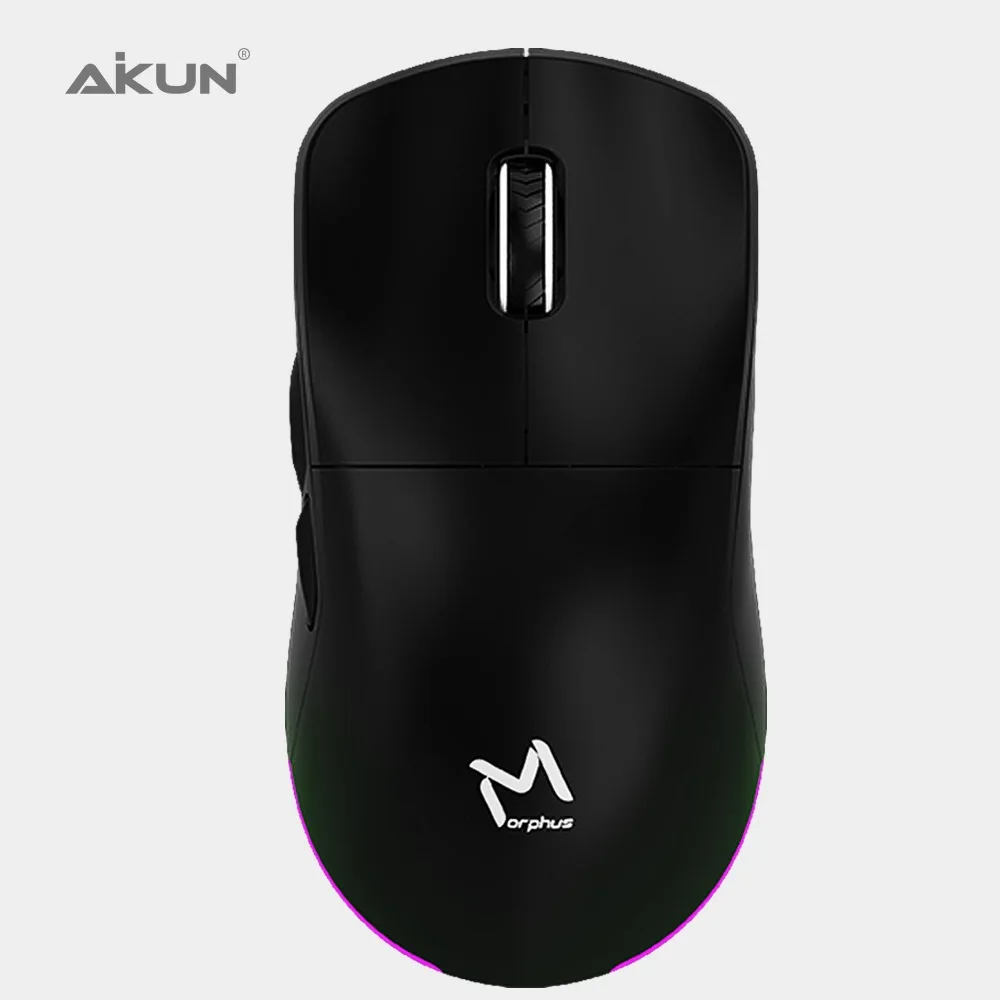
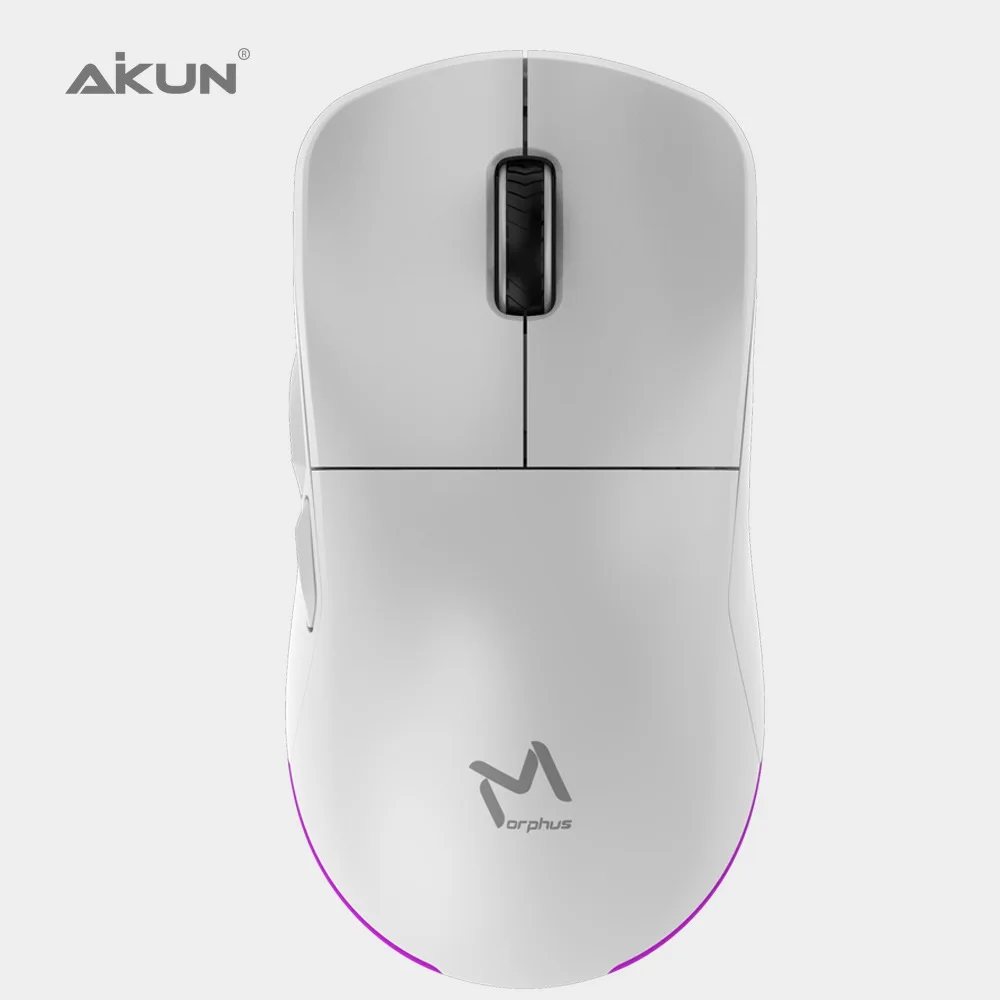

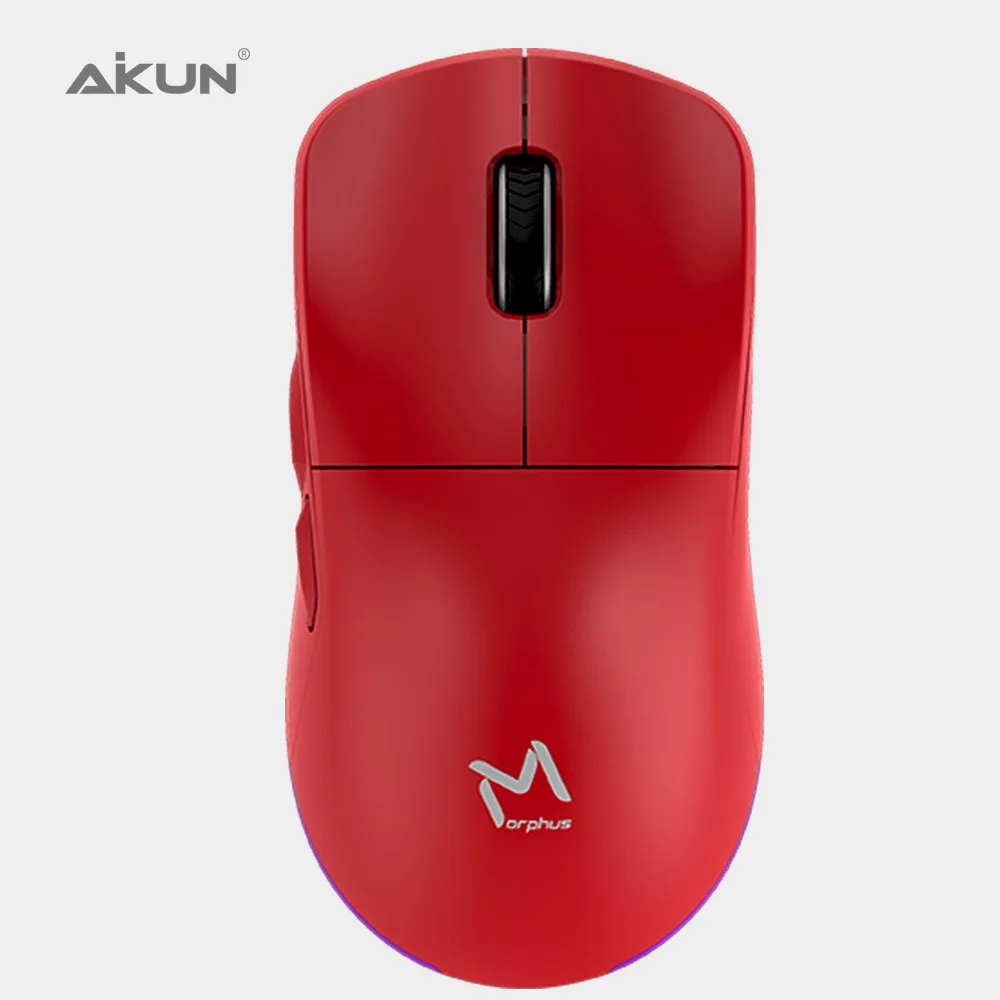

GX43 12800DPI RGB Programmable Optical Gaming Mouse 12800DPI , USB2.0 / MCU SPCP A825FD26 DIY UP Cover
- Category: >>>
- Supplier: Aikun(China) Electronics Company Limited
Share on (1601053554491):
Product Overview
Description
ITEM # | (1)NAME OF COMODITY AND DESCRIPTION |
GX43 - 12800DPI | RGB Programmable Optical Gaming Mouse 12800DPI , USB2.0 / MCU - SPCP-A825FD26 - DIY UP Cover |
Shape | A Comfortable Contoured Shape - DIY Magnetic Detachable Up Cover |
DPI | Custom, Gaming grade 12800dpi Optical Sensor |
Light | Dynamic Multicolor Backlighting |
Function | Interchangeable Thumb GripBody coating Matte UV Coating Built in weight metal inside |
cable | Cordless 2.4Ghz |
Port | USB 2.0/3.0 |
Product Description


Play fast Play harder
GX43WR Cordless Rechargeable RGB ultra-durable Gaming Mouse combines RGB backlighting,
up to 80IPSand 20G Acceleration and Comfortable design, allowing you to play on, whatever happens.
up to 80IPSand 20G Acceleration and Comfortable design, allowing you to play on, whatever happens.


GX43WR LIGHTWEIGHT DESIGN
During competition, even the tiniest advantage can make a difference. The Aikun transformer weighs in at just 89g
without any compromise on its build strength. A lighter mouse allows swifter, more controlled swipes,
augmenting the speed of your reaction in battle.
without any compromise on its build strength. A lighter mouse allows swifter, more controlled swipes,
augmenting the speed of your reaction in battle.


Product packing


Best Selling
Certificate


RED Health Test
CE test
Patent design
Frequently asked questions
What is the form factor of the Transformer GX43?
the Transformer GX43 features an improved ambidextrous design.
How do I change the settings of my Transformer GX43?
To change the settings of your Transformer GX43– including changing lighting, macros and other functions, please install The Transformer GX43 programmable software
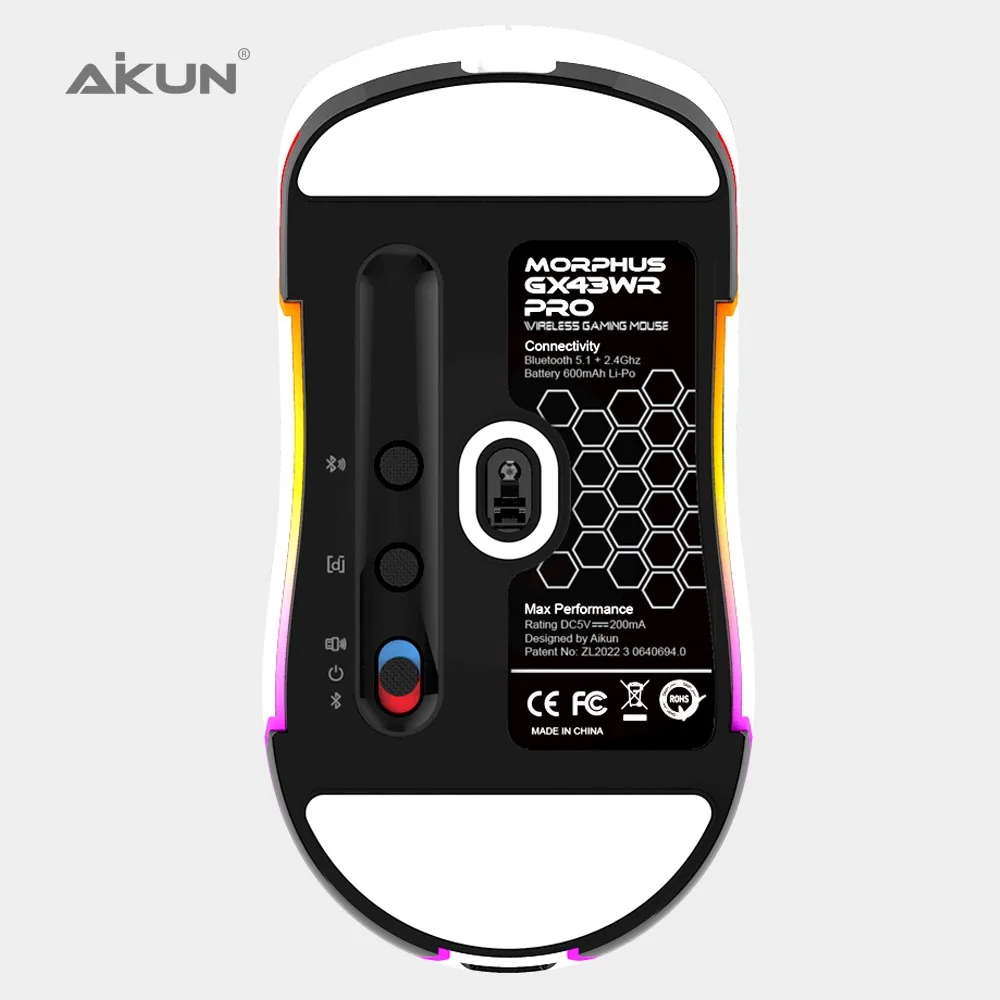
What is the button at the bottom of the Transformer GX43?
The button acts as a DPI toggle button, allowing to switch across 4 different DPI stages on the fly. You can preset these settings via transformer GX43programmable software
What quick lighting effects are available for the transformer GX43?
The Razer Viper features Audio Meter, Spectrum Cycling, Breathing, Static and Reactive quick effects.
What is "On-The-Fly Sensitivity" and how do I configure it?
"On-The-Fly Sensitivity" adjustment allows you to set a button of your choice on the Transformer GX38 to enable the feature. If a button has been assigned to "On-The-Fly Sensitivity," pressing and holding the assigned button down while moving the scroll wheel up or down will produce a bar on the lower right-hand corner of your screen allowing you to adjust your sensitivity settings.
Company Introduction


We Recommend







New Arrivals
New products from manufacturers at wholesale prices






