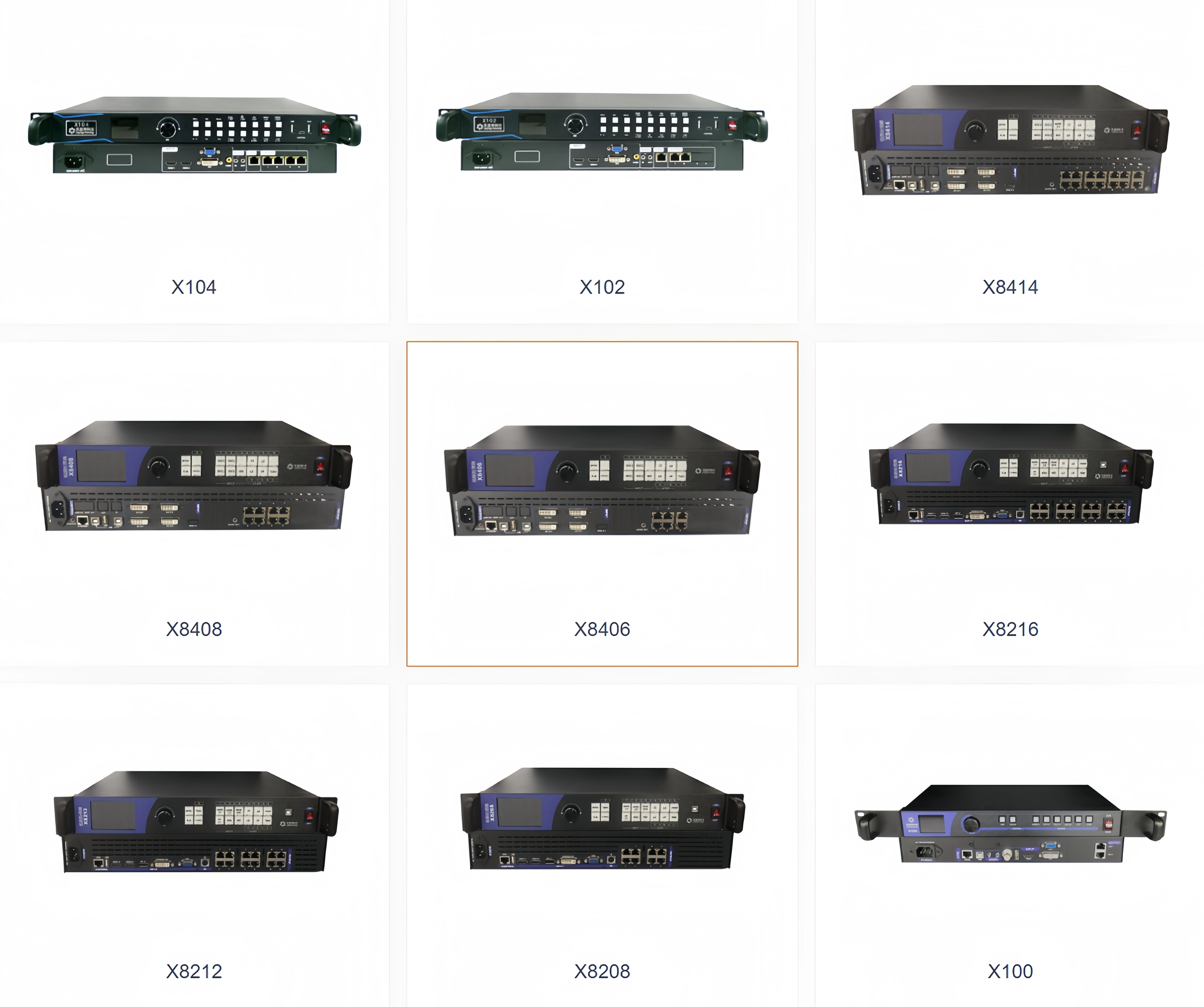
Linsn Technology all in one processor X200 supports LED electronic display with sending card
- Category: >>>
- Supplier: Shenzhen Ledstore Technology Co.Ltd
Share on (1601080650591):
Product Overview
Description
Hello, boss! Welcome to our shop. What can I do for you?
Dear customer :
Thank you for your visit to Shenzhen Ledstore technology Co.Ltd Alibaba International station! Nice to meet you~
We are a LED display control solution integration provider, located in Shenzhen,specializing in the production of LED video processor and LED control system supporting products.
The company has a professional R & D team, most of them have more than 15 years of LED industry experience.
We are confident to provide you with free LED display professional consultation and the best LED control solutions.
If you are looking for LED display and supporting products, welcome to consult.
Our team is always at your service.
Thank you very much\(◎o◎)/!
The company has a professional R & D team, most of them have more than 15 years of LED industry experience.
We are confident to provide you with free LED display professional consultation and the best LED control solutions.
If you are looking for LED display and supporting products, welcome to consult.
Our team is always at your service.
Thank you very much\(◎o◎)/!
After Sales Service
★ 24 hours around clock & 12 months warranty
★ life-long technical support for the product Quality Control
★ 5 times testing during production
★ our product have got CE FCC ROSH certification


Shenzhen Ledstore technology Co.Ltd

Two-in-one video processor | ||||||||||||||
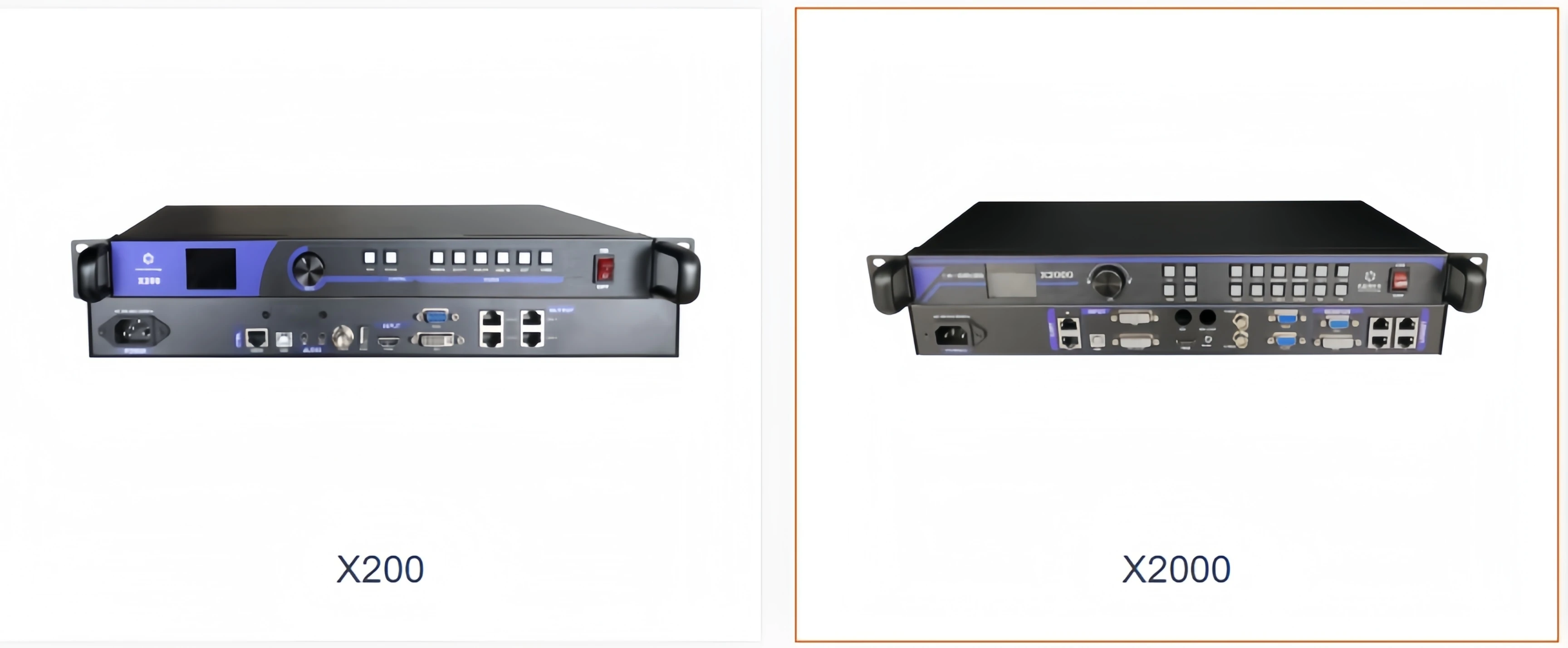
Model number | X100 | X200 | X1000 | X2000 | X8208 | X8212 | X8216 | |||||||
Playback system | support U disk playback | / | supporting 3D/4k | |||||||||||
on-load | 1.3 million | 2.3 million | 1.3 million, width and height 3840*1920 | 2.6 million, width and height 3840*1920 | 5.2 million width and height 8192*4000 | 7.8 million width and height 8192*4000 | 10.4 million width and height 8192*4000 | |||||||
Product display

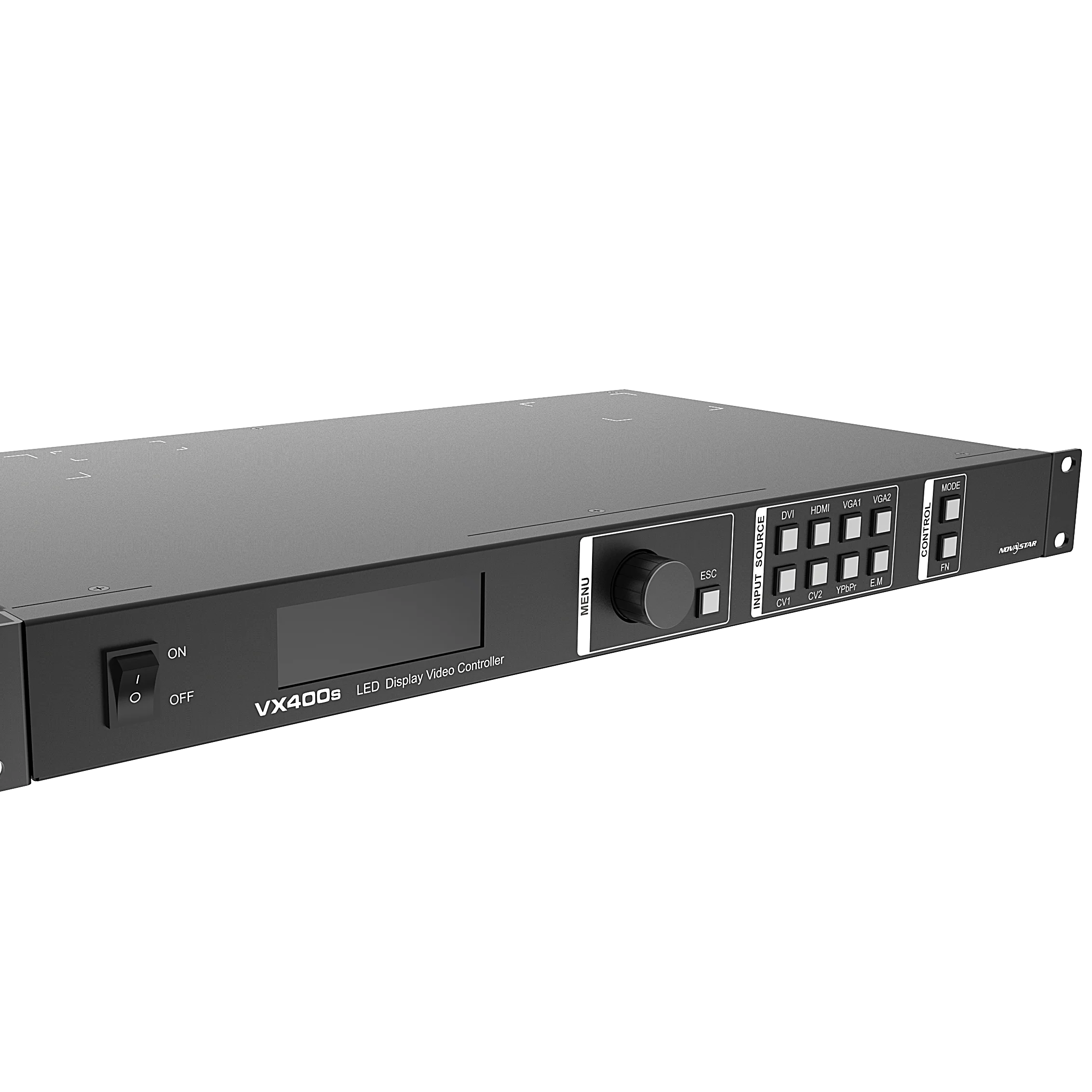
X200 is a cost-effective multi-in-one video processor developed by Lingxing Rain for the needs of engineering screens. The product integrates U disk playback, sending card, video processor and other functions as one, a single device with a maximum load of 2.3 million pixels: the maximum broadband load 3840 pixels, the maximum load 1920 pixels.
Electrical specification | Operating voltage | AC 100-240V, 50/60Hz |
Rated power consumption | 15W | |
Working environment | Temperature | -20℃ ~ 70℃ |
Humidity | 0%RH to 95%RH | |
Physical specification | Chassis Dimensions | 482.6 x 241.2 x 44.5 (unit mm) |
Weight | 2.4Kg | |
Package size Packing | specification | Crash-proof pearl cotton and cardboard boxes |
Carton size | 48.5 * 13.5 * 29 (unit cm) |
Key Features
② support U disk offline playback;
③ four network port output, the maximum load 2.3 million pixels;
④ the widest 3840 pixels, the highest 1920 pixels;
⑤ support audio input and output;
⑥ support DVI\\VGA\\CVBS\\HDMI 1.3@60HZ input;
⑦ support multi-channel switching;
⑧ support edid custom management;
⑨ support point-to-point display and full screen scaling.
Appearance Description
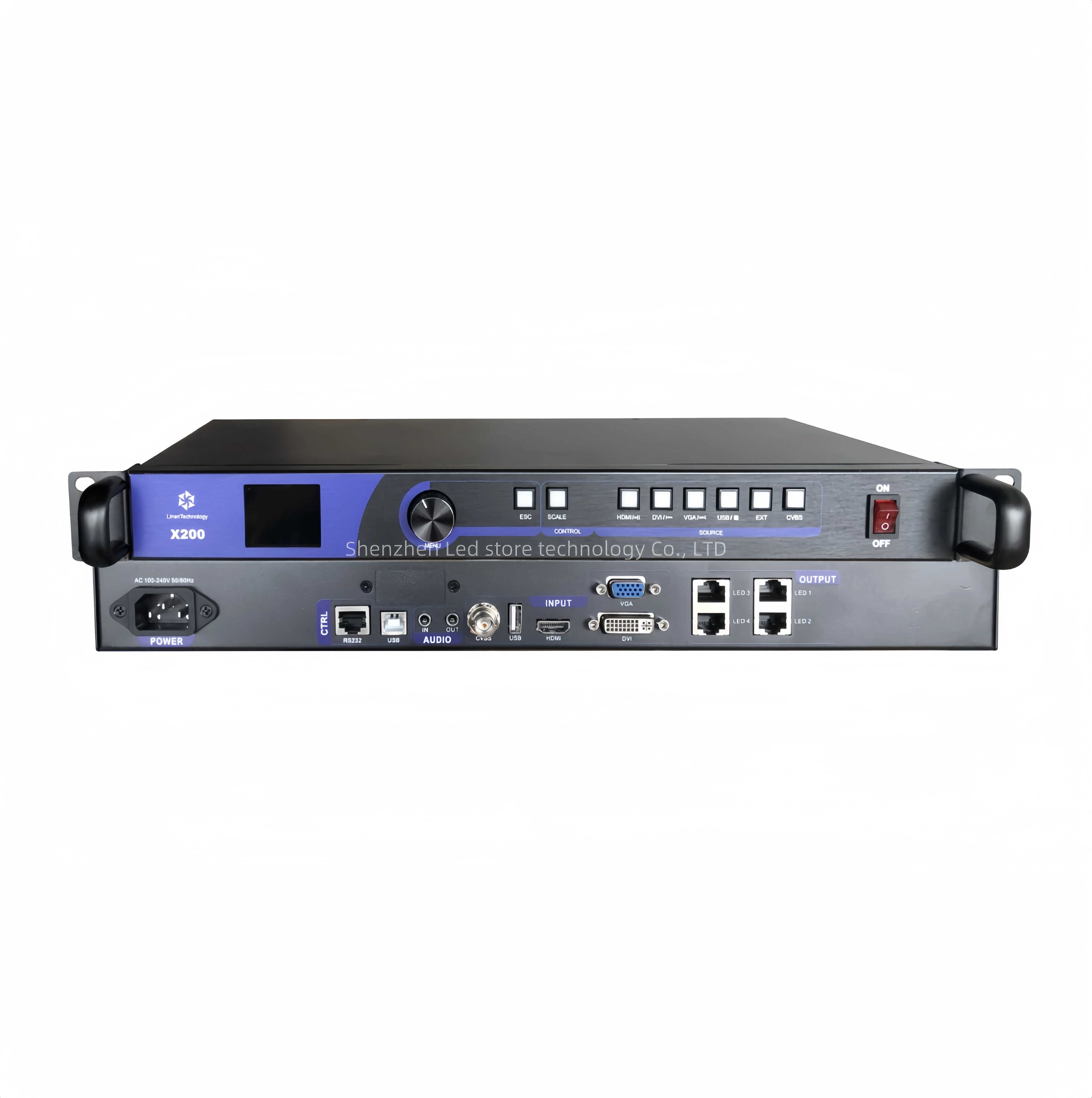
Overall appearance:

Front panel:

Parameter specification
Serial number | screen | Function introduction |
1 | LCD screen | It is used to display the menu and the current working status of the device. |
2 | Knob switch | (1) In the main interface, press the knob switch to enter the menu interface. (2) In the menu interface, rotate the knob left and right to scroll to select the submenu Or set submenu parameters. (3) After setting the sub-menu parameters, or selecting the sub-menu, press again Press the button to confirm the menu parameter Settings or confirm the selection of the sub-dish Single. |
3 | Backspace key | Exit the current menu and return to the previous menu |
4 | Scale key | Full-screen zoom and point-to-point mode switch shortcut keys. |
5 | Incoming letter Number source selection Key selection | There are a total of 6 buttons in this area, and each button has the following functions: (1) HDMI: HDMI channel signal input key. (2) DVI: DVI channel signal input key. (3) VGA: VGA channel signal input key. (4) USB: U disk signal source input key. (5) EXT:reserved. (6) CVBS: CVBS channel signal input. |
6 | Power switch | Device power switch to turn on or off the device. |
Rear panel:

Control section | ||
Sequence number | specification | |
1 | RS232, connected to the central control device. | |
2 | Use USB to connect to a PC and operate LEDSET software for parameter setting and software upgrade | |
Input part | ||
Sequence number | port | Instructions |
3, 4 | AUDIO | Audio input and output |
5 | CVBS | PAL/NTSC standard video input |
6 | USB | flash drive file playback. * Support image file formats: jpg, jpeg, png, bmp. * Support video file formats: mp4, avi, mpg, mov and rmvb. |
7 | HDMI | HDMI1.3 standard, supports a maximum of 1920*1080@60Hz video Source, backward compatible |
8 | VGA | supports a maximum of 1920*1080@60Hz video sources and is backward compatible. |
9 | DVI | VESA standard, up to 1920*1080@60Hz video sources, Backward compatibility. |
Output part | ||
10 | Network ports | Four network port output, connected to the star Rain receiving card, single network port maximum support 650,000 pixels |
Product size
X200 size: 482.6 * 241.2 * 44.5 (unit cm)

Certifications

Logistics & Payment

FAQ
FAQ
Q: Are you a manufacturer?
A: Yes, we are a professional manufacturer of display power supply and LED control system.
Q:Why must full color LED display use video processor?
A: Yes, we are a professional manufacturer of display power supply and LED control system.
Q:Why must full color LED display use video processor?
A:The video processor is a full-scale witness and iconic device for the birth, growth and maturity of LED full-color displays. The dedicated video processing equipment for LEDs has gradually matured in this process. The pros and cons of the video processor directly affect the display effect of the LED display。
Q:What is your current lead time?
A: usually no more than 10 days; and some products are in stock for quick delivery
A: usually no more than 10 days; and some products are in stock for quick delivery
Q. Is this video processor support Nova control system?
A: Yes, our video processor is a universal mode, support most control system such as Linsn/ Colorlight/ Nova and so on.
Q.How can i pay for the order? Is safe enough?
A: Yes, we provide a written guarantee order until you confirm receipt of the goods.
Q. The display will come to me in panel? How to instal them to be one whole led display?
A: Yes, but it's very easy. We will provide structure drawing, installation diagram and the data connectdiagram. and, we also can arrange engineer to your site if you need.
Q.Can we make any size we want? And What's the best size of led display?
A:Yes, we can design any size according to your size requirement. Normally, advertising ,stage led display.The best aspect ratio of LED display are W16:H9 or W4:H3
Q.What's the function of video processor?
A:lt can tranfter the video source to make the display performance more clearAnd, normally, if led display connected to computer (DVI Signal) directly, no need video processor, if wantplay other kind video source, such as HDMl, SDIVGA signal port. that will need.Or. the HD led display. its resolution is high, need more than 2pcs sending card. also need videoprocessor.
A: Yes, our video processor is a universal mode, support most control system such as Linsn/ Colorlight/ Nova and so on.
Q.How can i pay for the order? Is safe enough?
A: Yes, we provide a written guarantee order until you confirm receipt of the goods.
Q. The display will come to me in panel? How to instal them to be one whole led display?
A: Yes, but it's very easy. We will provide structure drawing, installation diagram and the data connectdiagram. and, we also can arrange engineer to your site if you need.
Q.Can we make any size we want? And What's the best size of led display?
A:Yes, we can design any size according to your size requirement. Normally, advertising ,stage led display.The best aspect ratio of LED display are W16:H9 or W4:H3
Q.What's the function of video processor?
A:lt can tranfter the video source to make the display performance more clearAnd, normally, if led display connected to computer (DVI Signal) directly, no need video processor, if wantplay other kind video source, such as HDMl, SDIVGA signal port. that will need.Or. the HD led display. its resolution is high, need more than 2pcs sending card. also need videoprocessor.

We Recommend
New Arrivals
New products from manufacturers at wholesale prices







