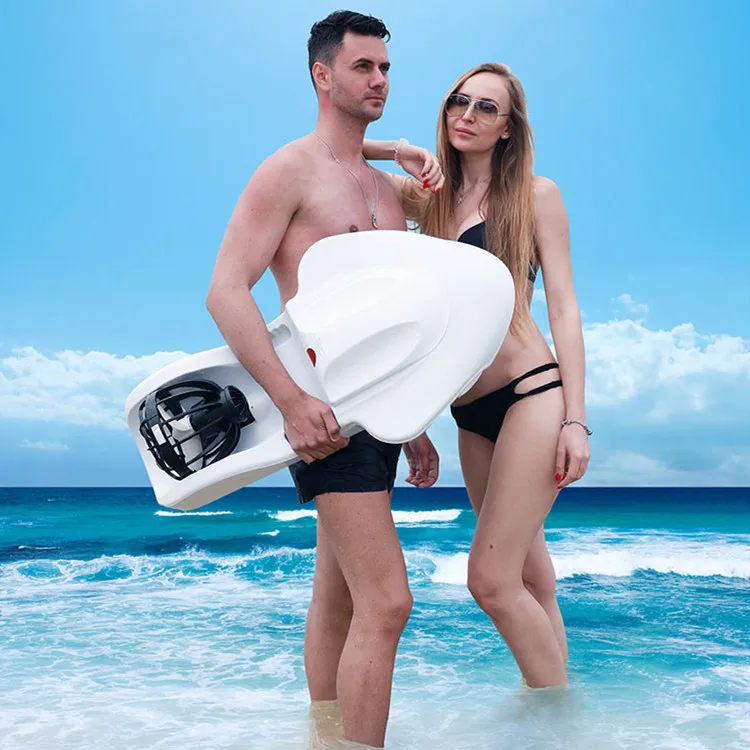
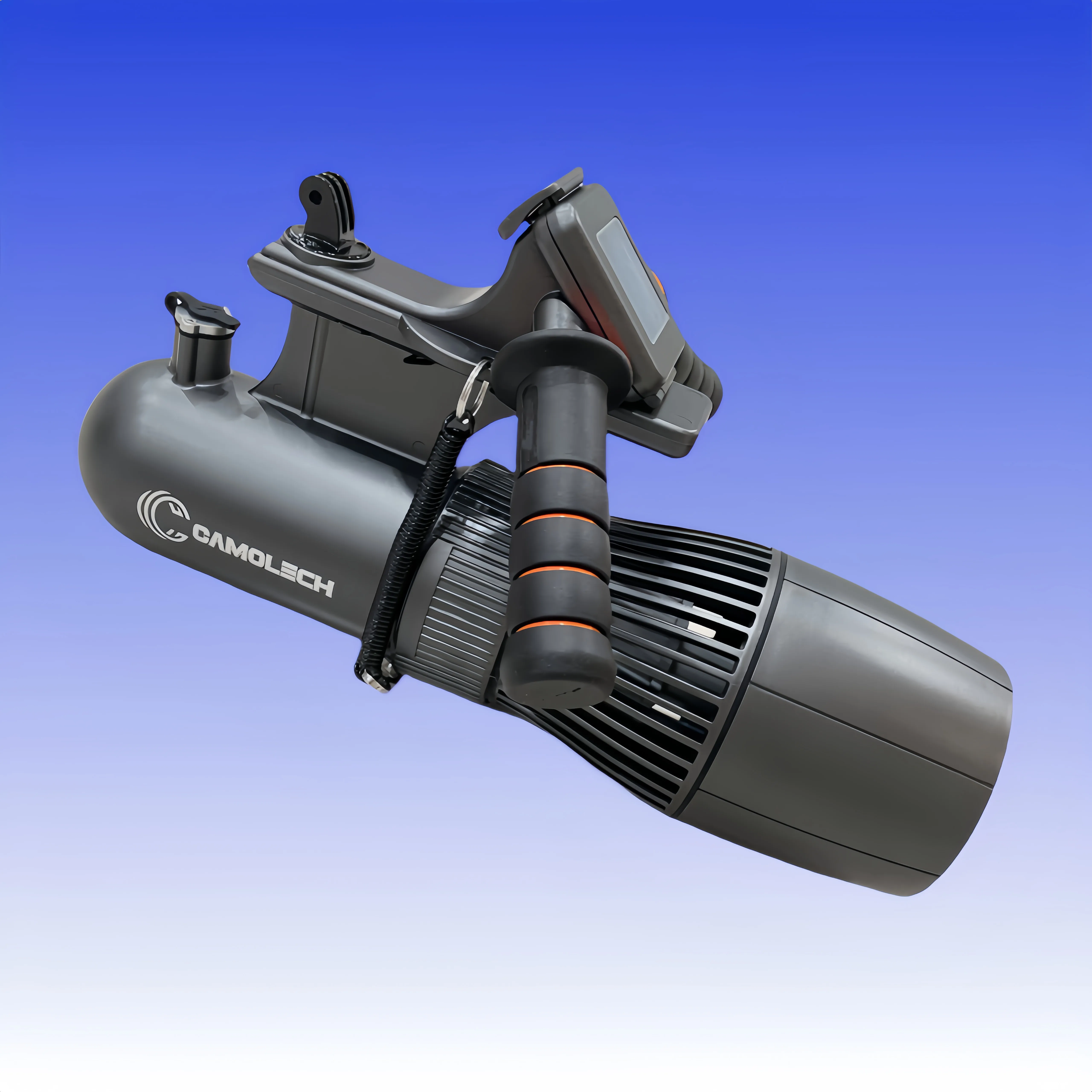
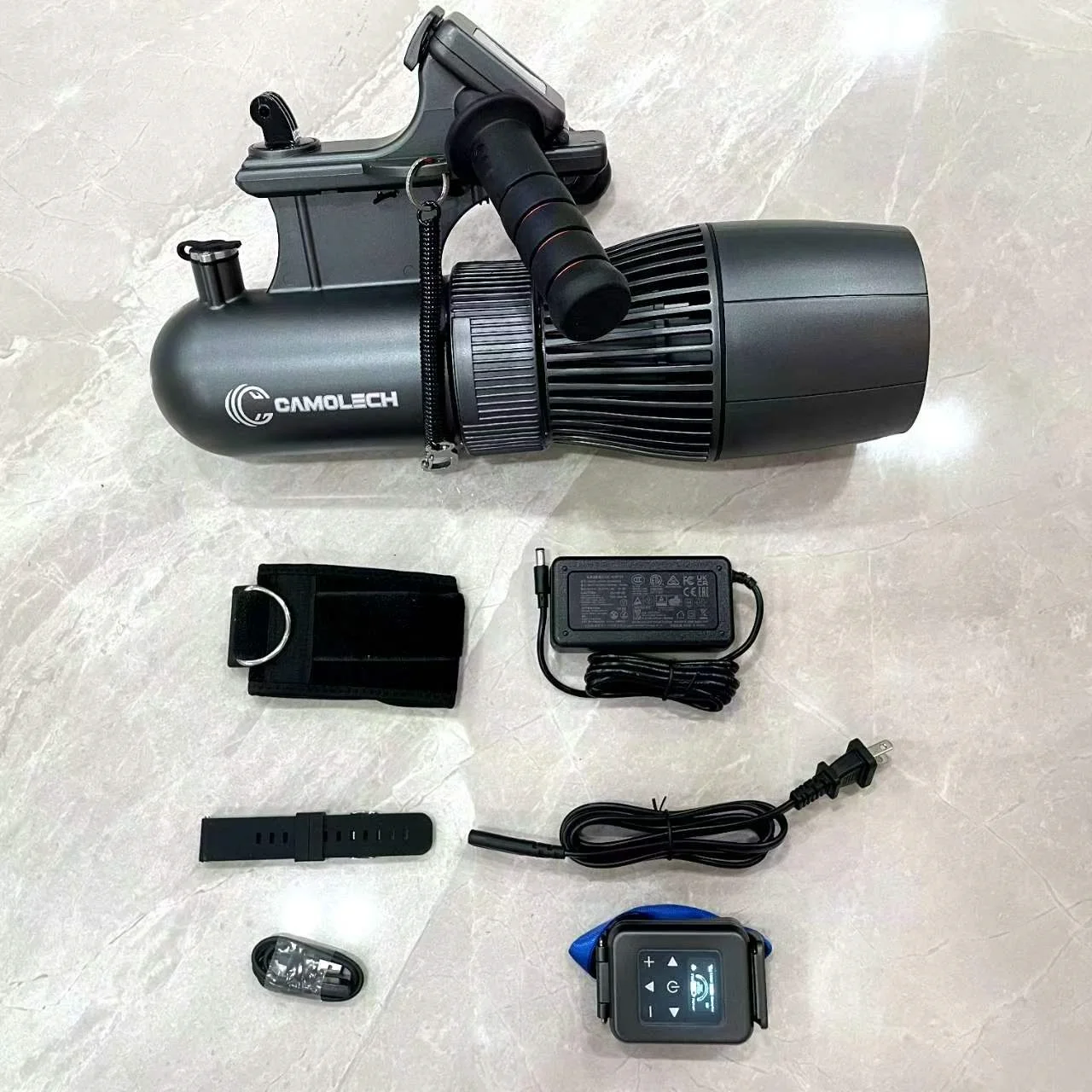
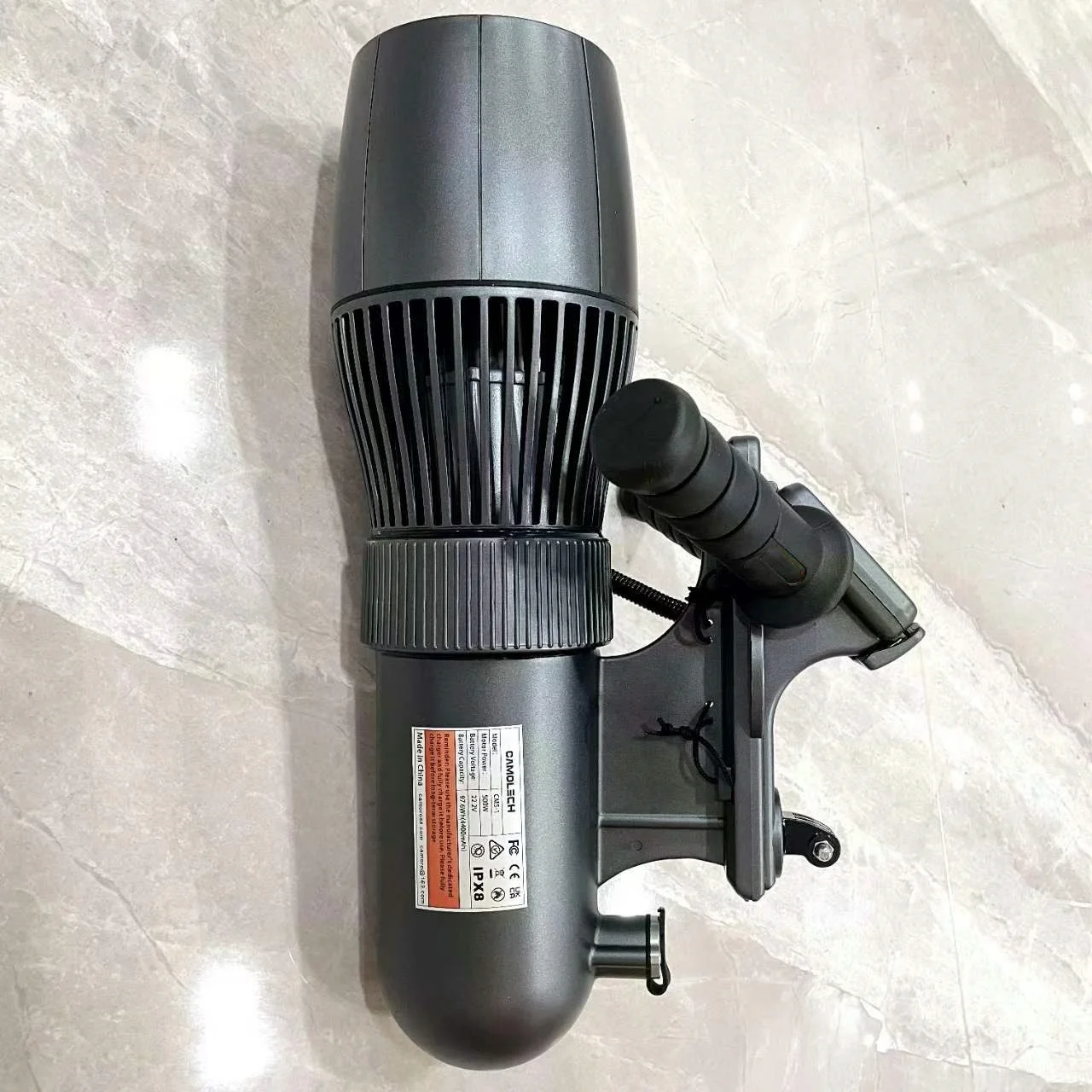
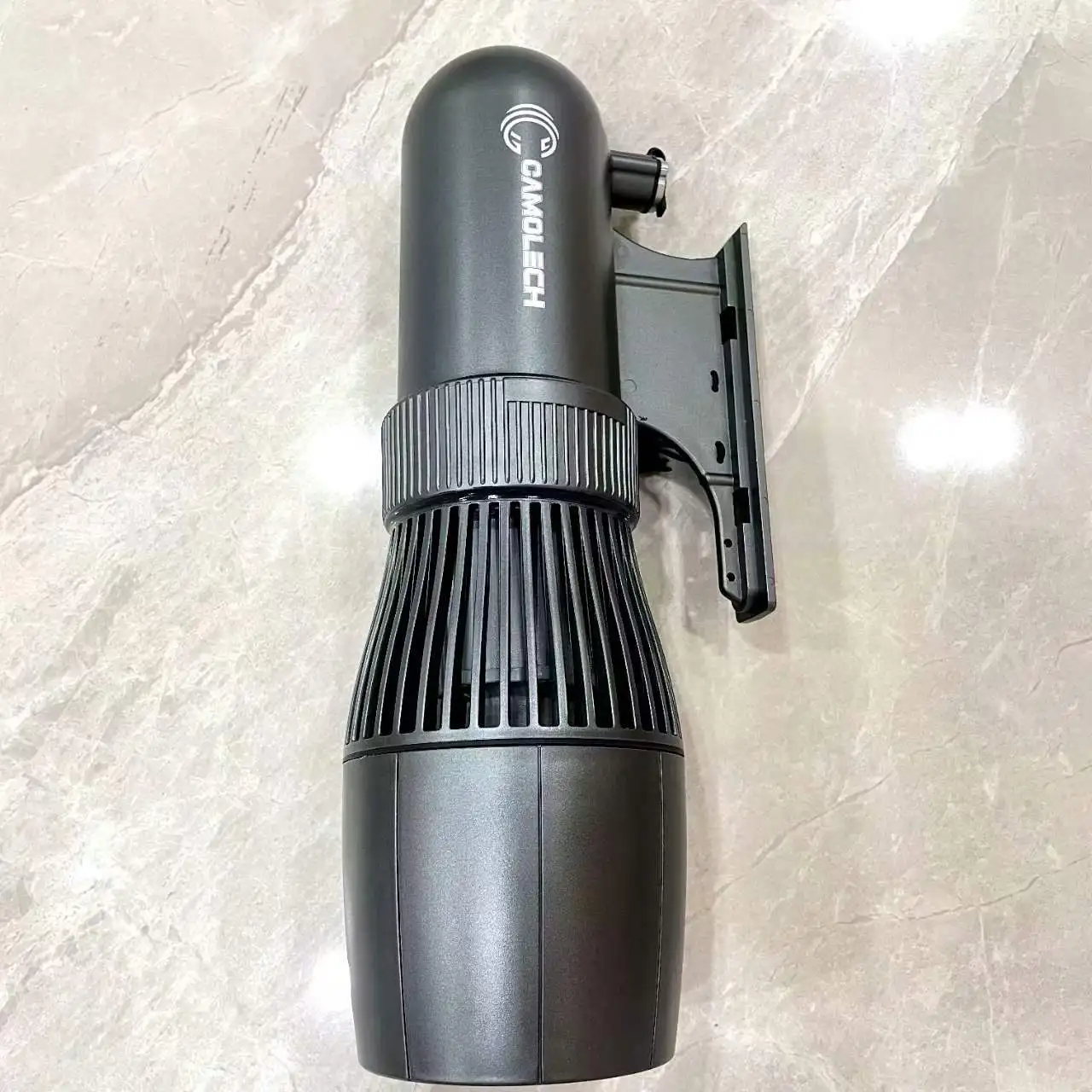
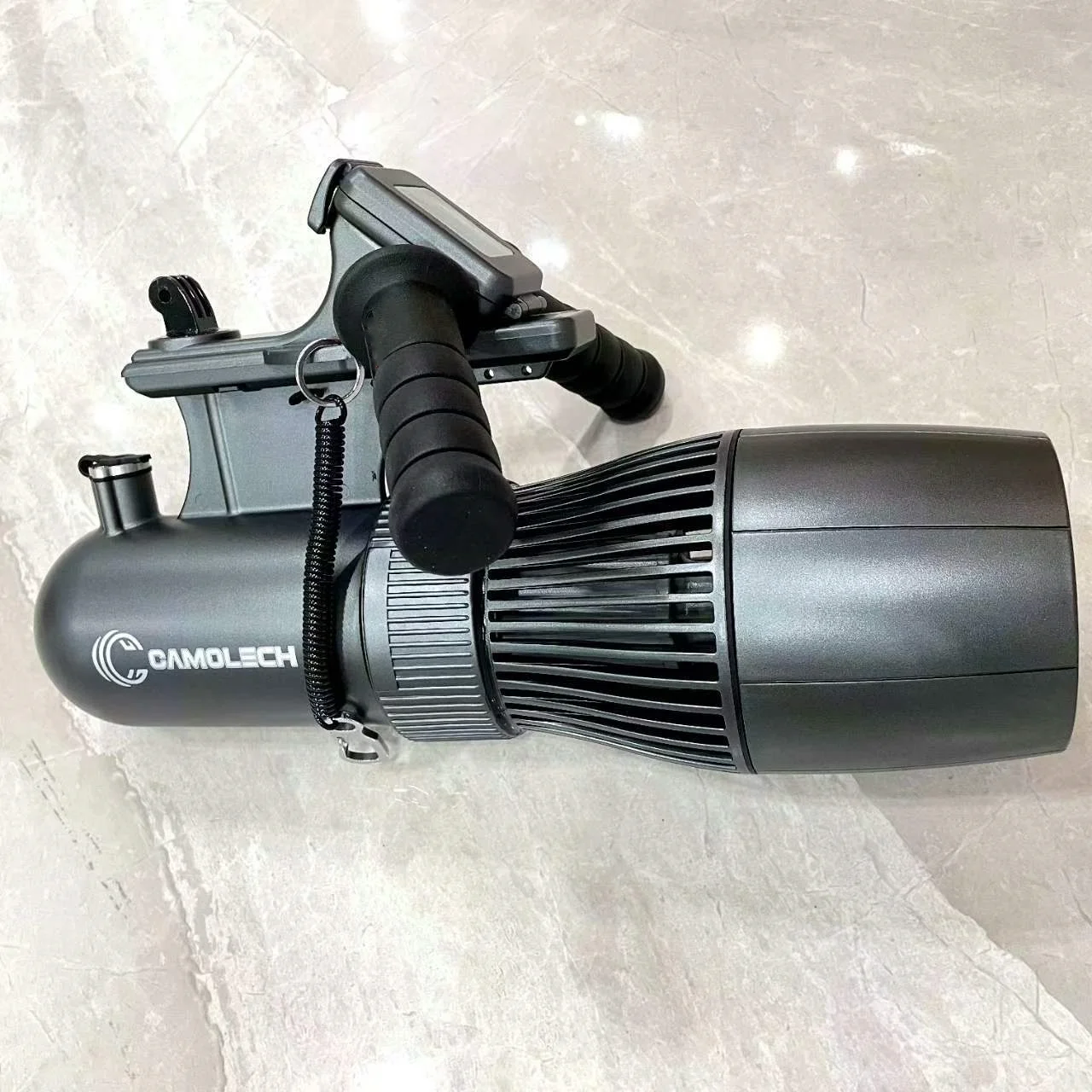
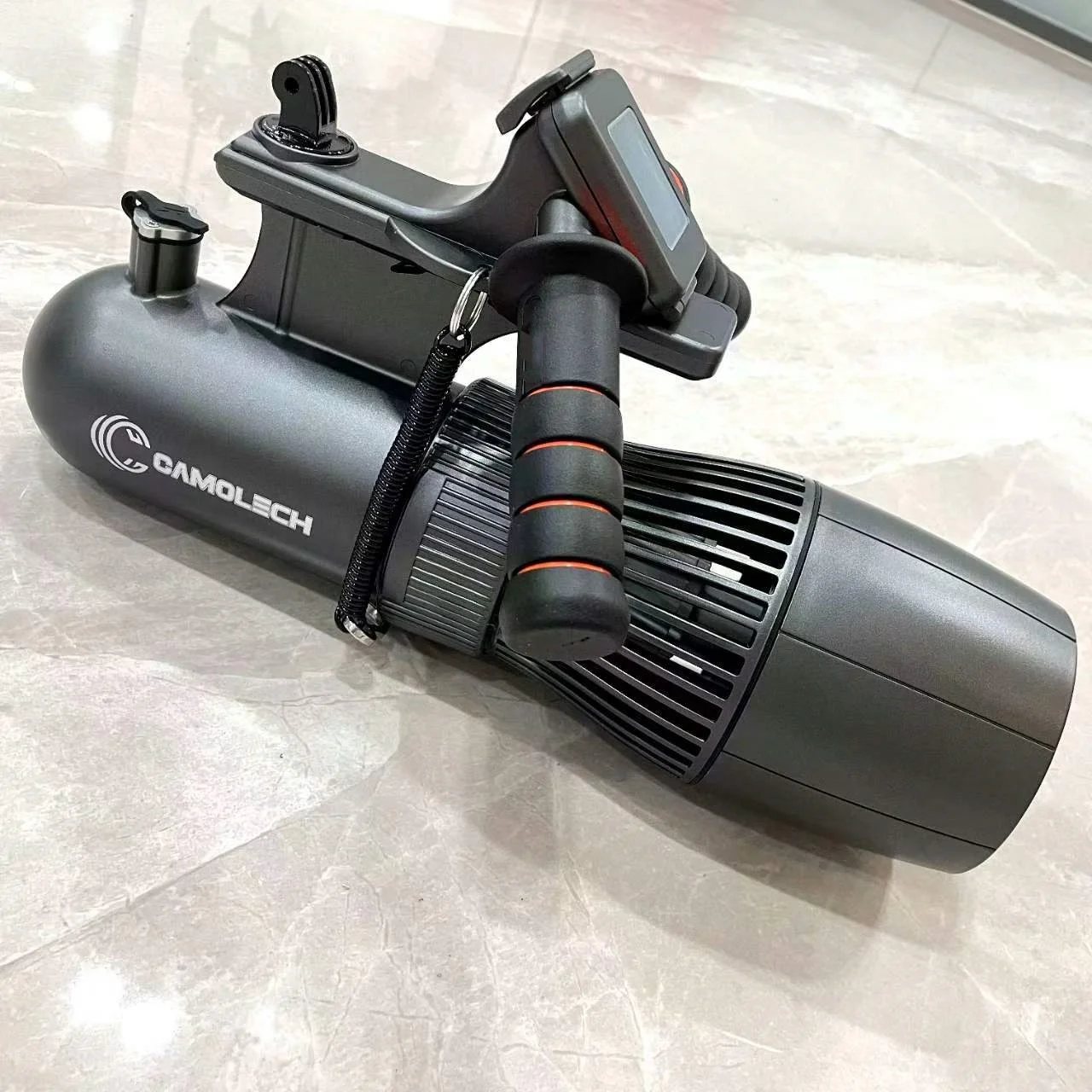
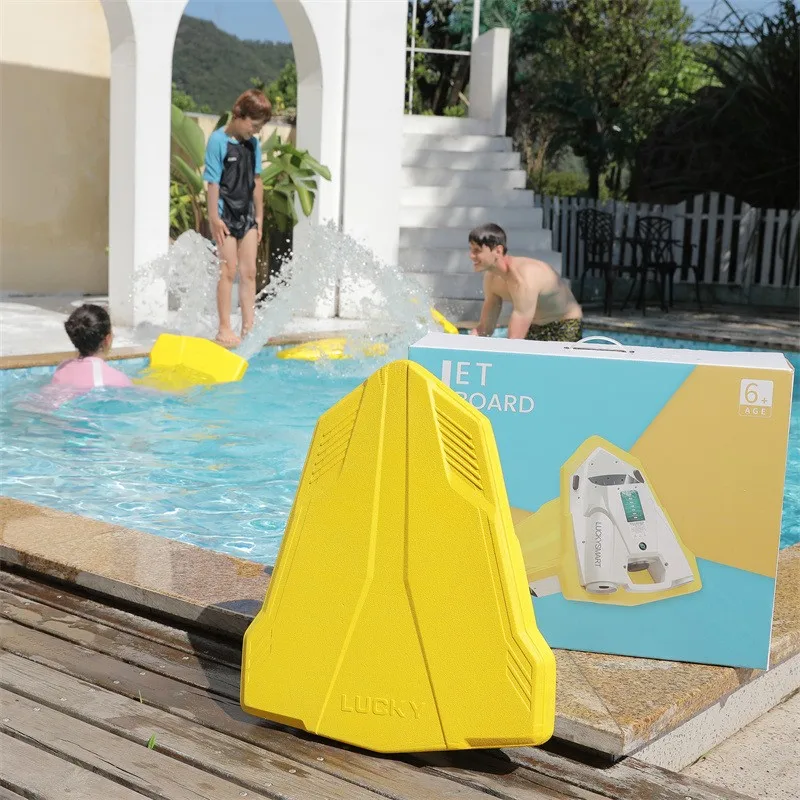
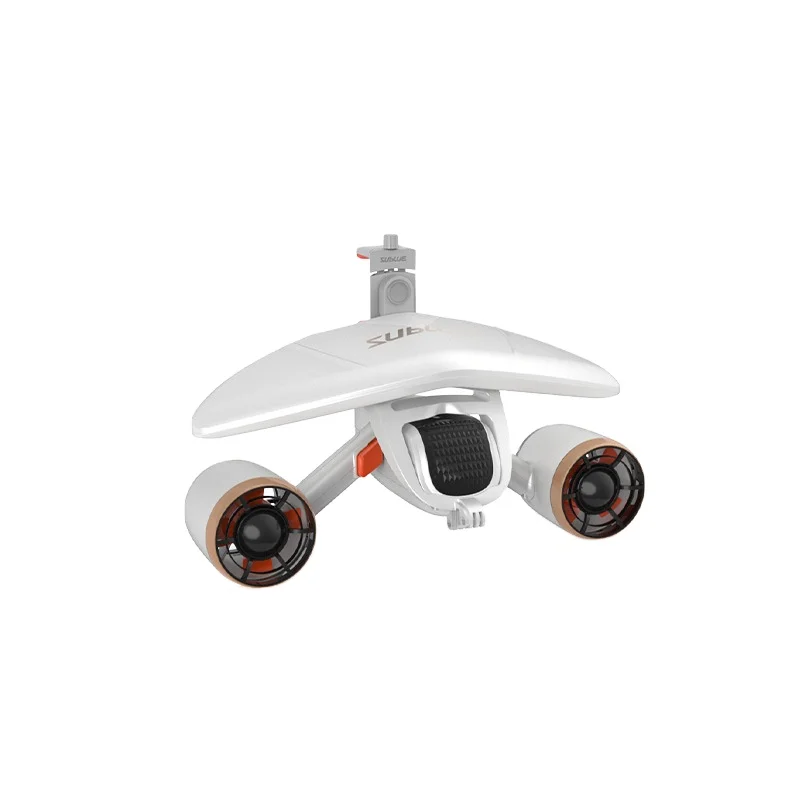
Gcamolech scuba underwater scooter paddle board Scooter Action Camera Compatible diving propeller Suitable for Pool, Diving
- Category: >>>
- Supplier: Camoro Tech(Shenzhen) Co. Ltd.
Share on (1601154516896):
Product Overview
Description
Gcamolech scuba underwater scooter paddle board Scooter Action Camera Compatible diving propeller Suitable for Pool Diving
Product Description

Product Name | Gcamolech paddle board Scooter Dual Motors water play equipment |
Usage | The Ultimate Modular Water Engine & Sea Scooter Sea Jet with Sports Camera Mount Handlebars |
Function | underwater scooter、swimming/diving equipment/ sup propeller |

Related Products
Company Introduction
Camoro Tech (Shenzhen) Co., Ltd. is a factory dedicated to the design & development of outdoor sports equipments,like water play gears and walkie talkie applications, also camera based software&hardware development like camera drones is one of our main work. Our new company name Camoro basicly coming from camera, which want to do eyes for humans. Also two way radio, ham radio and repeaters are more willingg to add camera to be a body camera. Duing to that, nowadays we developed more ptt dmr radio and networking walkie talkie, also helmet combined radio intalled cameras as well. Our colleagues get more than 10 years experience engaged in Alibaba and Amazon, wish, aliexpress, Lazada and online shopping mall,etc. We offer spot sale like drop shipping as well though we got long time OEM/ODM experience for more than 10 years. You are welcomed to conatct us for further cooperation.


FAQ
The signal for pairing the watch-style remote controller with the host: In the charging mode of the host, plug and unplug the DC charging plug twice in a row. Wait to hear the beep sound emitted by the host, and then press any key on the remote controller to complete the pairing. If the pairing is not successful, please repeat the above steps until the pairing is successful. 2 The deep water controller does not require pairing. Just connect the end of the remote control data cable tightly to the end of the host data cable, and tighten the screw cap (pay attention to waterproofing). Before each dive, please press the depth correction button to reset the data used last time to zero. It can be used. The display of the depth of the water is only a reference value, and other safety measures still need to be relied on to ensure the safety of diving. Remote Control Signal Status: After successful pairing, the signal tower icon will be displayed on the remote control screen, indicating that the remote control has established a signal connection with the host. If the remote control loses signal connection with the host, the remote control screen will display an "x" icon. If the signal connection is lost while the host is running and continues for 1 minute, the host will automatically shut down. Speed Ratio Status: When the host is turned on, the default speed ratio is 20% low speed, with a minimum speed of 10% and a maximum speed of 100% full speed. If the host suddenly shuts down while running at full speed, it may be due to overcurrent protection or overtemperature protection being triggered. You can try restarting the host or wait a moment before starting it again, and the problem may be resolved.
Power switch button: In the case of successful pairing, double-click the power switch button on the remote control to turn on the host. The host is defaulted to the forward state, and the default speed ratio
is low speed (2 gears). Please pay attention to the display information on the remote control screen to confirm the status of the host. If it is necessary to turn off the host, please double-click the power switch button again. Important note: When the host is in the charging mode, the battery is in the protected state, and the Propeller cannot be started. Propeller Host Battery Status: Before each use, please ensure that the host battery is fully charged. During use, please frequently check the battery leveldisplayed on the remote control screen and reserve enough power to ensure a safe return. 7 The use of signal lights:If you purchase a thruster with signal lights,you can use the button “ ” on the controller to regulate the color of the light, and the signal lights have multiple colors; “ ” it is to regulate the mode of the signal lights, such as the distress mode, the breathing mode, the gradient mode, and turning off the light, etc.
is low speed (2 gears). Please pay attention to the display information on the remote control screen to confirm the status of the host. If it is necessary to turn off the host, please double-click the power switch button again. Important note: When the host is in the charging mode, the battery is in the protected state, and the Propeller cannot be started. Propeller Host Battery Status: Before each use, please ensure that the host battery is fully charged. During use, please frequently check the battery leveldisplayed on the remote control screen and reserve enough power to ensure a safe return. 7 The use of signal lights:If you purchase a thruster with signal lights,you can use the button “ ” on the controller to regulate the color of the light, and the signal lights have multiple colors; “ ” it is to regulate the mode of the signal lights, such as the distress mode, the breathing mode, the gradient mode, and turning off the light, etc.
We Recommend
New Arrivals
New products from manufacturers at wholesale prices







