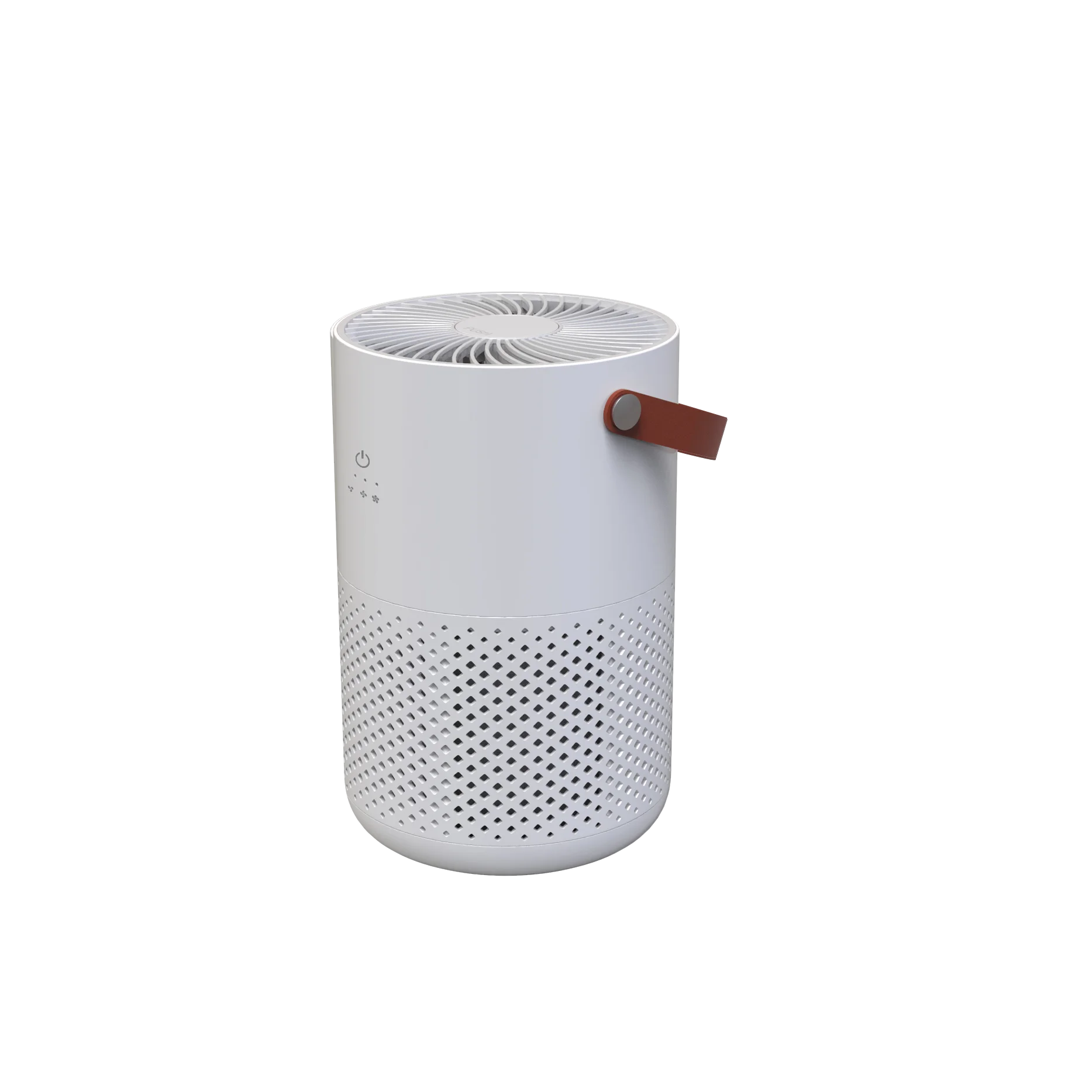
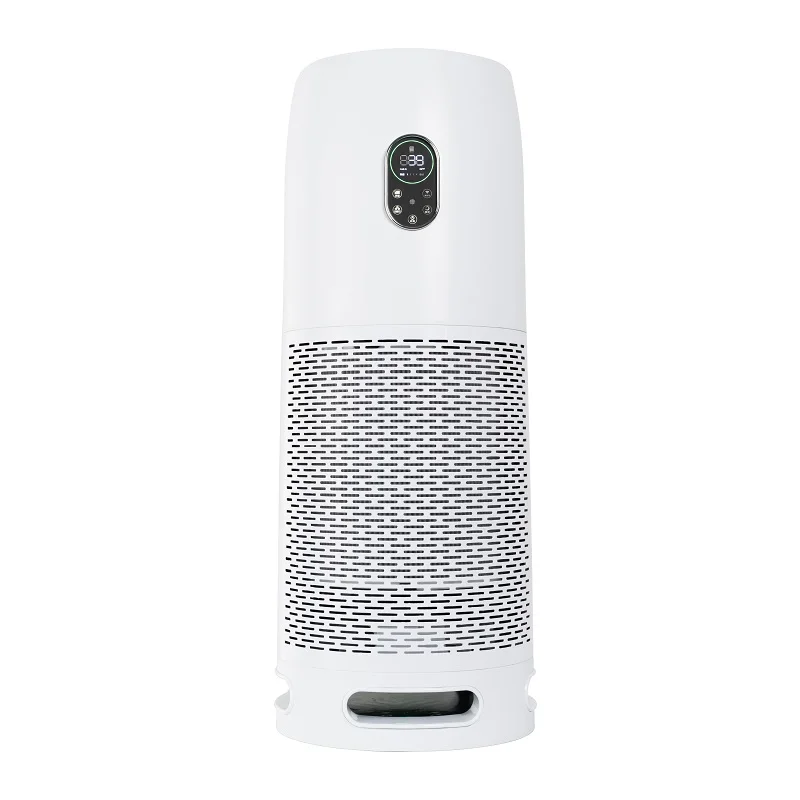
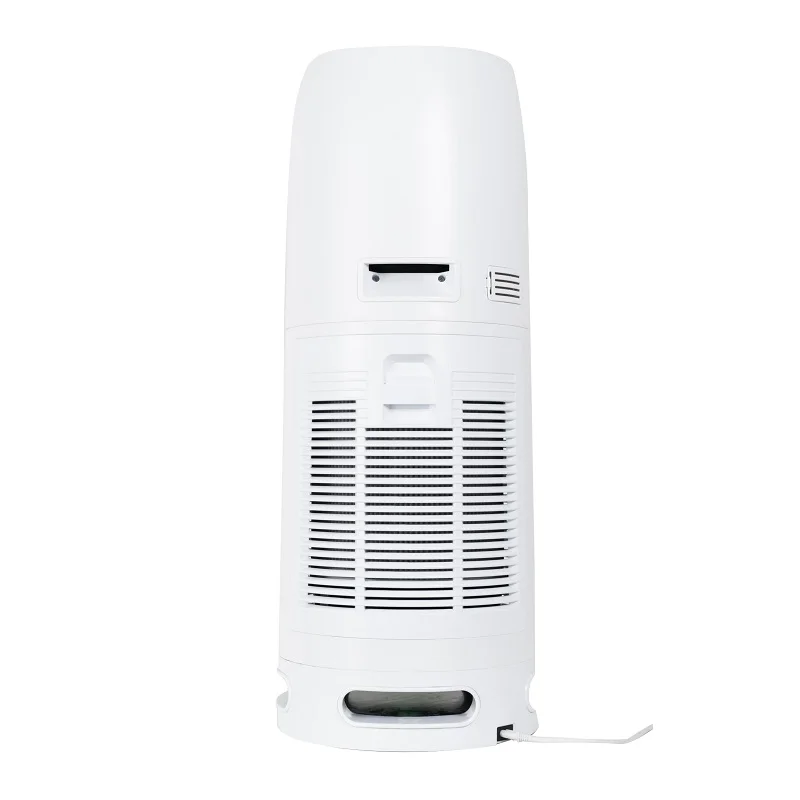
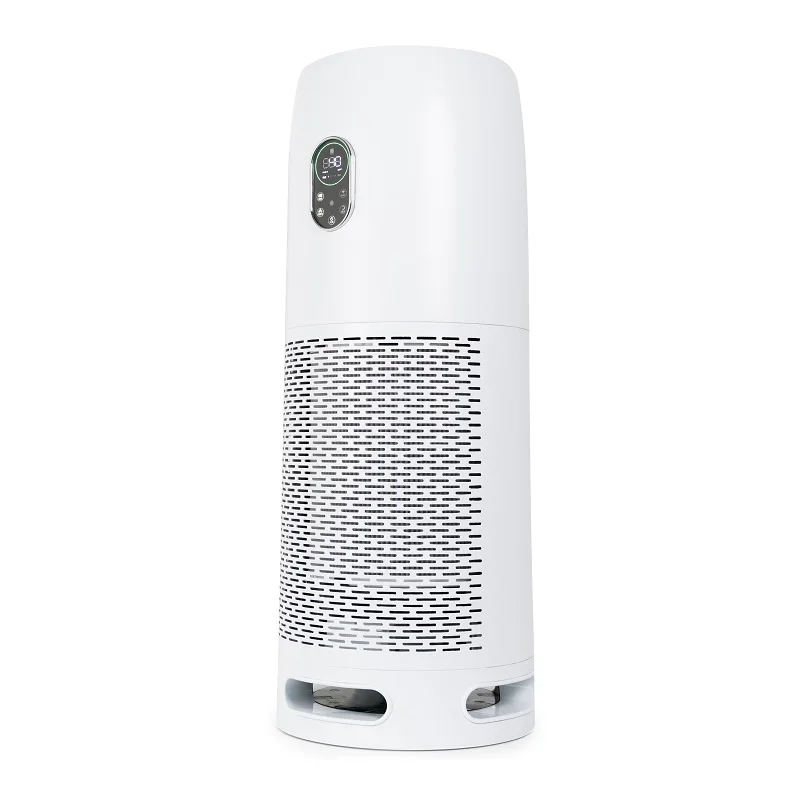
Best Activated Carbon Bladeless Airpurifier Rechargeable Purifier Instant Portable Uv Air Cleaner Filter Purifier For Home
- Category: >>>
- Supplier: Ada Electrotech (xiamen) Co. Ltd.
Share on (1601192997372):
Product Overview
Description

HOW TO USE
1.Counterclockwise and unlock the bottom cover and take out the filter.
2.Remove the packing bag of the filter.
3.Insert the filter into the device.
4.Clockwise and lock the bottom cover.
5.Insert the power plug into the AC power supply with the same voltage.
6.Press the POWER button to switch the device ON or OFF. When the unit starts, the default fan speed is low.
7.Press the SPEED button to switch the fan speed. 1/2/3/4. 1 is low fan speed.2 is middle fan speed. 3 is high fan speed. 4 is Turbo fan speed.
8.Press TIMER ON button to set the timing.
9.Press TIMER OFF button to turn off the timing
10.Press the ANION button to turn on and off the negative ion.
11.Press the UV LIGHT button to turn on and off the UV light.
12.Press the SLEEP button to turn off all the light and the fan in low speed.
SENSOR CLEANING
Please follow the below steps to clean the sensor when the sensor is contaminated with moisture or cigarette smoke and the sensitivity decreases.
1.Open the sensor cover.
2.Use the vacuum cleaner to remove the dust
3.Use the cotton swab to clean.
FILTER REPLACEMENT
The “FILTER REPLACE” button will light up and blink when it’s time to replace to fiter. It is recommended to replace the filter in order to maintain the performance of the filter.
1.Counterclockwise and unlock the bottom cover and take out the filter.
2.Insert the new filter into the device.(Remove the packing bag of the new filter)
3.Clockwise and lock the bottom cover.
4.Press the “FILTER REPLACE” button for 3 seconds to reset.
We Recommend

New Arrivals
New products from manufacturers at wholesale prices







