
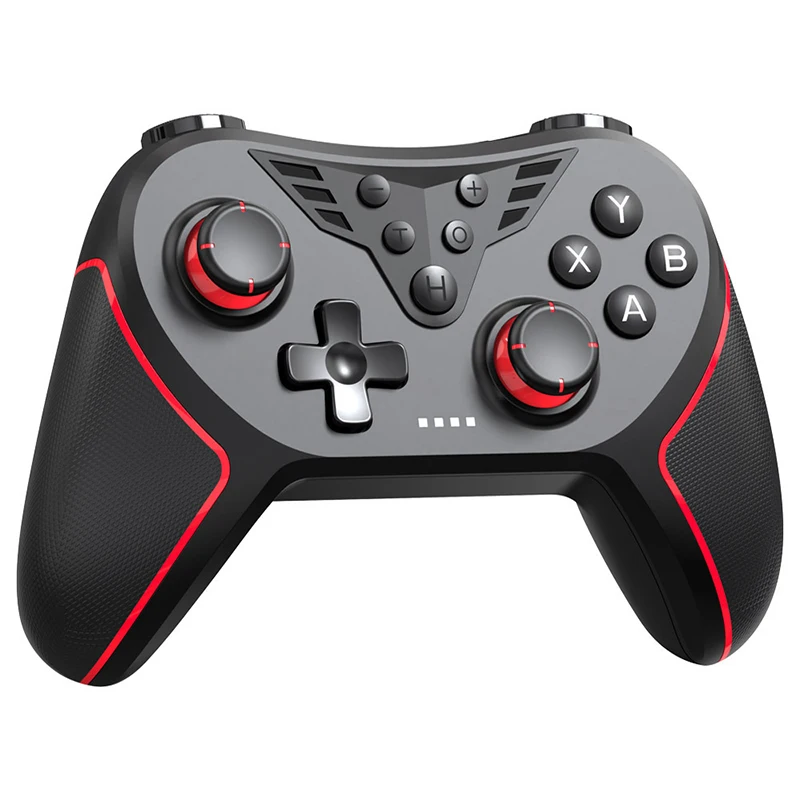
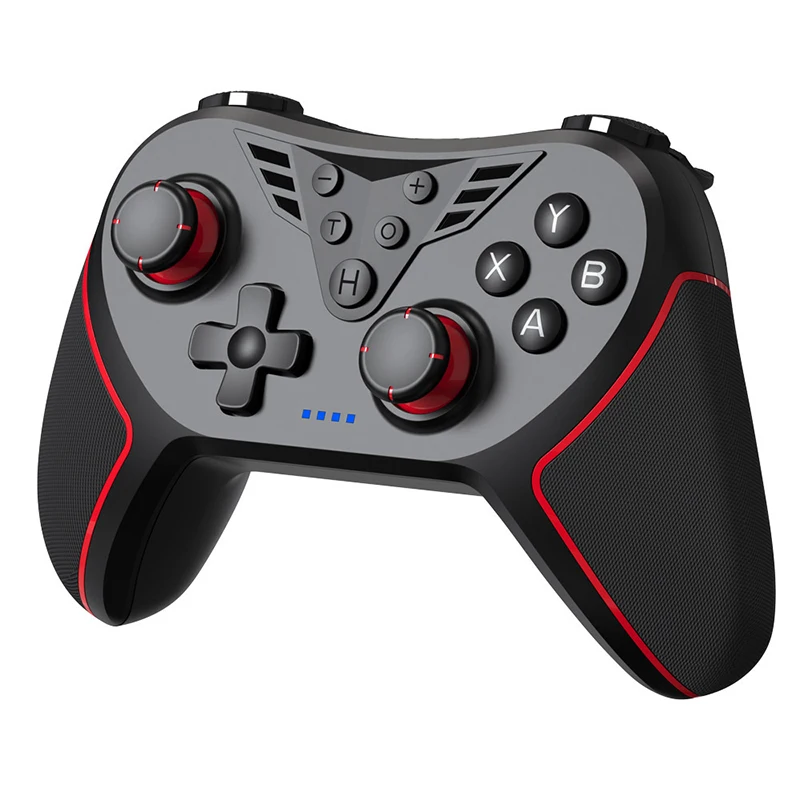
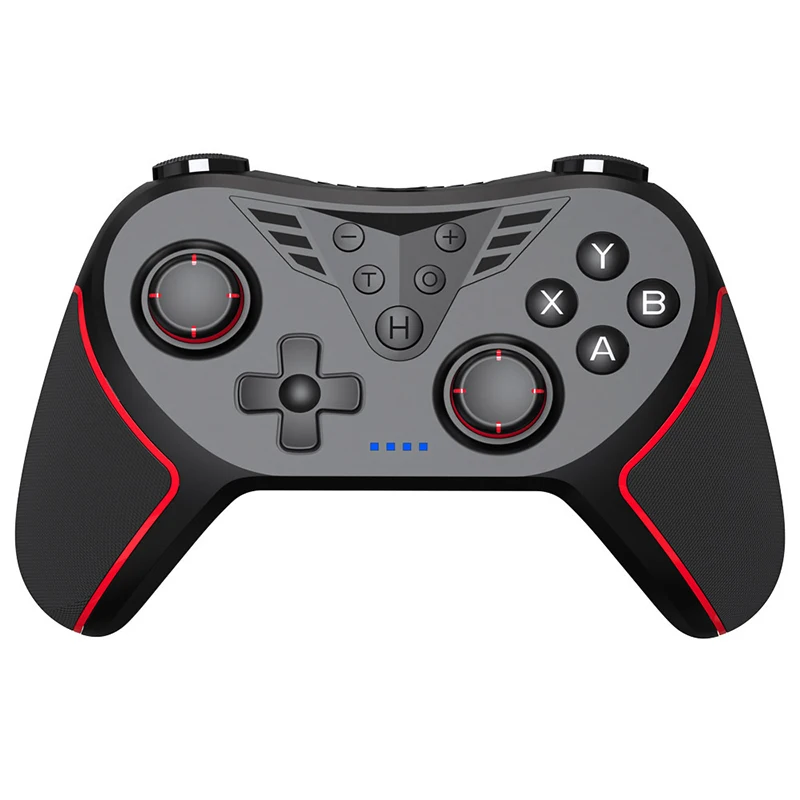
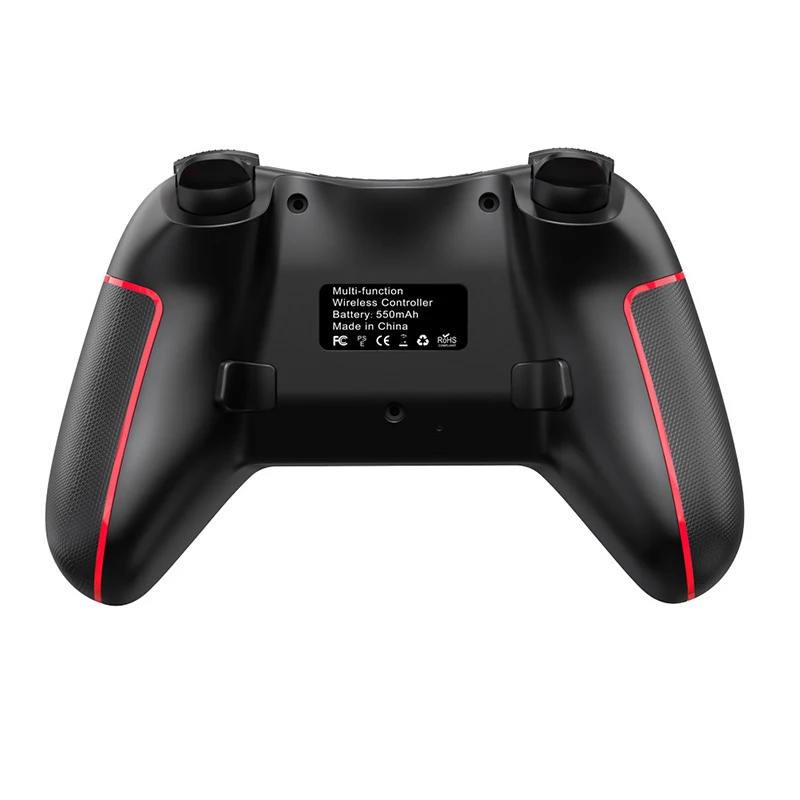
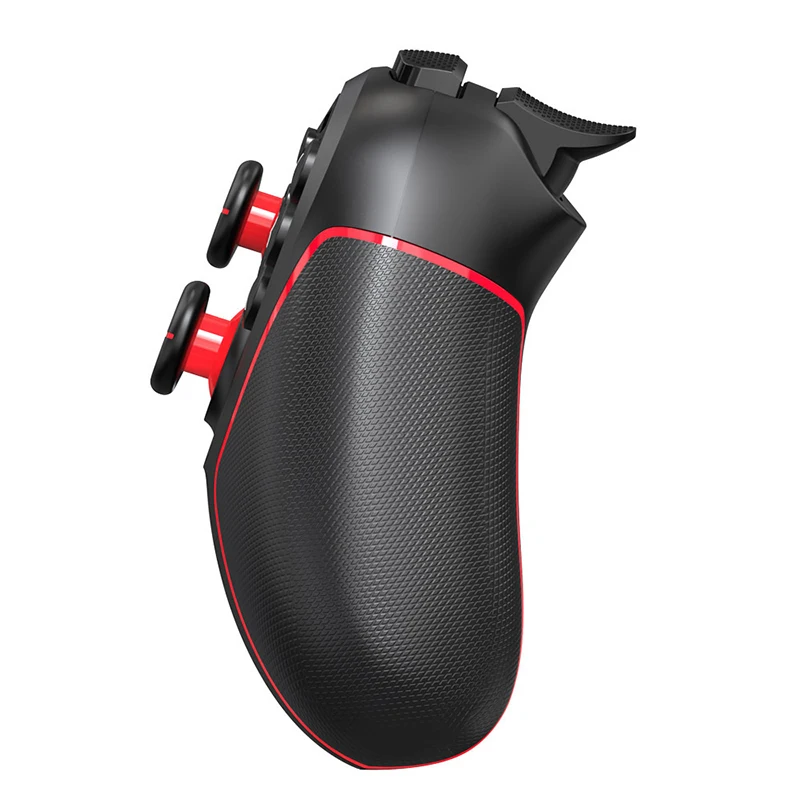
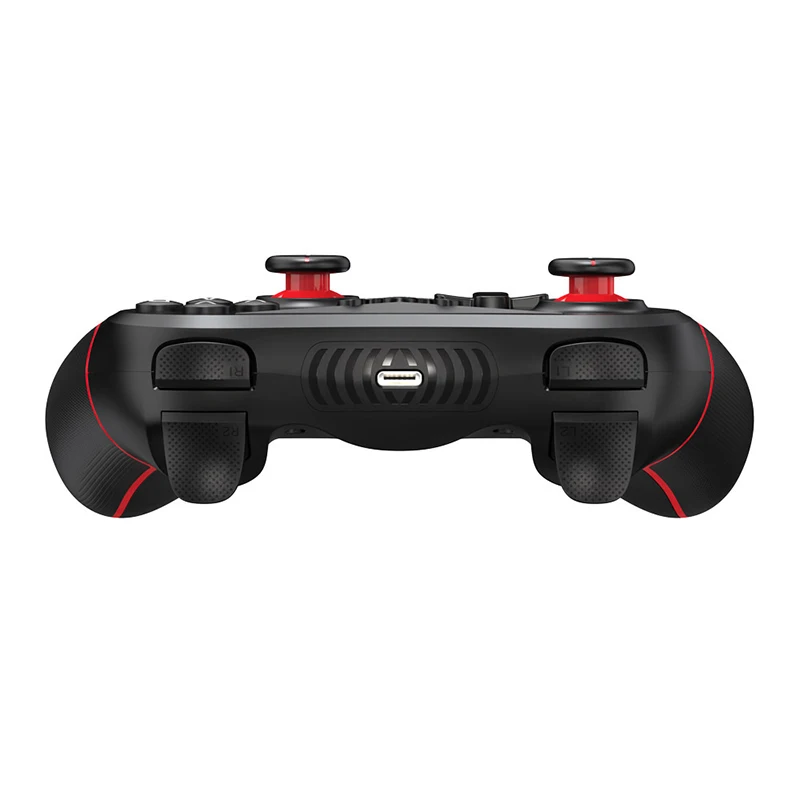
Wireless Game Controller Dual Vibration Hall Analog Remote Bluetooth Gaming Control V3 PC Gamepad For PS3 PS4 Android IOS Switch
- Category: >>>
- Supplier: Shenzhen Yisheng Technology Co. Ltd.
Share on (1601199546559):
Product Overview
Description
Wireless Game Controller Dual Vibration Hall Analog Remote Bluetooth Gaming Control V3 PC Gamepad For PS3 PS4 Android IOS Switch
Product Specs:
Name: PS4 Game Controller
Material: ABS
Connection: Bluetooth/USB Wired/2.4G Connection
Vibration: Double Motor Vibration
Gyroscope: No
Battery: 550 mah Inbuilt Battery
Play Time: 6-8 Hours
Charging Time: 2 Hours Almost
Duration Time: 30 Hours in Standby
Product Size: 160*105*65mm
Weight: 215g
Certificate: CE/Rohs
Warranty: One Year
Compatible Devices:
1) PS4 Slim/Pro Console/PS3 Console(USB Connection)
2) PS5 Console(Only Play with PS4 Game)
3) PC, Laptop, Steam Platform
4) Android(Tablet Game Simulator like FC Game)
5) IOS System(13.0 Above)
6) Android TV Box
7) Switch Lite/OLED
8) Steam Platform
(The vibration function can't work on the phone)
Bluetooth connection
*Android connection
Press A+HOME button, LED1 flashes (LED1 is always on when the connection is successful), enter Android V3 game mode, and play games downloaded from the Android market;
Press X+HOME button, LED3 flashes (LED3 is always on when the connection is successful), enter Android standard HID mode, and play arcade games.
*IOS connection
Press B+HOME button, LED4 flashes (LED4 is always on when the connection is successful), enter IOS MFi mode, and you can play games on Shanwan MFi APP;
*P3 connection
Connect the host and the handle with a USB cable, LED1 is on, press the HOME button, and LED1 is on after the Bluetooth connection is successful. Remove the USB cable and you can play games on the P3 host.
*P4 connection
Connect the host and the handle with a USB cable, LED1 is on, press the HOME button, and LED4 is on after the Bluetooth connection is successful. Remove the USB cable and you can play games on the P4 host.
*N-S connection
Press R2+HOME button, LED2+LED3 flashes, and you can play games on the N-S host after the connection is successful;
Note: The handle has an XBOX button layout. When connecting to the N-S host, press A on the ABXY key to display B, press B to display A, press Y to display X, and press X to display Y.
*PC connection
Press R1+HOME button, LED1+LED2+LED3 flashes, and you can play the PC X-input game after the connection is successful;


We Recommend

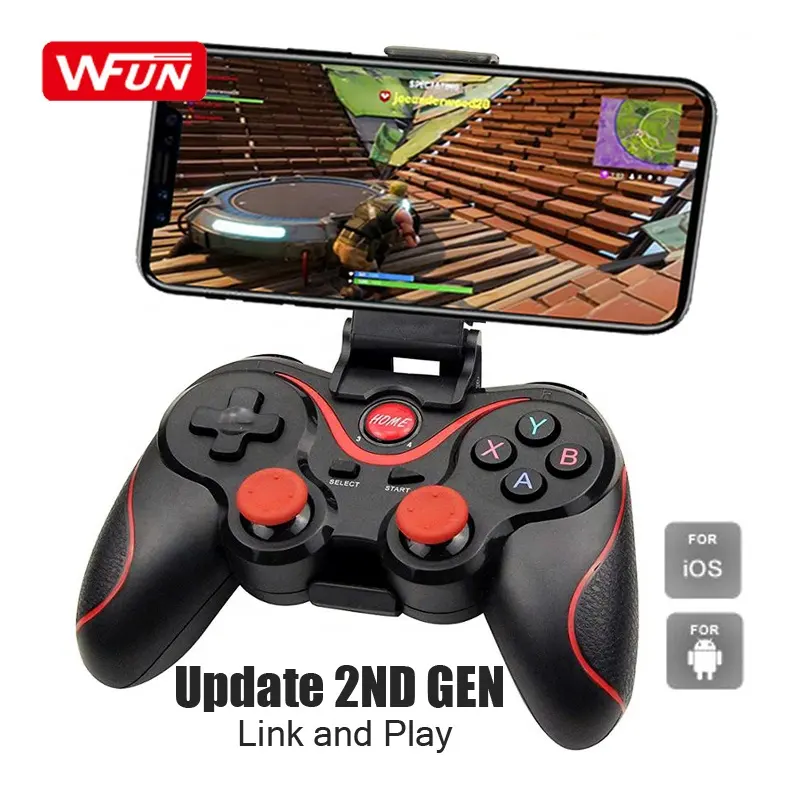


New Arrivals
New products from manufacturers at wholesale prices







