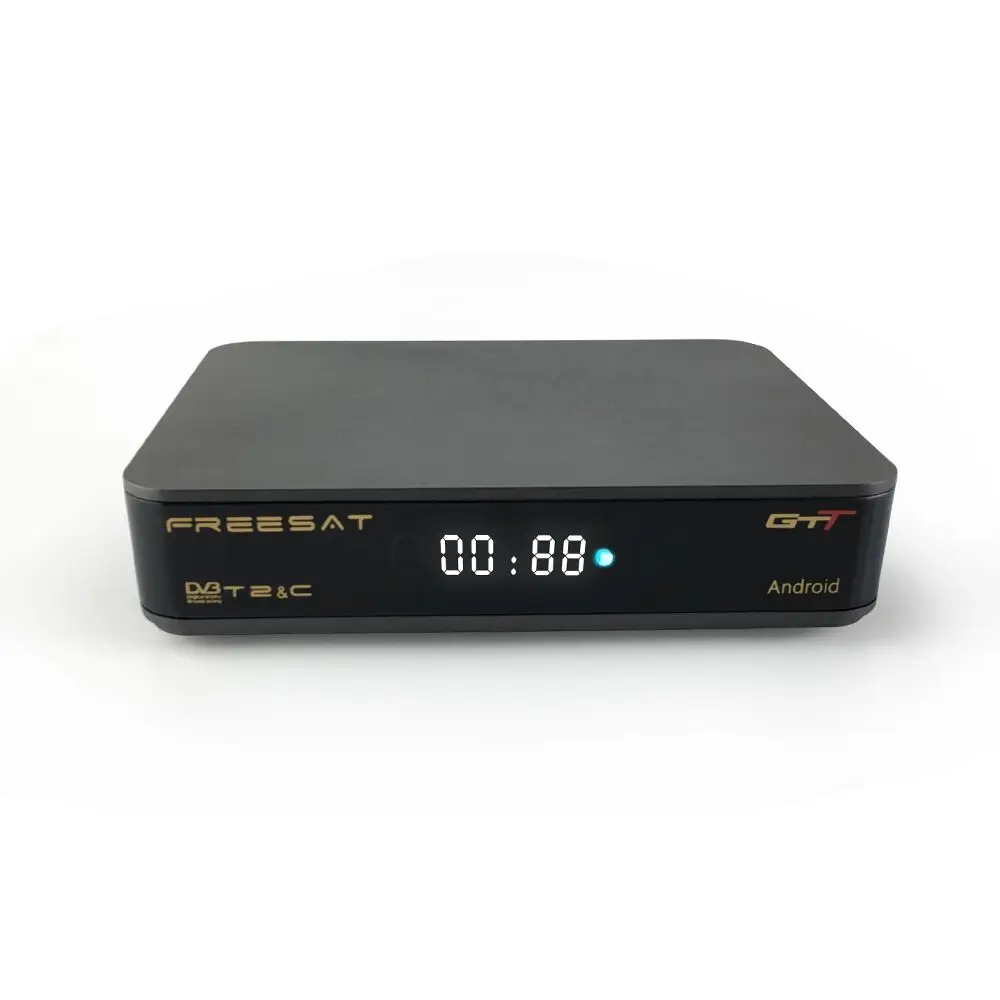
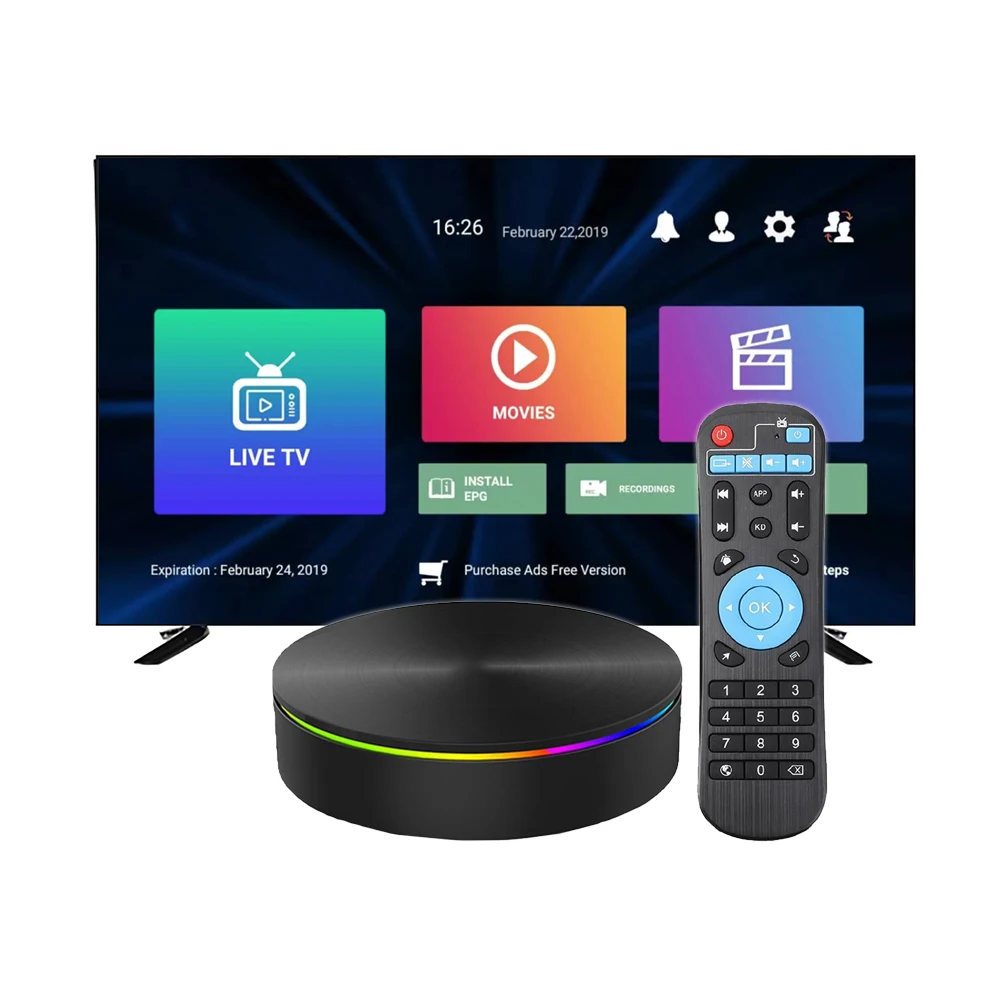
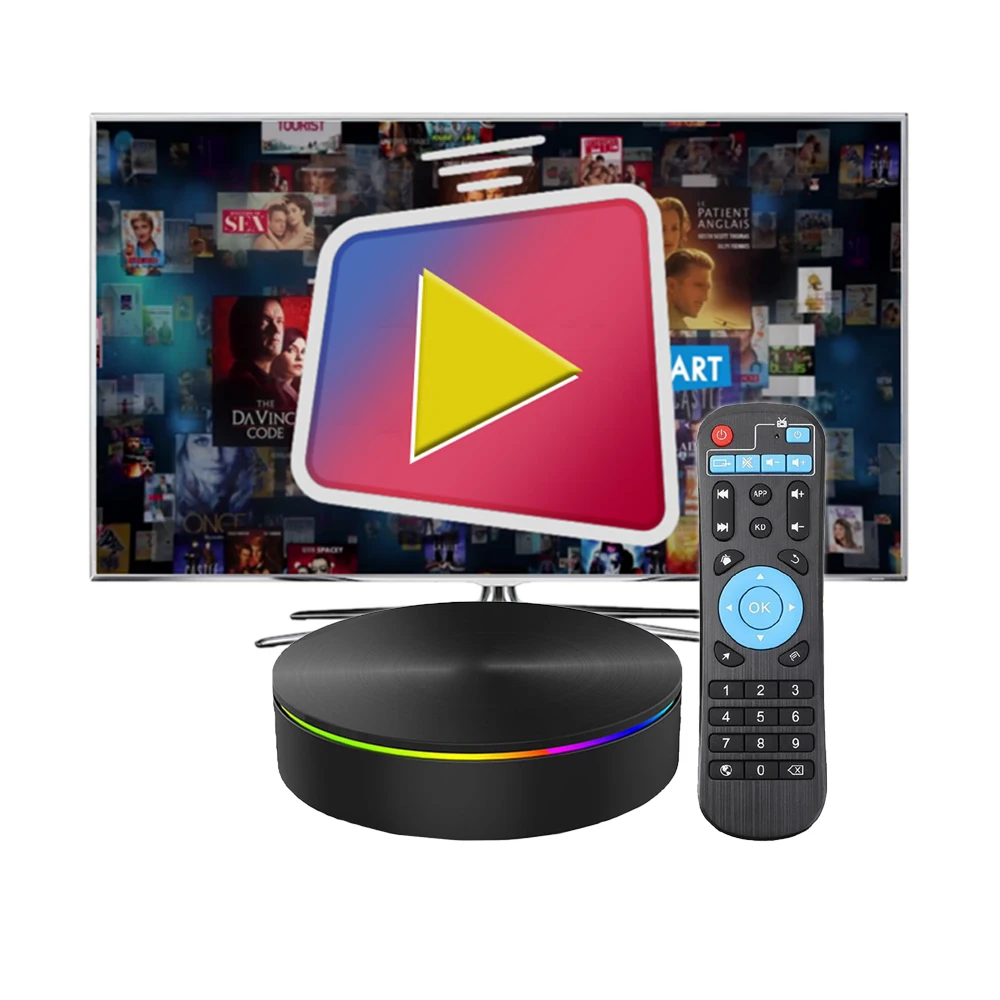
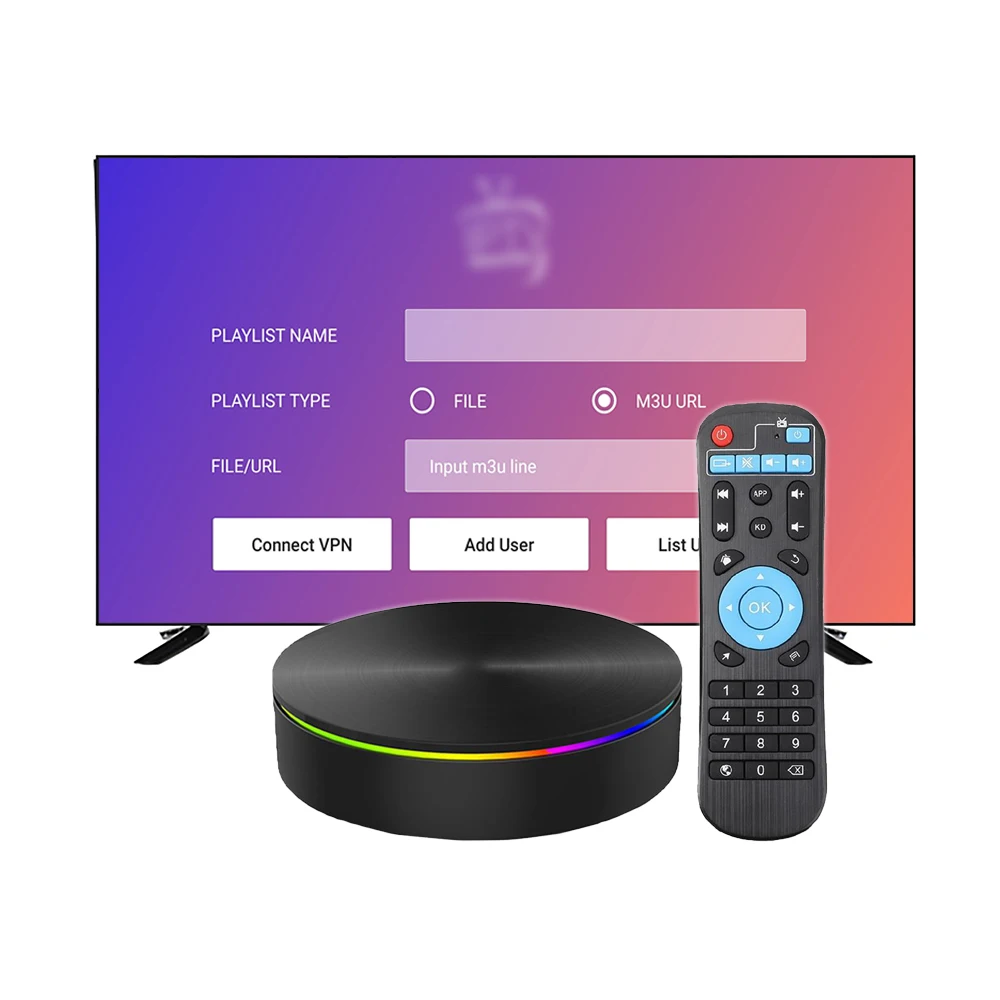
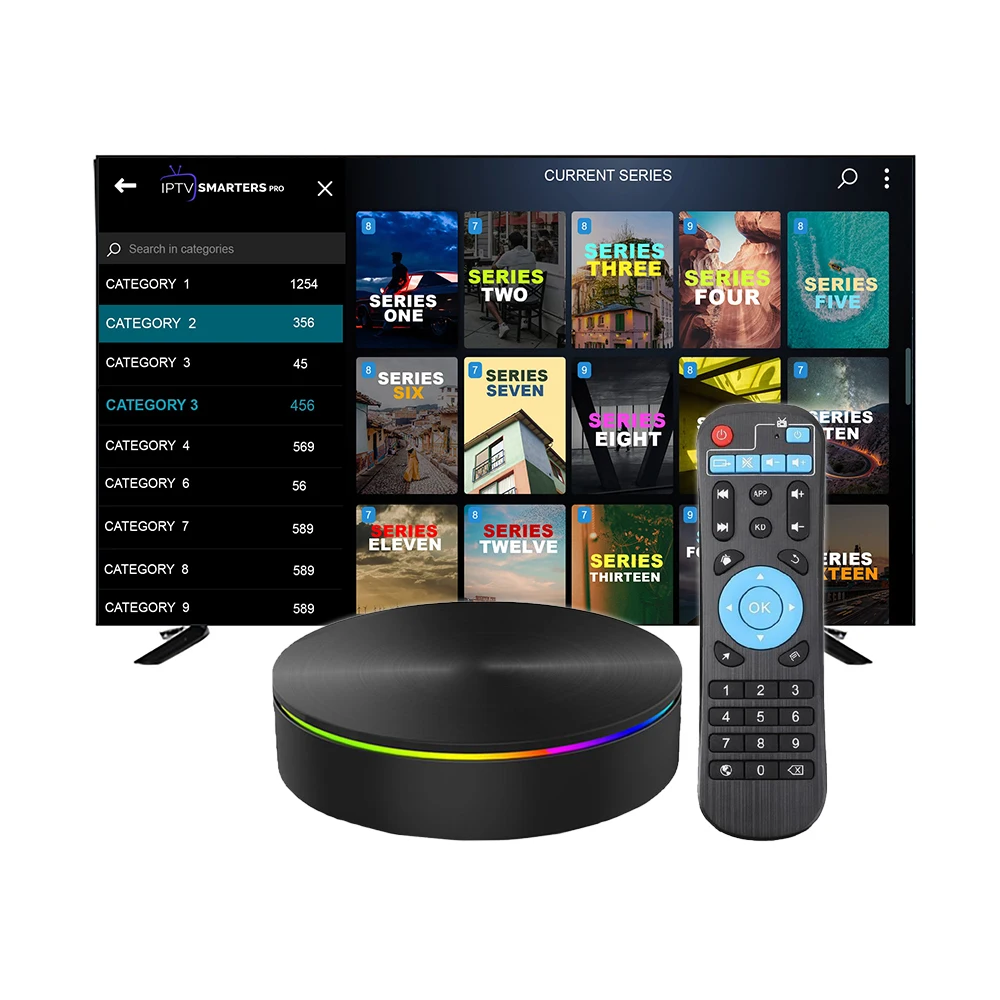
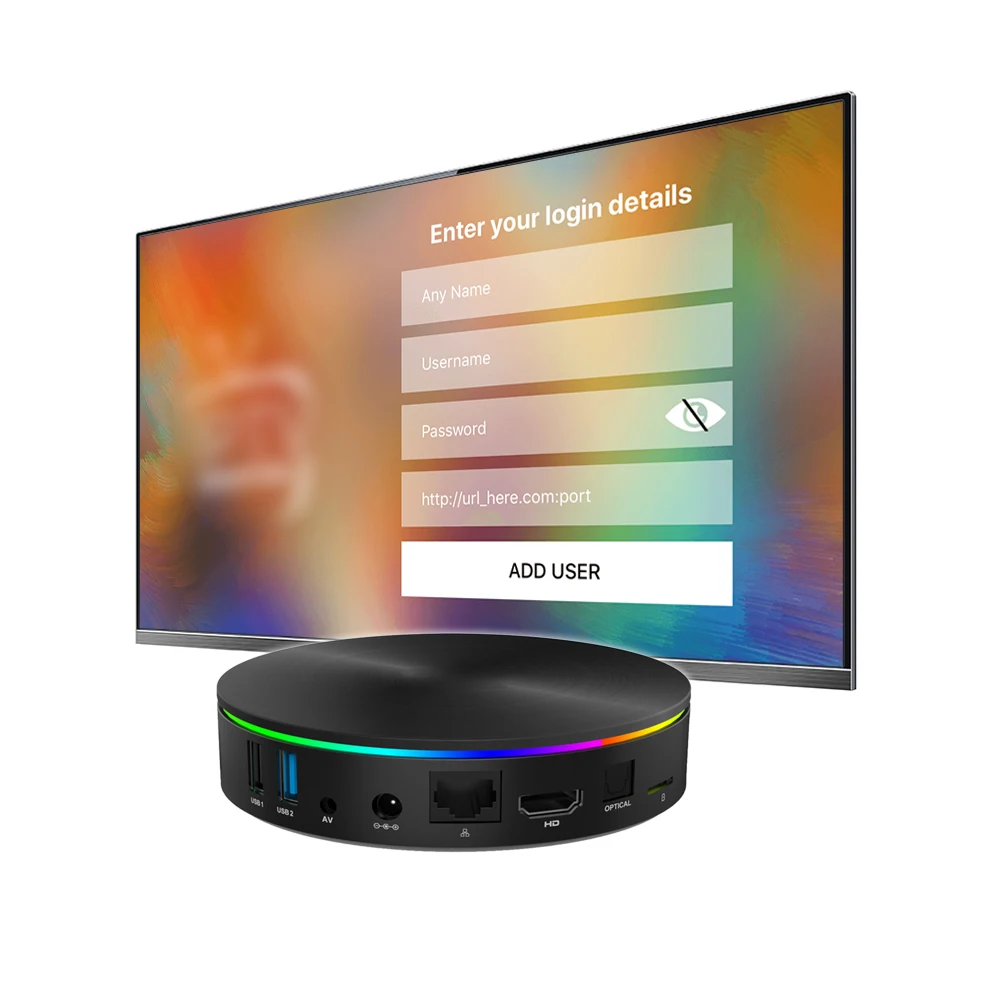
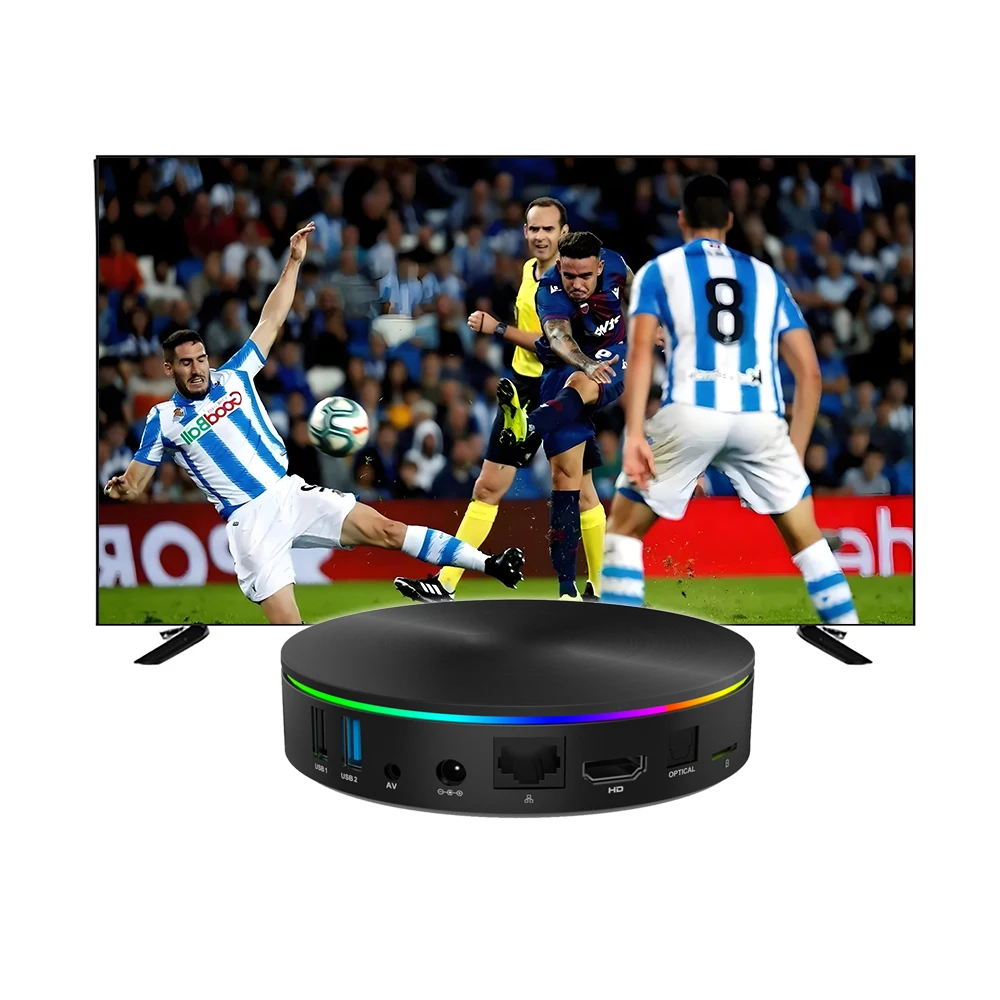
2024 best server Lion trex Strong 4k Android Smart IPTV Box Subscription Android TV box Megaott
- Category: >>>
- Supplier: Shenzhen Zhongcheng Electronic Technology Co. Ltd.
Share on (1601207237244):
Product Overview
Description
Product Description
Factory R&D display
We have complete testing equipment
We can produce 20K a day
Our factory has 5000 square meters
We can produce 20K a day
Our factory has 5000 square meters


FAQ
The machine has been stopped at the boot LOGO can not enter the system/boot into the system does not automatically restart?
Cause analysis :1. Power supply problem; 2. Machine software problems; 3. Machine hardware problems.
Solution: First step: try to change a Power supply, second step: if not, the machine is connected to the TV, power, with the remote control to the machine, press the power button, continuously press for 10~20 seconds, the TV will appear the following screen, choose Wpedata/factoy reset, try to restore factory Settings, Then select Reboot system now. If the system is successfully entered, it will be OK. (PS: press the Power key. After entering the recovery mode, you can no longer resist the recovery button); Step 3: If the above methods do not work, you can only use the recovery mode to upgrade
Solution: First step: try to change a Power supply, second step: if not, the machine is connected to the TV, power, with the remote control to the machine, press the power button, continuously press for 10~20 seconds, the TV will appear the following screen, choose Wpedata/factoy reset, try to restore factory Settings, Then select Reboot system now. If the system is successfully entered, it will be OK. (PS: press the Power key. After entering the recovery mode, you can no longer resist the recovery button); Step 3: If the above methods do not work, you can only use the recovery mode to upgrade
When the machine starts up and enters the system, does the remote control operation not respond?
Cause analysis :1, the operation method is wrong; 2, the battery power is insufficient/the battery is installed incorrectly; 3, the machine is blocked by something; 4. There is something wrong with the remote control. 5. There is a problem with the remote control of the machine; 6. The machine has crashed. Solution: Step 1: Confirm whether the remote control indicator will flash when the remote control is operated in front of the machine. Step 2: If it does not flash, confirm whether the battery is installed backwards and replace the battery with a new pair. If it still doesn't work, it could be the remote control. Step 3: If the remote control light flashes, connect the machine with the wired mouse to check whether the machine has crashed. If there is no crash, use the mouse to operate the machine to restore factory Settings once, will restart into the system, start pairing, see whether the cost of pairing. If not, it could be the remote control.
ATV machine does not support "XXX" APK?
Reason analysis: not TV version of apk; Copyrighted apk; The system version is too high, and the apk version is too low. Incompatible with mobile version software, software compatibility problem.
Approach: Step 1: Let the user search in the Playstore to see if it can be downloaded; Step 2: If you can search, but can not download or install, send to strong help analysis (there may be copyright reasons or incompatible version); Step 3: If you can't find apk in Playstore, it means that APK is either not verified by Google or not the TV version, which is normal.
Approach: Step 1: Let the user search in the Playstore to see if it can be downloaded; Step 2: If you can search, but can not download or install, send to strong help analysis (there may be copyright reasons or incompatible version); Step 3: If you can't find apk in Playstore, it means that APK is either not verified by Google or not the TV version, which is normal.
ATV machine, no response to voice function?
When the machine starts up and enters the system, does the remote control operation not respond?
When the machine starts up and enters the system, does the remote control operation not respond?
Cause analysis :1, the operation method is wrong; 2, the battery power is insufficient/the battery is installed incorrectly; 3, the machine is blocked by something; 4. There is something wrong with the remote control. 5. There is a problem with the remote control of the machine; 6. The machine has crashed. Solution: Step 1: Confirm whether the remote control indicator will flash when the remote control is operated in front of the machine. Step 2: If it does not flash, confirm whether the battery is installed backwards and replace the battery with a new pair. If it still doesn't work, it could be the remote control. Step 3: If the remote control light flashes, connect the machine with the wired mouse to check whether the machine has crashed. If there is no crash, use the mouse to operate the machine to restore factory Settings once, will restart into the system, start pairing, see whether the cost of pairing. If not, it could be the remote control.
ATV machine, no response to voice function?
Cause: Mouse pointer input is not supported
Solution: As explained to the customer, Google ATV system does not support mouse pointer click input character. This system is voice input, or remote control up and down left and right click input.
Solution: As explained to the customer, Google ATV system does not support mouse pointer click input character. This system is voice input, or remote control up and down left and right click input.
We Recommend

New Arrivals
New products from manufacturers at wholesale prices







