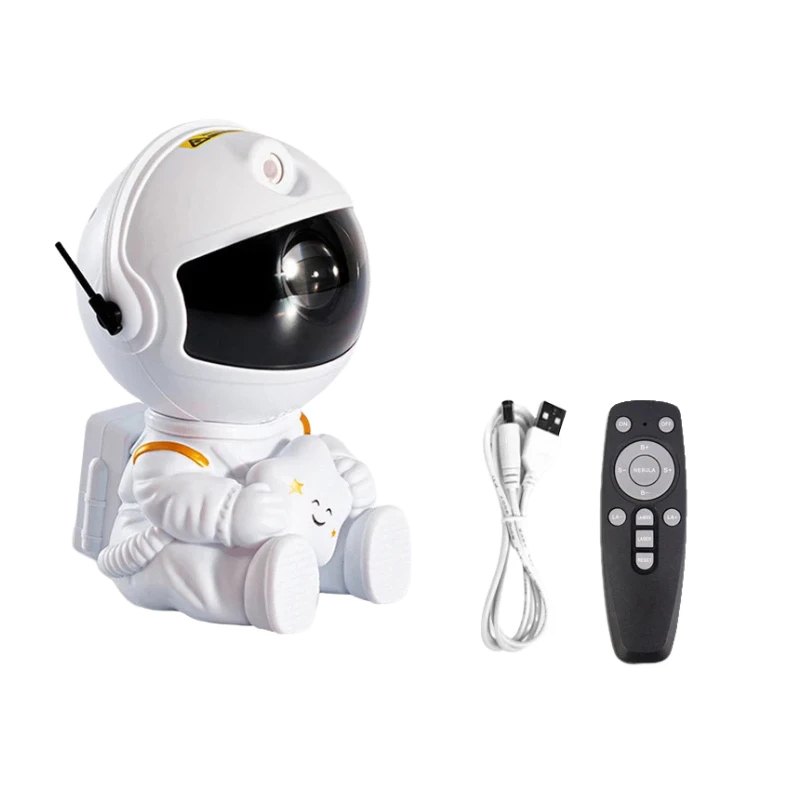
LED Aurora Projector Galaxy Starry Sky Projector Lamp Northern Lights Bedroom Home Room Decoration Nightlights Luminaires Gift
- Category: >>>
- Supplier: Guangzhou Jingpeng Electronic Technology Co. Ltd.
Share on (1601217366265):
Product Overview
Description
Products Description
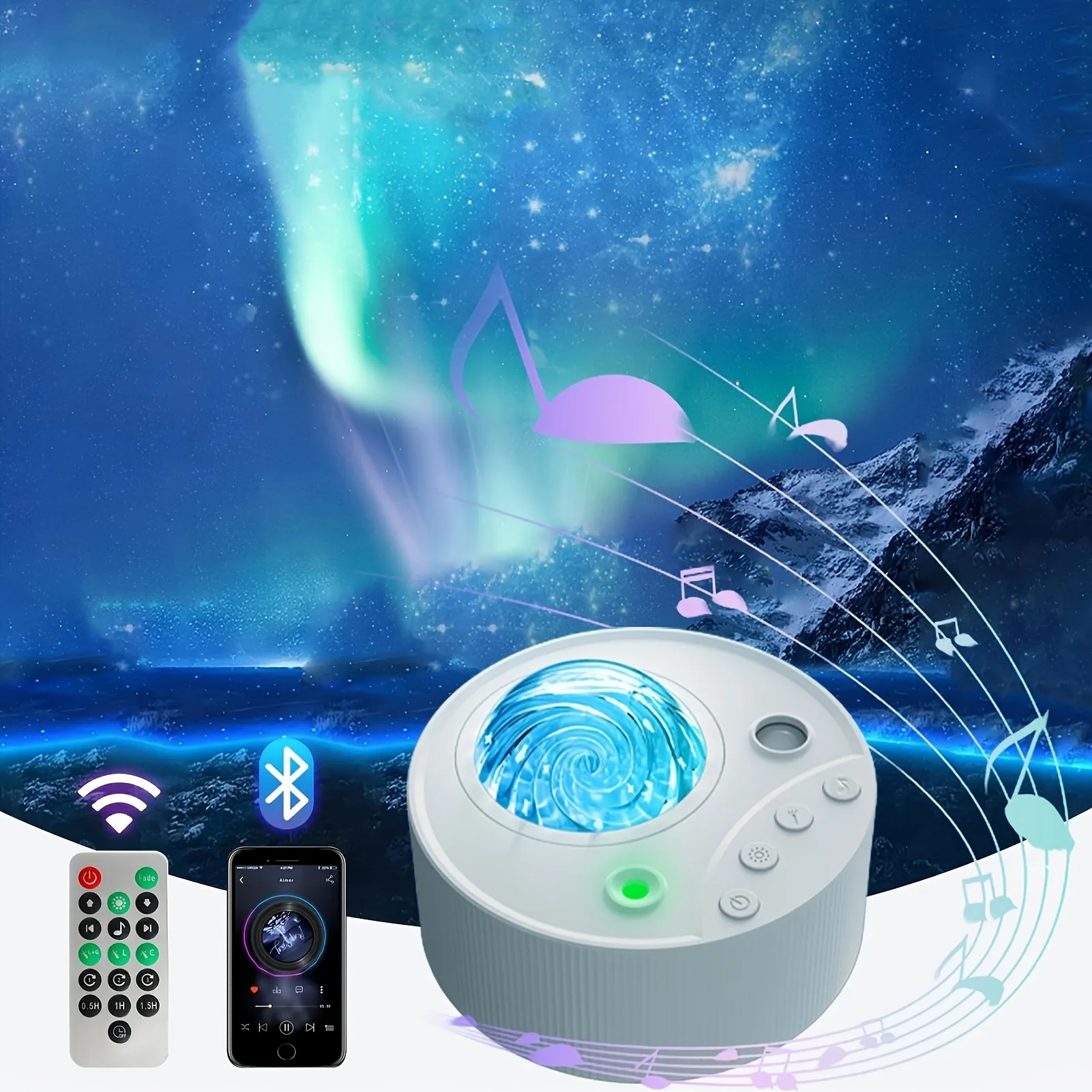
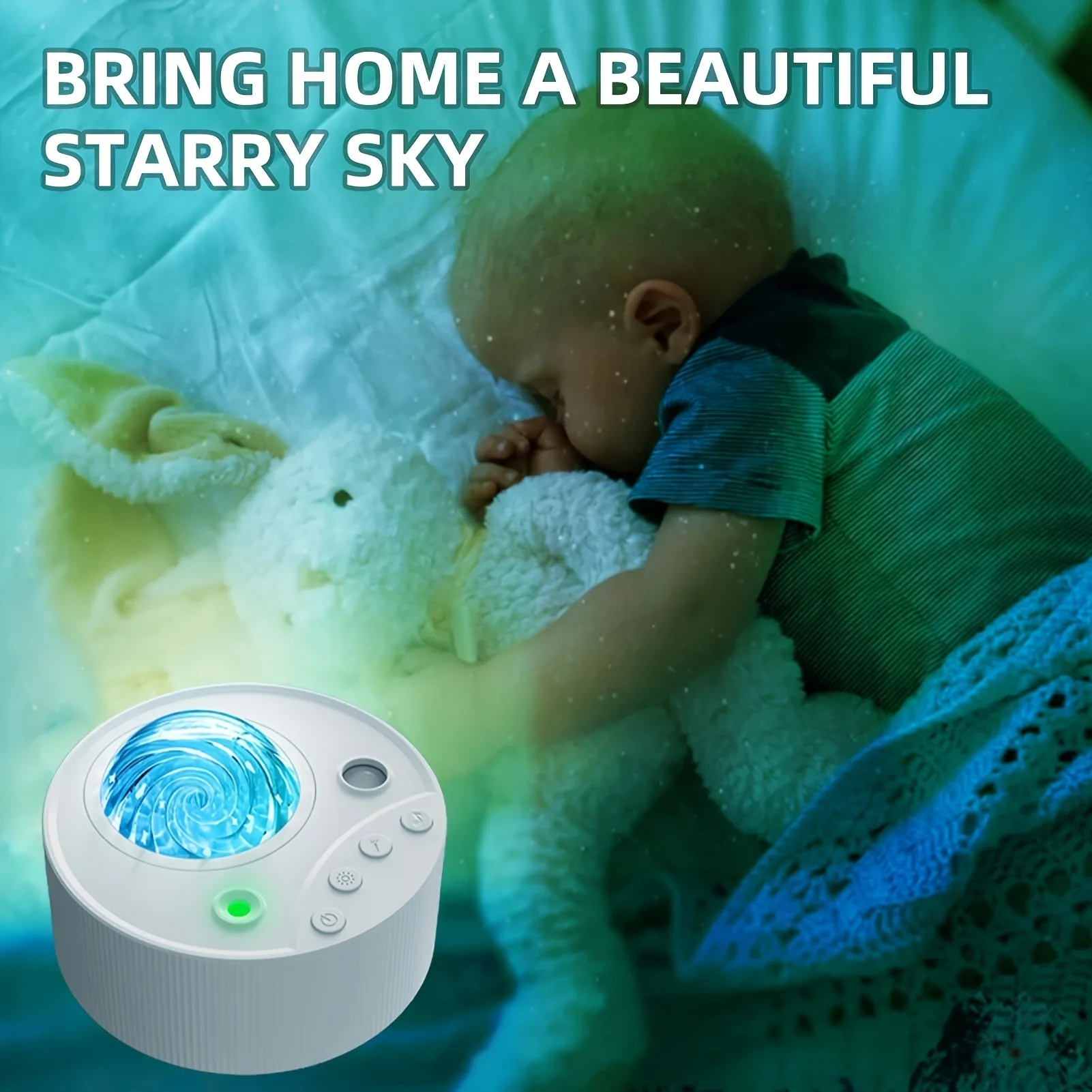
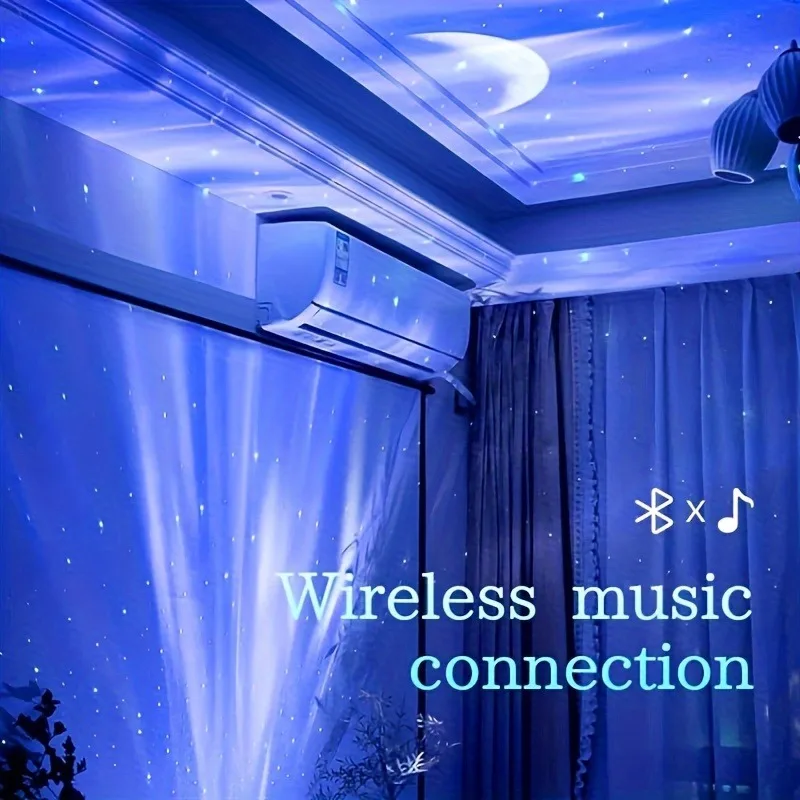
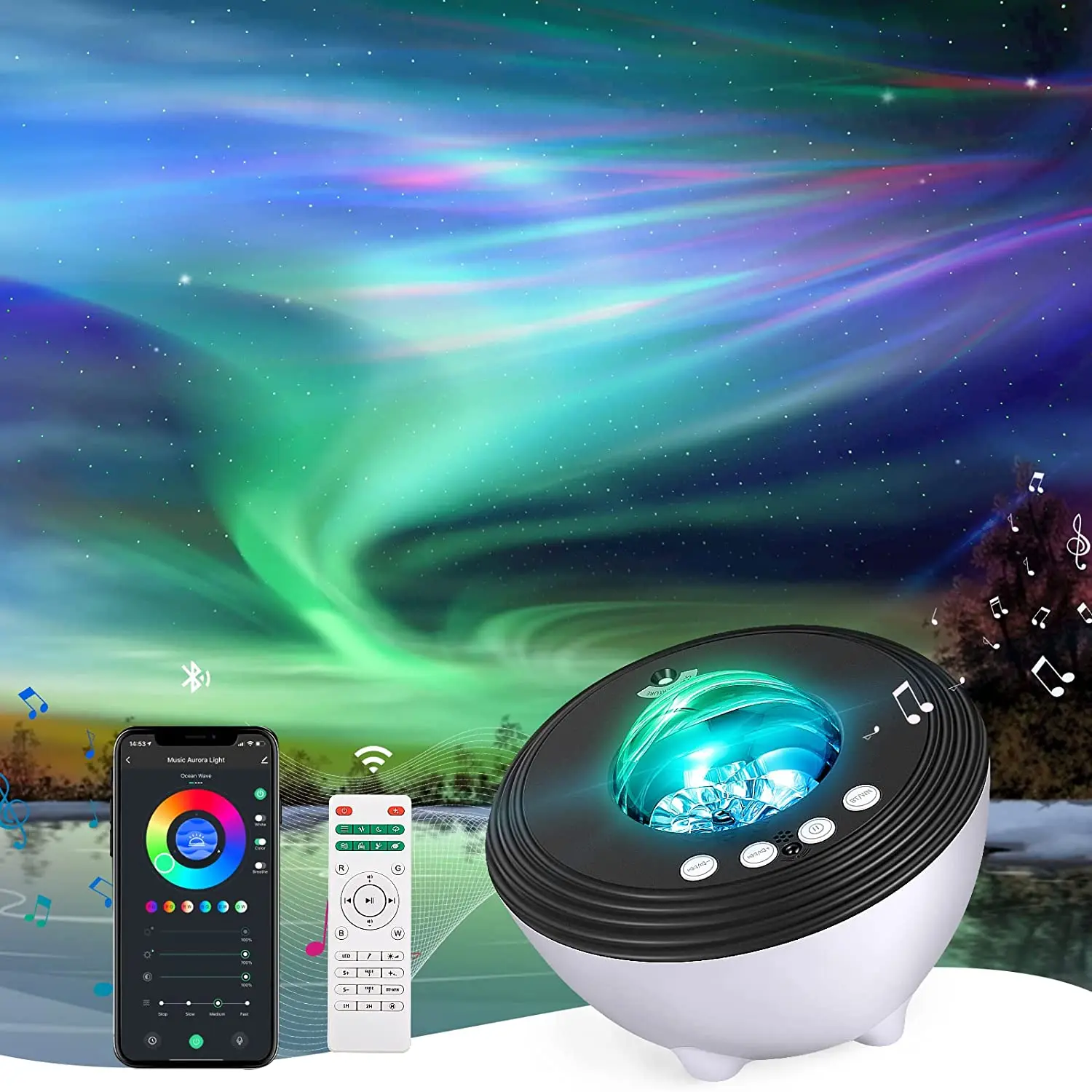
Star Projector Galaxy Light Projector For Bedroom With Speaker, 14 Color Northern Lights Projector For Bedroom/Game Rooms/Home
Theater/Night Light Ambiance, Remote Control
Theater/Night Light Ambiance, Remote Control
Please contact customer service for specific parameters of each style of projection lamp!
Double effect version, please consult customer service
1. Connect the power supply2. Switch button: Press the power button once to turn on the device. After the motor rotates at high speed for 1.5 seconds, it enters the first gear speed. The RGBW light defaults to blue, and two special effect lights are turned on. Special effect light 1 is in a breathing state, and the breathing time from dark to bright is 10 seconds, and from bright to dark is also 10 seconds. Special effect light 2 is always on.
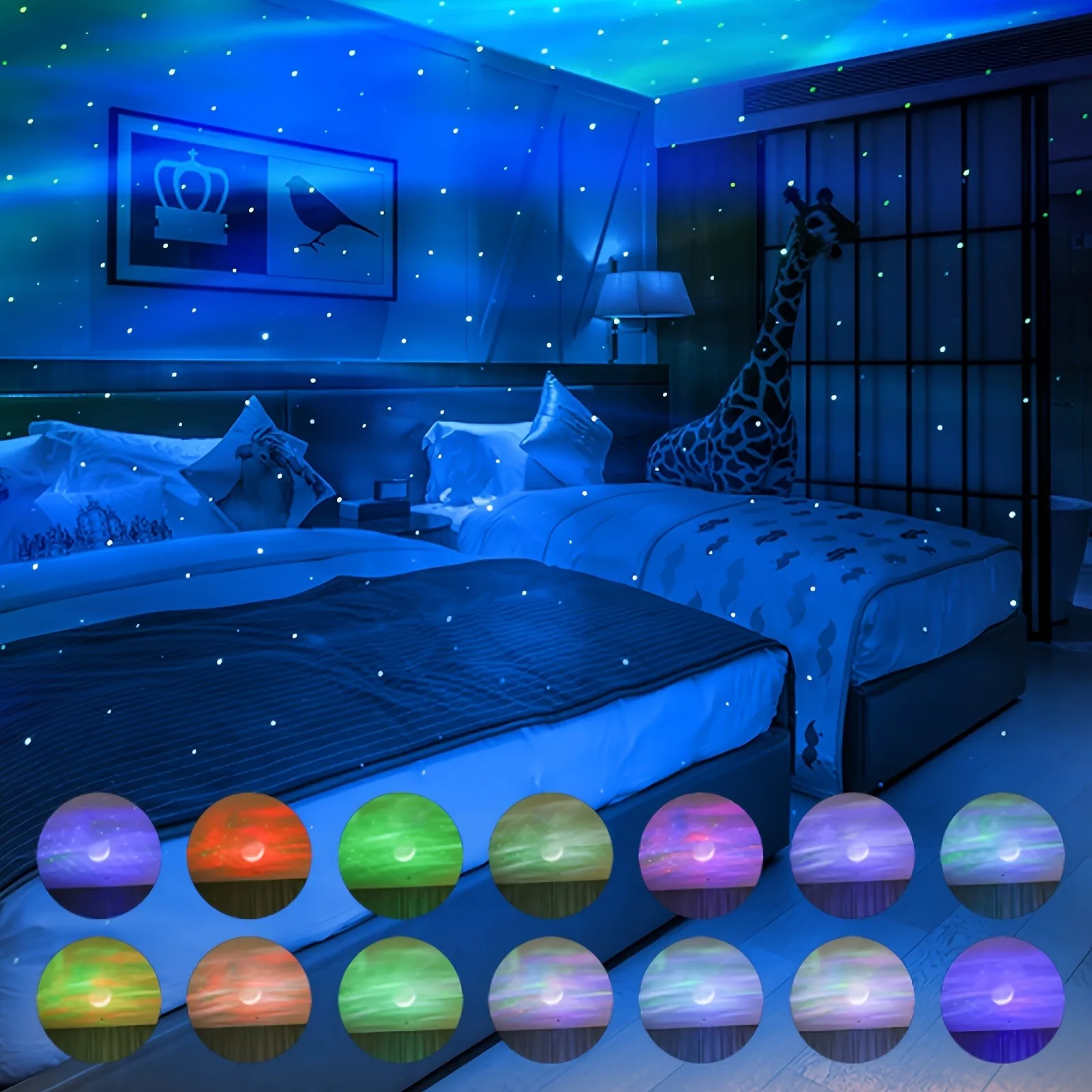
3. RGBW light button: Click the RGBW light button to adjust the light combination. The color order of the lights is blue, red, green, white, blue red, blue white, blue-green, red green, red white, green white, blue red green, blue-green white, blue red green white, and color gradient. After adjusting 14 different light colors,
Finally, turn off the lights and press again to return to the first light color. Long press to adjust the brightness of the lights. There are a total of 7 brightness levels, and when long pressing the light to adjust the brightness, each brightness level pauses for 1 second.
4. Special effect light button: Click the special effect light button to turn on two special effect lights (default on state when turned on). After special effect light 1 is turned on, it will enter breathing light mode. Special effect light 2 is constantly on. Click the special effect light button again to turn on only special effect light 1. Click again to turn on only special effect light 2. Press again to turn off both special effects
The light function is activated by pressing it again and turning it on at the same time, and the operation is repeated.
5. Music button: Click to turn on the built-in music, press once to switch to the next built-in music, a total of five songs. After switching to the fifth song, press again to turn off the music.
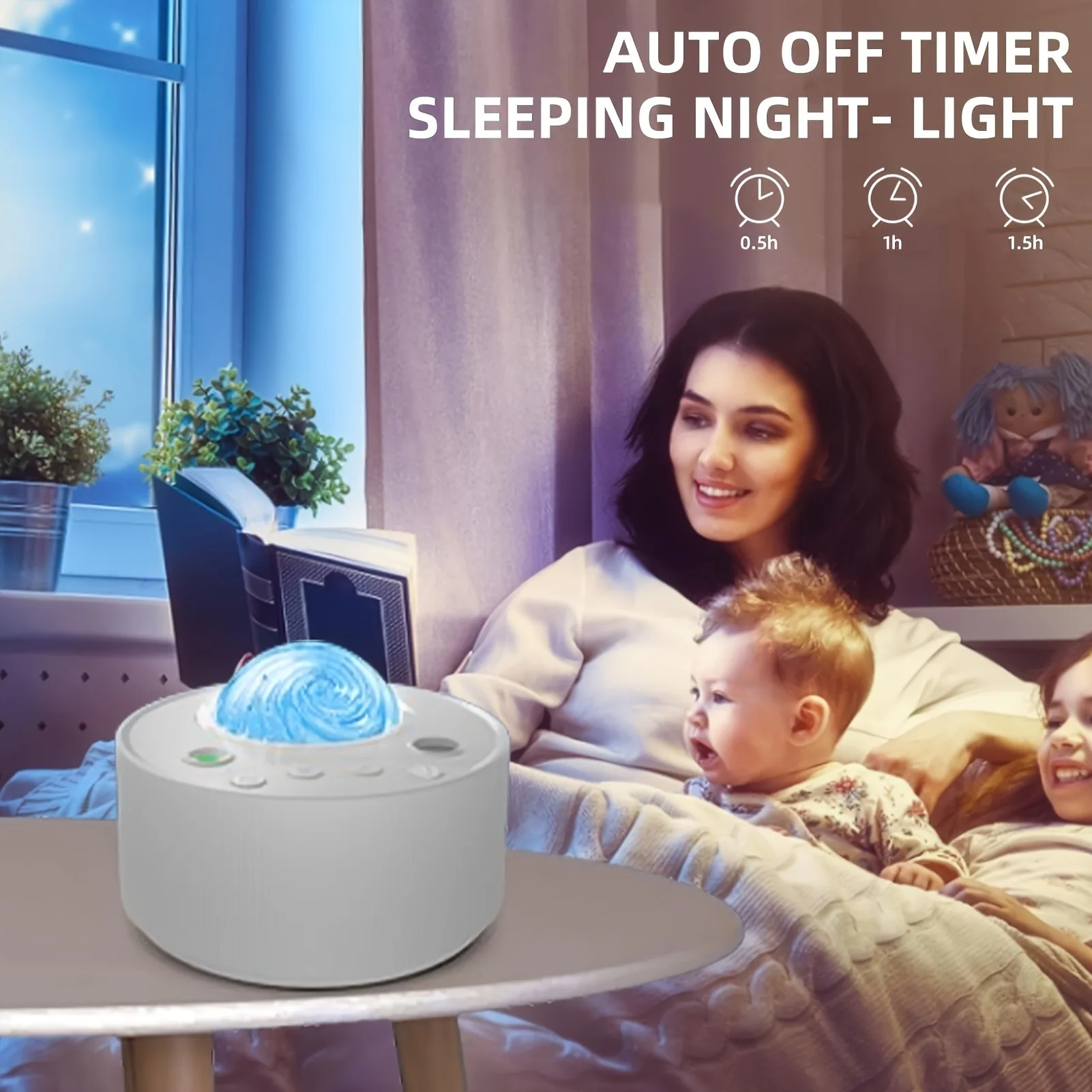
6. Automatic timing function: In order to better use the product, it will automatically shut down after 4 hours of operation. If there is a timed operation during use, the product will switch to timed shutdown.
Reminder: 1. Use at night or in dimly lit environments for better lighting effects,
2. Please charge or connect the USB before using the product.
Product Paramenters
Rated power | 4W |
Rated voltage | 5V=2A |
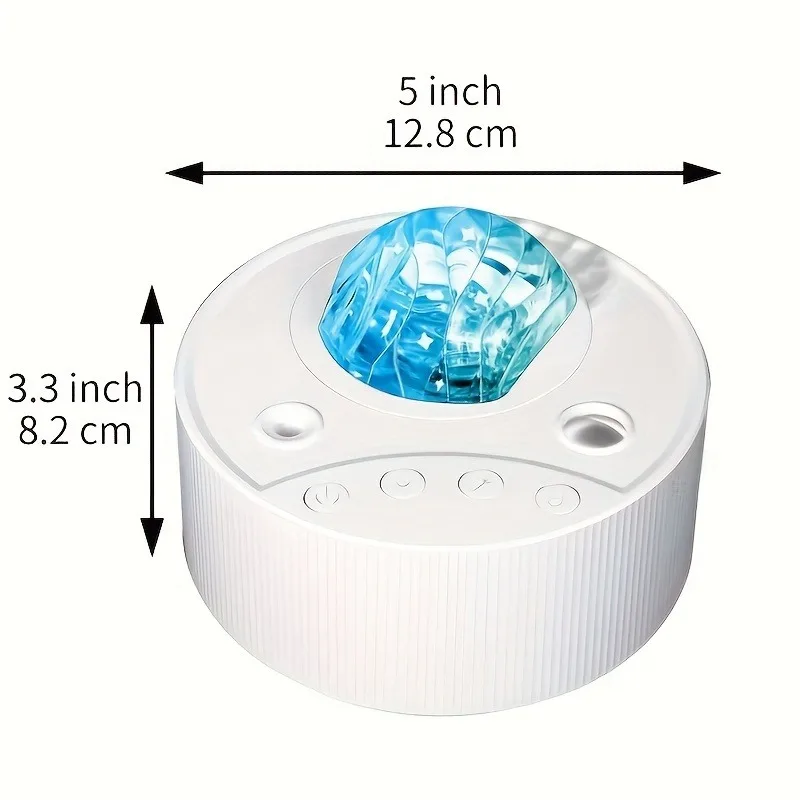
Product size | 150 * 145 * 104mm |
Material | ABS+Plastic |
Product color | white |
Lighting Method | Adjustable |
Details Images
We Recommend
New Arrivals
New products from manufacturers at wholesale prices







