
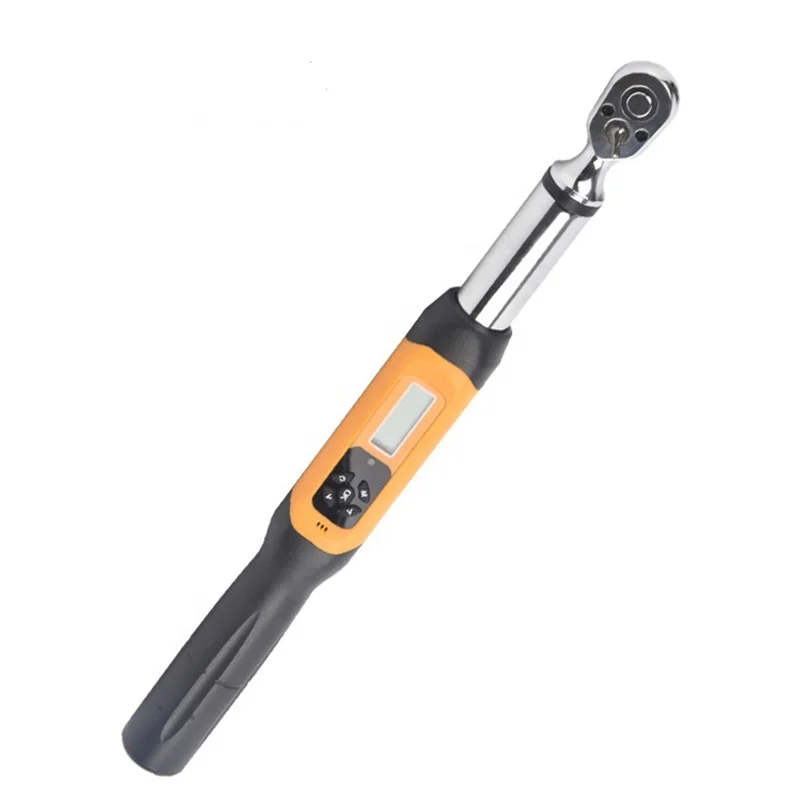
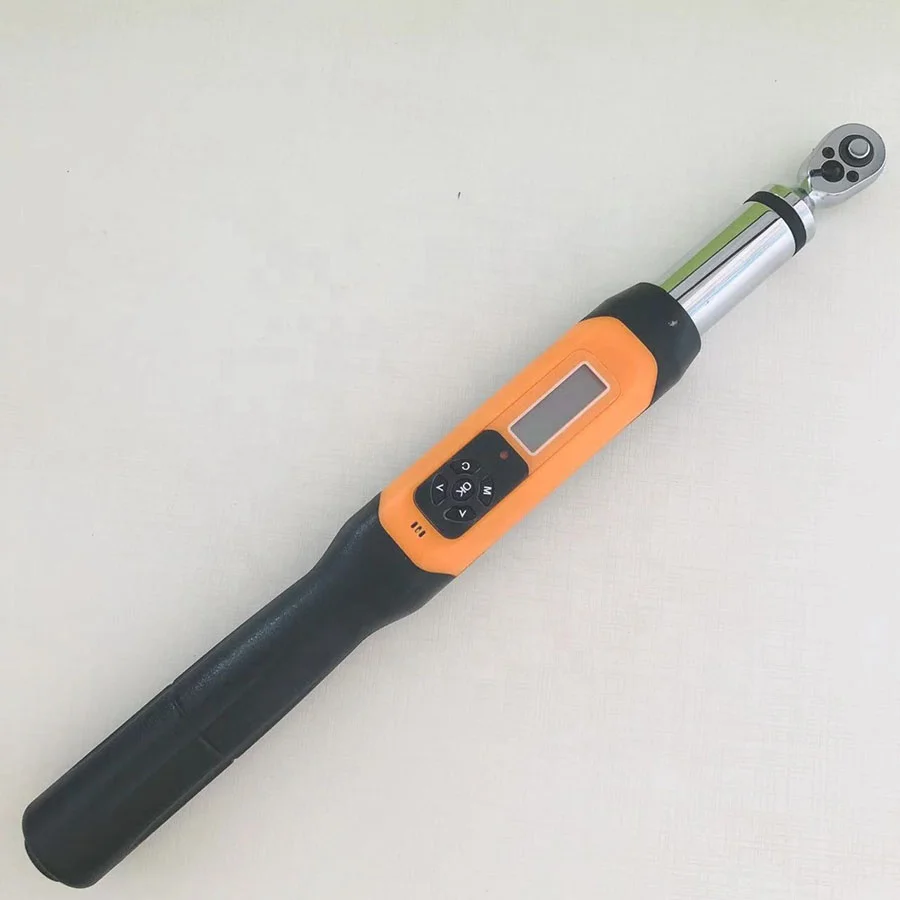
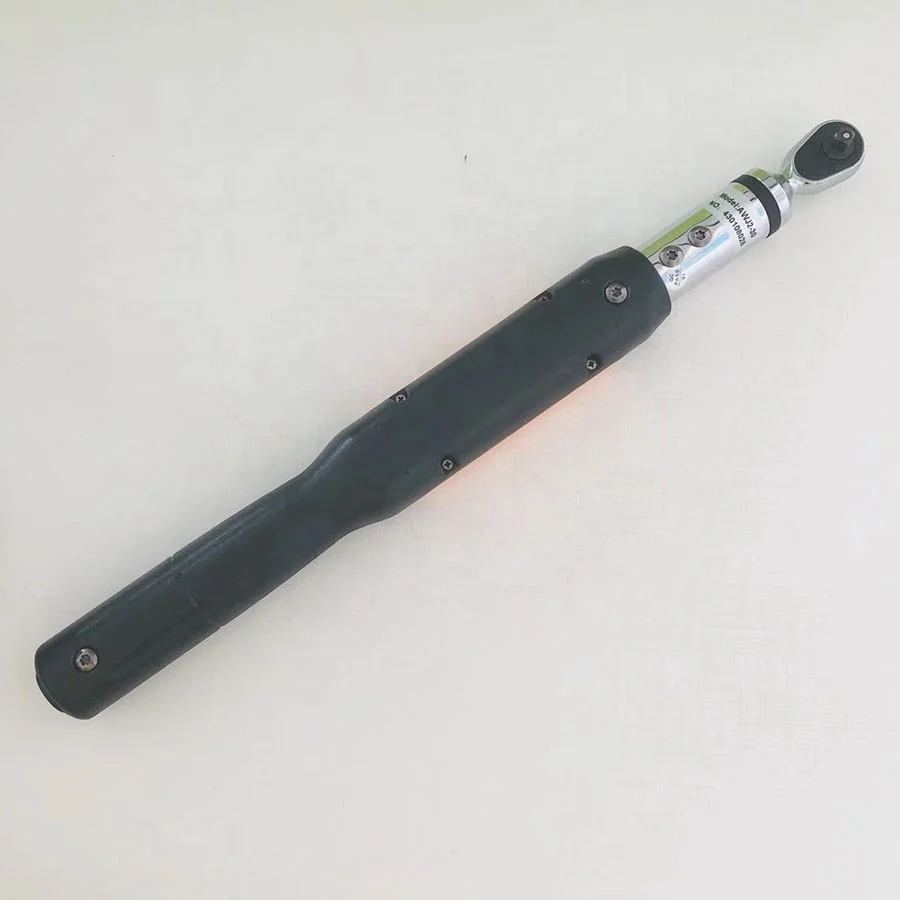
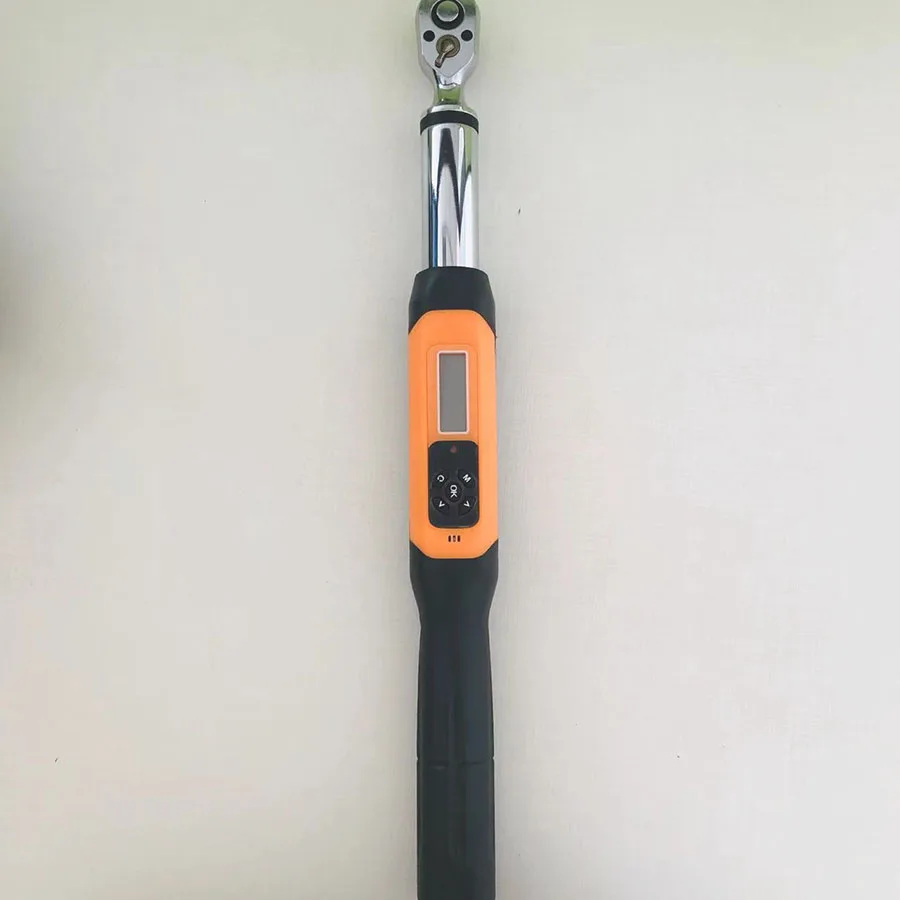
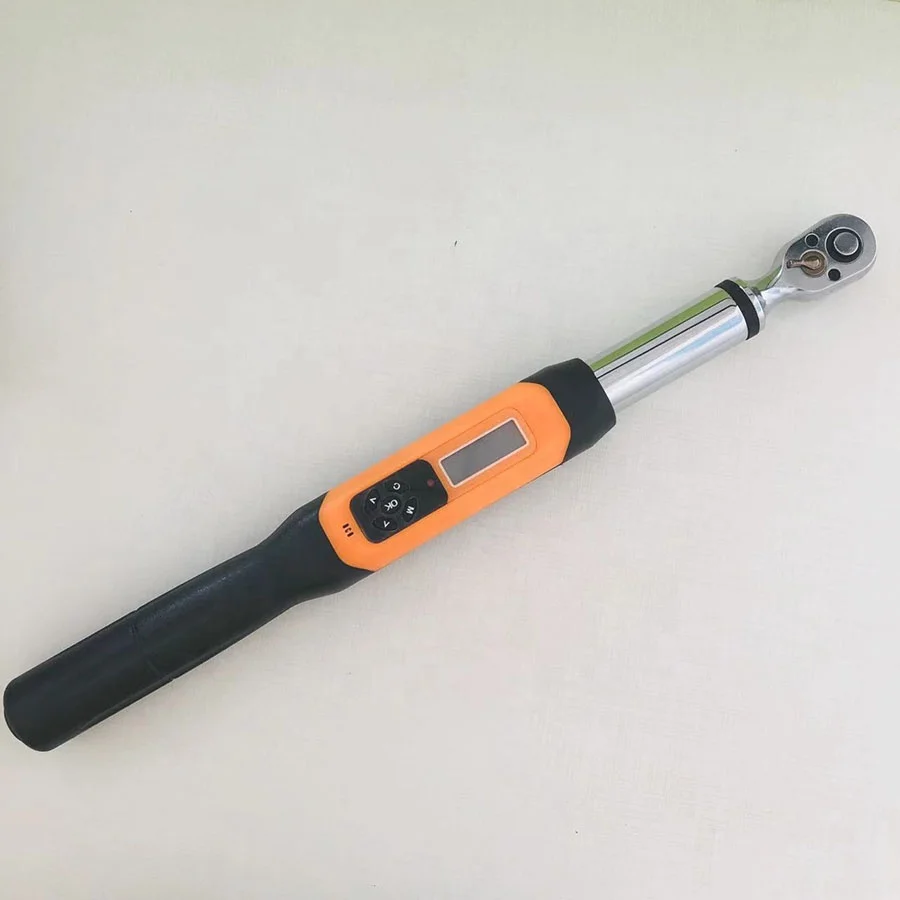
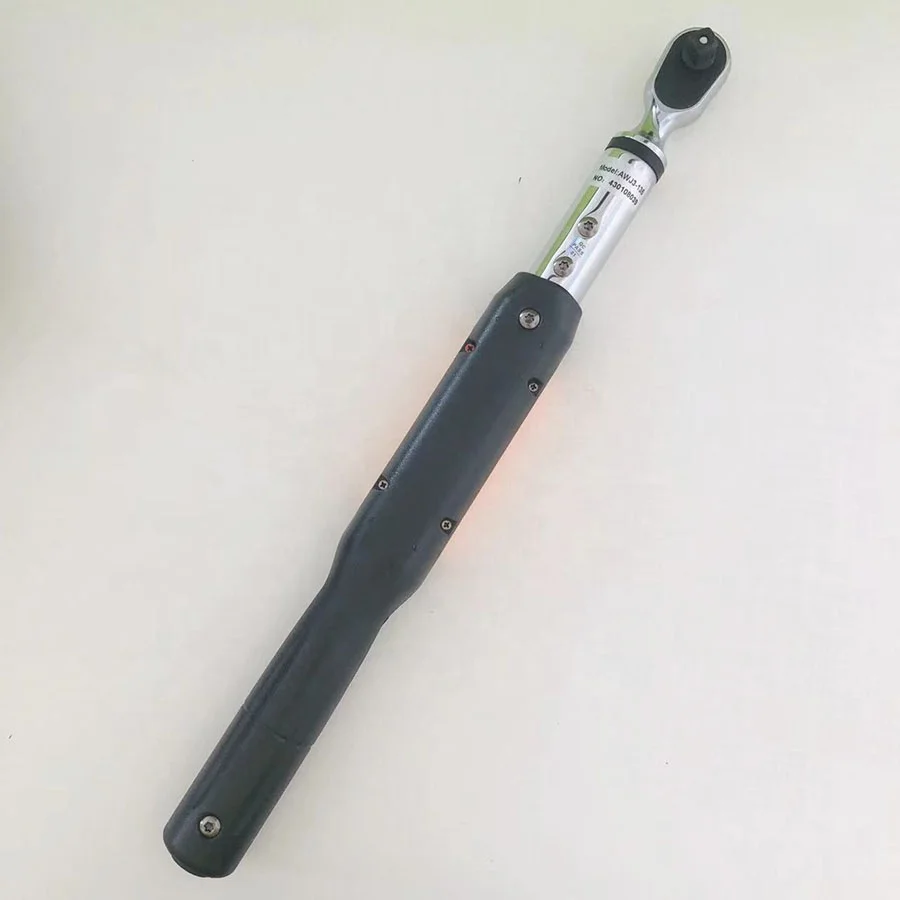
AWJ Torque Wrench Digital Torque Screwdriver With Indicator Light 135Nm
- Category: >>>
- Supplier: Shijiazhuang Sanli Grain Sorting Machinery Co. Ltd.
Share on (1601220201378):
Product Overview
Description
Product Description
Ratchet head digital display torque wrench and adjustable head digital display torque wrench are different from common torque wrench,Among them, the adjustable head wrench with its own ratchet head can be replaced at open-oral head, plum head, movable opening head plug,Both have powerful operational capabilities, included: Set Torque, Set Unit, Save Data, Delete Data, Export Data, Calibration Functions etc. User-friendly control, the digital display reduces the difficulty of the operation and the requirements of user.
It is suitable for bolt tightening and control in automobile industry and machinery industry.

Features
★ Digital Screen Display to show the torque data.
★ Precision : Clockwise ±2%, Counterclockwise ±2.5% (The total range of 20% ~ 100%).
★ Clockwise Rotation and Counterclockwise Rotation.
★ Keep the peak and Real-Time Mode.
★ Buzzer and LCD Light will be started (When predetermined value is reached).
★ Four types of engineering units (N.m, kgf.cm, lbf.ft, lbf.in).
★ 99 sets of record data can be saved.
★ Switch itself off after 2 minutes automatically.


Details Images


Product Paramenters
Model | AWJ3-30 | AWJ3-60 | AWJ3-85 | AWJ3- 135 | |||
AWJC1 -030B | AWJC1-060 | AWJC1-085 | AWJC1 -135 | ||||
Min-index value | 0.01 | 0.1 | |||||
30N.m 22.12ft.lb 265.5in.lb 305.91kgf.cm | 60N.m 44.25ft.lb 531.04in.lb 611.82kgf.cm | 85N.m 62.69ft.lb 752.31in.lb 866.75kgf.cm | 135N.m 99.57ft.lb 1195in.lb 1376.61kgf.cm | ||||
Connector(inches) | 3/8 | ||||||
Interchangeable head connection size | 9 × 12 | ||||||
Buzzer setting range (N.m) | 1.8 ~ 30 | 3.6 ~ 60 | 5.1 ~ 85 | 6.75 ~ 135 | |||
Length (mm) | 420 | ||||||
Accuracy | Clockwise: ±2% / Counterclockwise: ±2.5% | ||||||
Data storage capacity | 99 | ||||||
Operating mode | Peak mode (P) / Real-time mode (T) | ||||||
Unit | N.m, in.lb, ft.lb, kgf.cm | ||||||
RatchetHead form | Two-way ratchet head | ||||||
Ratchet head teeth | 36 | ||||||
Number of keys | 5 | ||||||
Battery | 2 × AA Battery | ||||||
Operating temperature | -10℃~ 60℃ | ||||||
Storage temperature | -20℃~ 70℃ | ||||||
Humidity | No condensation 90% | ||||||
Drop test height | 1 M | ||||||
Vibration test conditions | 10 G | ||||||
Life span test | 100000 Times | ||||||
More models for you to choose from.


1.Two-way ratchet head 2.Direction Paddles 3.Product Main Body 4.LCD Screen 5.Button 6.Buzzer 7.Battery holder 8.Battery Cover 9.Ratchet head 10.Grip 11.Torque values 12.P(Peak Mode), T(Real-Time Mode) 13.Unit (N.m, in.lb, ft.lb, kgf.cm) 14.LED Light 15.Menu Button 16.OK Button 17.Up Button 18.Cancel Button 19.Down Button
Product packaging


Product application

Related Products

FAQ
How to use.
1. Zero switch:
Press the C button to boot, if there is a force value after the boot, you can press the C button to clear it, enter the sleep mode for 5 minutes without operation, press the C button to start, and also choose to press the C button to shut down.
2. Preset value setting method:
Under normal power-on state, short press the M key on the measurement interface, and use the up and down keys to switch the preset value you need. After setting the preset value, the system will automatically save the preset value. Press the M key continuously until you return to the measurement interface.
3. Real-time and peak mode setting method:
The default real-time mode T of this product is turned on. If you want to switch the peak mode P, you need to press the M key twice in the measurement interface, NODE appears, and then you can choose the TP switching mode through the up and down keys. After the selection is completed, press the M key continuously until you return to the measurement interface That's it.
4. Unit mode setting method:
This product has N.m, in.lb, ft.lb, kgf.cm. Four unit mode selection, can be switched according to actual use. Setting method in measurement Short press the interface three times M,appear UNLT, Then you can use the up and down keys to select the unit mode you need. After the selection is complete, press the M key continuously until you return to the measurement interface.
5. Data storage and viewing method:
Data saving. In the P peak mode, the measured data can be saved directly by pressing the C key. Press the OK key to save. After saving, it will automatically return to the measurement interface to test again. In this cycle, the data can be saved in 99 groups The numbers are 001. 002 ..... 099). View data. Short press M key 4 on the measurement interface to view the saved data group (display 0000 when there is no data saved). You can view the data number by pressing the up and down keys. No detailed display of the force value stored by the number is displayed in two seconds. Then press the M key continuously until you return to the measurement interface.
6. Clear data storage value:
Short press M key 5 on the measurement interface, CLR appears, then press C key to display NO? Then press C key to confirm and clear, and display DEL to return to the measurement interface directly after completion (If you press the M key on the NO? Interface, you will give up deleting and return to the measurement interface.

We Recommend


New Arrivals
New products from manufacturers at wholesale prices







