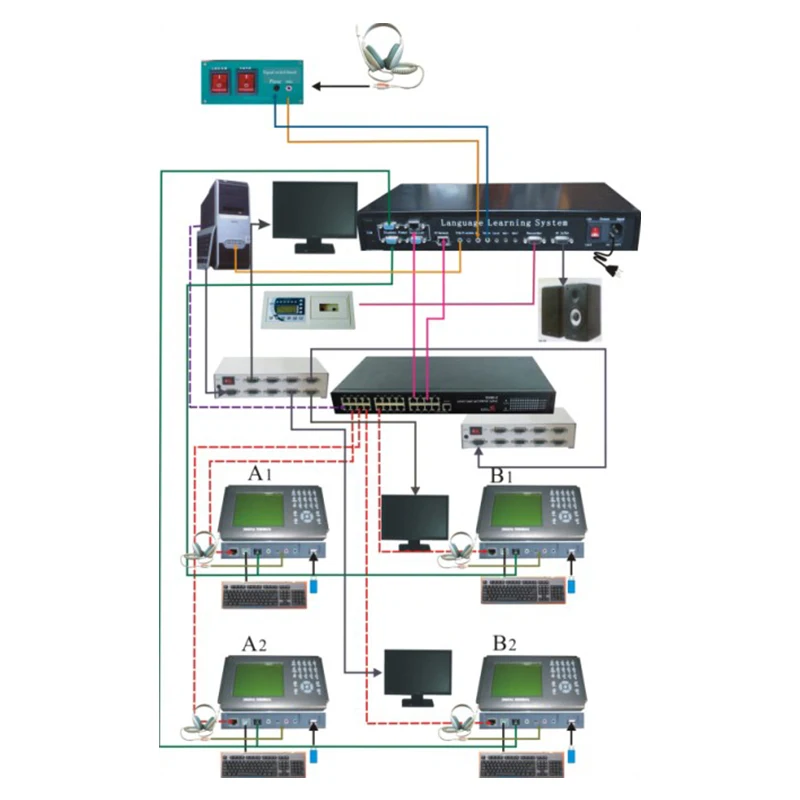
2024 New Multi Functional And Multi Language Language Laboratory System
- Category: >>>
- Supplier: Changsha Haili Electronic Technology Development Co. Ltd.Changsha Ltd.
Share on (1601229168586):
Product Overview
Description
HL-6800 E-learning laboratory, language lab system, classroom managemnent software
Product Description
HL-6800 E-learning laboratory
E-learning laboratory,only need to install the software in a existed computer room
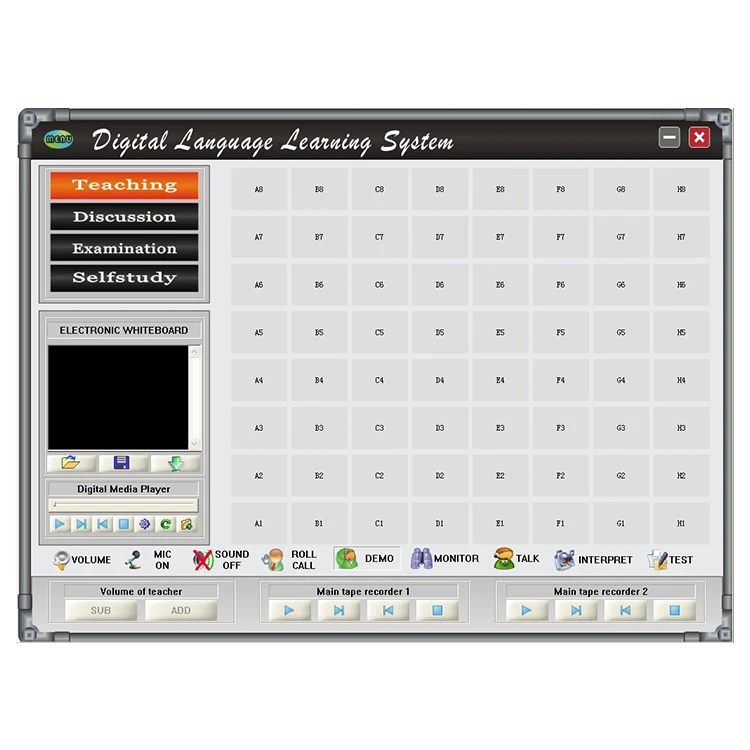
HL-6800 E-learning laboratory software interface
Software interface:
eacher
Student
HL-6800 E-learning laboratory functions description
Mode | Function | description |
Classroom teaching | Broadcasting Teaching | Play video files or media files to students Broadcast teacher screen to students |
Voice teaching | Voice teaching to all the students | |
Demonstration | Appoint some students to demonstrate. other students can watch the screen and listen | |
Recording practice | Students listen to the recording repeatedly | |
Multi channel broadcasting | 8 channels for option. students can select any of them | |
Group teaching | Divide students into several groups for teaching separately | |
Self-study | Students can choose the files in database(video, audio and text files),also can link to internet under teacher’s authorization | |
Call and answer | Students can call teacher | |
Clear | Clear all calls from students | |
Assisted teaching | Class discussing | Teacher gives a topic for all students discussion by text |
Monitor the screen | Teacher can view all students or some parts students screen | |
Broadcast screen | Broadcast one student screen to all students | |
Electronic whiteboard | Teacher can write on the whiteboard and show to students | |
Send messages | Teacher can send messages to selected student or the whole class | |
Live recording | Record the teaching content with digital audio file. | |
Auto-teaching | Pre-set the teaching content to realize systematic | |
Long-distance assistance | Operate students’ computer on teacher’s computer | |
Examination | No paper Test | Normal no paper test, support AB paper |
Oral Test | Record each student oral exam and save the record one by one. | |
Oral test analysis | Score oral test result
| |
Quiz | One question test on class, system will analyze answer immediately | |
Score analysis | Score the test paper and output analyzing reports | |
Score statistics | Stat. the scores of each class in this semester | |
Test paper edit | Prepare test paper | |
Electronic Respond | Race to answer teacher’s question | |
Transfer file | Teacher can send files to one or several students | |
Management system | System setting | Set school name, saving path of test question bank, record file, and oral test, etc. |
Class management | Create a new class, add or delete class members | |
File management | Manage corresponding teaching material, including record file, test file, temporary file and so on. | |
Teaching setting | Set the content of auto teaching | |
Resource management | Set the file directory of video on demand, audio on demand, and courseware on demand | |
Teaching material edit | Edit teaching material of Audio-text synchronization. | |
Class attendance | Record the roster of every class | |
Others | student on/off | Teacher can turn on/off all the students computers |
Lock/unlock | Teacher can lock the student computer | |
Black screen | Teacher black students’ screen | |
End off class | Cancel control to student computer | |
Loading in class | Load students’ information | |
Roll call | Record the details of this class attendance and roster | |
Student name adjustment | Move the students’ name displayed on the software | |
Seat adjustment | Layout the seat number | |
Icon display | Set the information displayed on software seat diagram | |
Online service | Operation instruction |
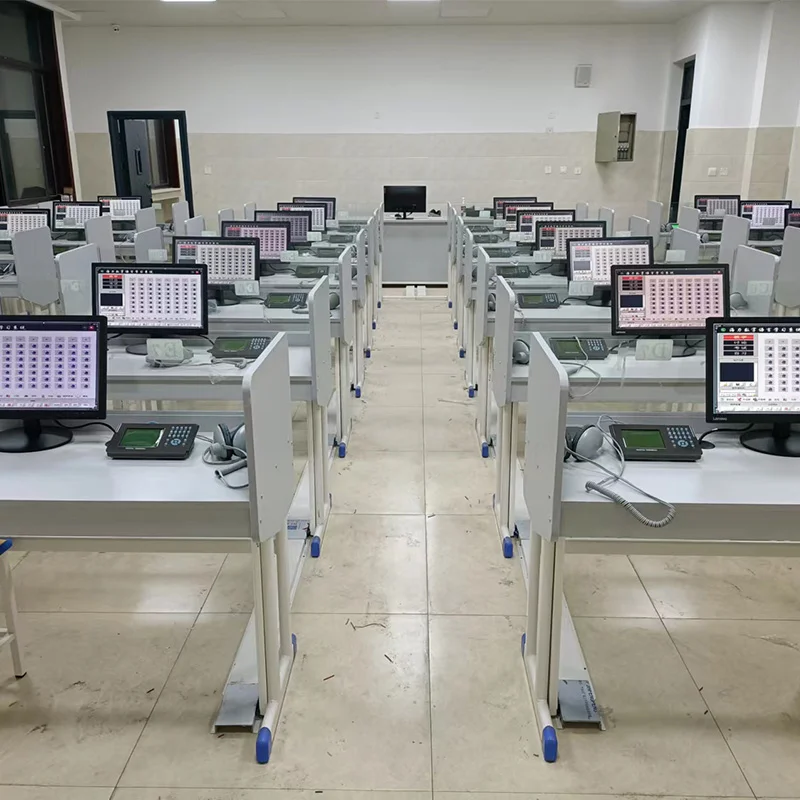
HL-6800 E-learning laboratory sample room

-- Digital signage systems language learning system
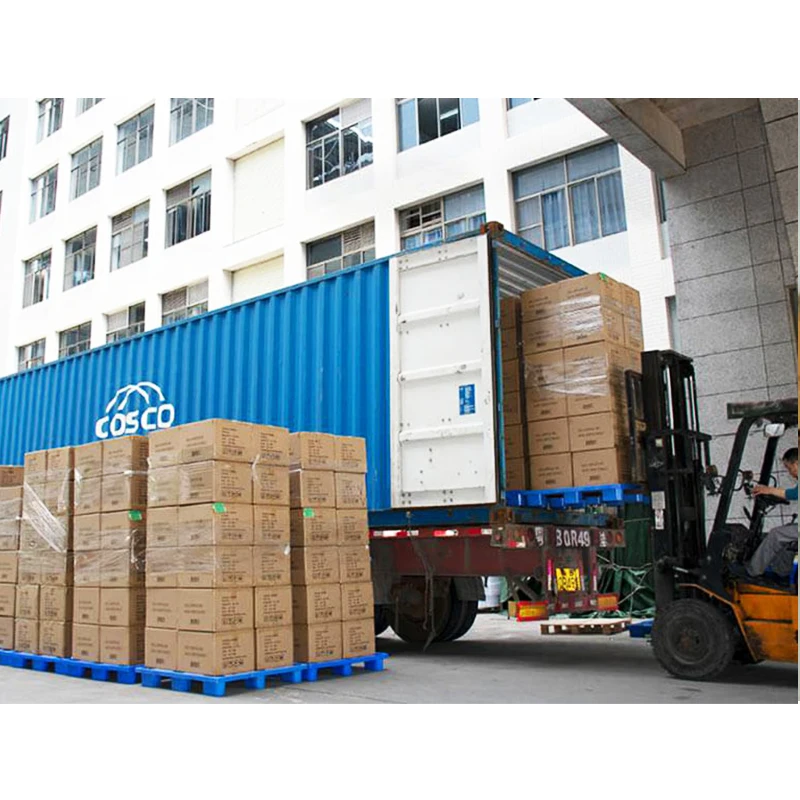
Packaging & Shipping

Our Services
why do choose JER :
1.JER control quality for you.
2.JER help to down cost for you.
3.JER reduce the risk for you.
4.JER do design for you.
5.JER do shipping and Doc. for you.
6.JER manage the goods in stock for you.
7.JER do after sales service for you.
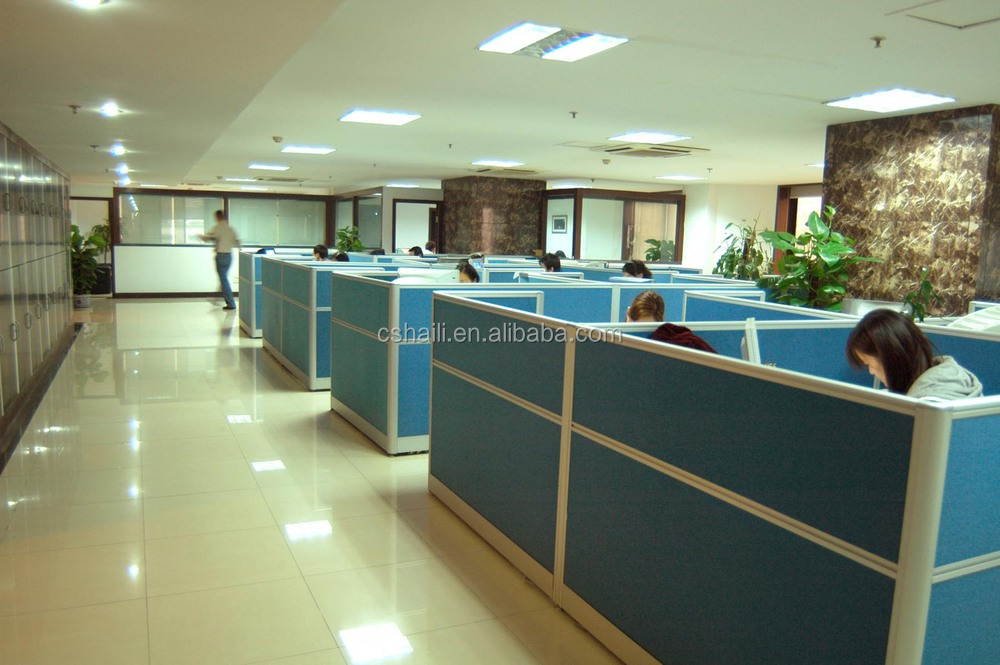
Company Information

FAQ
1.Where does the language learning system be used in?
Digital signage systems could be used in:
Education
Meeting
etc.
2.Could I ask for help if there is any question during installation?
Definitely. We'll follow up till everything goes well.
Contact us
How to contact us?
Sent your inquiry details in the below,click "Sent" Now!
We Recommend


Multilingual foreign language speech laboratory equipment
US $126.00-$135.00

Greelan professional english language laboratory headset
US $10.00-$20.00

Digital language laboratory equipment for school
US $1000-$3000

English Language Teaching Lab
US $179.00-$189.00
New Arrivals
New products from manufacturers at wholesale prices