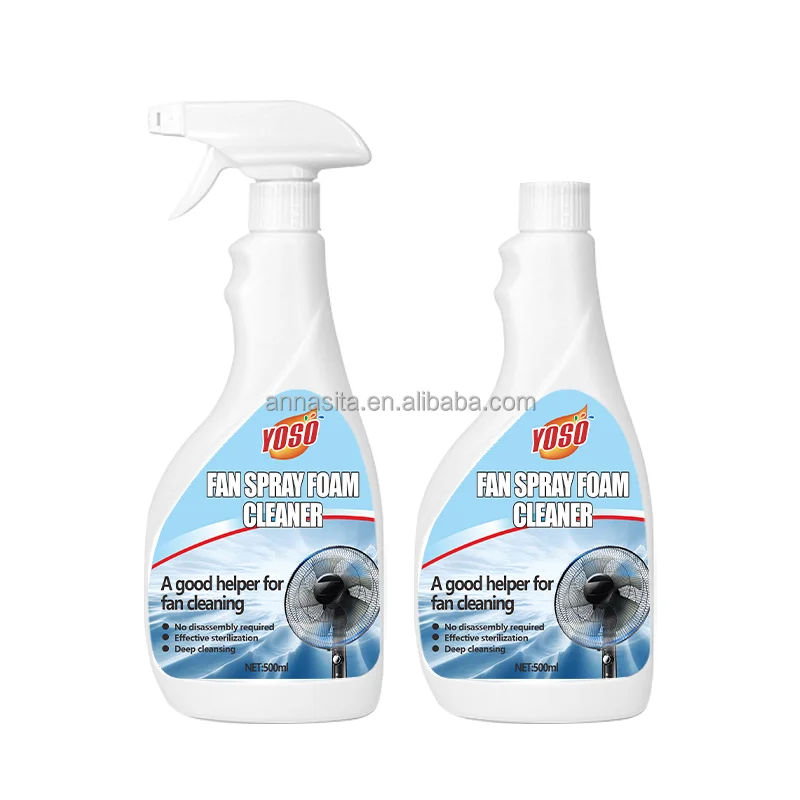
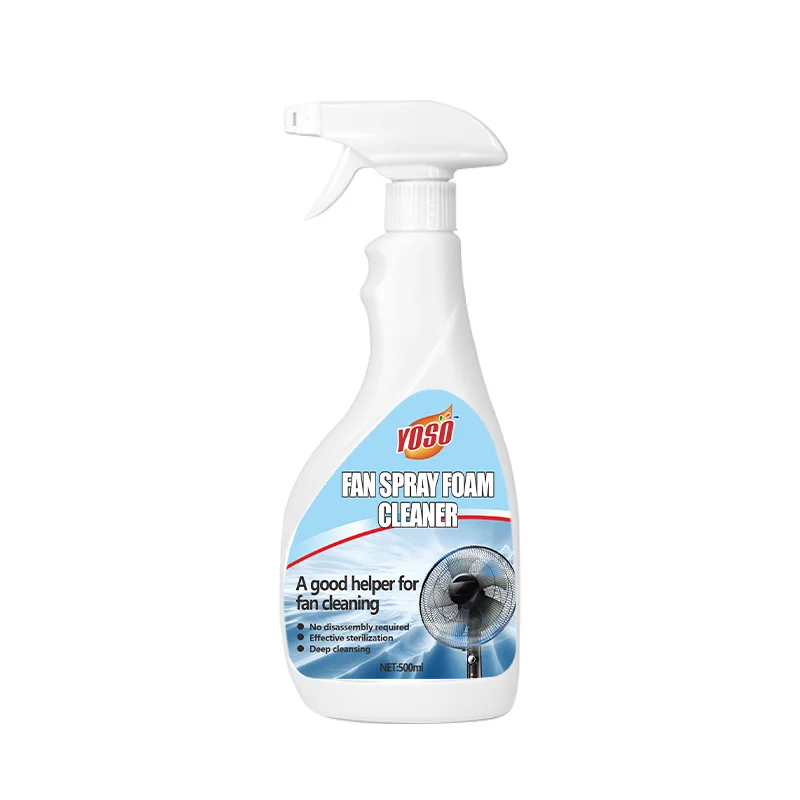
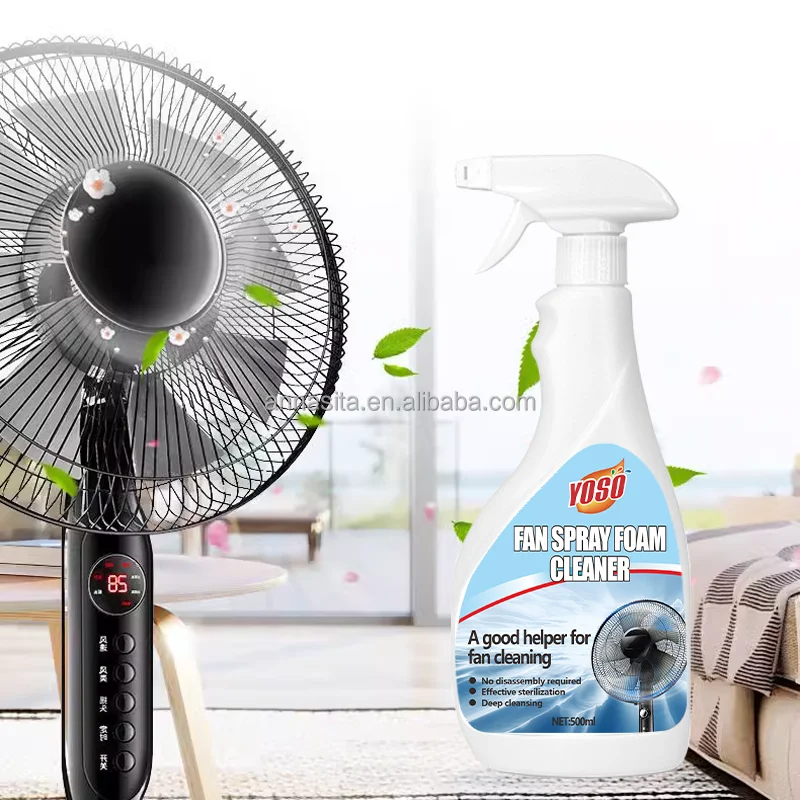

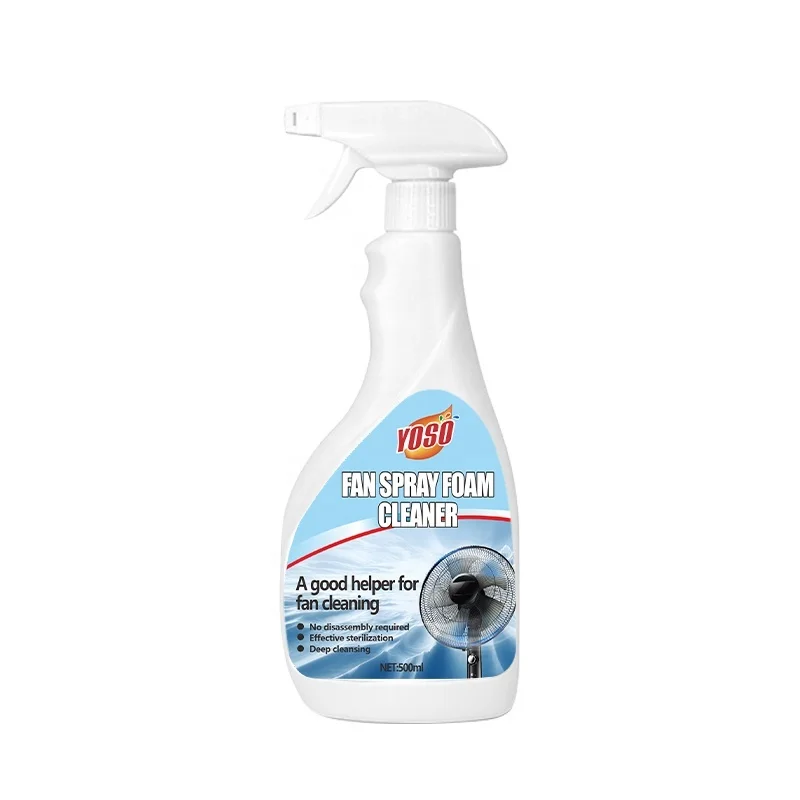
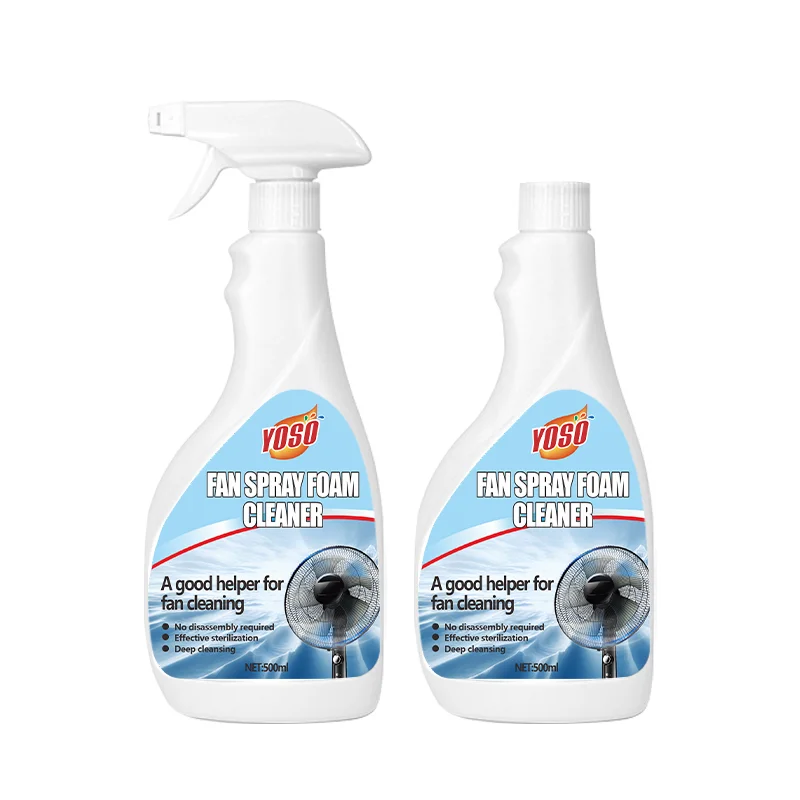

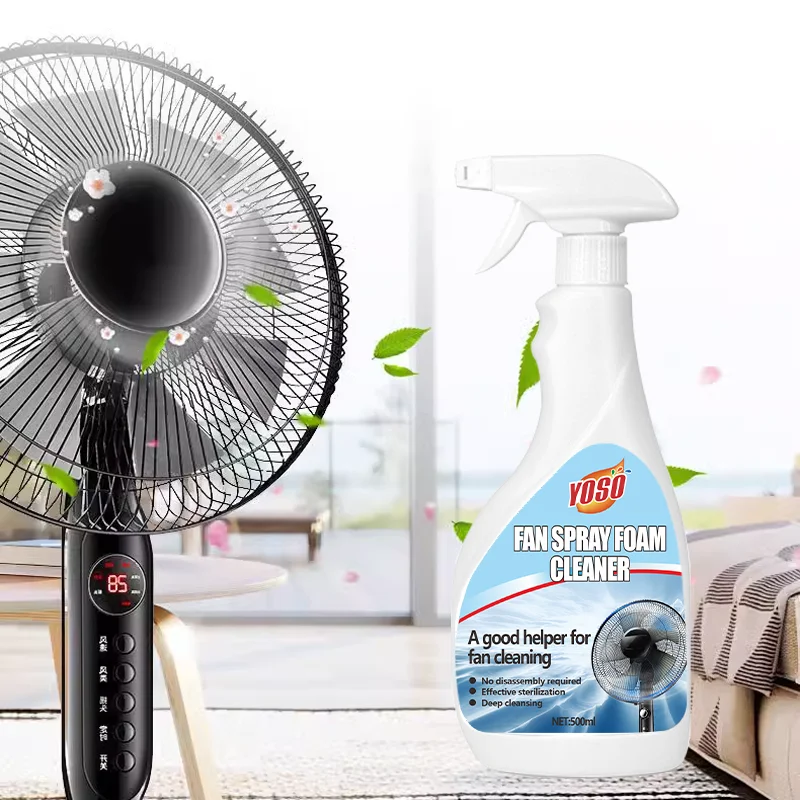
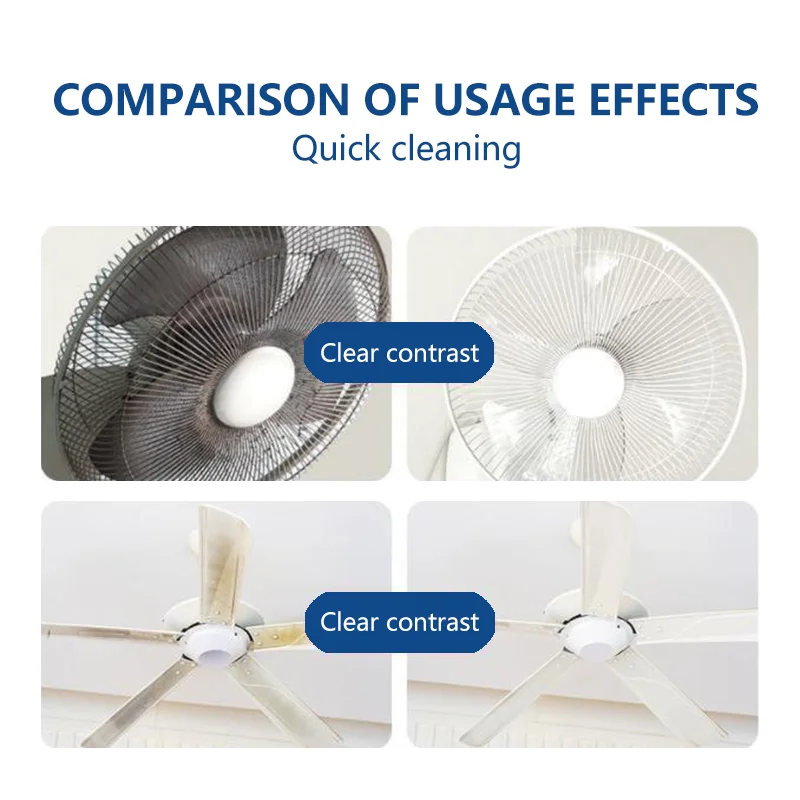
500MLComplete Fan Dust Remover & Maintenance Cleaner Solution Powerful Blade Cleaning & Airflow Restoration Formula
- Category: >>>
- Supplier: Guangzhou Qidianban Car Accessories Co. Ltd.
Share on (1601237754970):
Product Overview
Description
Product Name | Fan Cleaning Solution | Keyword | Anti-Dust Fan Wash |
| Shelf Life | 3 Years | Capacity | 500ML |
| MOQ | 1000pcs | OEM&ODM | Available |
Product Description
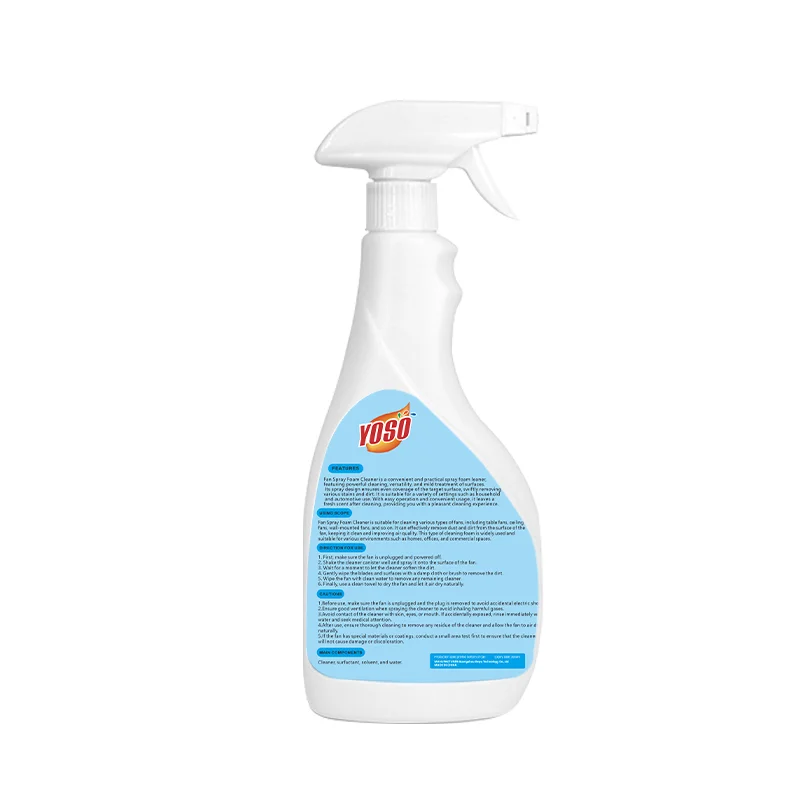
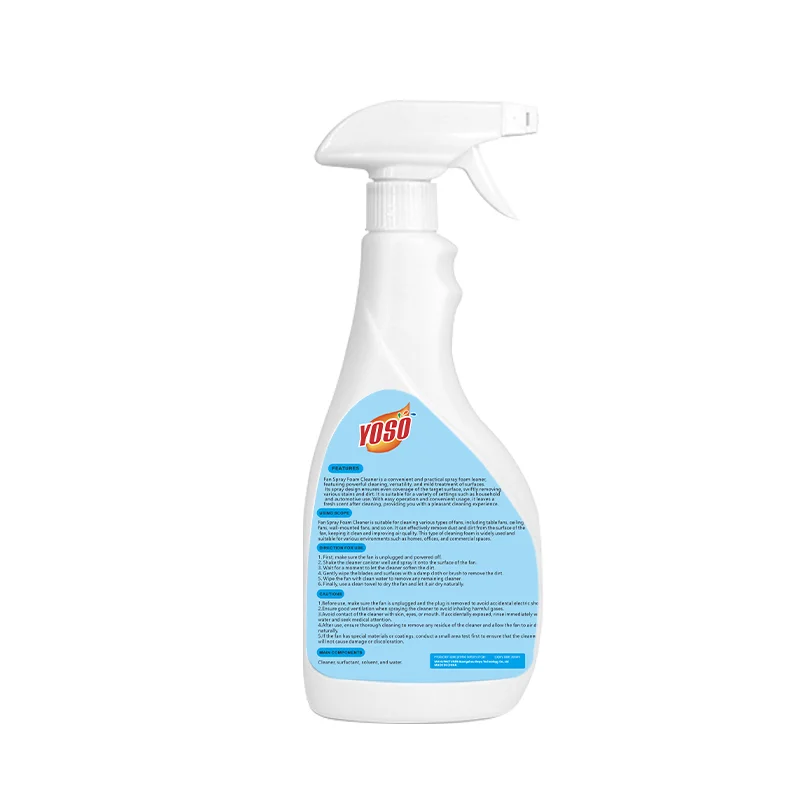
Fan Cleaner Instruction Manual
Product Overview:
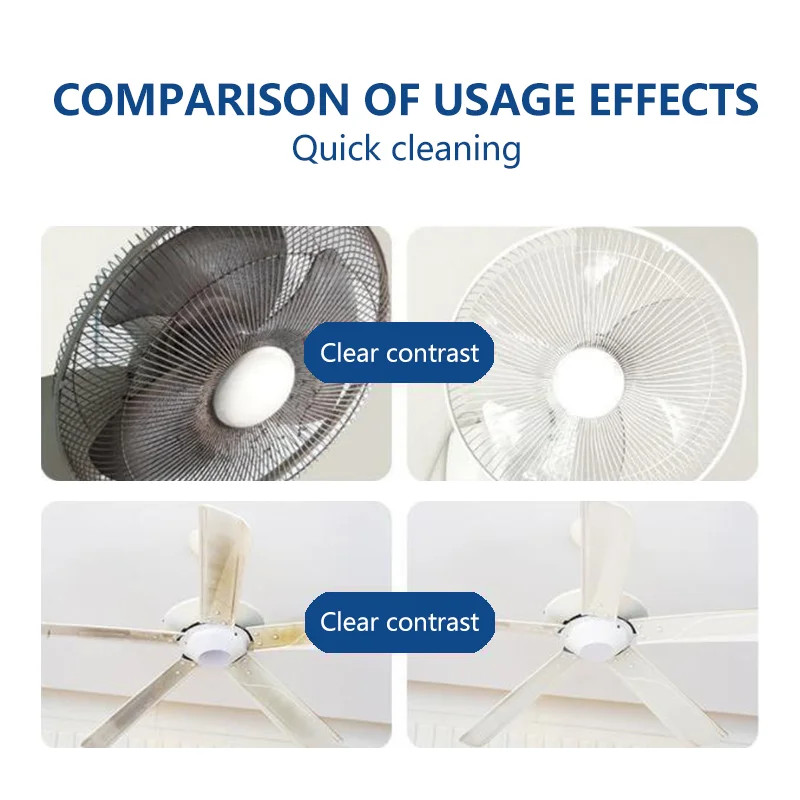
This fan cleaner is specifically designed to effectively remove dust, dirt, and grime accumulated on fans of various sizes, including but not limited to desktop computers, laptops, servers, and other electronic devices. It is formulated with gentle yet powerful cleaning agents that are safe for use on most fan surfaces.
Key Features:
- Non-abrasive formula for gentle yet thorough cleaning.
- Fast-acting and easy to use.
- Safe for most fan surfaces, including plastic and metal.
- Pleasant scent for a fresh, clean feeling.
Ingredients:
(Please refer to the label for a complete list of ingredients.)
Instructions for Use:
Preparation: Ensure that the fan is turned off and disconnected from any power source. Remove any dust filters or covers that may be attached to the fan.
Application: Shake the fan cleaner bottle gently before use. Spray the cleaner directly onto the fan blades and surrounding areas, focusing on areas with visible dirt or dust accumulation.
Cleaning: Allow the cleaner to sit on the fan surface for a few seconds to loosen dirt and dust. Then, use a soft cloth or brush to gently wipe away the loosened dirt and dust.
Rinsing (Optional): If desired, you can use a damp cloth to lightly rinse the fan surface after cleaning. Make sure to thoroughly dry the fan before reconnecting it to a power source.
Reassembly: Once the fan is clean and dry, reattach any dust filters or covers and reconnect the fan to its power source.
Caution:
- Keep the fan cleaner away from children and pets.
- Avoid spraying the cleaner into eyes or inhaling the fumes. If contact occurs, rinse immediately with water and seek medical attention if necessary.
- Do not use on fans that are still connected to a power source.
- Test the cleaner on a small, inconspicuous area of the fan before applying it to the entire surface to ensure compatibility.
Storage:
Store the fan cleaner in a cool, dry place away from direct sunlight. Keep the bottle tightly closed after use.
Disposal:
Dispose of the used fan cleaner and empty bottle according to local waste disposal regulations. Do not pour the cleaner into drains or waterways.
Packaging & Shipping

Our Services


Company Information


FAQ

We Recommend
New Arrivals
New products from manufacturers at wholesale prices