

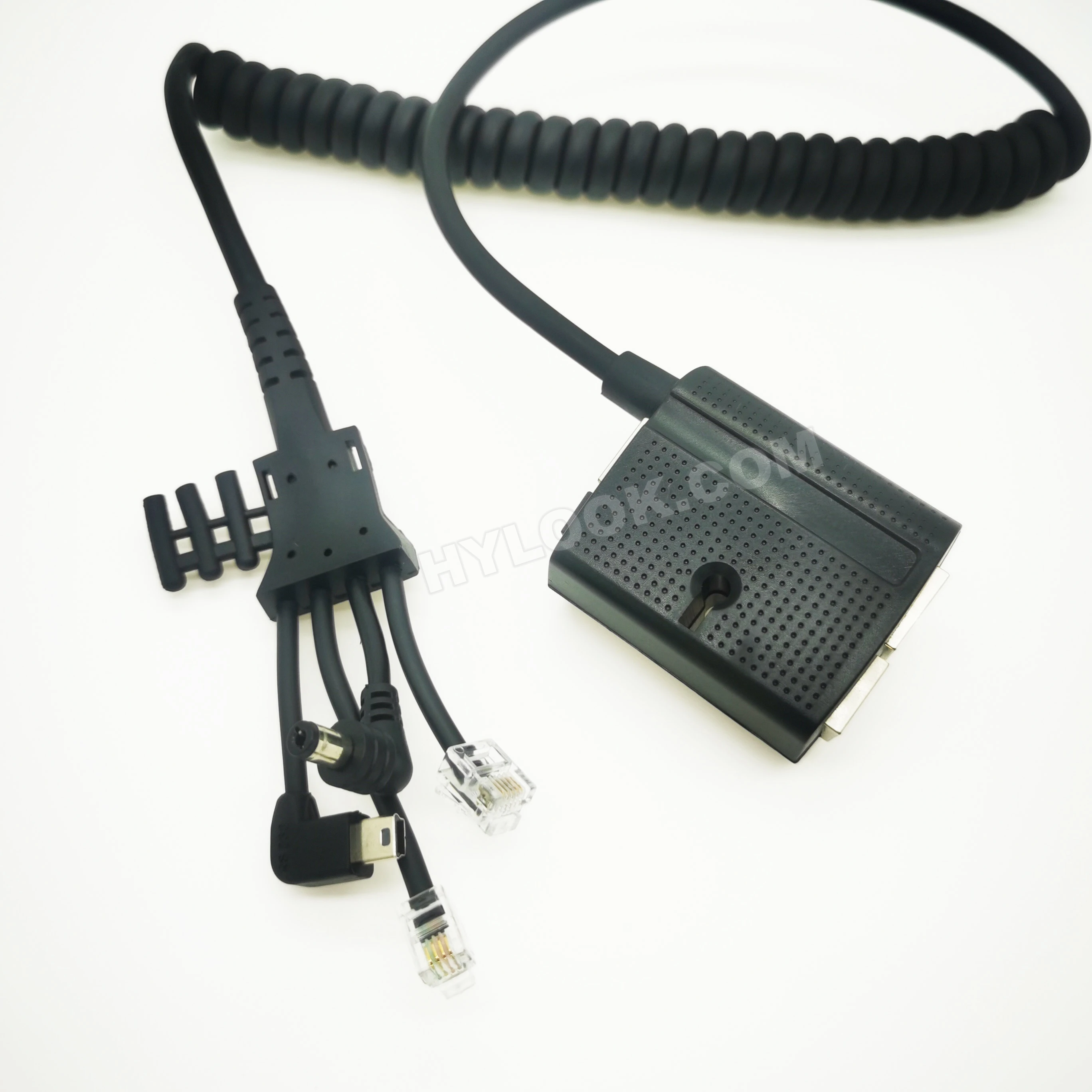
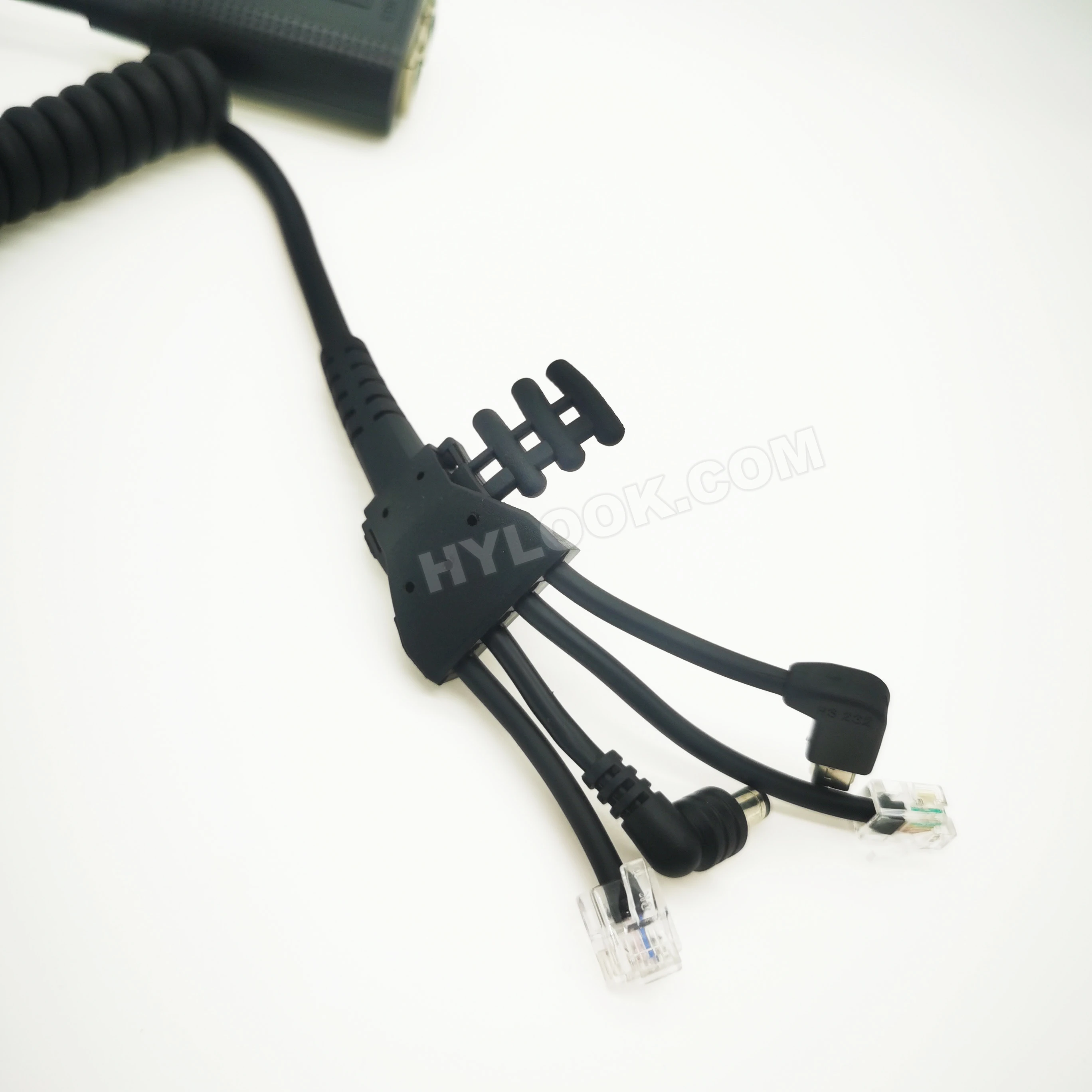
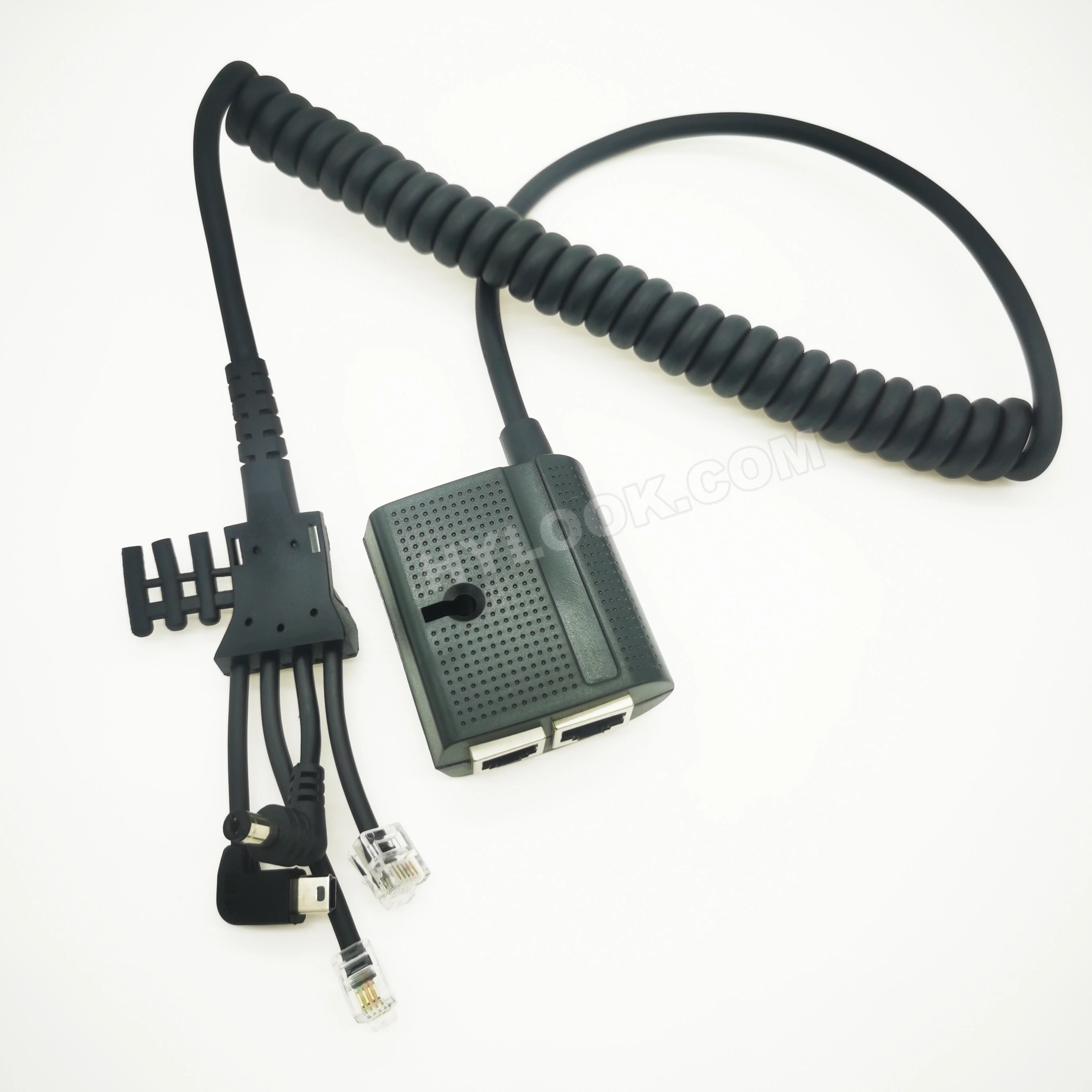
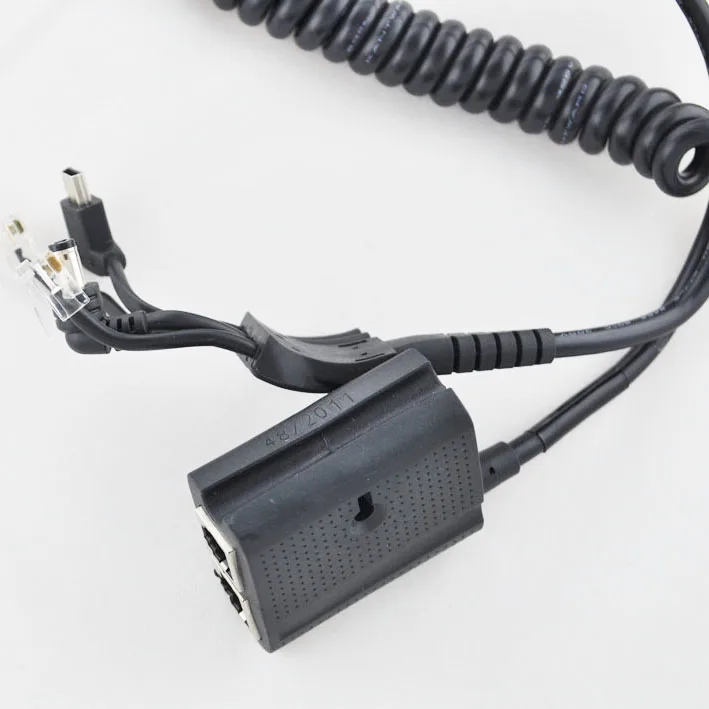
magic box with attached cables for ingenico ICT terminal
- Category: >>>
- Supplier: Shenzhen Hylook Electronic Co. Ltd
Share on (1907667835):
Product Overview
Description
Magic Box with attached cables for ingenico ICT200 serials
such as ict 220 Ict 250 etc
use as communication comm converter
1.Detailed Product Description
Connect the Magic Box to the Terminal
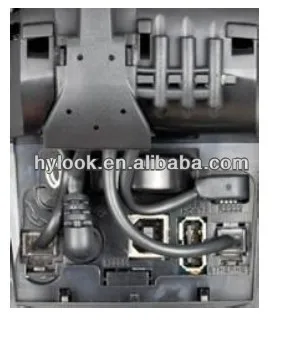
- Unclip the cover by pushing the two clips simultaneously. Then lift the cover up and to the rear of the terminal.
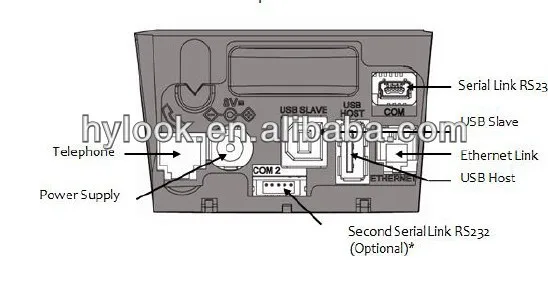
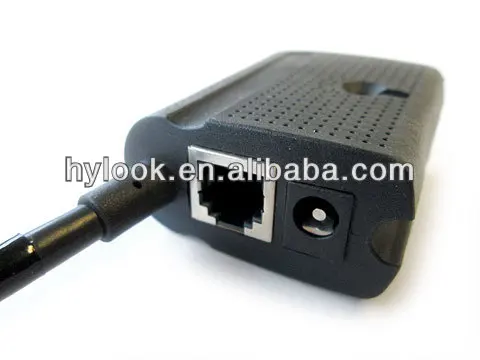
Attach the cable from the Magic Box to the comm ports located at the bottom of the device. Replace the cable cover once connections are in place. Magic box communication cable for Ingenico ICT 220 ICT250

2.Connect Power, Phone, and Internet Cables
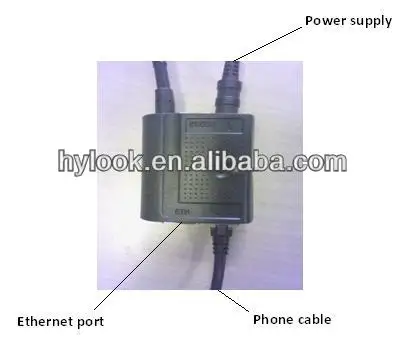
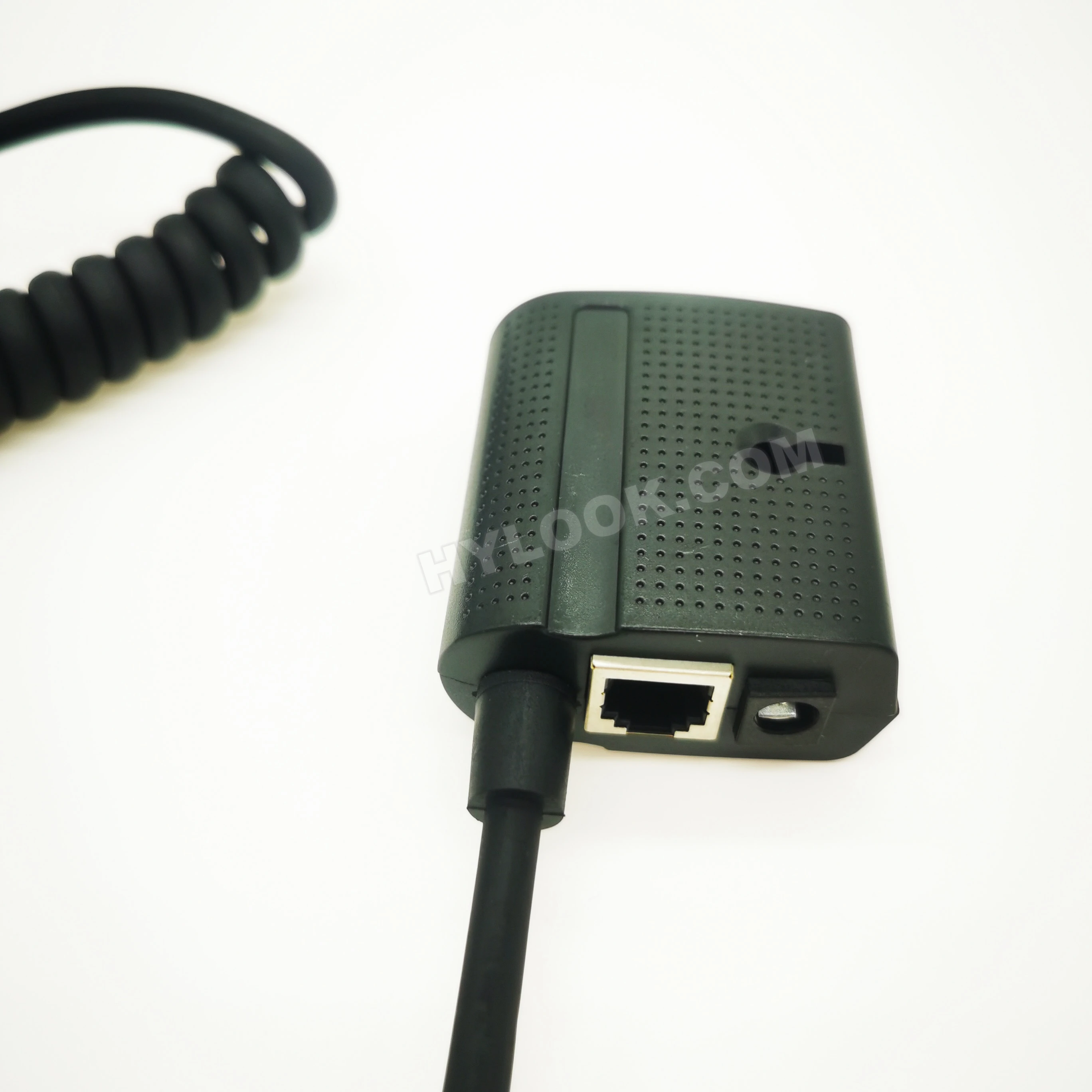
Power – Connect the power cord from the power adapter to the power port on the Magic Box (lightning bolt symbol).
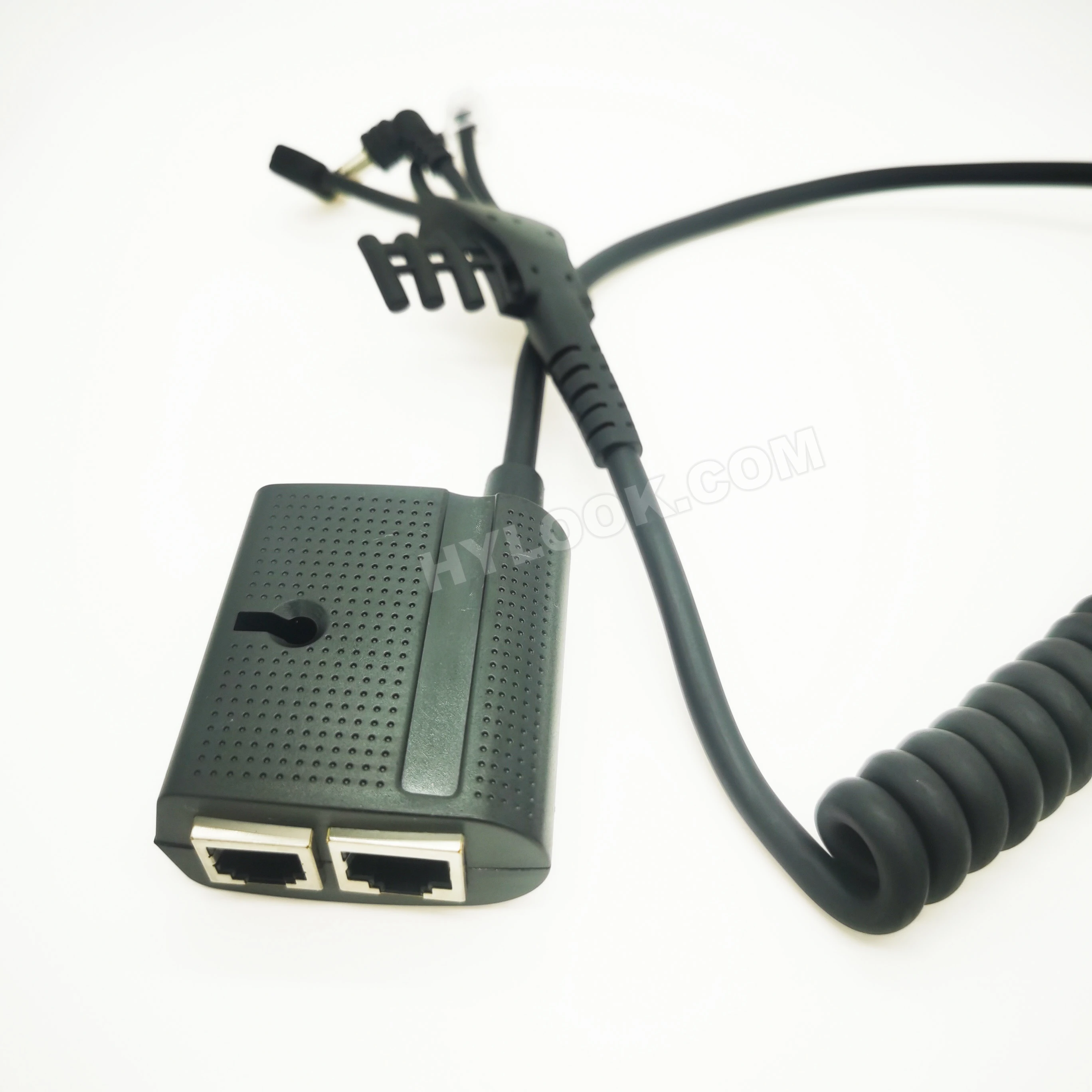
Phone Line – connect the phone line from the wall jack to the phone port.
RS232 (not supported) – Connect a RS232 capable device such as a PIN pad, ECR, or card reader to the RS232 comm port.
Ethernet – connect the Ethernet cable from the switch or other internet access point to the ETH port. 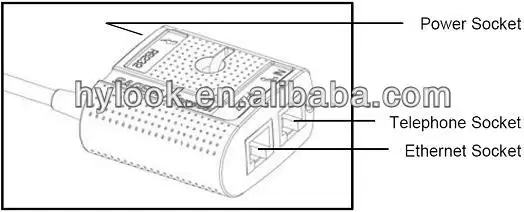
We Recommend







New Arrivals
New products from manufacturers at wholesale prices






