
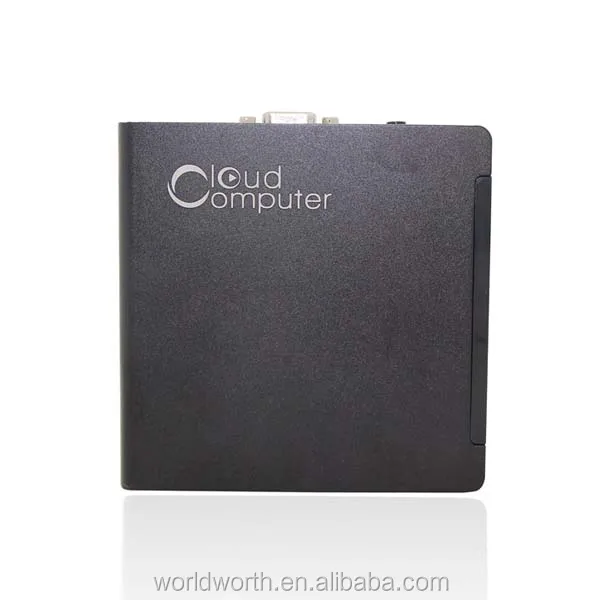
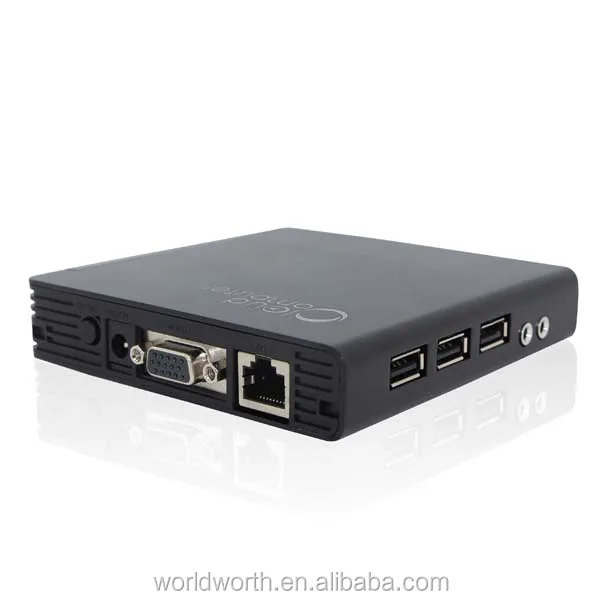
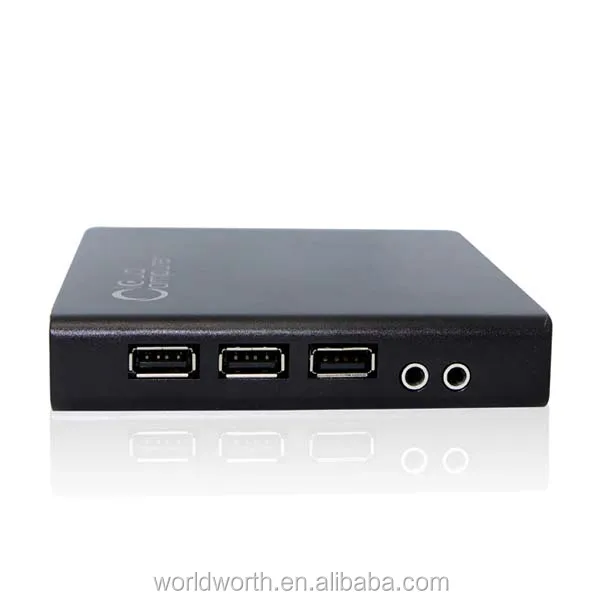
Thin Client Cloud computing PC Station FL200 with 3USB ports for schools computer lab Thin Client
- Category: PC Stations >>>
- Supplier: Shenzhen World Worth Science Technology Co. Ltd.
Share on (1960942229):
Product Overview
Description
Thin Client Cloud computing PC Station FL200 with 3USB ports for schools computer lab Thin Client

Remind:
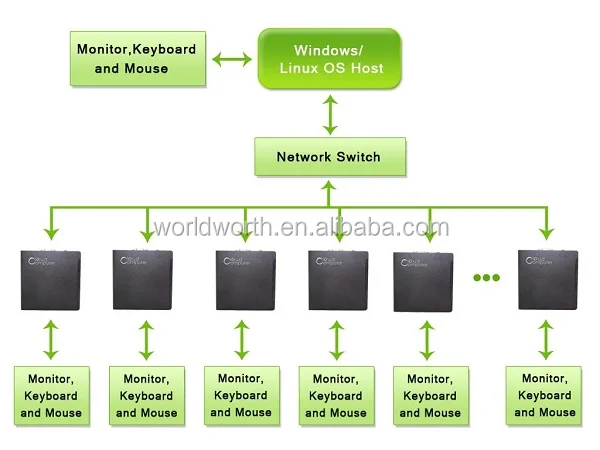
FL200 only as thin client connect with server, it can not as stand-alone computer. FL200 with linux 3.0 OS, Dual-core 1 GHz A9 CPU, 512MB ram, and connect with server via rdp7.1 protocol.

Specification | |
| Dimension | 113*113*24mm(L*H*W) |
| Weight | 0.5kg (Reference) |
| Power Input/output | 100-240V, 50/60Hz; Output: 5V/2A |
| Onboard CPU | Dual-core 1.0 GHz A9 |
| Onboard Memory | 512MB |
| Hard Disk | 512MB |
| Graphics Card Type | MALI400 1080P |
| Operating System | Linux 3.0 Embedded |
| RDP | RDP 7.1 protocol |
| Resolution | VGA (800x600,1024x768,1280*720,1366*768,1280x1024) (1440*900,1920*1080) |
| Audio Solution | Mic and Headphone Port |
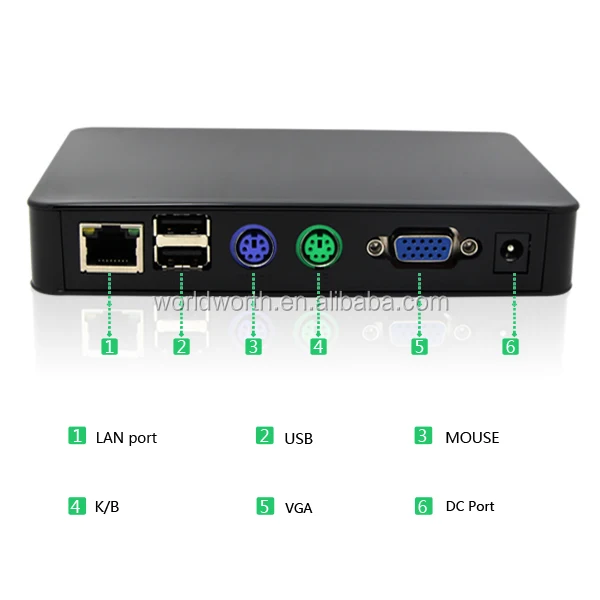
| Connectors | 1xPower on/off 3xUSB 2.0 1xHD 1xVGA 1xSPK 1xMic (not work) 1xRJ45 |
| Server OS support | Windows 2000/XP/Vista/Windows 2000/Windows 2003/Linux/ Windows 7 |

The differences with Thin Client FL300
1. FL200 not support mic, FL300 support.
2. FL200 not support wifi, FL300 have wifi option.
3. FL200 not support HD Video Play, FL300 support local server HD video play.
The differences with Thin client N380 with CE6.0 OS
1. FL200 is very easy install and use, do not have complicated UI as Win CE6.0 thin client
2. When connect with WIN 7 OS, no need to set time and date as same as WIN7 OS Server.
3. FL200 work much faster and stable than Win CE6.0 thin client
4. FL200 can support Irregular screen which Win CE6.0 thin client can’t support.
5. FL200 with very nice out shell which adopt special blue and white porcelain. It’s really cheap thin client not only with good working performance but also fashion design.
6. FL200 with HD port, Win CE6.0 thin client not have it.

Advantages
1. Lower IT Administration Costs
2. Easier to Secure
3. Enhanced Data Security
4. Lower Hardware Costs.
5. Less Energy Consumption
6. Easier Hardware Failure Management
7. Operable in Hostile Environment
8. Less Network Bandwidth
9. More Efficient Use of Computing Resources
10. Simple Hardware Upgrade Path
11. Lower Noise
12. Less Wasted Hardware

Host PC Configuration
1 Remote User: Pentium 4, >1.3 GHz, 512 MB RAM
2-3 Remote Users: Pentium 4 (HT), >2.4 GHz, 512 MB RAM
4-7 Remote Users: Pentium 4 (HT), >3.0 GHz, 1 GB RAM
8-10 Remote Users: Pentium 4 (HT), >3.2 GHz, 2 GB RAM
11-14 Remote Users: Intel P4,>3.2GHz,3GB RAM
15-20 Remote Users: XEON 2.8GHz or XEON 2.4GHz Dual, 3GB RAM
21-30 Remote Users: XEON 3.2GHz or XEON 2.8GHz Dual, 4GB RAM
31-50 Remote Users: XEON E5506*2, 4GB*4 DDR3/1333 ECC REG
51-70 Remote Users: XEON E5506*2, 4GB*6 DDR3/1333 ECC REG
71-100 Remote Users: XEON E7520*2, 16GB*4 DDR3/1333 ECC REG
We Recommend


New Arrivals
New products from manufacturers at wholesale prices







