
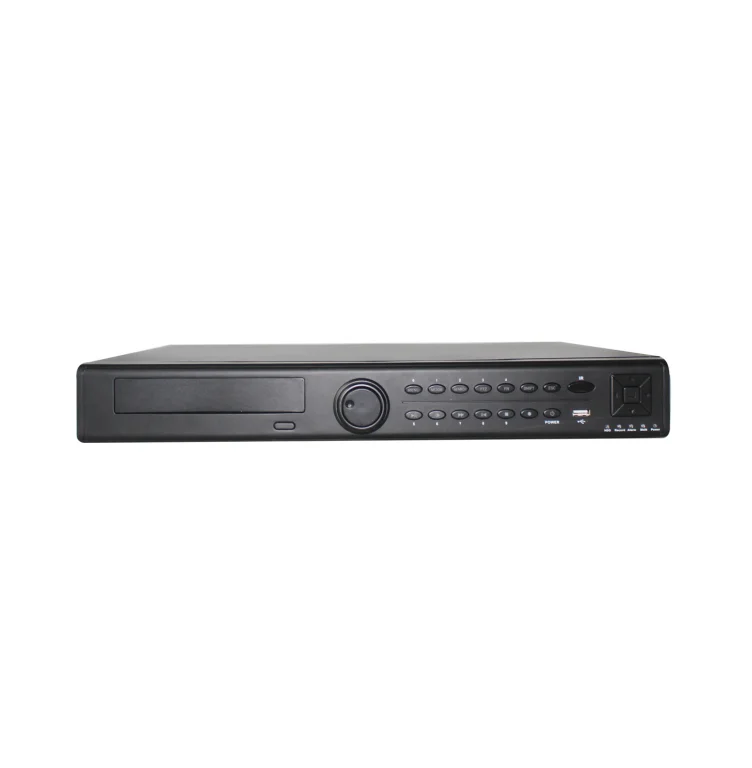
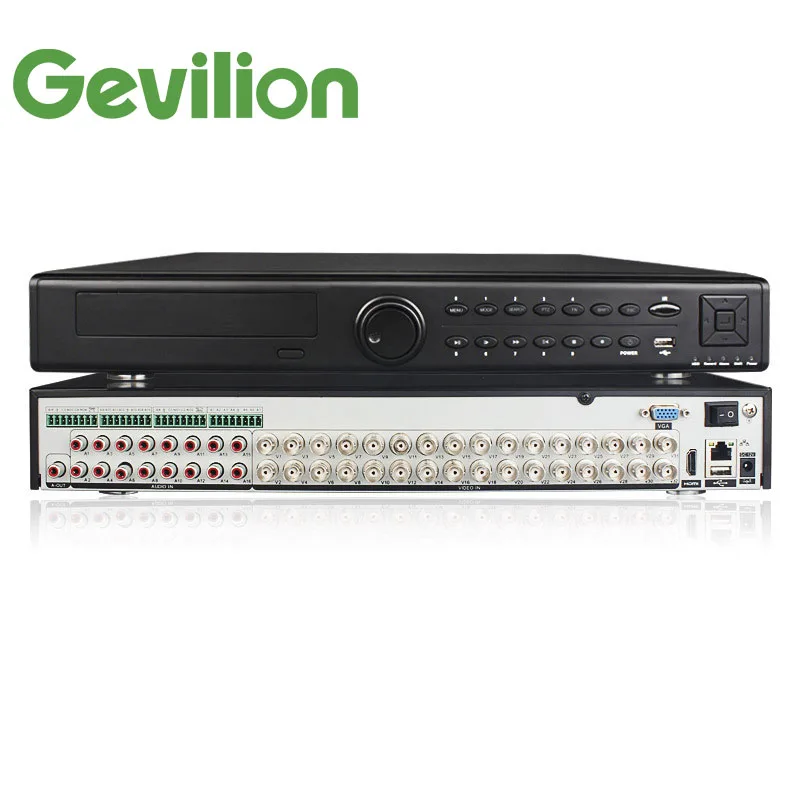
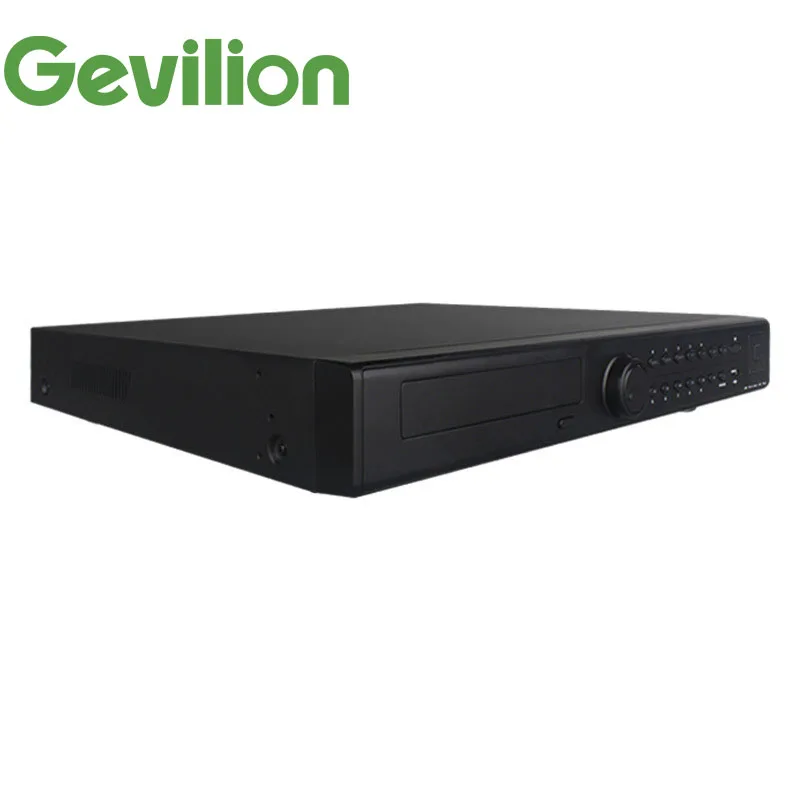
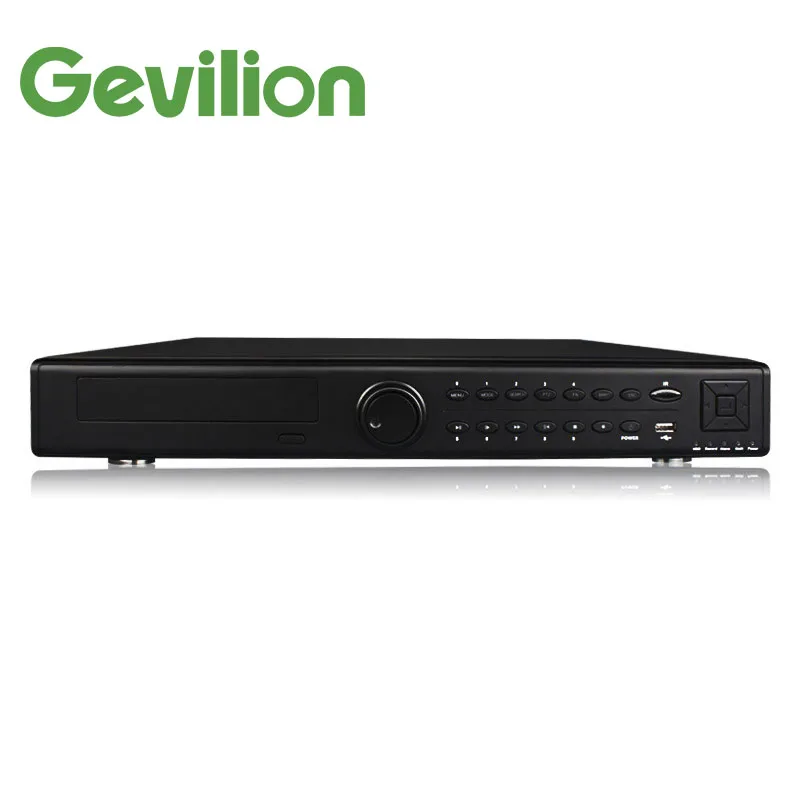
32CH FULL HD 1080P 4 sata HDD AHD CVI TVI CVBS IP XVR Project CCTV DVR
- Category: >>>
- Supplier: Shenzhen Gevilion Technology Limited
Share on (50042015932):
Product Overview
Description
Product Description
Model Number | GE-XVR-5432N |
System | |
Main Processor | Hisilicon3531+3532 |
Video | |
Image Codec | H.265 |
Code Capacity | 32*1080N@15fps |
Decoding Ability | 8*1080N@15fps |
Multi-mode | Pure analog:32*1080N,24*1080N,16*1080N,16*720P; |
Input | Hybrid:4*1080N(analog)+4*720P(network); |
Audio | |
Audio Compression | G.711A |
Talkback | Support |
Recording and Playback | |
Recording Mode | Manual > alarm > dynamic detection > timing |
Playback | 8CH(Default pure local input mode) |
Storage and Backup | |
Each channel take up hard disk space | 720P ~20G/day*channel;960H 12~20G/day*channel; Audio:691.2M/day*channel |
Backups | network backup,USB portable hard disk,USB Burn,SATA burn |
Interface | |
Video input | 32ch BNC |
Video output | 1CH VGA,1CH HDMI |
Audio input | 16CH RCA |
Audio output | 1CH RCA |
Alarm input | 16CH |
Alarm output | 4CH |
Network interface | RJ45 10M/100M Adaptive Ethernet ports |
Pan-tilt control | 1*RS485;Support multiple pan-tilt protocols |
USB interface | 2*USB interface |
hard disk interface | 4*SATA interface(Each supports a maximum of 8TB) |
wireless interface | 3G,WIFI(Via USB extension) |
Others | |
Power | 12V/6A |
Weight | About4 KG |
Size | 440mm*400.5mm*60mm |


Company Information


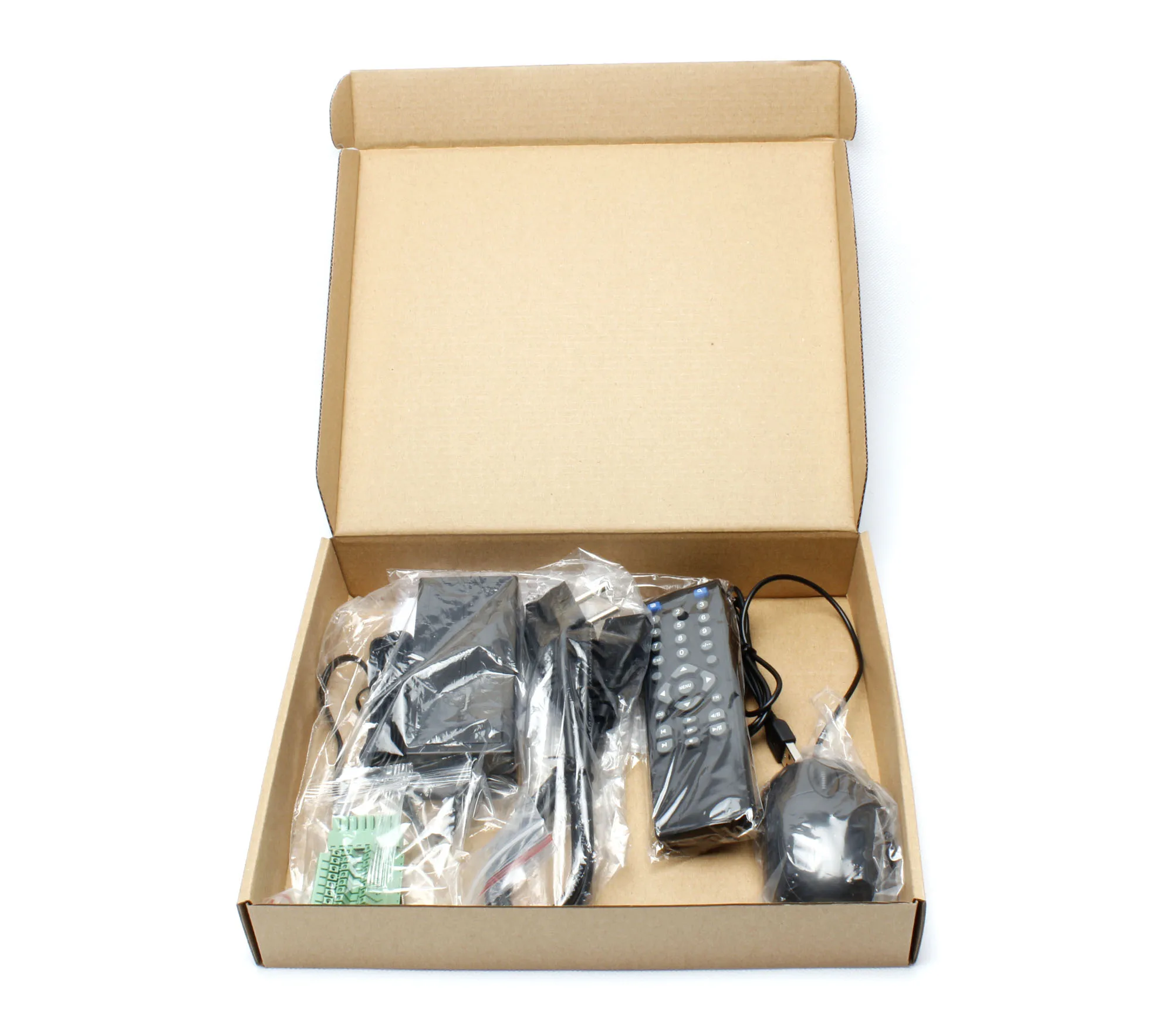
Packaging & Shipping


FAQ
FAQ About Camera:
1.Connect the recorder but without image.
1) Check whether the camera is energized.
2) If it’s energized, pls check the camera’s mode and standard whether match with recorder’s.
3) Check the VGA/HDMI cable is good.
4) After the above confirmation, contact the factory for inspection.
2.The image of recorder is not clear when connect.
1) Check the camera’s standard system whether match with recorder’s.
2) Check whether the lens is focusing clearly.
3) Check the lens and cover surface is clean. If there is dust or finger printed on the lens or cover surface, the picture quality will be poor. Pls clean with soft cloth or the lens cleaning kit on the market.
3.After connect the recorder, there is interference of the image.
1) There is no strong electromagnetic field near the camera to produce interference.
2) Check whether the grounding is good.
3) Pls use high quality VGA/HDMI cable, and sure they are contact well.
4) Check the VGA/HDMI cable connect correctly.
5) The flash screen can be used to upgrade DVR/NVR, then make power off and restart it.
4.Connect recorder, the image is off color.
1) Check whether the recorder VGA/HDMI output cable is in good contact.
2) Change the environment, to avoid working in the special environment.
3) Right-click the main menu on the recorder >Management tools> Restore default(system upgrade).
5.The camera switches to night vision when the light still bright.
1) Pls check whether the installation environment is in the shadow, or the sun shield of shell is installed too front.
2) Remove the photosensitive filter on the lamp board, can reduce the sensitivity of light.
We Recommend







New Arrivals
New products from manufacturers at wholesale prices






