
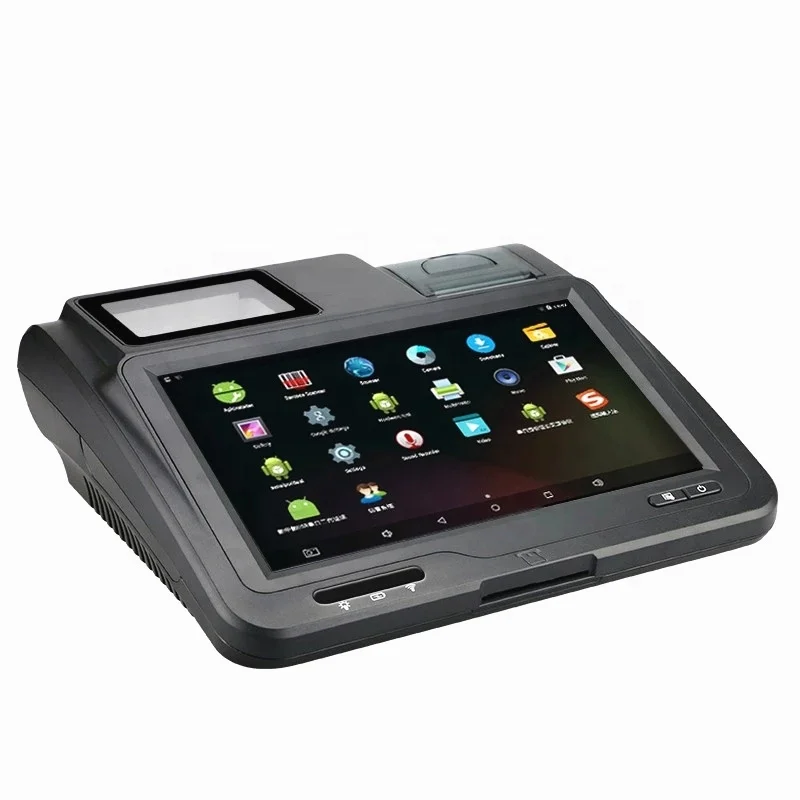
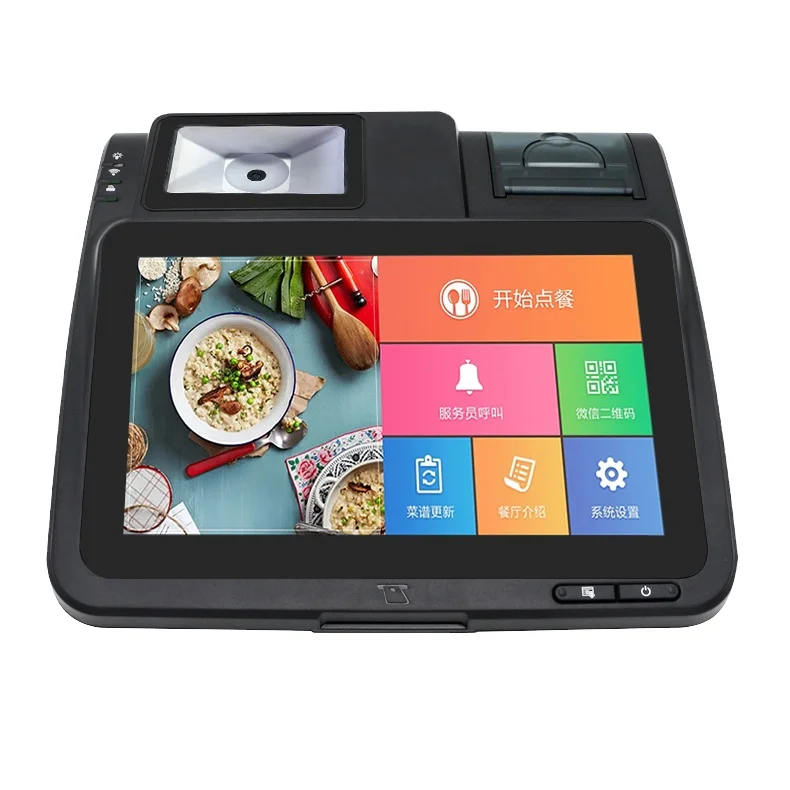
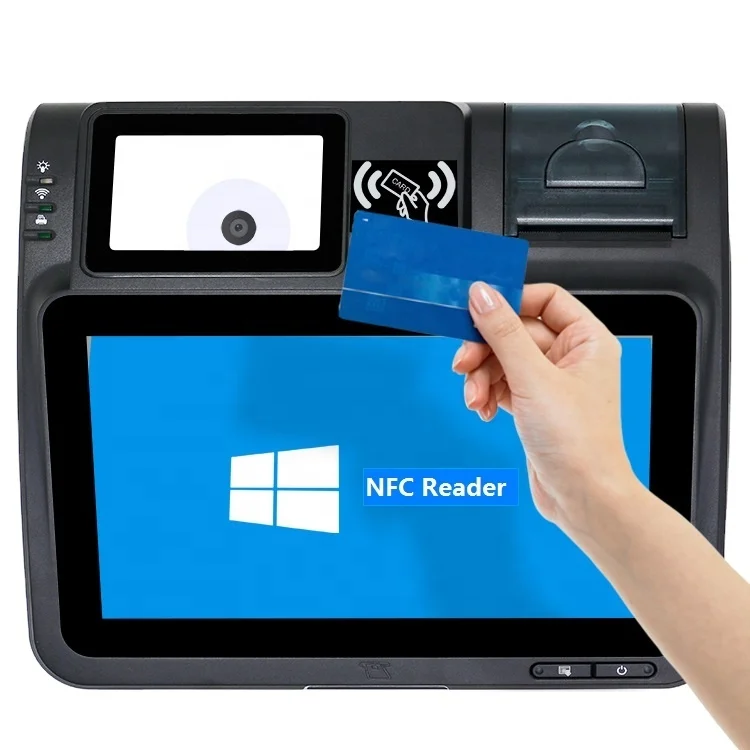
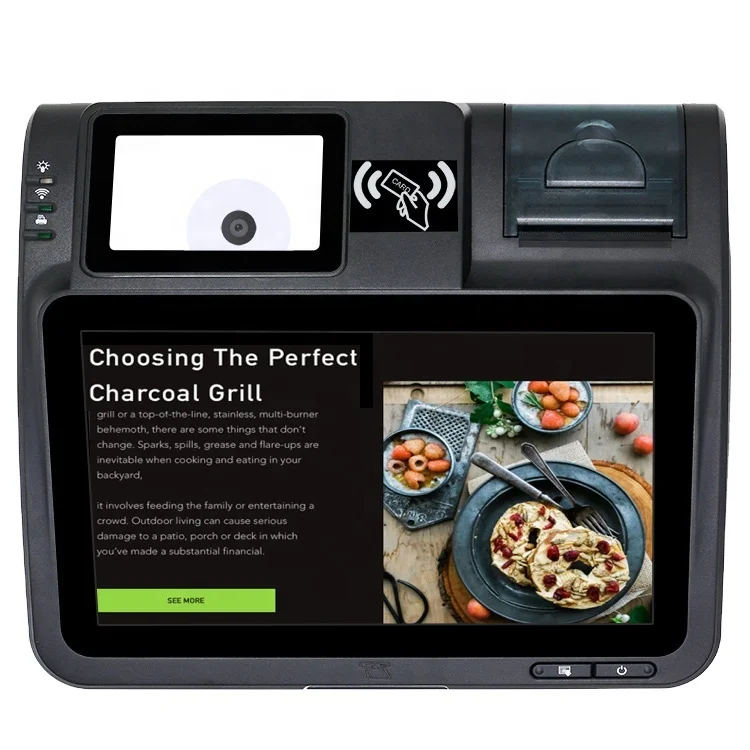
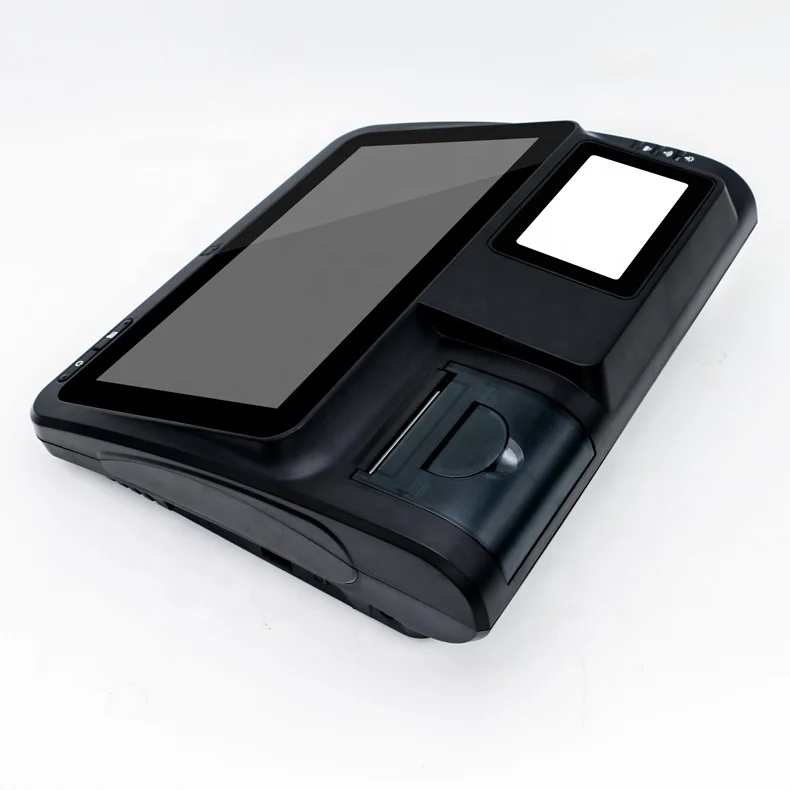
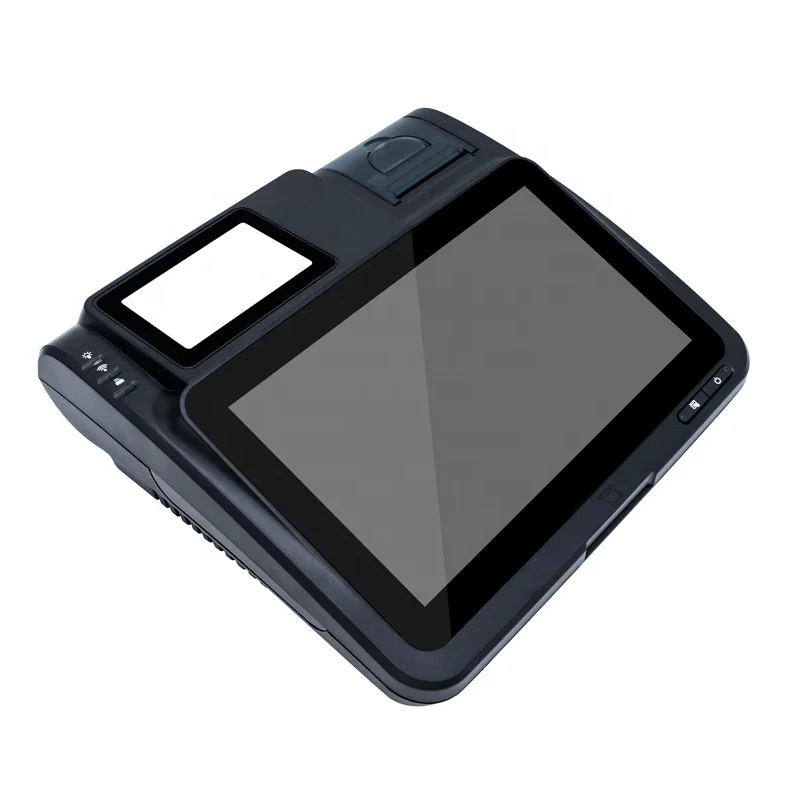
High quality android pos tablet with bar code scanner and thermal printer,pos billing machine
- Category: >>>
- Supplier: Shenzhen Haodexin Electronic Technology Co. Limited
Share on (60074799246):
Product Overview
Description
High quality android pos tablet with bar code scanner and thermal printer,pos billing machine
Product Description


| 1 | Operation System | Google Android 11 |
| 2 | SDK | Based on Android11 |
| 3 | CPU basic frequency | rk3566 |
| 4 | Memory | 2GB |
| 5 | LCD screen | 10.1inch RGB TFT(16:9) 1024*600 G+F touch screen |
| 6 | Inbuilt storage | 8GB, support EMMC |
| 7 | Expansion slot | USB 2.0,DC-IN,Ethernet,Interface |
| 8 | Vitual keyboard | Support |
| 9 | External keyboard | Optional |
| 10 | Connectity | 3G,Wifi,Ethernet,GPRS/GSM |
| 11 | USB ports | USB 2.0 Micro 5 PINs |
| 12 | Back up Battery(optional) | 7.4V,2000mAh |
| 13 | Certificates | CE,RoHS |
| 15 | Barcode scanner | Can recognize 1D/2D barcode |
| 16 | High-speed thermal printer | Paper width:57mm, Printing speed:max 5cm/s |
| 17 | ID sensor | OCR system support ID information |
| 18 | Card readers | IC/PSAM/RFID/MSR(optional) |
| 19 | Flash | Support flash 11.0 |
| 20 | Audio play | supportMP1,MP2,MP3,WMA,OGG,AAC,M4A,FLAC, APE,AC3,AMR,DTS,RA,WAV format,etc;>90DB |
| 21 | Input method | Android vitual keyboard,Sougo |
| 22 | The Browser | Opera,UCWeb,SkyFile,Dolphin,etc |
| 23 | Scalability | can download over 2000 software from the google |
| 24 | Internet application | Information receiving,Chatting online,E-book,E-mail, Calendar,clock |
| 25 | Other application | Picture,Camera,digital audio amplify |
| 26 | Language | Chinese,EnglishArabic,Geman,French,Russian,Japanese Italian,Korean,etc |
| 27 | Power adapt | In put: AC100-240V.50-60HZ; Out put: DC9V 5A |
| 28 | Removeable storage | Can be used as mobile storage |
Application
Application Area: Retail industry, Medical industry, Airline,logistics, TrafficControl, Financial, Manufacturing, Govment and Public
Detail application: E-ticketing, Medical information management, Catalog Management, Clients manage Public securitmanagement Inventory Management, E-coupon Pacelshipment managem Card management E-voucher Equipment Management Document tracking
E-wallet Online reservation Employee Management

Packaging & Shipping
| Packaging | ||
| 1 | Packaging size | 450*310*140mm |
| 2 | Packaging weight | about 2.5 kg |
| 3 | Net weight of 1 set | 1.65kg |
| 4 | Components | Box,paper holder,carton,warranty card,Specification sheet |
| Shipping | ||
| 1 | Ship our products via DHL,TNT,UPS,FedEx,EMS,etc(door to door) | |
| 2 | Normally,it will take 3-7 working days for us to ship the goods to destination,some remote places will need 1-3 days more | |
Delivery time
Sample order:1-3 working days after confirm the order
Bulk order:7-30 working days,depend on the quantity
OEM order:15-30 working days after confirm the order
Our Services
1.Will always provide technical support for our products
2.Provide 12 months warranty time,during the warranty,will make composention or give money back for the quality problem
3.Provide free sdk for secondary development
4.Will choose the most suitable shipment and payment way for you
5.All the questions/inquiry will be replied in 8 hours
6.Will track the order until you receive your goods
Company Information

We are leading manufacturer of barcode pos system and specialized in the barcode field for more than 8 years.Our high-performance products have helped us get high reputation from customers.Now,we are sincere supplier of China Mobile,China Telcom,China Unicom,FangZheng Group,Meituan Group buying,Tao Bao electronic business group,Mcdonald's,etc

FAQ
Q1. Can not Turn On
A: Check the power adapter, or try to change another workable power adapter.
Check the battery, or try to change another normal battery.
Remove the battery, and only connect the power adapter. Or only use battery, and do not connect power adapter to test it. Then check the Power Supply Circuit and switch on/off the circuit according the test result.
If the circuit has no problem, and it still can not turn on, please try to discharge.
Q2. Can not detect the SIM CARD
A: Please check whether the SIM card is installed well.
Install the SIM CARD again.
Change another SIM card
Scrape the surface of the metal spring in the SIM CARD slot with knife.
Check whether all the weld point of the SIM CARD slot is welded well or not.. If not, please weld it again.
Replace the part of the SIM CARD slot.
Q3. Can not detect wireless signal
A: Please check whether it has GSM wireless signal in this place. If it has no GSM wireless signal or the signal is very weak, please try to test the terminal in another place with good GSM wireless signal.
Otherwise, please open the shell of the device, and check if the antenna is connected well.
Q4. Print unconventionality
A: If it can’t print, or has other print problem, please check the problem device according to following steps:
(1). Open the shell of the POS.
(2). Clean the printer header with ethanol.
(3). Check the connector cable
(4). Disconnect the cable, and clean the connector of the cable
(5). Reinstall, and test it again.
Q5. Print blurred
A: If it prints out blurry receipt, please do following steps.
(1). Clean the print header
Maybe it has some carbon accumulation on the print header.
(2). Check whether the print header installed well or not
Open the cover of the POS. Dismantle the print header.
There are two spring button on the print header.
We Recommend







New Arrivals
New products from manufacturers at wholesale prices






