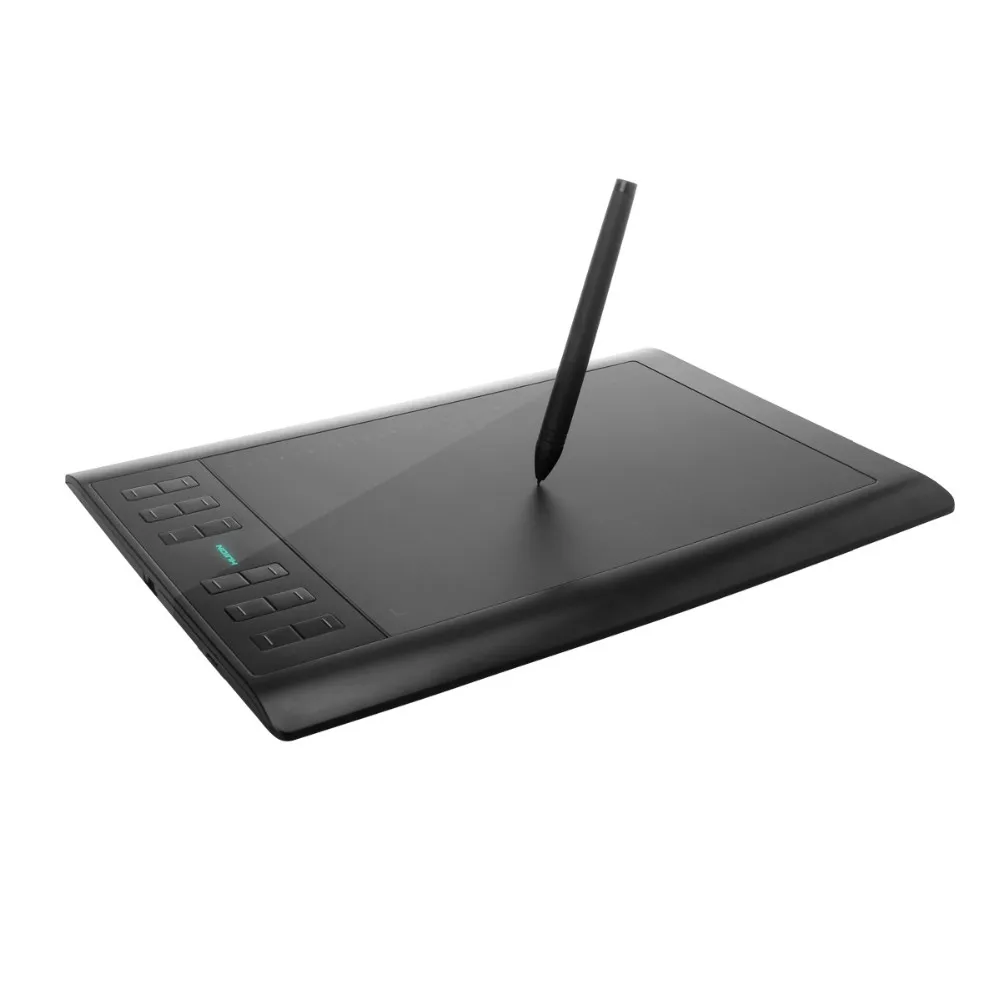
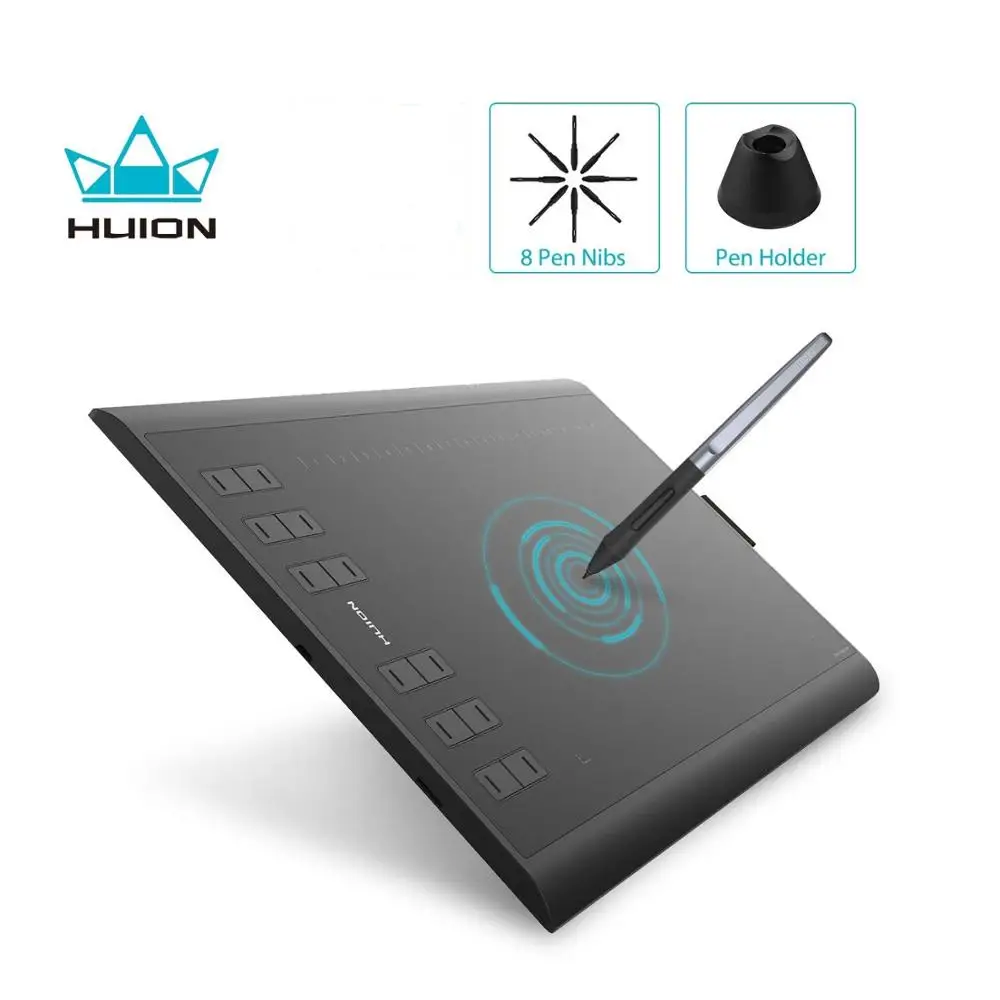
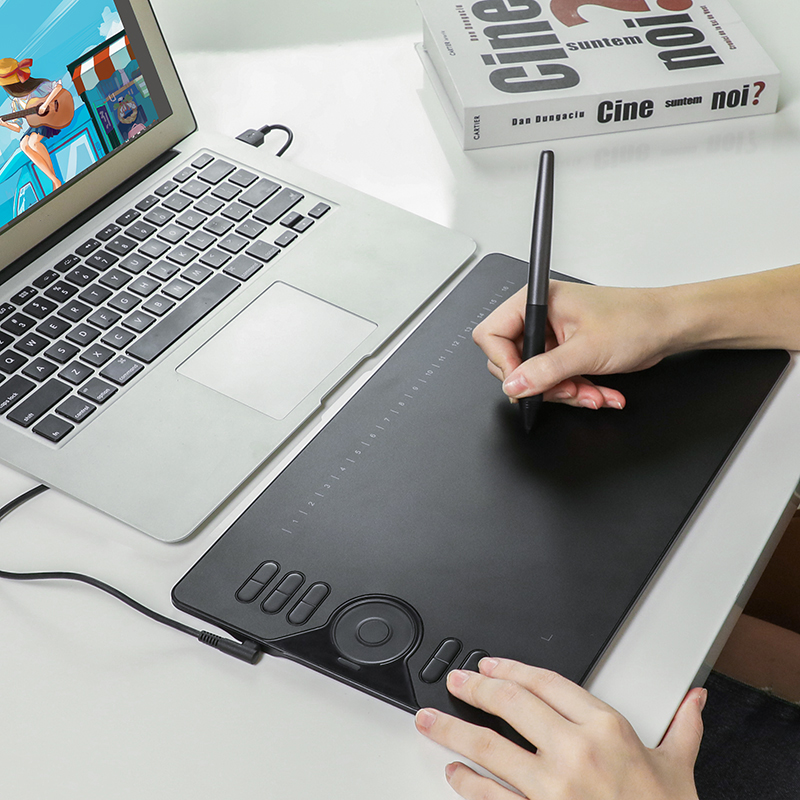
8192 levels upgraded Huion Interactive digital USB Art Drawing Graphic pen Tablet Graphic Tablet
- Category: Other Computer Accessories >>>
- Supplier: Shenzhen Huion Trend Technology Co. Ltd.
Share on (60088899650):
Product Overview
Description
Welcome to Original Huion Factory In Alibaba
OEM&ODM service will be welcome

Production Flow


Product Description
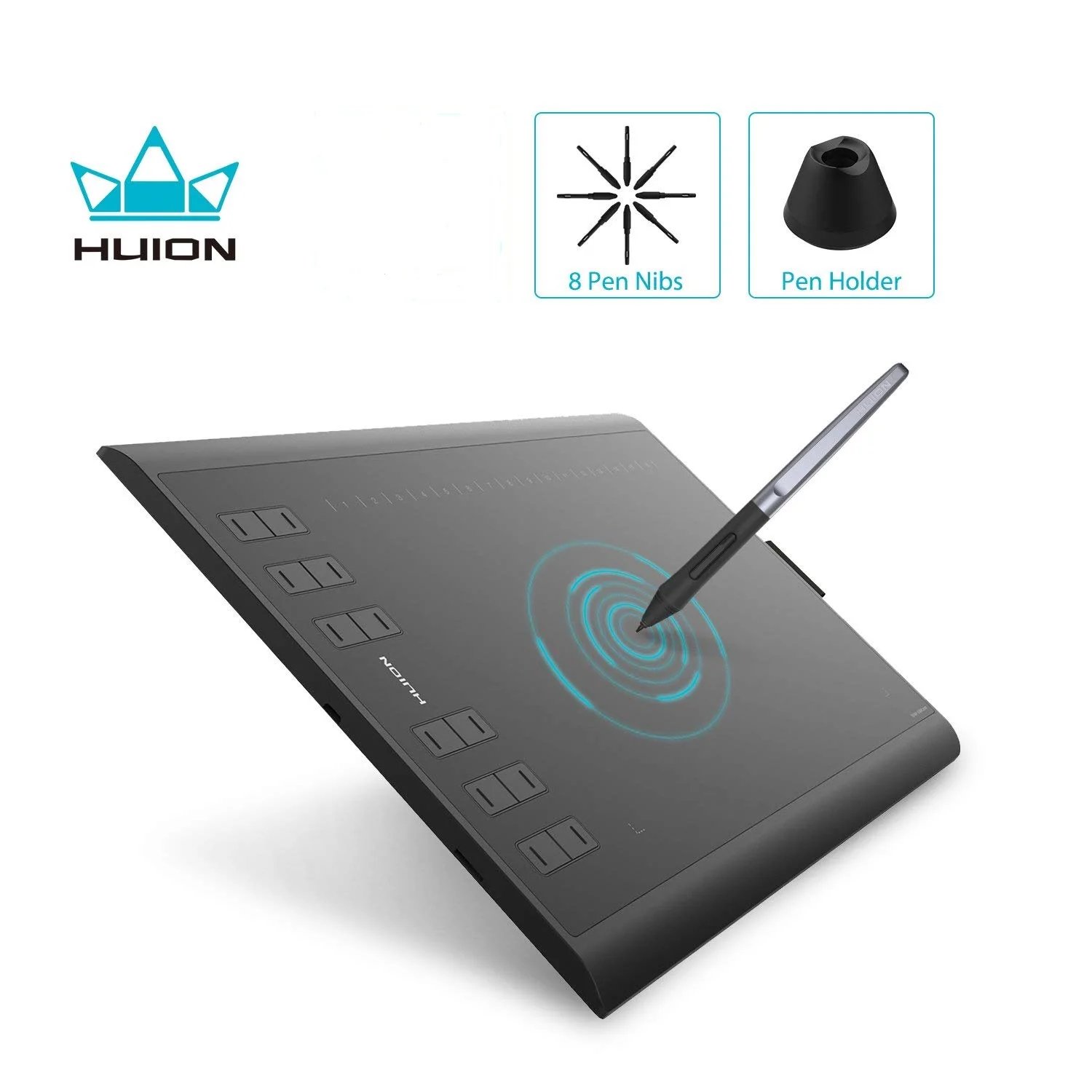
8192 levels upgraded Huion Interactive digital USB Art Drawing Graphic pen Tablet Graphic Tablet
Specifications
| Pen Technology | Battery-Free Electromagnetic Resonance |
| Press Keys | 8 Customized Press Keys |
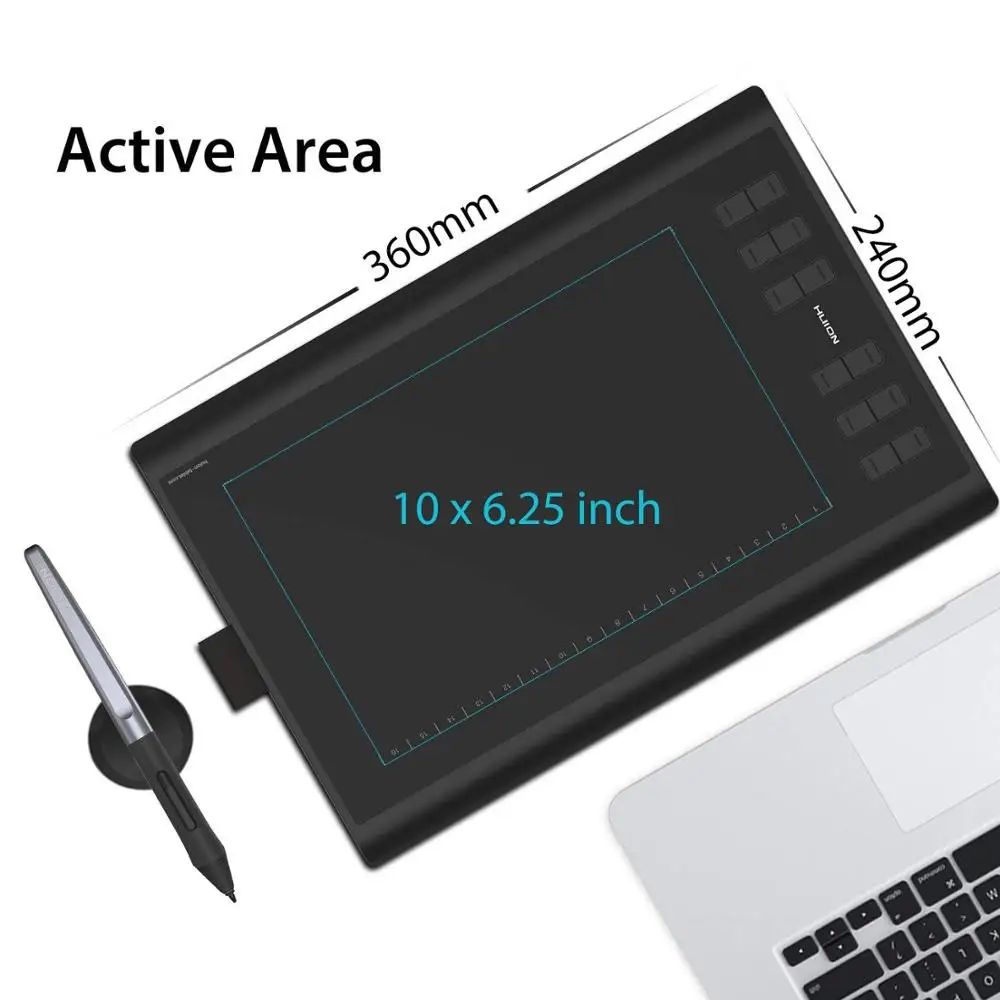
| Dimension | 360 x 240 x 10 mm |
| Working Area | 254 x 158.8mm (10 x 6.25in) |
| Pressure Level | 8192 Levels |
| Pen Resolution | 5080 LPI |
| Report Rate | 233PPS |
| Accuracy | ±0.3mm |
| Sensing Height | 10mm |
| Tilt | ±60° |
| Interface | Micro USB |
| OS Support | Windows 7 or later, macOS 10.11 or later |
| Digital Pen | PW100 |
Features
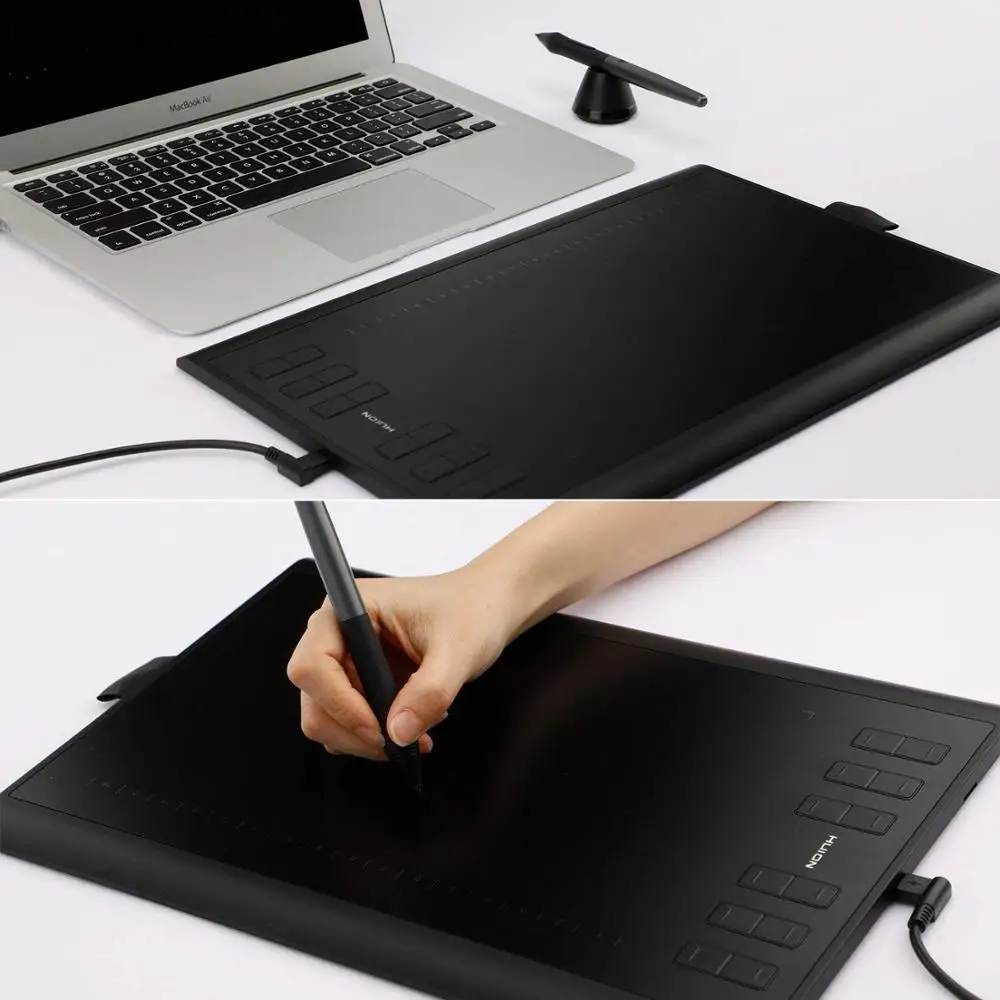
- Tilt Function Battery-free Stylus - Provide you ±60 levels tilt recognition for accurate cursor positioning with different angles; Outfitted with PW100 battery-free stylus of 233PPS report rate, 10mm sensitive height; Lightweight design and eco-friendly, no need to charge.
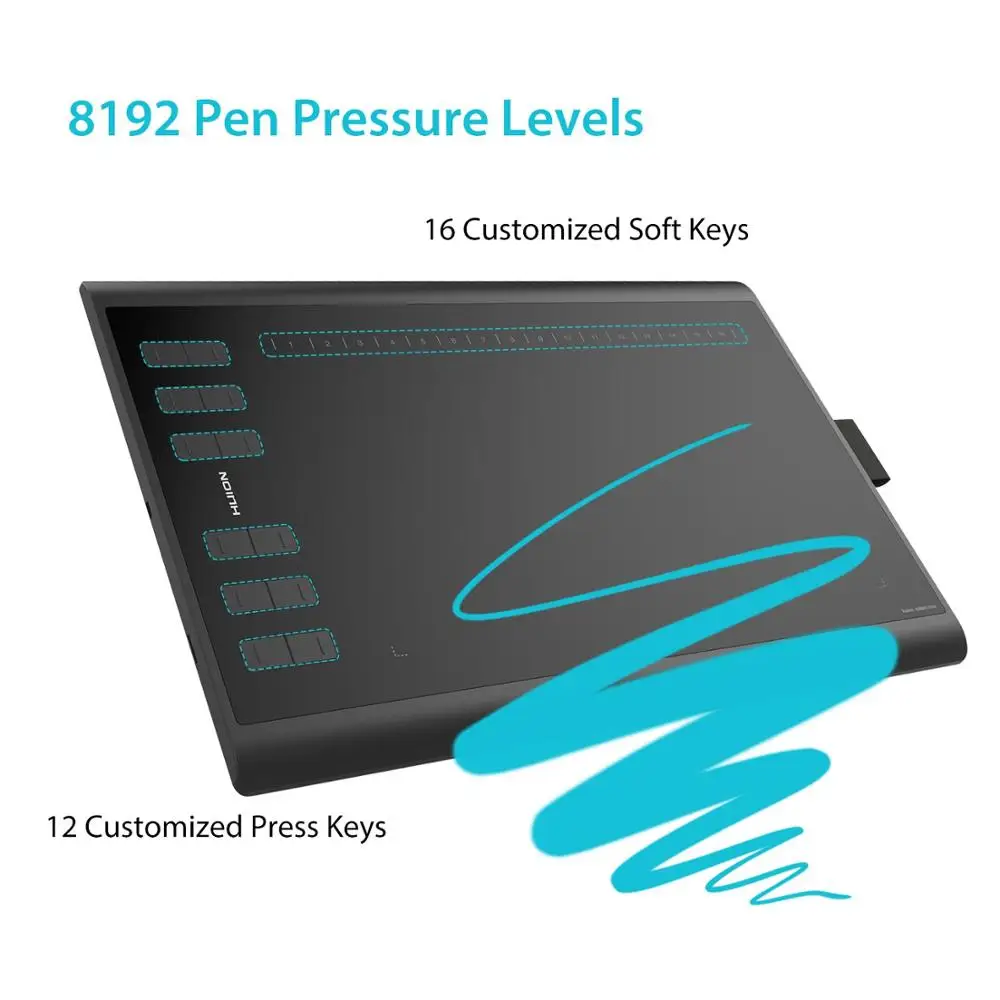
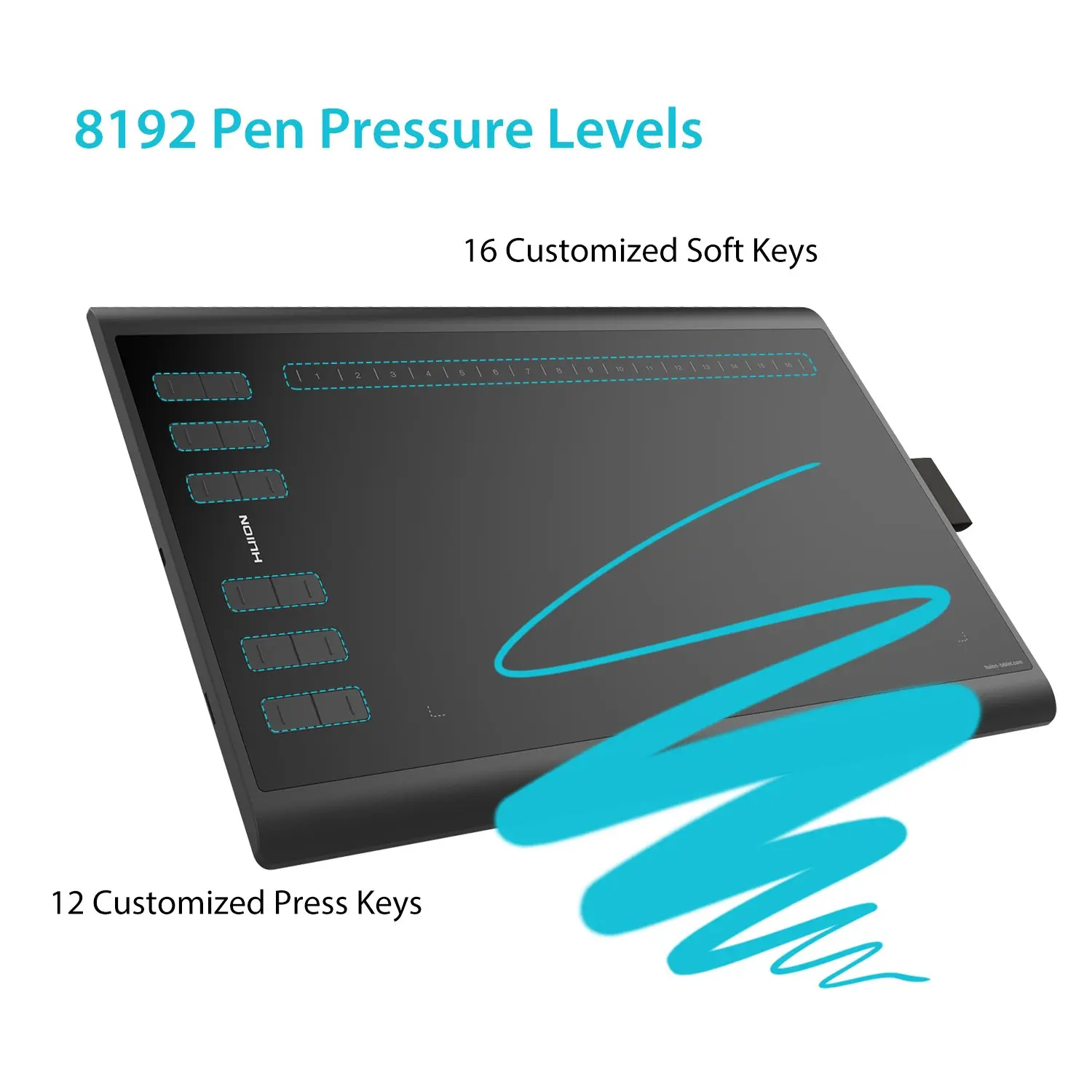
- 8192 Levels of Pressure Sensitivity - With 5080LPI screen resolution, makes every stroke more fluent; Its pressure sensitivity is four times higher than most of the homogeneous products recently in the market.
- 12 Customized Press Keys - With 16 Customized Soft Keys, producing a variety of different combinations of shortcuts; You can set any function for them according to your operating habit and preference.
- Professional Configuration - 10 x 6.25 inches working area provides the user with the most comfortable size to work and no delay; Create lines and projects as big as you can imagine.
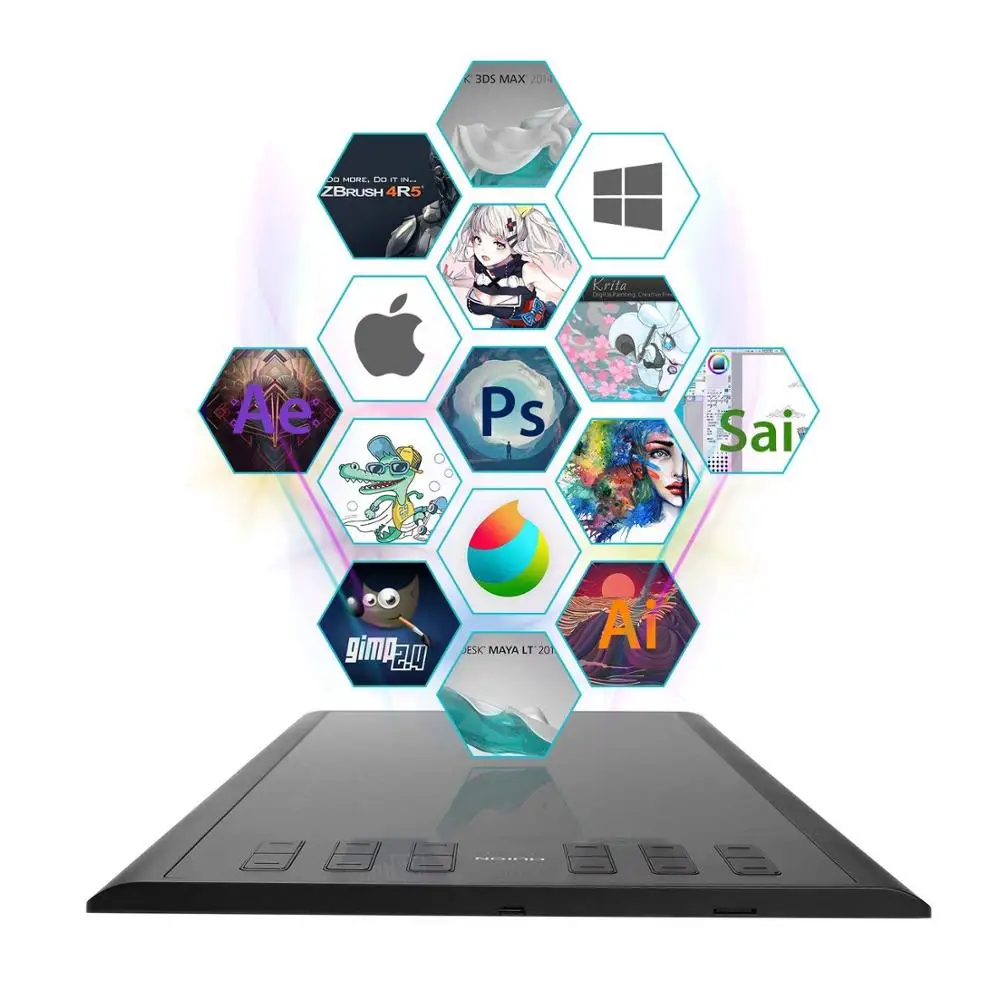
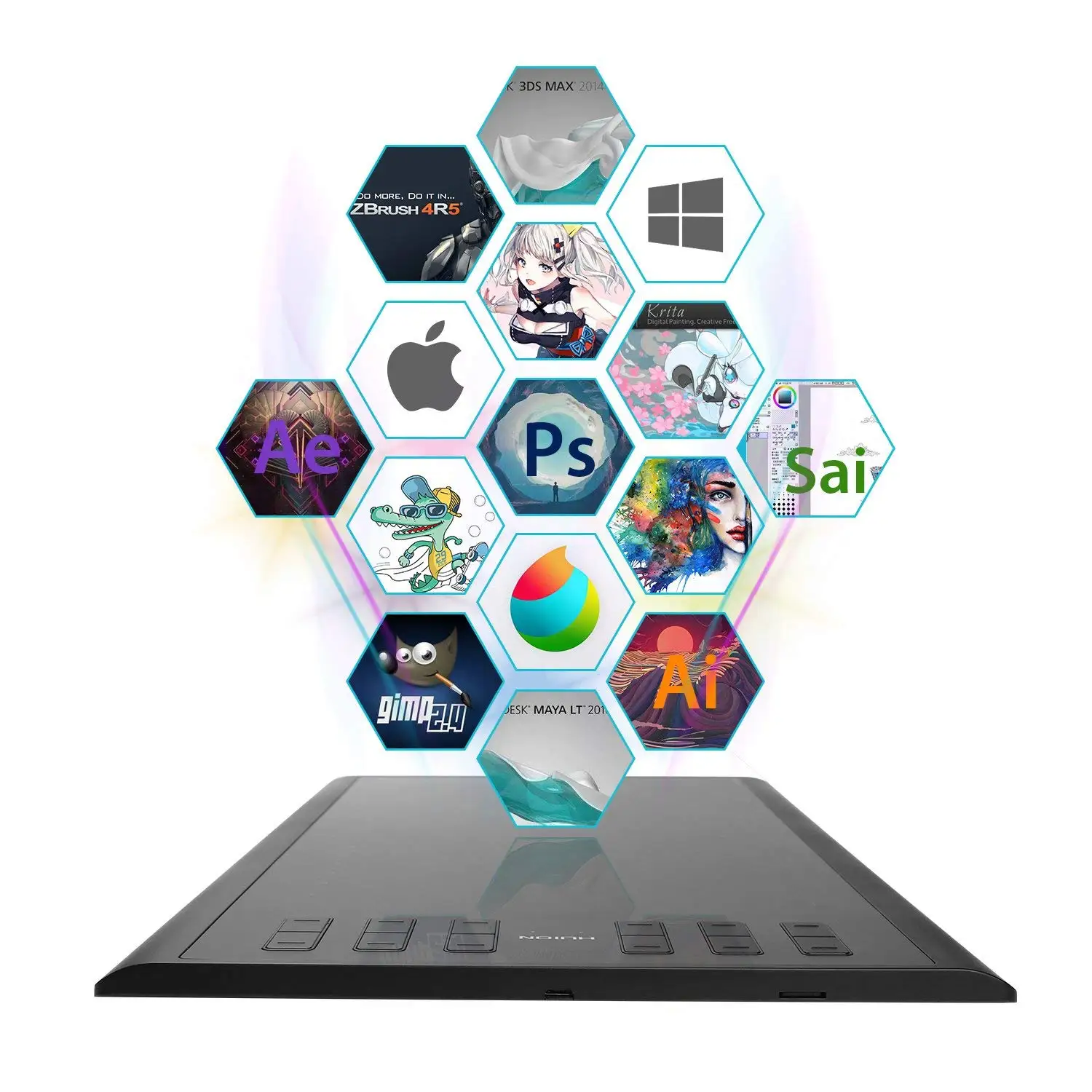
- Compatibility - Support OS: Windows 7 or later, Mac 10.11 or later versions; Work with Adobe Photoshop, Illustrator, Corel Painter, Manga Studio, Clip Studio, Zbrush, Krita, Gimp and more; Huion provides one year warranty.



OS Support:
Windows 7 or later, macOS 10.11 or later
Compatible with the main graphic software in the world:
Adobe Photoshop, Corel Painter;Comic Studio, SAI, Infinite Stratos,3D MAX, Autodesk MAYA, Pixologic ZBrush and so on
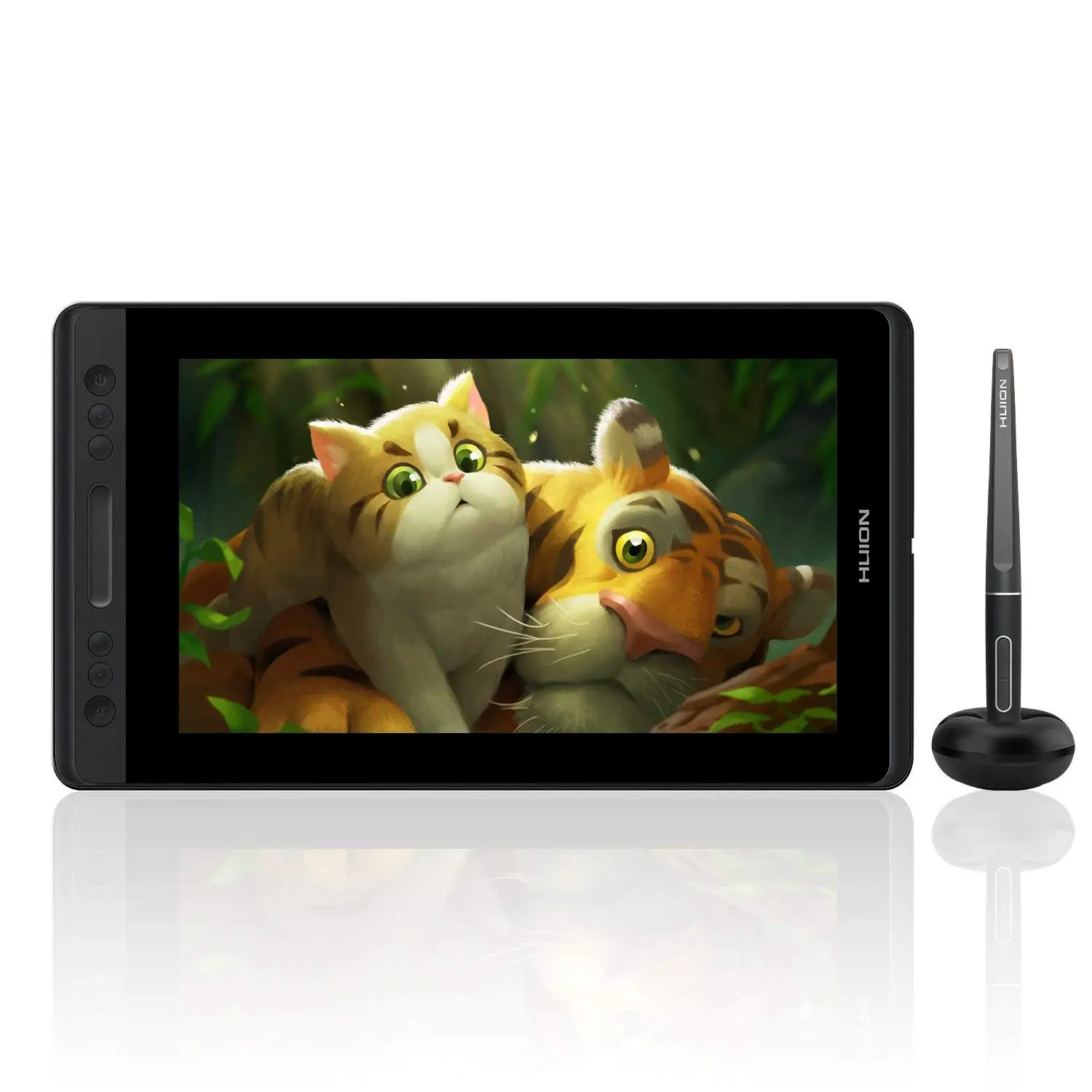
Other Hot Selling Models
Company Information
Company Introduction
ShenZhen Huion Animation Technology Co.,Ltd , established in 2011, is a professional manufacturer engaged in the research, development, production, sale and service of Graphic tablet,Pen Display,LED Light Pad. We have our own HUION brand which is the famous brand in the world in EMR industry. We have introduced a series of advanced equipment including Precision LCR digital bridge,Ultrasonic welding machine,Screw air compressor for our strict quality contral. Our products are also exported to most countries and regions such as Europe, America and Latin America,Southeast Asia,South Korea,Japan,India,Australia . We also welcome OEM and ODM orders in the special industry market, such as education, banking, hospital,insurance,games,government,finance etc.


Customer Visits

Trade Shows

Packaging & Shipping
Delivery
1.We offer door to door services by Express, such as DHL, UPS, TNT, FEDEX,EMS.
2. We offer door to warehouse service by air or sea.
3. We accept customers' own logistics.

Our Services
Payment
1.we can accept T/T and western union and Money order,the best ways is direct online payment,you can choose yourself if you want other payment terms pls let us know before when you order.
2.Full payment must be made within 7 days after placing your order,or the order will be invalid or canceled by the system
3.Make sure that you have completed all detailed information like contact person,address,pst code and telephone number when filling in your buyer’s information
Return and warranty
1.all the goods are inspected before shipment,so if you are not satisfied with the purchase,you can exchange the items in one week and you must contact us within 24 hours of the receipt of your purchase
2.The shipping and handling charge is not refundable and customer should be responsible for all the charges of returning and reshipping
3.All return items must be in tis original conditions,including box and accessories,men made defects are not guaranteed,such as broken scratched and so on
4.For any items returned, please contact us first. Then please send by EMS or your local post.
5.All our products' warranty is 1 year.
FAQ
A: 1). Pen keys do not work; press the pen keys to see whether the indicator light of board is on.
2). If it is used in software, it is unable to realize the functions which the software doesn't support. The problem is caused by the software in this case.
2. Q: Why don't the shortcuts for the drawing board function?
A: 1). Check whether the indicator light of the board goes on when you press the keys.
2). Check in which version of the drawing software the function is set, and whether the drawing software is provided with this function. Our driver also supports the functions of the drawing software.
3). Try to use letters or numbers to set up the shortcuts in document to see whether they work.4. Board keys malfunction.
A: 1). Try to re-plug the USB cable.
2). Reinstall the new driver downloaded from the official website. The problem may be caused by improper installation of driver.
3). Drawing software is still open when installing the graphics tablet driver.
4). Change for another computer and install the driver to try again. If it works, that would be the problem of the original computer.
Contact Us
Contact Person: Felicia Yang
Skype: felicia.yang7
Tel: +8613590203854
Contact us for More:
We Recommend
New Arrivals
New products from manufacturers at wholesale prices