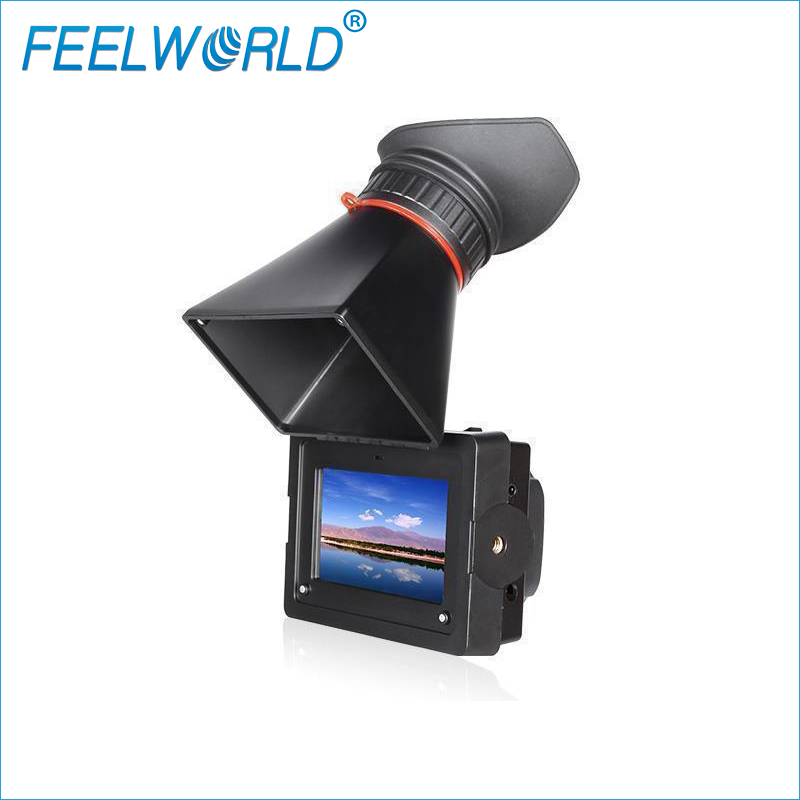
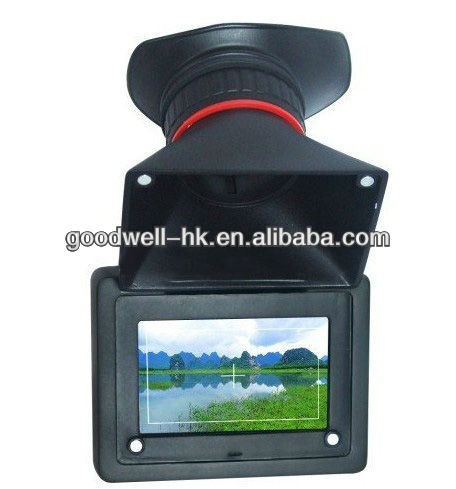
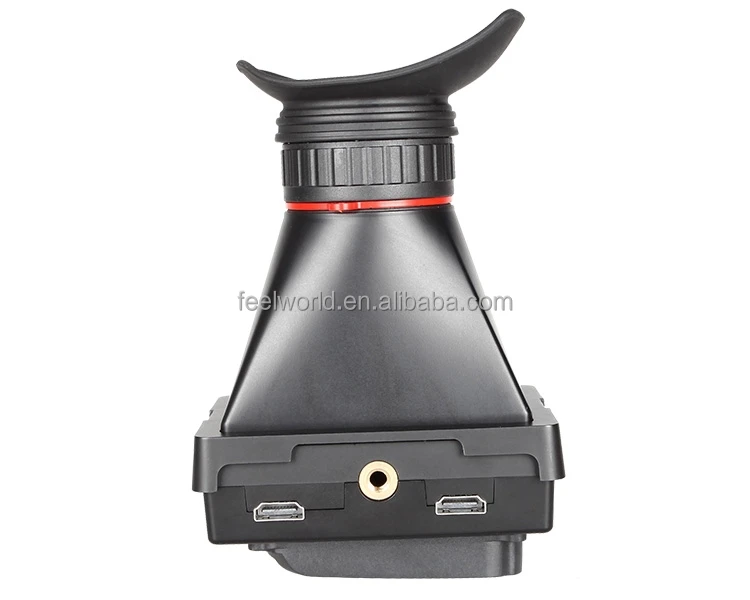
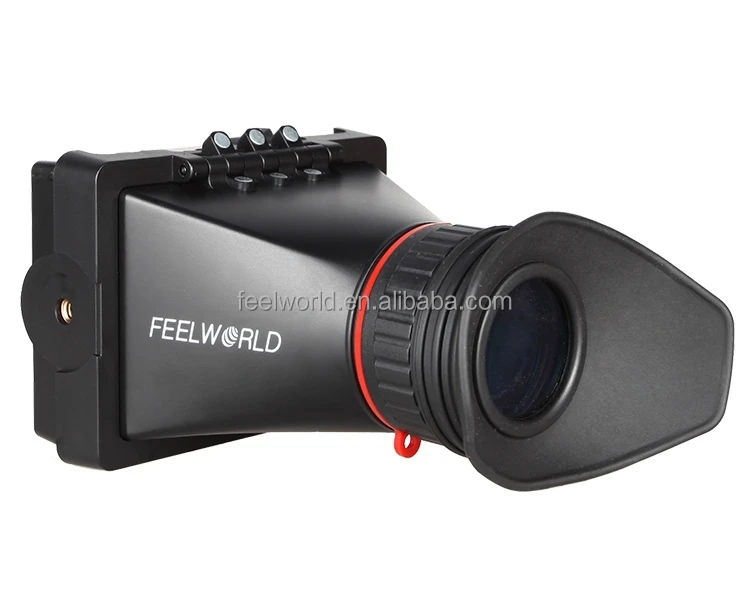
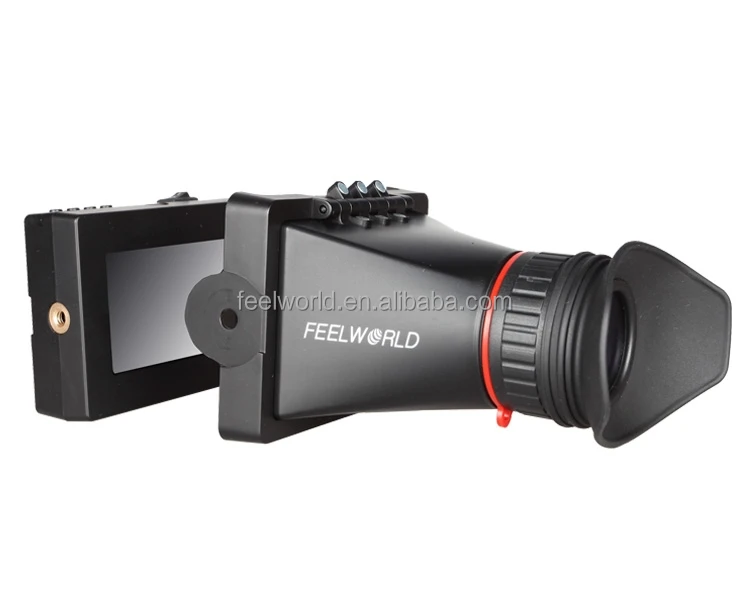
FEELWORLD 3.5" HDSLR cameras HDMI Electronic Viewfinder field monitor for bmcc
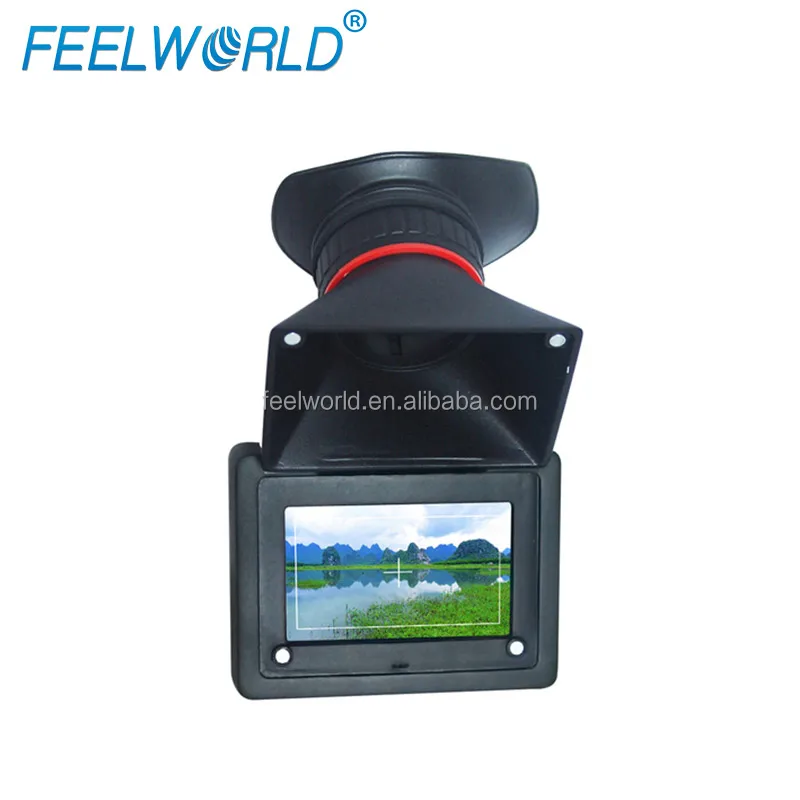
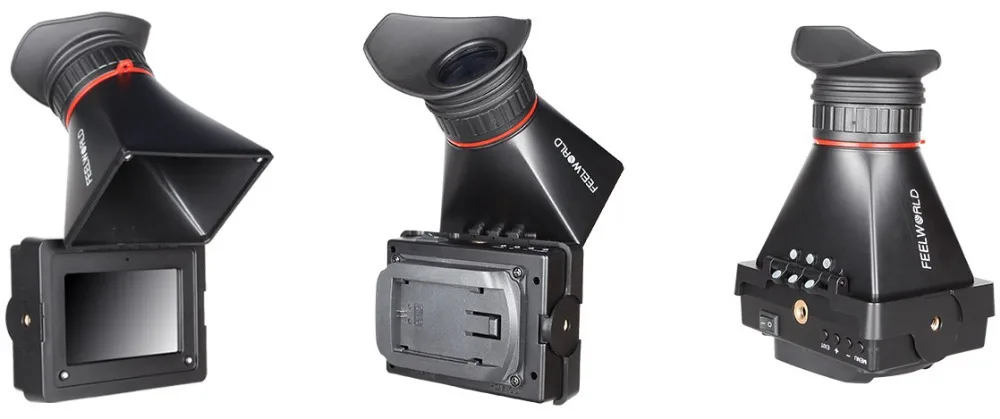
Using the EVF Flip-Up, you can operate any camera that has an HDMI port, with the correct form factor for vedio with the camera "in-line" to the rod systerm and your eye in the Z-Finder offset. In addition to enhance the stability for better resolution, the EVF Flip-Up allows for a comfortable eye position that enables low-mode shooting. You can shorten your camera package, detach your EVF from the rig, and store it in a dolly or crane for car shots.
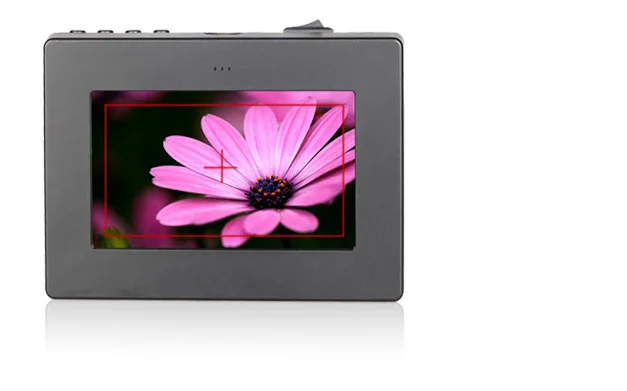
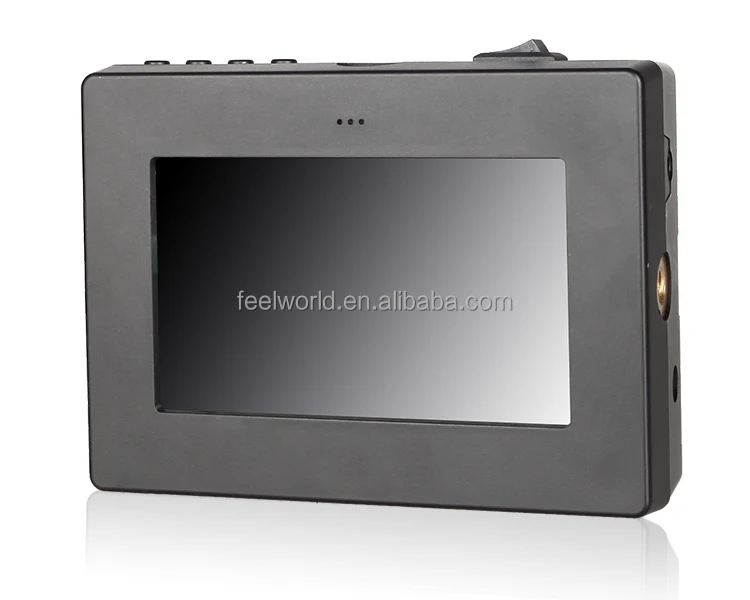
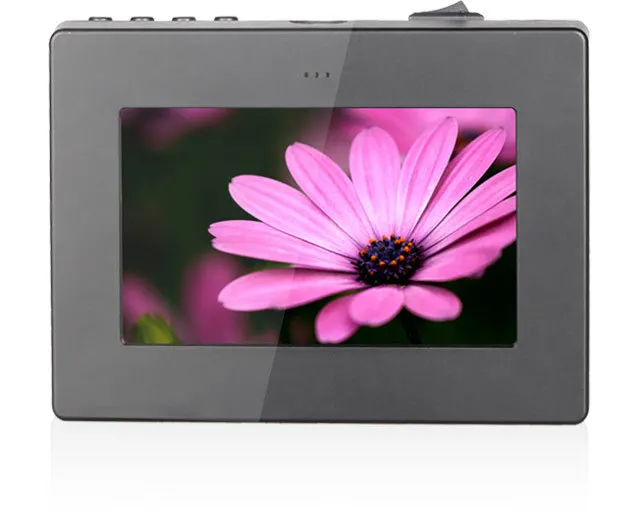
The FEELWORLD EVF350's high resolution display provides excellent picture quality and color reproduction for exact video monitoring.
Detail Display
Daisy-Chain Live Displays
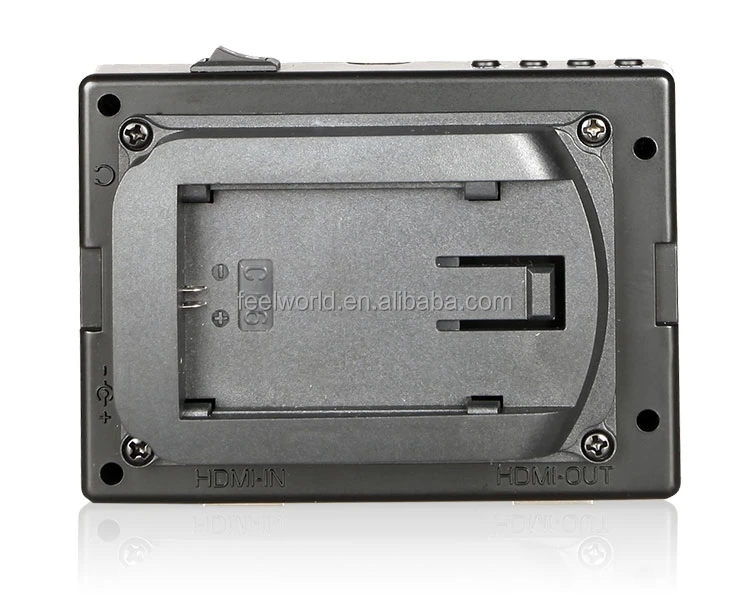
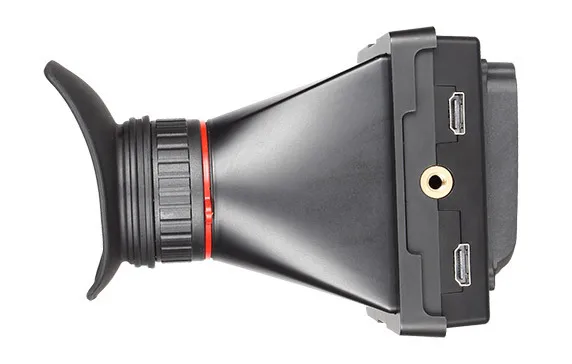
E-350 has both HDMI in and out plug-ins, allowing it not only display live signals,
but also send them out to other monitors simultaneously. It’s able to display live
picture on multiple displays at once while still maintain the original video quality.
Features
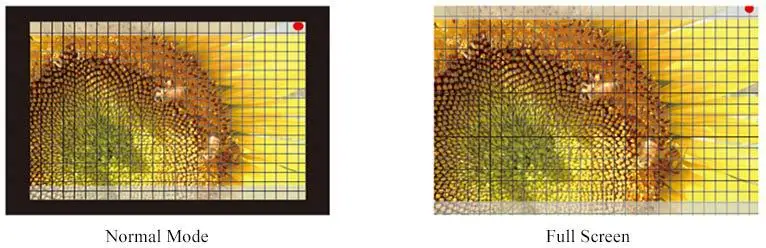
1.Custom Color Temperature 2.Screen Marker(80%,85%,90%,93%,96%,2.35:1) 3.4:3&16:9 ratio switch 4.Magnifier 5.External Battery 6.Centre Marker 7.Side Earphone Jack 8.Camera 5D II Mode 9.Image Freeze&Flip(U/D,L/R) 10.Check Field (Mono/Red/Green/Blue) 11.Pixel-to-Pixel Mode 12.Peaking Focus Assist(Red-outline peaking focus based on Mono background)
5DII Camera Mode
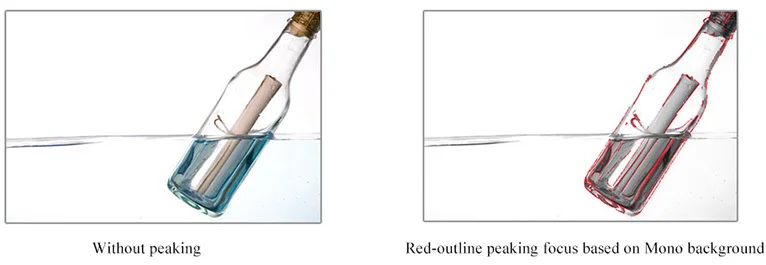
Peaking Focus
To highlight the sharpest edge of the image in red, makes it easier for photographers to focus on the main subject
Pixel to Pixel
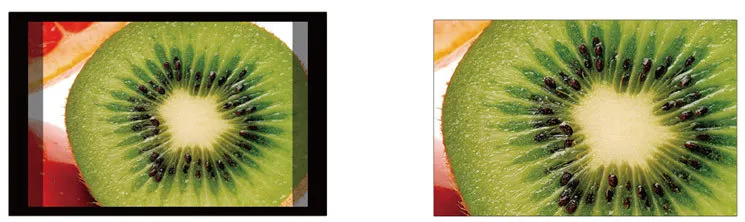
Enable the filmmaker to check the image from the 1:1 signal source without scaling
Center Marker
Frame Marker
Frame Mark (96%, 93%, 90%, 85%, 80%.2.35:1) View Finding and Composition
Check Field
Under the Blue mode, only the blue pixels are used to generate the image, because hue and saturation can be adjusted quickly and accurately

 Center Marker
 Center Marker