Wholesale Wind Inverter 150 Kw on Grid Tiein
$265.00-515.00

Share on (60417169893):


No. | Name | Function |
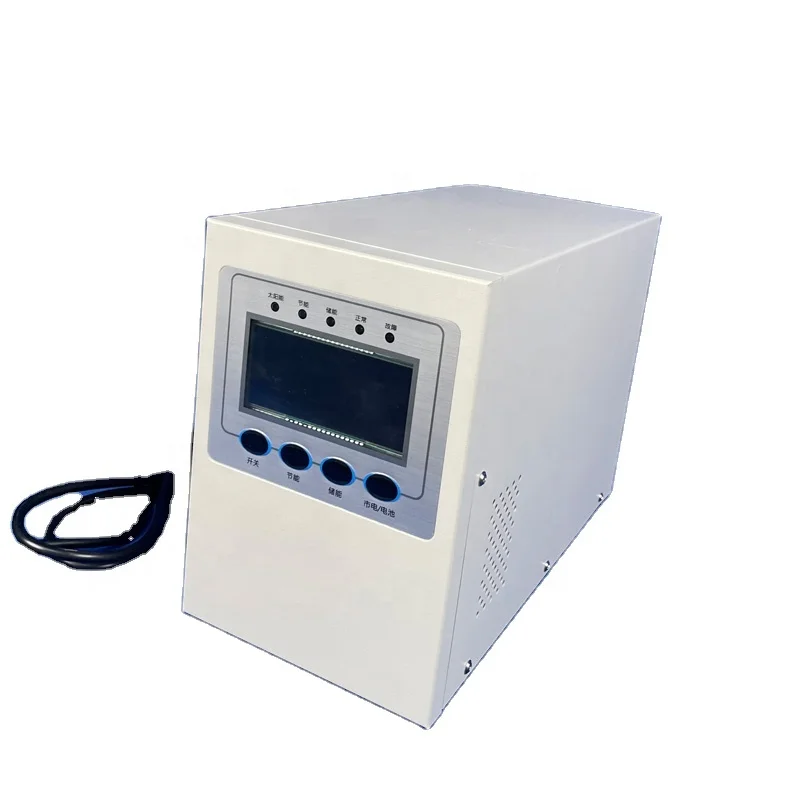
1 | Main display window | Display power input/output voltage and power generation parameters. |
2 | Alarm display window | In case of power failure, the fault alarm type can be checked. |
3 | Settings window | Click the user setting and enter the password to set the power curve. See below for details. |
4 | Power curve display window | Power generation is shown as a graph |
5 | Chinese interface select key | Click to adjust the page display to Chinese |
6 | English interface select key | Click to adjust the page display to English |
7 | Output power display window | Display the output power of the current power supply in real time |
8 | Output frequency display window | Display the output frequency of the current power supply in real time |
, | Start button | Click to start the contravariant. |
10 | Stop button | Click to stop the contravariant. |
11 | Reset button | Click to reset an existing fault. |
12 | Network voltage display window | Display the network voltage value. |
13 | Output current display window | Displays the current value of the ac output of the power supply. |
14 | Wind generator Input current display window | Displays the current value of the wind turbine input. |
15 | Wind generator Input voltage display window | Displays the input voltage of the wind turbine. |
16 | Grid connection light | When the indicator light is always on in green, it indicates that the grid-connection is successful. When the indicator light is red, it indicates that the network is not connected. |


New products from manufacturers at wholesale prices