

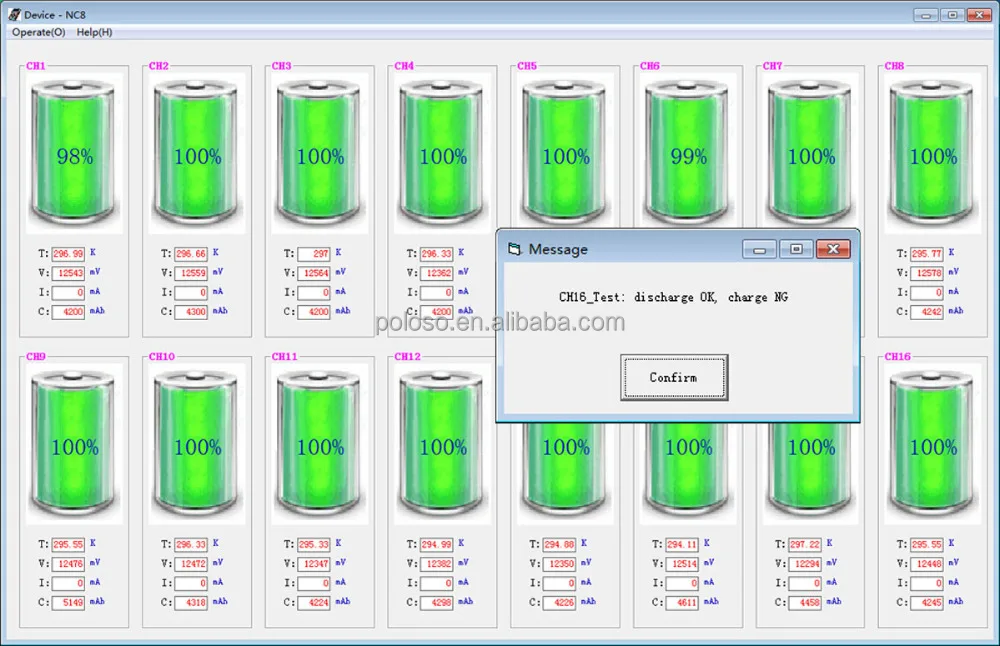
16Channel Intelligent Battery Analyzer for laptop battery testing charge discharge
- Category: >>>
- Supplier: Shenzhen Runfeng Elec. Tech. Co. Ltd.
Share on (60479162958):
Product Overview
Description
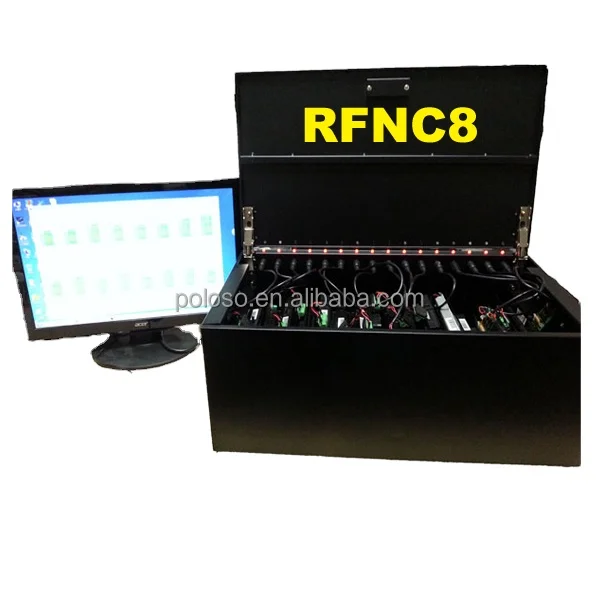
16-Channel Intelligent Laptop Battery Testing Machine
Test ,Charge ,Discharge,Capacity calibrate,50% capacity
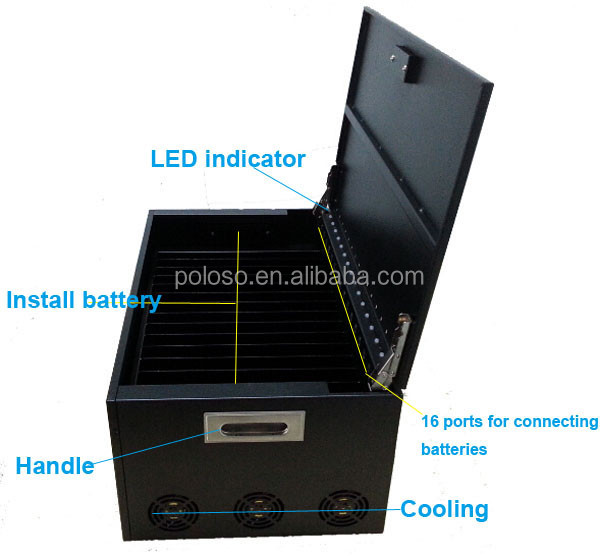
support 16pcs batteries at once
Feature:
1.Support 16-channel batteries at once
2.Supply for charge, discharge, test, capacity correction, charge/discharge 50% capacity function
3.Real-time updates batteries data,LED indicates working status.
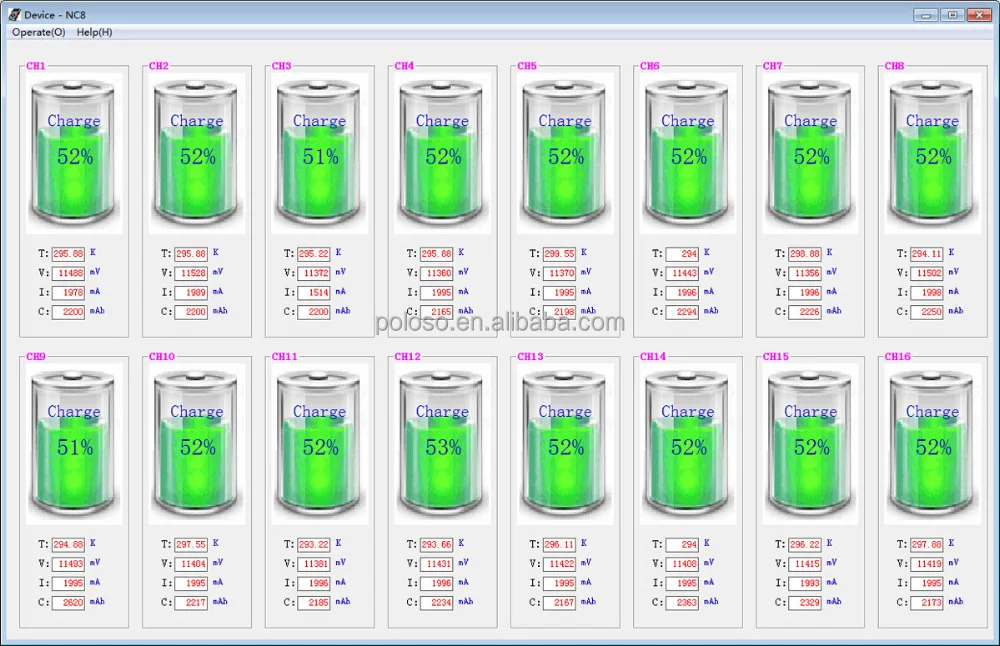
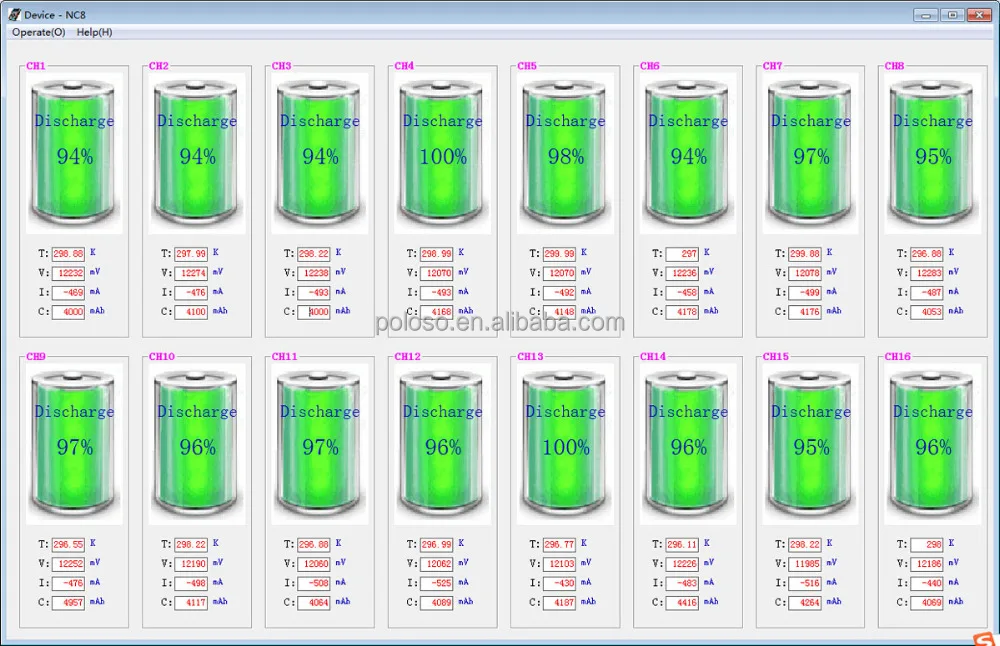
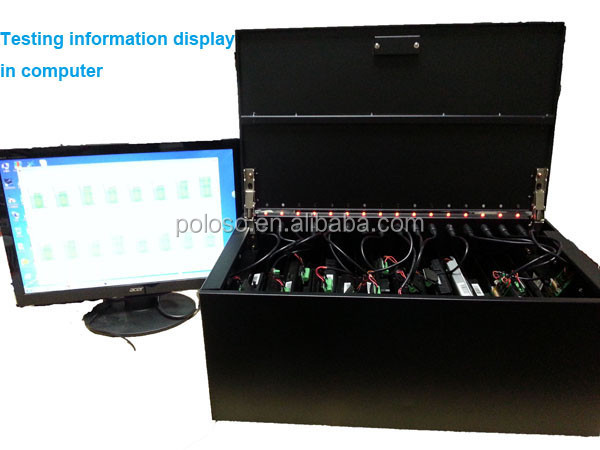
4.Obtain detailed information each channel battery accurately, and intuitive display by software interface
5.Real-time draw record battery working curve
Basic Parameters
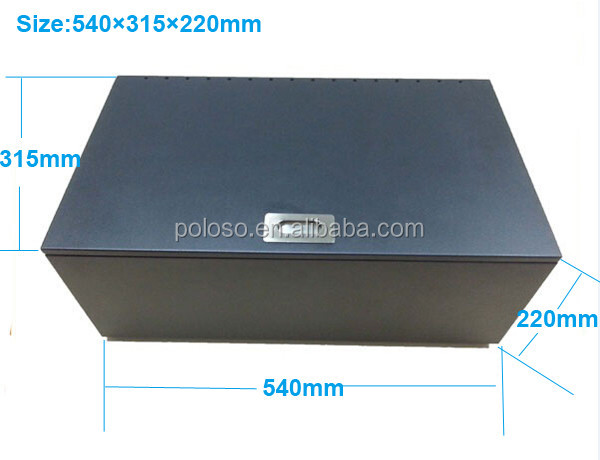
Size:540×315×220mm
Weight:15kg
Input: 100~240V,
Output: 24V/32A
Charge Current:2A/2.5A(Max)
Discharge Current:500m/3A(Max)
Standby Power Consumption:≤1W
Working Temperature:0-40℃,20%-90% RH(Non Condensing)
Storage Temperature:-20℃-65℃,10%-95% RH(Non Condensing)
Cooling: active cooling
Intelligent Protection: overvoltage, over-current protection, short circuit protection and exception alerts
Accessories:1*RFNC8 ,1*power cord ,8*2.0mm universal wire ,8*2.5mm universal wire
Function
1.Charge
Battery charge include following several stages,the initial battery charge mode depending on battery starting voltage , the charging process may not need to activate and pre-charge
1)Pre-Charge mode
Pre-charge condition:Single voltage is less than 3000mV
2)Constant Current mode
Constant condition: single voltage is higher than 3000mV but less than 4200mV, enter the fast charge, current varies due to capacity
3) termination mode
End Charge: constant voltage charging ,current will gradually decrease, when the current is less than the termination of current or power reaches 100% and the current is less than 1A, charging is completed

2. Discharge
Internal constant current discharge,discharge current default is 500mA, up to 3A.You can set the discharge current through RFNC8 software ,may exist a little deviation between set value and actual value,specific value is unrelated with batteries.
Meet one of the following conditions,discharge end:
Capacity Percentage Set value
Voltage Set voltage value
Discharge current is 0

3. Test
By charging and discharging the battery for short time,to test the charge/ discharge function is good or bad . Charge 20s, discharge 10s.
Test OK ,the LED green light flashing , and the software pop-up prompt.
Test Fail ,the LED red light flashing and the software pop-up prompt

4.Capacity Calibrate
The battery capacity value in the battery management chip will different from the actual capacity after a battery goes through many recycling cycles. It will affect the use of the battery when the difference reaches a certain degree. Capacity correction is to deep discharge a battery and then fully charge, which will correct the capacity value in the battery management chip.
5.CD50% & DC50%
CD50%: charge firstly, and then discharge to 50% capacity
DC50%: discharge firstly, and then charge to 50% capacity
Charge and discharge follow the general end condition.
Capacity correction,charge/ discharge 50% capacity follow the general charge discharge constraints. especially in deep discharge may interrupt the communication, therefore need to set up a reasonable constraint conditions
6. LED Indication
Green light:Normal Charge
Green flash:Task completion
Red light:Normal discharge
Red flash: Abnormal alarm (possible reason: charge without current, discharge without current, work overtime or activation fails)
Work Interface

Function Menu Display
1. Key Function Interface
1) Right-click on the battery icon, pop-up the below menu for controlling the battery working , key button functions explanation as the right diagram .

2) Click the "Smart Battery Data (B)" pop-up battery Details interface, and get detailed battery information;
Click "Save" to save the current window picture;
Click "Print" to print the current window picture;

3)Click the "Graph (G)" pop-up graphic curve drawing interface, viewing the recorded battery working curve.
Click "Reset" to clear the current drawing curves, and start drawing again:
Click "Save" to save the current window picture;
Click "Print" to print the current window picture

.Operate Interface
1. Click "Operate" appears battery parameters setting interface as below:

2.Click "SetParamsGroup_1" pop-up settings battery parameters form (the other channel parameters set operation same as )

3. parameter settings (set the channel parameters, advice that uncheck the channel which don’t need to set parameters)
Check the "CHG" or "DSC" ,then can read and write the corresponding channel charge or discharge parameters and parameter values modified
Click "Read" to read the charge and discharge parameters of check channel
Click "Write" is used to write the modified discharge parameters of check channel

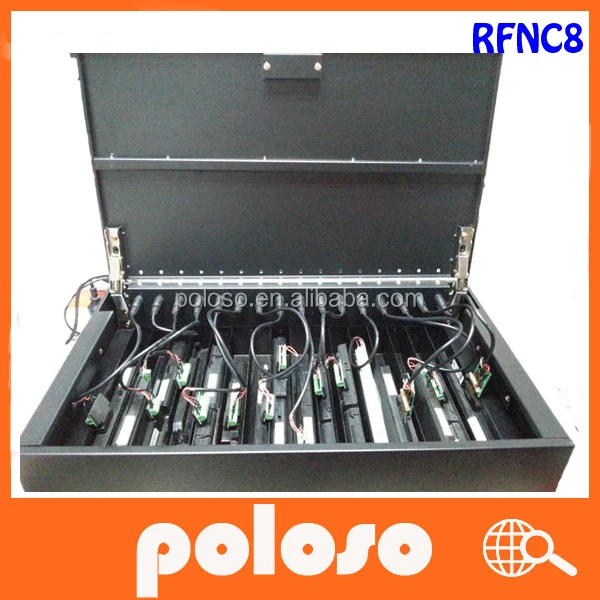
RFNC8 pictures:
We Recommend







New Arrivals
New products from manufacturers at wholesale prices






