
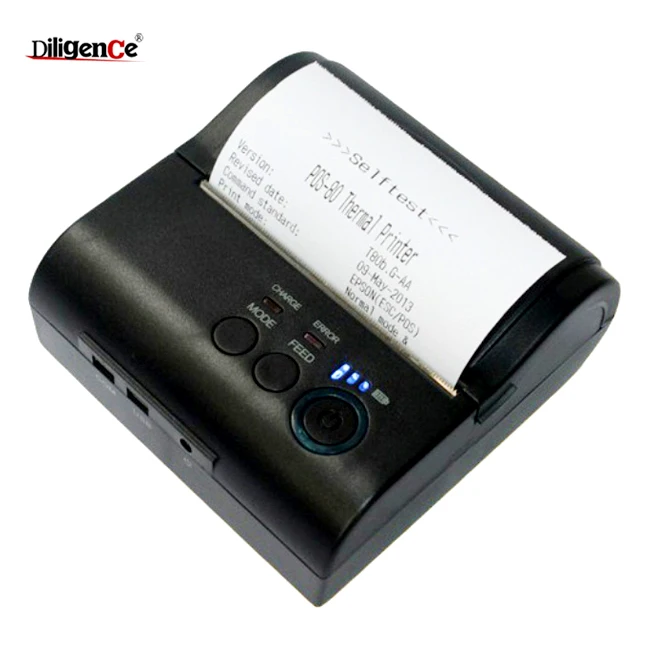
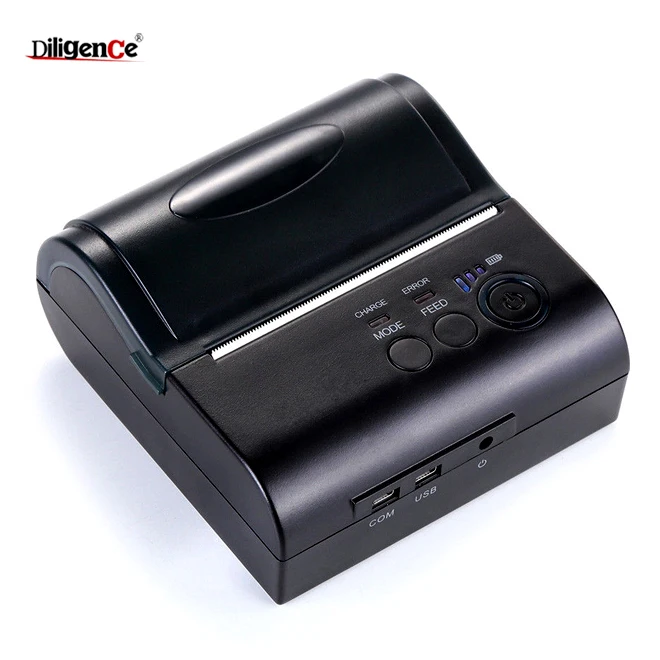
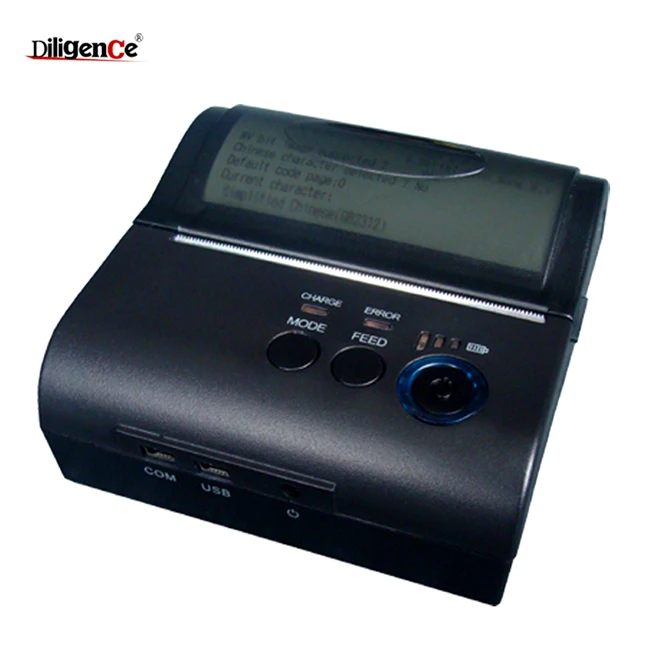
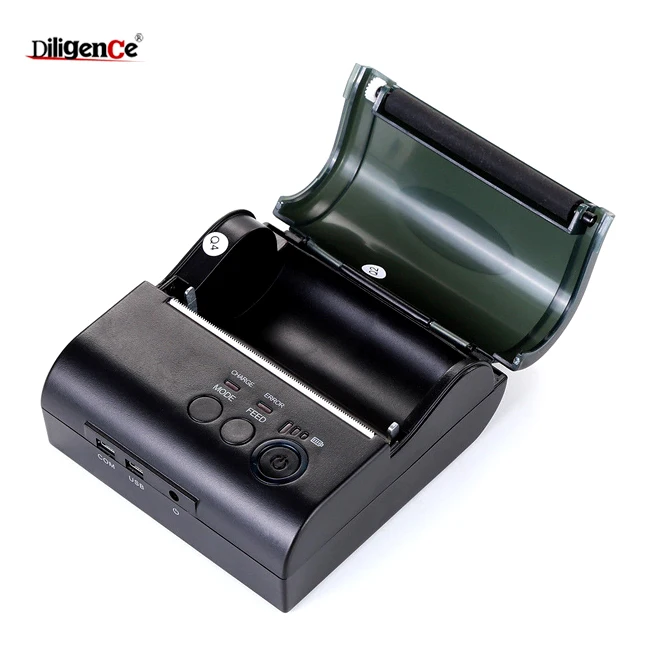
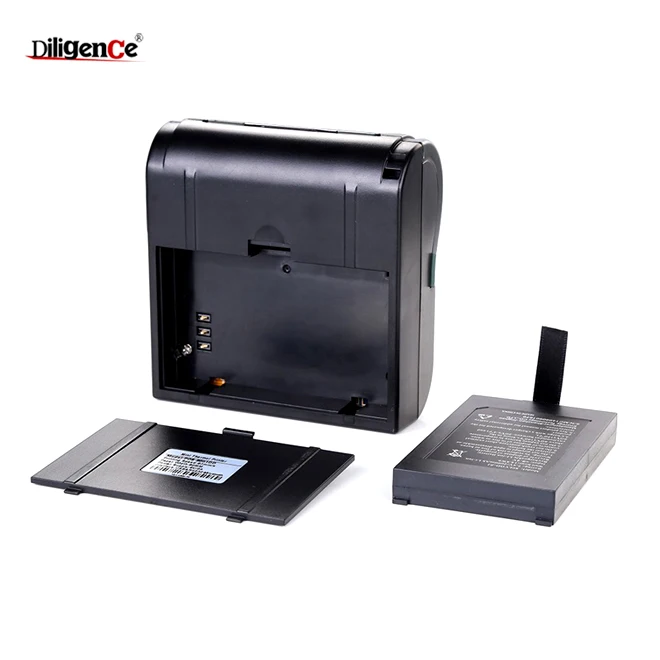
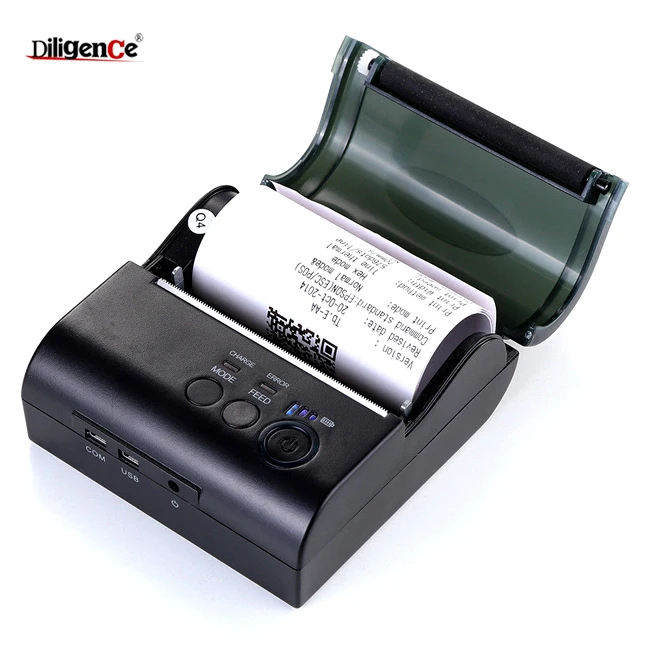
Cheap Mini Handheld portable 80mm handheld parking ticket thermal printer for taxi receipt printing
- Category: >>>
- Supplier: Shenzhen Diligence Electronics Co. Ltd.
Share on (60512176543):
Product Overview
Description
Cheap Mini Handheld portable 80mm handheld parking ticket thermal printer for taxi receipt printing
Product Description


| Specification | |||||||||||
| Paper | Type | Thermal | |||||||||
| Width | 79.5±0.5mm | ||||||||||
| Thickness | ≤0.12mm | ||||||||||
| Diameter | ≤50mm | ||||||||||
| Roll diameter | ≤40mm | ||||||||||
| Feed | Easy(Clameshell feed) | ||||||||||
| Printing | Method | Thermal direct line | |||||||||
| Effective width | 76mm(576 dots) | ||||||||||
| Speed | 90mm/sec | ||||||||||
| Resolution | 203DPI (8dot/mm) | ||||||||||
| Command | ESC/POS/STAR | ||||||||||
| Graphics | Support bitmap download and print (Max 8KB and 5pieces) | ||||||||||
| ANK Character | Font A(12*24) | 1.5(W)*3.0(H)mm | |||||||||
| Font B(9*17) | 1.1(W)*2.1(H)mm | ||||||||||
| Simplified/Traditional(24*24) | 3.0(W)*3.0(H)mm | ||||||||||
| TPH Reliability | 100km | ||||||||||
| Buffer Input | 4KB | ||||||||||
| Buffer NV Flash | 40KB | ||||||||||
| Line spacing | 3.75mm(Can adjust line spacing by command) | ||||||||||
| Extended character set | PC437/Katakana/PC850/PC860/PC863/PC865/ WestEurope/Greek/Hebrew/EastEurope/Iran/ WPC1252/PC866/PC852/PC858/IranII/Latvian/ Arabic/PT151,1251/PC737/WPC/1257/ThaiVietnam/ PC864/PC1001/(Latvian)/(PC1001)/(PT151,1251)/ (WPC1257)/(PC864)/(Vietnam)/(Thai) | ||||||||||
| Bar code | 1D Bar code:UPC-A/UPC-E/JAN13(EAN13)/ JAN8(EAN8)CODE39/ITF/CODABAR/CODE93/CODE128 | ||||||||||
| OS | Android,IOS,Linux,Win2000,Win2003,WinXP, Win7,Win8,Win8.1,Win10 | ||||||||||
| Interface(Optional) | BT or USB | ||||||||||
| Power Adapter | Input:AC 110V/220V 50~60Hz Output:DC 9V/1.5A | ||||||||||
| Battery | Rechargeable Lithium polymer battery 7.4VDC/2000mA | ||||||||||
| Operating environment | Temp:4~ 45℃,Humidity:10 ~ 80% | ||||||||||
| Storage environment | Temp:-10 ~ 50℃,Humidity:10 ~ 90%(No Dew) | ||||||||||
| Dimensions | 105X100X45mm 0.52kg Big Carton:475*428*348mm 20kgs | ||||||||||

Packaging & Shipping

Company Information


FAQ
1: Why serial port printer printing messy code?
A: Ensure the baud rate setting in the PC is same as the printer baud rate.
( we can see printer baud rate from self test page)
2: Self printing test is ok,but printer does not work after driver installation.
A: Recheck the installation according to above installation wizard and see if
we selected the right port or ask service center for advice if needed.
3: Malfunction of paper feeding?
A: Use soft brush to clean the paper sensor and try again or send it to the
service center for repair.
4: Malfunction of the indicator light
A: Check the cable connecting way / adapter / power cord / switch on or off?
Or contact the service center for repair.
5: Messy code printing except Arabic numeral printing.
A: language switching incorrectly, please use our tool "IPrinter" (you can find it
on the enclosed CD) to change the language what you want print.
6: Red indicator keep flashing during the printing.
A: Usually it is due to the high temperature of the print head. If printing
stopped,please contact the service center for repair.

We Recommend







New Arrivals
New products from manufacturers at wholesale prices






