
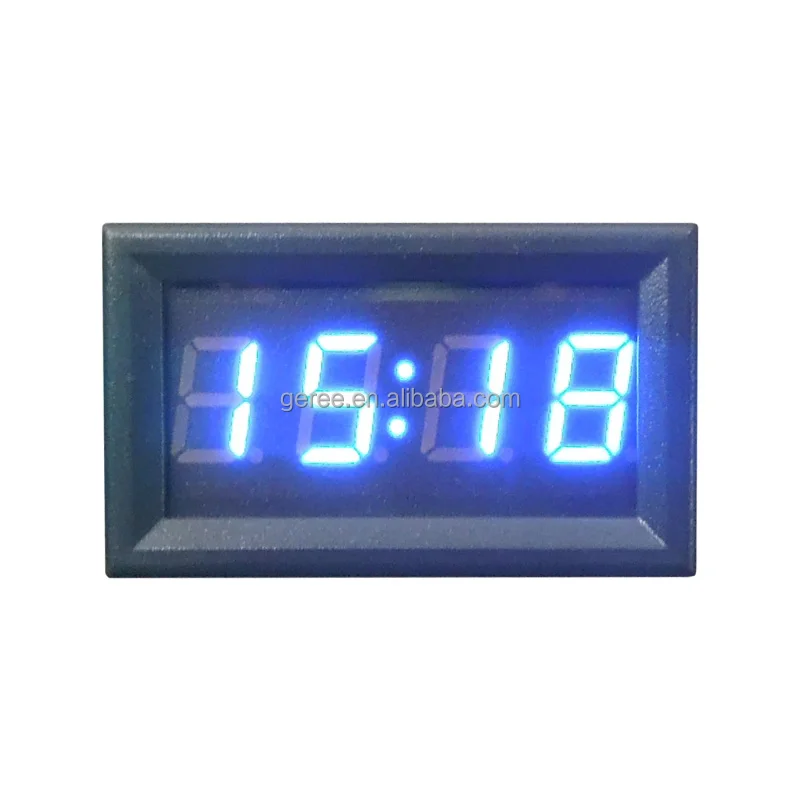
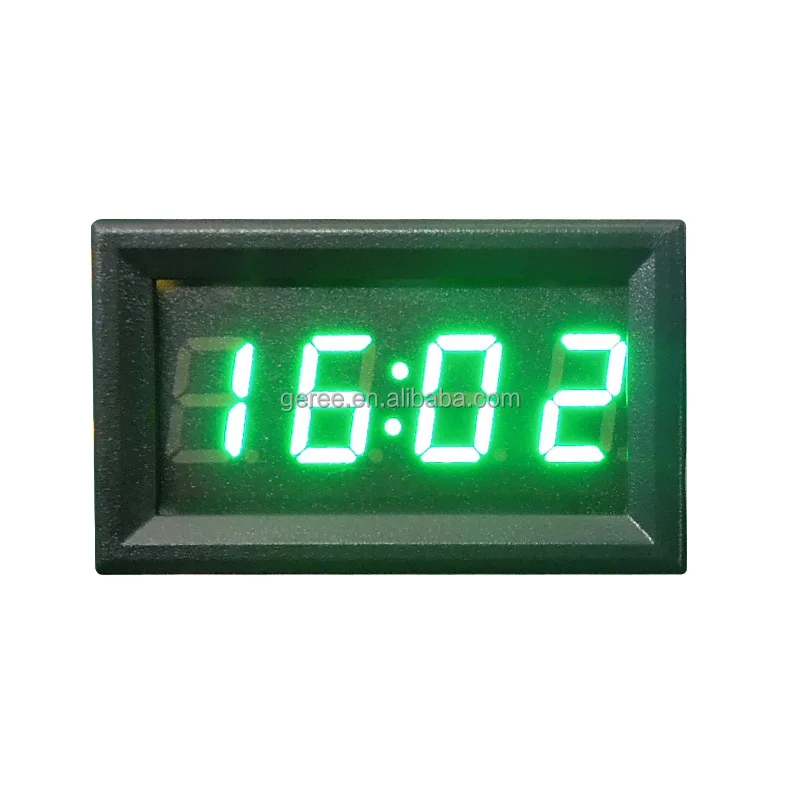
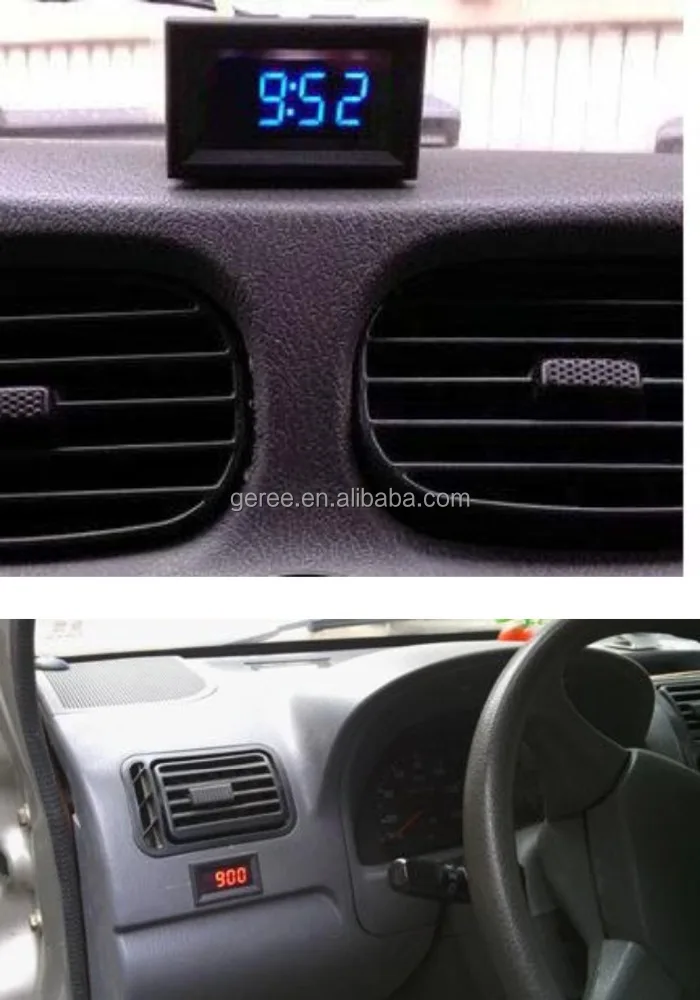
DC 12V 24V Car digital time clock Red Blue Green LED
- Category: Digital & Analog-Digital Clocks >>>
- Supplier: Shenzhen Geree Electronics Co. Ltd.
Share on (60624163496):
Product Overview
Description
DC 12V 24V Car digital time clock Red Blue Green LED

Features:
This electronic clock uses one-touch operation
The default can be displayed: hours, minutes, seconds, date, timer time (according to the guests need to change: only hours and seconds, no timer function)
Display is available in 24-hour format
Power off memory function
supply voltage: DC4.5-30V, and with reverse protection
Instructions:
Press the red, black negative connection received power supply will be displayed on the 0:00,
Key switch sequence: Time division mode - Second mode - Date mode - Timer mode
Seconds mode:
In time mode, press the button to display the second, the display format: XX
No key press after about 30 seconds, it will automatically jump back when the sub-mode
And then click to jump to the next mode
Date mode:
In time mode, press the button twice to display the date, date format: month
30 seconds or so will automatically jump back when the sub-mode
And then click to jump to the next mode
Timer mode:
In time mode, press the button three times to display the time mode, display format: 00: .00
In the absence of start timing, no key press within 30 seconds will automatically return to the sub-mode
In the time mode, long press the button to start the time, the colon below the point began to flash;
long press the button to suspend the time, the colon below the point of light, not flash; long press and then can start
Timing clear method: external red, black line power, long press the button for about 5 seconds
In the time mode, press the button to switch to the time mode, you can also view the date, seconds
time setting:
In the time, sub mode or seconds mode, long press the button until the "hour" flashing, that time to enter the set time, and then press the button to adjust the hour
After adjusting the time, press and hold the button until the "minute" number flashes, said into the minute setting, then press the button to adjust the minute
After the minute is adjusted, press and hold the button until the "second" digit flashes to indicate
that you enter the second setting, press the second clear, press the exit time setting mode and save the set time
In the time setting process, such as about 30 seconds or so when the button is not pressed, it will automatically exit the set mode
Date setting:
In the date mode, press and hold the button until the "Year" number flashes, the table enters the
setting mode, and then press the button to adjust the year
Long press the button until the "month" digital flashing, that entered the month set, and then click the button to adjust the month
After the month is adjusted, press and hold the button until the "day" is flashing, that is, enter the
day setting, then press the button to adjust the day, adjust OK, long press the key to exit the date setting mode and save
In the date setting process, such as about 30 seconds or so when the button is not pressed, it will automatically exit the setting mode
Technical Parameters:
Supply voltage: 4.5 ~ 30V (wide range)
Backup battery: CR1220 (clock backup power, in the case of no power, the time can be maintained for more than 12 months)
Operating current: <20mA
Power supply, key lead length:> 120mm
Time accuracy:
Display: 0.4 "LED, color optional - red, blue, green, orange
Overall dimensions: 48*29*21 mm
Installation opening: 45.5*26.5mm
Operating temperature: -10 ~ +65
Working pressure: 80 ~ 106kPa
We Recommend



New Arrivals
New products from manufacturers at wholesale prices







