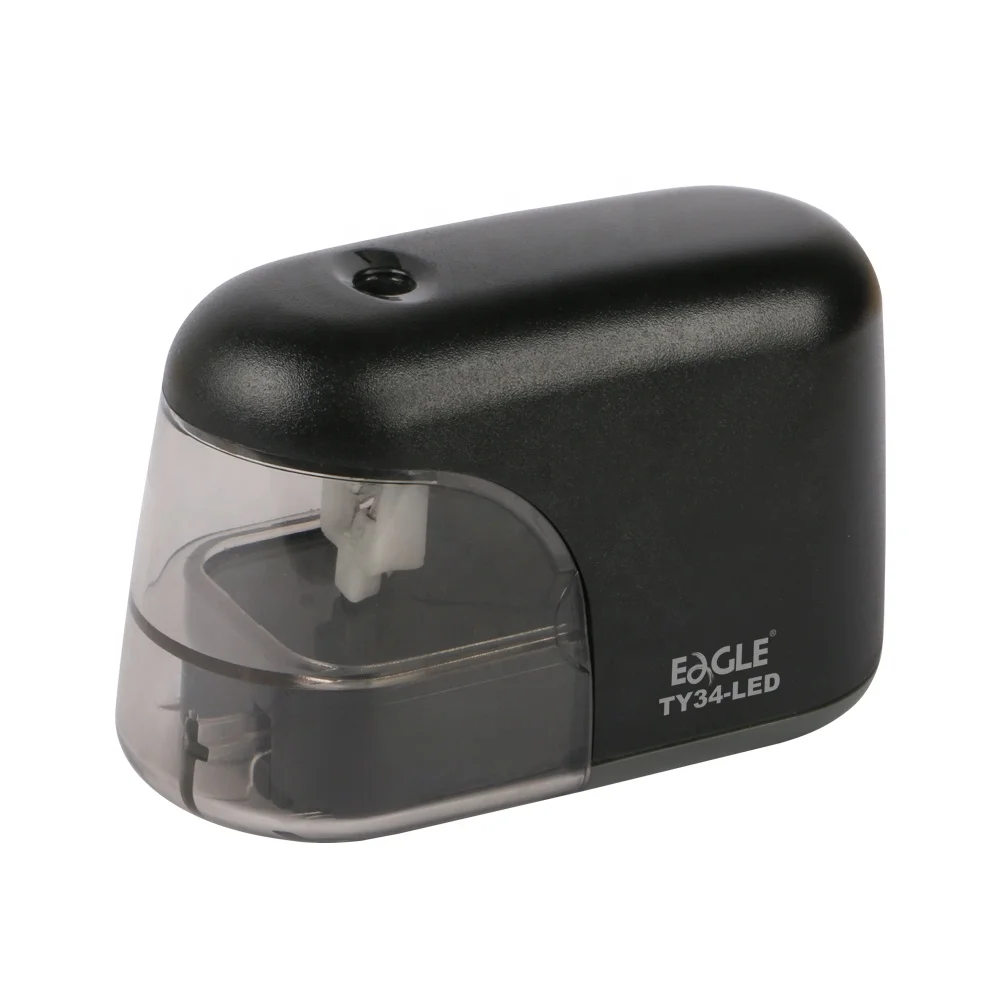
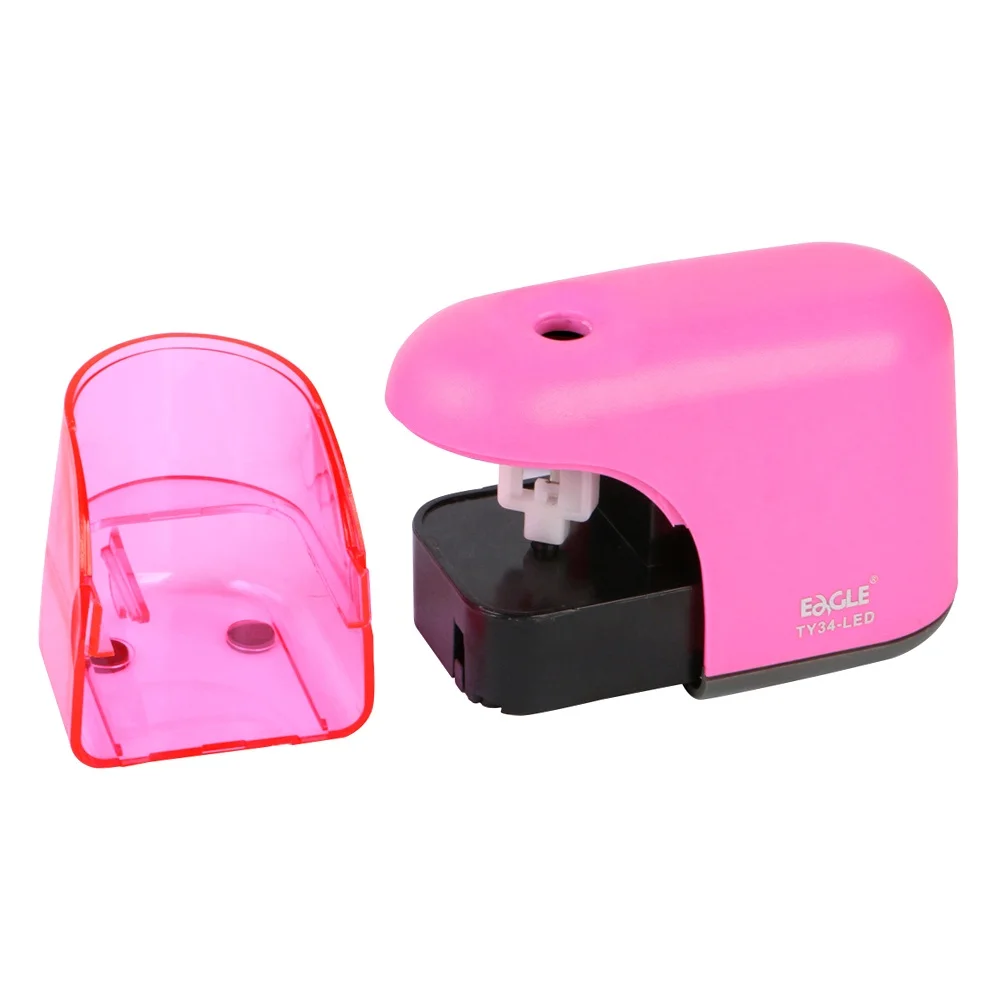
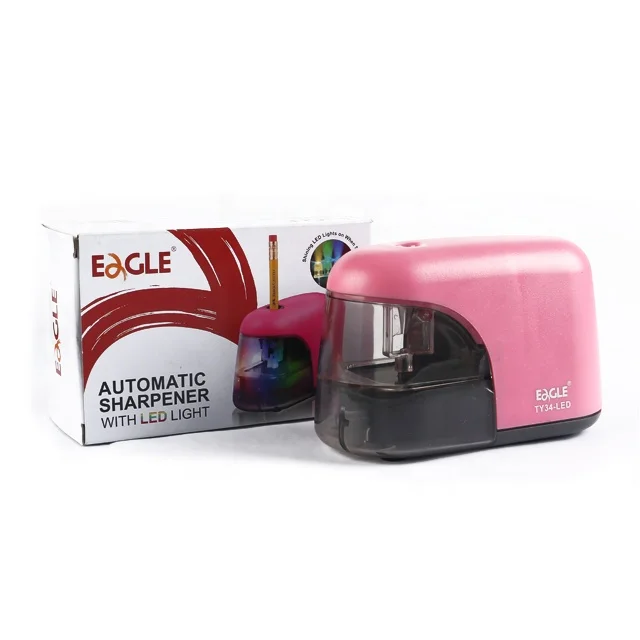
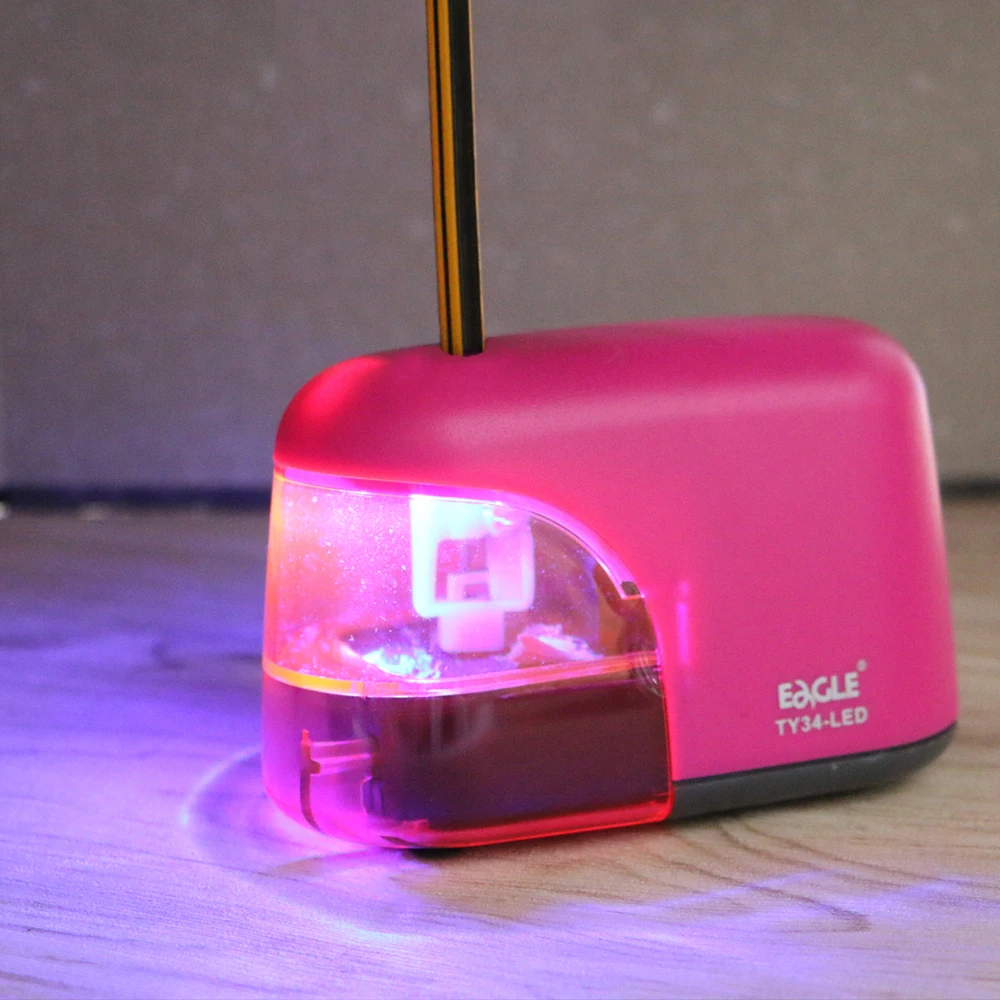
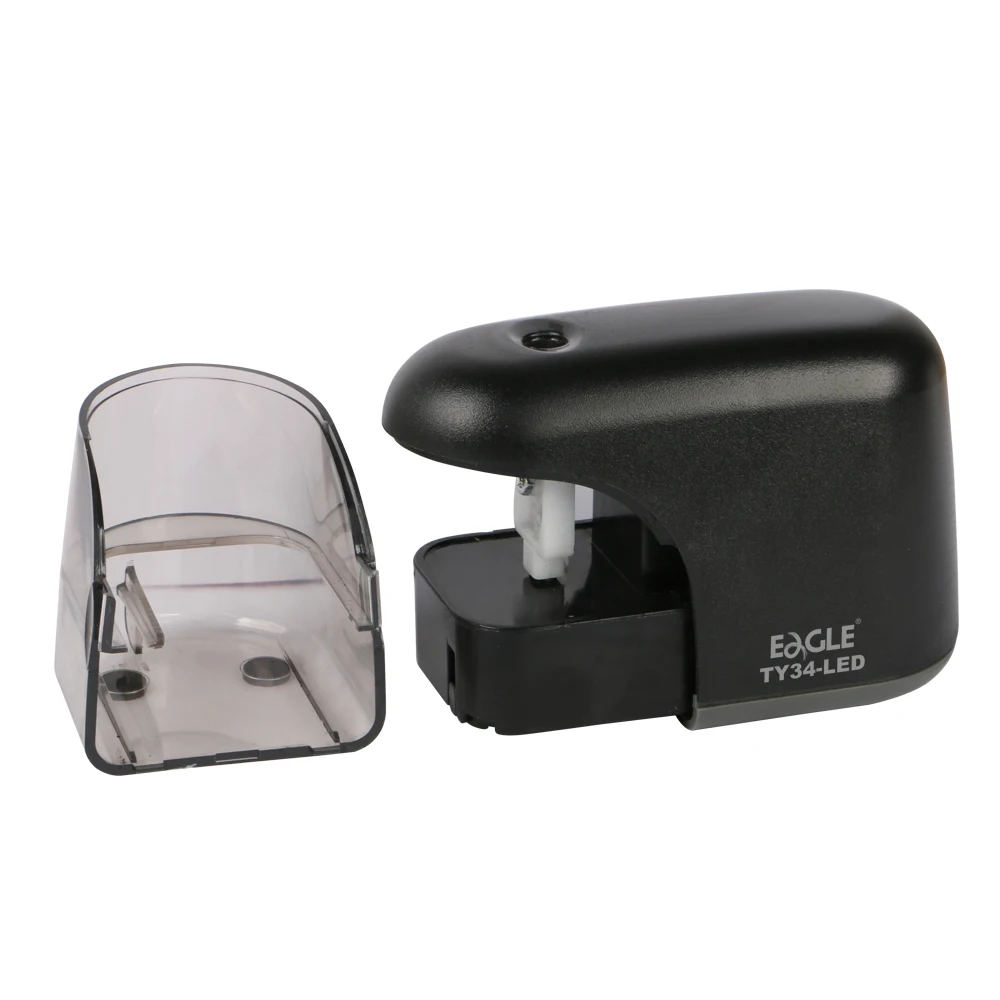
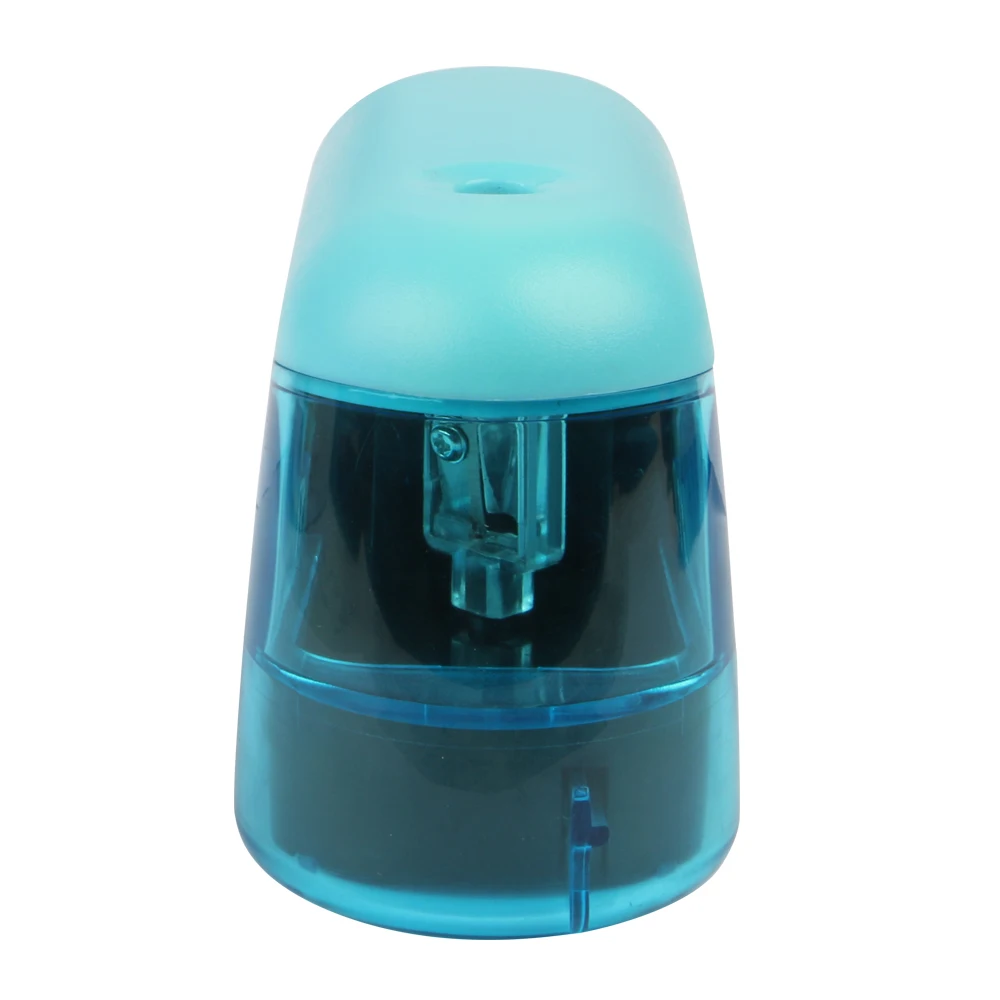
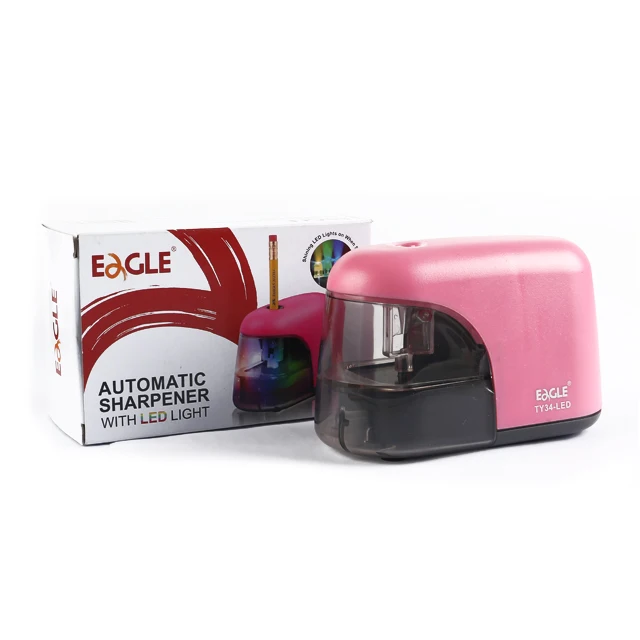
•Usage: Office/School supply
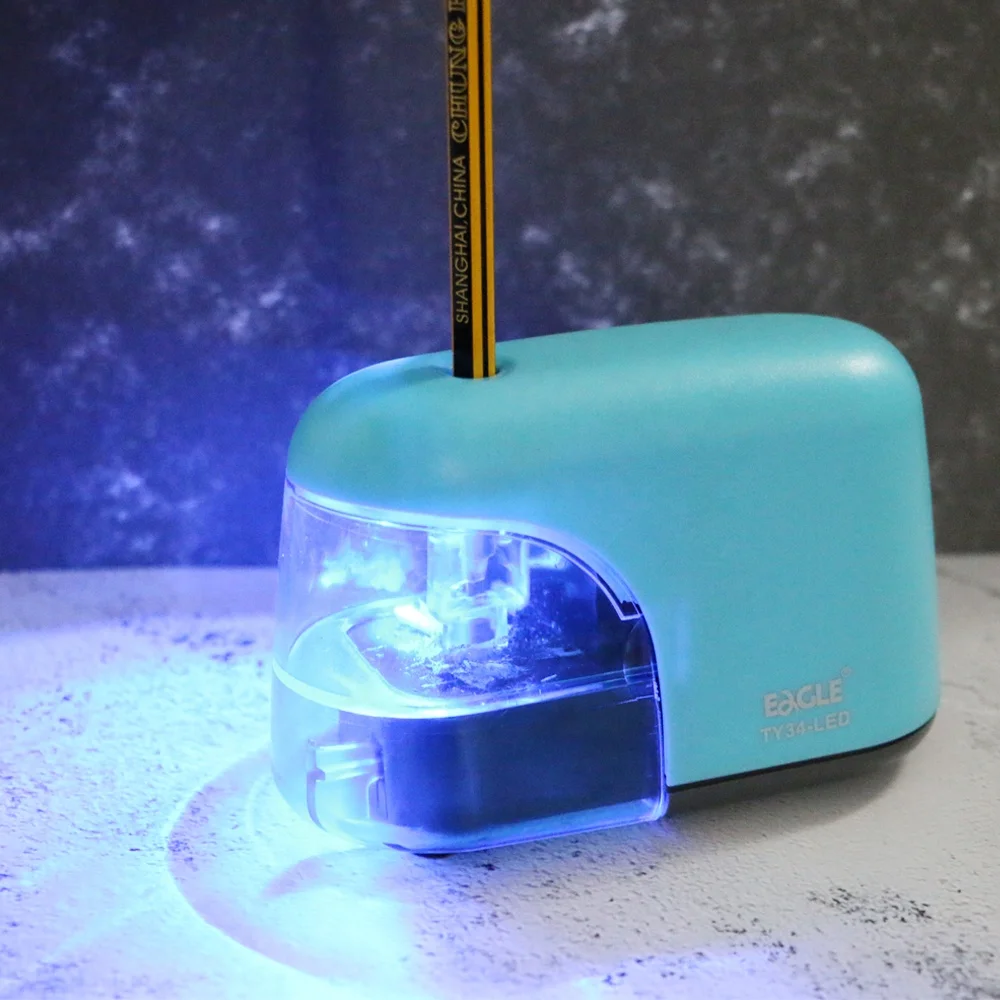
•Color: black/purple/blue/purple or customized
•Dimension (WxDxH) 118 x 54 x 74 mm
•Weight: 203g
•Pencil size: 8mm
• Ambient temperature -18℃ to 49℃
•Packing:Color Box
•G.W:15.1KG
•Ctn size: 39.5 x 27 x 54 CM
•OEM/ODM:Available
Power Source DC
4 AA1.5V Dry Batteries (not included)
Dimension
118x54X74mm
Weight
203g
Pencil size(mm)
6.5<diameter<8
temperature
-18℃ to 49℃
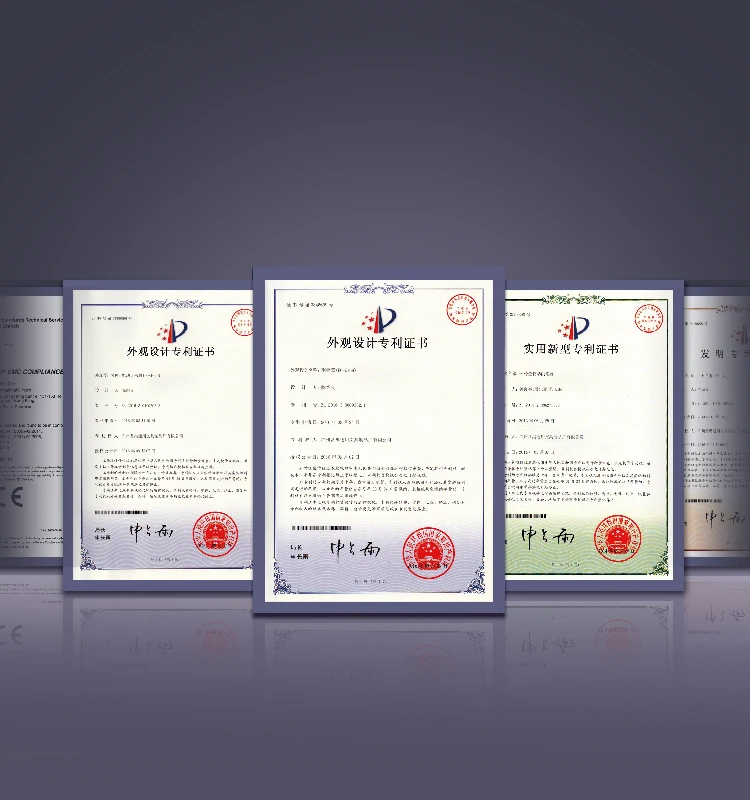
Certifications
Installation Instructions
TROUBLE SHOOTING
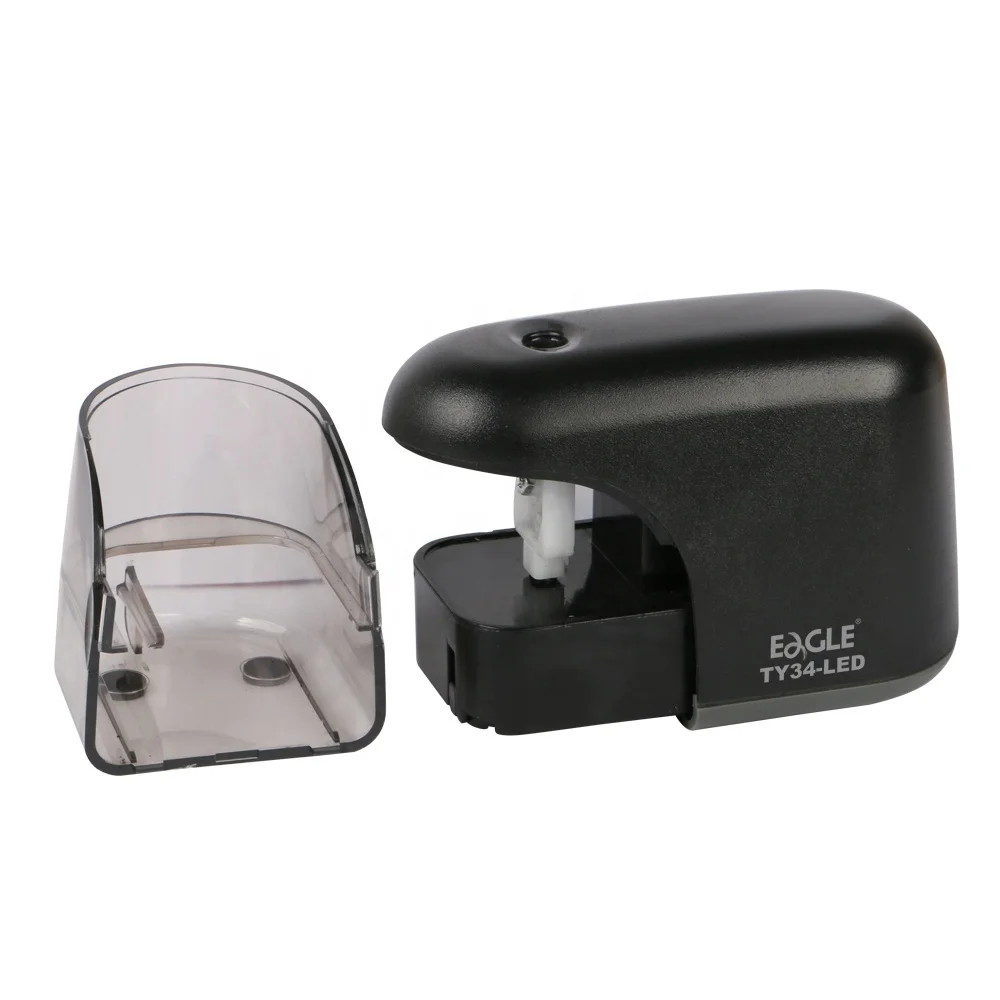
1. Keep the "receptacle" in place and tightly close before use.
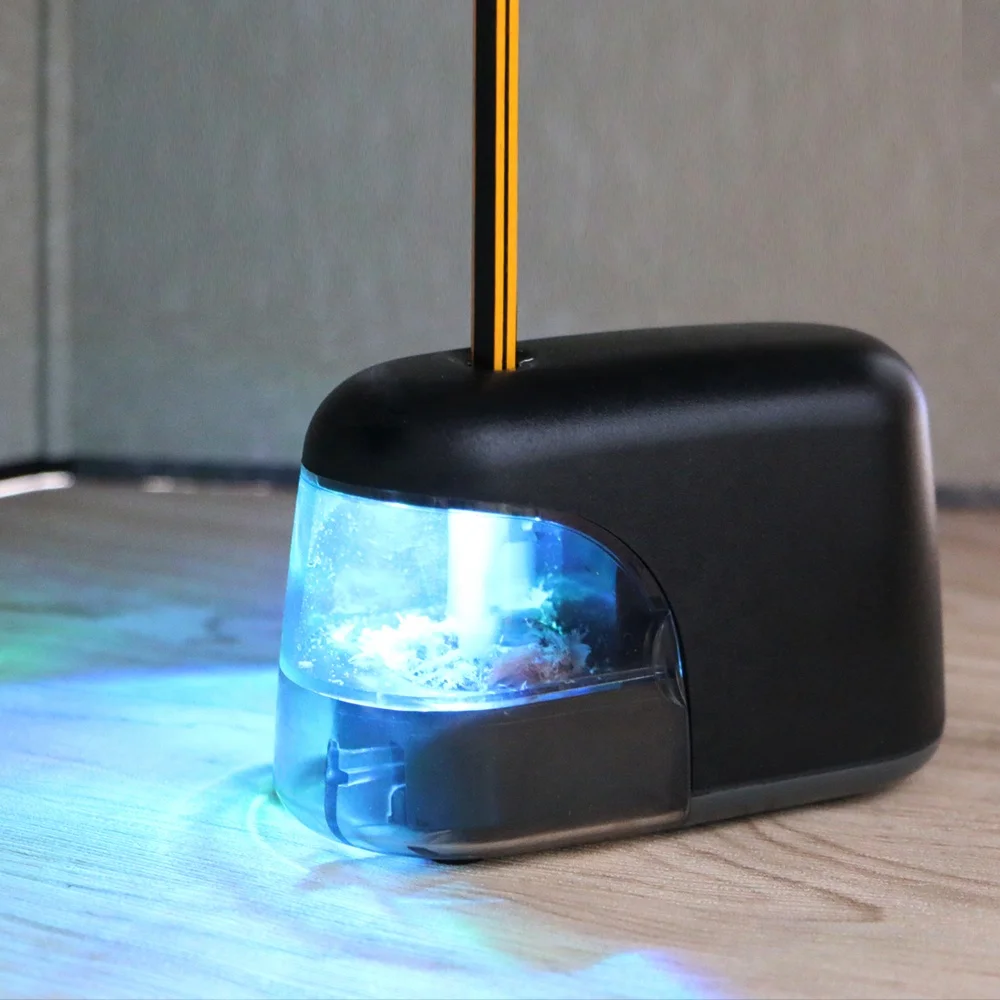
2.Push the pencil gently. Motor starts automatically for actions.
HOW TO REMOVE BROKEN LEAD
1. Remove the receptacle and empty it.
2. Hold the Sharpener up downward. Use the broken-end pencil and points it to the helical blade inside. Move the blade slightly back and forth in such way that the broken lead is released through the gap(caution: don't use metal rod or screw driver otherwise the blade damaged).
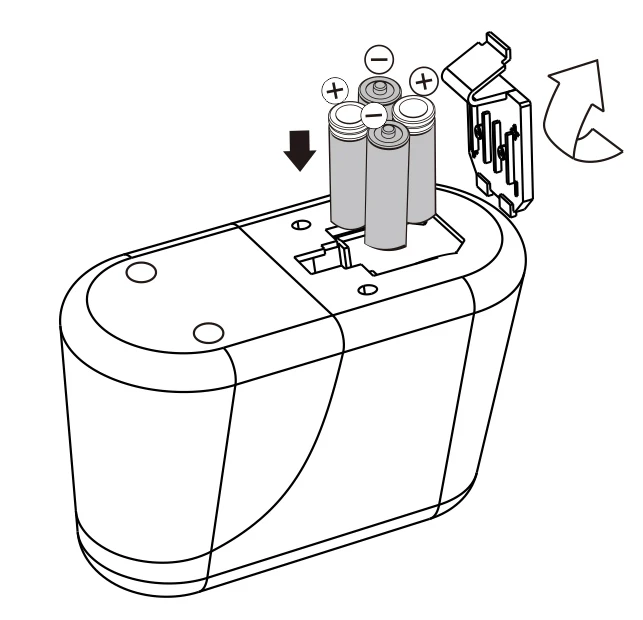
HOW TO INSTALL BATTERYS
Replace Batteries
•Remove the lid of the battery compartment at the bottom of the sharpener.
•Insert four AA size new batteries in the battery compartment with correct polarity (see indications on battery compartment).
•Close battery compartment.
•Do not mix old and new batteries.
•Do always replace all four batteries at the same time.
•Do not mix alkaline, standard (carbon-zinc), or rechargeable (nickel cadmium) batteries.
•To avoid damage from battery leakage, remove batteries when unit is not used for long periods.