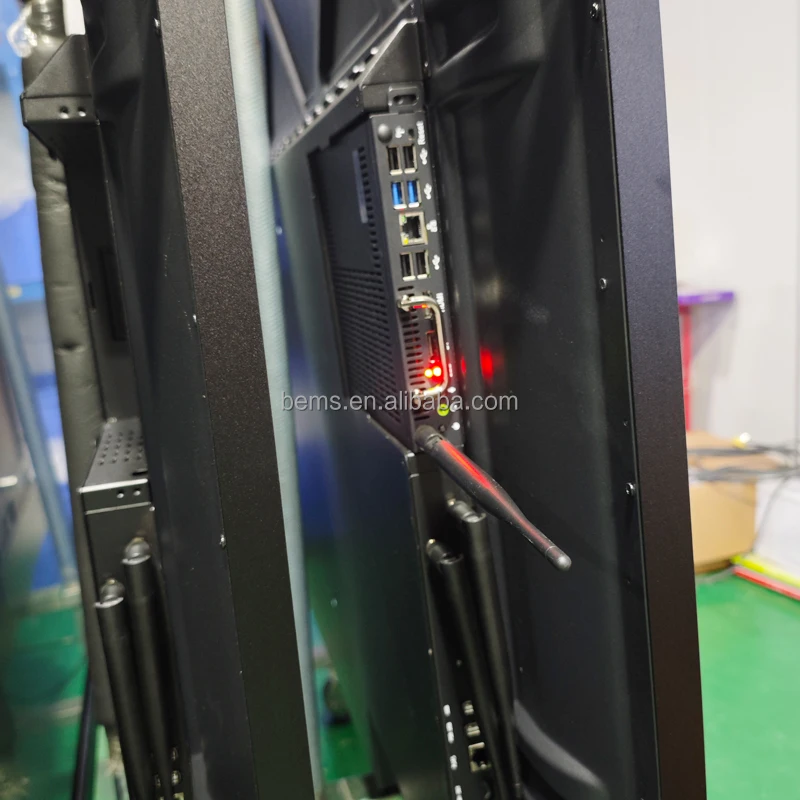
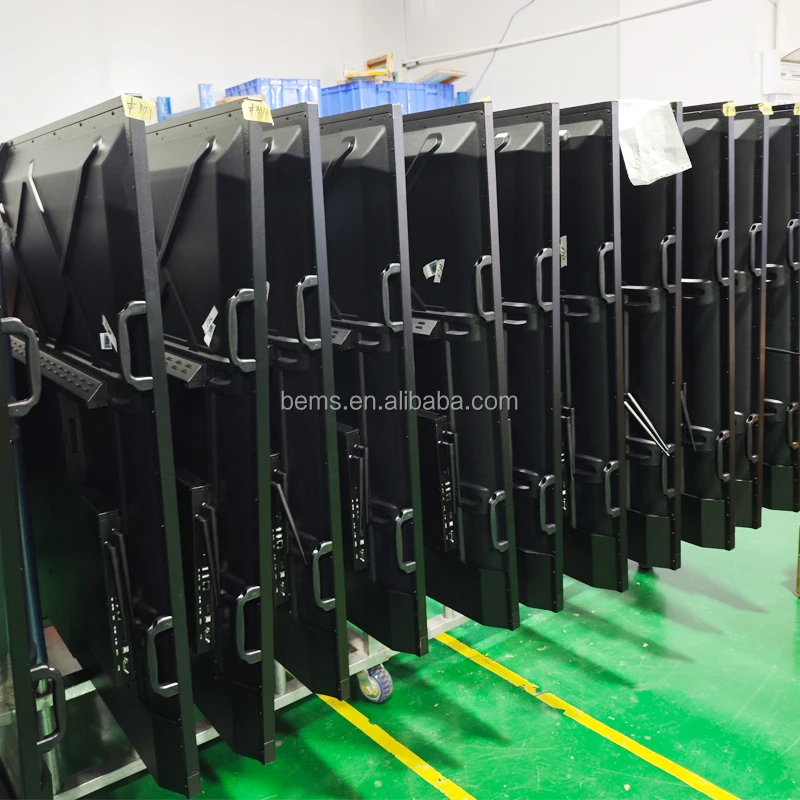
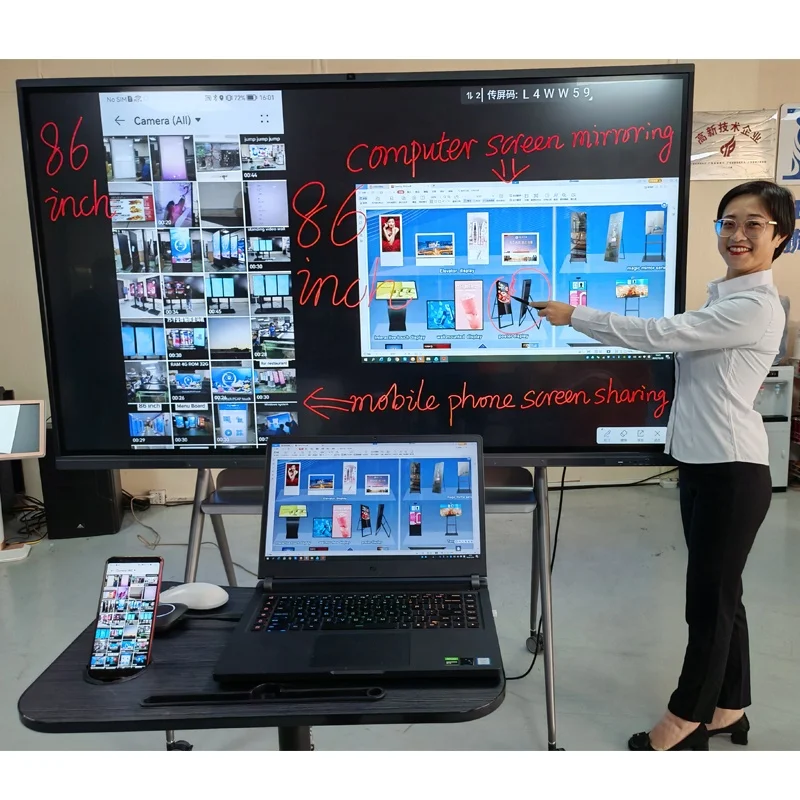
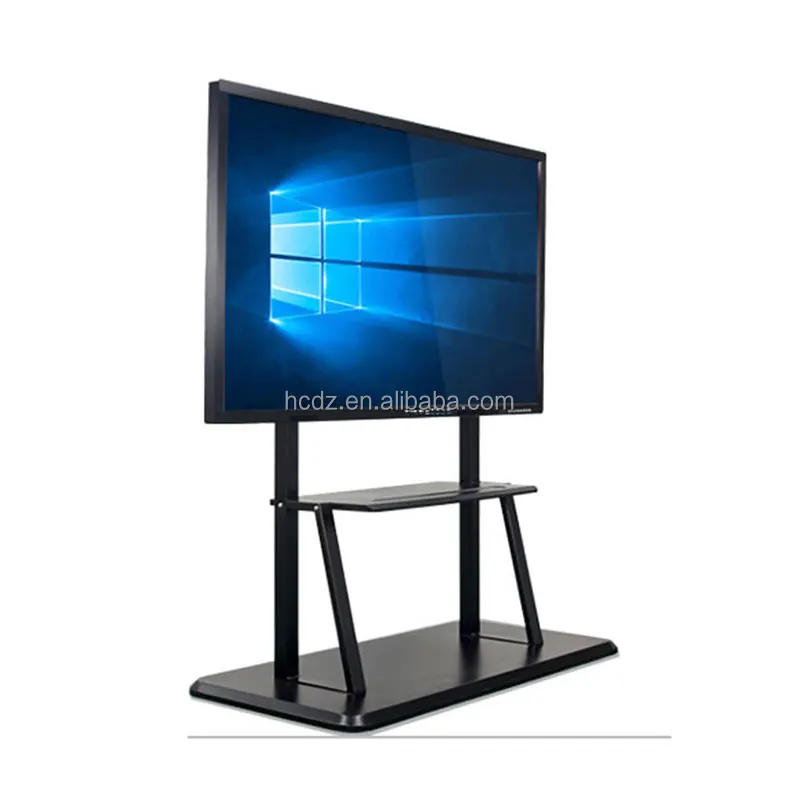
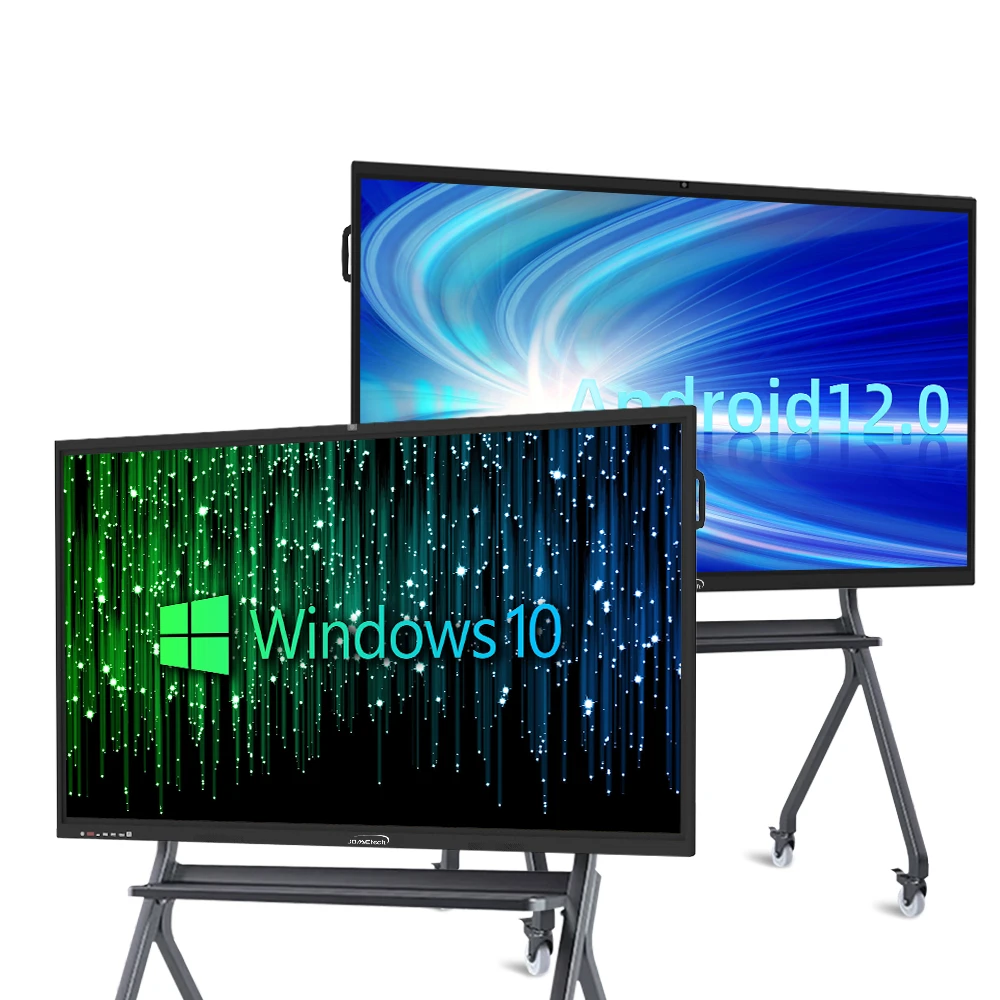
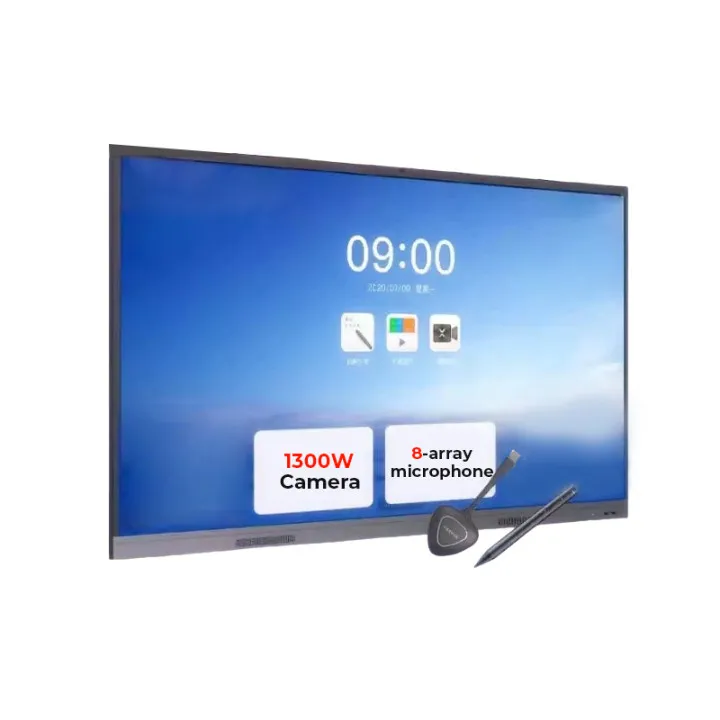
cheap price 65 inch touch screen windows/android system camera microphone electronic digital smart tv interactive whiteboard
- Category: >>>
- Supplier: Guangzhou Bems Electronics Co. Ltd.
Share on (60710509672):
Product Overview
Description

interactive whiteboard
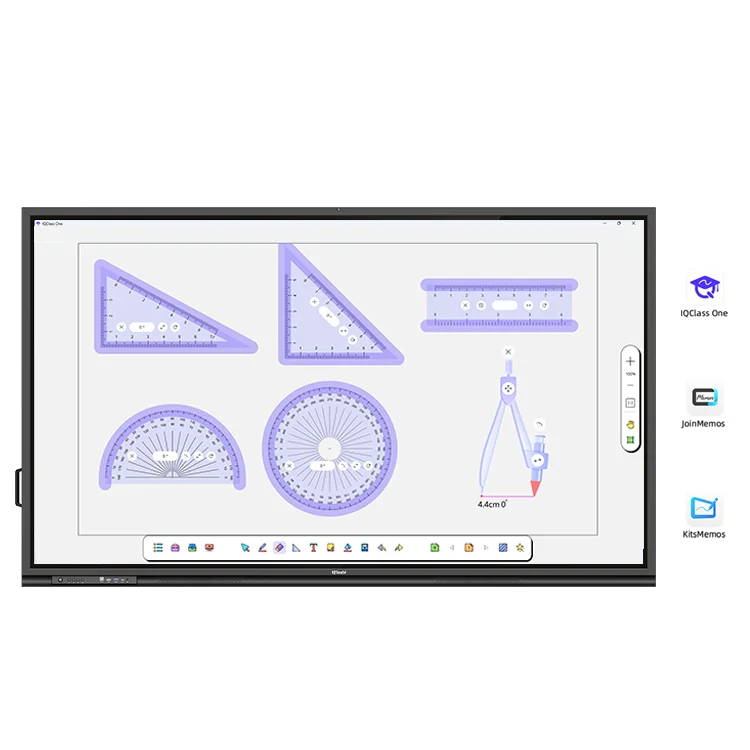
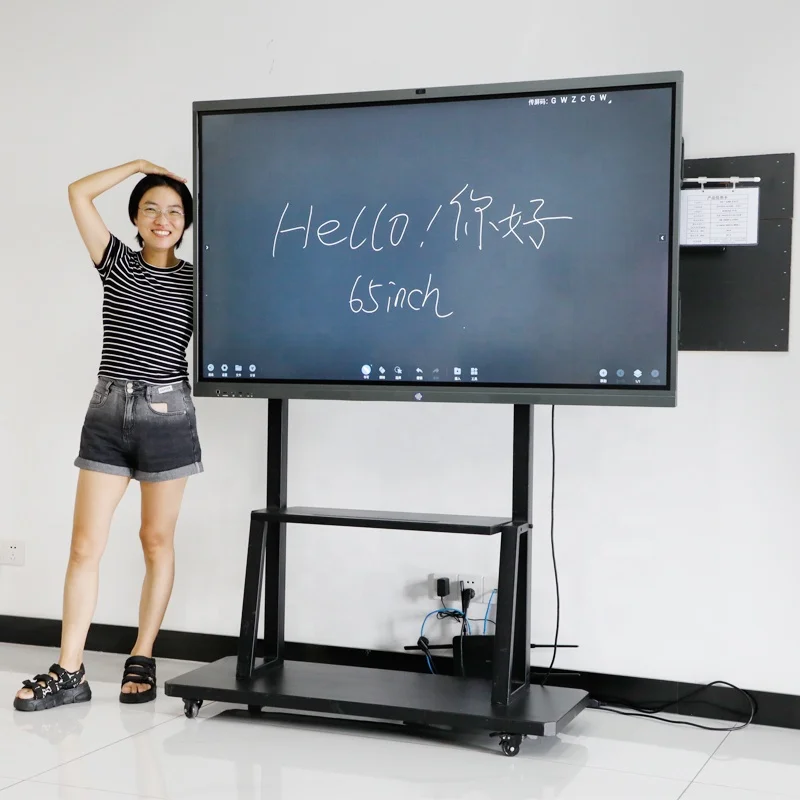
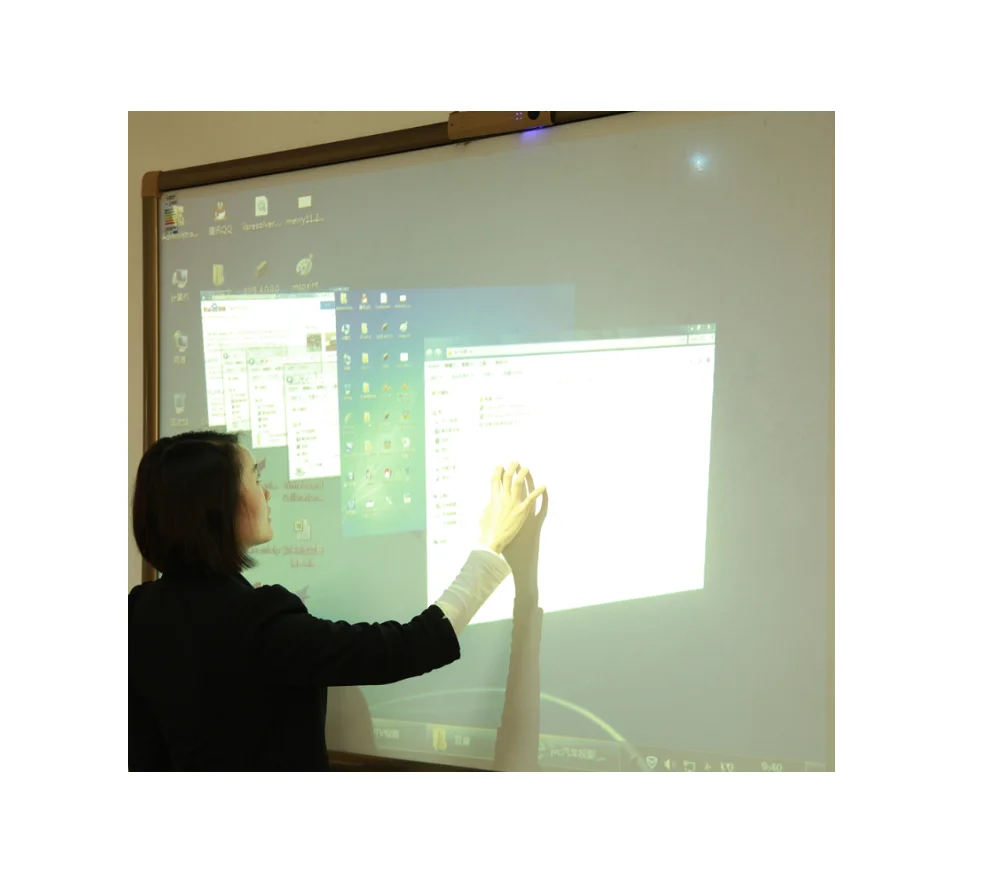
Interactive Whiteboards, also known as smart boards or digital whiteboards, are advanced teaching and presentation tools that combine traditional writing surfaces with modern technology. They facilitate collaboration, engagement, and enhance learning experiences in classrooms, meeting rooms, and training sessions. Here's an overview of the key features and functionalities:
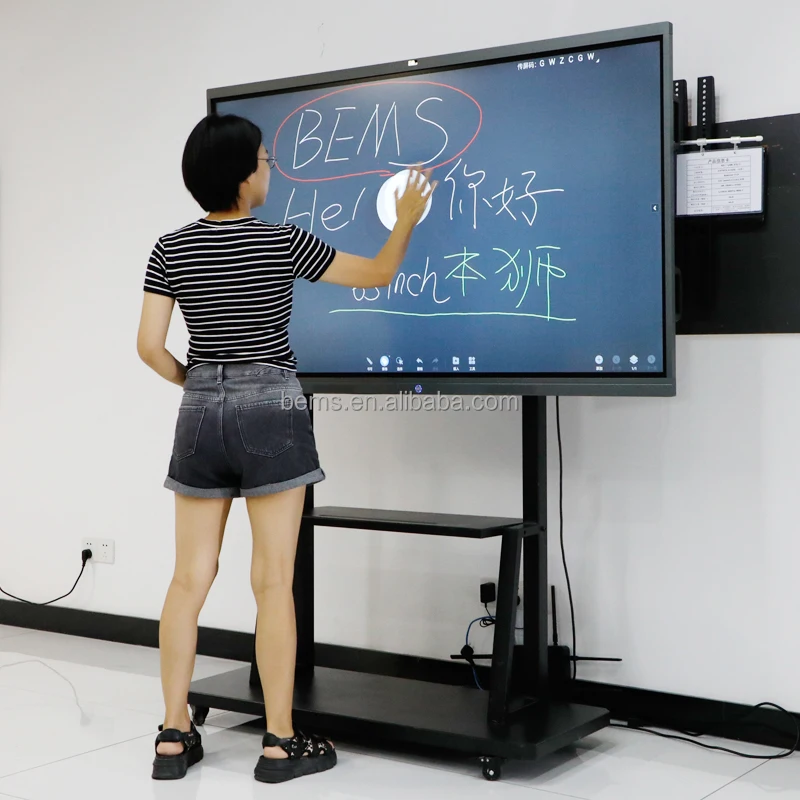
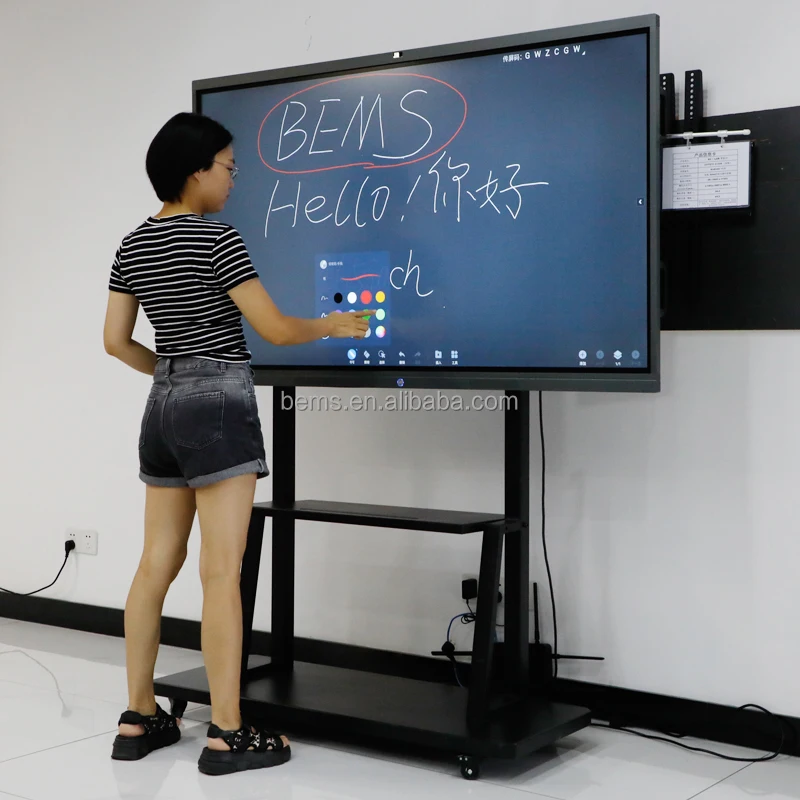
1. Touchscreen Interface: The board recognizes touch input, allowing users to write, draw, erase, and interact with digital
content using either fingers or special styluses. This mimics the ease of a traditional whiteboard while offering digital
capabilities.
2. Compatibility and Connectivity: Most interactive whiteboards can connect to computers, laptops, or even mobile devices via USB, HDMI, or wireless connections. This enables projection of computer screens onto the board and access to multimedia content, software applications, and the internet.
3. Annotation and Collaboration: Users can annotate over presentations, documents, or web pages in real-time. This feature is particularly useful for group brainstorming sessions, classroom lessons, and remote meetings where participants can contribute and edit shared content.
4. Multi-Touch Gestures: Similar to smartphone or tablet interactions, advanced models support multi-touch gestures such as zoom, rotate, and swipe, enhancing navigation and manipulation of on-screen elements.
5. Integration with Educational Software: Many interactive whiteboards come bundled with or are compatible with specialized educational software designed to create interactive lessons, quizzes, and games, making learning more engaging and interactive.
6. Recording and Sharing: Some boards allow sessions to be recorded, including audio and written content, which can later be shared with students or colleagues who missed the session or for future reference.
7. Remote Participation: With the rise of hybrid work and learning environments, many interactive whiteboards support video conferencing integration, enabling remote attendees to view the board's content live and participate as if they were physically present. Multi-Touch & Gestures: Latest interactive whiteboards support multi-user interaction, allowing several people to write or draw simultaneously. Enhanced gesture recognition improves navigation and control, akin to using a smartphone or tablet.
* High Definition Display: With 4K resolution or higher, these boards offer crisp and clear visuals, enhancing the clarity of
text, images, and videos during presentations.
Interactive Whiteboards, also known as smart boards or digital whiteboards, are advanced teaching and presentation tools that combine traditional writing surfaces with modern technology. They facilitate collaboration, engagement, and enhance learning experiences in classrooms, meeting rooms, and training sessions. Here's an overview of the key features and functionalities:
1. Touchscreen Interface: The board recognizes touch input, allowing users to write, draw, erase, and interact with digital
content using either fingers or special styluses. This mimics the ease of a traditional whiteboard while offering digital
capabilities.
2. Compatibility and Connectivity: Most interactive whiteboards can connect to computers, laptops, or even mobile devices via USB, HDMI, or wireless connections. This enables projection of computer screens onto the board and access to multimedia content, software applications, and the internet.
3. Annotation and Collaboration: Users can annotate over presentations, documents, or web pages in real-time. This feature is particularly useful for group brainstorming sessions, classroom lessons, and remote meetings where participants can contribute and edit shared content.
4. Multi-Touch Gestures: Similar to smartphone or tablet interactions, advanced models support multi-touch gestures such as zoom, rotate, and swipe, enhancing navigation and manipulation of on-screen elements.
5. Integration with Educational Software: Many interactive whiteboards come bundled with or are compatible with specialized educational software designed to create interactive lessons, quizzes, and games, making learning more engaging and interactive.
6. Recording and Sharing: Some boards allow sessions to be recorded, including audio and written content, which can later be shared with students or colleagues who missed the session or for future reference.
7. Remote Participation: With the rise of hybrid work and learning environments, many interactive whiteboards support video conferencing integration, enabling remote attendees to view the board's content live and participate as if they were physically present. Multi-Touch & Gestures: Latest interactive whiteboards support multi-user interaction, allowing several people to write or draw simultaneously. Enhanced gesture recognition improves navigation and control, akin to using a smartphone or tablet.
* High Definition Display: With 4K resolution or higher, these boards offer crisp and clear visuals, enhancing the clarity of
text, images, and videos during presentations.
Product Description
Specification
item | value |
Place of Origin | China |
Guangdong | |
Weight | 70KG |
Color | black |
Aspect Ratio | ‘16:9 |
Panel Type | LED |
Panel Size | 55inches |
Resolution | 1920*1080 |
Packing Dimension | 200*160 cm |
writing method | pen/finger touch |
Product Dimension | 55 inch |
Certificate | CE/CCC/FCC/ROHS/ISO9001 |
Warranty | One Year |
Size | 20/24/26/32/42/46/47/55/65 Inch |
Application | Education.Training.Office |
Product name | Smart Interactive Whiteboard |
Feature | Easy Wipe |
Packing | Carton |
MOQ | 1 Pcs |
Operating system | Windows 7/8/10/Linux+Android |
Resolution | 1920*1080 |
Packing & Delivery
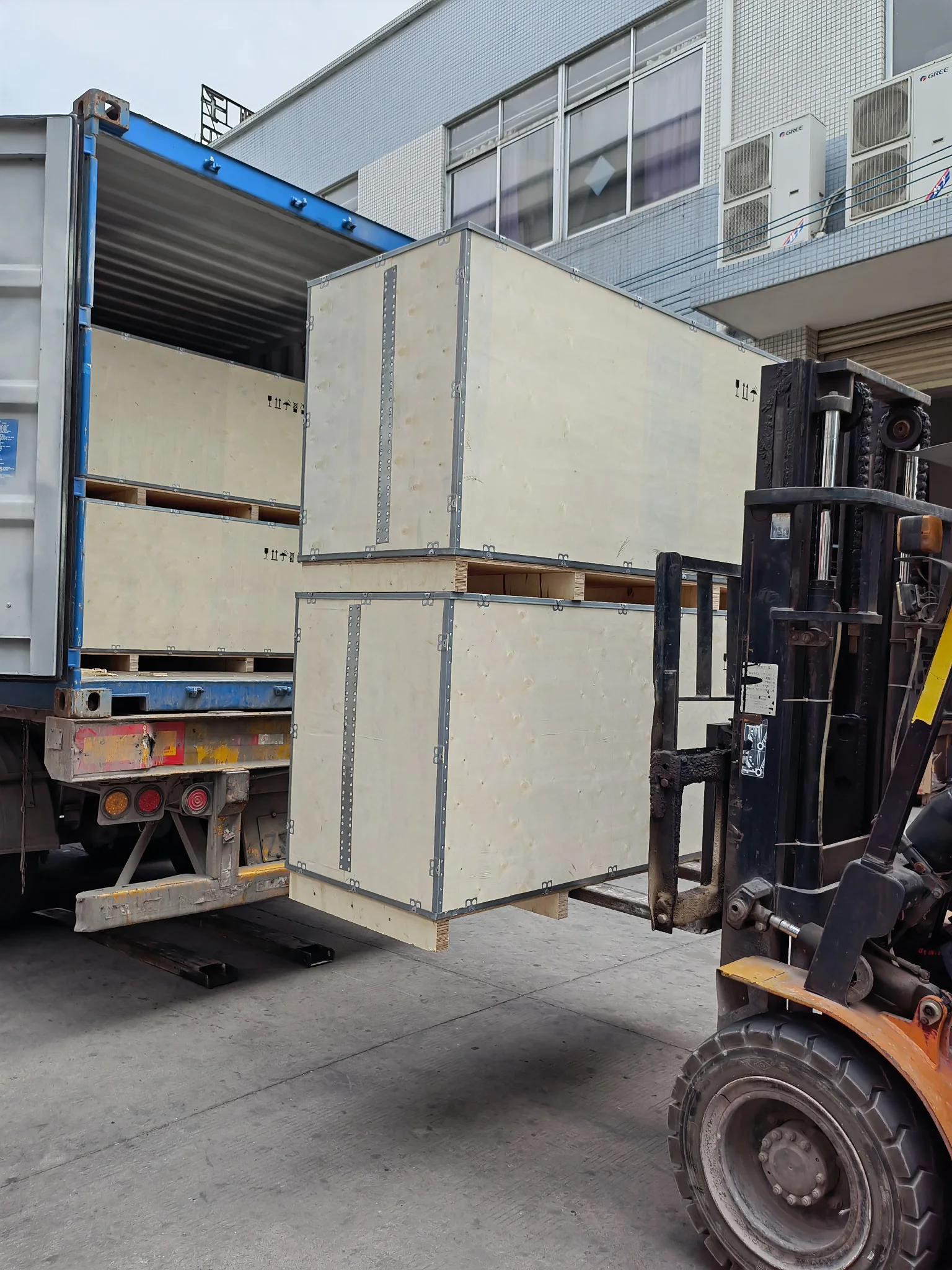
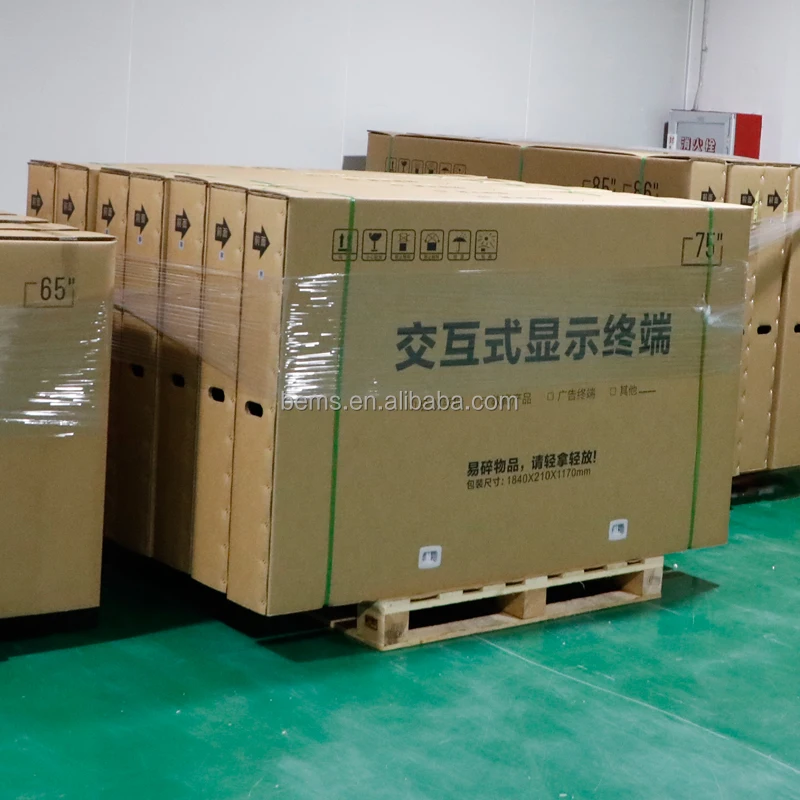
Thickening international standard export package:
EPE Cotton--Bubble Pack--Corner Protector--Craft Paper--Wood box
EPE Cotton--Bubble Pack--Corner Protector--Craft Paper--Wood box
Company Profile
Guangzhou Bems Electronics Co.,Ltd. was founded in 2012. We focus on designing, researching and developing, manufacturing and selling advertising player,digital signage,all in one pc,touch screen kiosk,bus monitor,TV,LCD/LED monitor and so on. We have more than 1000pcs of self-developed designs and molds for you to choose from. We release at least 10 new products monthly to meet the latest market trends. With our rich experience and considerate services, we have been recognized as a reliable supplier for many international buyers. We operate our in-house facilities to work on your OEM/ODM projects, enabling us to meet your customized requirements. With an annual production capacity of 10,000,00pcs, we can fill your bulk orders with ease.
To ensure quality, we have more than 10 QC members to carry out strict inspection at each stage: incoming inspection (IQC), in-process inspection (IPQC) and final inspection (FQC).
We have also introduced machines which allow us to make products that meet international standards. Our products sell well in domestic and international markets, such as the USA, and are favorably appraised by clients. To benefit from our strong OEM/ODM capabilities and considerate services, contact us today. We will sincerely create and share success with all clients.
To ensure quality, we have more than 10 QC members to carry out strict inspection at each stage: incoming inspection (IQC), in-process inspection (IPQC) and final inspection (FQC).
We have also introduced machines which allow us to make products that meet international standards. Our products sell well in domestic and international markets, such as the USA, and are favorably appraised by clients. To benefit from our strong OEM/ODM capabilities and considerate services, contact us today. We will sincerely create and share success with all clients.
We Recommend
New Arrivals
New products from manufacturers at wholesale prices







