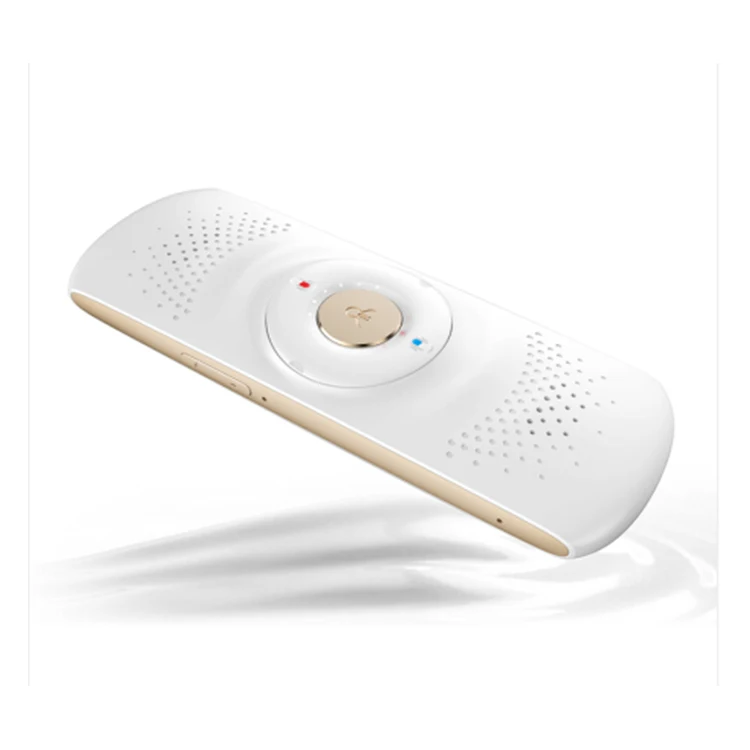
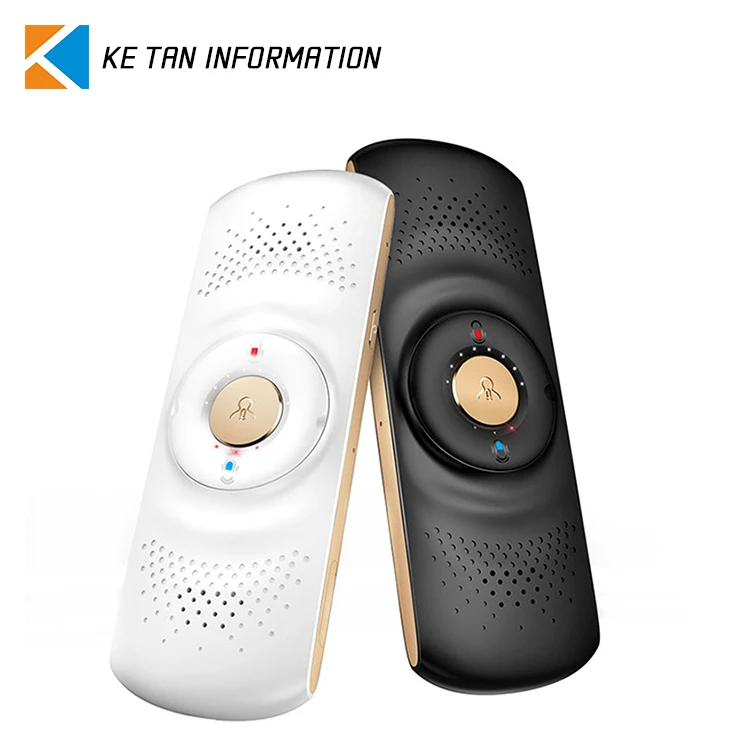
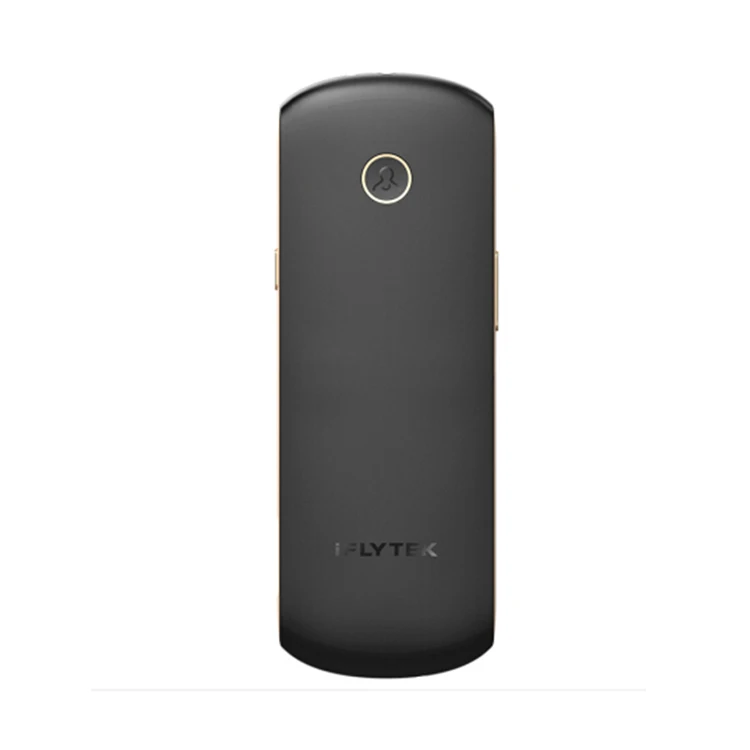
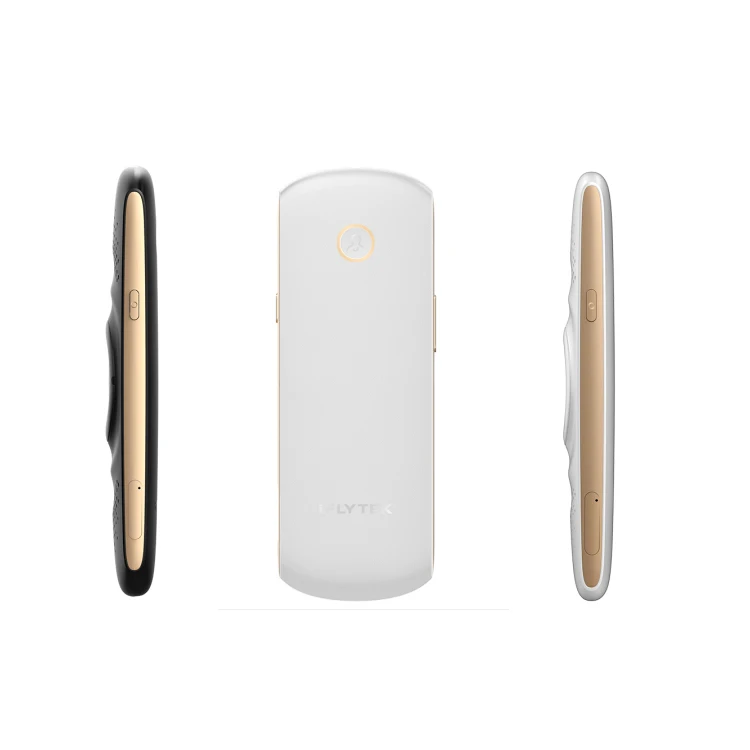
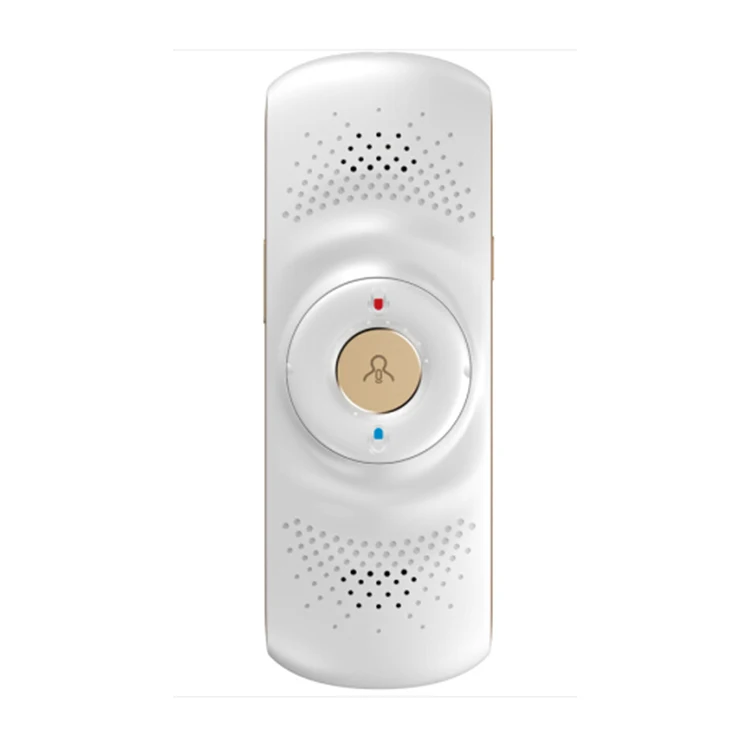
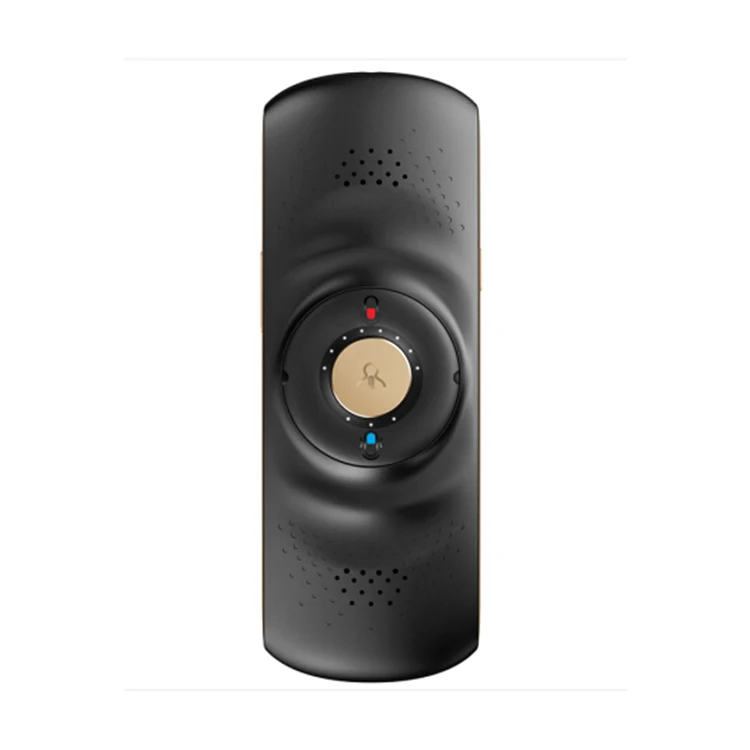
IFLYTEK Mini Portable Intelligent Translation Machine Multi Language Translator
- Category: >>>
- Supplier: Guangzhou Ketan Information Technology Co. Ltd.
Share on (60714901264):
Product Overview
Description
IFLYTEK Mini Portable Intelligent Translation Machine Multi Language Translator
Product Description
| Easy to use: | The use of simple, generous design concept, easy to operate, bind APP, the management of equipment |
Stable: | Stable hardware parameters, fast response, continuous operation |
Leakage:
| Adopt intelligent technology to protect user privacy and prevent data leakage |
Feature: | Based on the new Sino-British spoken translation technology from ISCOM, the XFI translator can quickly and accurately implement the real-time translation between Chinese and English. Portable and easy to use products and high stability, to solve language barriers to communication, has provided help. |
Obstacles to communication between China and English have always been outstanding issues to be solved. In order to solve this problem, IETF combines its own language core technologies with the accumulation of resources and technologies in the English language and launches the real-time translation products of Chinese-English spoken with core technologies. |
Connect to the Internet: 1. Install the phone APP Method 1. Mobile phone open QR code software → scan the QR code on the back of the box → download APP → installation is complete Method 2 in the application market fire APP Store search "Xunfei translation" → download and install 2. Binding translator →Open the information exchange translation APP → click "My" → select "My portable translation device" → select "+"→ Scan the QR code on the back of the box → Complete binding 3.Networking settings Make sure the iFLYTEK translator APP has been successfully bound translator and boot state → click "Translator Settings" In the dialog box that pops up, select "Bluetooth Pairing" or "Network Pairing" (Network Pairing requires the translator to connect to the data network) After pairing is successful, the bottom "Update" tab turns green Click "wifi settings" Click the wifi connection page to select the wifi network to use, and enter the password to determine. Wifi connection is successful, the translation opportunity to broadcast "is using the wireless network"
|


We Recommend







New Arrivals
New products from manufacturers at wholesale prices