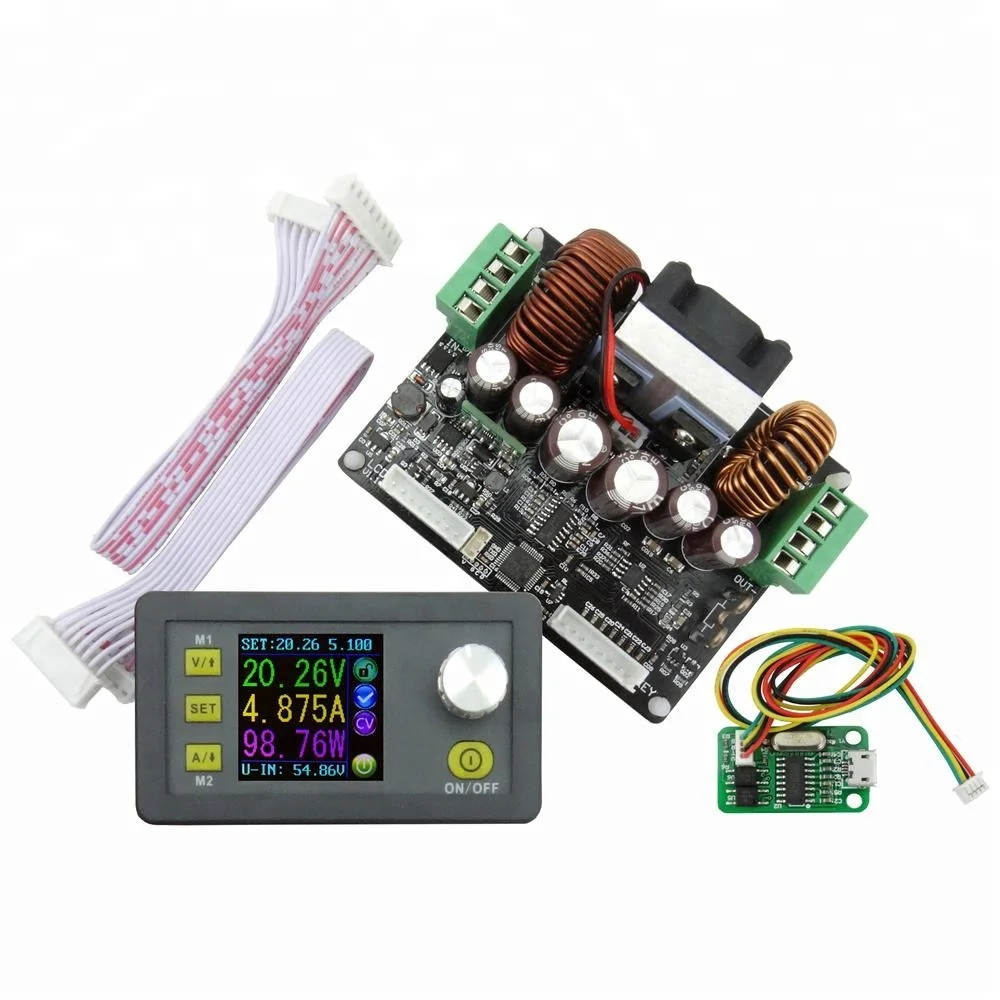
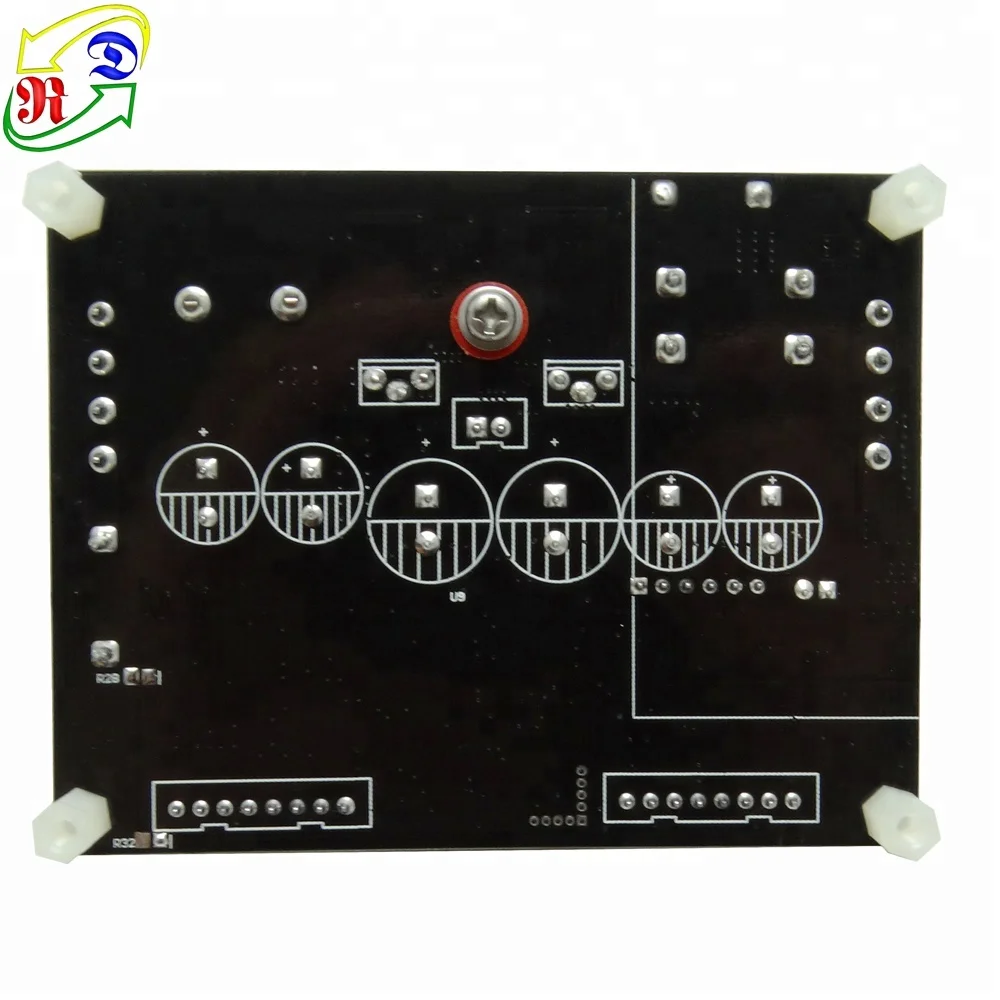
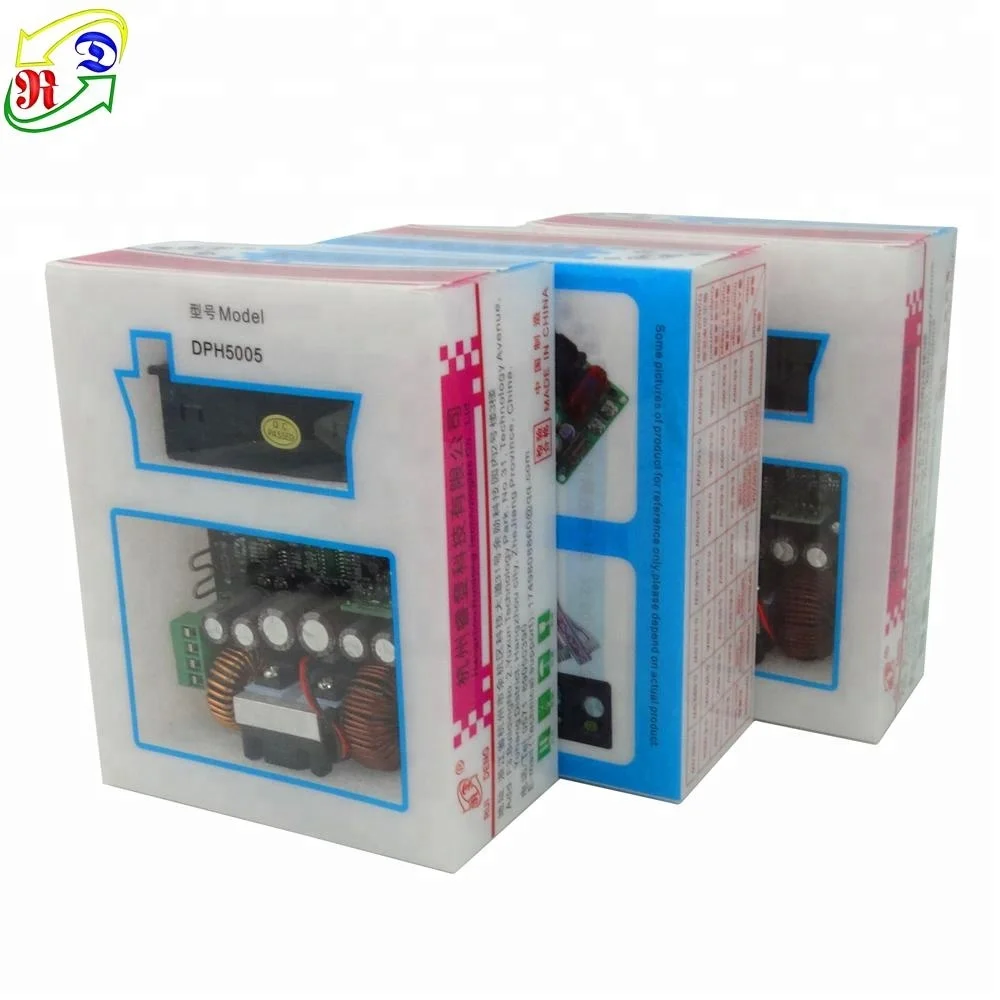
RD DPH5005 Constant Volt Current Programmable Digital Control DC DC LCD Buck boost Converter
- Category: >>>
- Supplier: Hangzhou Ruideng Technology Co. Ltd.
Share on (60722878151):
Product Overview
Description
Product Description
Technical parameters:
Input voltage range: 6.00-50.00V
Output current: 0-5.000A
Product Weight: about 113g
Open size: 71mm*39mm
Output voltage resolution: 0.01V
Output Voltage accuracy: ± (0.5% + 3 digit)
Output voltage range: 0V-50.00V
Output power range: 0-250.0W
Product Dimension: 79*43*48(mm) (L*W*H)
Output current resolution: 0.001A
Output Current accuracy: ± (0.5% + 5 digits)
Very important:
1.Before buying this product, please download the upper computer software and test, if it fits your computer , you can buy
2. the upper computer only support For Win7 and above
Detailed operating instructions, refer to the URL:https://www.mediafire.com/folder/3ixc393r8hfk5/DPH5005_communication_file
NOTE:
For no communication version, there is no commnunication program and hardware to support, not any communication function, can't be updated.
Pay attention bfore shipping:
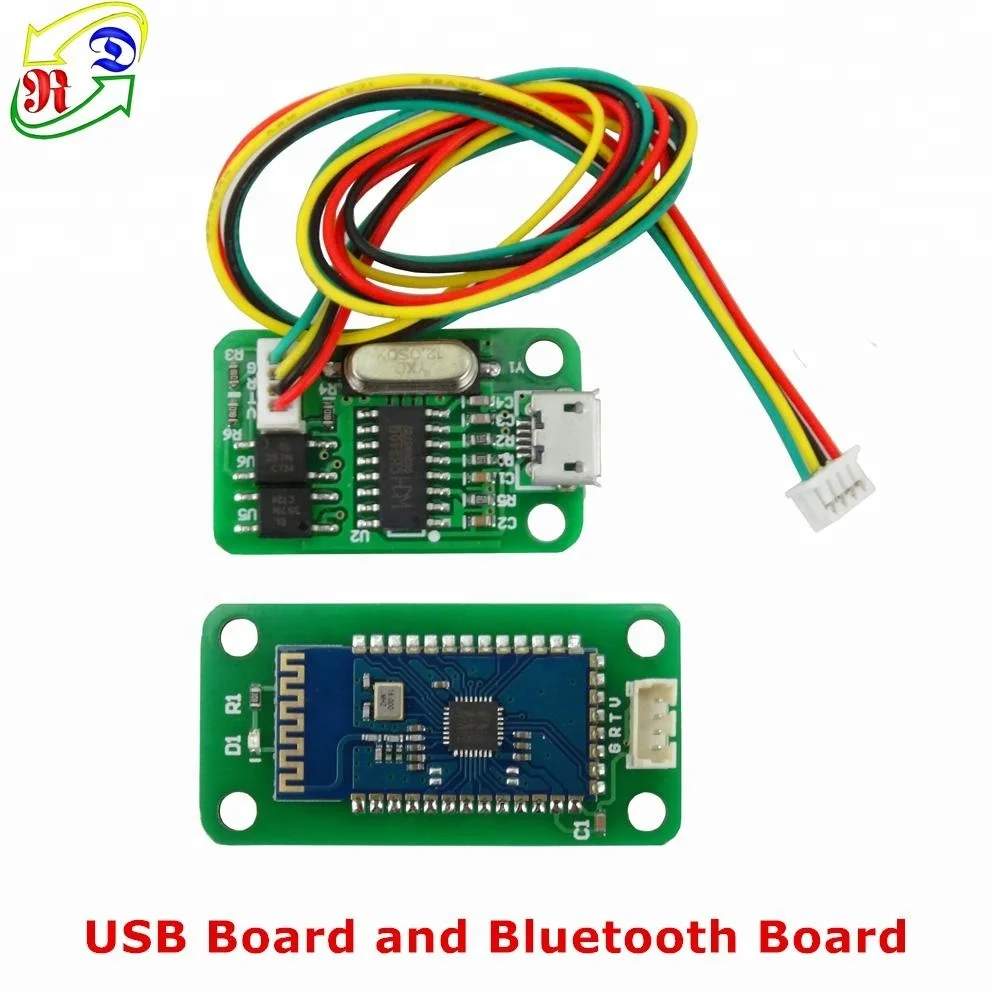
There are 3 version , No communication version, communication + USB version, communication + USB+ BT (bluetooth).
NO Communication
URL:
Communication+USB
URL:
Communication+USB+BT
URL:
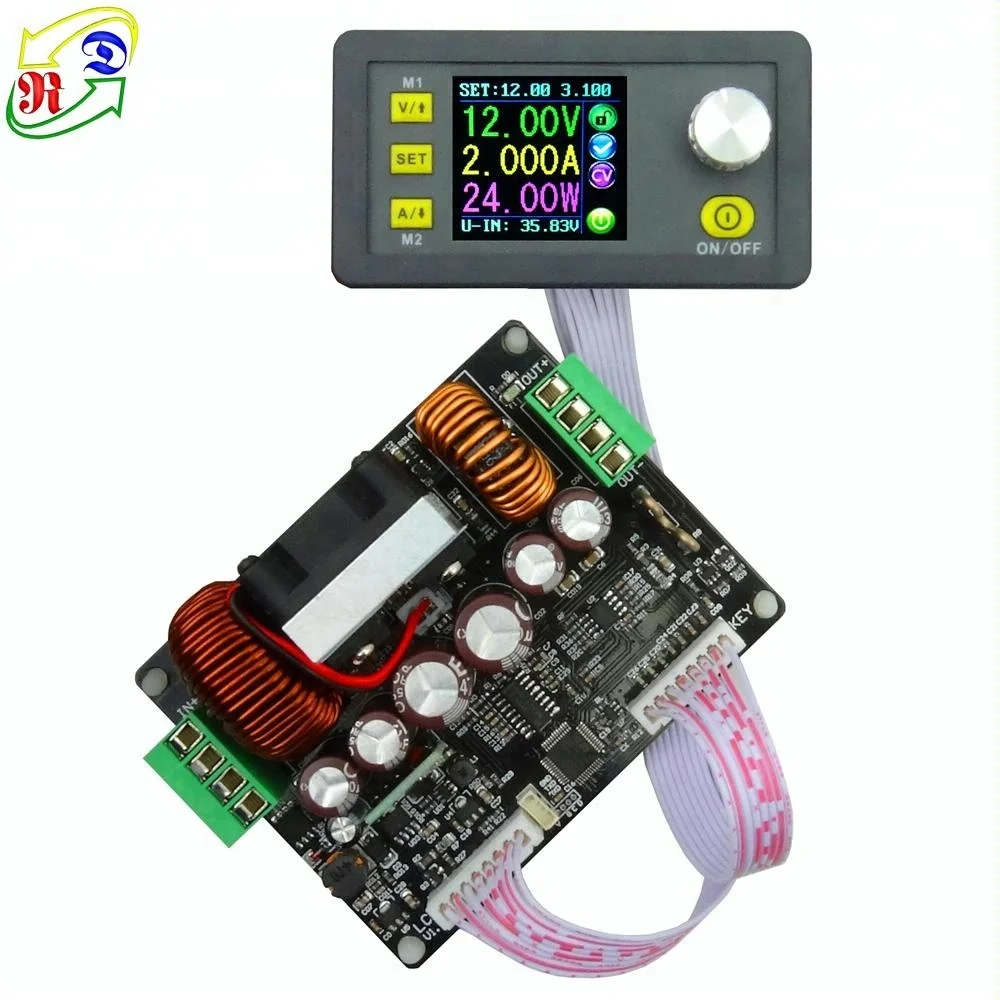
Connection description:
IN+: Input positive IN-: Input negative:
OUT+: Output positive: OUT-: Output negative
Note: Input voltage range is DC 6-50V and 50V is the limit voltage; please leave a room to use. Or else it will be burnt. The input must be DC power supply, not AC 220V, or else it will be burnt too.
Panel description:
1-Voltage setting/Page up to choose/Shortcut extract M1 data group
2-Data setting/ Extract value of the specified data group/Store value into the specified data group
3-Current setting/Page Down to choose/Shortcut extract M2 data group
4-1.44 inch color LCD screen
5-Coding potentiometer/Data adjustment/Lock all buttons
6-Open or close output
7-The preset value of output voltage
8- The actual value of output voltage
9-The actual value of output current
10-The actual value of output power
11-The actual value of input voltage
12-The preset value of output current
13-Key lock or unlock prompt
14-Output normal or not prompt
15-Constant voltage and constant current status prompt
16-Data set prompt
17-Open or close output prompt
18-Preset output voltage
19-Preset output current
20-Preset over- voltage
21-Preset over-current
22-Preset over-power
23-Preset screen brightness
24-Preset data set
25-The actual value of output voltage and output current
Operating instructions:
1. Set the output voltage and output current on the main interface.
2. Set the data on the data setting interface.
3. Set the protection value.
4. Adjust the brightness of screen.
5. Data setting and store the specified data group.
Function description:
1. Open or close the output.
2. Lock the button to avoid wrong operation.
3. M0-M9 ten groups data group.
4. Extract Shortcut storage data group M1 or M2.
5. Extract the specified data group.
NOTE:
1. When you get the product in the first time, please don't use your hands to touch the components, because human static electricity can damage some chips.
2. You must make sure that the input voltage is 1.1 times higher than output voltage. Under large current circumstances, pay attention to heat elimination.
3. When the current is more than 10A or the temperature is more than 45 °c , the fan will begin to work. when the temperature is more than 65°c, the module will stop working.
4. If you use AC-DC converter or transformer coil, please add rectifier (rectifier bridge) and filter (more than 4700uf filter capacitor). If input power supply is unstable, please add LC, L is over 47uH, C is over 2200 uf.
Related Products
| \t | \t | \t | \t | \t | \t | \t | \t | \t | \t |
| \t | \t | ||||||||
| \t | \t | \t | |||||||
| \t | \t | \t | \t | ||||||
| \t | \t | \t | \t | \t | \t | \t | \t | \t | \t |
| \t | \t | \t | \t | \t | \t | \t | \t | \t | \t |
| \t | \t | \t | \t | \t | \t | \t | \t | \t | \t |
| \t | \t | \t | \t | \t | \t | \t | \t | \t | \t |
| \t | \t | ||||||||
| \t | \t | \t | \t | \t | \t | \t | \t | \t | \t |
| \t | \t | \t | \t | \t | \t | \t | \t | ||
| \t | \t | ||||||||
| \t | \t | \t | \t | \t | \t | \t | \t | \t | \t |
| \t | \t | ||||||||
| \t | \t | ||||||||
| \t | \t | \t | |||||||
Feedback
Our Youtube channel RD tech:
https://www.youtube.com/channel/UCy73jJ5-ZqhPzT7wJ6KTIaw
NOTE:
For more video, please refer to the link:https://www.youtube.com/playlist?list=PLNcr2Rj_07PGOM4NtcTzEpZkTlOEkNfh7
https://www.youtube.com/channel/UCy73jJ5-ZqhPzT7wJ6KTIaw
NOTE:
For more video, please refer to the link:https://www.youtube.com/playlist?list=PLNcr2Rj_07PGOM4NtcTzEpZkTlOEkNfh7
Packing & Delivery
Company informaition
HangZhou RuiDeng Technologies Co., Ltd is a professional manufacturer of varied power supply manufacturers, independent research and development, production and sales .
Our company has a strong professional R & D team.All our products are devised and produced by ourselves.
So you can trust our service, quality and the price will make you satisfied.And our products are sold to all over the world, like America, Malaysia, Russia, Italy, Ukraine, Brazil etc.We warmly welcome new and old customers from all walks of life to contact us for future business relationships!
Looking forward to cooperating with you!
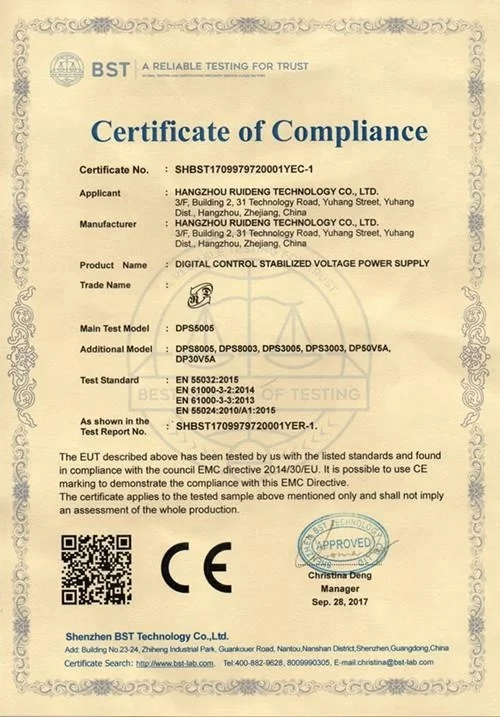
Certificate:
FAQ
| \t | |||
| \t |
| \t | |||
| \t |
We Recommend
New Arrivals
New products from manufacturers at wholesale prices