
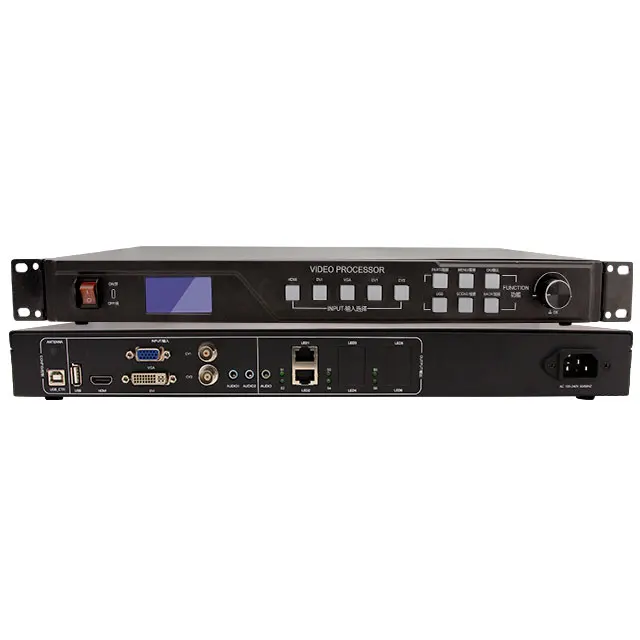
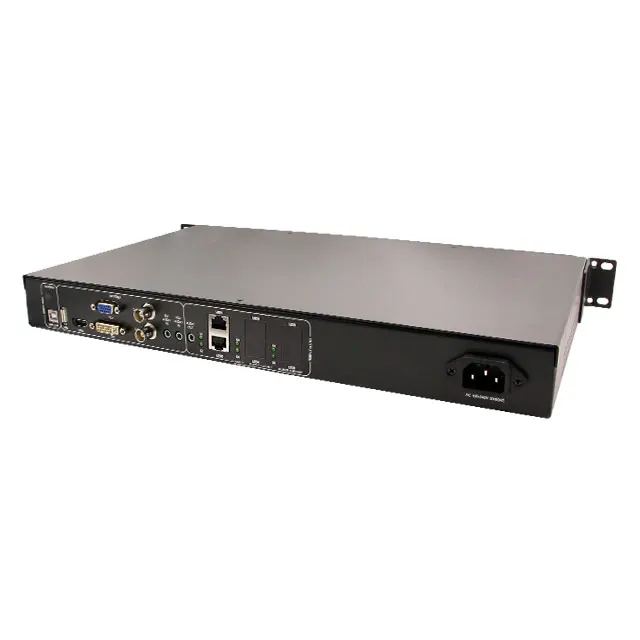
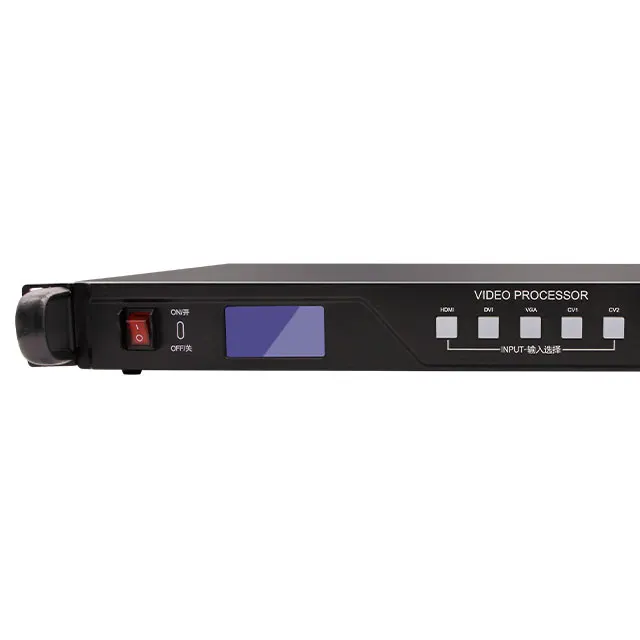
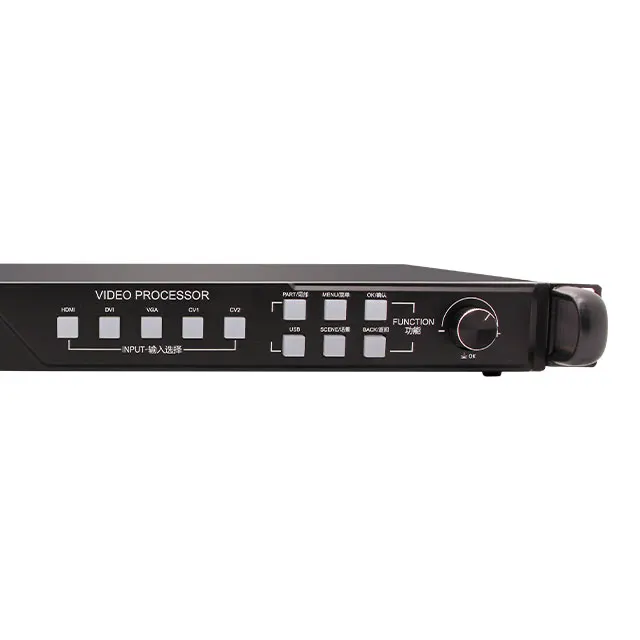
LED advertising Display Video Processor LED Video Wall Processor
- Category: >>>
- Supplier: Zhengzhou Zhonghang Software Development Co. Ltd.
Share on (60723161849):
Product Overview
Description
Product Description
ZH High Definition Video Processor Support DVI Output Pixel of 1.3 Million

1. Support the maximum output pixel 1.3 million, support resolution user-defined.
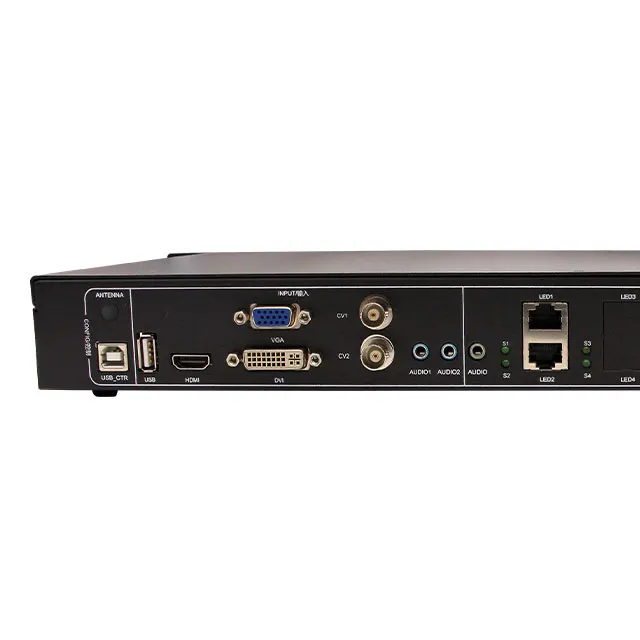
2. Support five-channel HD signal input: HDMI, DVI, VGA, CVBS1, CVBS2.
3. Fade in/out effects, seamlessly switch between different input signals.
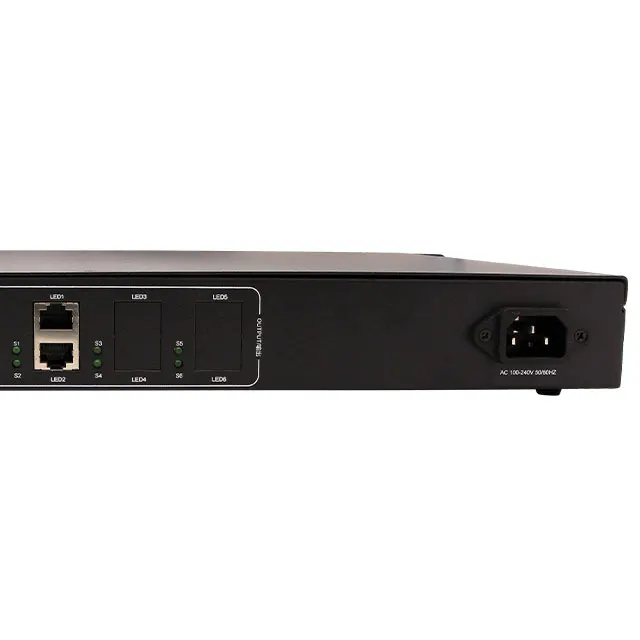
4. Support built-in 2 pieces sending cards(support any brand sending cards).
5. Support key, knob, and remote control multi-mode adjustment.
6. Lossless zoom technique, fast switching video source.
7. Support Multifunctional remote telecontroller, 500 meters distance.
Specification


Display Effects
1. Seamlessly Switch Between Different Input Signals

Instantly Cut effects Fade in/ out effects
2. Full/ Part Screen Switch

3. Remote Telecontroller

Product Features


Smart·Simple·Practical
1. The Simplest Processor
Three levels of menu settings, which is easy for customers to operate .
2. Large Loading Area
2.6 million points loading area, the maximum output resolution is 2304*1152, the width can achieve 2560, and the height can achieve 1536. The default input resolution is 1920*1080, and support user-defined.
3.500m Multifunctional Telecontroller
(1)Multifunctional telecontroller, support 500 meters distance;
(2)One telecontroller can control many video processors (auto matching).
4.Any Part Display
Support screen capture at any area.
5.OSD Real-time Display
OSD real-time display, which can achieve remote adjust screen by telecontroller.
6.EDID Manager
(1)Support input resolution automatically adapt to the processor;
(2)Support HDMI/ DVI/ VGA input source independent settings.
7. Smart Lock
(1)Menu lock mode: Lock function button, and only the signal source switch button available.
(2)Full lock mode: Lock all keys.
8. Support fade in/out switch, and no black screen in instantly cutting.
(1)Support fade in/out switch effect, which can achieve smooth picture switch.
(2)No black screen in instantly cutting.
9. Smart Adjusting Knob
Smart adjusting knob, can quickly and accurately adjust to the desired resolution.
10.Fast Button Response
Fast response in signal source switch button, good interaction experience.
11.Part/Full Display Switching
It can achieve animation effect switching, a better visual experience.
12.Wide Voltage Input
Voltage input range: AC 100~240V, 50/60HZ
Our Company
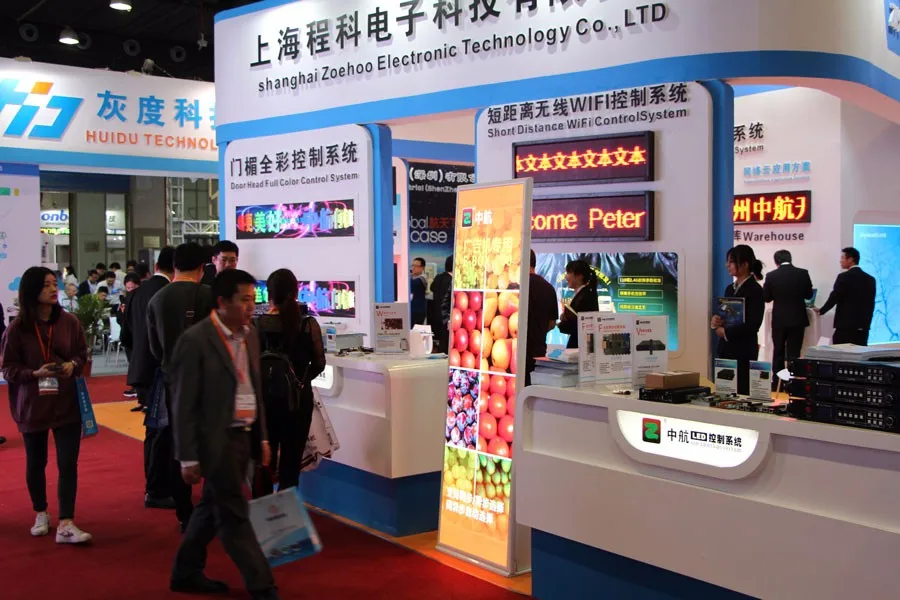
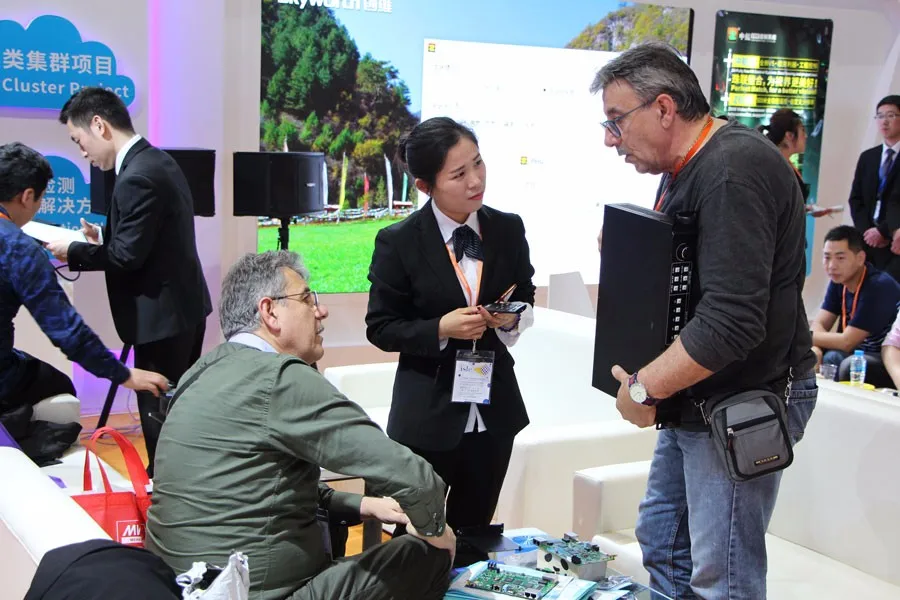
Zhengzhou Zhonghang Software Development Co., Ltd is located in Hi-tech District of Zhengzhou City. Our company is a Hi-tech enterprise which focuses on LED display control card system research, development, production, sale, and service.
Our senior research and development team has professional management personnel, strong production ability, high quality products, excellent after-service. It makes our company rapidly develop into a professional manufacturer and main supplier in LED display control system field. In the future, our company will insist on technical innovation, management improvement and product update, and try our best to provide the best service.



FAQ
1. LED doesn’t work?
A: Confirm the power wire is plugged tightly and the power supply is normal.
2. The display of LED screen lack of color?
A: Confirm the input/output signal terminal cables are plugged tightly, and tighten the screws.
3. The screen has black edges?
A:(1). Adjust the output resolution larger than or equal to the LED screen physical pixel size.
(2). Setup the computer resolution or EDID resolution to the maximum input resolution.
(3). If the above operations don’t work, then enter the graphics card setup interface, adjust the extended display (PROCESSERDVI/ PROCESSERVGA) screen, zoom to full screen.
4. The VGA signal display is incomplete ?
A: (1).Main Menu-Advanced Setup-VGA Setup-Auto Adjust-OK. (if the adjustment is still incomplete, then repeat the automatic adjustment process.)
(2).Manual adjust H Start/V Start/ Clock Size parameters.
5. Remote telecontroller doesn’t work?
A: Make sure the remote antenna is assembled in an open position.
Main Menu - Remote Setup:
(1). Restart the remote control switch.
(2). Enter the “Remote Match” interface, and press the “BRI” and “OK” keys at the same time in the remote telecontroller, then the interface will display a successful matching prompt.
6. Device connection debugging is complete, while appear the black screen?
A: (1). Confirm that the signal source button is selected correctly. (if the button indicator light is always on, then the signal is normal; if the button indicator light is flashing, then the signal is abnormal)
(2). Confirm that the input source computer whether in hibernation mode.
(3). Check the signal source if it is exist or not.
(4). Switch to full screen mode, if normal, check whether the screen capture area is black area.
Our Service

Before-Sales Service:
Please contact me via Skype, Email, WhatsApp or Wechat in advance and tell me what kinds of LED control cards you would like to use or sell. I will give you some recommendations and send you our price list.
After-Sales Service:
We promise to provide technical support timely . Please do not hesitate to send me an email or leave me a message if you have any queries. Our customer service team is more than happy to resolve any issues for you.
Free Gift Support:
We will offer you some control cards as gifts according to your order quantity.
How to Contact US

We Recommend







New Arrivals
New products from manufacturers at wholesale prices






