
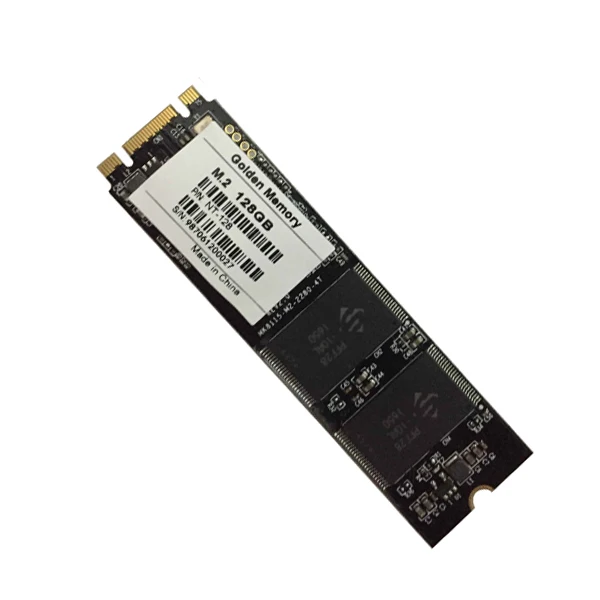
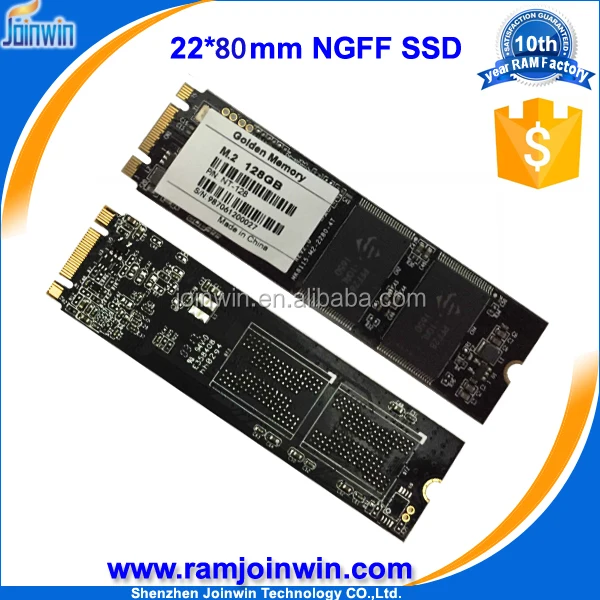
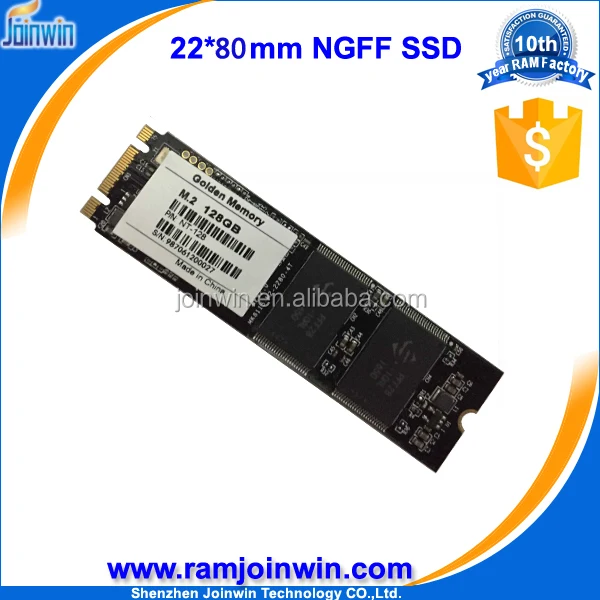
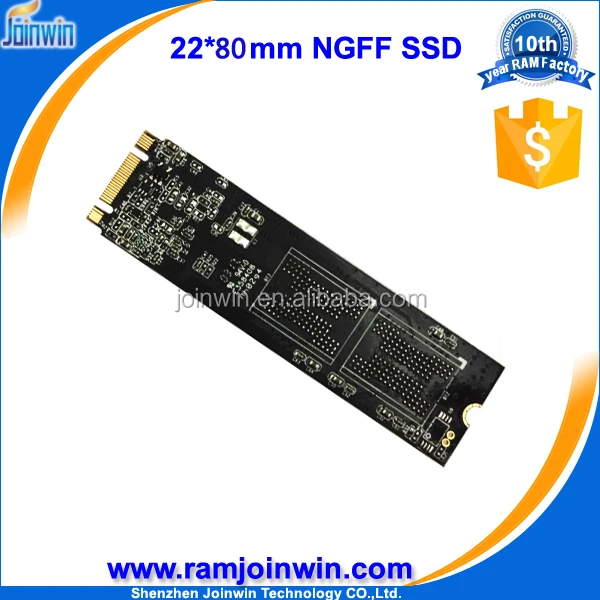
OEM/Golden memory m.2 ngff 128gb ssd price computer hard disk
- Category: >>>
- Supplier: Shenzhen Joinwin Technology Co. Ltd.
Share on (60729647809):
Product Overview
Description
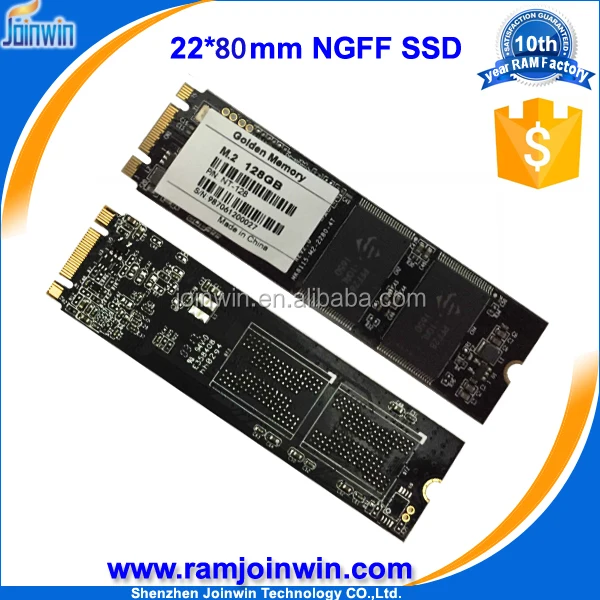
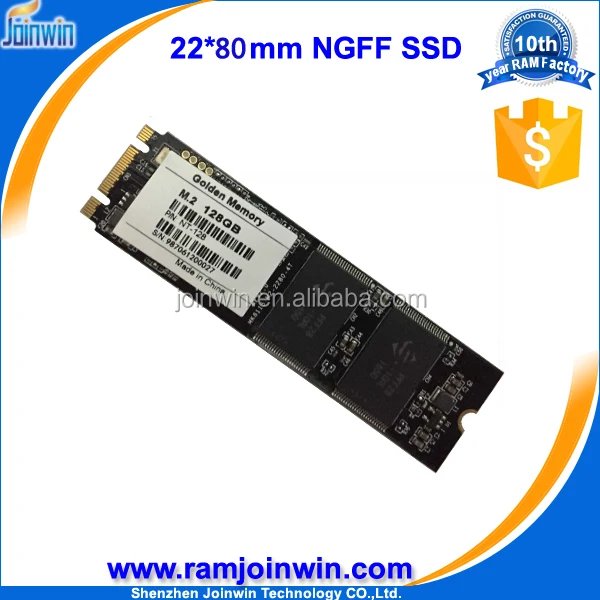
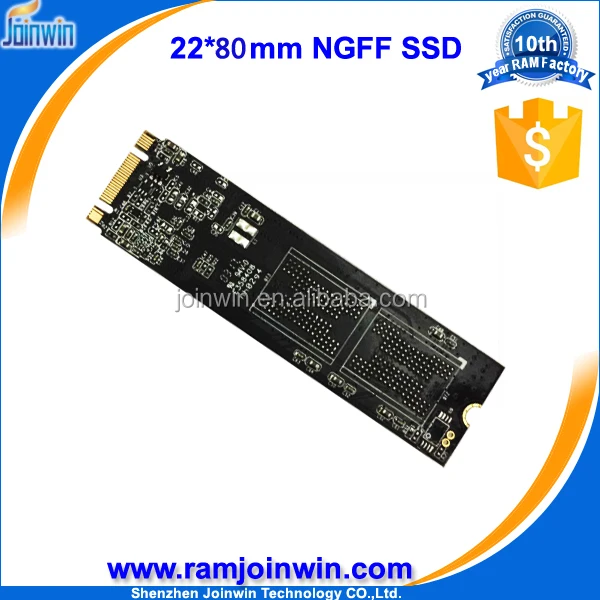
OEM/Golden memory m.2 ngff 128gb ssd price computer hard disk
Control chip | JMF667H |
Interface | NGFF |
Capacity | 128GB |
Dimension | 22*80*3.2 mm |
Flash type | MLC NAND Flash |
Sequential Read | 520MB/s |
Sequential Write | 300MB/s |
4KB Random Read IOPS | 69000 |
4KB Random Write IOPS | 40000 |
Response Time | 0.05ms |
Power Supply | 3.3V+5% |
Standby | 0.3W |
Maximum Ripple | 70 mV(peak to peak) |
4KB Random Write | 1.6W |
MTBF: | 1,000,000 hours |
ECC: | Supports BCH ECC 16 bits or 24 bits in 1024 bytes |
Static and dynamic wear-leveling | yes |
Bad block management algorithm | yes |
Storage temperature: | -40~85 °C |
Operation temperature: | -0~70°C |
Humidity | 5%~95% |
Certification | CE,ROHS,FCC,TUV |
Testing platform | |
CPU: | i5-2400 CPU @ 3.10GHz |
Chipset: | Z68 Express Chipset |
Memory: | KHX1600C9D3C1K2/4GX |
OS: | Microsoft Windows 7 Professional 64-bit |
AHCI Driver: | Server Express Chipset SATA AHCI Controller |
BIOS Settings | AHCI Mode |
warranty | 3 years |
Shipment:
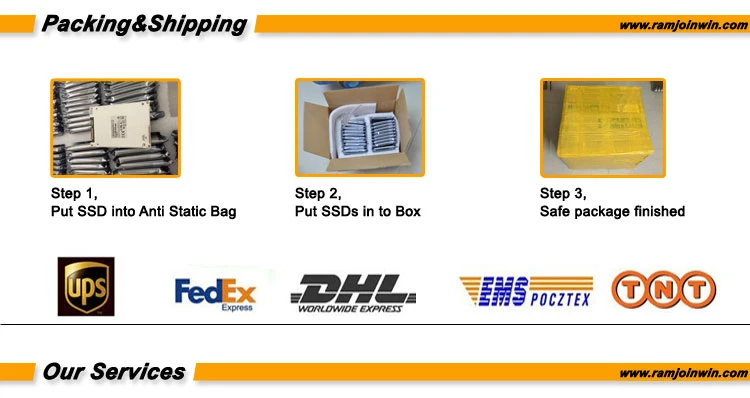
1.All of our items are Checked and Shipped from Hong Kong.Most Orders shipping within 1-3Days
After payment received(expect Holiday).
2.Items shipped from Hong Kong by DHL/EMS and others shipping ways.Delivery takes about 2-3
working days as usual.Due to variation of service in different areas,some areas may takes a Little
longer time.
3.We shipping to your left address only.Make sure that your address is correct before delivery.
4.We will not be responsible for items lost or damaged in transit .Our price is EXW-Fctory price.
But we can take out according to the requirement of Customers.But customers undertake the
charge.The cost is 20 US Dollar in general.
5.The goods will delivery by door to door in general.But we can’t control the customs of your
Country.We will not be responsible for any import duties,taxes and charges cause by customs.
If you have special attention,plz leave message to us.
Warranty:
1.Our DDR RAM offer life time warranty.motherboard offer 1 year warraty.We will test the goods
ok before sending.If the item have problem of quality,notify within 1-3working days.
2.All items must be returned in their original condition in order to qualify for refound or exchange
of goods.
3.The buyers responsible for the shipping cost from buyer to us.But the returned goods will be
free shipping with the next order.
Payment:
100% TT or 30% as deposit 70% balance paid before shipment WU


1.Q: What is the difference between SSD and HDD? A: Both are storage devices. but SSD with better effectiveness , especially its random access speed significantly ahead of HD. But with higher price, so more suitable for operating system installation on the practical application. The HDD with lower price and slower speed. usually been used as storage for data backup. |
2.Q: When i restart my computer. I realized that the SSD storage become largger or smaller sometimes. is it any problem with the SSD? A: When the operating system boots, there will be job data be written in the flash disk, so there will be different larger or smaller storge condition due to the differenent condition of the flash disk. So you will find the remaining capacity be slightly larger or smaller, this is normal circumstances. |
3.Q: How to use the SSD properly to well protect it? A: Currently, the SSD average erasure feature and built-in error correction mechanism can increase the SSD lifespan. But in general, SSD lifespan depends on the how it is been used and the work environment, if mass and long time large numbers data been written or been used under high-temperature environment . which would likely to reduce the SSD lifespan. |
4.Q: How to divide SSD? A: In Windows XP, for example, you can divide SSD through the Control Panel / System management Tools / Computer Management / Disk Management, select the installed SSD, and press the right mouse button, press add new disk to complete. |
5.Q: When open the file. the file name or content becomes garbled, Why this happen? A: It is the contact problem usually, you can re-plug and make sure SSD interfaces and computer interface contact effectively . |
6.Q: What are the determinants of the SSD? seed? A: The overall performance of SSD are decided by the hard drive interface (SATA, IDE, PCI-E, etc.), the controlling IC (program), loss of efficiency (firmware), balancing algorithm, the original Flash bandwidth and the circuit design and manufacturing processes of the PCB board. |
7.Q: What does the 2 Channels 4 Channels 8 Channels 10 Channels mean? A:It means the qty of chips of read and write data at same time. 2 channels means 2 chips do reading and writing.10-channels means 10 chips in reading and writing at the same time, depending on the management capabilities of the controlling IC. The control IC chip of INTE10-channel can manage 10 chips read and write data simultaneously , which can greatly enhance the speed of reading and writing data to increase work efficiency . This is not a strict interpretation, just to assist those who do not understand the SSD works to understand the concept of the channel. |
8.Q: Will the SSD performance degradate after a period of time ? A: In the earlier time. SSD donnot have TRIM function. its performance will degrade after using for some time, the garbage-collected function in TRIM can sort out the affective data and delete the useless data to get more space. this is good for data reading to ensure SSD in relatively good condition. you can try to use HDD Erase to restore the original performance. but we would suggest you not use too often as it will have some degree defect on the flash chips. |
9.Q: For the IDE SSD. When open the file. it is a little slow? why this happens? How to solve it? A: It is compatibility issues mostly, you can try to use the new version software to open the file.it can often solve the problem. |
10.Q: The SSD indicator is flashing always, constantly read the disk, is it a performance failure? A:You can judge by two steps: 1, This phenomena occurs before entering the system: please check if the motherboard and SSD are fully contacted. or to test one more time with another SATA data cable |


OEM/Golden memory m.2 ngff 128gb ssd price computer hard disk
OEM/Golden memory m.2 ngff 128gb ssd price computer hard disk
OEM/Golden memory m.2 ngff 128gb ssd price computer hard disk
We Recommend







New Arrivals
New products from manufacturers at wholesale prices






