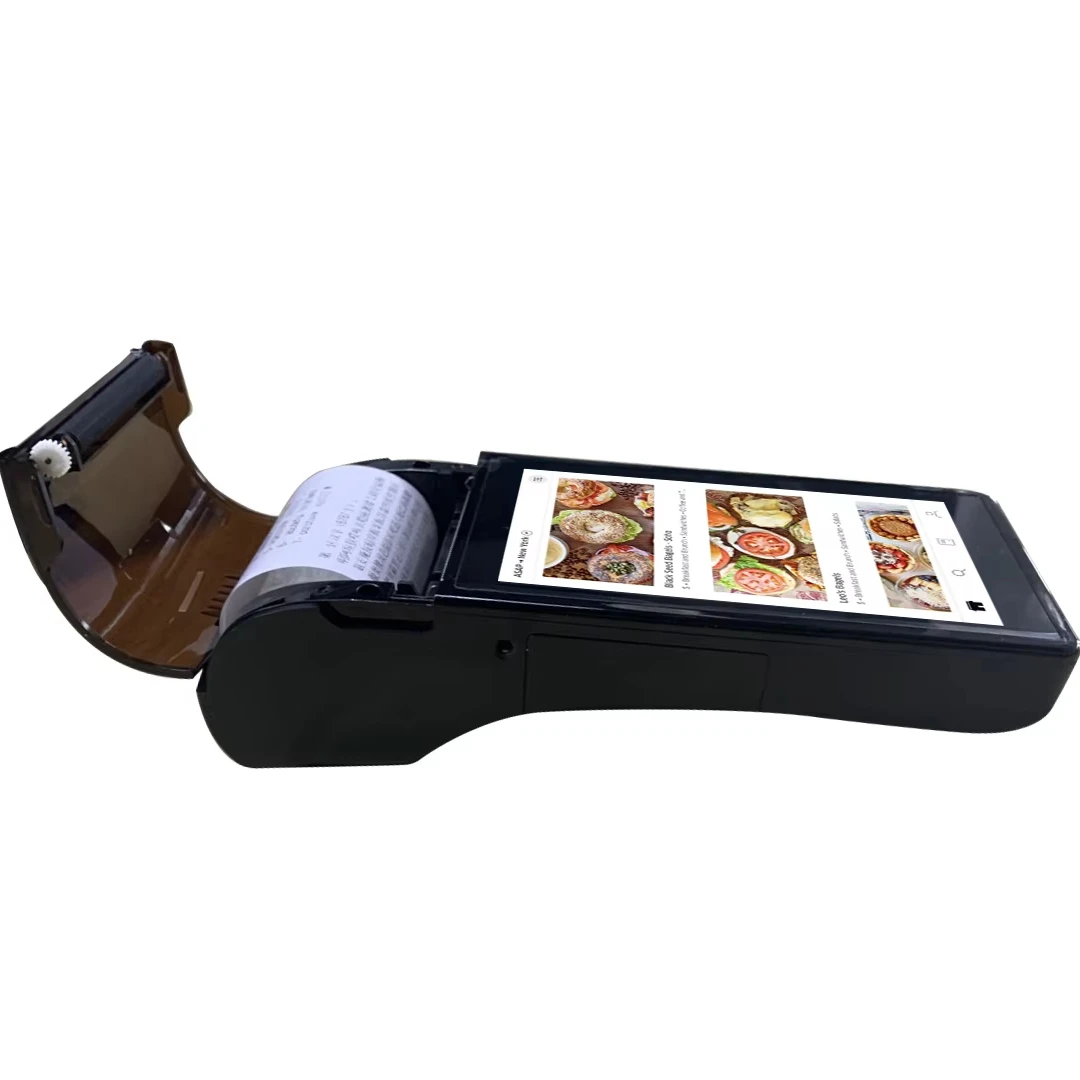
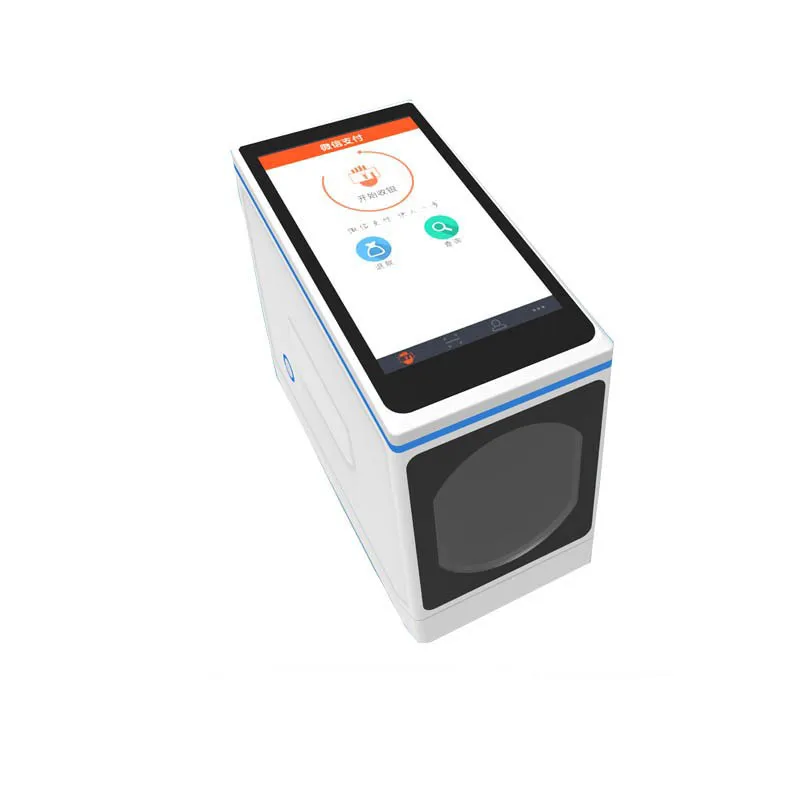
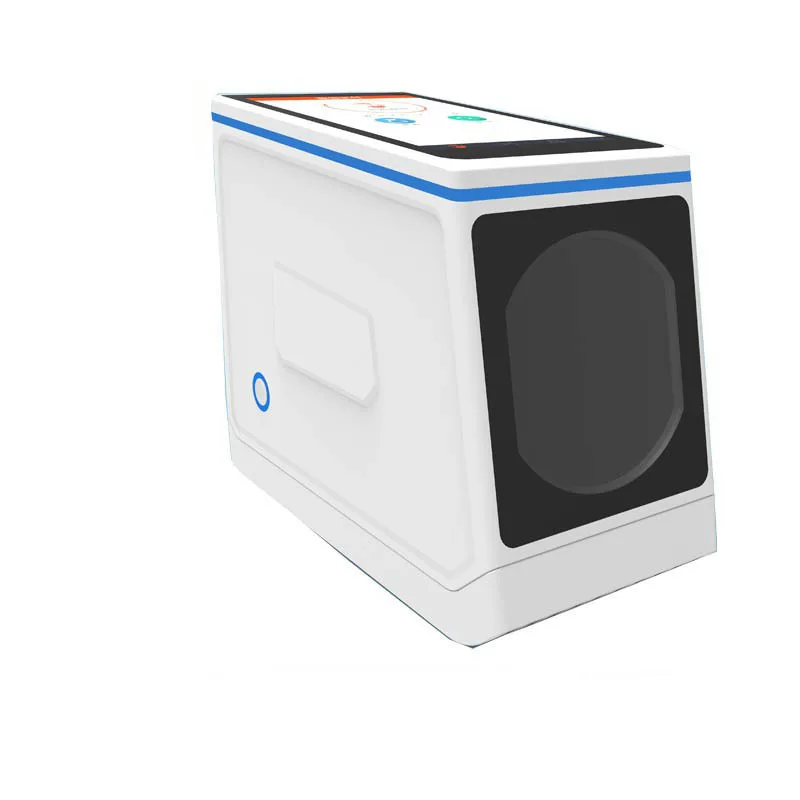
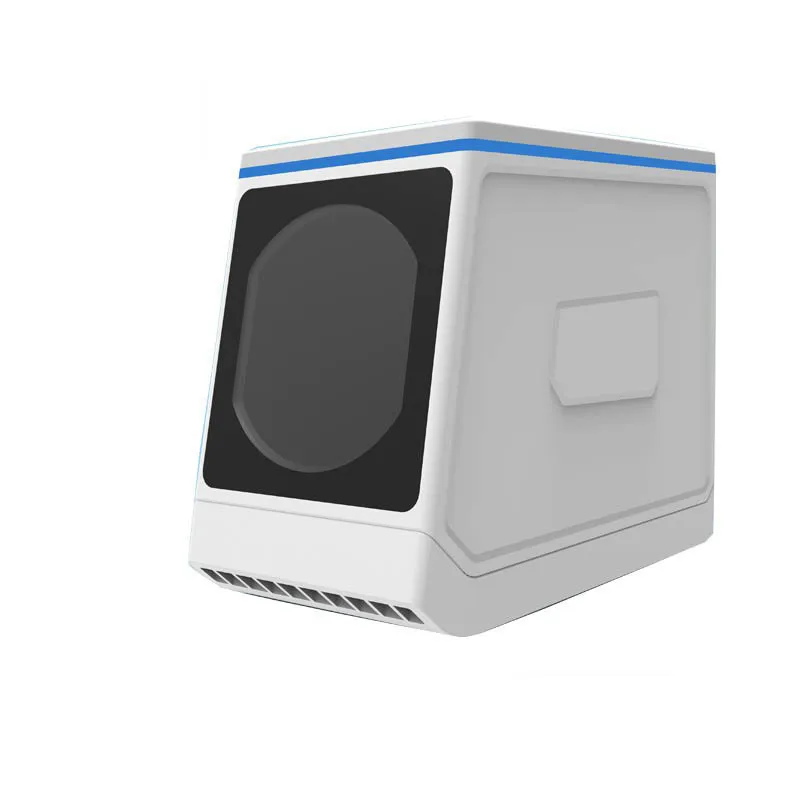
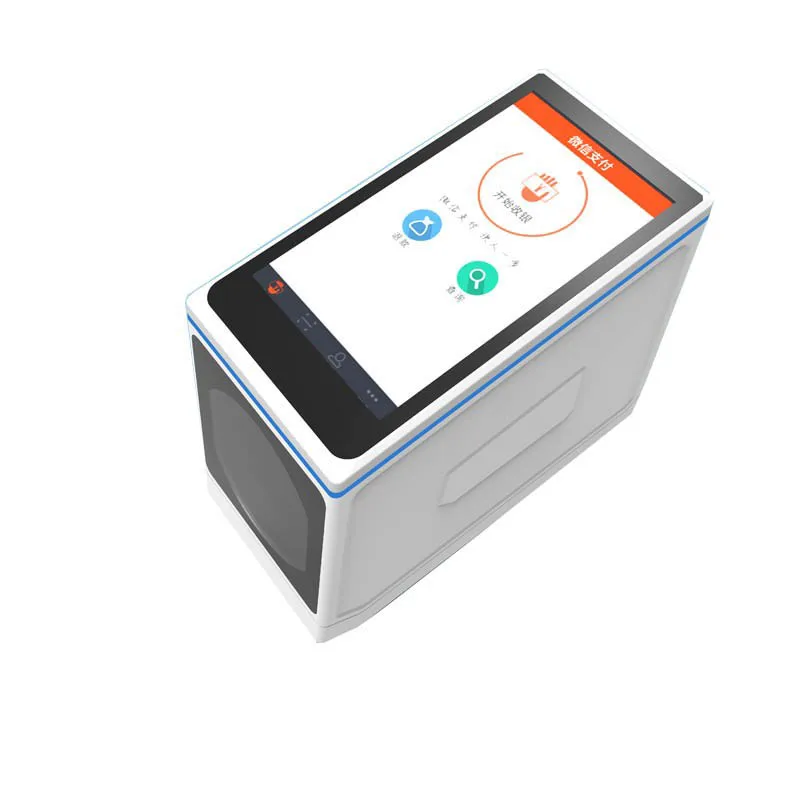
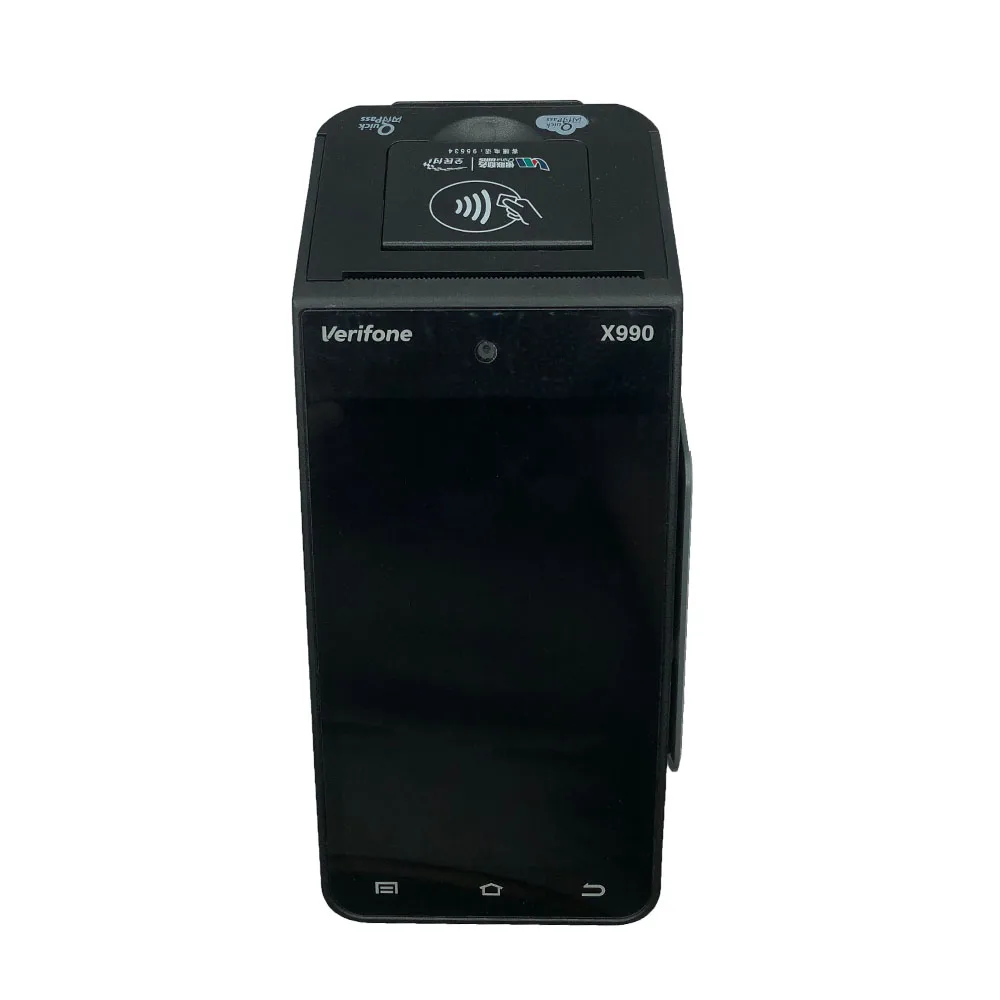
Android QR barcode scanner with 5.5 inch touch screen nfc reader payment usb barcode scanner GC070
- Category: >>>
- Supplier: Shenzhen Haodexin Electronic Technology Co. Limited
Share on (60730150344):
Product Overview
Description
Product Description
Production Name | Android QR barcode scanner with 5.5 inch touch screen nfc reader payment usb barcode scanner GC070 |
Application software | Various kinds of application software platform |
Application data base | SQL server for android |
Embedded receognition | Based in android 4.4 source code |
CPU | 1.1Ghz(MSM8909 A7 Quad Core CPU) |
Memory DDR | DDR3 512MB 2*(128X16) Chip cache |
Memory NAND FLASH | MLC Nand Flash 4GB/8Gb,24bit ECC can be extended to 32GB |
Display | Colorful RGB TFT touch screen,5.5 inch |
Resolution | resolution 1280*700,display scale:16:9 |
NFC card reader( Optional) | Contact-less,meet the PHILIPS’s MIFARE STANDARD,ISO1443,ISO10536 and ISO7816 standard,NFC Standard |
Camera | 1/4 image sensor chip,30 milion pixel,640*480,it is very compatible with the qr code of the mobile phone |
WIFI | IEEE802.11b/g/n compatible WAPI(optional) |
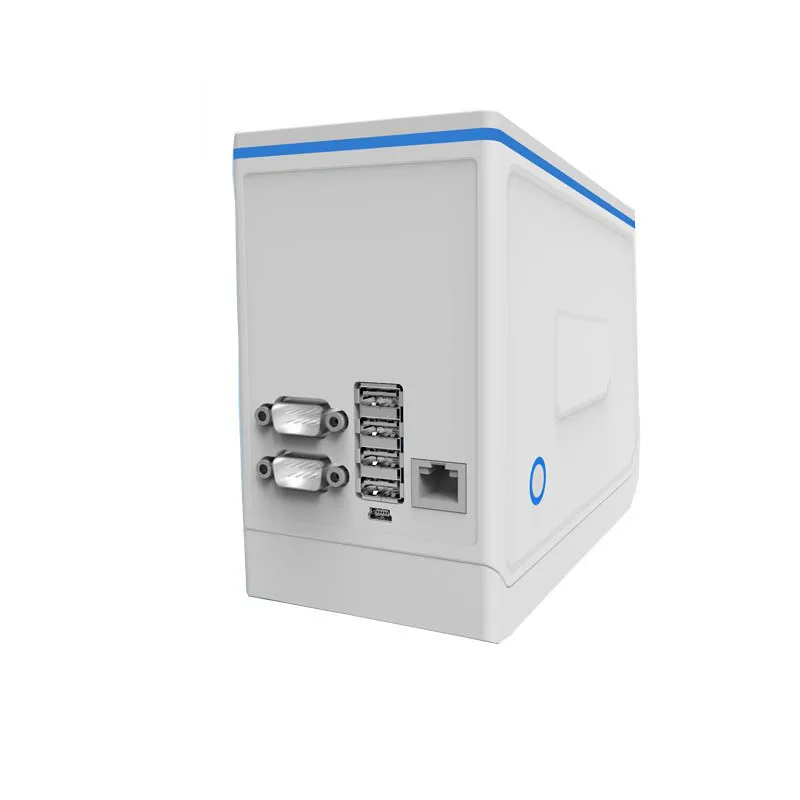
USB | 2 input,2 output,total 4 usb ports |
Ethernet slot RJ45 | 1 pcs |
RS232 port | 2 pcs,1 output,1 input |
Outer Shell | ABS material dark gray |
Antenna | Dedicated high gain rubber antenna |
Package | White box+paper holder+cartoon+specification+warranty card |
Dimension | Size:176X 86X 146MM |
Weight | 0.8KG |
Detailed Images
Related Products
Packing & Delivery
Package details | |
Shell | ABS material dark gray |
Package | Standard industy package (white box+paper holder+ Cartoon+Instruction) |
Weight | 0.8KG |
Certifications
Our Company
1.More than 8 years experience in wireless pos terminal
2.More than 30 professional engineer in our R&D
3.More than 3000 square meter factory,4 production line with more than 200 workers
4.China telecom,China Unicom,China Mobile,Alibaba,Jin Dong,Wan DA are all our clients.
5.Haagen-Dazs,Sony,Pakistan Ufone operator all purchase from us.
6.The most innovative technology to ensure our best quality and competitive price.
7.Provide technology support for your secondary development after sale.
Our Service
Pre-sales service
1. Customers can communicate with us in detail through E-mail asking for updated information related to the quality and price of the product. We will provide the product photo, product parameters, quotation and the operating instruction based on the actual demand of the customers.
2. Customers are welcomed to pay a field visit to our company. We will help you to solve the problem related to your journey and accommodation. Additionally, we will arrange professional staff or senior executive of Jepower to accompany you to visit our workshops and offices. We may negotiate with each other about the specific cooperation.
In-sale and after-sale service
1. The product manufactured by our company features protective property and long service life. Even though every component of our product is durable, we still provide spare parts for some of the components if necessary. Generally, the delivery time is 30 days after the order is confirmed. The specific lead time shall depend on the practical situation.
2. The quality guarantee period of our product is one year. Except for the damage caused by the force majeure and human error, we will provide technical support for maintenance, as well as service of returning and replacing of the goods.
OEM Service
Our company can provide the POS and PDA equipment designed according to customers’ requirement on the product appearance, specific function and the structure. Our product is widely used by the top 500 enterprises in the world such as State Grid Corporation of China and China Southern Power Grid.
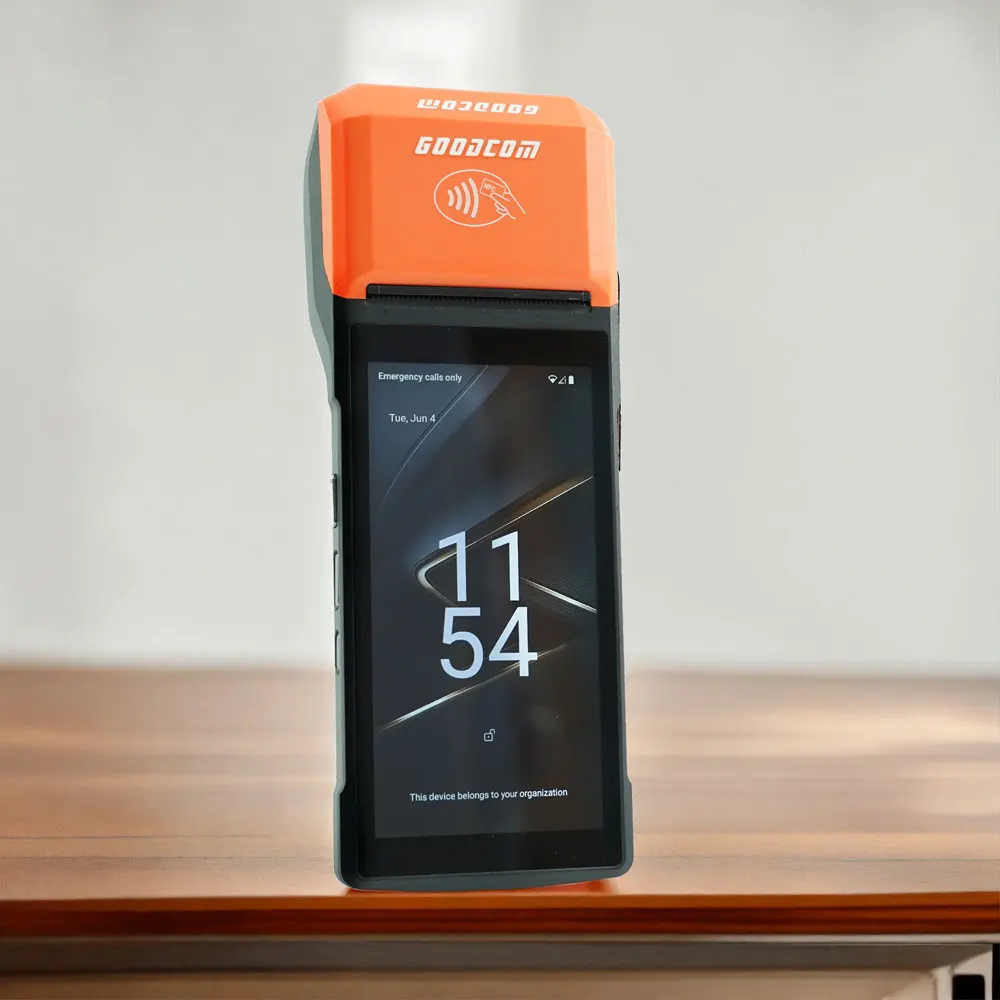
This is the customized Android multifunction POS in orange colour we made for the customer from South America.
FAQ
Q1. How to check the software version
A: Turn on the device, it will show the software version number on the screen during startup.
Q2 Can not Turn On
A: Check the power adapter, or try to change another workable power adapter. Check the battery, or try to change another normal battery. Remove the battery, and only connect the power adapter. Or only use battery, and do not connect power adapter to test it. Then check the Power Supply Circuit and switch on/off the circuit according the test result. If the circuit has no problem, and it still can not turn on, please try to discharge.
Q3 Can not detect the SIM CARD
A: Please check whether the SIM card is installed well. Install the SIM CARD again. Change another SIM card Scrape the surface of the metal spring in the SIM CARD slot with knife. Check whether all the weld point of the SIM CARD slot is welded well or not.. If not, please weld it again. Replace the part of the SIM CARD slot.
Q4 Can not detect wireless signal
A: Please check whether it has GSM wireless signal in this place. If it has no GSM wireless signal or the signal is very weak, please try to test the terminal in another place with good GSM wireless signal. Otherwise, please open the shell of the device, and check if the antenna is connected well.
Q5 Print unconventionality
A: If it can’t print, or has other print problem, please check the problem device according to following steps:
(1). Open the shell of the POS.
(2). Clean the printer header with ethanol.
(3). Check the connector cable
(4). Disconnect the cable, and clean the connector of the cable
(5). Reinstall, and test it again.
Q6 Print blurred
A: If it prints out blurry receipt, please do following steps.
(1). Clean the print header Maybe it has some carbon accumulation on the print header.
(2). Check whether the print header installed well or not Open the cover of the POS. Dismantle the print header. There are two spring button on the print header.
Q7 Not feed paper
A: The POS does not feed paper during printing. But it can print out the receipt if you pull out the paper while printing.
(1). Check whether the paper installed well or not.
(2). Check the wheel of the roller Check the wheel. If the gear wheel becomes bad or broken, please replace the roller.
(3). Check the wheel of the print header Check the wheel. Is there anything block the wheel running? If yes, please clean it. If the gear wheel becomes bad or broken, please replace print header.
We Recommend
New Arrivals
New products from manufacturers at wholesale prices







