
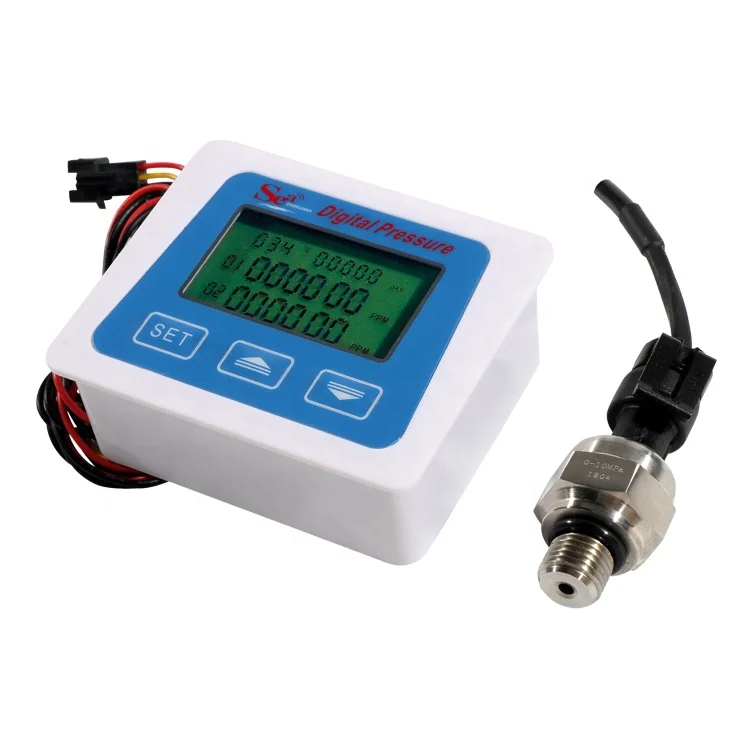
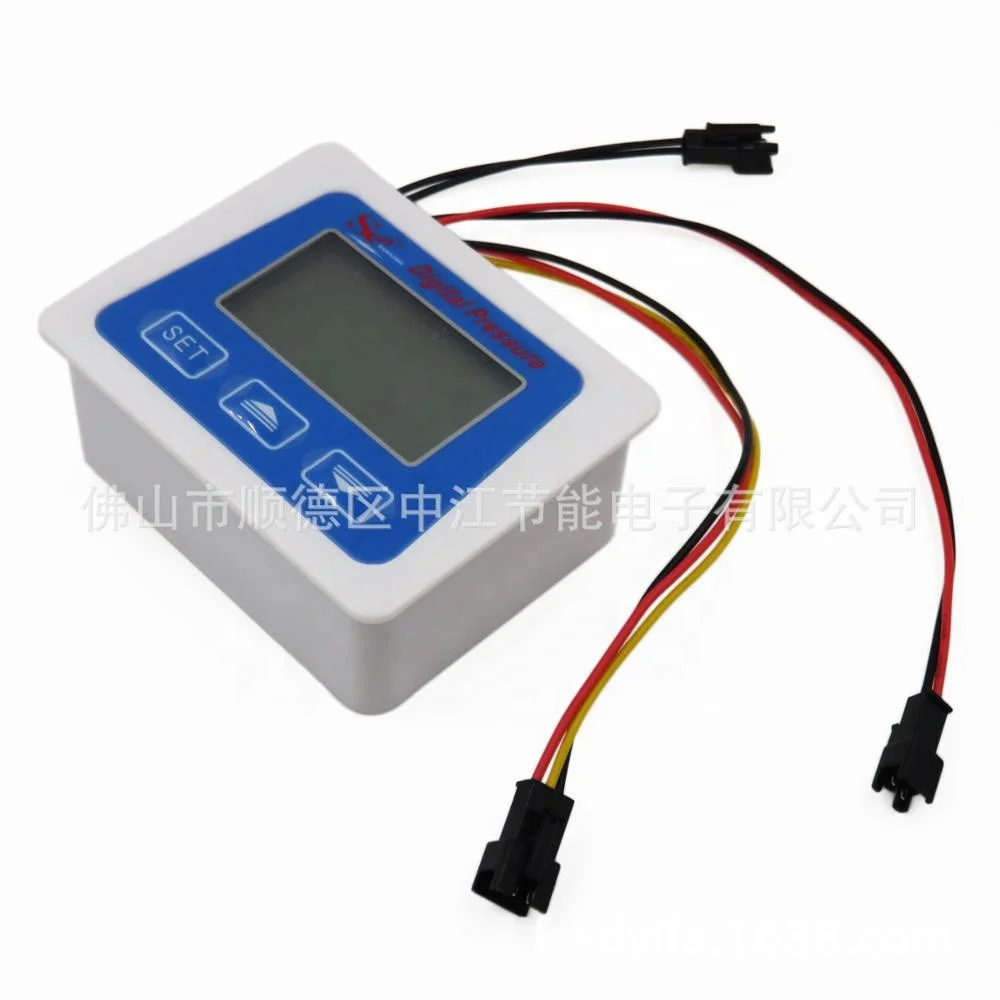
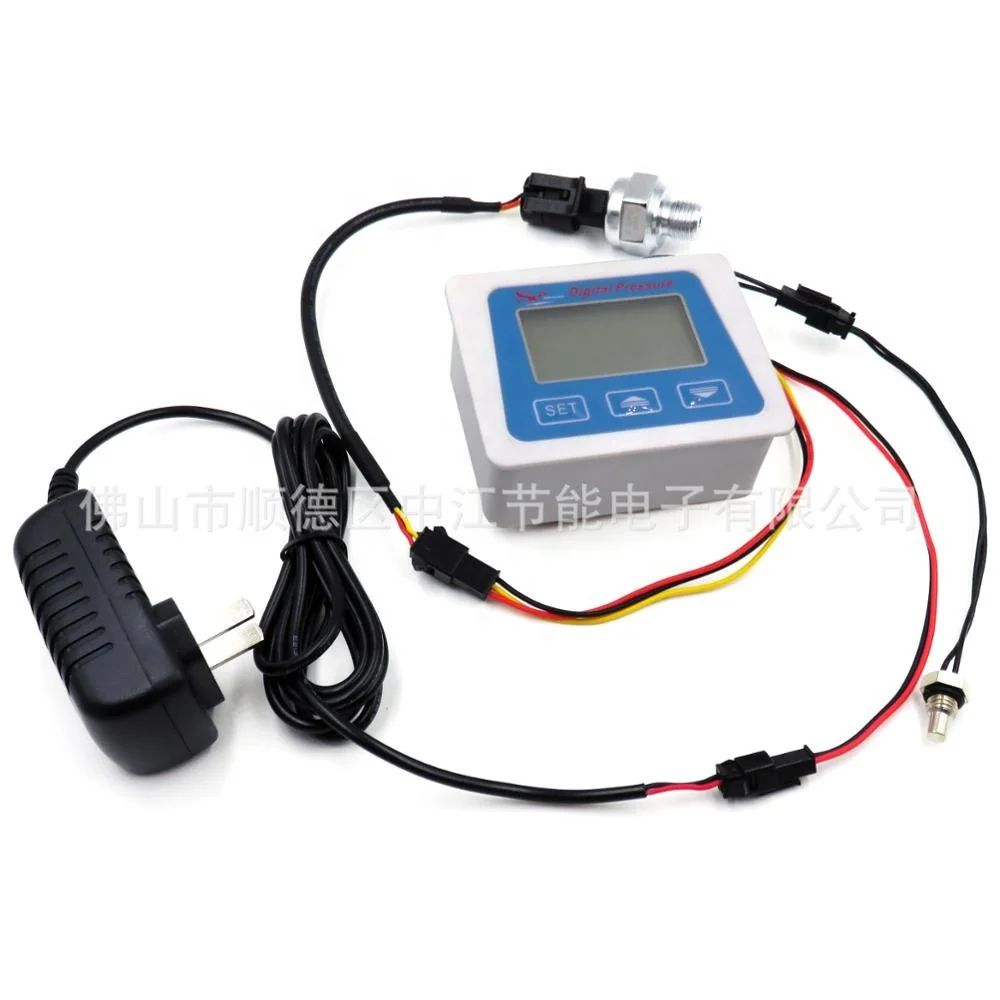
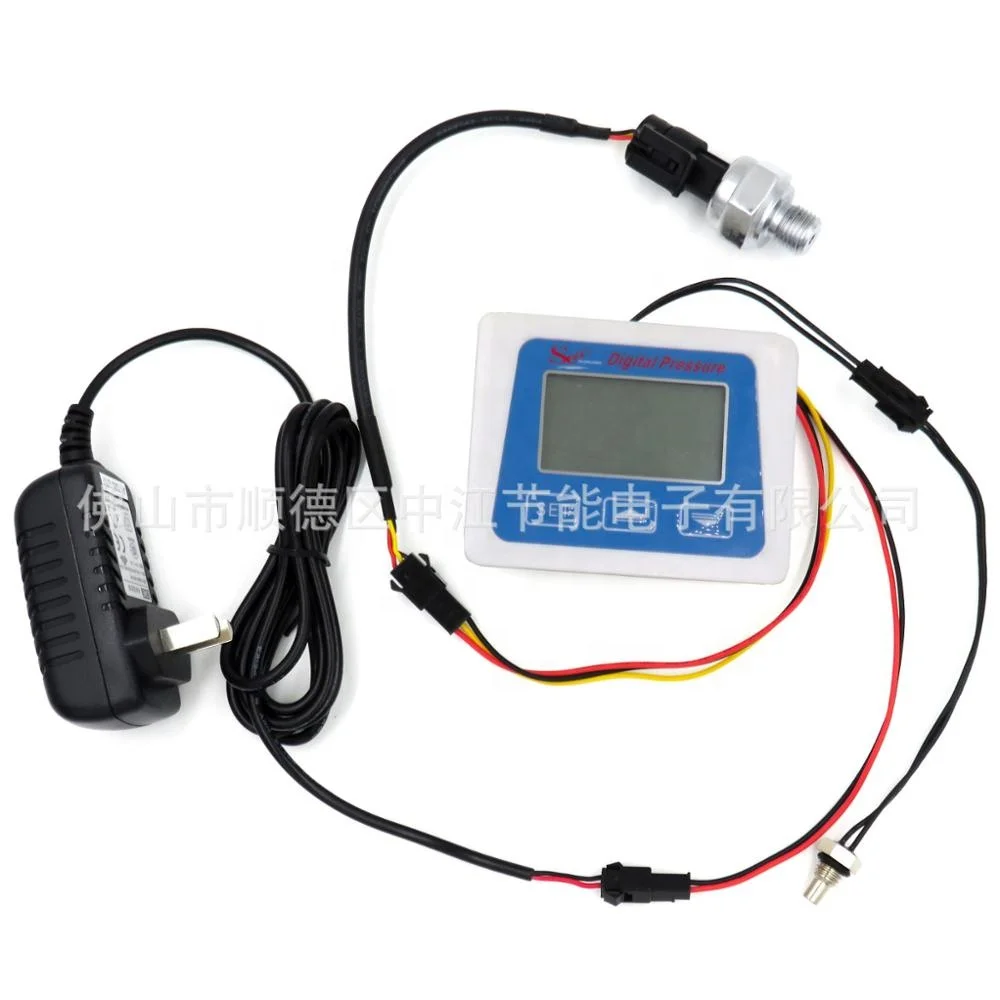
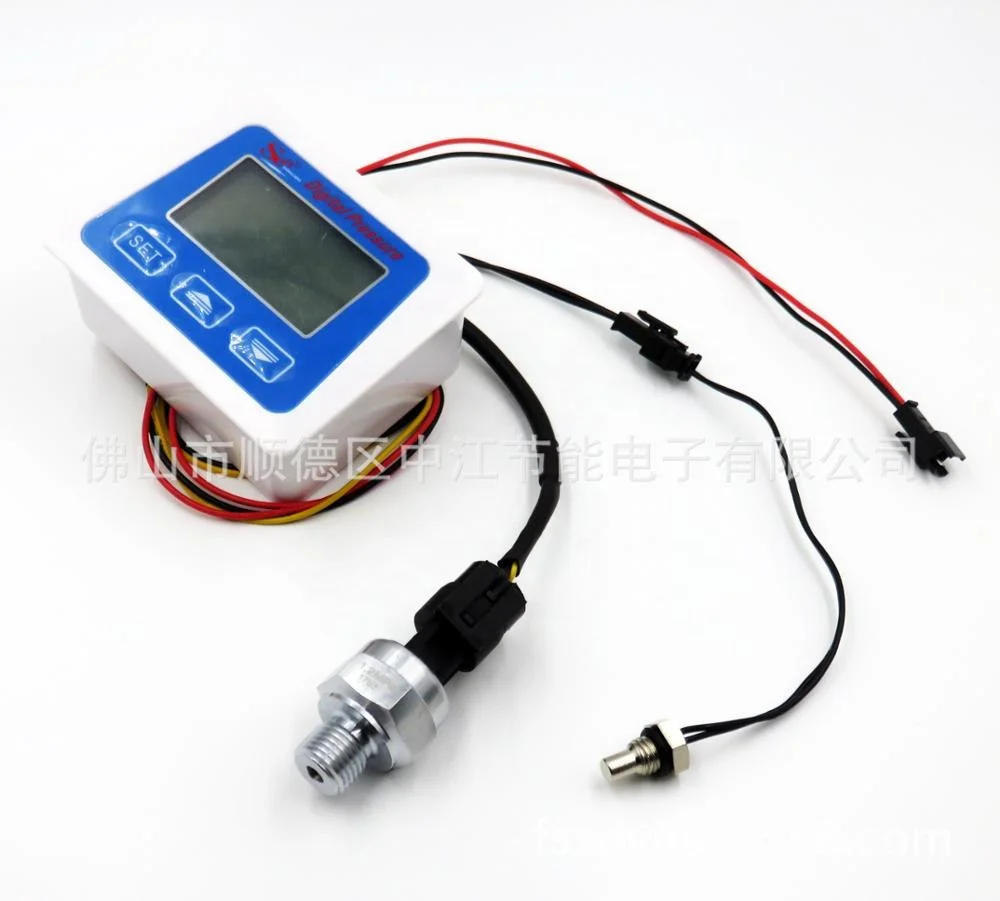
SEA DIGITAL PRESSURE METER LCD display pressure sensor temperature sensor power adapter
- Category: Pressure Gauges >>>
- Supplier: Foshan Shunde Zhongjiang Energy Saving Electronics Co. Ltd.
Share on (60780977865):
Product Overview
Description
SEA DIGITAL PRESSURE METER LCD display + pressure sensor + temperature sensor + power adapter
Can detect pressure, temperature, display time and other functions!!!
1, Button define
Key from left to right for the setting key "SET", the plus key "+", the minus key "-".
2, Display declearation
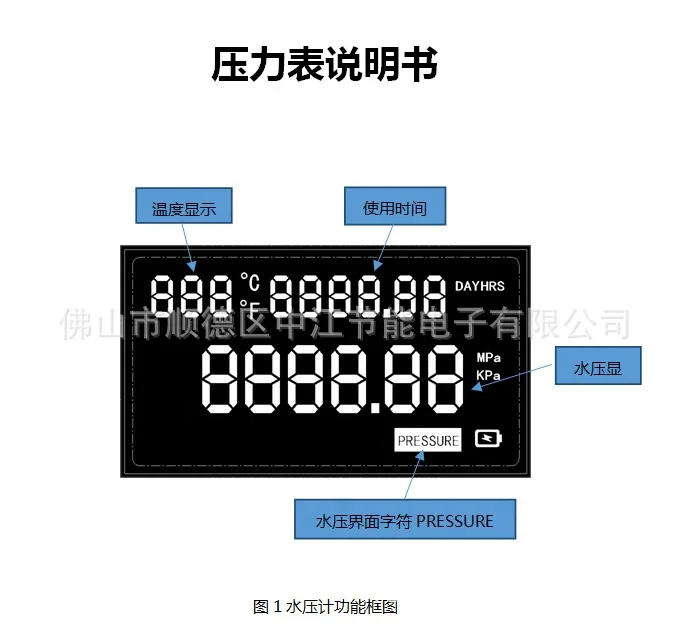
A, Temperature
Temperature display range for - 99 ° to 999 °, the unit C said Celsius Fahrenheit, F. The temperature units can be switched by pressing the + button.
(Time is shown in water pressure mode. )The total time unit DAY represents DAY, HRS represents hour, and time unit battery prompts
The battery prompt icon will display and flash when the battery is low, prompting the user to change the battery. It doesn't show up when there's enough power.
B, K SETTING
The K value setting character is displayed when entering the K value setting interface.
Water PRESSURE interface character
When the system is in water meter mode, the characters of the water pressure interface are displayed in the main interface
C, Water pressure display
When the system is working in the water pressure meter mode, the water pressure, unit Kpa and Mpa are displayed. Mpa is displayed by default.
3,Setup and interface instructions:
Settings of the main interface and under the main interface
A,The main interface will display the character TOTAL, TOTAL water consumption, temperature, TOTAL service time, etc
B,The Buttons: long press SET key can SET the total usage time. The first number of total use time after long press SET key will blink, and the number of short press + flashing will be added 1.Short press - the number of flickers will decrease by 1.Short press SET to switch to the next digit and long press SET to save the setting
C,Note: the default setting for total usage time is in hours. Total usage time in flow sensor mode and Total service time in pressure meter mode is independent.
D,Water pressure measuring interface (water pressure meter mode only)
E,Character PRESSURE ,curretn water pressure, and total usage time will showed up in the monitor when there is pressure meter mold
Parameter setting interface of water pressure sensor (only water pressure meter mode)
A,When the system works in the mode of water pressure meter, a short press of "SET" button in the main interface can be used to jump to the parameter setting interface of water pressure sensor.
B,Under the parameter setting interface of water pressure sensor, the interface number 00 and current maximum range of water pressure sensor (unit MPa) will be displayed.
C,Water pressure sensor parameters can be SET by pressing the "SET" key for a long time in the setting interface of water pressure sensor parameters. The first digit of water pressure sensor parameters will flash after pressing "SET" button for a long time, and the number of blinking when pressing "+" button for a short time will be increased by 1. A short press - "-" reduces the number of flashes by 1. Short press the "SET" key to switch to the next digit. When SET up, press the "SET" button for a long time to save the setting.
Picture info:


We Recommend

differential pressure gauge
US $17.00-$25.00

Yunyi manufacturer Y061Portable Pneumatic Hand Pump air pressure calibrator
US $159.40-$179.00

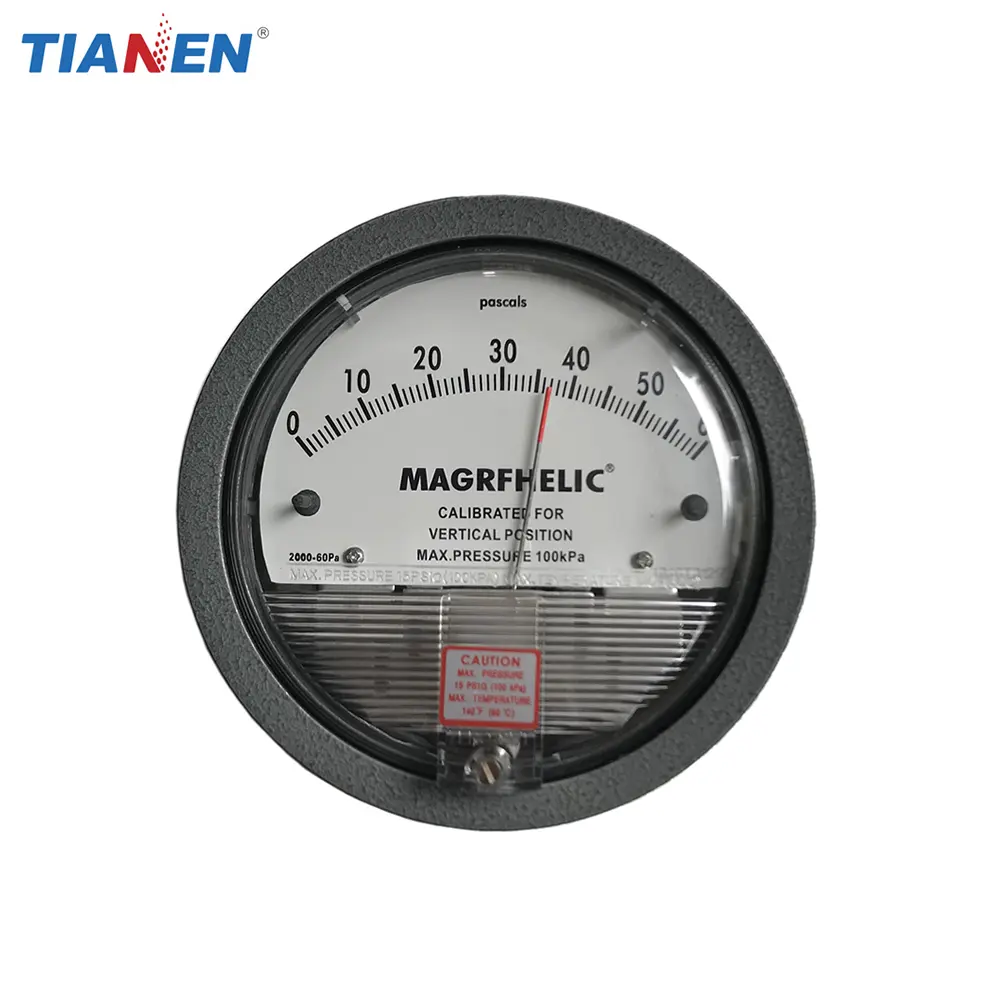
Magrfhelic differential pressure gauge
US $15.00-$20.00

Smart Micropressure Precision Digital Pressure Gauge with LCD Display
US $265.00-$699.00
New Arrivals
New products from manufacturers at wholesale prices







