
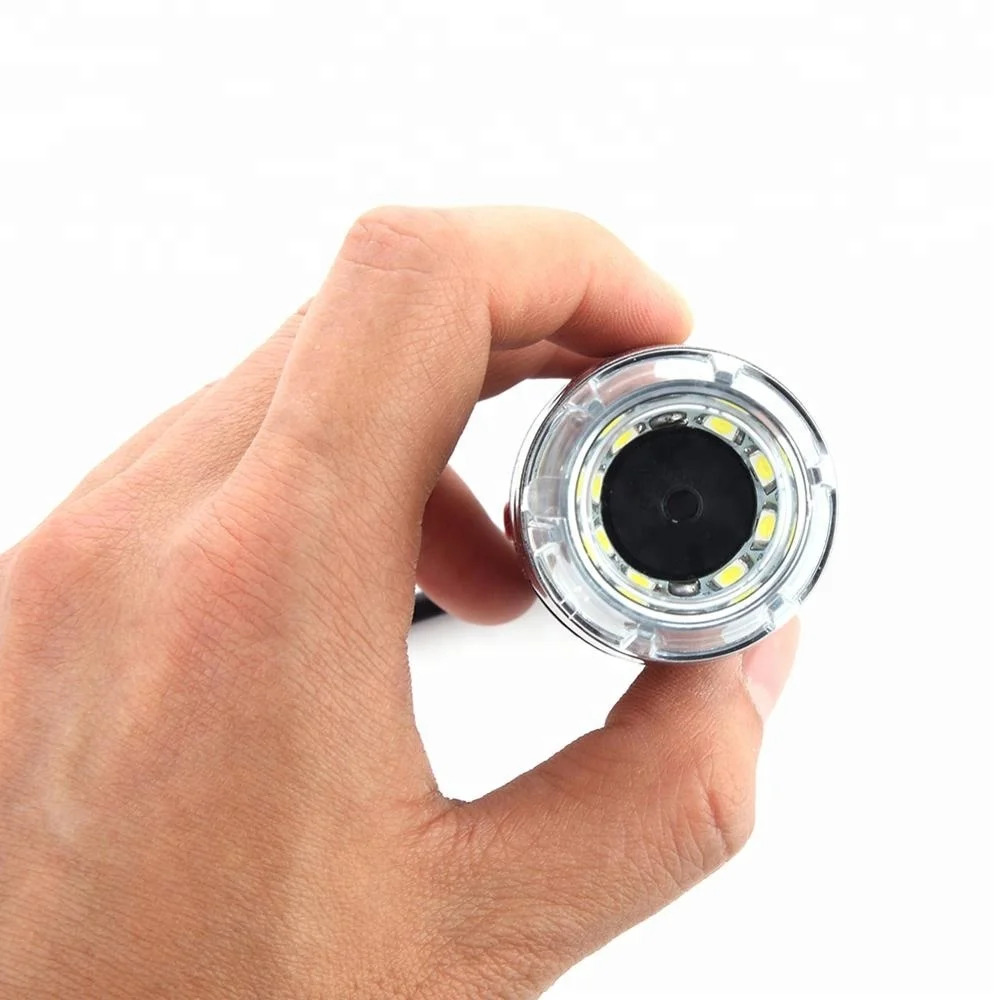
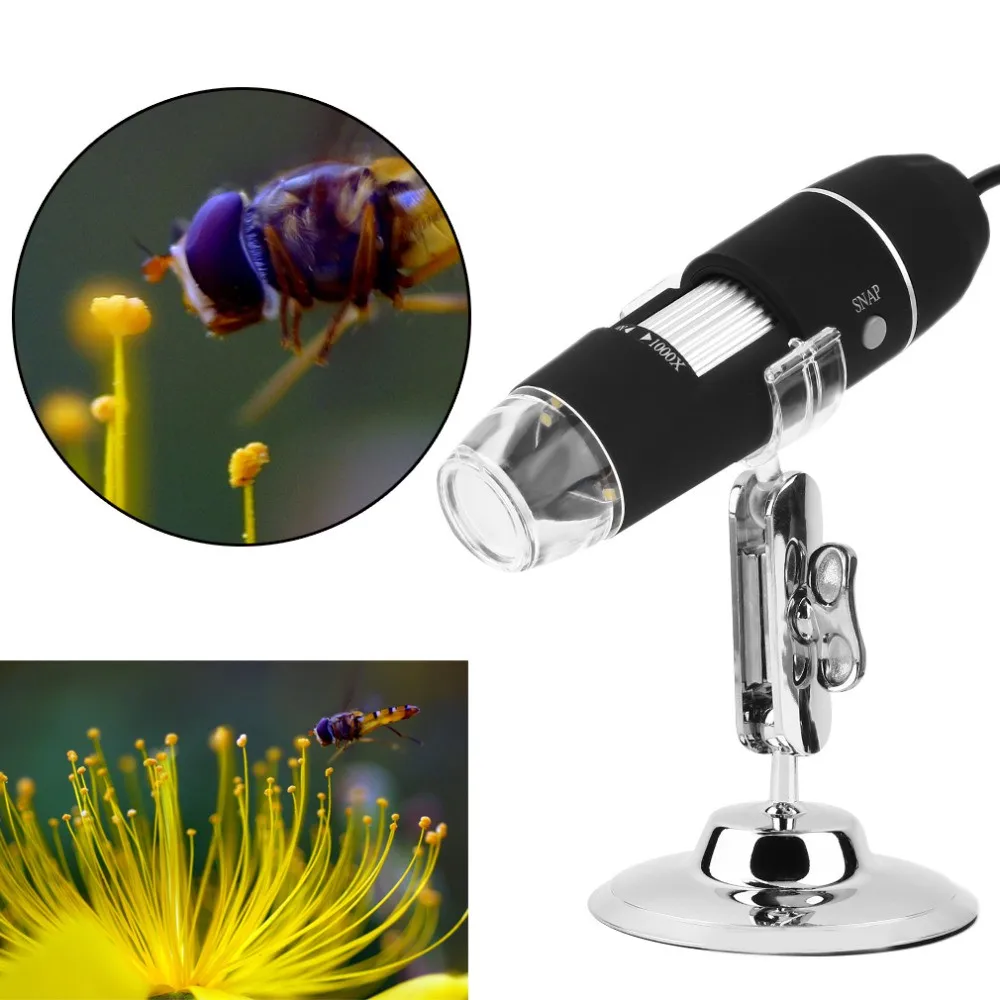
Portable phone Digital Microscope 1000X Zoom Electron USB Microscope for Skin Examination/Biological observation
- Category: >>>
- Supplier: Shenzhen Tecihome Tech Co. Ltd.
Share on (60798755406):
Product Overview
Description
Product Description
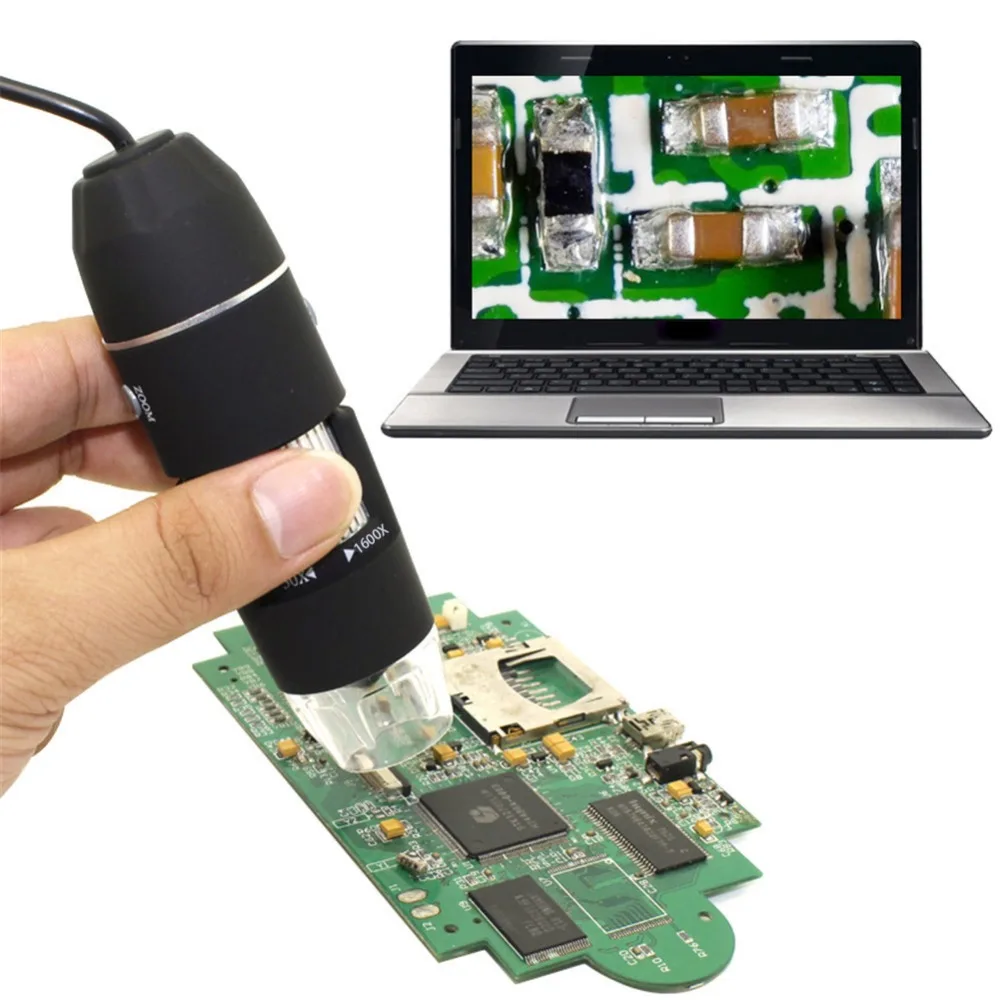
Wholesale Portable Digital Microscope 1000X Zoom Electron USB Microscope Endoscope for Skin Examination/Biological observation
Usage introduction:
Thank you for visiting our page of our Digital Microscope, it is a slim type tool and can be easily used in different fields
including:
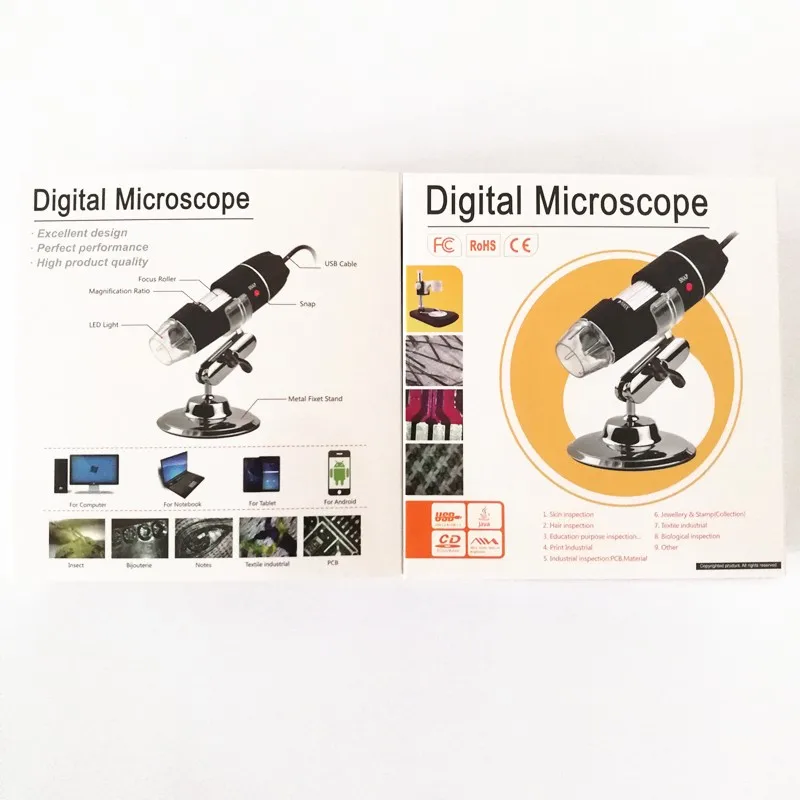
1. Textile industrial for textile inspection
2. Printing inspection
3. Industrial inspection: PCB, Precision machinery
4. Educational purpose
5. Hair examination
6. Skin examination
7. Microbiological observation
8. Jewelry & coin (Collections) inspection
9. Visual Assistance
Our Advantages

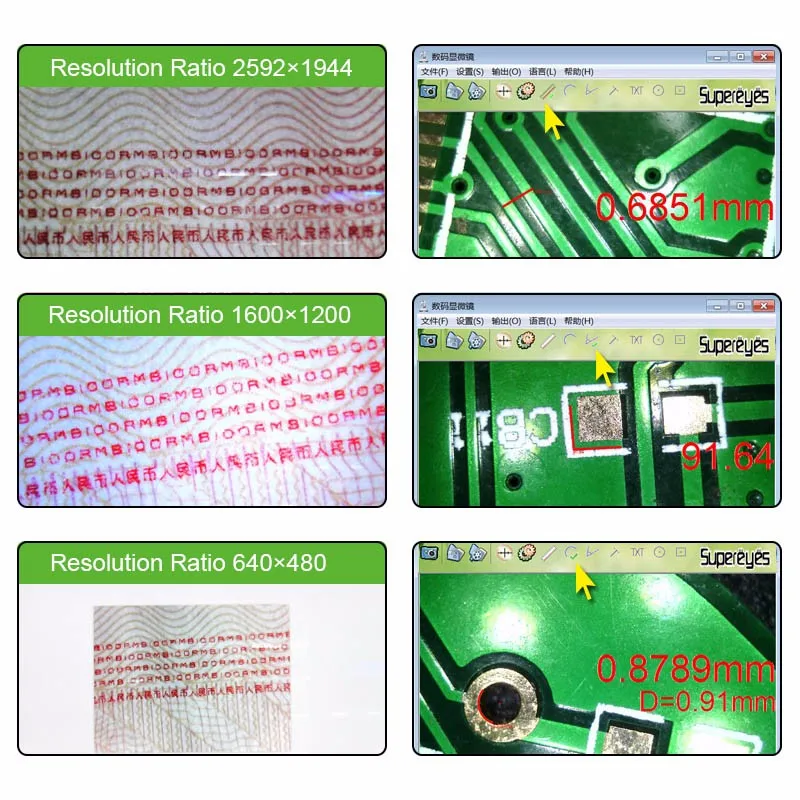
High resolution records with clear picture/video Photo:2560*1920, Video: 640x480.

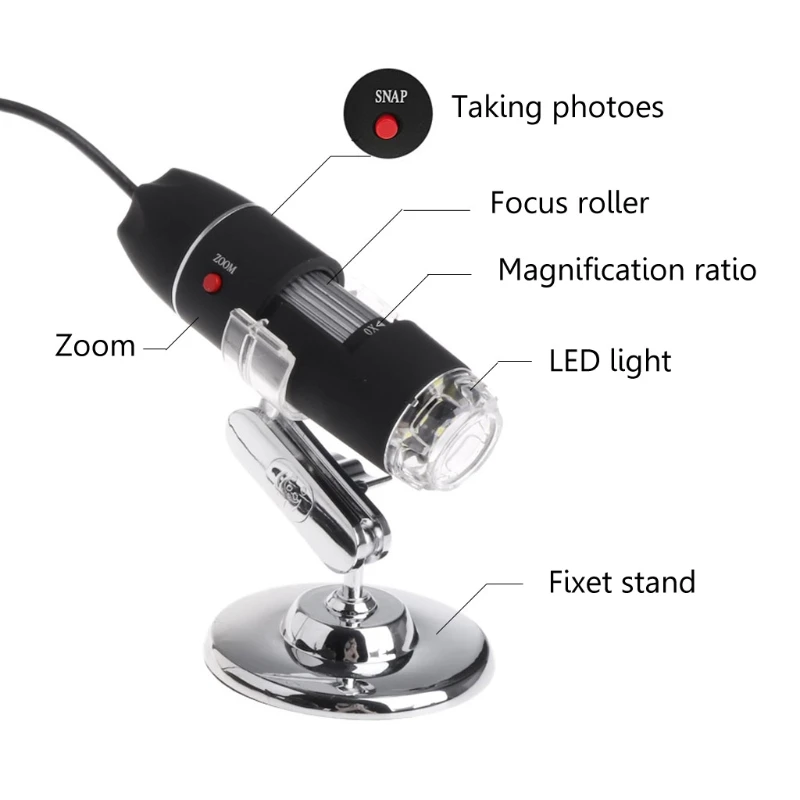
Adjustable 8 LED Light:
The adjustable 8led light is good for inspection in the dark environment.

The focal distance is adjustable from 40X to 1000X which is good to inspect different goods.

3-in-1 USB design makes it support PC/Mac/Android Phone.Adjustable Focal Distance
Detailed Images

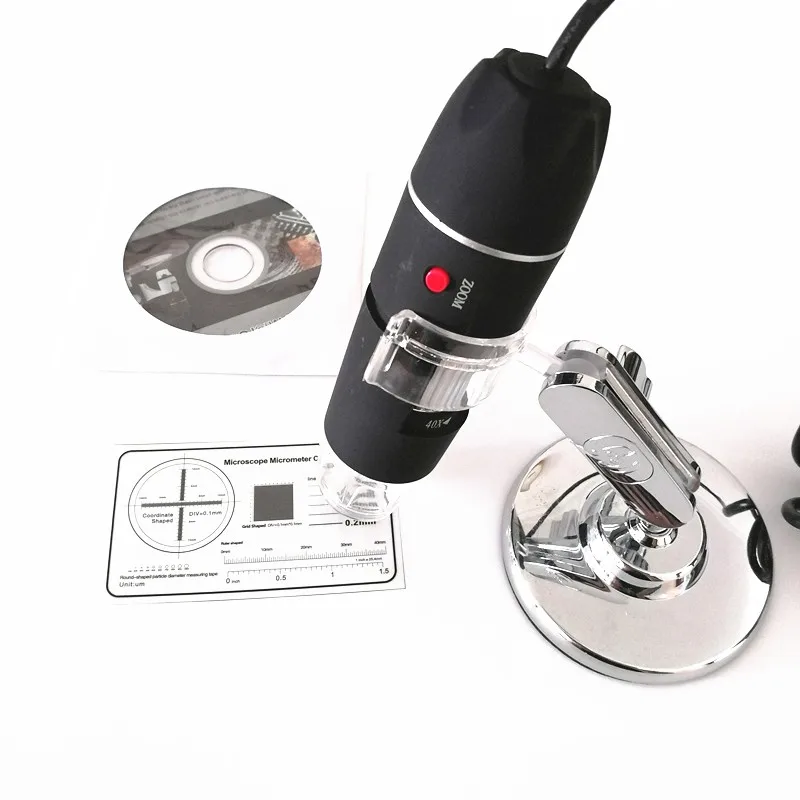

Product Outlook & Standard parts:
1. Digital Microscope (1pcs)
2. USB 2.0 cable
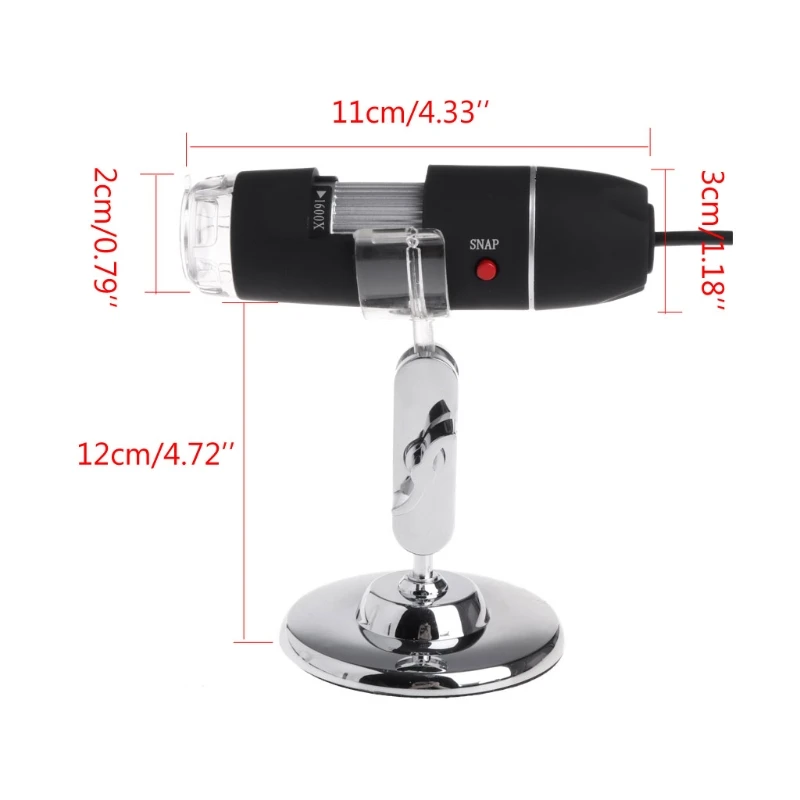
3. Metal fixed Stand (1pcs)
4. CD ROM (Driver, Measurement software, User Manual)
Hardware system requirements:
Windows 2000,XP,VISTA,WIN7 Pentium 1G, Celeron, AMD 1G & above, 128MB Memory, 150MB Hard Disc memory space,16-bit & above VGA ,CD-ROM, USB2.0 or USB1.1.
How to install the Driver
This Digital Microscope is a free Driver Product,it can be worked immediately after connected to the computer with operation system above win2000 version.
1. Connect the Portable digital microscope by USB2.0 cable to your computer, double click my computer icon on your computer desktop, below interface will be shown up.
2. Double click the Video device icon as above red marked in your computer. Now it is ready to use. If you cant find the Video device, or if your computer cant recognize it, please follow below steps to install the driver. Insert the attached CD, system will auto run to the interface as below and follow the steps to complete the installation:
(NOTE:If the computer cant auto run the disc, you need to operate manually by click My Computer DVD/CD Driver run "AUTORUN.EXE" )
1. Driver installation
Click to continue, the screen will show the installation progress. Click "next" "continue Anyway" "Finish". And then Select Yes, I want to restart my computer now, and click finish. After restart your computer, Plug-in the USB port of Digital Microscope into Computer USB port. Following the user guide by steps and complete by click Next -> Continue anyway -> Finish.
2. Measurement installations
Click install, Click next to continue, then Click Install. Wait a few seconds while the installation taking place. Click "Finish" at last and the installation completes. After the installation completes, double click at computer desktop to start using the software.
Recommend Products
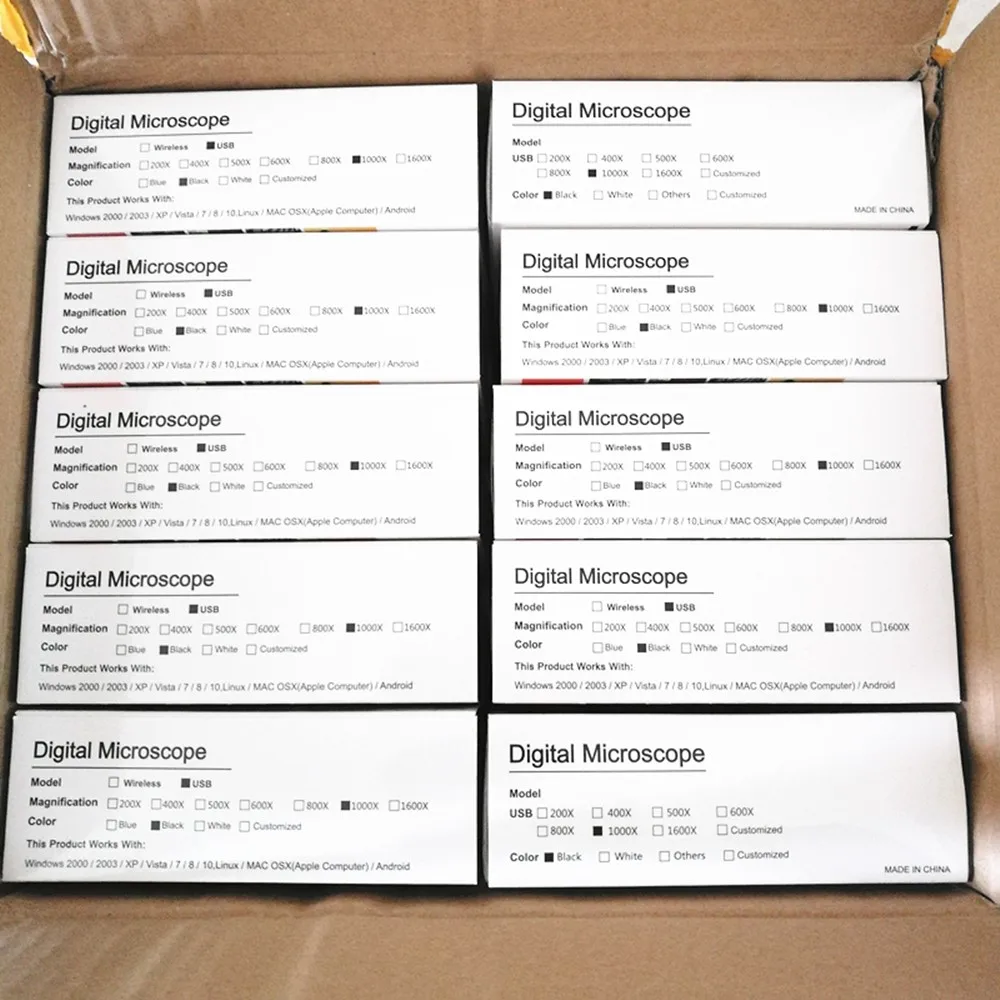
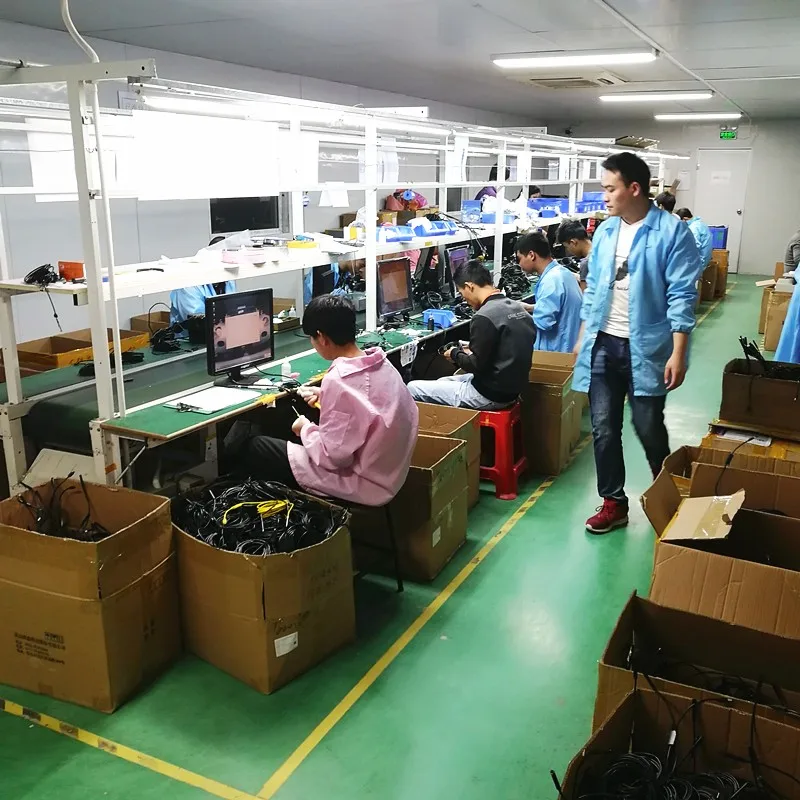
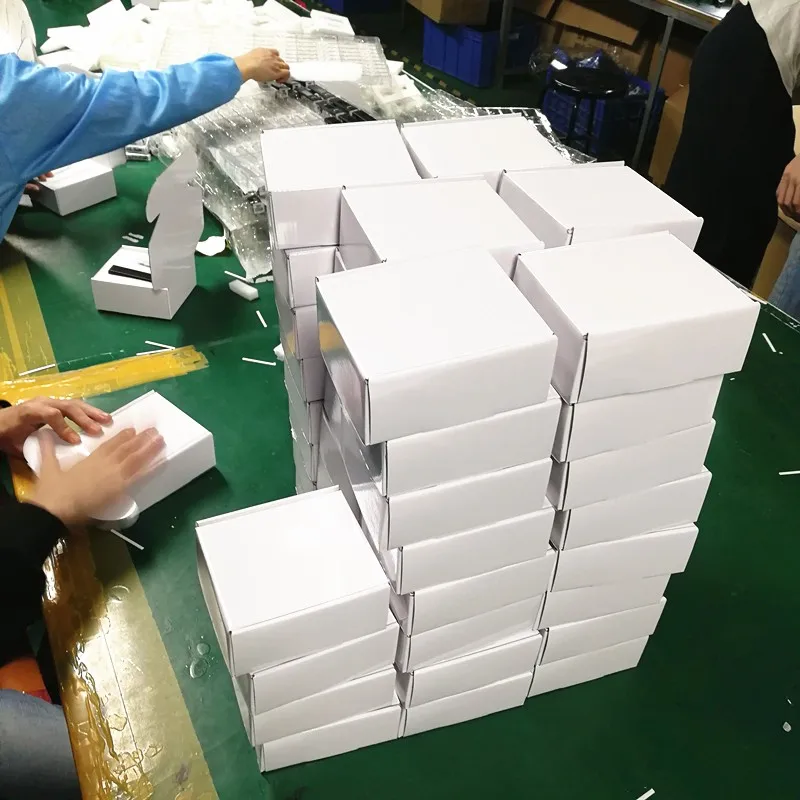
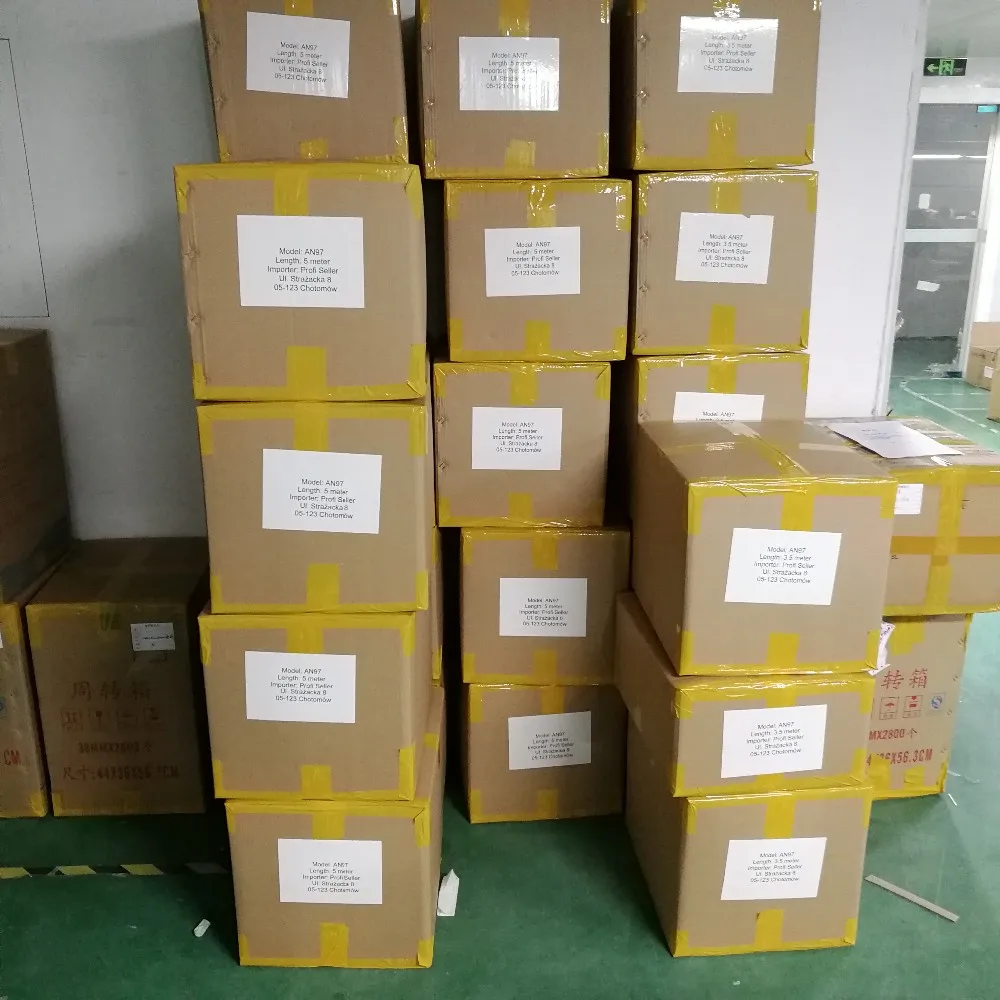
Packing & Delivery
We Recommend







New Arrivals
New products from manufacturers at wholesale prices






