
LINGAN intelligent Circuit Breaker DIY Wi Fi Smart Switch Tuya Echo Plus wireless switch controller with google home
- Category: >>>
- Supplier: Shenzhen Lingan Intelligent Technology Co. Ltd.
Share on (60829759354):
Product Overview
Description
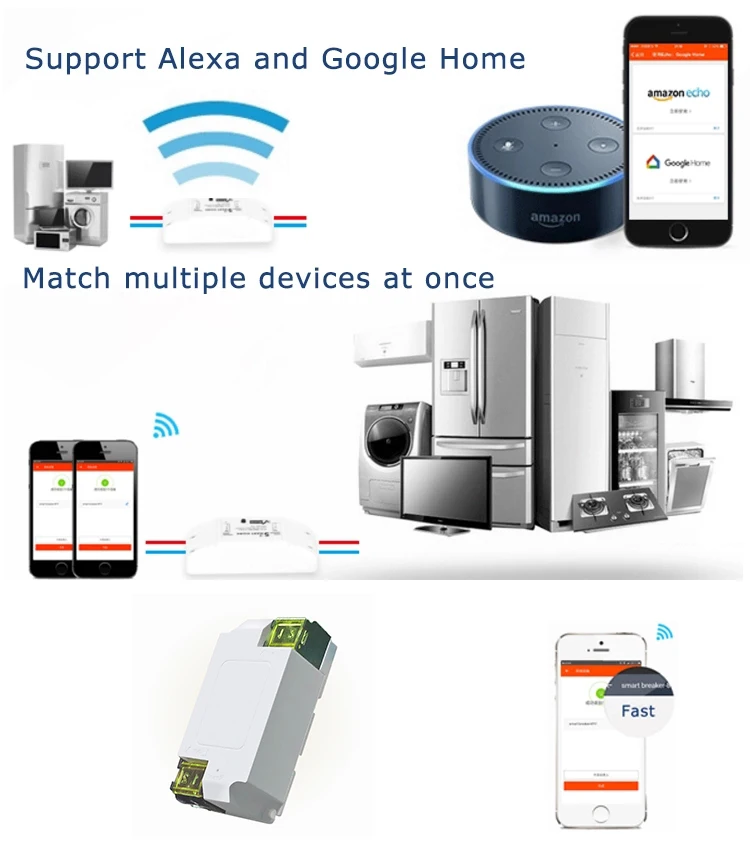
LINGAN intelligent Circuit Breaker DIY Wi-Fi Smart Switch Tuya Echo Plus wireless switch controller with google home
Product Description


More Products
DIY Wi-Fi Smart Switch


Company Information
Factory strength.png


Certification

Packaging & Shipping

Our Services
1. Reply your enquiry in 24 working hours.
2. Experienced staffs answer all your questions professional.
3. Customized design is available
4. Factory direct delivery

FAQ
Operation:
Easy to install:
1.Switch off electricity source
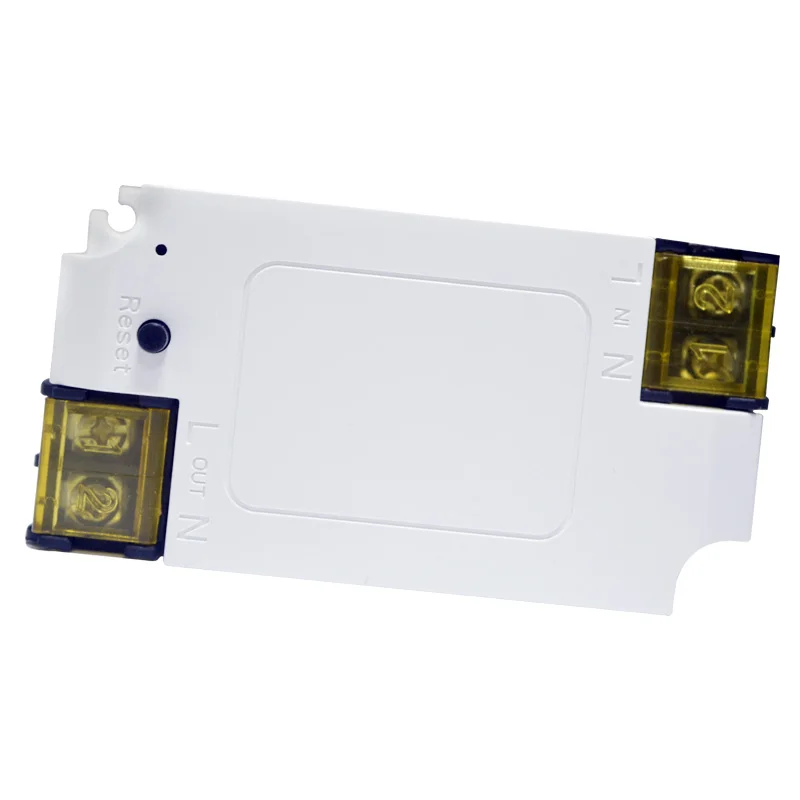
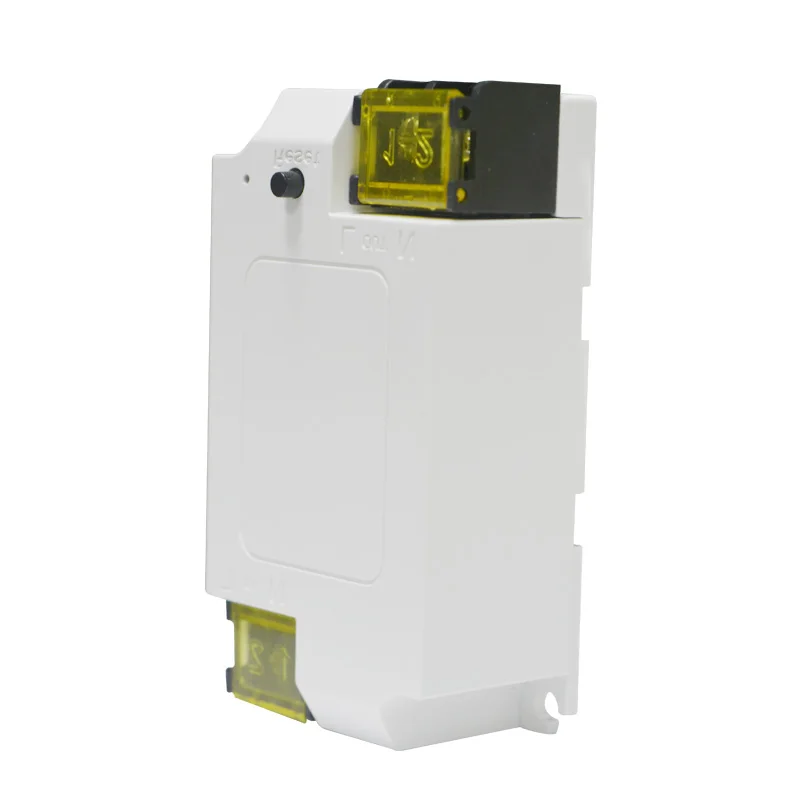
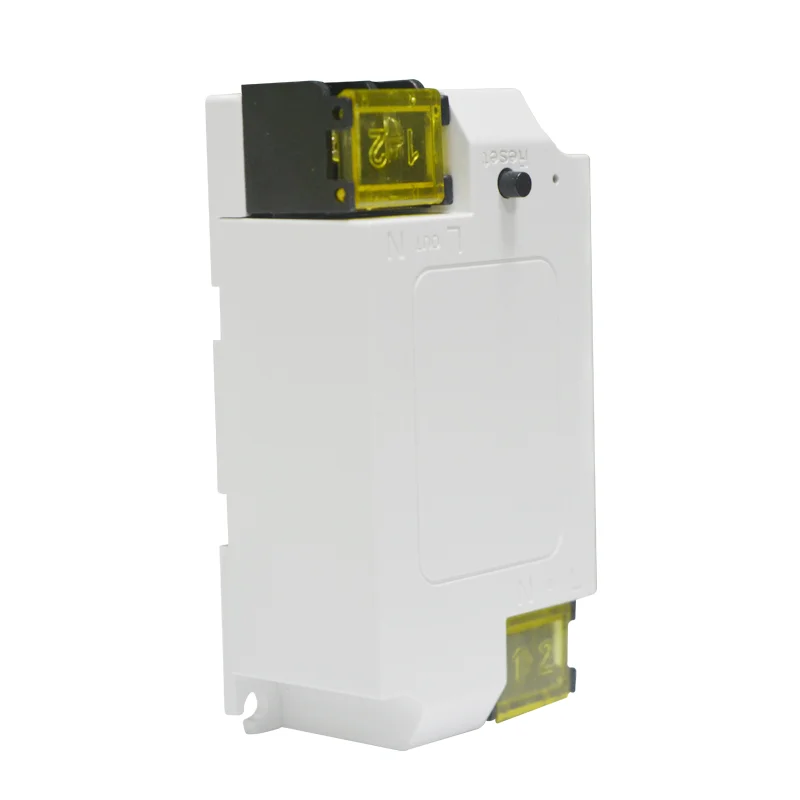
2.Open the two yellow shells at both ends
3.Connect the two electricity source cables(Live and Neutral) to the 2 ports with “IN” mark, one cable for one port, and there’s no limitation for which port to connect.
4.Connect the two appliance cables(Live and Neutral) to the 2 ports with “OUT” mark, one cable for one port, and there’s no limitation for which port to connect
5.Cover the shells and screw firmly
How to connect Smart Home devices to Amazon Alexa?
1.Open Alexa App, tap on the menu on upper left corner
2.Go to Skills
3.Enter "eFamilyCloud" in the search field and search
4.Tap "eFamilyCloud"
5.Enable the skill
6.Enter your eFamilyCloud account information and tap on 'Log in' to link your eFamilyCloud account to your Amazon account. If your account is a phone number, you should select your country.If your account is an email address, please ignore country
7.Your Amazon Echo is connected to your eFamilyCloud system now
8. Please go back to skill page.There will be a prompt asking to discover devices.Tap on "DISCOVER DEVICES", you'll enter the smart home center
9.In "Smart Home", you will see the "Discover Devices" button, tap on it to start
10.It comes with a progress bar
11.Once it's done You'll see all the devices under your account
PACKAGE:
1x Smart switch
1x User Manual
We Recommend







New Arrivals
New products from manufacturers at wholesale prices






