
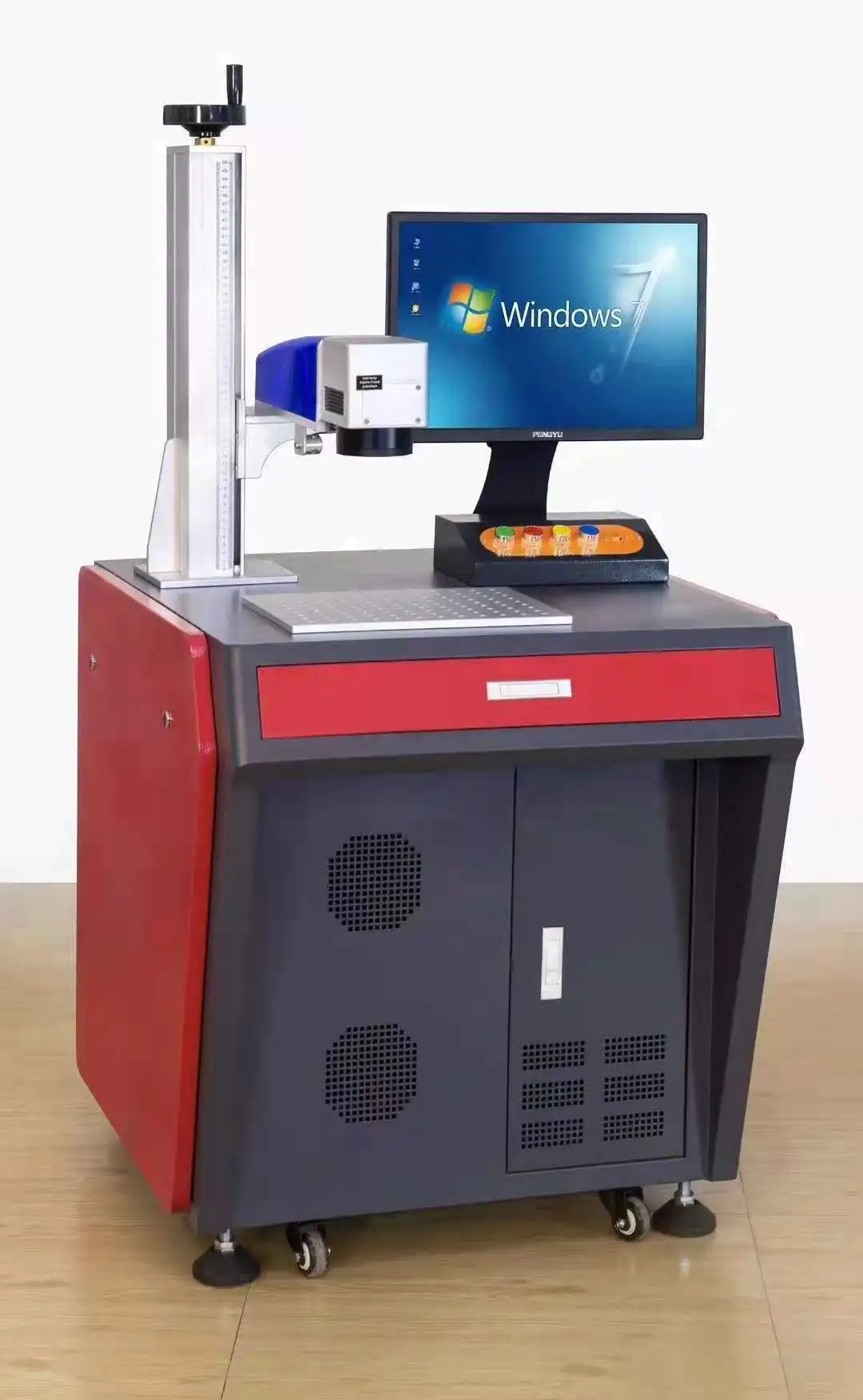
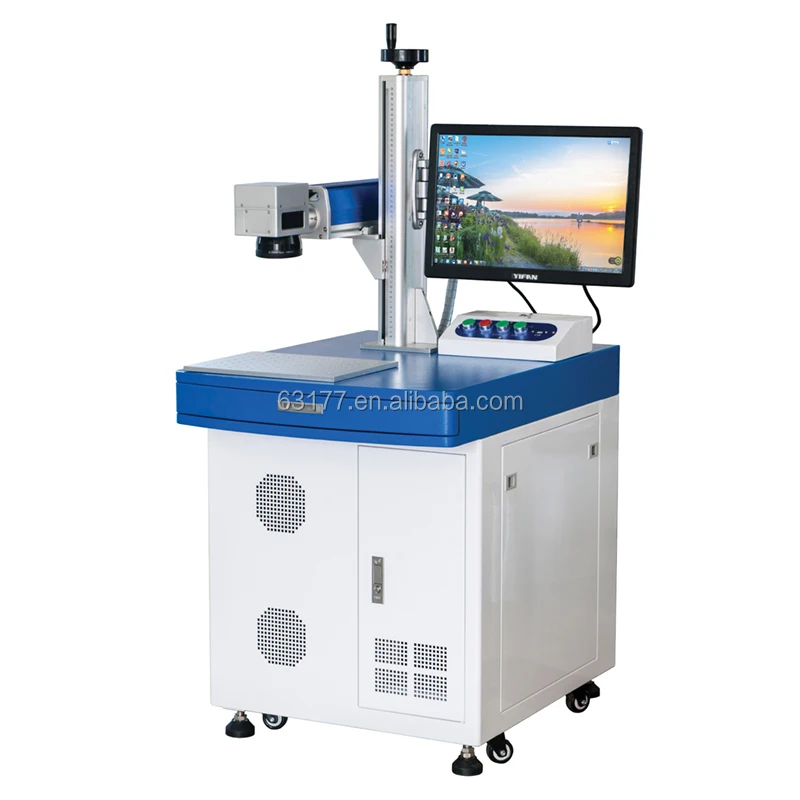
Customized Wireless Control Laser Marking Machine Connect PLC/Server Computer Network Connection Or Rs232 Connection
- Category: >>>
- Supplier: Taizhou Nachang Cnc Equipment Co. Ltd.
Share on (62002277966):
Product Overview
Description
Product Information

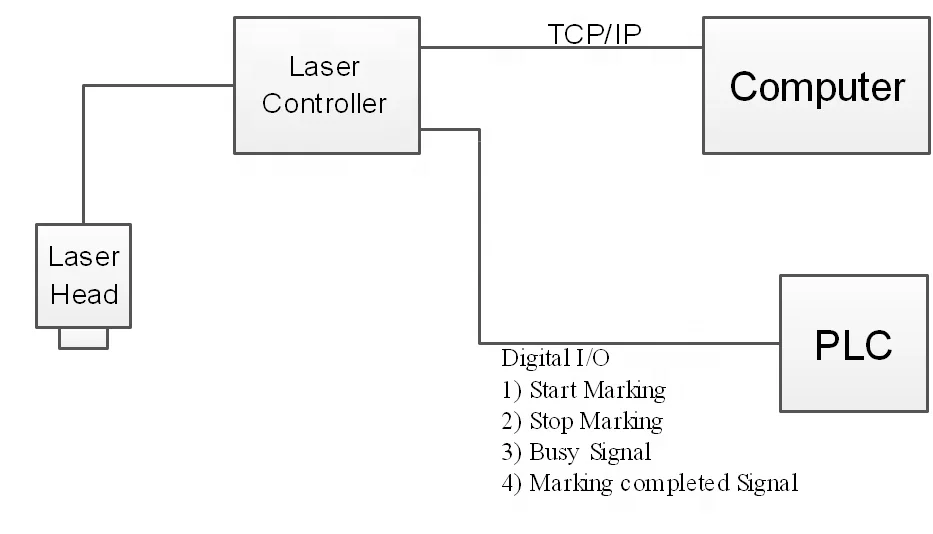
Laser Marking machine has 2 ways to connect with PLC/Sever.
1) By extended I/O
2) By TCP/IP protocol (Network port)

Extended I/O for PLC
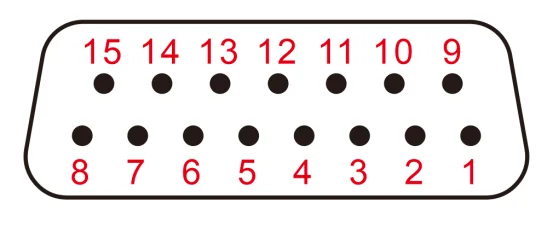
The extended I/O can be DB15 or DB25, depending on how many signals need to be used.
There're general input and output signal in this I/O.
General Input Signals are use for controlling the working state of laser machine, including:
1)Start Marking Signal:Machine start making when it's active.
2)Stop Marking Signal:Machine stop marking when it's active, and show warning information.
3)Safety Door Signal:Machine stop marking when it's active.
4)File Select Signal:Use input signal to select the right file to marking.For example,INPUT[6:4] "001" select file A to marking,INPUT[6:4] "010" select file B to marking.
General output signals show the working state of laser marking machine, including:
1)Busy Marking:Active when machine is marking
2)Finished Marking:Output an pulse signal when finished marking.
3)Red light indication signal:Active when Red light is indicating.
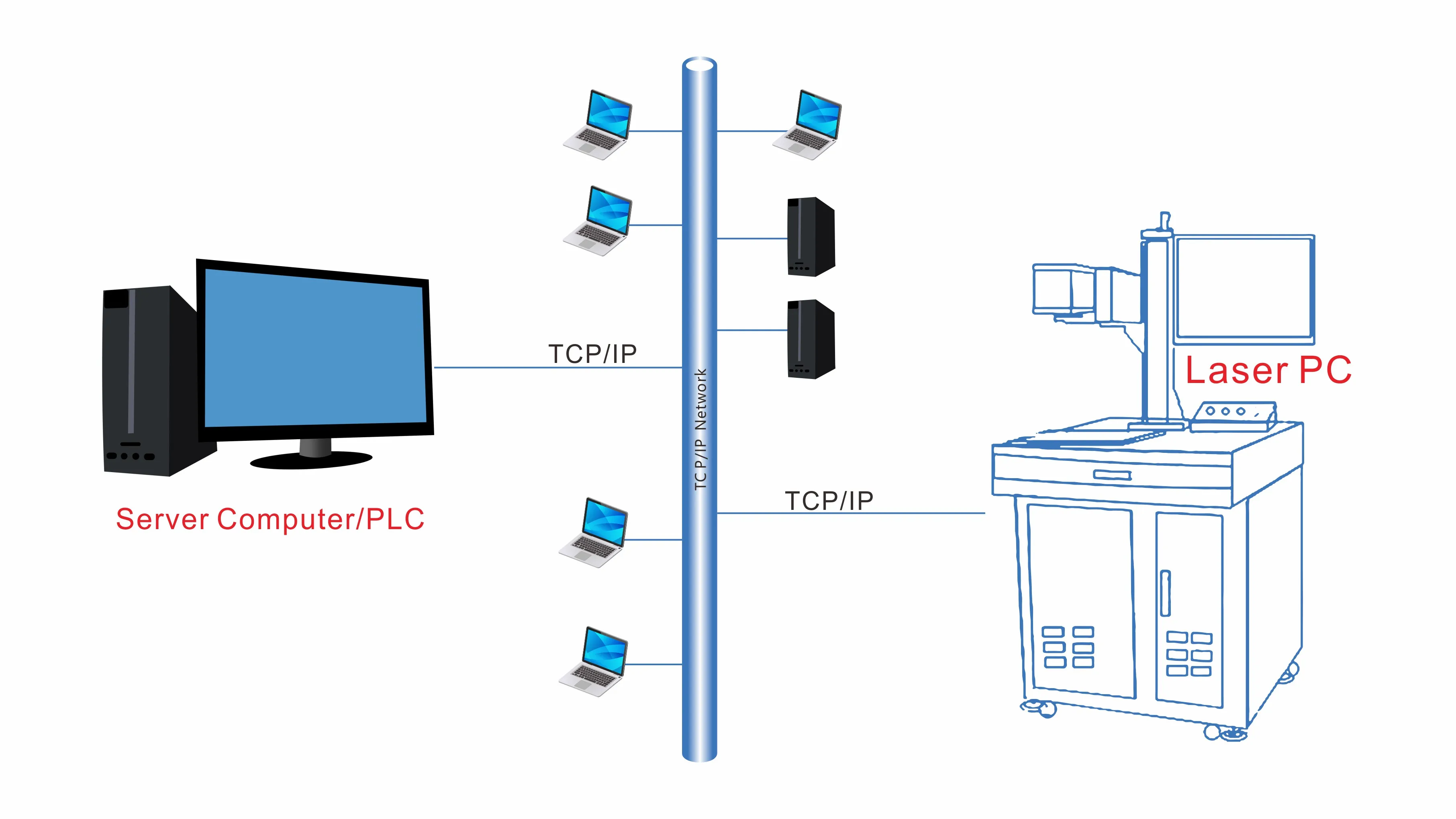
TCP/IP protocol (Network port)connect PLC/Server
The extended I/O can only supply control signal and status signal, it can't transmit data of mark. But in many automatic application, PLC need to modify the content of mark according to different product. So we design a protocol, by which server PC/PLC can control the laser marking machine to open different marking file, and modify the content of mark.

The actual operation process is as follows:
1) Create the marking file in the standard laser software, name each mark.
2) Open the clien laser software and wait for the command
3) Server send command to open marking file, modify the mark content and start marking
1) Create the marking file in the standard laser software, name each mark.
2) Open the clien laser software and wait for the command
3) Server send command to open marking file, modify the mark content and start marking

1) Create the marking file in the standard laser software, name each mark.

2) Open the clien laser software, set the IP and port, click connect

3) Server send command to open marking file, modify the mark content and start marking
More Series


Applications

Recommend Products
Company Information


Certificate

FAQ

Q1. How about the input and output voltage of the extended I/O?
A: Input is a kind of relay input, default output voltage is 5v, but we can change it to a relay output.
Q2. Can you make the output voltage to 24v?
A: Yes we can.
Q3. How do I know which pin is input which pin is output?
A: We will give you a detail document after you buy the machine.
Q4: Can I send data to marking machine through LAN, or through serial port?
A: Yes, we define a communication protocol to support the data communication by network or serial port.
A: Input is a kind of relay input, default output voltage is 5v, but we can change it to a relay output.
Q2. Can you make the output voltage to 24v?
A: Yes we can.
Q3. How do I know which pin is input which pin is output?
A: We will give you a detail document after you buy the machine.
Q4: Can I send data to marking machine through LAN, or through serial port?
A: Yes, we define a communication protocol to support the data communication by network or serial port.

We Recommend







New Arrivals
New products from manufacturers at wholesale prices






