
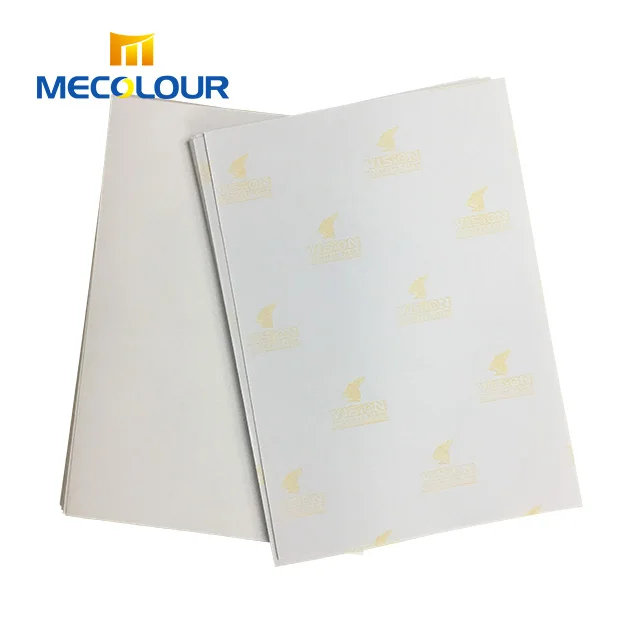
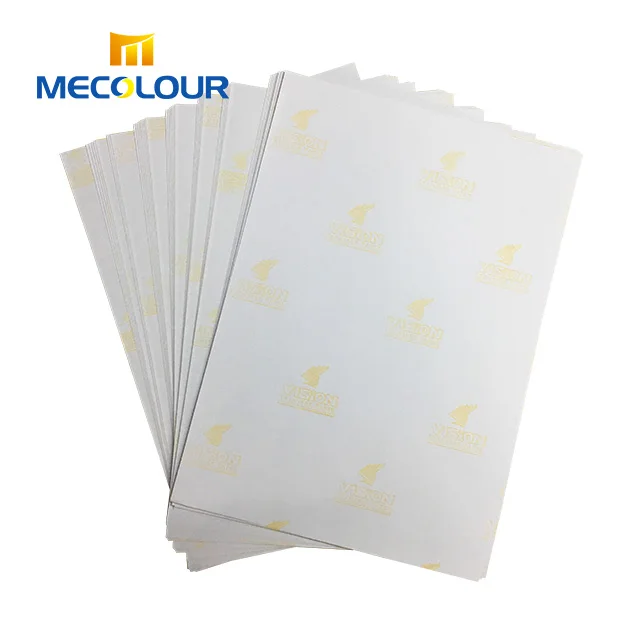
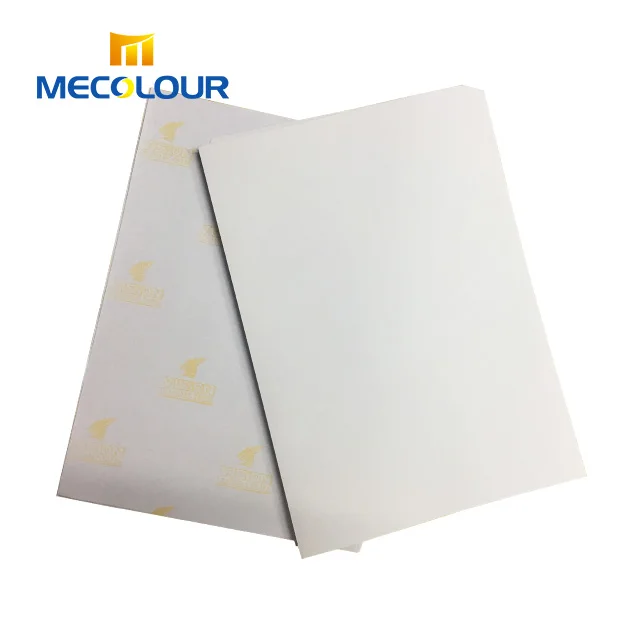
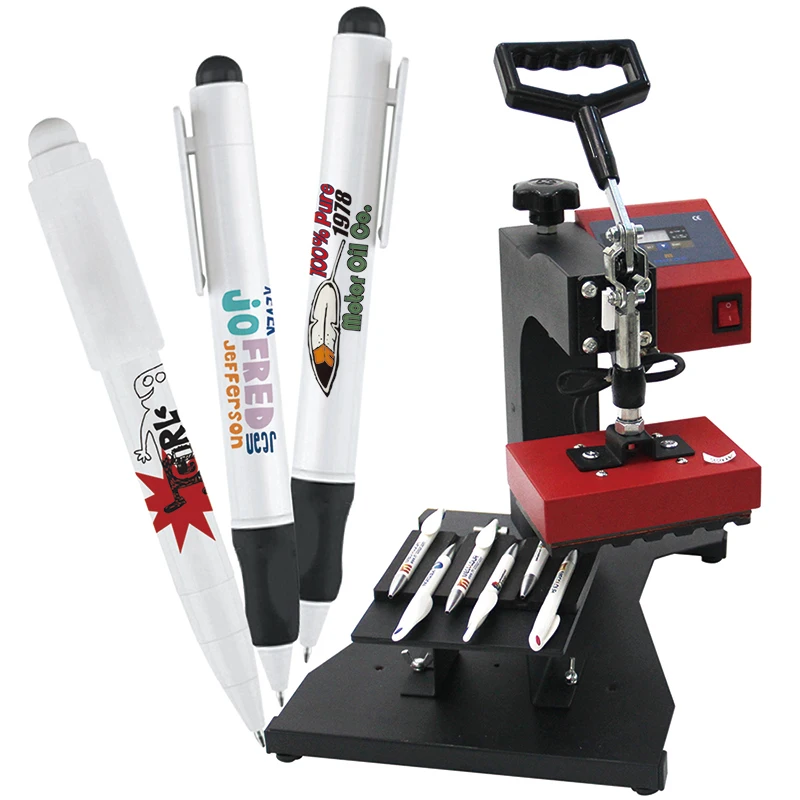
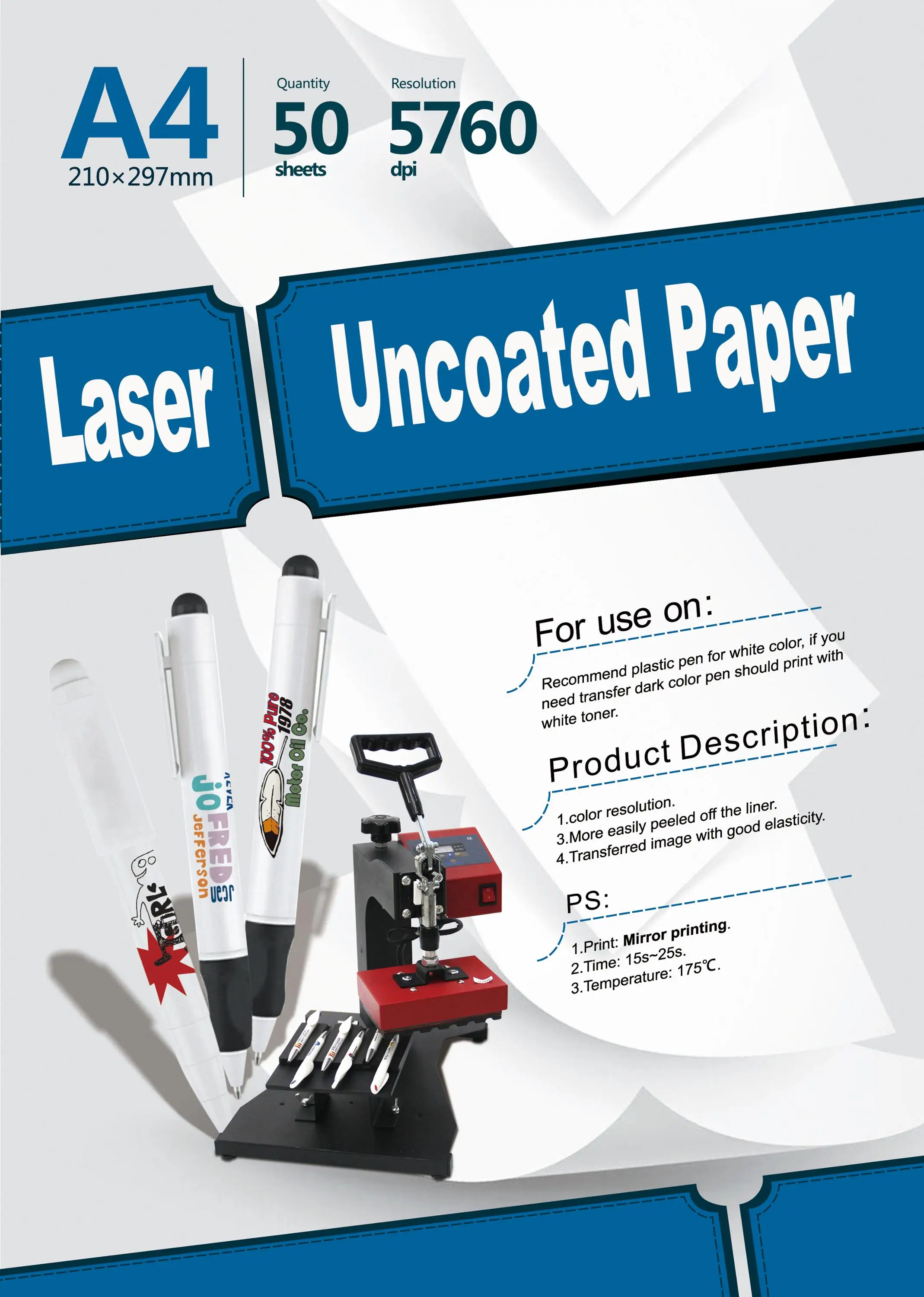
laser uncoated paper heat transfer paper for pen press machine to transfer white plastic pen and all ceramic
- Category: Transfer Paper >>>
- Supplier: Shanghai Mecolour Digital Technology Co. Ltd.
Share on (62007476013):
Product Overview
Description
laser uncoated paper heat transfer paper for pen press machine to transfer white plastic pen and all ceramica
Product Description
laser uncoated papers are also call “smart paper”.Laser guaranteed papers are suitable for use in office laser printers and are therefore perfectly suited to printing substrates.There is a wide range usage of laser uncoated papers .But, except use in the pen heat press machine, transferring other objects is not complete, At present, we are directly saying that this paper is special paper for pen heat press machine, generally do not introduce its other usage.
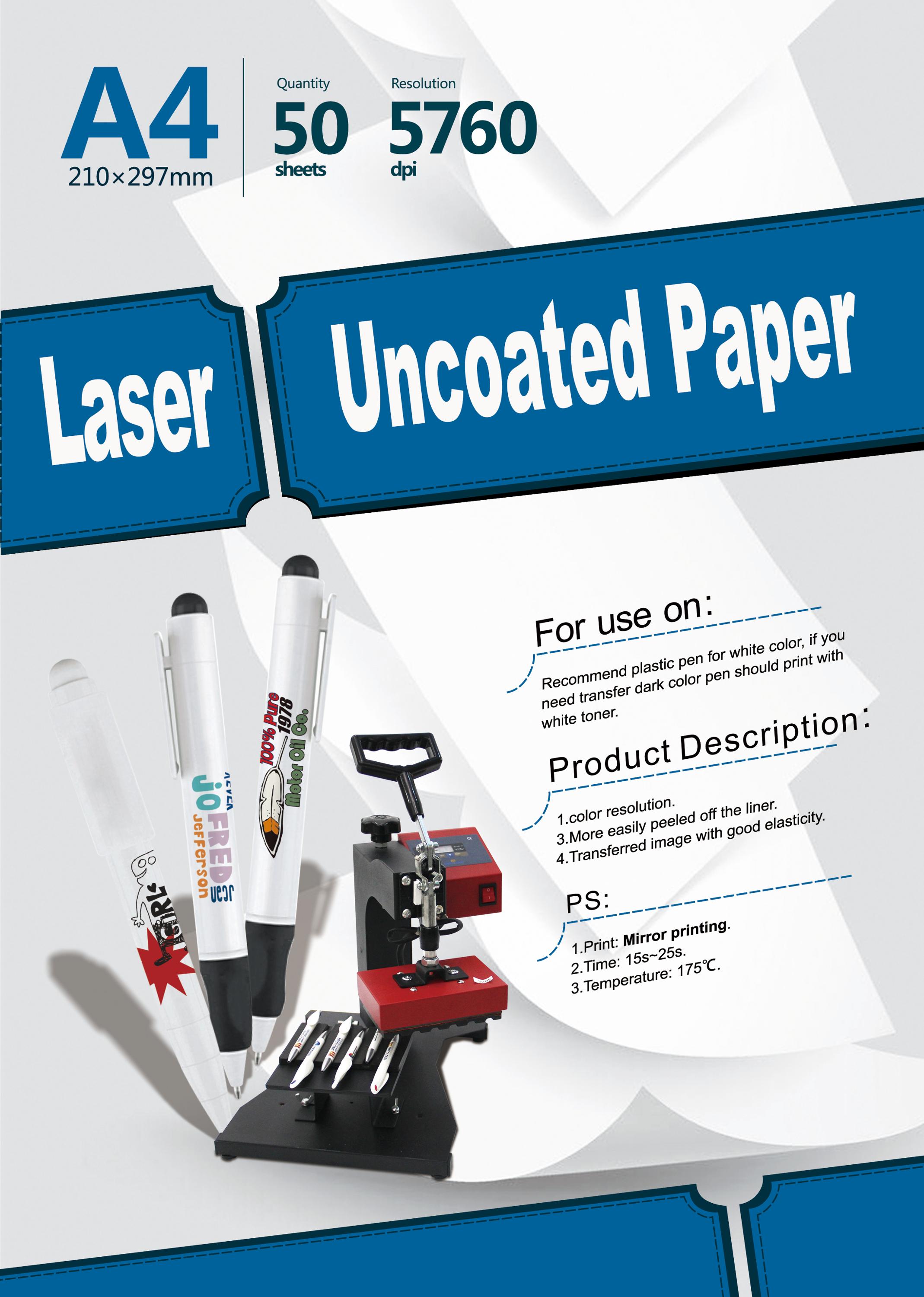
| name | laser uncoated paper |
| size | A4 |
| package | 50sheet/pack |
| used on | white plastic pen |
| mirror printing | |
| transfer time | 15-25s |
| transfer temperture | 175℃ |
Features:
The difference betwee Laser uncoated transfer paper (smart paper) and sublimation transfer is that it does not require
a special thermal transfer coating, can be directly used for ceramic, metal, stone, glass, plastic and other products .
At present, smart paper in the country has not yet mature to promote.
1.Applicable printer: a laser printer for LED imaging. An ordinary laser printer can also be used for smart paper
(this conclusion is a successful summary of our company's test)
2.Substrates:recommend plastic pen for white color ,if you need transfer dark color pen, you should print with white toner
3.Color resolution
4.More easily to peel off the liner
5.Transferred image with good elasticty
Process:
1. First type the pattern that you need to print on the computer , select the laser uncoated paper, print in the laser printer
2. Cut the part we need, fix the paper with pattern on the transfer pen with high temperature tape
3. Place the pen with the transfer paper in the groove of the pen heat press machine (the side to be transferred)
4. Adjust the pressure, set the transfer parameters 175 degrees Celsius, 15 seconds
5. Transfer is complete, warm to tear off
Attentions:
1. Select the horizontal flip (image) before printing(mirror printing)
2. General printer selection: print quality for the photo type paper ,Please choose (thick paper) or label paper
3. Printing parameters:
Ceramic metal glass: 160 degrees, 3 minutes, so after cooling and then tear, it is best to use a thin silicone pad, to ensure that
will not crush, the temperature can be increased according to the appropriate thickness of the silicone pad
Leather wood: 160 degrees ,1 minute after the transfer, in 1/5 seconds heat tearing
Pen: 175 degrees, 25 seconds, Recommended transfer area within 5 * 1.3cm
Different products will have a little bit of error, the best way is to test their own a few times, test a most appropriate temperature
We Recommend
New Arrivals
New products from manufacturers at wholesale prices







