



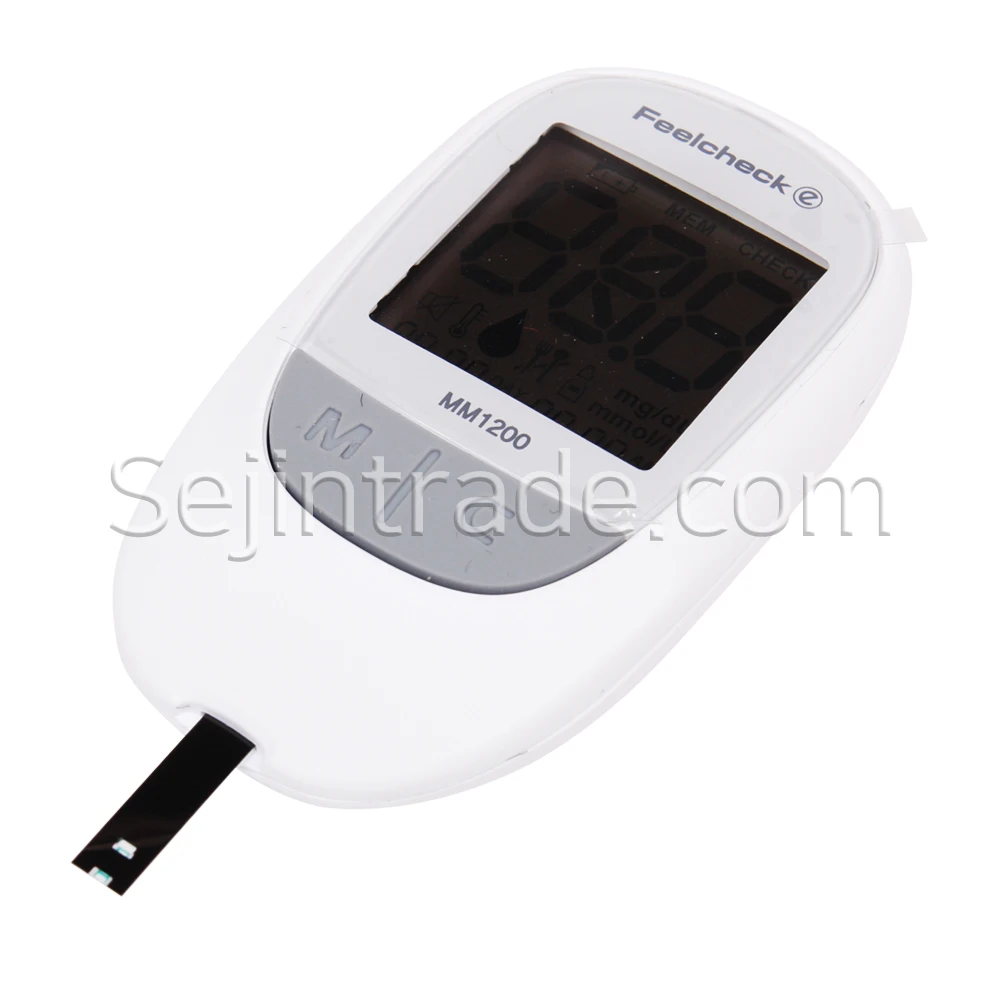
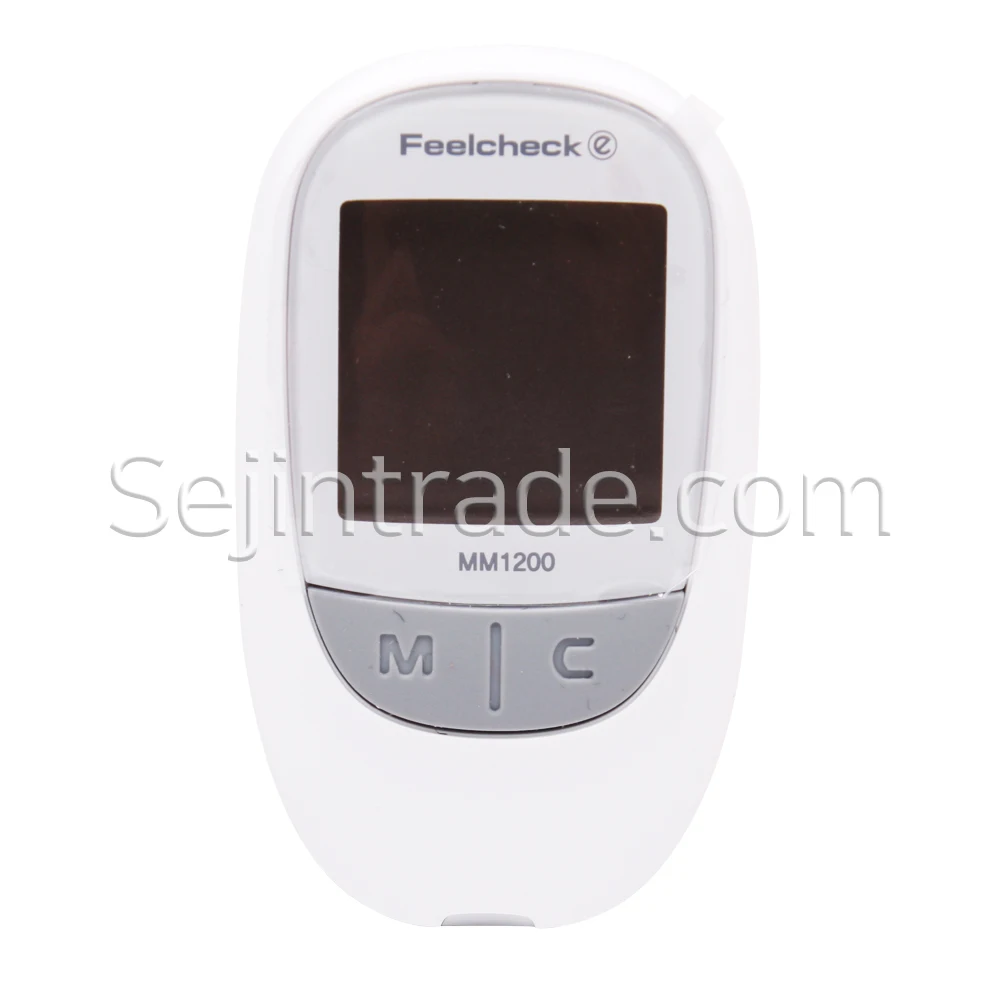
Feelcheck Blood Glucos Monitoring System Blood Sugar Meter Test Machine Automatic Code Korea 300 Test Results 5 Second Class III
- Category: >>>
- Supplier: SEJINMEDICAL PHARM CO. LTD
Share on (62019493404):
Product Overview
Description
Product Description
Product Information
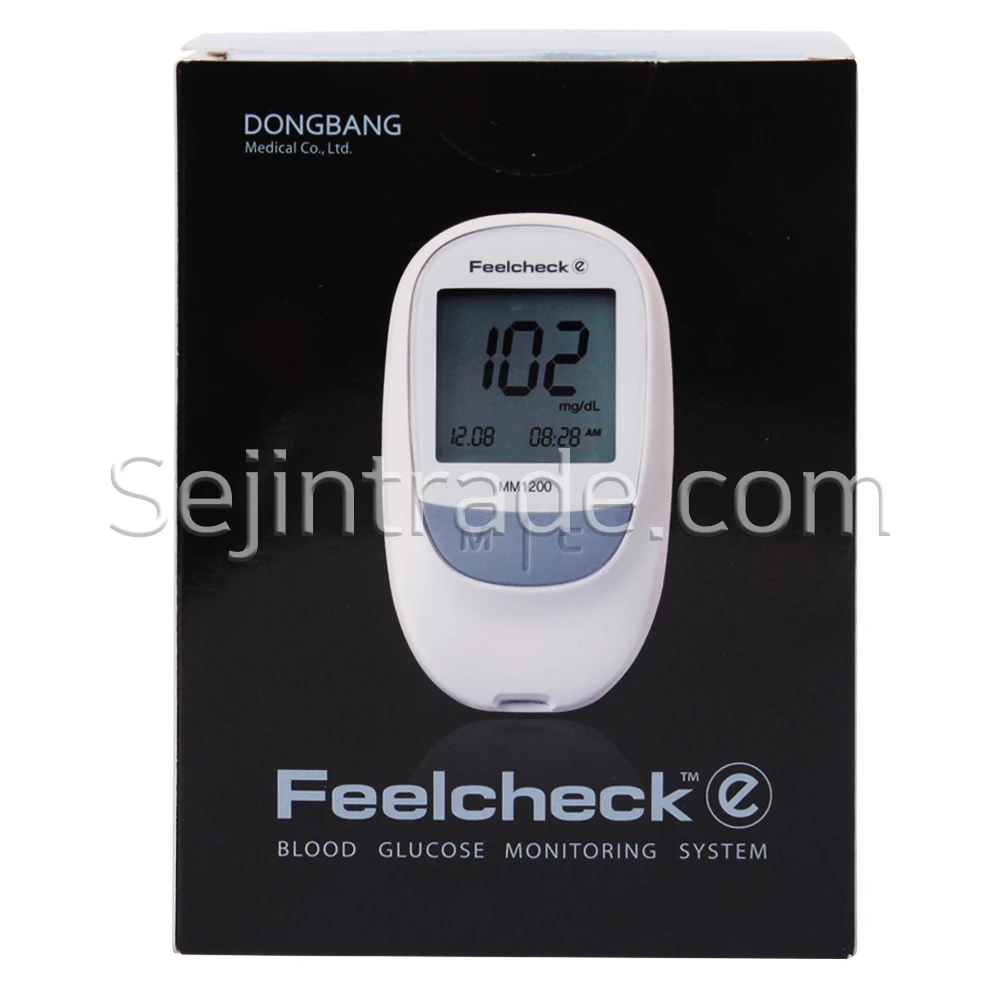
1. Blood glucose meter
* Model Name: MM1200.
* GOx Enzyme System.
* Self-Code Configuration System(Auto Coding)
* 5 second testing time.
* 0.5 microliter samll sample size.
* HCT 20~60%.
* 300 tests memory.
* Alternative site testing.
* 14 day averaging.
* Pre/Post mealtime tagging.
* Strip ejectiong button.
* RS232 Data Transmission.
* Temperature warnig indicator.
* Certification of CE.
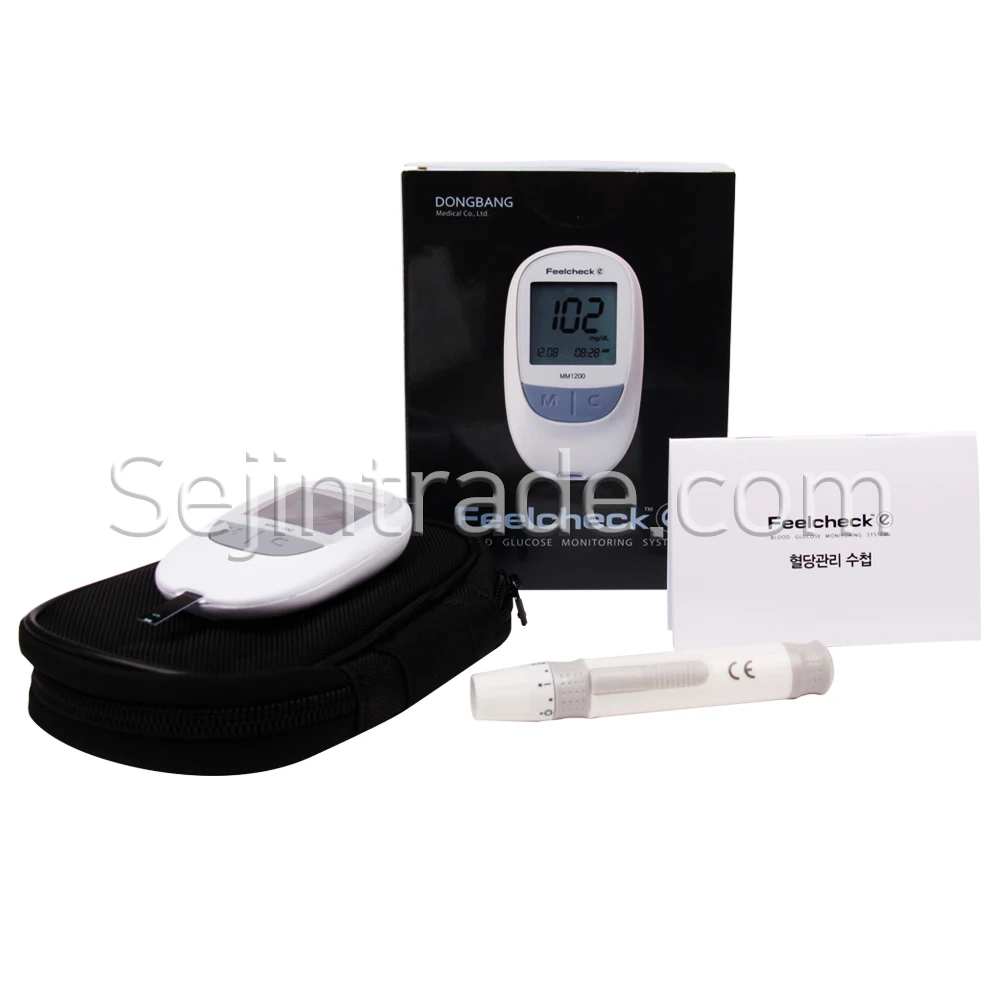
Product Components(glucose meter)
* Blood glucose meter 1ea
* Storage Pouch 1ea
* Lancet Device 1ea
* Lancet Needle 10pcs
* Blood glucose test strips 2 box(100pcs)
* User Guide(Korean)
* Blood Sugar Management Handbook(Korean)
* This meter need "DC 3V(CR2032),Lithium battery 2ea"
*Batteries are not included.
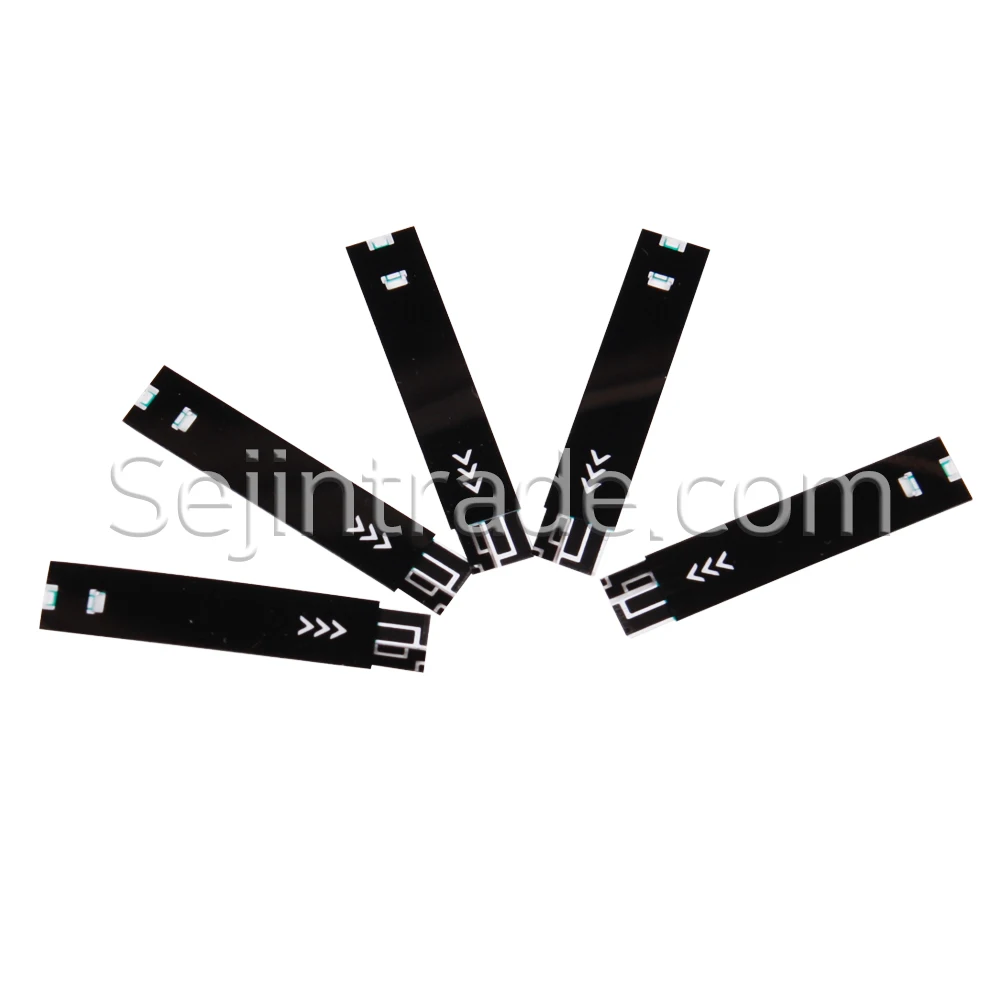
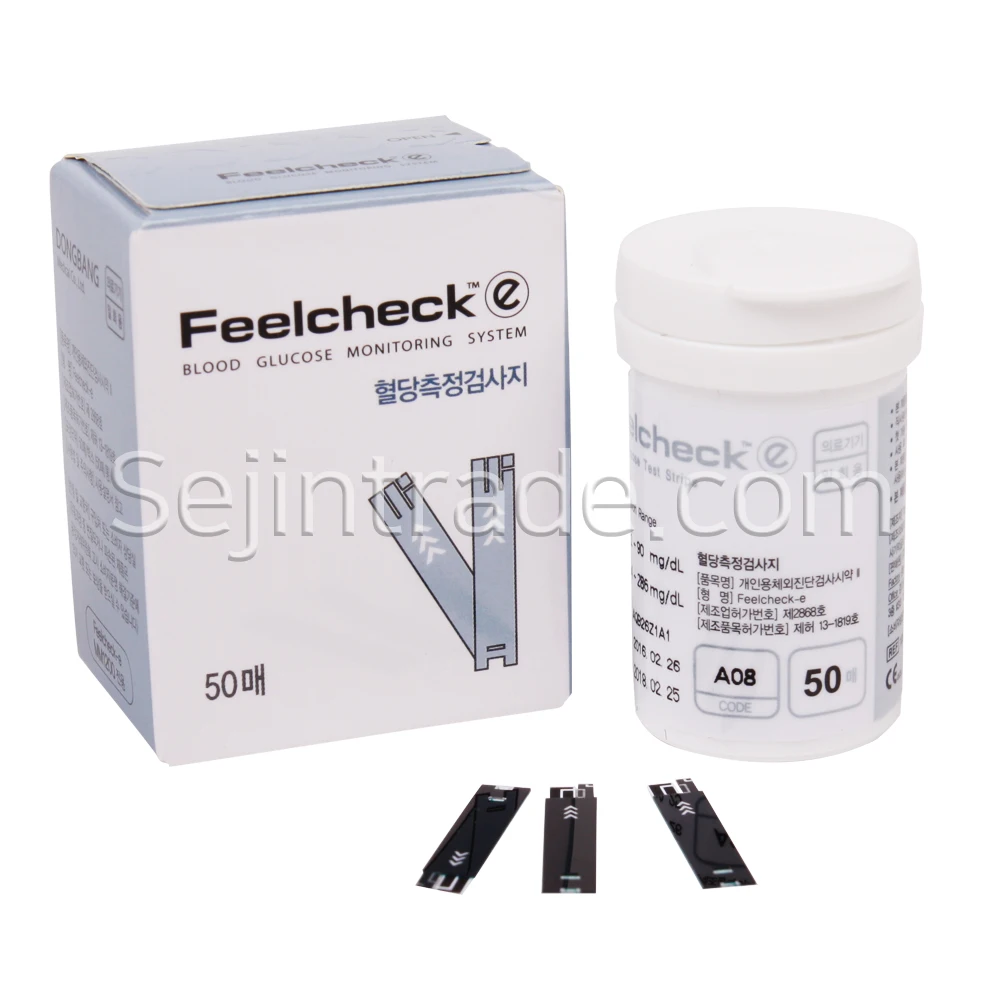
Blood glucose test strips SPEC
* 50 test strips per box
* Size: 28.0(W)*5.0(D)*0.57(H)mm
* Arrows indicate insertion direction.
* Exp. Date: 3 years from date of manufacture.
Detailed Images
1. Replace the battery warning
2. Measurement result search mode
3. Results of measurement
4. Unit of measurement
5. Temperature error
6. Clearing an alert sounds
7. Marking before/after meals
8. Blood is waiting for test paper
9. Display of test results for contrast solutions
10. Average measurement result for 14 days
11. Months/Day
12. Time
How to use
1. Attach the test paper to the measuring instrument (power automatically turned on).
2. Check that the code on the meter screen matches the code on the paper.
3. If the blood mark is displayed on the screen, the measurement is ready.
4. Apply the prepared Lancet Device to the area you want to collect and press the blood collection button.
5. Lancet Device is buried at the end of the test paper. When you hear a sound, you get enough blood. Do not remove it from the examination paper until you hear an alert.
6. The results of the examination are displayed numerically about 5 seconds after the alert sounds.
2. Check that the code on the meter screen matches the code on the paper.
3. If the blood mark is displayed on the screen, the measurement is ready.
4. Apply the prepared Lancet Device to the area you want to collect and press the blood collection button.
5. Lancet Device is buried at the end of the test paper. When you hear a sound, you get enough blood. Do not remove it from the examination paper until you hear an alert.
6. The results of the examination are displayed numerically about 5 seconds after the alert sounds.
Checking the results
1. When turned off, press the M button to turn on with a sound.
2. Average value is displayed for 14 days, followed by the most recent measurement result when the C button is pressed. Press M button to turn off the instrument.
How to use a blood collector
1. Rotate the cover of the Lancet Device to open it.
2. Insert the Lancet Needle into the Lancet Device and turn the lid on to close.
3. Select the depth of the cover of the Lancet Device (the higher the number, the deeper it is).
4. Pull and release the back of the Lancet Device to load.
5. Press the Lancet Device on your finger and press the button.
6. Remove the used Lancet Needle from the Lancet Device and discard them.
Packing & Delivery
precautions
1. Leave the measuring instrument and the examination paper in the room at a temperature of 10 to 40 degrees for 20 minutes before using this instrument.
2. Be careful not to put dust or foreign substances in the inserts of the inspection paper.
3. Under no circumstances should this instrument be arbitrarily dismantled, dismantled or repaired.
4. Do not leave this instrument near the electromagnetic field generator.
5. Do not shock during use.
6. Avoid direct sunlight and do not leave it in humid places for long periods of time.
7. Use a cotton-like soft cloth to clean the surface.
8. Never use corrosive substances (benzene, acetone) to clean the stratum.
9. Do not get wet on test paper or blood transfusions.
10. Do not immerse the measuring device in water or detergent
11. Do not allow water to enter the inspection paper inlet of the instrument.
2. Be careful not to put dust or foreign substances in the inserts of the inspection paper.
3. Under no circumstances should this instrument be arbitrarily dismantled, dismantled or repaired.
4. Do not leave this instrument near the electromagnetic field generator.
5. Do not shock during use.
6. Avoid direct sunlight and do not leave it in humid places for long periods of time.
7. Use a cotton-like soft cloth to clean the surface.
8. Never use corrosive substances (benzene, acetone) to clean the stratum.
9. Do not get wet on test paper or blood transfusions.
10. Do not immerse the measuring device in water or detergent
11. Do not allow water to enter the inspection paper inlet of the instrument.
We Recommend







New Arrivals
New products from manufacturers at wholesale prices






