
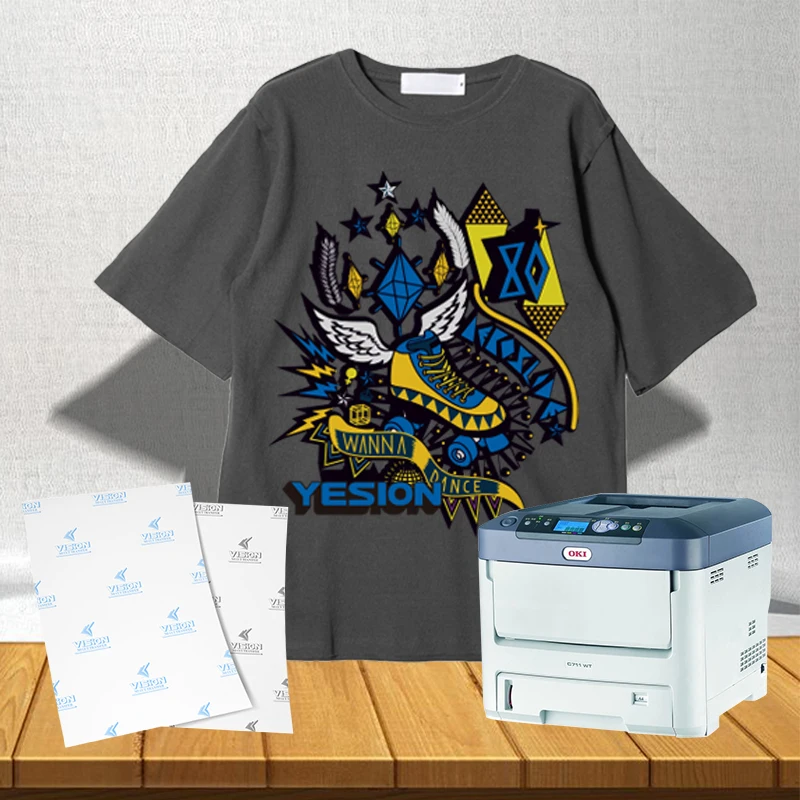
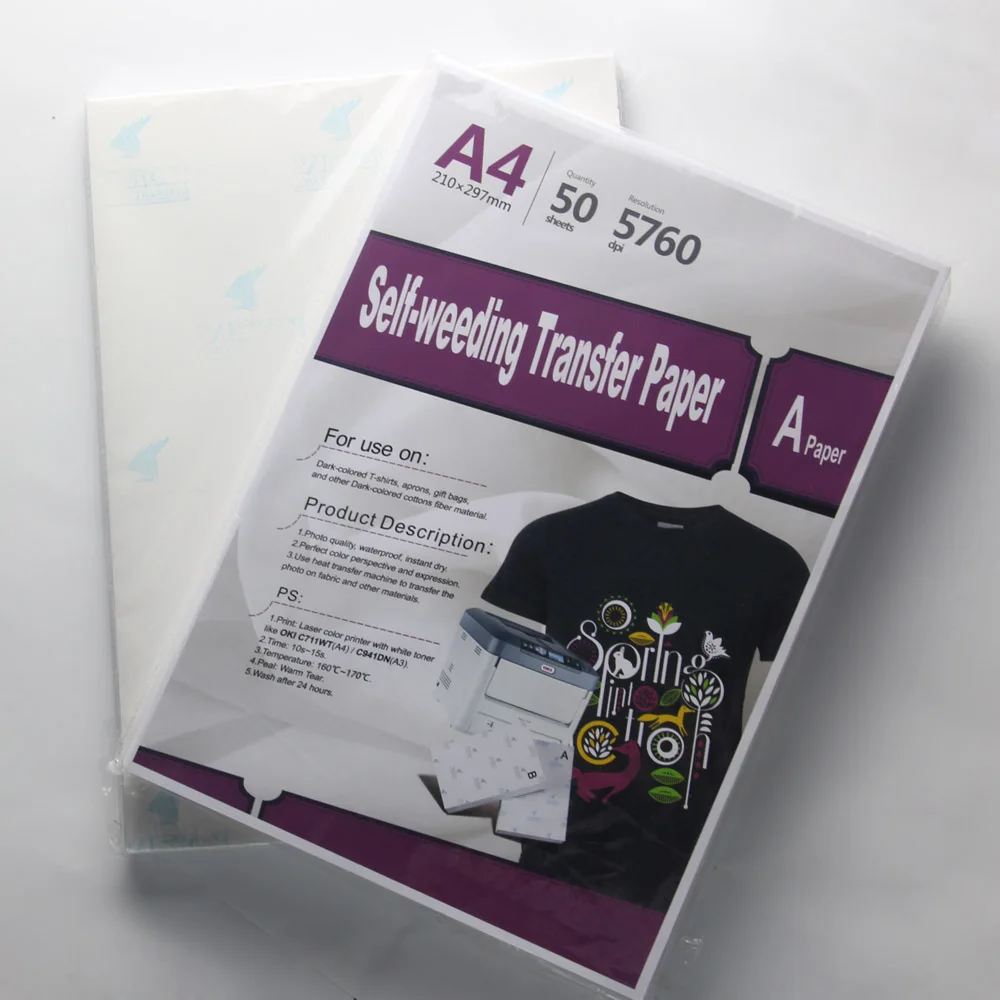
2019 hot sales! A4 printing A B Laser no cut self weeding for dark colored fabric all color laser OKI printer white toner
- Category: >>>
- Supplier: Shanghai Yesion Industrial Co. Ltd.
Share on (62019889524):
Product Overview
Description
2019 hot sales!
Company Information


A4 printing A+B Laser no cut self weeding for light colored fabric all color laser OKI printer white toner
Product Description
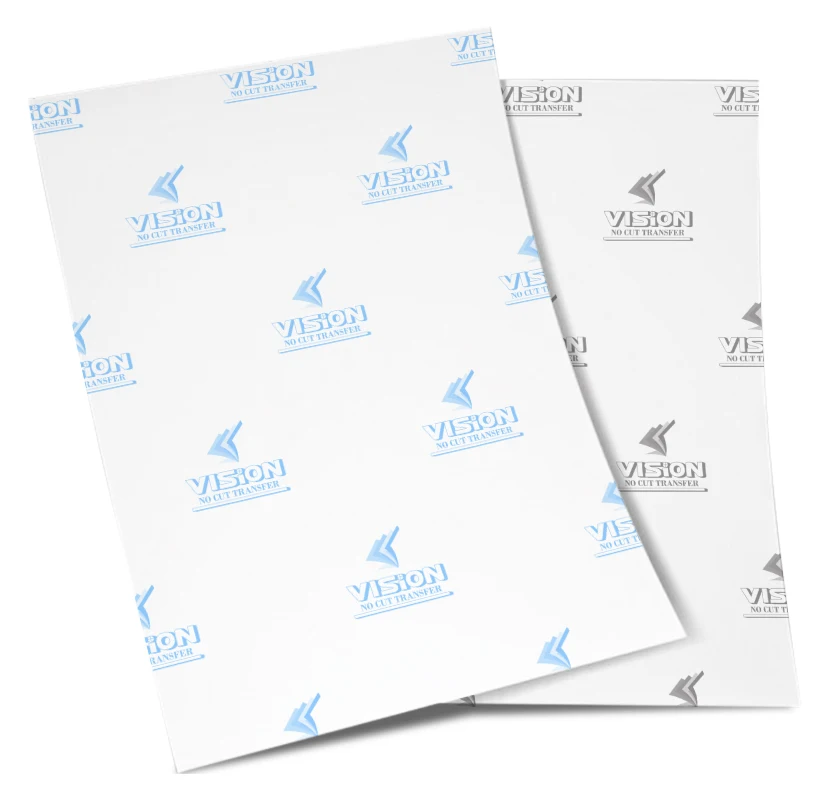
Laser Dark (No-Cut) is the revolutionary transfer paper that allows you to print onto a vast array of textiles and surfaces.Including Cotton, Polyester, Polycotton, Nylon, Polypropylene and much more.One set Includes both A paper and B-Paper
Specification:
2.Size :A4, A3
3 .Package :50 sheets/pack,Neutral packing
4.self weeding no cut laser transfer paper use for black cotton color clothing,
5 dark heat transfer paper use for other color clothing.
6 Use heat press machine to transfer T-shirt
7 High effective,color keep for longtime.

Features:
1.Photo quality , waterproof , instant dry
2.Perfect color perspective and expression
3.Use heat transfer machine to transfer the photo on fabric and other materials
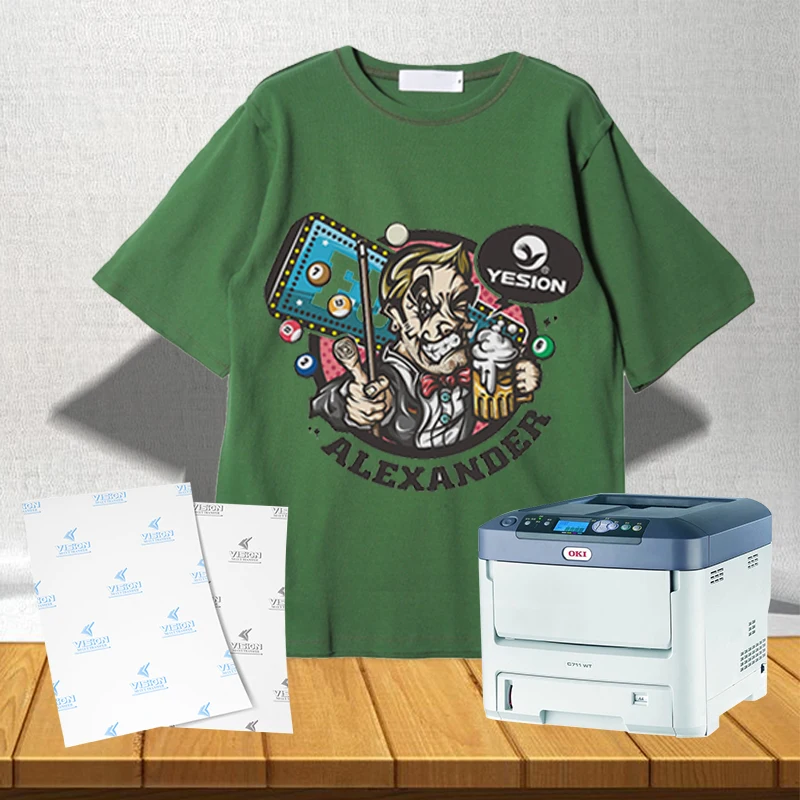
4.Suitable for laser printer with white toner,like oki.
5.Packing:In cartons

transfer process
1, Pre-printing
a, The selection of laser printer.
When printing, if there has white color in the image, you should use OKI C711WT, which has white toner. If there has no white color, either OKI C711WT or other normal laser printers are ok.
But if possible, we recommend you to use OKI C711WT for the better printing effect. Of course, maybe your T-shirt is all white, so other models of OKI can be your choice.
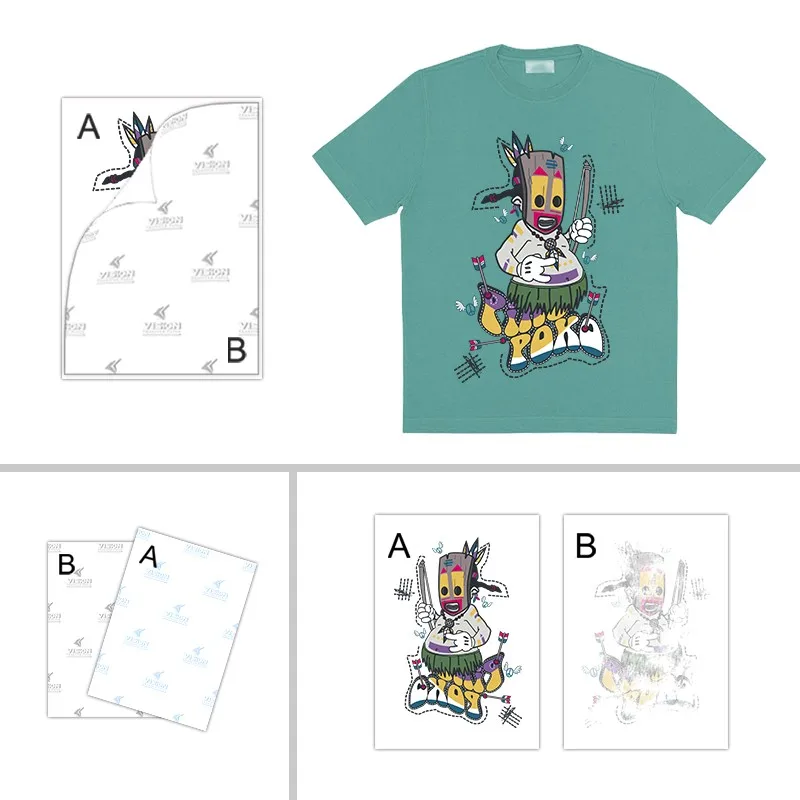
b, Self-weeding have A(Blue Back Label) and B(Gray Back Label).
c, B(Gray Back Label) has a layer of white film on the surface, and the size is smaller than A(Blue Back Label), so that we can peel B off A smoothly.
d, We should choose “Heavy” in print attribution.
e, Please adjust the temperature to 160℃-170℃and the time to 60s-90s, finally depending on your own press machines.

2, Transfer Steps
a, Print the picture on the front side of A.
b, Put B front onto A front, then overlap.
b, Adjust the temperature to 160℃-170℃and the time to 60s-90s. When time’s up, peel B off A rapidly without leaving the flat (Hot Tear). If there has remaining glue on the edge of A, you need to cut off.
f, Reset the temperature to 160℃-170℃and the time to 10s-15s, then put the T-shirt onto the flat and put A(Printing Side) onto the T-shirt. When time’s up, after several seconds, peel A off the T-shirt.(Warm Tear)
Packaging & Shipping

Samples
We provide free sample for your test , and the shipping cost is payed by your side ( W.U or Paypal )
Sample will be sent within 2-3 days after we receive your payment .
PAYMENT
Related Products


FAQ
What's the different between sublimation paper and transfer paper?
1. Definition:
1.Sublimation paper is applicable to sublimation transfer, on which can print images with mirror reversal through inkjet printing, flat printing, screen printing and gravure printing. Then transfer the image onto media by heating and pressuring, which can make ink on the paper become gaseous state and combine with the media.
2.Heat transfer paper is applicable to heat transfer, on which can print images through flat printing or gravure printing, and then combine with media by heating and pressuring in order to transfer image onto media.
2. Ink:
Sublimation paper usually use with sublimation ink.
Heat transfer paper usually use with sublimation ink, pigment ink, solvent ink or others.
3. Media:
Sublimation paper can be transferred onto polyester, mouse pad, banner and hard surface, such as mug, ceramic and aluminum plate. But heat transfer paper is usually transferred onto cotton.
We Recommend



New Arrivals
New products from manufacturers at wholesale prices







