



SOLMITECH RefitCam SHC CM1 Mobile Health Monitoring Camera Checking Body State Higher Performance Simple Home Care Item
- Category: >>>
- Supplier: GSAK Co. Ltd.
Share on (62023242055):
Product Overview
Description
Our Brand
SOLMITECH Co., Ltd.
Founded in 2010, SOLMITECH Co., Ltd. is a company specialized in next-generation healthcare and medical systems that combines ICT expertise and medical device development technology. Through continuous research and development, we develop and manufacture exercise and health management system
Product Description
SHC-CM1
Components : 1 Refit Cam, 1 Silicone cap, 1 User guide
Size : 105mm × 20mm × 29mm
Weight : 36g
Color : White (Body)
Rated voltage : DC 5.0 V (No built-in battery, Smartphone battery is applied
Certificates : KC, CE, FCC
Manufacturer : Solmitech Co., Ltd.
Country of Origin : Republic of Korea
Home health camera
- Smartphone-based health camera.
- Checking the condition of ears, mouth, nose, scalp and skin conditions and managing it over time.
- Real-time monitoring of disease state and its management.
- Maintaining optimal health conditions
Easy usage
- Refit Cam does not require a separate charging.
- When you connect the Refit Cam to the smartphone USB, you can check the app screen as the LED lights automatically.
Connect to the Refit Gateway and use it on your iPhone!
- In case of iPhone, you need a Refit Gateway (SHC-GT1).
※ Refit Gateway (SHC-GT1) sold separately
The dark part can be seen brighter on screen!
- The low-power but highly brighter LEDs of Refit Cam can help you see the darker and distant parts or objects comfortably just by zooming in the focus on the spot and viewing it clearly on the smartphone screen.
Pictures, movie recording and their storage
- It is possible to take pictures and record videos of the focused area.
- The files will be saved automatically in the dedicated folders.
View the captured images
- It gives you flexibility to record and arrange the videos and images as per your convenience. You can manage the recordings and keep back-ups to view them at any time and in any situation.
Download RefitCam app from Google Play Store and App Store
- To use Refit Cam, it is essential to use its app.
- You can download it from Google Play Store and App Store
Tip on using Refit Cam!
- Set the brightness of your smartphone as high as possible.
- It helps you see clear images and recordings comfortably
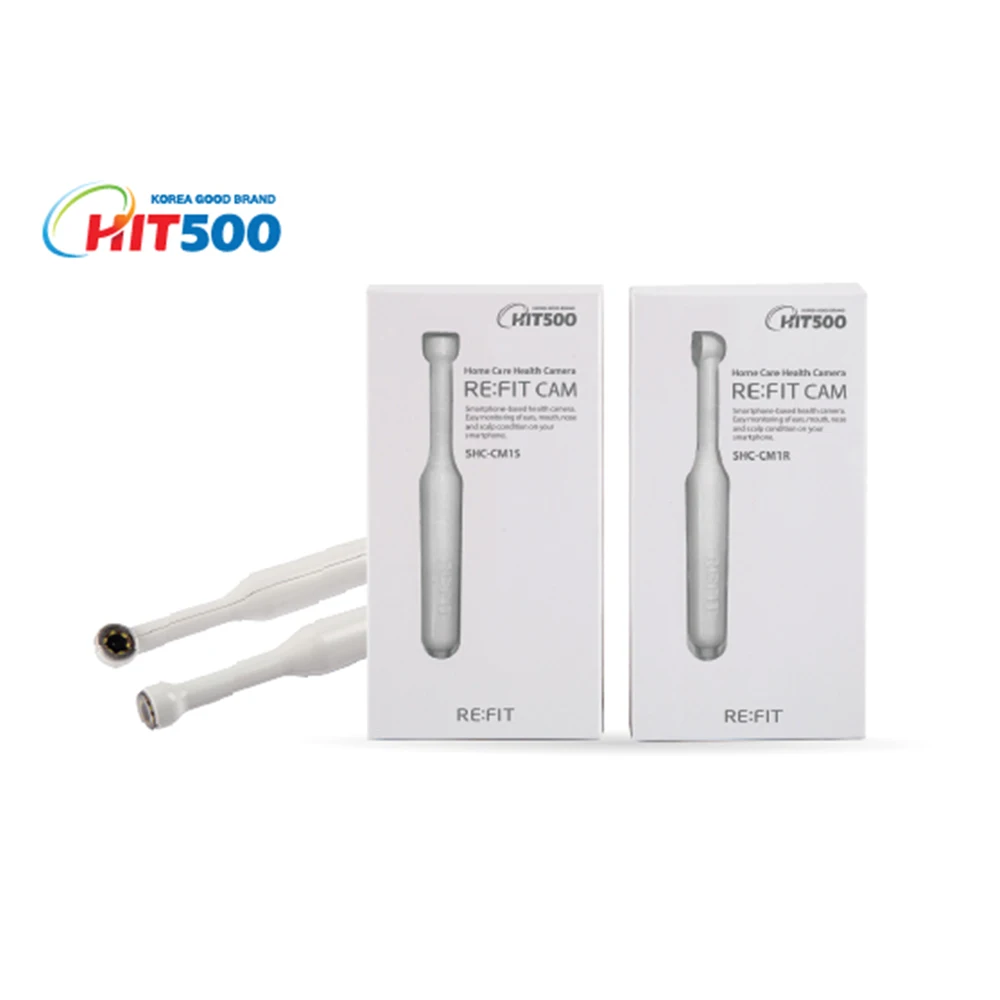
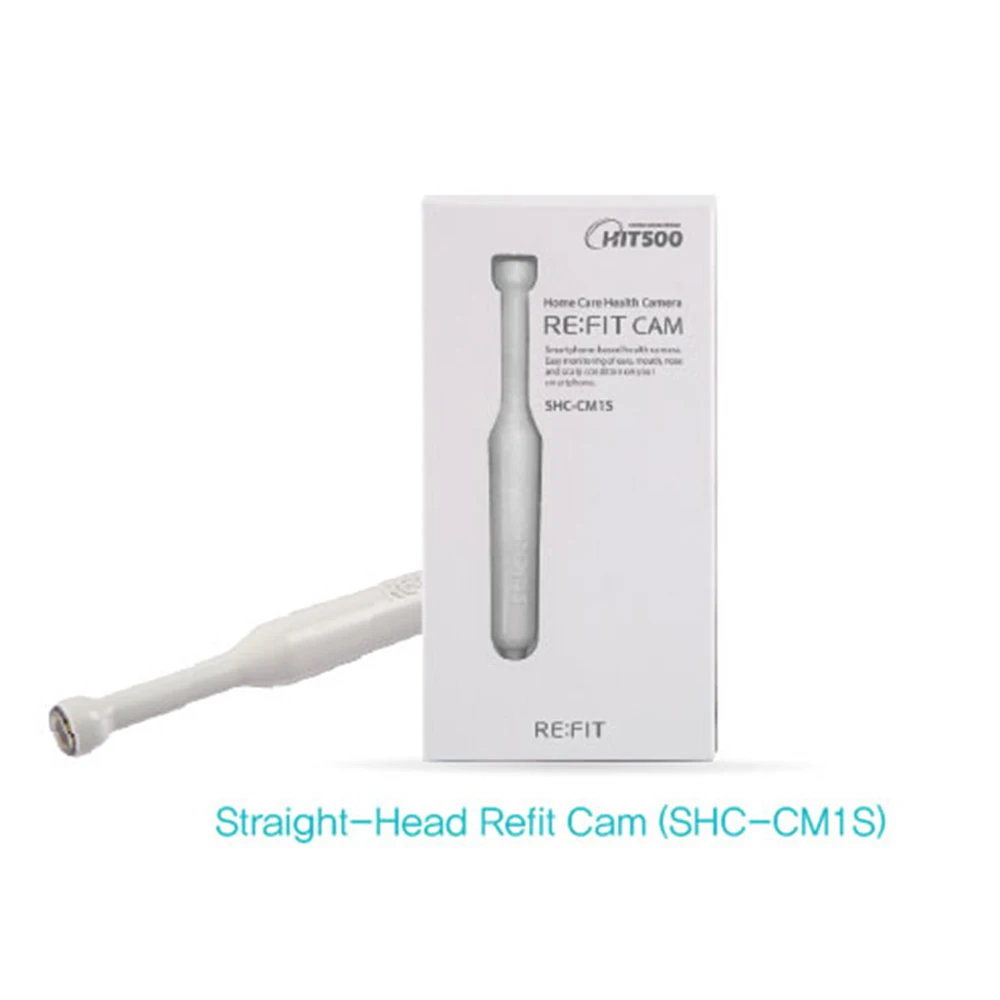
Straight-head camera Refit Cam (SHC-CM1S)
- Scalp, skin, inner ear, nasal cavity, plant patterns, insect feathers, mineral crystals etc.
- 50 times magnified photography.
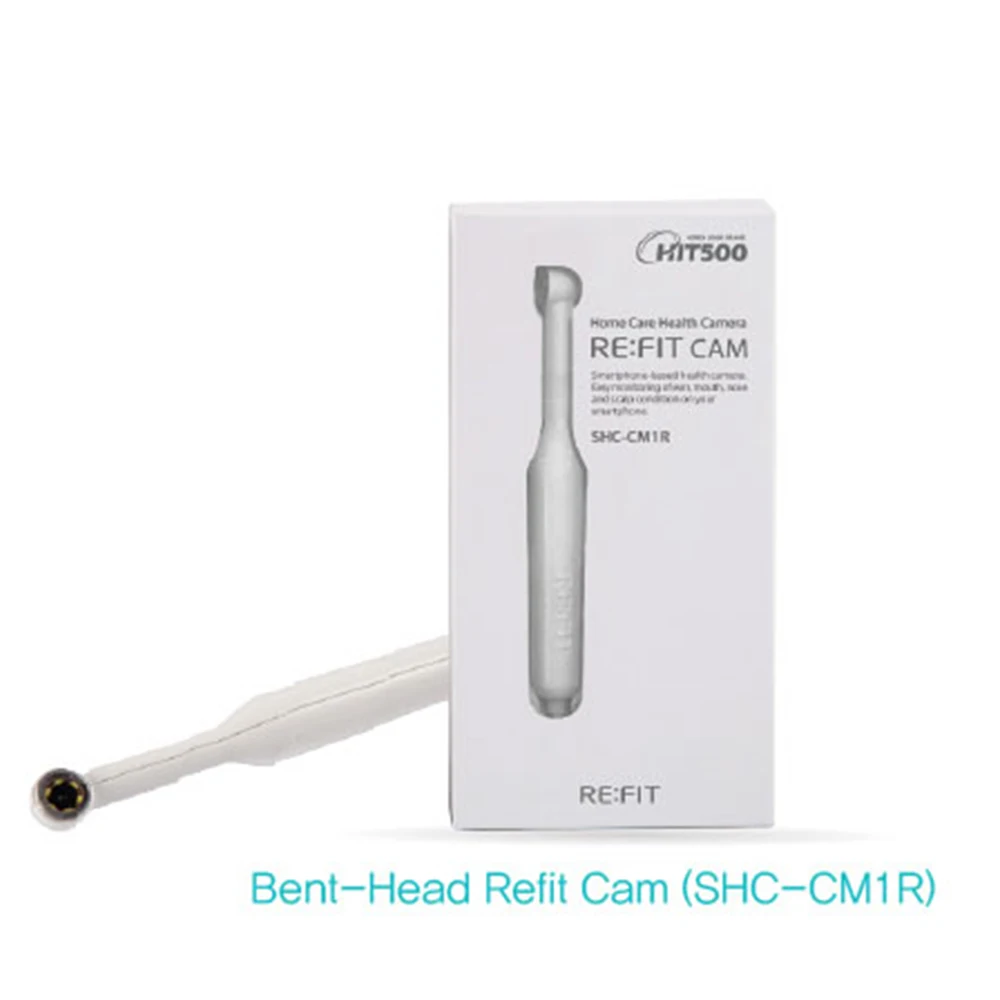
Straight-head camera Refit Cam (SHC-CM1S)
- Tooth check, wrinkle care, fiber pattern, part number, letter enlargement, magnifying glass, etc. (10x magnified photography)
Connect Refit Cam with Android OS Smartphones
- Connect Refit Cam to the USB terminal of your smartphone. When a pop-up window saying "Open RefitCam when this USB device is connected?" appears, check the box and click OK. Then, whenever you connect Refit Cam to your smartphone next time, Refit Cam application program will automatically start. If Refit Cam is connected to your smartphone properly, the main window appears ready to take images and videos. If the connection fails and you see the window saying "Connection with RefitCam failed", then simply disconnect Refit Cam and reconnect it to your smartphone.
Connect Refit Cam with iOS Smartphones
- When you use your Refit Cam with your iPhone, you need the Refit gateway (SHC-GT1). Connect a power adapter or the output code of a portable battery to the power socket of the gateway tightly. Plug the USB cable of your Refit Cam into the socket marked with a camera icon in the side of the gateway. Find the Refit Cam Gateway from the list of the WiFi search window on your iPhone and click the list to activate it. (It will take about 1~2 minutes depending on the environment of WiFi communication.) Run the Refit Cam application program and see the images on the screen of your iPhone.
Connect Refit Cam to PC
- To connect Refit Cam to the PC, you must use the Micro B(F)-USB A(M) OTG conversion gender. Download and install VLC player, a video player based on a free open source platform, for use in a PC environment with Refit Cam.(//www.videolan.org) Connect Refit Cam to the PC and run the VLC player. (On the menu toolbar, select Media>Open Capture Device, set the video device to 'Endoscope' in the device selection area on the Capture Open Device tab.) Press the play button and see the screen.
Look at the same image on multiple smartphones!
- Using the Refit Gateway, you can see the same image on multiple smartphones at the same time.
Troubleshooting (Android OS Smartphones)
- Refit Cam can be used by connecting the USB cable to your smartphone for taking photographs and recording videos. Hence, when there is any communication problem, check the connection between Refit Cam and your smartphone. Refit Cam consumes your smartphone battery or portable battery for its operation, so it does not need any charge. Refit Cam operates on smartphones that provide USB OTG functionality. If your smartphone has USB 3.0 function, you need to use a converting gender. For smartphones that support USB 3.0 communication, please use the conversion gender after connecting. Please check the available smartphone model before use.
Troubleshooting (iOS Smartphones)
- When you use the Refit Cam for a long time (more than 30 minutes) continuously, the battery of your smartphone can be discharged excessively and a little heat can be detected on the Refit Cam. In that case, please disconnect your Refit Cam from the smartphone or the gateway for a while. After 1~2 minutes, reconnect your Refit Cam and use it again.
Certification
We Recommend







New Arrivals
New products from manufacturers at wholesale prices






