
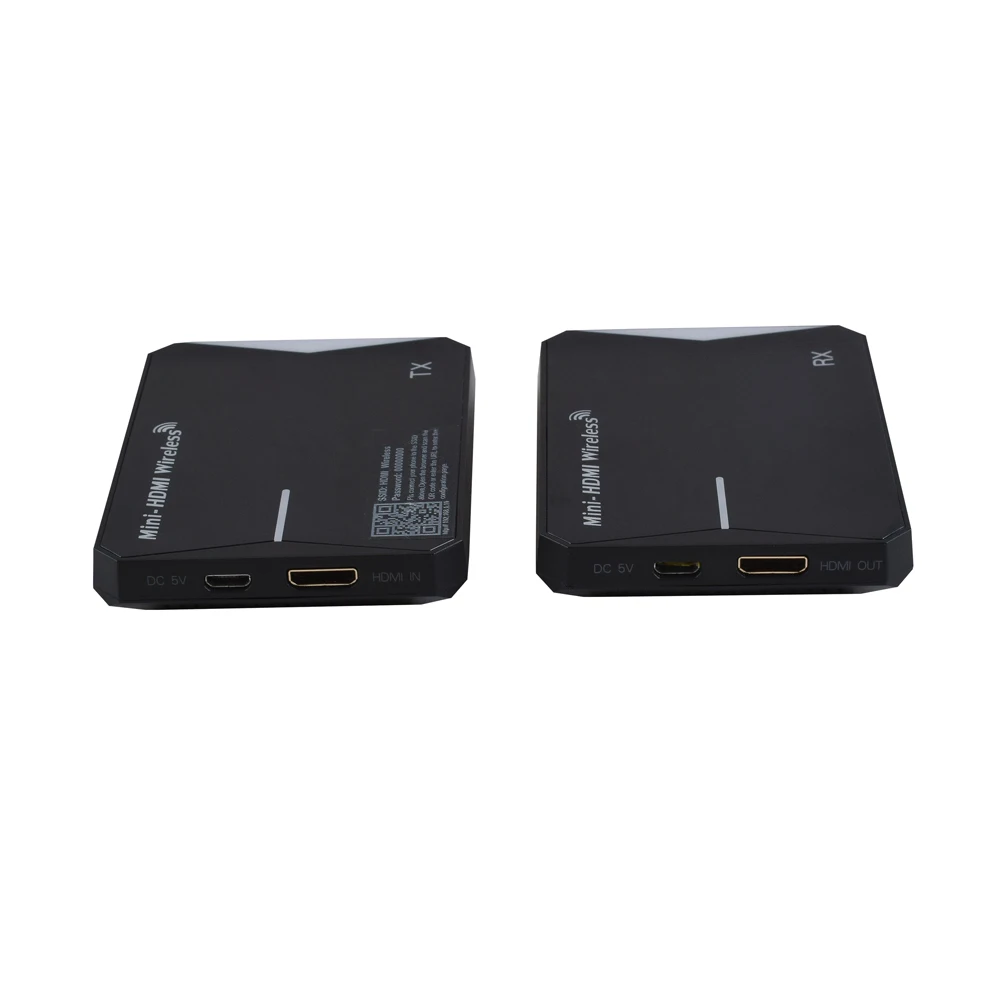
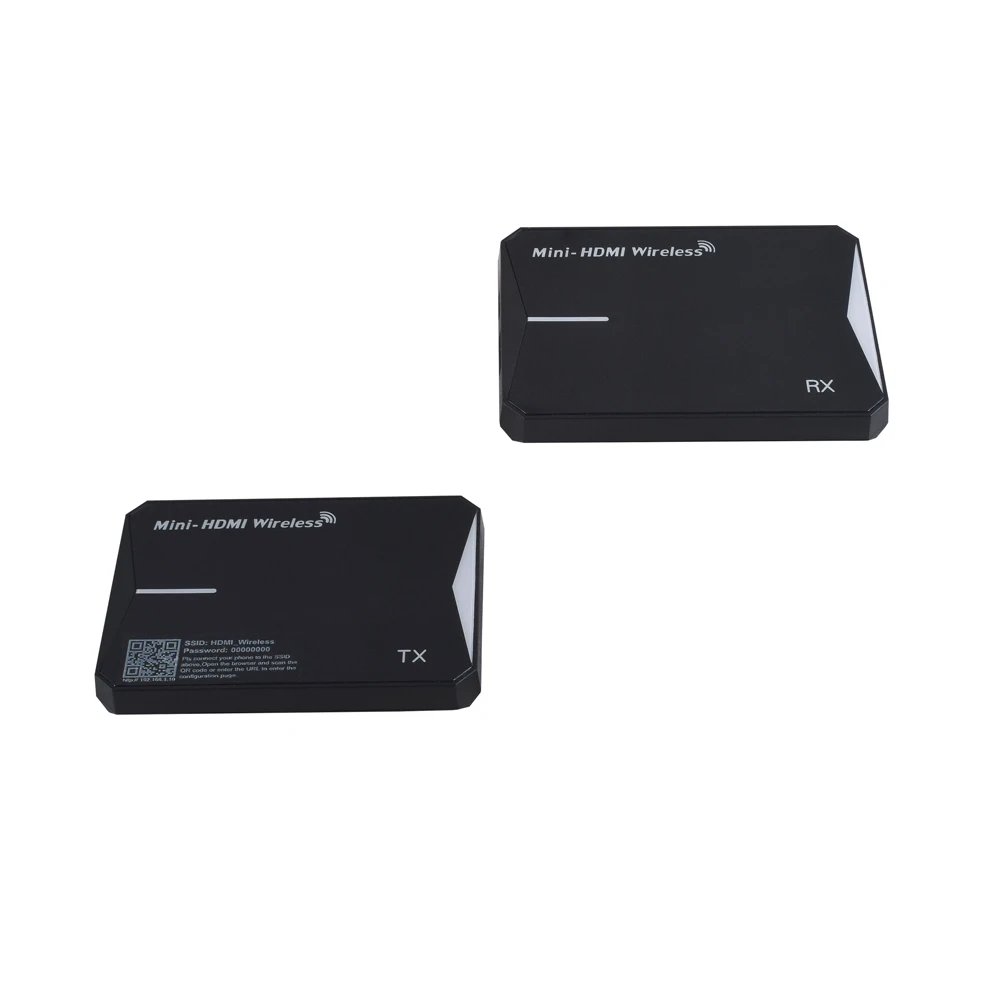
60m Wireless HDMI extender 5G wireless HD Transmitter and Receiver support high resolution 1080P
- Category: >>>
- Supplier: Ask Technology Co. Ltd.
Share on (62030851596):
Product Overview
Description
60m Wireless HDMI extender 5G wireless HD Transmitter and Receiver support high resolution 1080P

1.1 Connect the HDMI input port of the HDMI wireless TX to the HDMI output port of the signal source by HDMI cable.
1.2 Connect the HDMI output port of the HDMI wireless RX to the HDMI input port of the TV/Monitor by HDMI cable.
1.3 Connect the IR Transmitter cable to the HDMI wireless TX and the IR Transmitter cable must face to
the control target device.
1.4 Connect IR Receiver cable to the HDMI wireless RX.
1.5 Connect 5V power supplies to the TX&RX, the POWER indicator will be lit at this moment.
1.6 The device will automatically connect after power on. The STATUS indicator of TX and RX will be lit
when the connection is successful. If the HDMI input or output signal is normal, the HDMI indicator light will be lit also. The STATUS indicator flashes continuously during normal transmission.
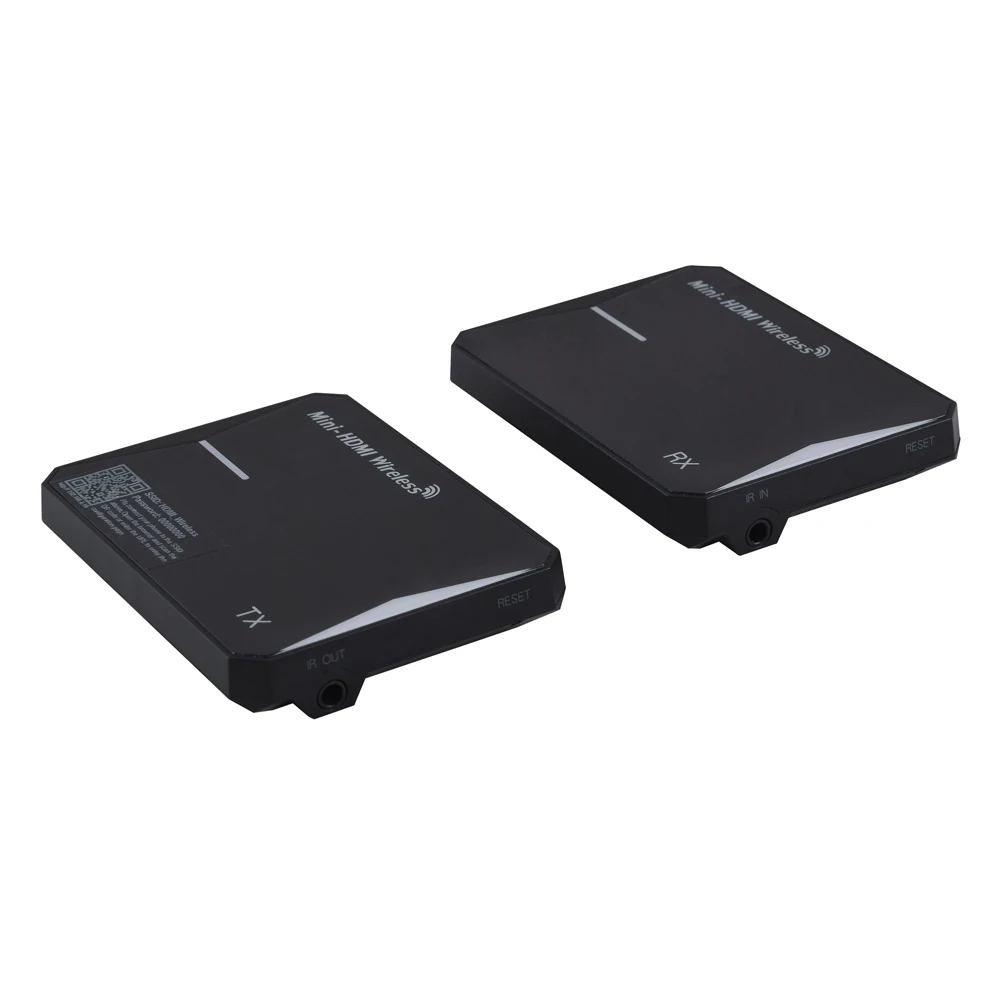
1.7 Note: the antenna is located on the side near the IR interface, Please point these two faces towards
each other when placing them.
3. Web settings:
To prevent the interference caused by the same frequency device, the Wireless HDMI Extender support to set up the working frequency, transmit channel and SSID by the WEB. For safety, the user should change the SSDI and the password at the first log in. Please follow the steps which on user manual .
2. Restore factory settings and switch wireless band:
The reset key is hidden in the RESET hole. It is able to work under power on status. To use one long and narrow insulated stick (like toothpick) to insert the hole end to press the button as below:
2.1 Restore Factory Setting: To press the button for lasting three seconds, then the HDMI Status Led Light will flash for three times and restart, it shows that Restore Factory Set is successful.
Note: You must to restore factory set at both transmitter and receiver.
2.2 Switch Wireless Band: Press the button to cyclic switch the 2.4G/5G (only for TX). The default frequency is 5G.
4. Other notes:
4.1 When transmitting over long distances, it may be necessary to adjust the position or Angle of
the product to obtain stable signals.
4.2 The operating frequency of the product is the same as that of WIFI, Users are advised to
adjust the wireless frequency band or channel to avoid the same frequency interference.
4.3 Concrete walls, Brick, Wallpaper, Metal, Bulletproof glass will shorten the signal cover range
or cause big signal loss. Please try not to allow wireless signals to pass through these
obstacles.
4.4 If you need to get around certain obstacles or get a longer transmission distance, you can add
a wireless repeater in the middle of the transmission path. Please consult the supplier for details.
SPECIFICATIONS:
Model No. | HDEX0018M1 |
Model name | Mini HDMI Wireless Extender |
HDMI resolution | 480P/720P/1080P@50Hz/60Hz |
HDMI Audio format | LPCM2.0/48KHz/16Bit |
HDMI Max bandwidth | 225MHz |
HDMI Max baud rate | 6.75Gbps |
Output cable length | 1080P/AWG 26 ≤12m |
Antenna type | Built-in 3dBi gain antenna |
Wireless standard | IEEE 802.11a/n/ac |
Wireless Band | 2.4GHz / 5GHz ISM Band |
Max Data rates | up to 150Mbps |
Transmit Output Power | 14±2dBm(IPEX) |
Transmission distance | up to 60m (in open space) |
IR Carrier frequency | 20-60KHz |
Power adapter specification | AC 100~240V / USB 5V/1A |
Max working current | TX≤750mA / RX≤550mA |
Working temperature range | -5 ~ +40℃ |
Working humidity range | 5 to 85%RH(No Condensation) |
Storage temperature | -15 to 55℃ |
Storage humidity | 5 ~95%RH(No Condensation) |
Size | 85*62.5*15 (mm) |
Weight | TX 57g/RX 56g |
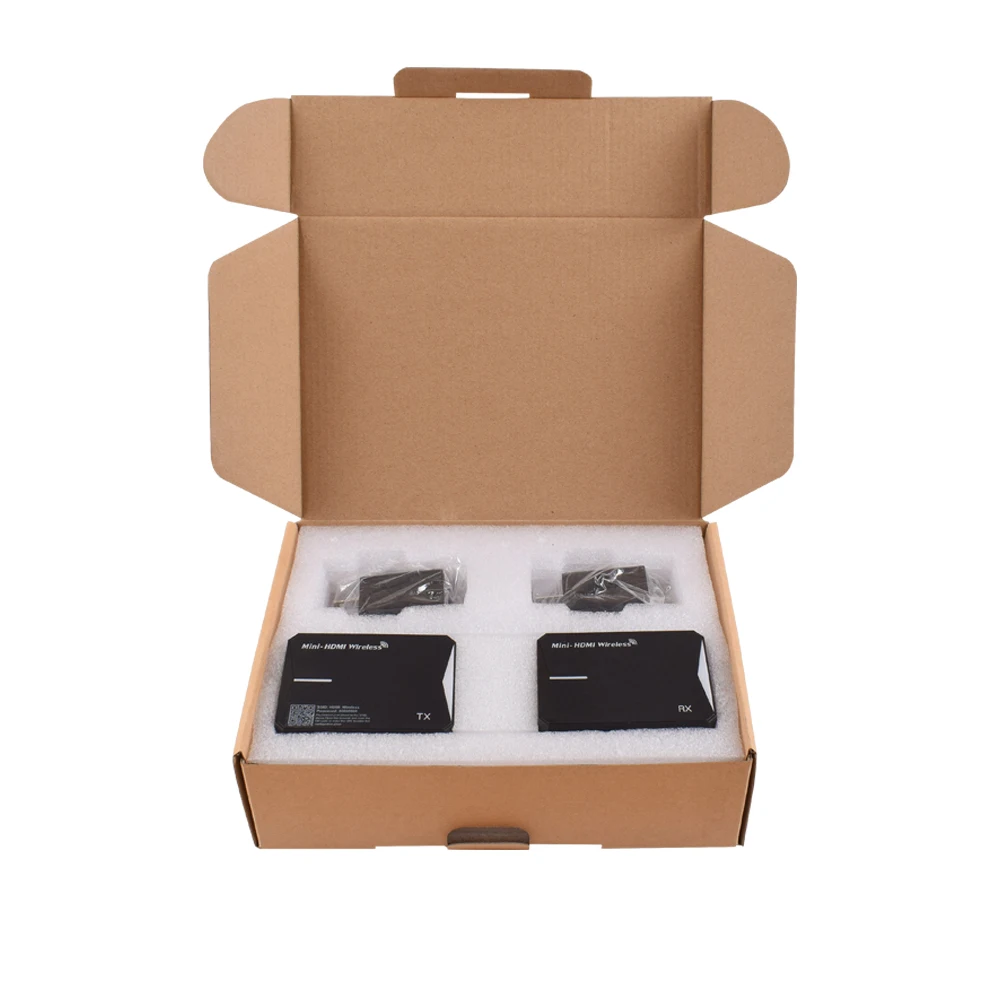
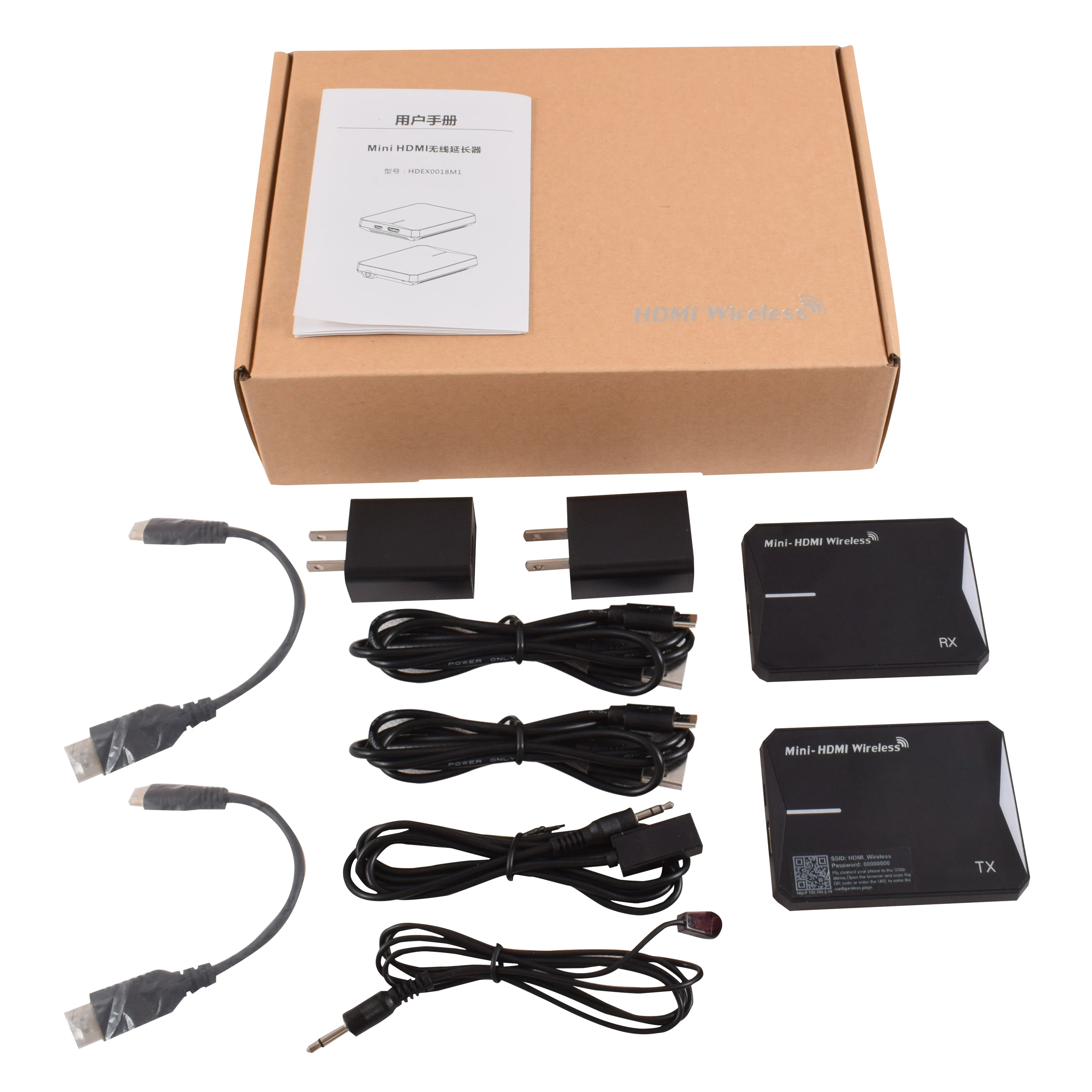
Accessories | Manual x1, Power Adaptor x2, USB cablex2, HDMI-Mini HDMI cable x2, IR Transmitter cable x1, IR Receiver cable x1 |
We Recommend







New Arrivals
New products from manufacturers at wholesale prices






