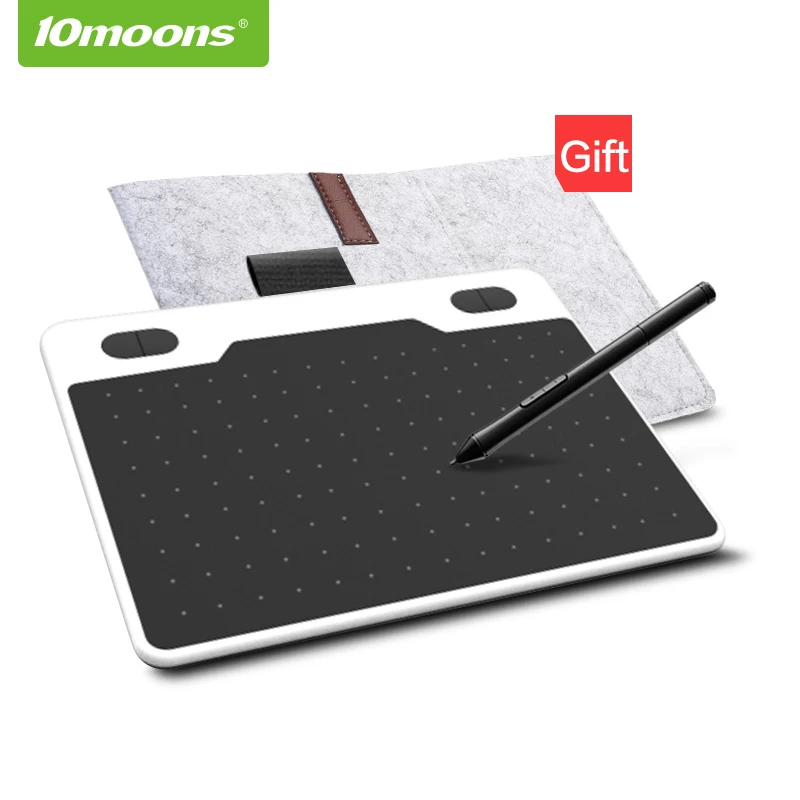
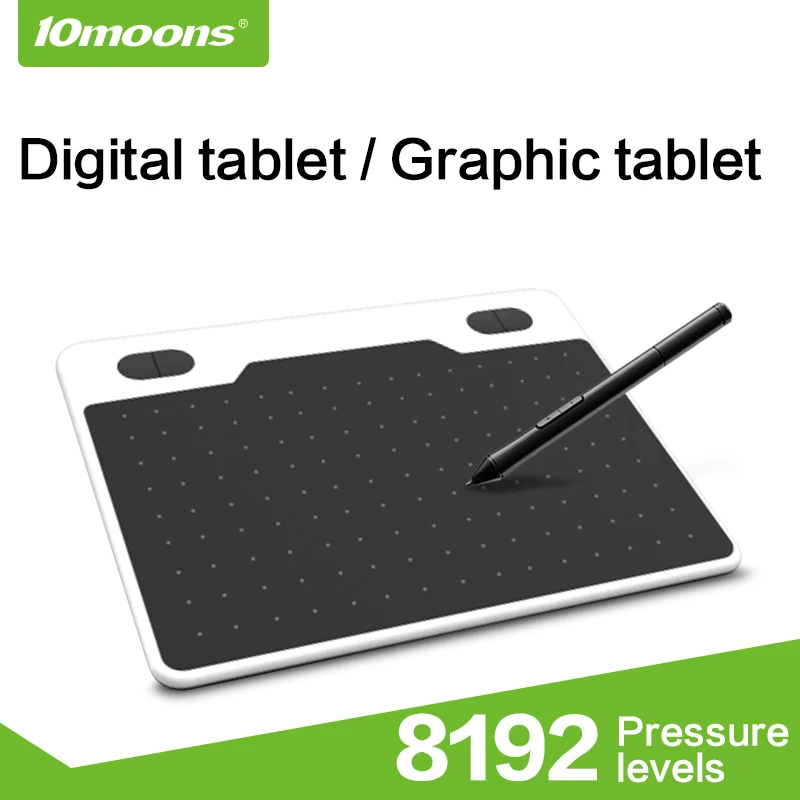
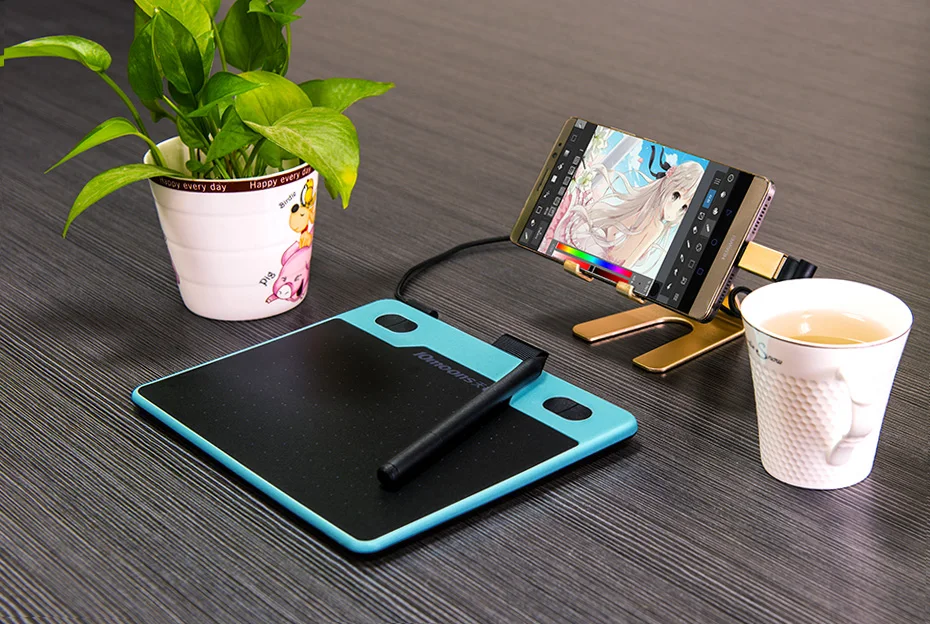
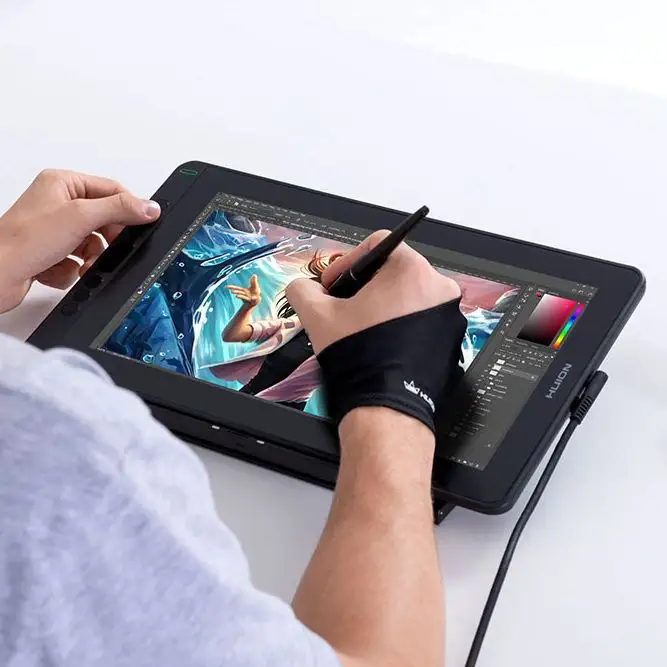
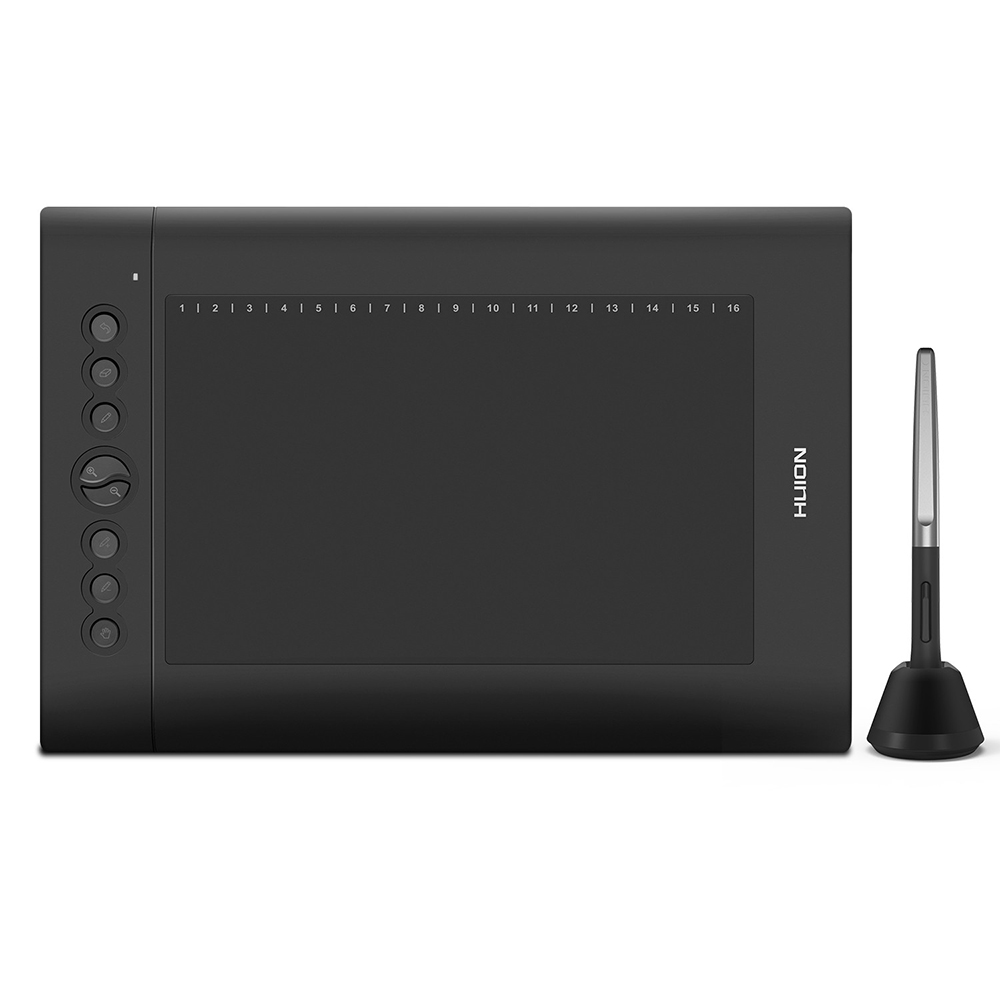
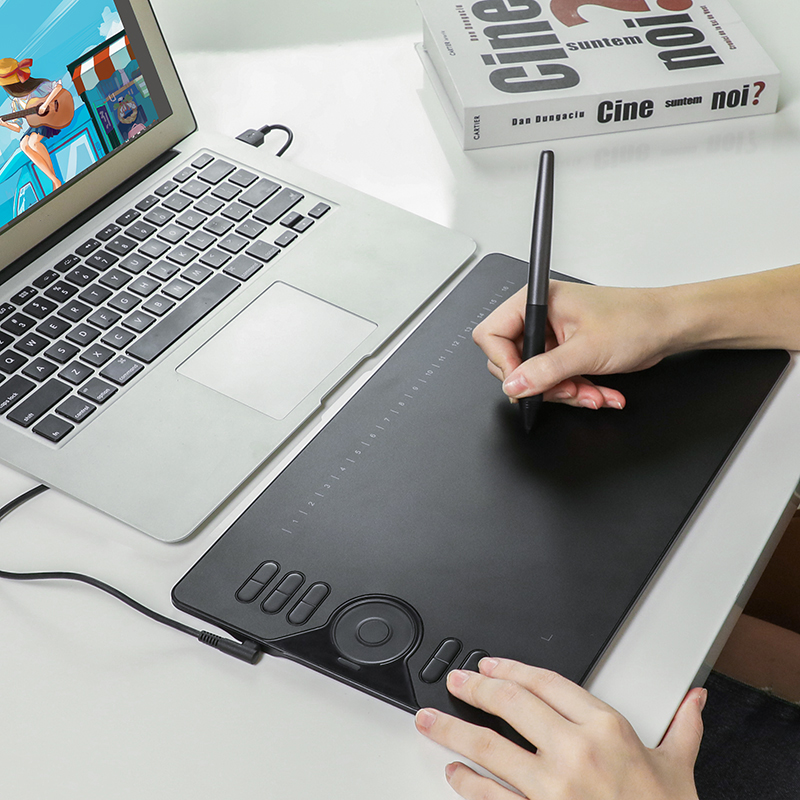
5 inches drawing tablet. The net weight of graphics tablet is only 171g, very portable.
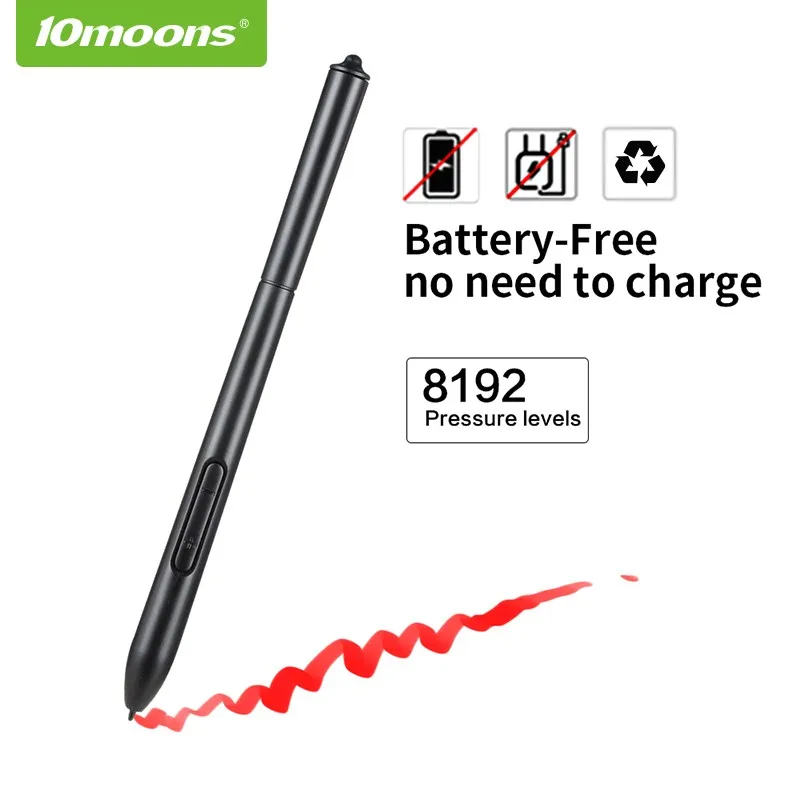
8192 Levels Pen Pressure. 8192 levels of pressure on the point of the stylus to reflect your ideas with the greatest fidelity and precision details.
5080 LPI Resolution. ensures low distortion, resulting in very smooth and precise lines.
233 PPS Report Rate. The new high-speed processor allows the tablet to read data faster, almost no delay in a variety of drawing software .
Specification Pressure Sensitivity: 8192 Levels Active Area: 6 x 3.7 150*93mm Resolution: 5080 LPI
Report Rate: 233PPS Accuracy: ±0.01 Inch Reading Height: 15 mm Net Weight: 171g Color Option: Black Power Voltage: USB cable 5V Power Consumption: <0.5 W Compatibility: WINDOWS10/8/7/Vista/XP(32/64bit) and Mac OS 10.7 above
Company Information
Packaging & Shipping
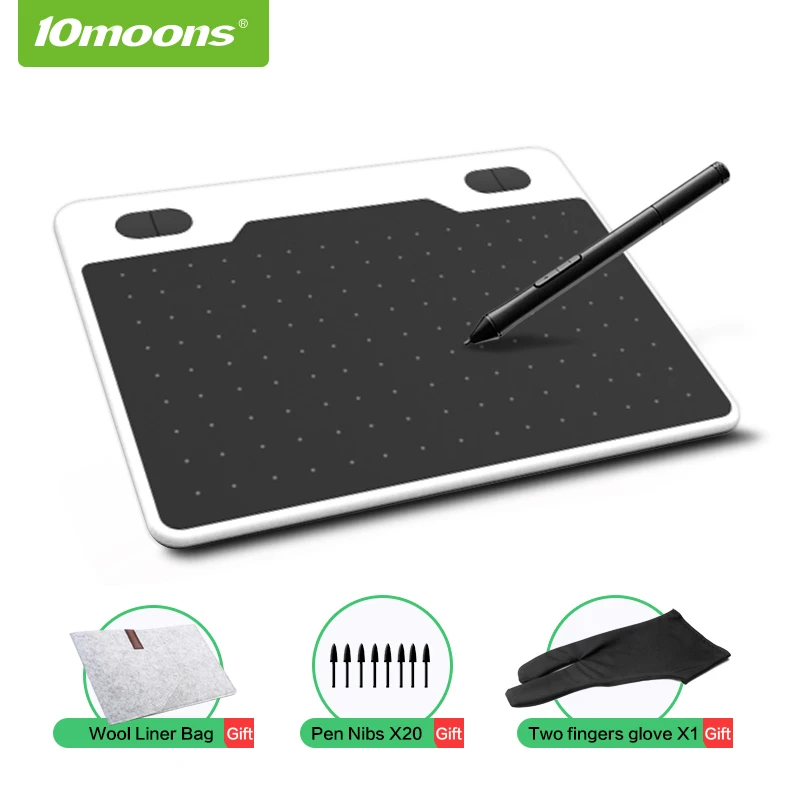
Package contents:
1x 1060Plus Graphic Tablet 1x ArtPaint Pen 1x User Manual
8x pen nibs
1x pen clipper
Our Services
1. We can offer the best shipping service . If you have your own shipping agent, we also accept .
2.For any questions about shipping, pls contact us.
FAQ
The solution of delayed problem
1.In windows 7 system,please turn off [ flicks ] function. Just Windows 7 only need to do this.
2.There are delays in using photo shop software.
For this question, please refer to the FAQ page with Photo Shop software, which contains a detailed solution how to solute it.
3.There are delays in using PaintTool SAI software.
For this question, please refer to the FAQ page withPaintTool SAI software, which contains a detailed solution how to solute it.
4.There are delays in using non-professional painting software.
Some software such as Paint software of windows system or others(PPT/PDF/AI...) does not require pressure-sensing function (usually only use the mouse to operate),there may be occur delays phenomenon.
Please open the pan setting interface,find the [ Standard mouse mode ] option,tick the check box. Then it can be solved.