
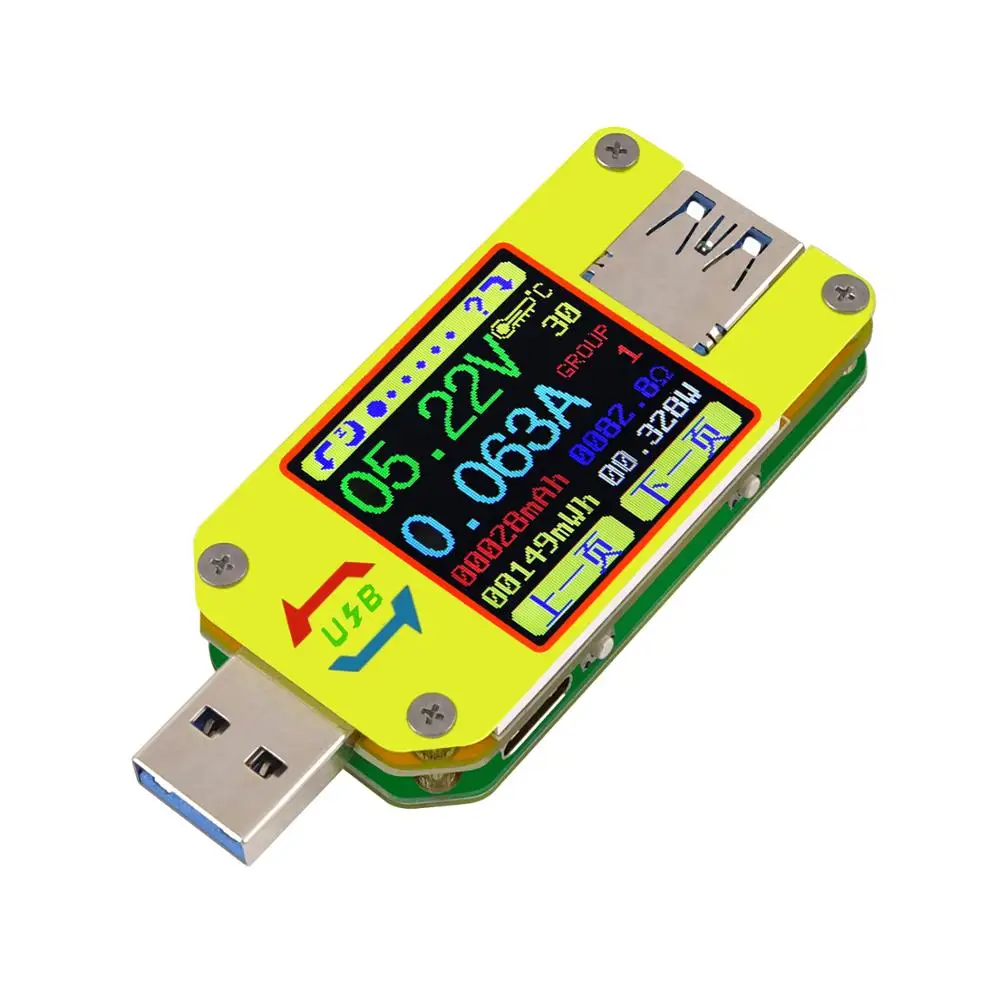
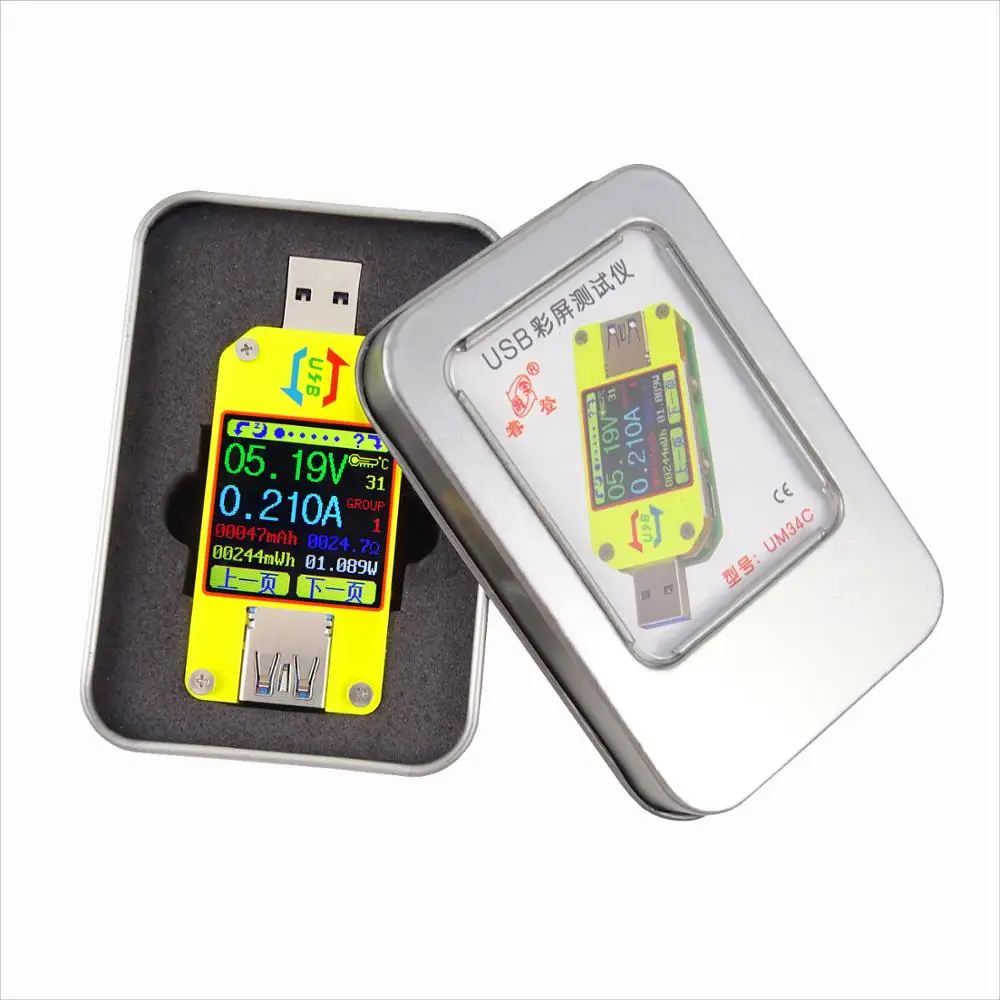
UM34 UM34C for APP USB 3.0 Type C DC Voltmeter ammeter voltage current meter battery charge measure cable resistance Tester
- Category: >>>
- Supplier: Shenzhen Sharphy Electronic Co. Ltd.
Share on (62045071786):
Product Overview
Description
UM34 UM34C for APP USB 3.0 Type-C DC Voltmeter ammeter voltage current meter battery charge measure cable resistance Tester
Product Description
File Download Way :
1, User manual and Android APP download link
2, IOS APP: search UM meter on iphone APP store to download
3, Android APP: search UM meter at to down load
Note:
1, UM34C Type-c port is just to measure type-c cable , not support all Typ-c quick charger and PD charger; and not have trigger for type-c .(because there is only one type-c in port , not type-c ; for UM25C it can support type-c quick charge, but not trigger. )
2. UM34 is no communication version, don't support any conmunication for PC and phone by anyway. UM34C is conmmunication version by Bluetooth connection. And UM34C don't have PC software , only have APP for android. (some brand phone android system belongs to custom-built system, our APP will not compatibility, eg xiao mi, Nokia and other brand, so please download and test before buying, Cautious to buy).
3. Phone APP (Android 5.0 and above, and IOS 8 and above . support 18 kinds language, chinese, english and Russia .... )
4. There are some incompatibility problem between some android phone and our bluetooth board, Please purchase carefully, such as Samsung NOTE8 / S8
5, For Android and IOS APP :
A: APP only support android 5.0 and above, and IOS 8 and above .
B: Allow APP to do in the background, not be cleaned.
C: allow APP self-starting.
D: Allow APP stay after screen locked, not be cleaned.
E, Type-c port is just to measure type-c cable , not support all Typ-c quick charge and PD charger; and not trigger.(because there is only one type-c in port , for UM25C, it can support type-c quick charge, but not trigger. )
6. Description video : https://www.youtube.com/watch?v=zZCPJQrqKPU
customer test video : https://www.youtube.com/watch?v=Ns5Jw7O77Mc
IOS APP operation: https://www.youtube.com/watch?v=K_IpRdneCwY&feature=youtu.be


Function interface:

The Core Function:
USB 3.0 port | Quick Charge Recognition |
With Chinese and English help interface | Android Phone APP Control |
Data Record and Store | Capacity/Energy Detection |
Rotate the screen in 4 directions | Voltage/Current/Power Detection |
Differential Voltage Method Measurement Cable Impedance | |
Load connecting detection function (screen auto off, plug the load, screen auto lighting) Device Layout | |

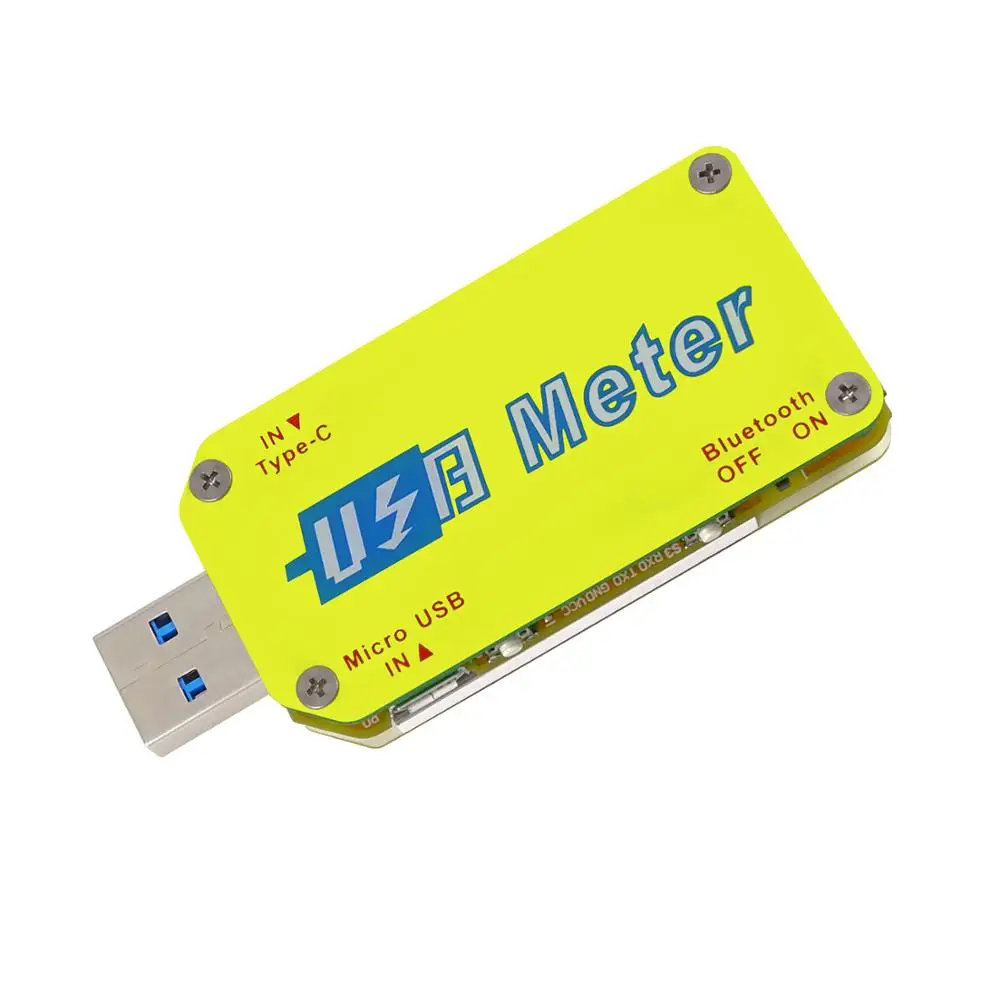
A:Micro USB Port
B:Multifunction buttons (4 pieces)
C:Bluetooth Switch
D:USB 3.0 A Female Port
E:USB 3.0 A Male Port
F:Type-C Input Port (Only VBUS,GND,CC1,CC2 four wires)
F:Type-C Input Port (only for USB to Type-c to measure cable resistance)
G:1.44 Inch Color Screen
H:Bluetooth Indicator: When connected to the host computer control software, the Bluetooth indicator changes from flashing to steady state. When connecting, the Bluetooth icon is displayed on the screen. (Bluetooth communication version only).
Interface Prompt Representing Functions

1: Press and hold the key to rotate the Screen Left
2: Press the key to close the screen
3: Press the key to open the help interface
4: Press and hold the key to rotate the screen right
5: Press PREV key to previous page
6: Press NEXT key to next page


7:Voltage Measurement
8:Current Measurement
9:Accumulated Capacity
10:Accumulated Energy
11:Temperature Measurement
12:Number of the Data Group in use
13:Load Equivalent Impedance
14:Power Measurement


Interface 2: Quick Charge Recognition Interface
15:D +: (DP) data positive signal level.
16:D-: (DM), data negative signal level.
17:Mode display
18:Accumulated Capacity
19:Accumulated Energy
20:Time display:The total accumulated recording time.
21:Capacity/Energy statistics trigger current
22:REC:recording status indicator. ‘REC’ displayed in red indicates that recording is stopped. ‘REC’ displayed in green indicates that recording is in progress.

23:USB Tester directly connected to the power supply with Voltage and Current values displayed
24:USB Tester connected via a data connection cable with Voltage and Current values displayed.
25:Data Connection Cable resistance.

This interface displays the voltage measurement over time in the 4-24V range and will automatically adjust the displayed range in real time to account for voltage fluctuations. And the current measurement over time in the 0-5.000A range and will automatically adjust the display range in real time to account for current fluctuations.

Interface 6: System Parameter Setting Interface
26:Auto screen off time
27:Screen brightness
28:Temperature display C/F
29:Theme background color
30:Theme foreground color
Press and hold the "Next" button to enter into setting state, press “NEXT” button to step through the options of auto screen off time, brightness level, temperature display units, theme background color and theme foreground color. Stop on the value you wish to change then press the "PREV" button to change the setting.
For auto screen off time setting press ‘PREV’ to repeatedly step though the 10 options from 0 to 9 minutes. Default time is 1 minutes.
Packaging & Shipping

Company Information
Welcome to our store
Shenzhen Sharphy Electronic Co., Ltd
Amplificador amplifiers is Shenzhen Sharphy electronic which is located in shenzhen, We have our own factory base so to get good quality control and more competitive price. All products are produced under strict Electronic Standard and been tested many times before ship out. We supply stable quality product with excellent service and competitive price, won a lot of approvals and supports from our clients.We sincerely hope to work with you and build our long term business relationship.

We Recommend







New Arrivals
New products from manufacturers at wholesale prices






