
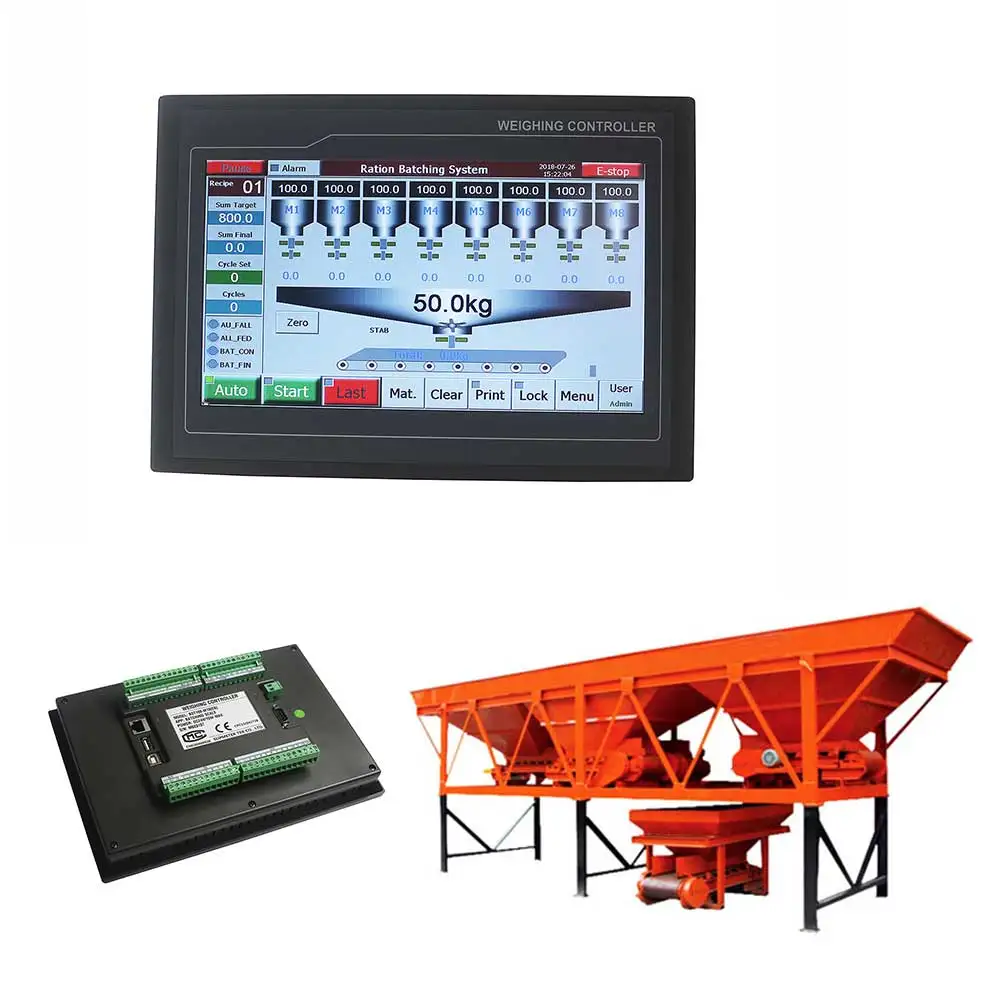
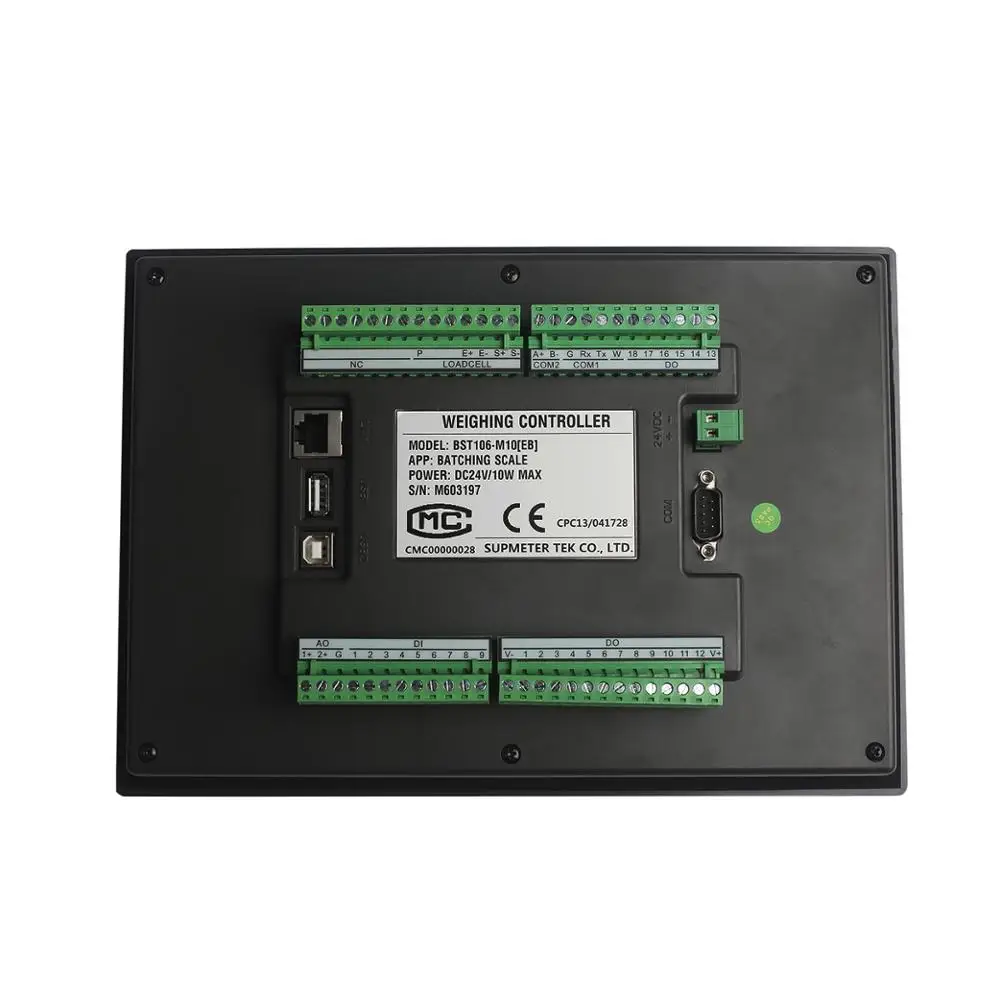
Industrial 1 16 Materials Ration Batching Control for Concrete Mixing Batching Plant BST106 M10(EB)
- Category: >>>
- Supplier: Changsha Supmeter Technological Co. Ltd.
Share on (62060835173):
Product Overview
Description
Industrial 1-16 Materials Ration Batching Control for Concrete Mixing Batching Plant
Main Features:
² Suitable for Ration Batching Scale with 14-Material&2-Speed Feeding or 16-Material&1-Speed Feeding [Single-scale Mode].
² EMC design with high anti-jamming capability, suitable for industrial environment.
² Cortex-A8 CPU with 600MHz Clock, 128M RAM and 128M Flash.
² 7”/10.2” Ultralight and ultrathin TFT touch screen with embedded weighing/control module.
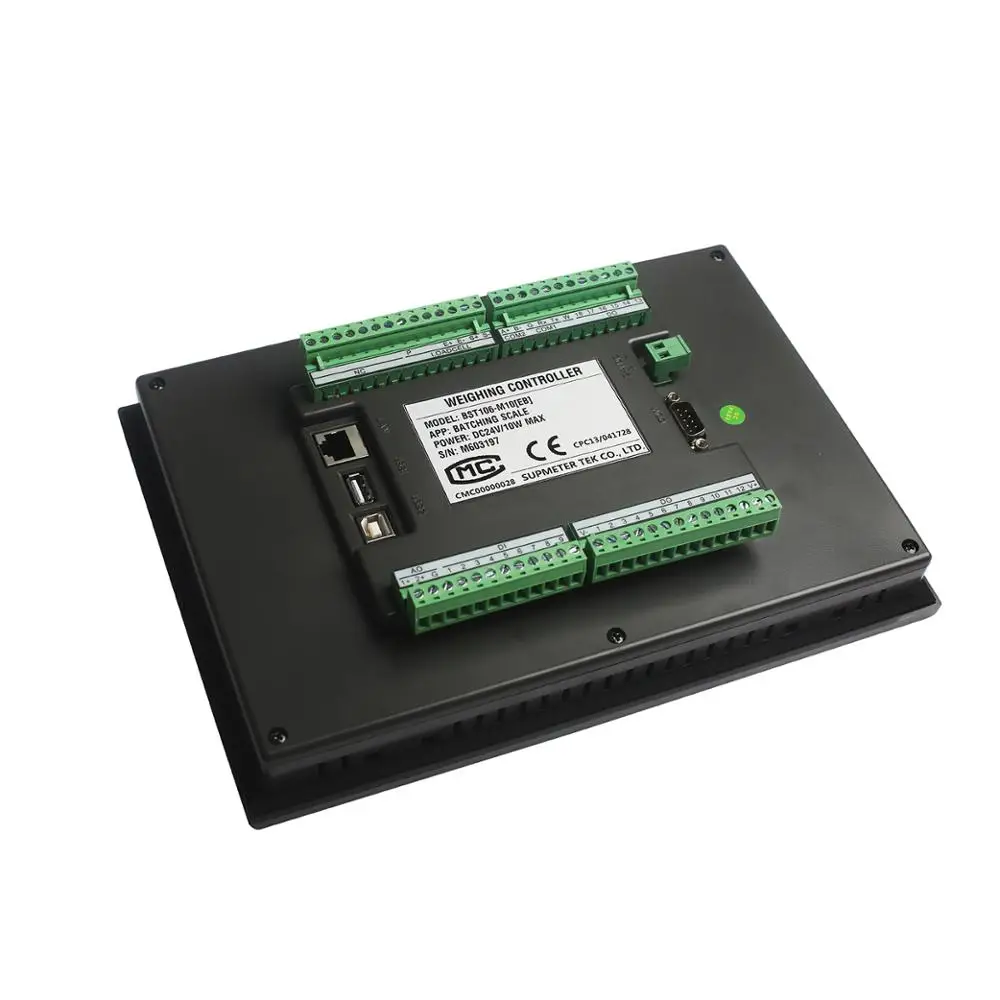
² Loadcell Interface
l Max. Connection Quantity: 16 Loadcells (350Ω).
l 24-bit High-precision and high-speed ∑-A/D conversion module with 1/1,000,000 internal resolution and sampling frequency 800Hz.
l Special anti-vibration digital filtering algorithm for ensuring the weighing stability and accuracy when there is strong vibration on the load receptor, and the rapid response capability when the weight signal changes.
² I/O Interface
l 9 Definable normally open switch inputs [DI] and 18 definable normally open transistor switch outputs [DO].
l Optional ‘High/Low Speed Feed’ DOs for feeding control. Optional Low-speed Feeding Modes: Continuous Feeding Mode and Inching Feeding Mode.
l 2 Definable analog signal AO[0~10V] for weight signal output or ‘High/Low Speed Feed’ control.
² Digital Communication Interface
l COM1[RS232]&COM2[RS485] for connecting Host IPC/PLC and LED Remote Display.
l COM[RS232] for connecting RS232 Serial Printer.
l USB1 for connecting USB mouse, downloading HMI software from U-disk and copying data to U-disk.
² Software Function
l Manual Screen-locking/Screen-unlocking, Auto Screen-locking, Digital Setting&Calibration and I/O Testing functions available.
l Initial Zero Adjustment after Power-on, Auto Zero Tracking, Zero Fine Adjustment and Zero Calibration functions available.
l Load Calibration and Loss Calibration functions available.
l 10 Recipes for batching control.
l Optional ‘Fall Value Auto Correction’ function.
l Optional ‘Auto Pause for Deviation Alarm’, ‘Auto Pause while Gross Weight Upper Limit Alarming’, ‘Manual Pause’ and ‘Auto Re-feed’ functions.
l Optional ‘Target Batch Control’ function [With Target Batch Count finished, the batching process will stop automatically].
l The Batch Records can be printed automatically.
l Historical Batch Records, Totalizing Reports and Recipes can be queried and printed.
l With the multitasking mode, the weighing&control process will not be interrupted by parameter setting and the other operations.


Operation Interface of User Login
Name | Operation | Note |
[Login] | User Login. Exfactory Passwords: ² Operator: None. ² Engineer: 0. ² Administrator: 1. | Operation ‘Main Menu / F5 User / Password / PSW Set’ for Modifying Password. |
[User Name] | After password inputted, the matching User Name will be displayed. | ² Operator: User with lowest authorization. ² Engineer: User with higher authorization. ² Administrator: User with highest authorization. |
[Operate] | Enter ‘Main Operation Interface’. | Operation ‘Main Menu / F5 User / Password / Login [Logoff]’ for Re-login and Logoff. |
Button Operation
Operation | State Indicator | Authorization | |
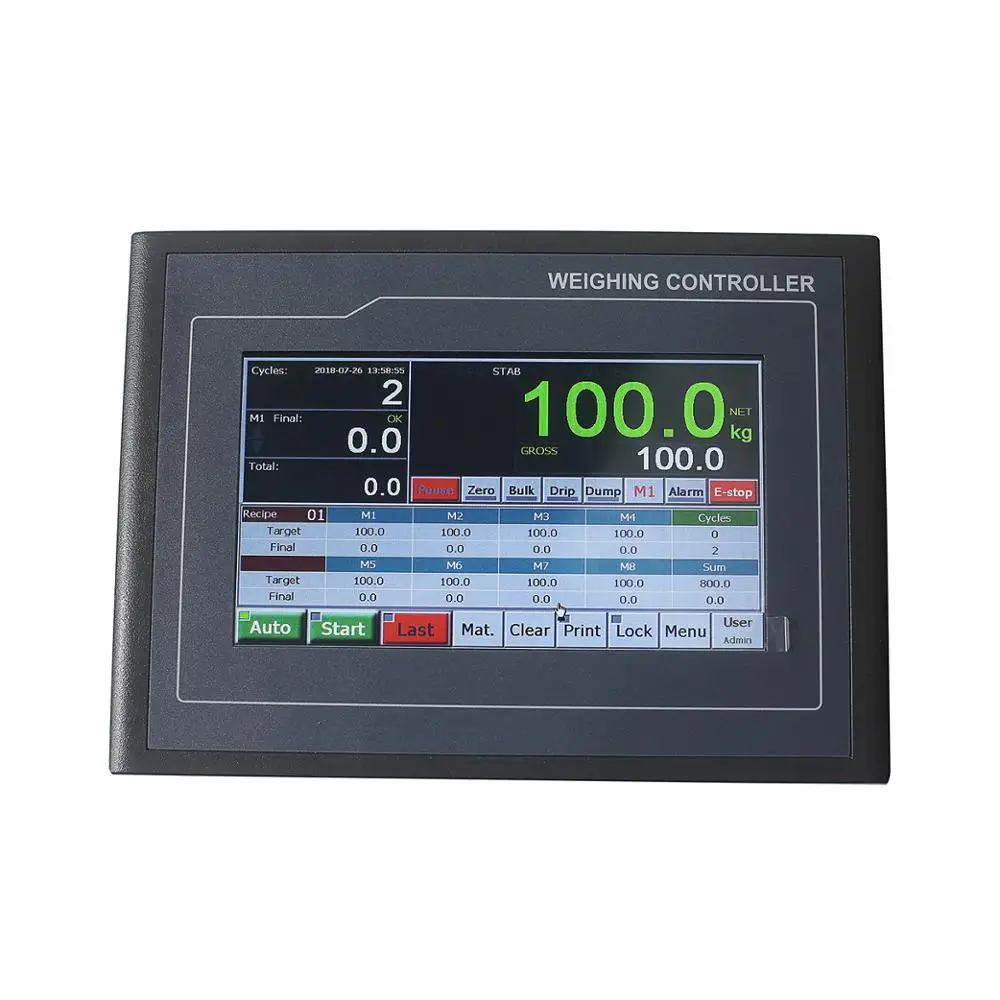
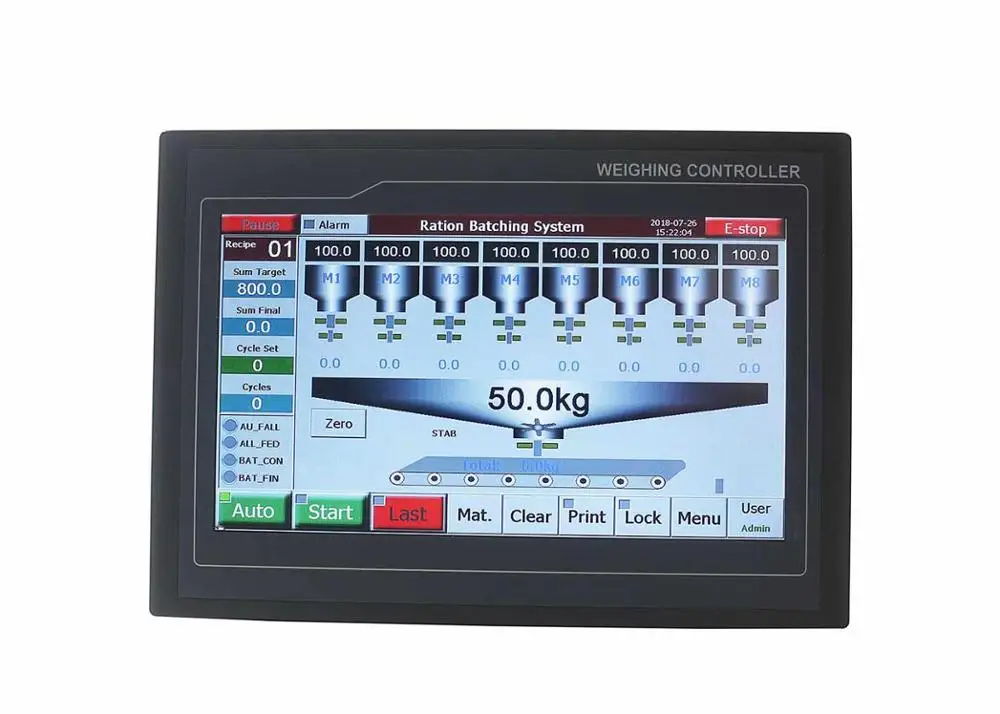
[Auto] | Auto / Manual [Emergency Stop] switch. | Green: Auto state. Grey: Manual state. | All Users |
[Start] | Start. | Green: Running state. Grey: Stop state. | |
[Re-run] | Clear Alarm & Recover Running. |
| |
[Last] | Last Batch [Normal Stop]. Stop after the present batch finished. | Flashing Red. | |
[Pause] | Pause. |
| |
[E-stop] | Emergency Stop. |
| |
[Alarm] | Alarm Query / Clear Alarm. ‘Auto/Pause’ state: Recover Running after clearing alarm. | Red: Alarm state. | |
[Mat.] | Material Selection for Auto-Batching. Mixer in Weighing Hopper Running Selection While High-speed Feeding. | Green/Blue: Selected. Grey: Unselected. | |
[Print] | Report Print: ² [ Auto Print]: Print Batch Records. ² [Total]: Print Totalizing Report. ² [Recipe]: Print Working Recipe. |
| |
[Lock] | Screen-locking: Locking/unlocking the operating buttons of main display interface. Auto Screen-locking: Refer to parameter [901]. | Flashing Red: Locked. Grey: Unlocked. | |
[Menu] | Enter Main Menu. |
| |
[User] | User Login. Display: Operator / Engineer / Admin. |
| |
[Zero] | Zero Fine Adjustment [No Power-down Protection]. | Flashing green. | |
[High] | Manual Start/Stop Mn High-speed Feeding. | Green: Working state. | |
[Low] | Manual Start/Stop Mn Low-speed Feeding. | Green: Working state. | |
[Dump] | Manual Start/Stop Dumping. | Green: Working state. | |
[Mn] | Material Selection for Manual Operation. |
| |
[Clear] | Clear Screen: Clear the display values of Feeding Weight, Totalized Weight and Batch Count’. |
| Engineer Administrator |
Delivery


We Recommend







New Arrivals
New products from manufacturers at wholesale prices






