
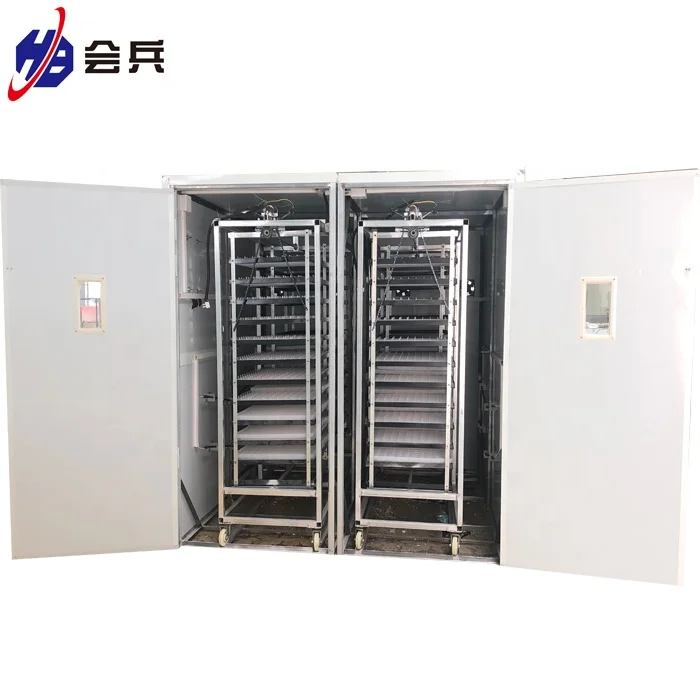
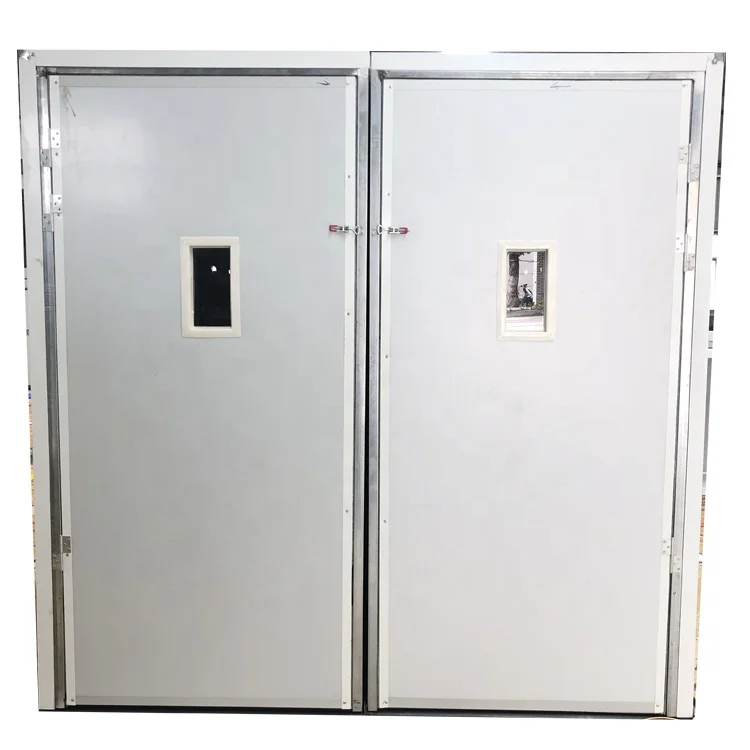
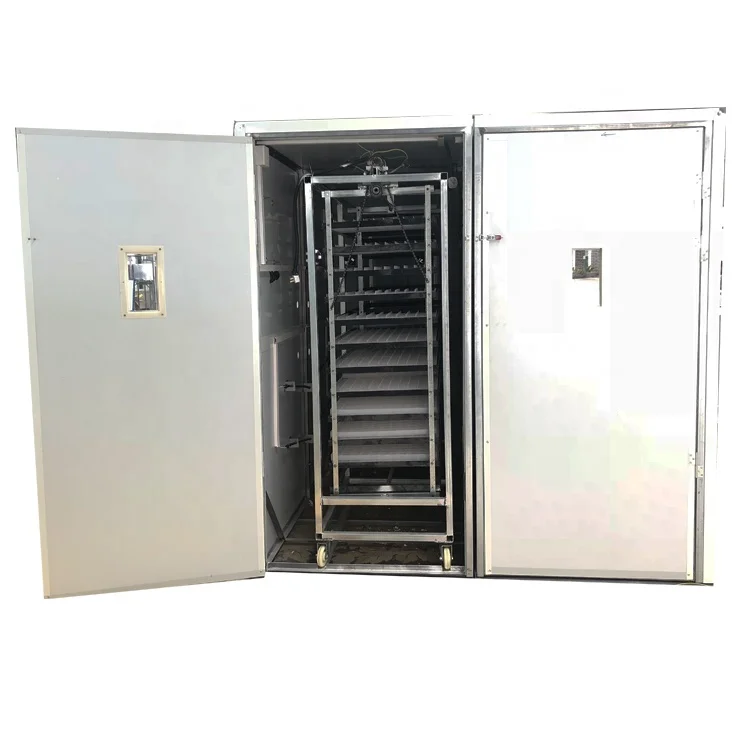
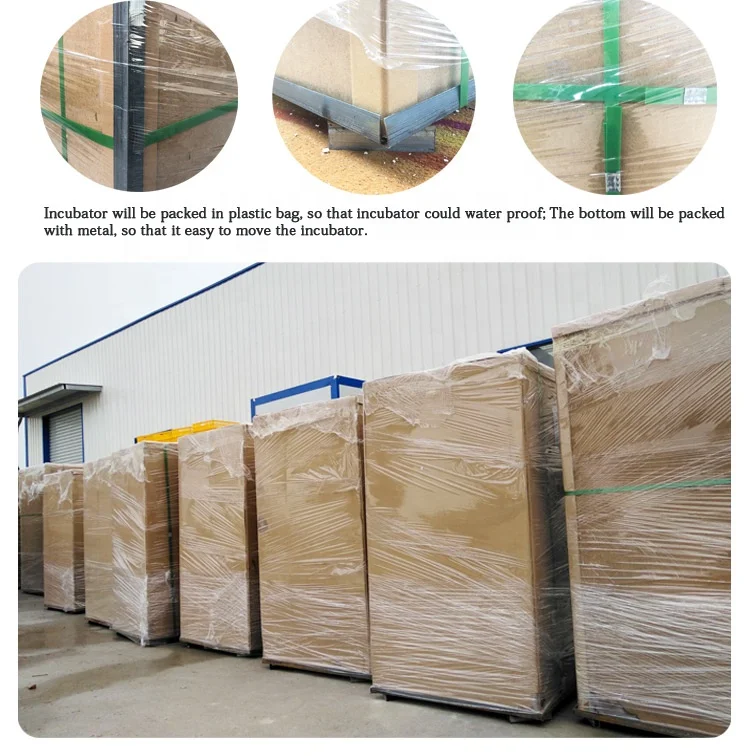
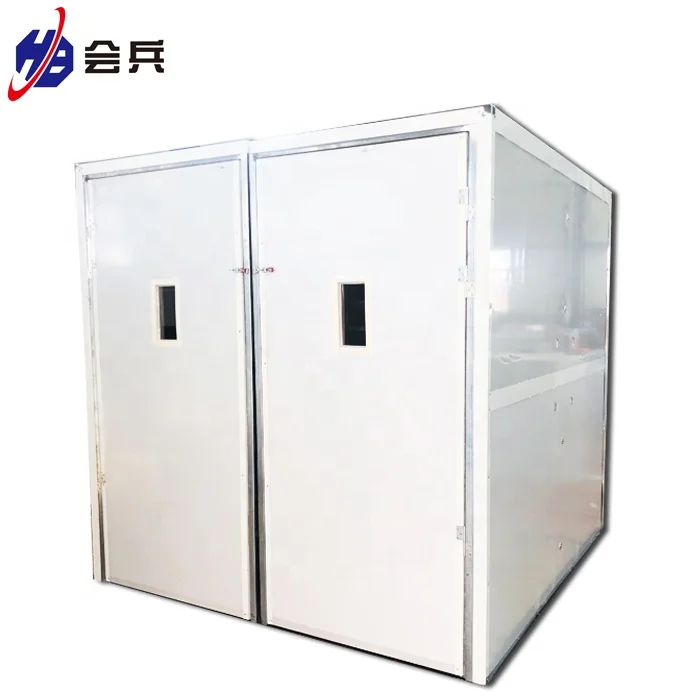
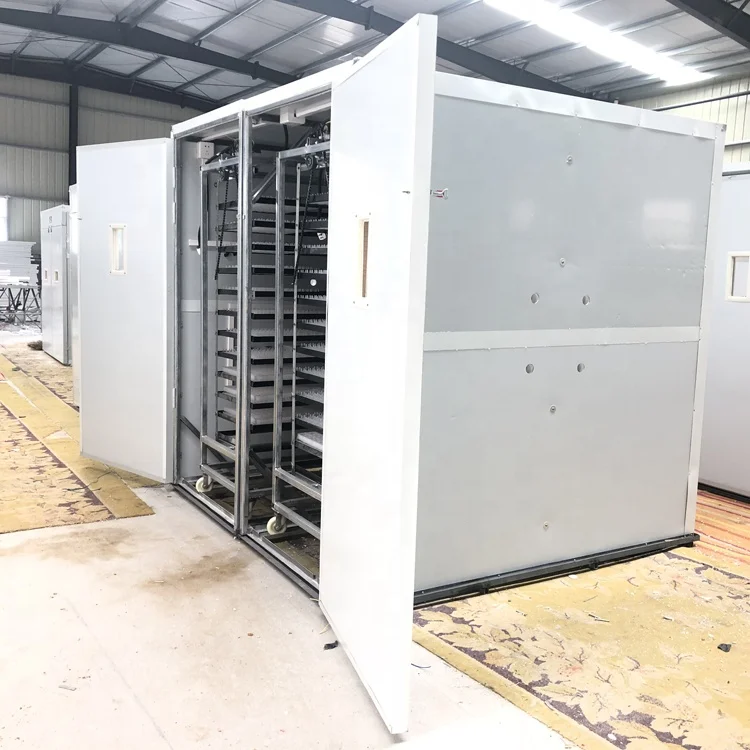
Customized Design 8448 Automatic Incubators Blue limit Switch Egg Incubators
- Category: >>>
- Supplier: Nanchang Huibing Electronics Co. Ltd.
Share on (62065431170):
Product Overview
Description
Customized Design 8448 Automatic Incubators Blue limit Switch Egg Incubators

Use of Blue limit Switch Egg Incubators:
1. Please read the manual repeatedly before use
2. Check whether the fan is turned on and whether the water pan needs to be filled with water
3. When stopping turning eggs, check whether the motor and the travel switch of turning eggs
work normally
4. The heating pipe connector should be firmly connected to avoid scalding. When operating in
the cabin, be sure to unplug the power plug
5. Take out the humidity probe from the cabin when not in use and keep it dry
6. Disinfect the hatch. After the hatch is cleaned, disinfect it with potassium permanganate, or
with the seed eggs, and wipe it with a semi dry rag
7. For the preparation of the breeding eggs before hatching, the selection of the breeding eggs
should be done first, that is, the external observation, the egg and the dissection method
should be followed by the sterilization of the breeding eggs


Technology Parameter
| Supply voltage | AC160V—240V,50Hz |
| Temperature measurement range | 0—99°C |
Temperature measurement accuracy | ±0.1°C |
| Humidity display range | 0—99%RH |
| Humidity precision control | ±3%RH |
| Relative humidity | Less than 85% |
| Ambient temperature | -10°C--60°C |
| Turning egg cycle | 0~999min(Factory settings 2 hour) |


FAQ
Q1: How long is the warranty time?
A: 1 year
Q2: What`s the MOQ?
A: 1 piece for retailer business, and 400pcs for OEM order.
Q3: When do you delivery?
A: Usually the delivery time is 3-10 days for order quantity less than 1000 pcs
Q4: Can you put my brand name on the product?
A: Sure, we can paste or print your logo on the cover if you need.
Q5: It is my 1st time purchase products oversea, how to promise its safe?
A: You can place the order through Alibaba trade assurance order.
Q6: Can I order a sample?
A: Sure.You can order a sample to check the quality first.

Customized Design 8448 Automatic Incubators Blue limit Switch Egg Incubators
We Recommend

Dual Power Capacity 52 Egg Automatic Incubator Hatching Eggs Machine
US $13.00-$14.00

TONGDA Manufactured Egg Incubator Spare Parts
US $12.00-$20.00


New Arrivals
New products from manufacturers at wholesale prices







