



How to make a transparent oled display
- Category: >>>
- Supplier: Shenzhen Favortouch Co. Ltd.
Share on (62069306402):
Product Overview
Description
Product Description
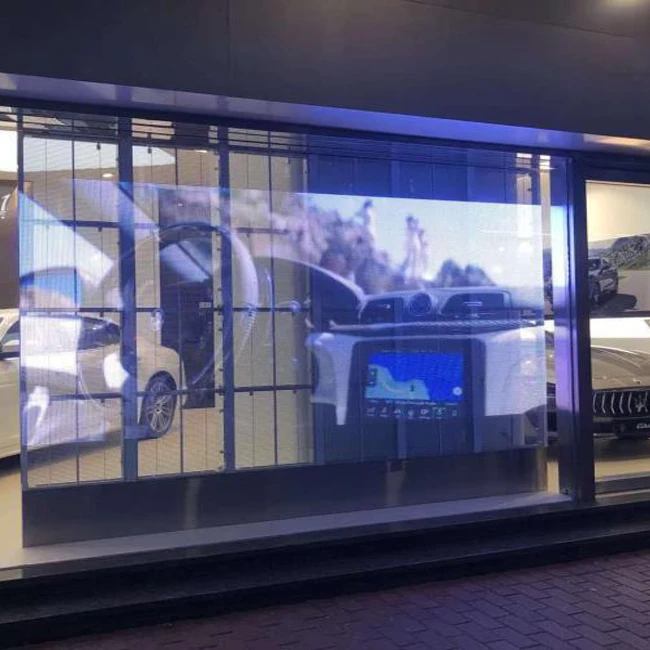
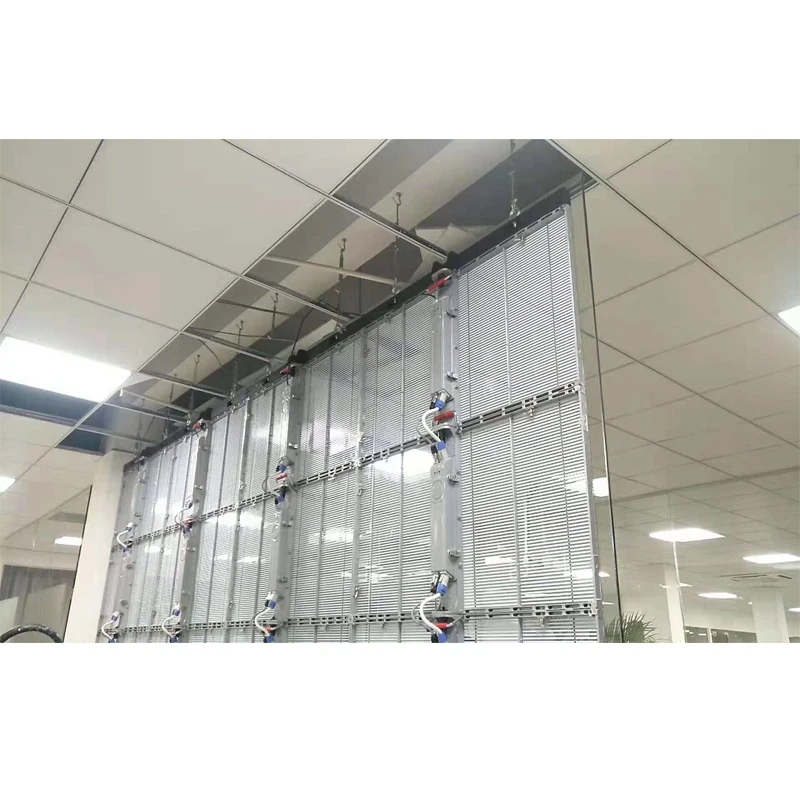
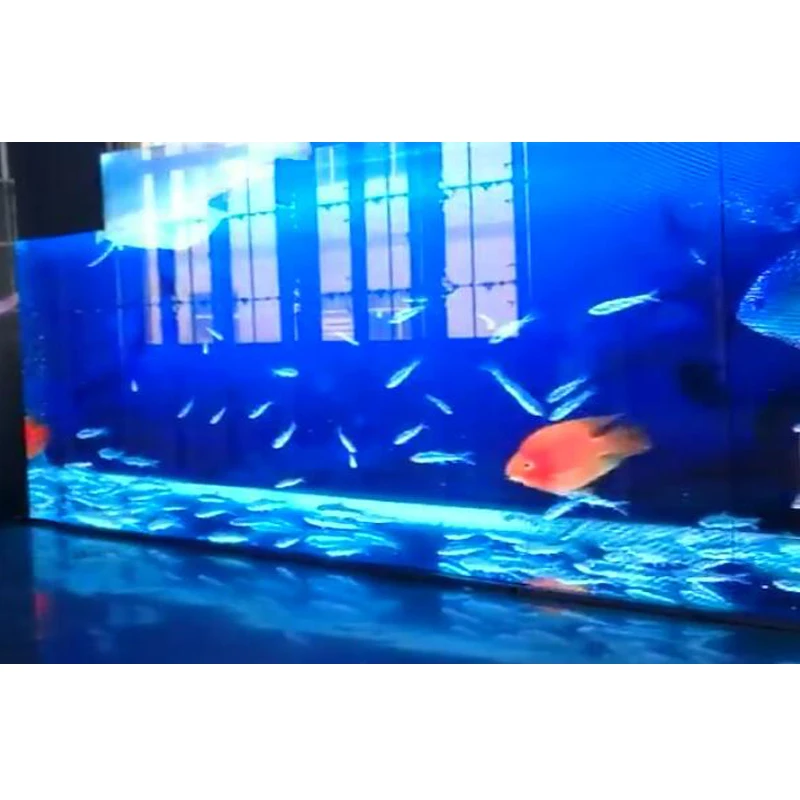
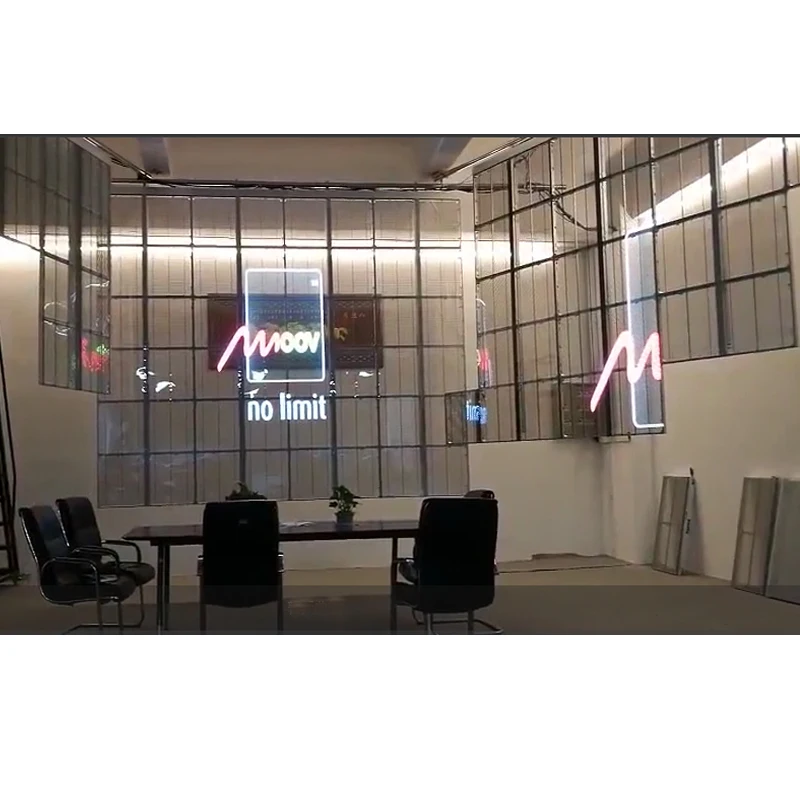
How to make a transparent oled display
Product details
| Product Keywords | Transparent Video LED Screen |
| Product name | Transparent LED Video Display Screen |
| Brightness | 6500cd/sqm |
| Application | Adervertising |
| LED chip | Nationstar |
| Pixel pitch | 3.91mm |
| Power Supply | DC5V/ 85V ~240V |
| Cabinet size | 1000 x 500mm |
| Viewing angle | H120 V120 |
| Warranty | 2 Years |
Pixel Pitch(mm) | 3.91mm~7.81 |
LED | 1921 |
IC | ICN2153.8 |
Pixel density | 32768PX/sqm |
Drive method | Constant IC |
Brightness(cd/sqm) | 4000cd/sqm |
Refresh rate | 3840Hz |
Contrast | 5000:1 |
Transparency | 65% |
Gray scale | 65536(15bit) |
Frequency (hz) | ≥ 3000hz |
PCB | Thickness 2.0 |
Connector | 3M |
Waterproof | IP33 |
Brightness control | 256 |
View angle | 120° |
View distance | 5m-12m |
Power supply | DC5-3.5VC85-240V |
Ave power Consumption | 220W/ sqm |
Max power Consumption | 800W/sqm |
Standard cabinet size | 1000mm *500mm*75mm |
Weight | 12kg |
Maintenance | In front |
Screen life time | ≥100000 hours |
Environment | Temperature :-20~60°C Humidity:15%~90%RH |

Company Information

Advantage

Packaging & Shipping

FAQ
No scene and voice ?
(1)Check whether the power line is inserted in the outlet on the wall.
(2)Check whether the signal wire is connected correctly.
(3)Check whether the power of the external device is opened.
(4)Check whether the product is in the standby status.
Normal scene without voice ?
(1)Check whether set the voice in maximum.
(2)Check whether se the voice into sound-off.
(3)Check whether the external audio cable is connected correctly.
No scene or the scene is black and white
(1)Check and adjust the color setting.
(2)Check and adjust the color system.
The voice and scene are disturbed ?
(1)Find the electrical disturbing the AIO, and keep it away from the AIO.
(2)Insert the power plug of the AIO in another outlet.
The scene is dim or snow, image fault ?
(1)Check whether the signal wire connection is loose.
(2)Reset and slightly adjust the signal input.
The remote control is out of control ?
(1)Check whether the battery of the remote control is installed correctly.
(2)Check whether the battery of the remote control is used up, and change it timely.
(3)Check whether the positive and negative electrode of the battery of the remote control battery is installed in the right direction.
(4)Check whether there is a matter covering the signal emission window of the remote control.
The touch screen drifting suddenly, which means the mouse pointer is not in the finger-touched position.
When there is a touch operation on the mouse pointer, please check whether touching the screen with cloth or other matters, which may make the mouse pointer not in the finger-touched position.
There is no reaction when touching ?
(1)A break down in touch signal wire (USB wire)
(2)A break down in computer
A break down in computer host port (USB)

FAQ













