
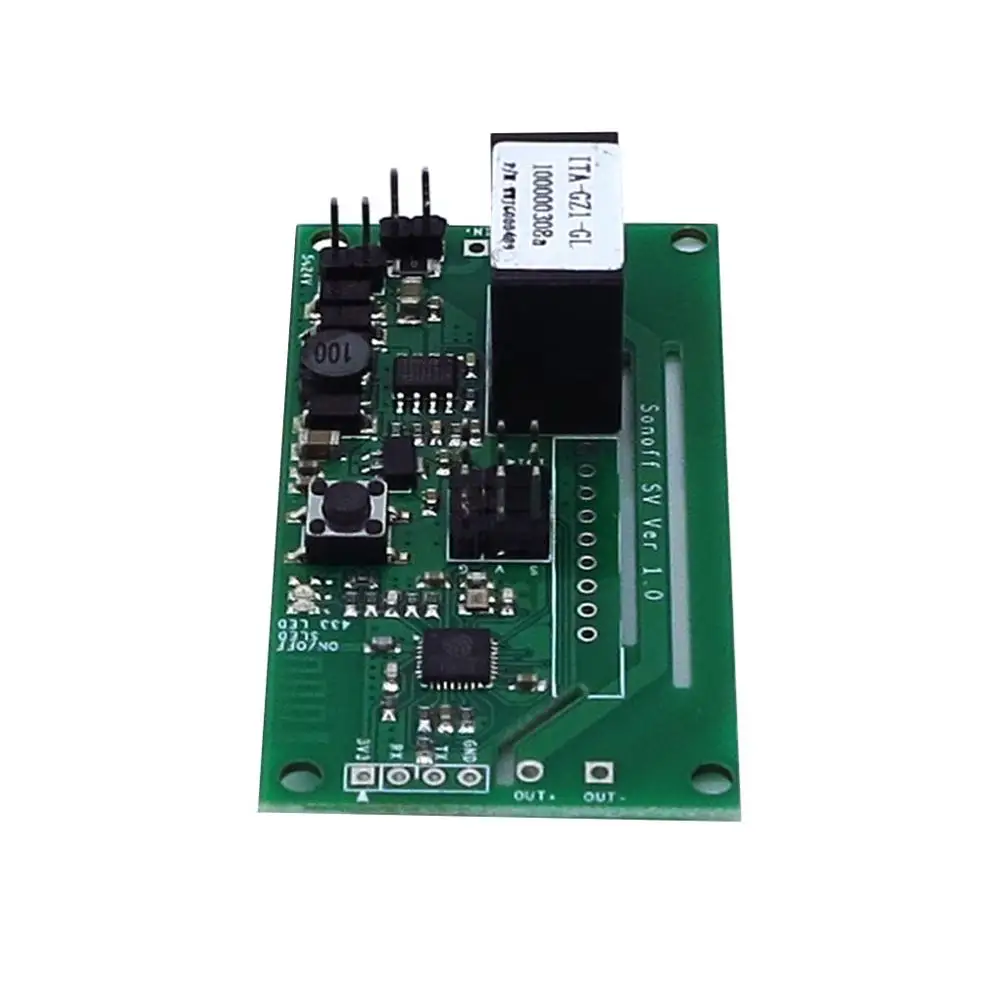
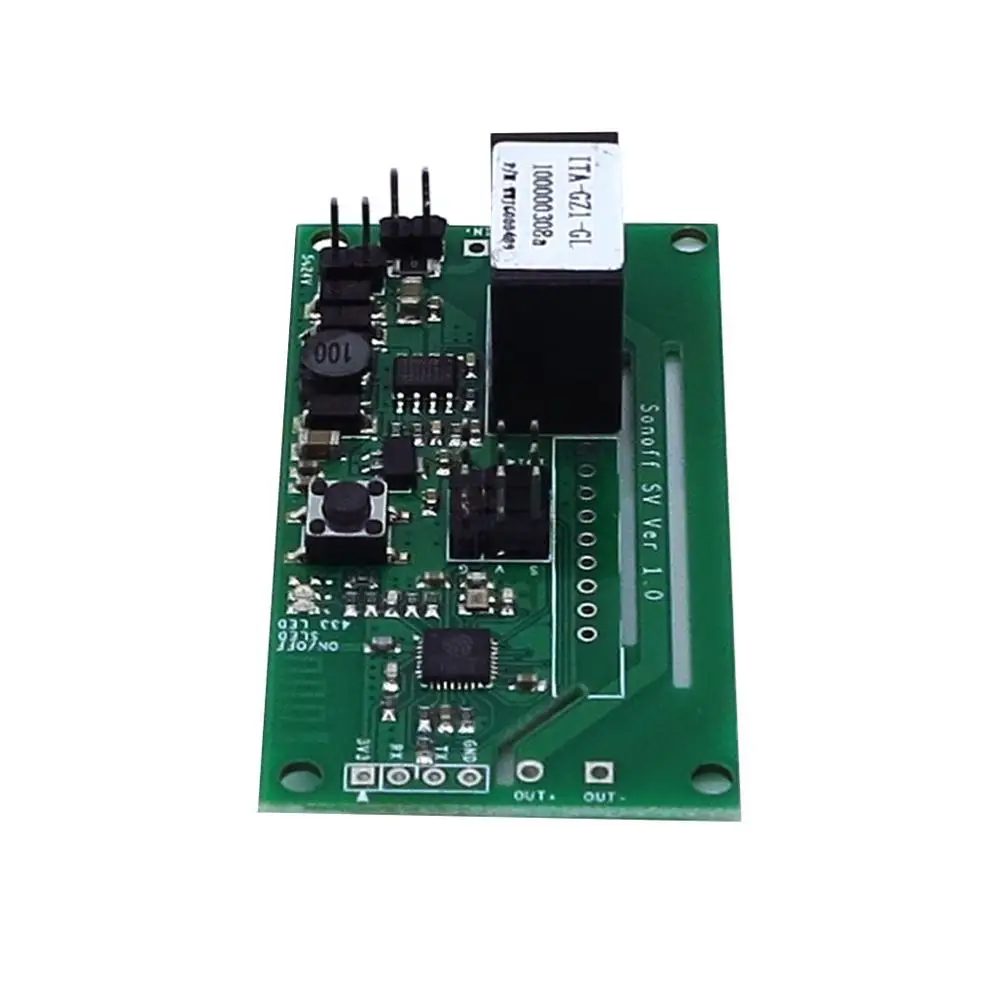
SONOFF Diy smart switch Wifi esp8266 Module Sonoff SV
- Category: >>>
- Supplier: Shantou E7WIN Trading Co. Ltd.
Share on (62069352692):
Product Overview
Description
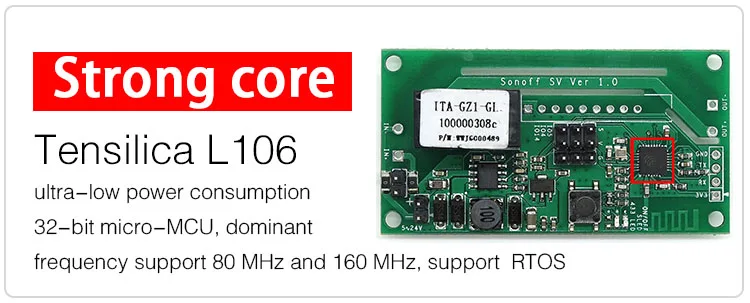
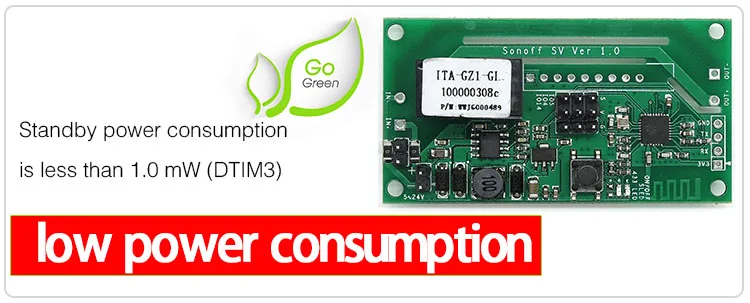
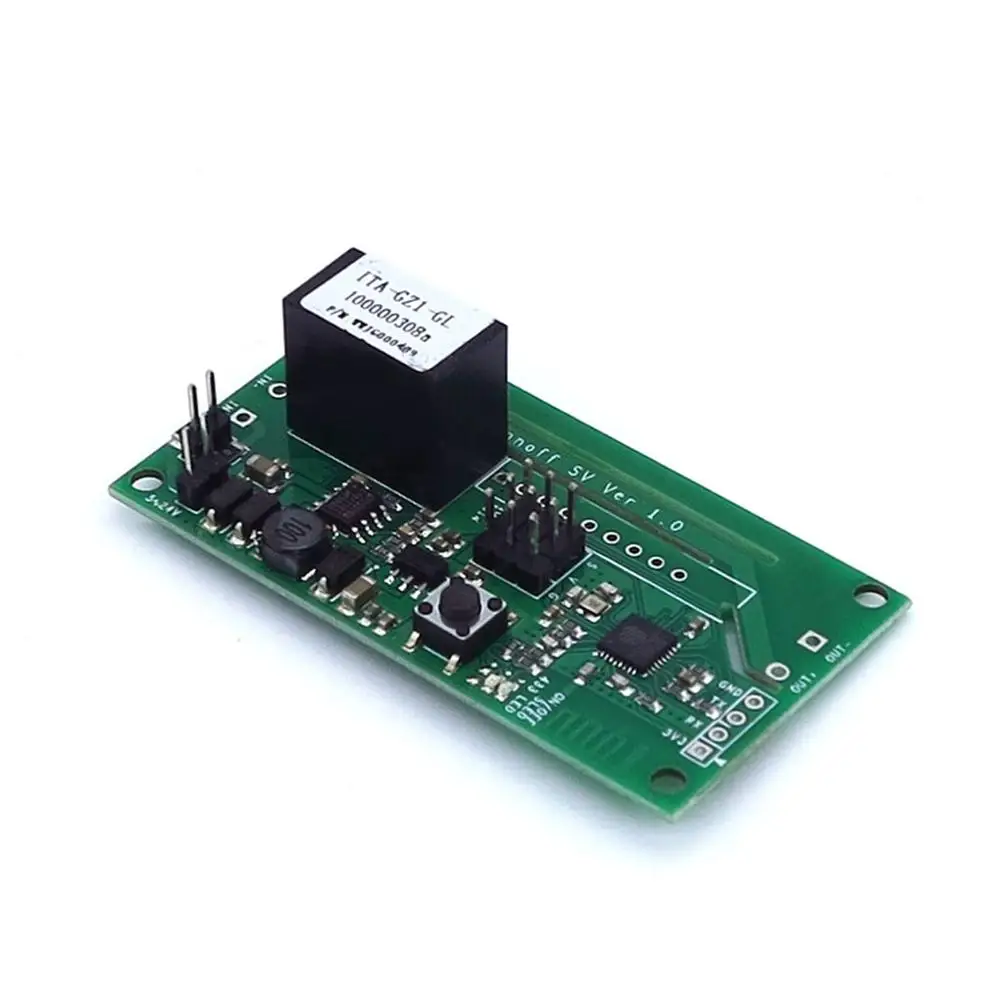
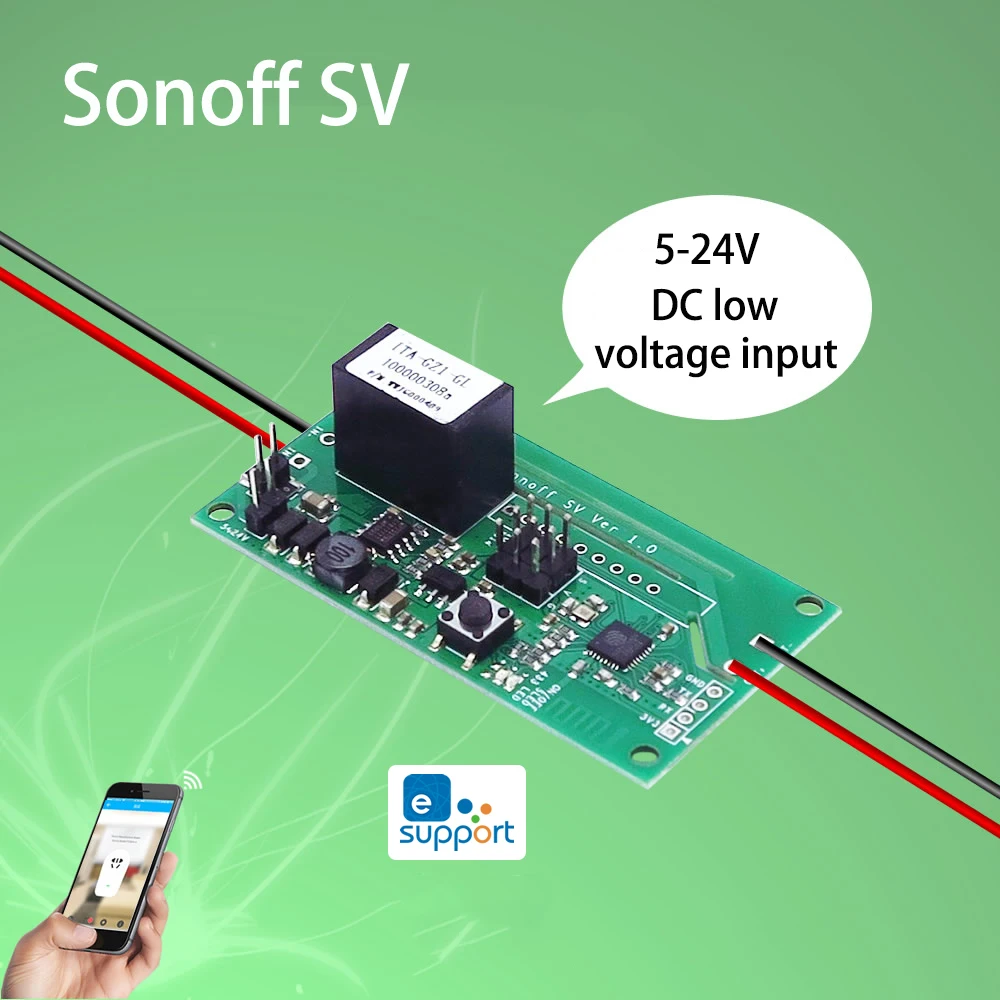
Sonoff SV is a low power supply Sonoff version,which supports 5-24V power supply. Power supply separation enables it to control both AC and DC power, although some welding is required for this purpose. It has GIPO reserved to support secondary development. This product does not have 433 RF function and shell.
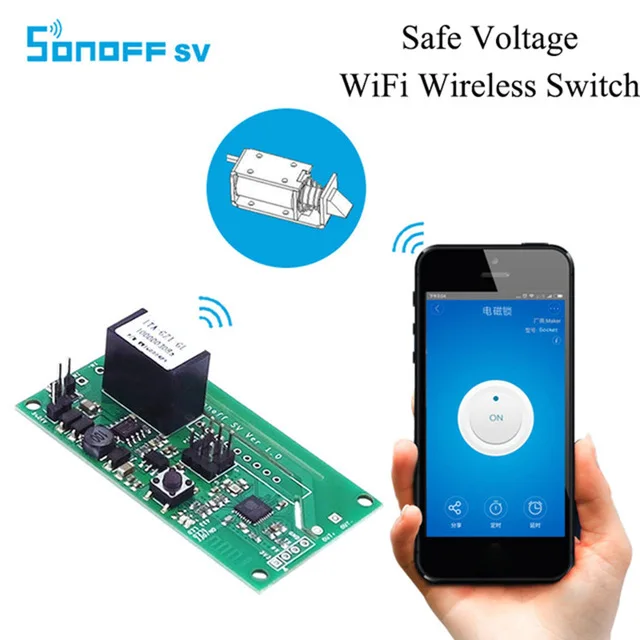
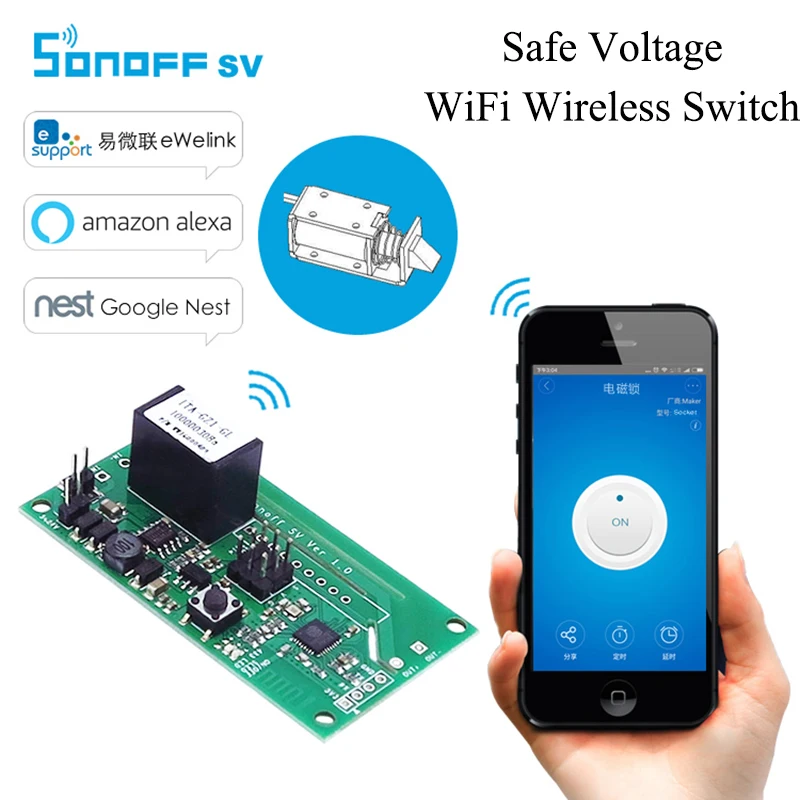
Sonoff SV is an affordable device that provides customers with smart home control. It is a WiFi based wireless switch that can connect to a wide range of appliances. Sonoff SV transmits data to a cloud platform through the WiFi router, which enables customers to remotely control all the connected appliances, via the mobile application eWeLink. The cloud server of Sonoff SV is Amazon AWS global server.
Sonoff SV makes all home appliances smart. As long as the mobile has network, customers can remotely control the appliances by turning them on off from anywhere at any time. Another feature available is to set timing schedules for the appliances, which can include countdown, scheduled on/off, and can thus, help customers maintain an easy life.
The mobile application eWeLink enables customers to control the appliances easily. The iOS version of the application can be downloaded in App Store while the Android version in Google Play.
Check out the amazing features of Sonoff below:

Features
- Supports 5~24V power supply.
- Supports fast configured SSID and password through APP.
- Supports automatic connect to server to register and update status info.
- Supports tracking device status and timely remote control through eWeLink.
- Supports setting max 20 timing tasks for each device.
- Reserves GIPO to support secondary development.
- Supports numerous WiFi based smart switches on one smart phone

Problems and Solutions
Read the detailed FAQ on Itead Smart Home Forum. If below answers can’t solve your problem, please submit a feedback on eWeLink.
1. My device has added successfully but stays “Offline”.
Answers: The newly added device need 1-2 min to connect to your router and the Internet. If it stays offline for a long time, please judge the problem by the green led status:
1.1. Green led quickly blinks one time and repeats, which means device failed to connect to the router. The reason may be you have entered wrong WiFi password or your device is too far away from the router, which causes a weak WiFi signal. The device can not be added to the 5G-wifi-router, only the 2.4G-wifi is OK. At last, make sure that your router is MAC-open.
1.2. Green led slowly blinks one time and repeats, which means the device has connected to router and server but failed to be added to the device list. Then power on the device again, if it still not working, just add the device again.
1.3. Green led quickly blinks twice and repeats, this means the device has connected to the router but failed to connect to the server. Then please confirm your WiFi router works normally.
2. Why the APP can’t find the device in pairing status?
Answers: That’s because of your phone’s cache. Please close the WLAN of your phone then open it after a minute. At the same time, please power off the device if you can, then power up to try again.
3. My WiFi is expired, can I connect the devices to LAN?
Answers: the Sonoff SV supports to be controlled by LAN(Update in 15/10/2017, LAN function has been stopped).
4. The green led keeps off, even if the device is powered on. Press the button but the device does not work.
Company Information
We Recommend







New Arrivals
New products from manufacturers at wholesale prices






