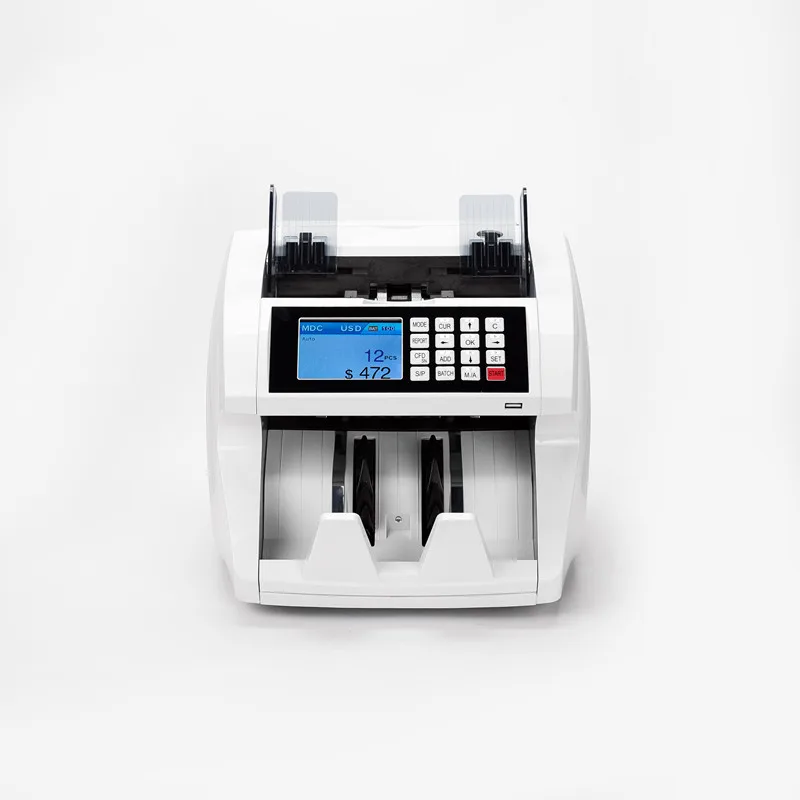
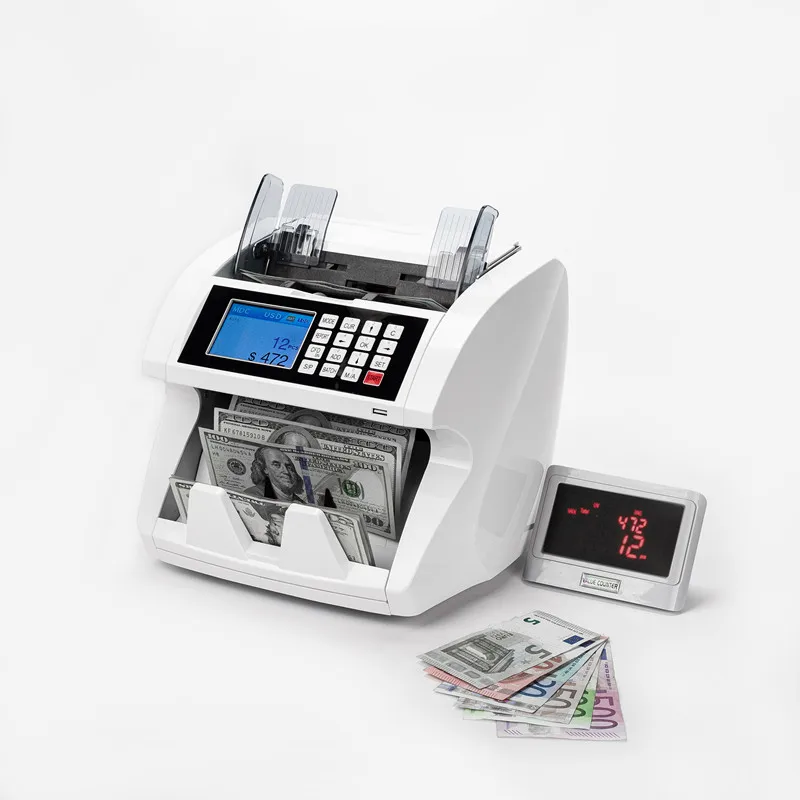
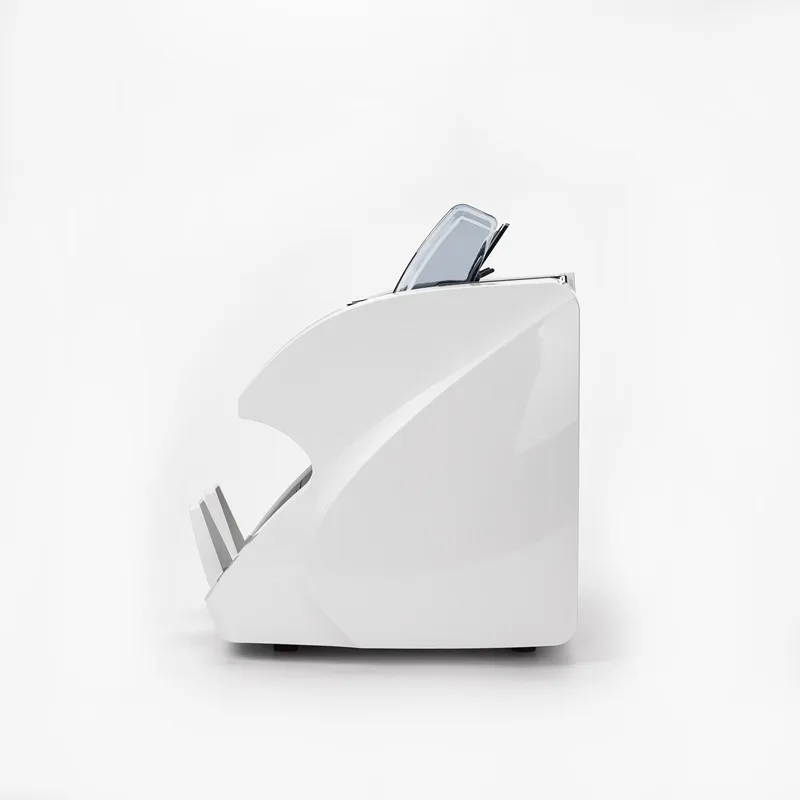
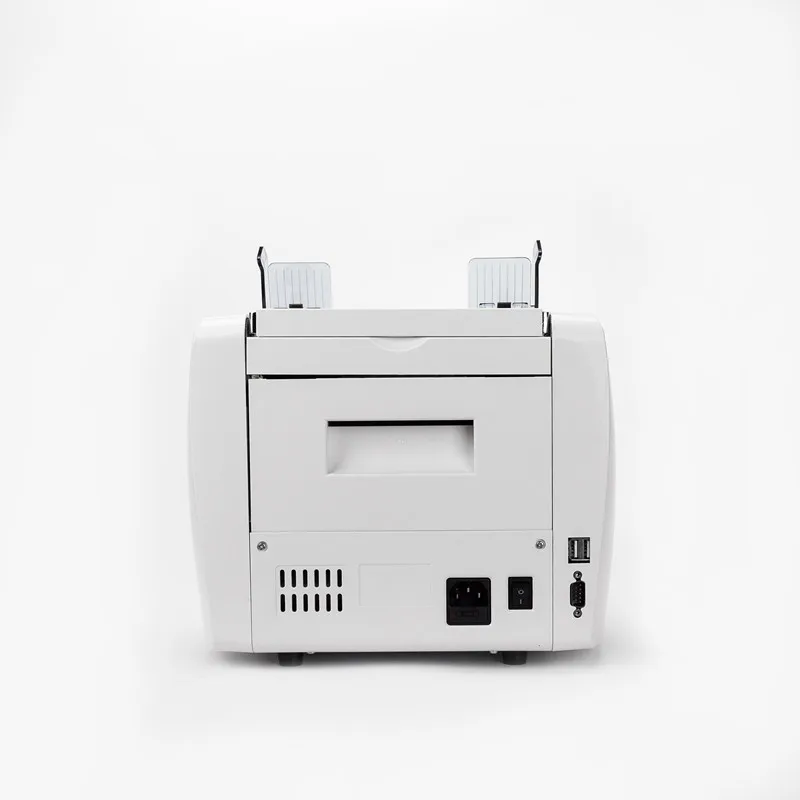
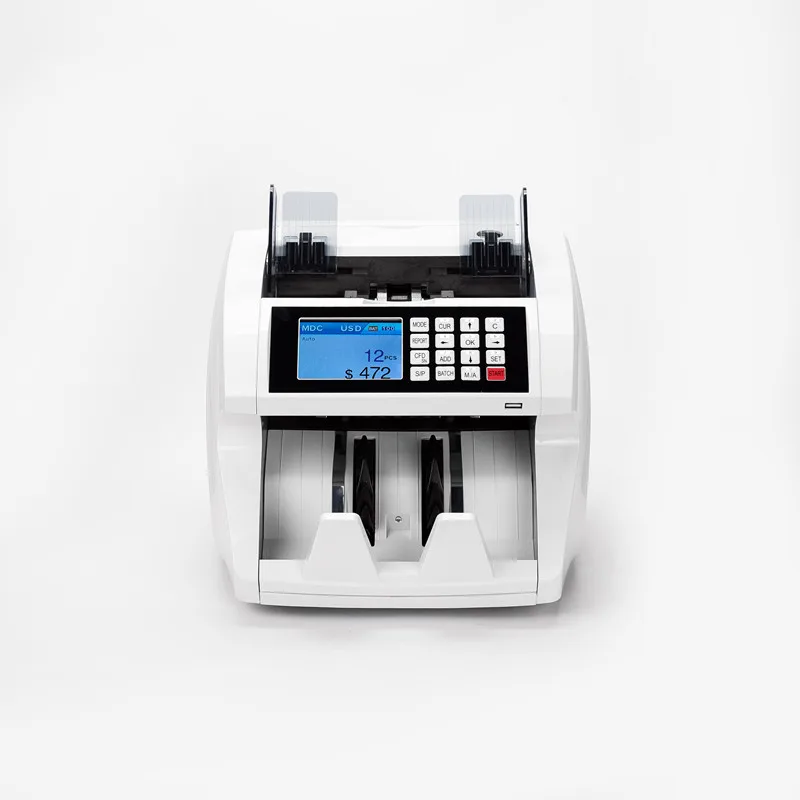
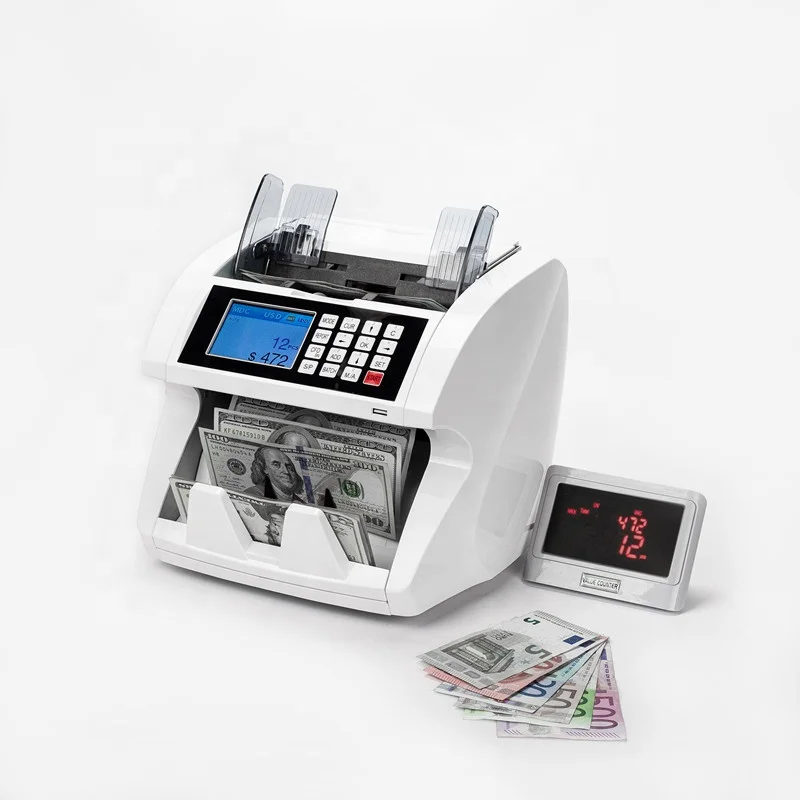
Easycount EC1800 High Speed Counting Money Currency Bill Cash Banknote Counter
- Category: >>>
- Supplier: Shenzhen Easycount Technology Co. Ltd.
Share on (62109082376):
Product Overview
Description
EC1800 High Speed Counting Fake Money Currency Bill Cash Banknote Counter
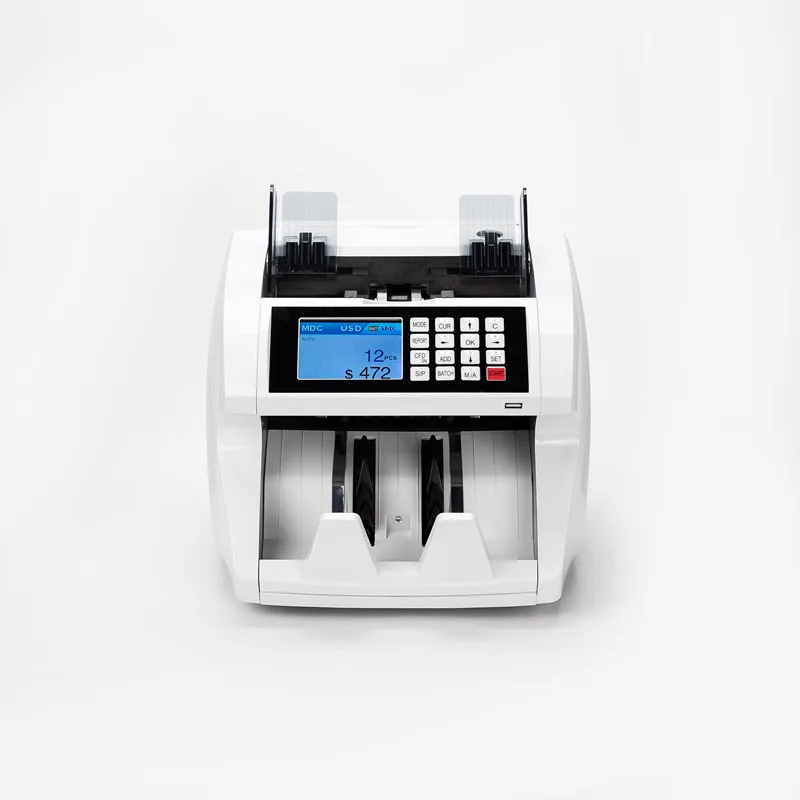
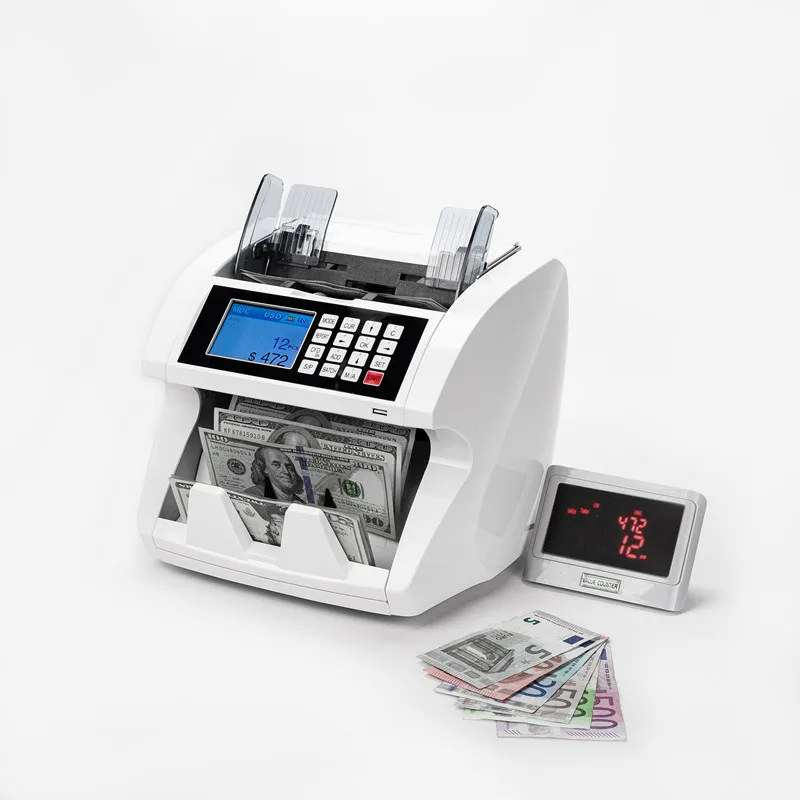
Product Funtions
Product Funtions
Introduction
Item Number | Part Name |
1 | Stacker board |
2 | Launch sensor |
3 | Impeller |
4 | LCD screen |
5 | Start sensor |
6 | Height block |
7 | Handle |
8 | Power socket |
9 | Power switch |
10 | External Display port/ RS232 port |
11 | USB port |
12 | LAN |
13 | Adjust button |
14 | Android port |
1.1 About this value counter
Thank you for choosing this professional multi-currency value counter based on CIS sensor. We hope you enjoy using it. This professional counter features its unique feeding mechanism and best performance of counting and detecting your banknotes.
1.2 Box Content
The box includes 1 unit of value counter, 1 piece of AC power cord, 1 copy of user manual, and 1 piece of customer display (optional).
1.3 Control Panel
MODE: This button is used to switch among CNT mode (Count), SDC mode (Single Denomination Count) & MDC mode (Mixed Denomination Count).
Button BATCH: This button is used to switch on/off batch mode. When BATCH is on, then use numeric buttons to input the batch number.
Button REPORT: This button is used to report the counting details & serial numbers
Button CURRENCY: This button is to show up the available currency names in your machine and press corresponding numeric button to select the currency you want.
Button 1/SPEED: The default function is to select different available counting speeds. But when in batch setting mode it acts as number 1.
Button ↑/2: This button is used to move up the cursor or input a number 2 in batch setting mode.
Button 3/AUTO: The default function is to switch between auto and manual start for the counting. .
Button 4/←: The default function is to move the cursor left. But when in batch setting mode it acts as number 4.
Button 5/MENU: The default function is to enter setting menu. But when in batch setting mode it acts as number 5.
Button 6/→: The default function is to move the cursor right. But when in batch setting mode it acts as number 6.
Button 7/ADD: The default function is to switch on/off ADD function. But when in batch setting mode it acts as number 7.
Button 8/↓: The default function is to move cursor downwards. But when in batch setting mode it acts as number 8.
Button 9/CEAR: The default function is to clear the input or back to upper level. But when in batch setting mode it acts as number 9.
Button 0: when in batch setting mode it acts as number 0.
Button ENTER/PRINT: The default function is to work as a OK or CONFIRMATION. When you press REPORT to check the counting detail and your value counter is connected with a printer, then in REPORT mode, press this button to print out the detail.
Button START/RESET: This button is used to start counting, or back to upper level in MENU.
1.4 Specifications
Unit Dimensions: 28CM(W)*26CM(D)*27CM(H) / 11”(W)*10.2”(D)*10.6”(H)
Unit Package:
N.Weight: 6.5KGS
G.Weight: 7.5KGS
Counting Speed: 800/1000/1200 notes/min for CNT mode, 800/1000 notes/min for SDC & MDC modes
Size of Countable notes: Minimum 110x60 mm, Maximum 185x90 mm
Thickness 0.08~0.12 mm
Feed system: Roller Friction System
Hopper Capacity: 400-500 notes
Stacker Capacity: 200 notes
Power Supply: AC 100~240V ±10%, 50/60 Hz
Current: Maximum 1.8A (100~240 VAC)
Power Consumption: <50 Watts
Ambient Temperature: 0℃~35℃ (Operating)
Working Environment: -10℃~60℃ (Stocking)
Ambient Humidity: 20%~90% (no condensation)
Connection Port: USB, RS232, LAN
2. Operation Modes
2.1 CNT mode
Press button MODE to select CNT mode. In this mode, you can switch on ADD or BATCH or ADD+BATCH.
2.2 SDC mode
Press button MODE to select SDC mode. This mode is to count a single denomination bill. The system will take the first note as the benchmark, and will stop counting when meeting a different denomination.
2.3 MDC mode
Press button MODE to select MDC model. This mode is a value counting mode for mixed denominations, and press REPORT button to check the counting details.
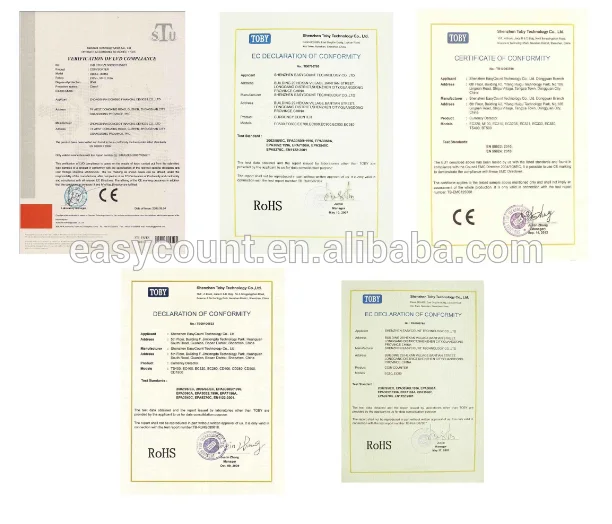
3. Certificate:
We Recommend


New Arrivals
New products from manufacturers at wholesale prices