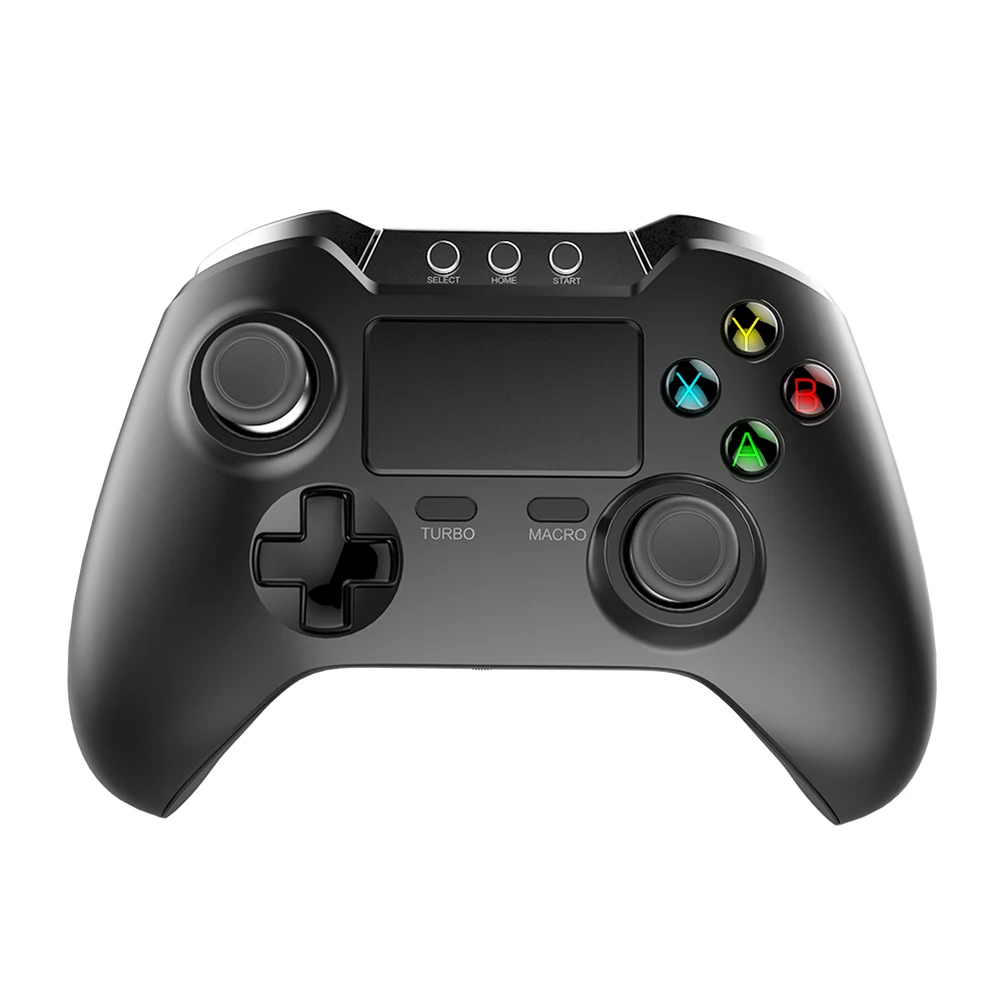
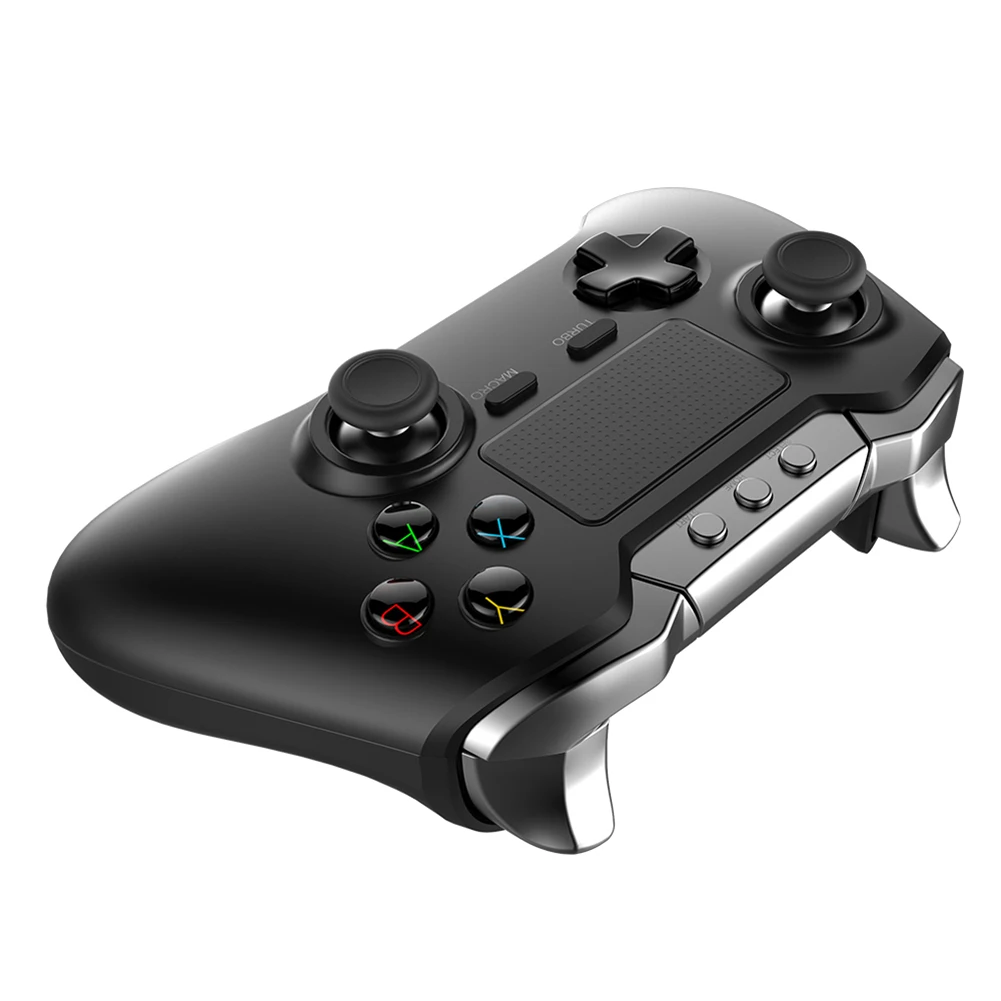
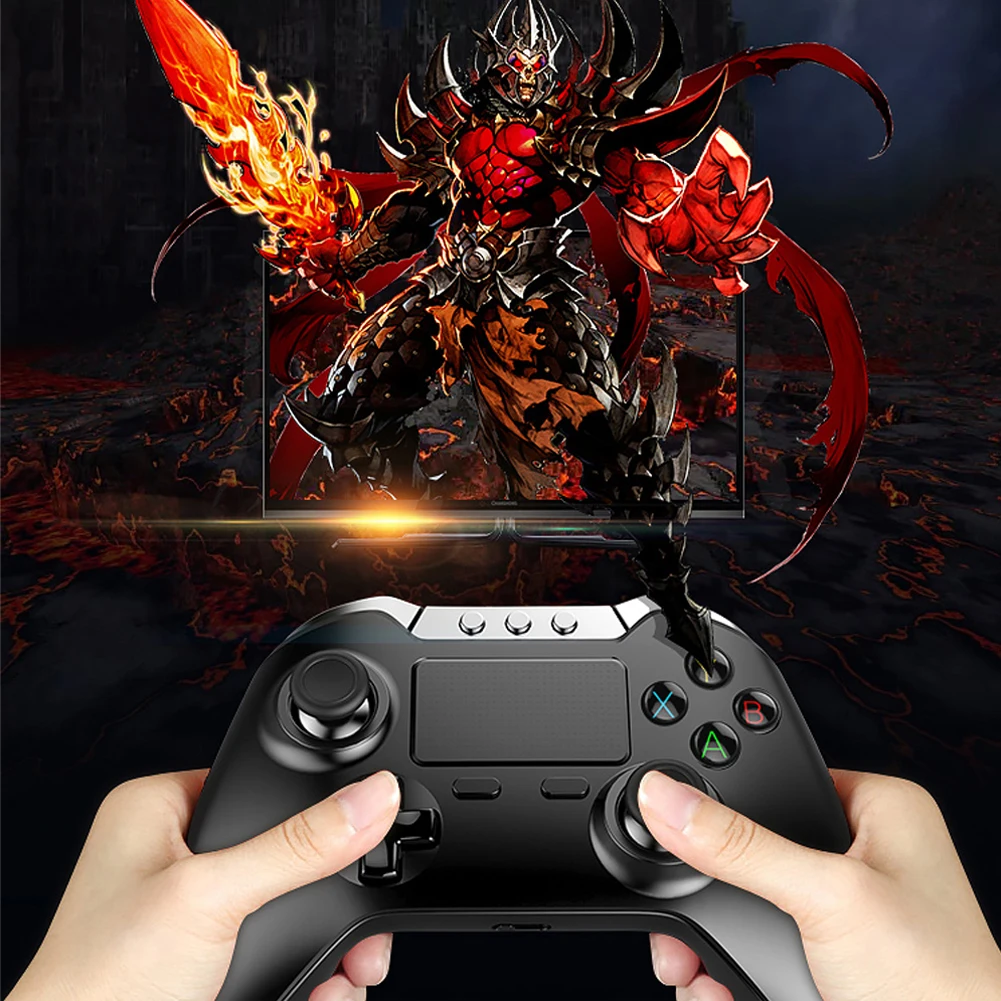
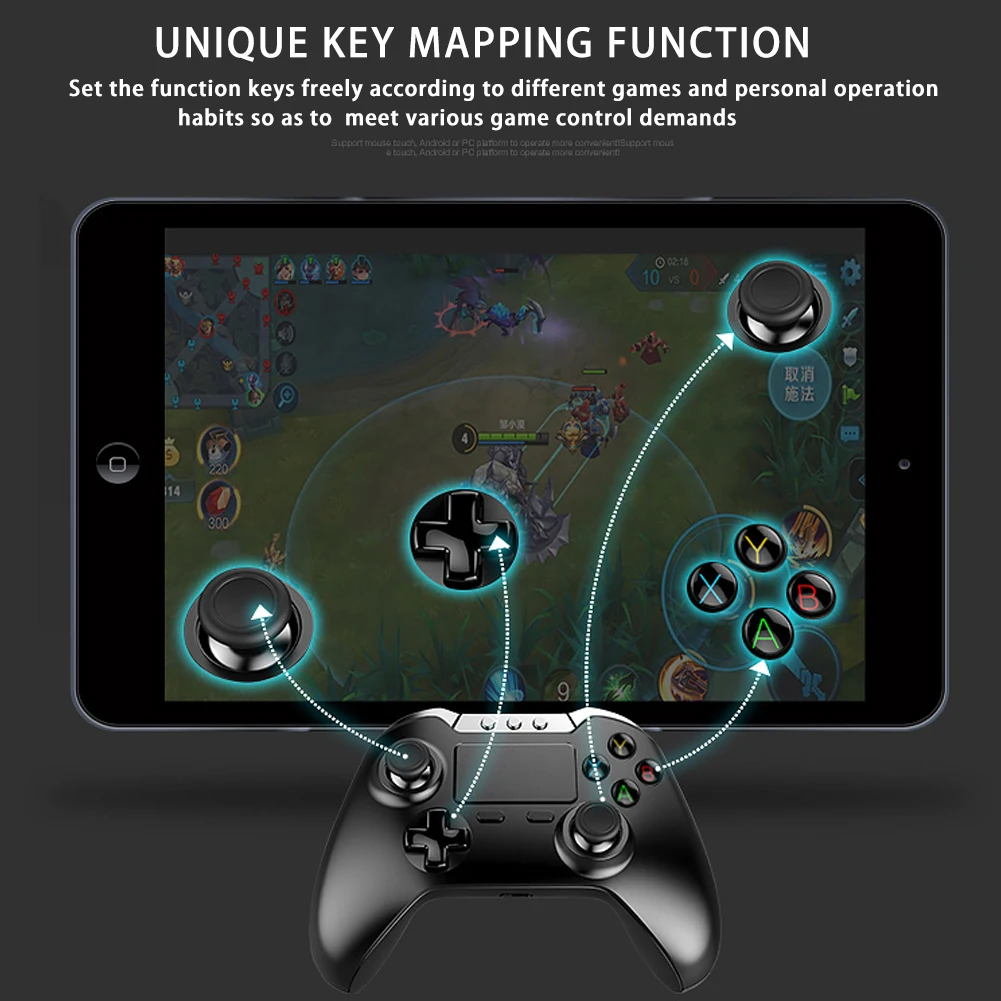

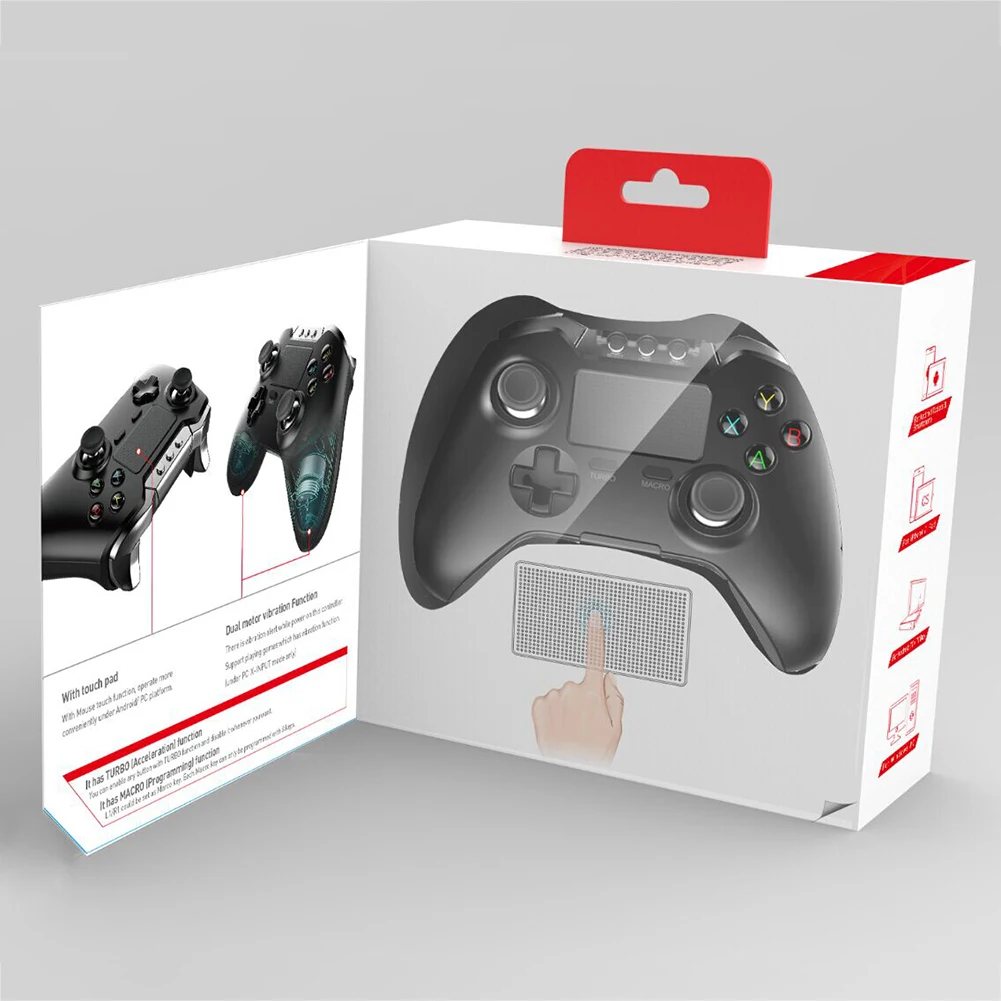
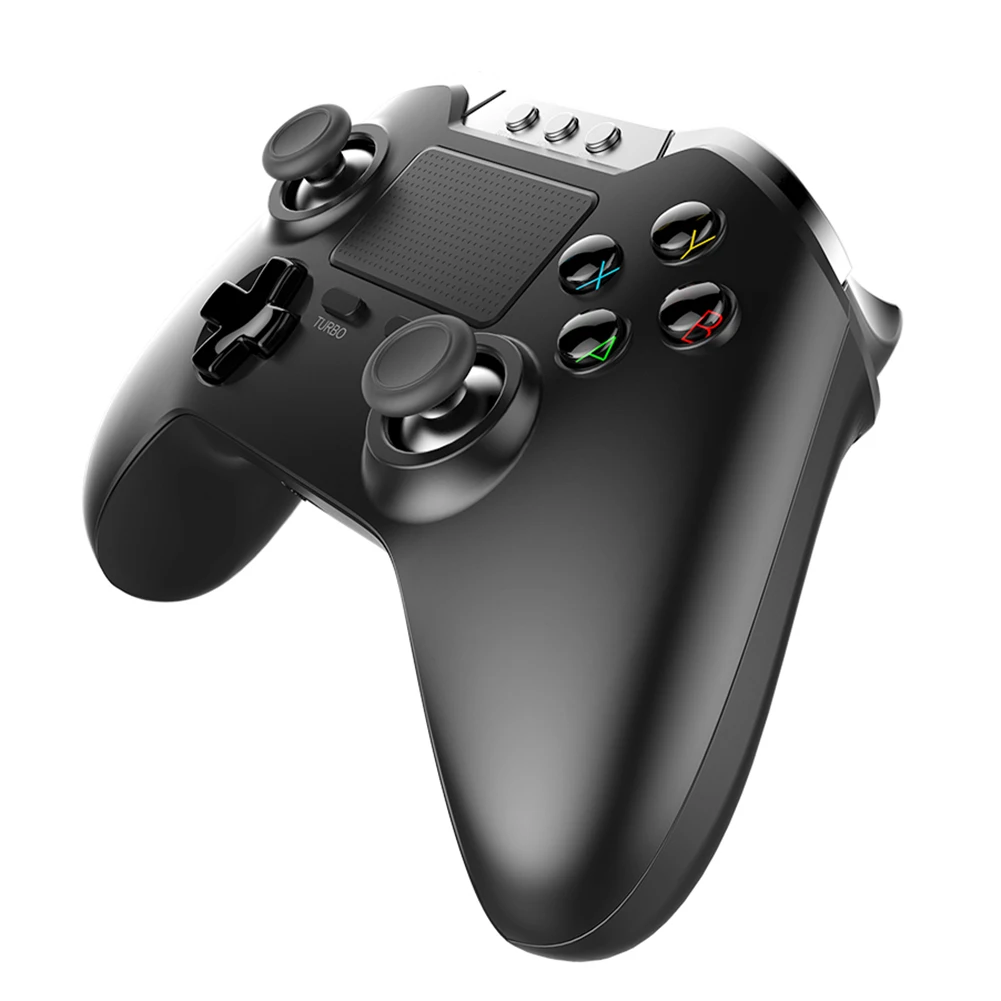



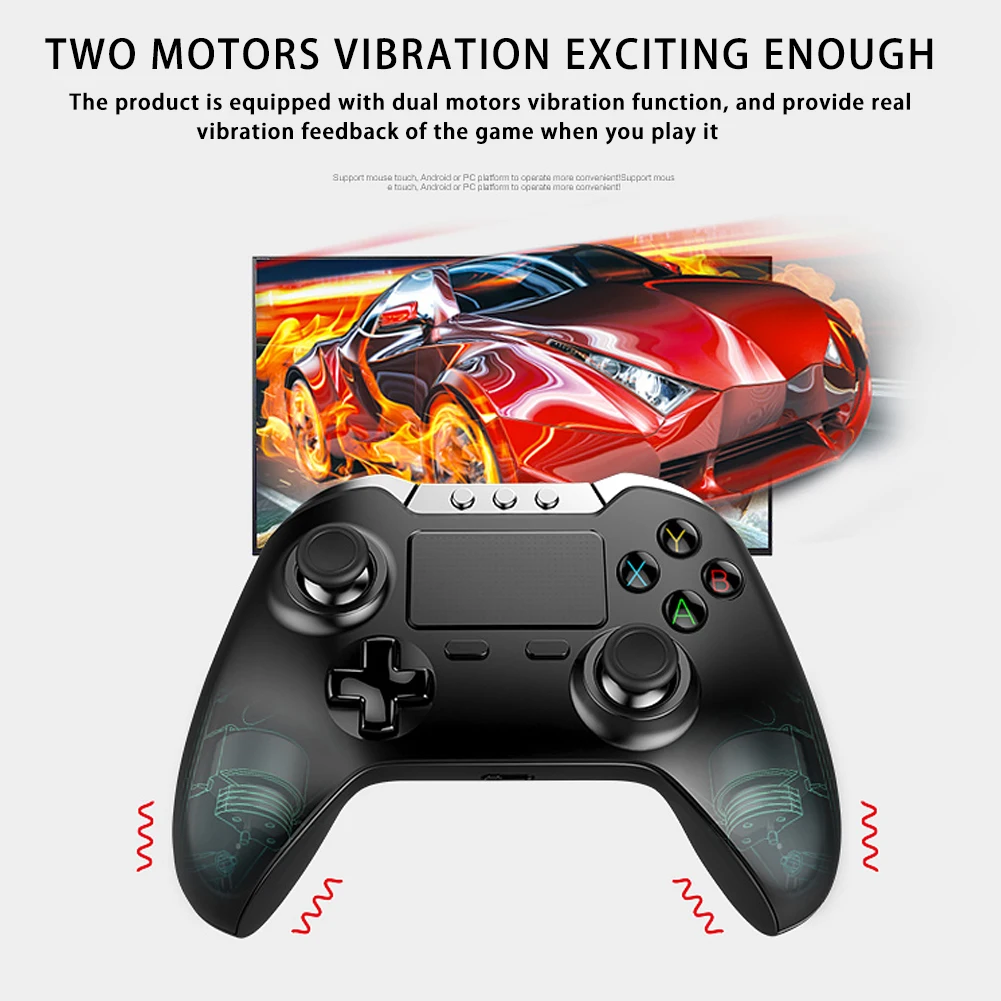
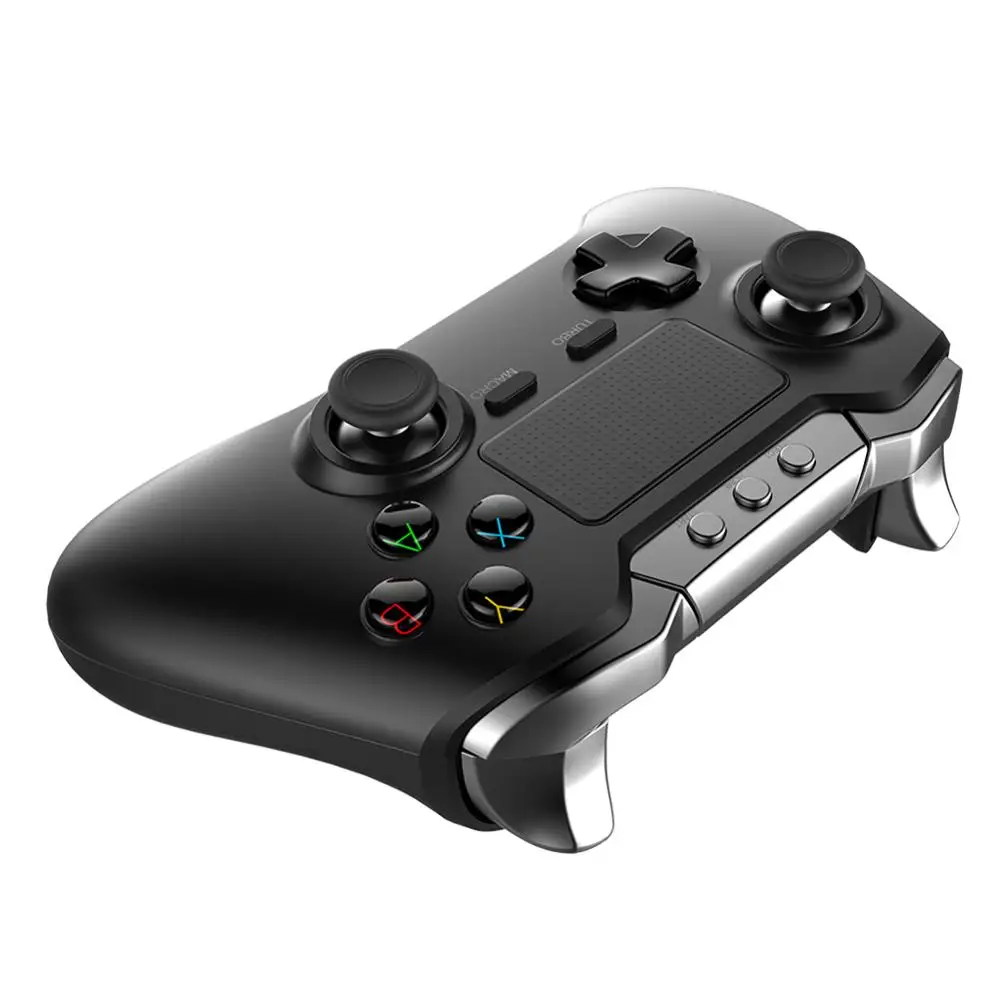

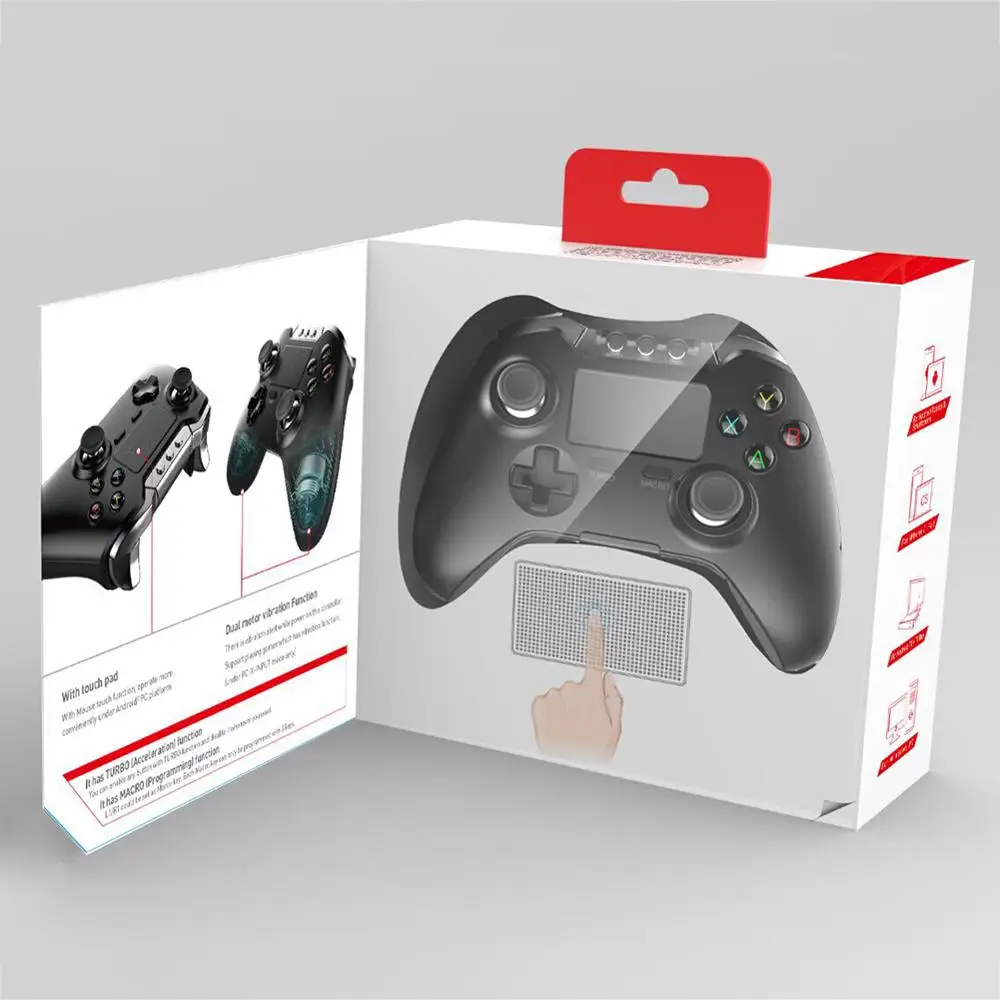
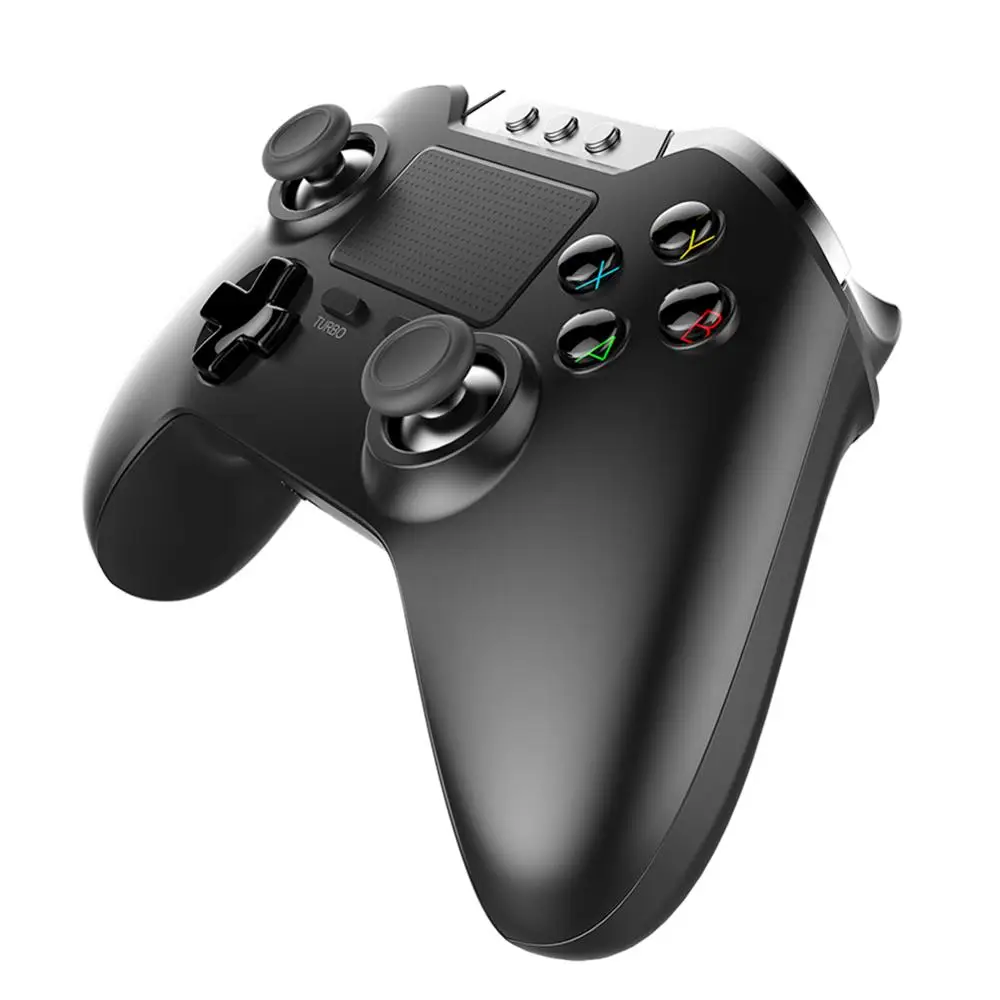
Ipega 9069 Game Handle Double Vibration Touch Limit Dedicated Wireless BT Joystick For King Of Glory
- Category: >>>
- Supplier: Shijiazhuang Qjzl Network Technology Co. Ltd.
Share on (62157962646):
Product Overview
Description
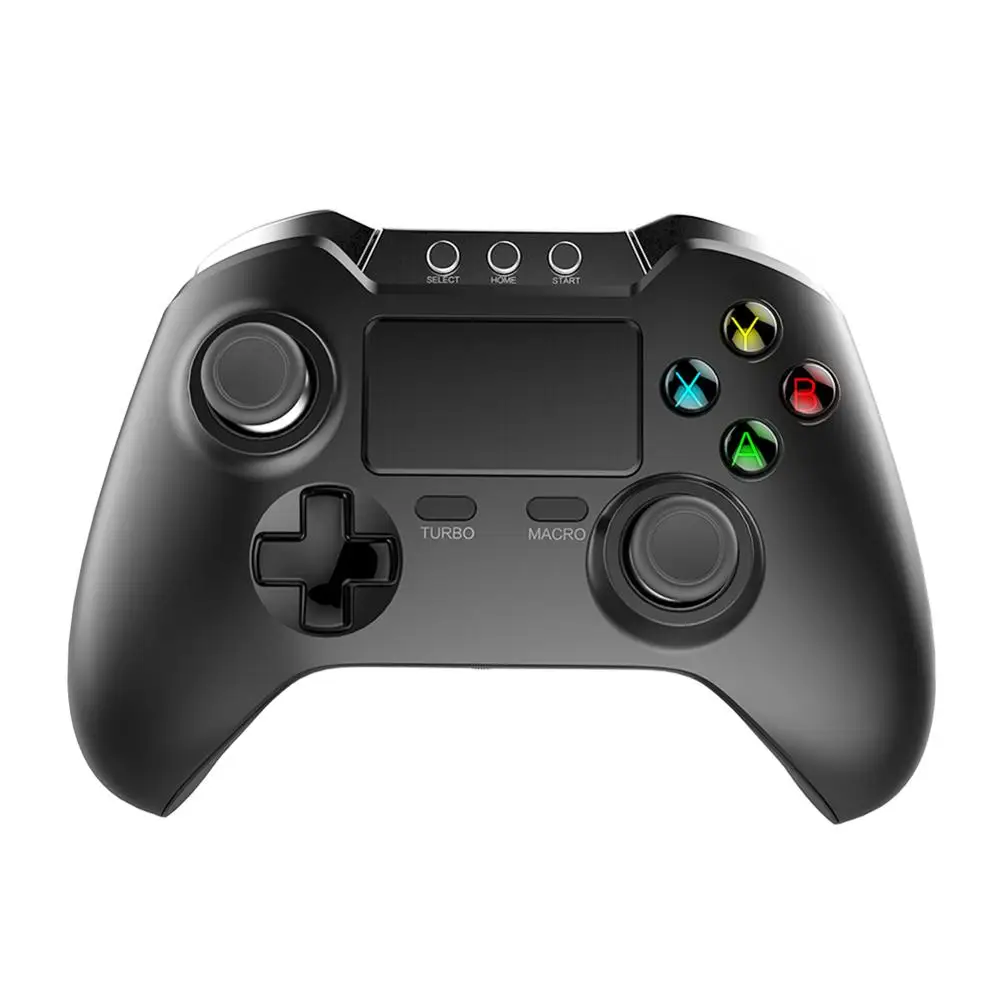
TUBRO functions:
TUBRO function settings:
Press the TUBRO and function key to set (such as the A key) at the same time, so the A key will have the function of accelerating and continuous beating!
TUBRO function cleanup:
Press the TUBRO and function key to set (such as the A key) at the same time, an then the function of accelerating and continuous beating of A key is canceled!
Macro key instructions:
Since the PG9069 has only one indicator for the Bluetooth pairing, the back connection and the USB mode.
The instructions for the macro operation can only be indicated with the above indicator light.
IOS(only spporting in Icade small game,not big game)
1. Can be used as macro keys: L1/R1
When L1, R1 is used as macro for customizing, the key assignments of L1, R1 itself are invalid;
After removing the macro function on L1, R1, the key assignments of L1, R1 are restored.
2. The keys that can be edited by the Macro key: A, B, X, Y, L1, R1, L2, R2, D_PAD.
3. Only 12 keys can be programmed into each Macro key.
4. When the function keys contained in the Macro key is well programmed, press on them and the Macro key simultaneously, and the original key functions will remain effective at the same time;
5. User-defined Macro key:
# 1 Press on the Macro key in the gamepad mode, and the machine will enter into the macro mode after the indicator flashes twice;
# 2 Press on the key (choose one from L1 and R1) to be programmed, and if the indicator flashes once, it means that key is confirmed;
# 3 The machine has entered into the programming mode now. Enter the desired combination keys (choose from A, B, X, Y and D-Pad), and the indicator will flash once to confirm each time when the key input is successful.
# 4 The maximum number of combination keys that the machine supports now is 12.
# 5 When the user inputs a combination of key values which is greater than 12, the machine will save data and exit the macro mode automatically. And the machine will exit when the indicator flashes for four times.
When the user inputs a combination of key values which is less than 12, he can press on the macro key once to force to save data and exit the macro mode. And the machine will exit when the indicator flashes for four times.
6. Clear the user-defined macro key: you can clear the combination key in L1 and R1.
# 1 Press on the macro key in the gamepad mode, then the indicator will flash twice, which means that the machine has entered into the macro mode;
# 2 Press on the key (choose one from L1 and R1) to be programmed, and if the indicator flashes once, it means that key is confirmed;
# 3 Skip the process of inputting combination keys and press the macro button directly at this point. And the machine will exit as the indicator flashes for four times.
# 4 After clearing the macro function, (L1, R1) represents its own key value
7. It does not support the function of saving the combination keys when it's powered down.
Our Services
We Recommend







New Arrivals
New products from manufacturers at wholesale prices






